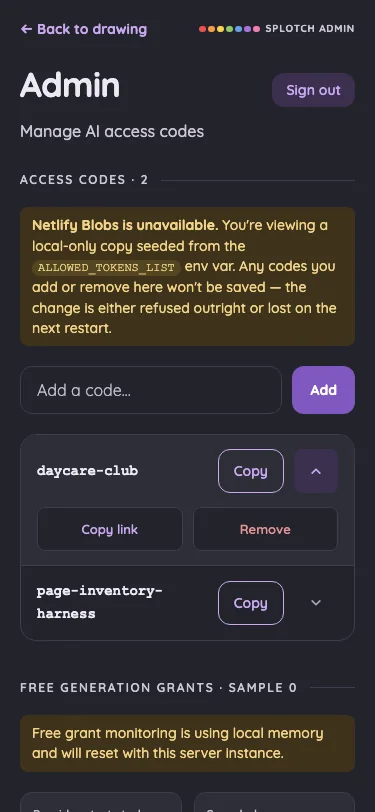
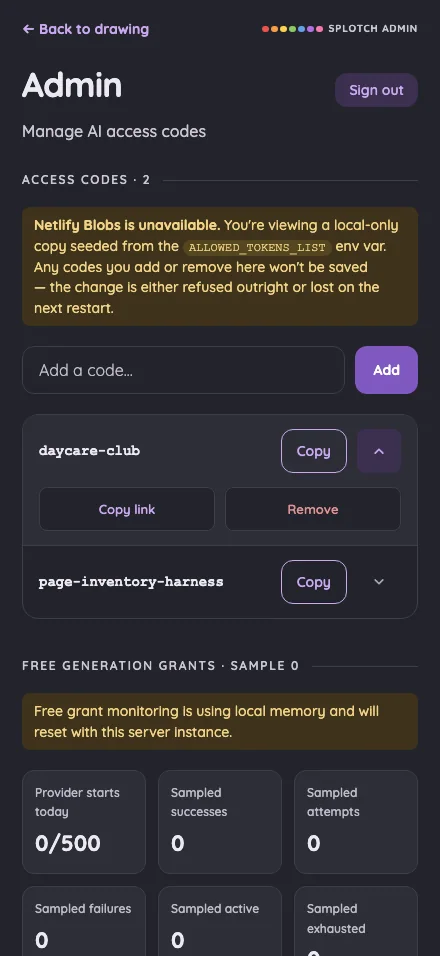
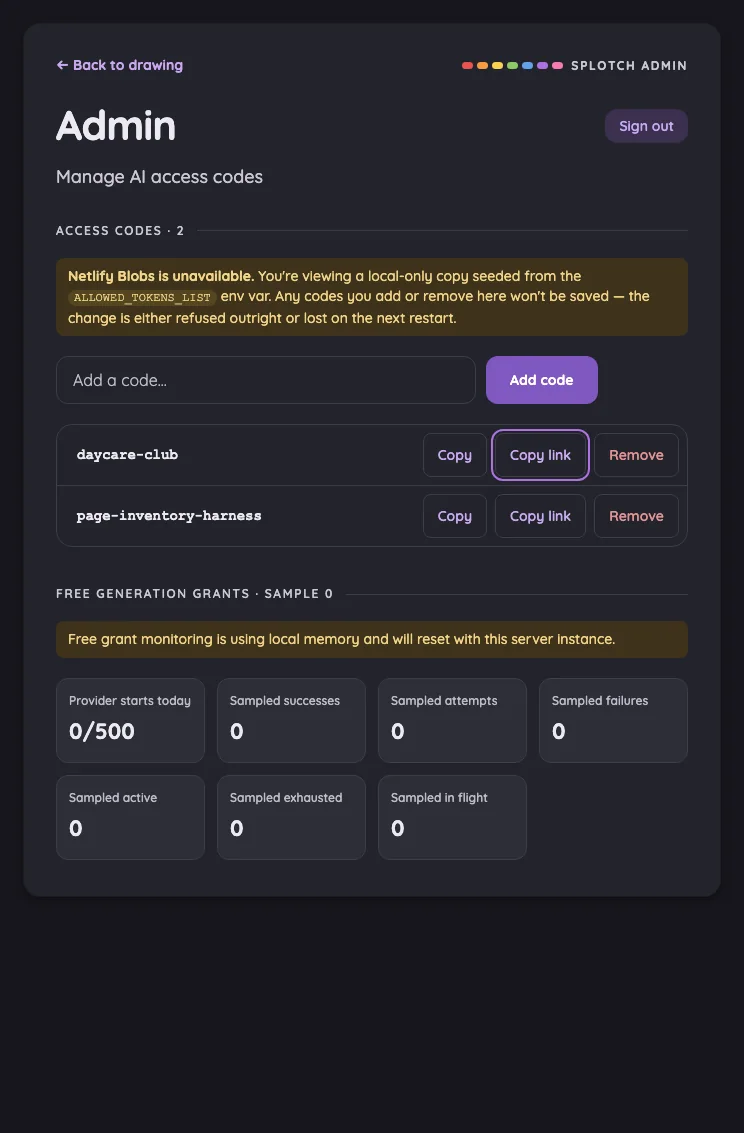
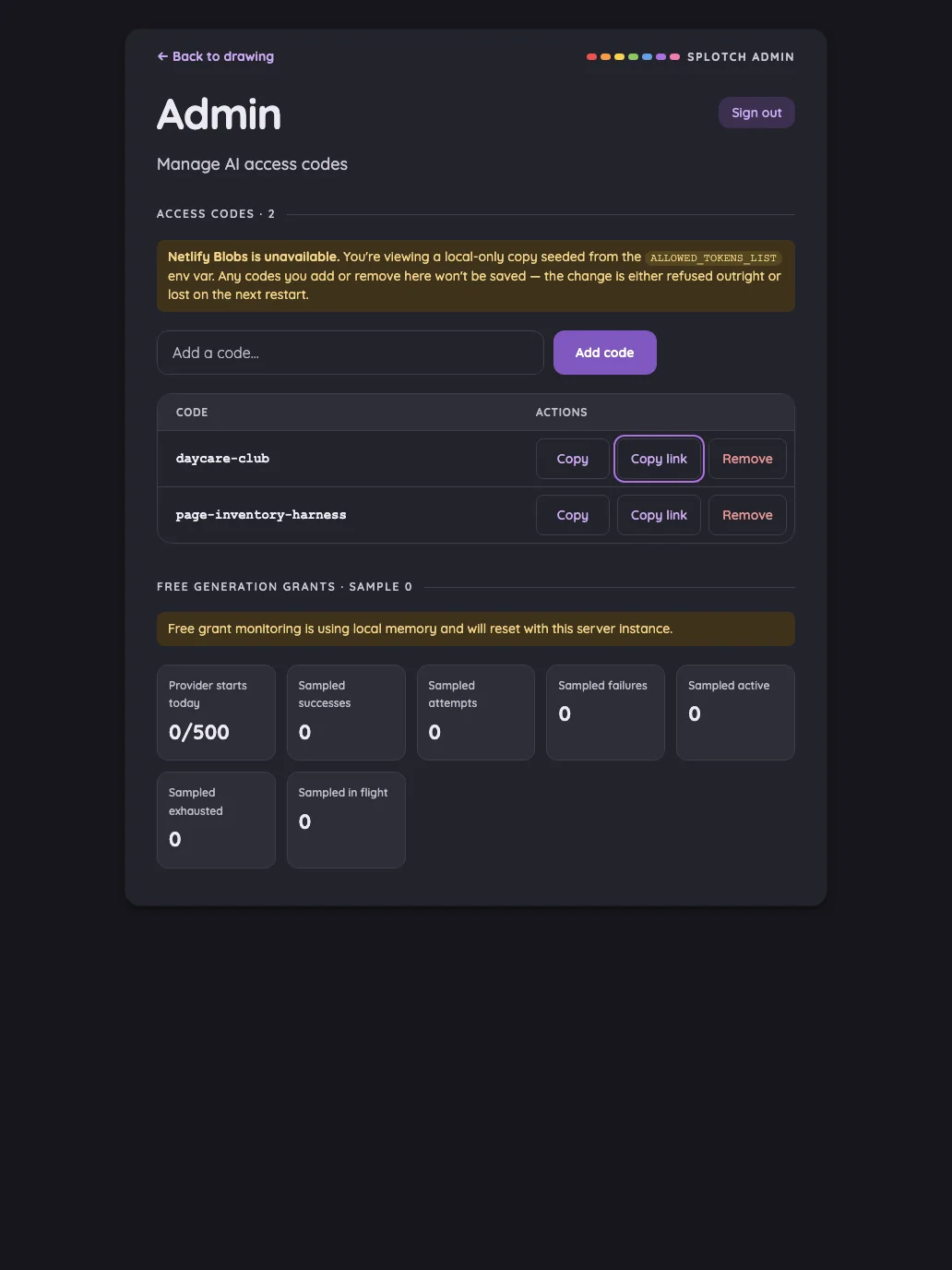
SplotchScrapbook

App page inventory

Every screen in the app in light and night mode, on four Apple devices in portrait and landscape. Each screenshot carries a review written from the image alone — open one to read it.

42 surfaces672 screenshots8 viewportsReviewed by codex · gpt-6-astra
More filtersFilter
Device
Orientation
Mode
Reviews
Nothing checked means everything shows.

Routes

Every SvelteKit page route with a visual surface. API endpoints are omitted.

Drawing canvas#

The blank drawing surface and its resting canvas chrome.

16 pass
/

Light mode

Judged on layout, spacing, text fit, and touch targets.

Portrait
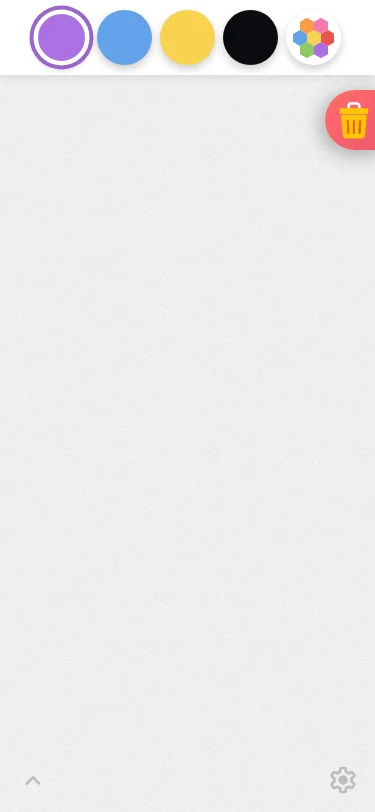
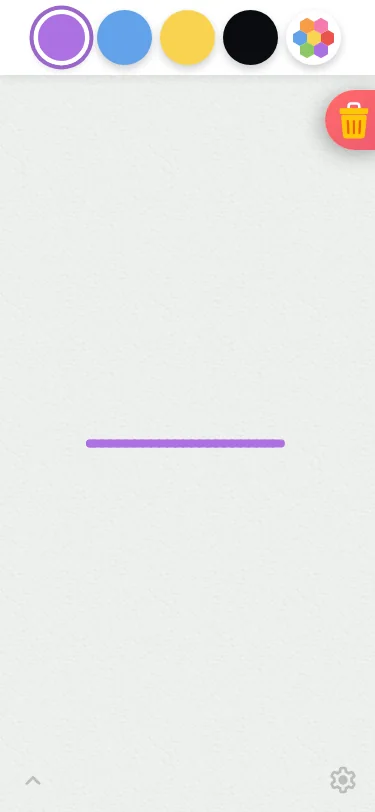
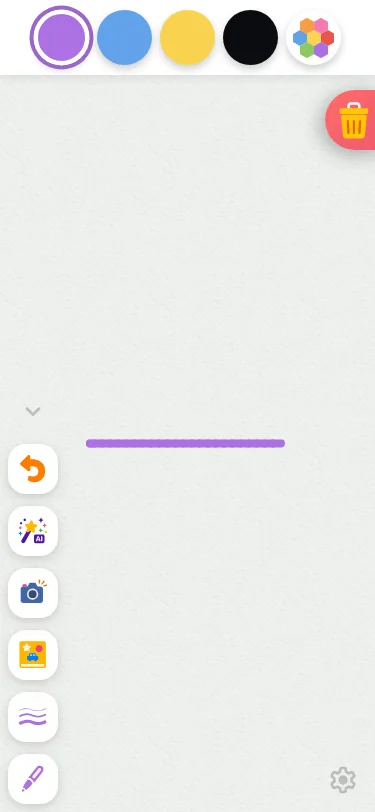
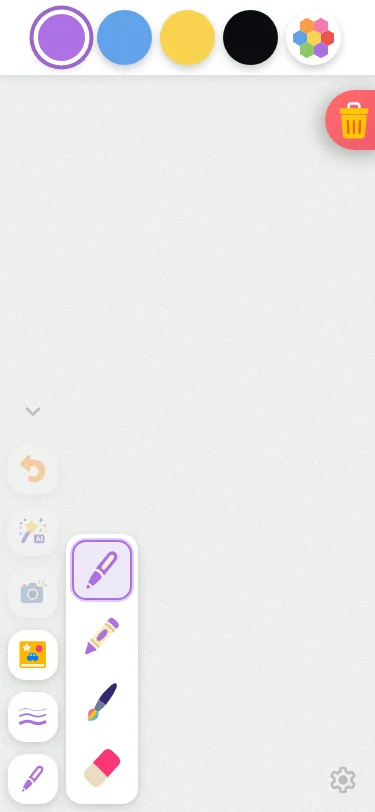
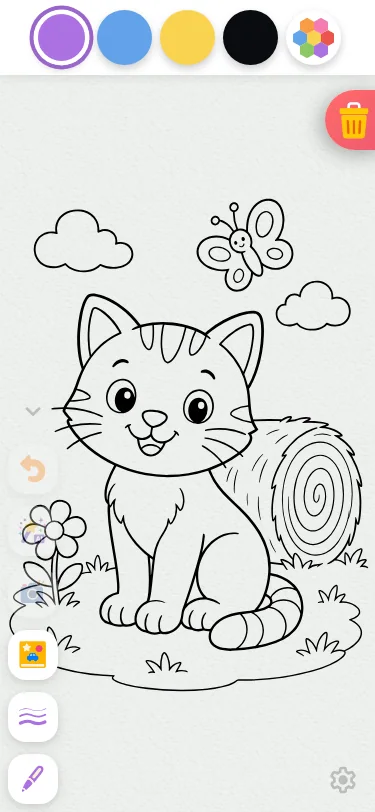
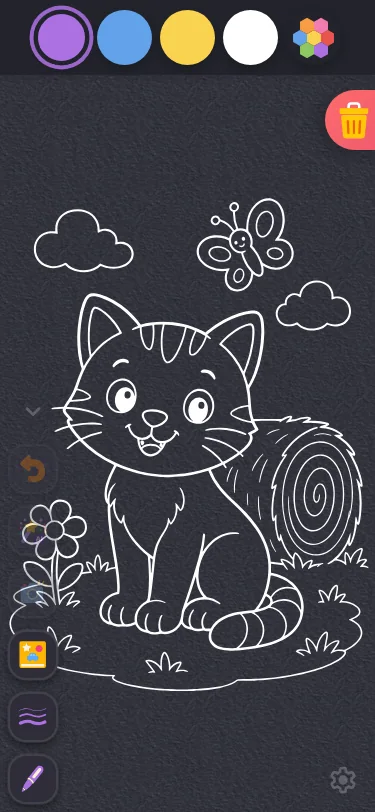
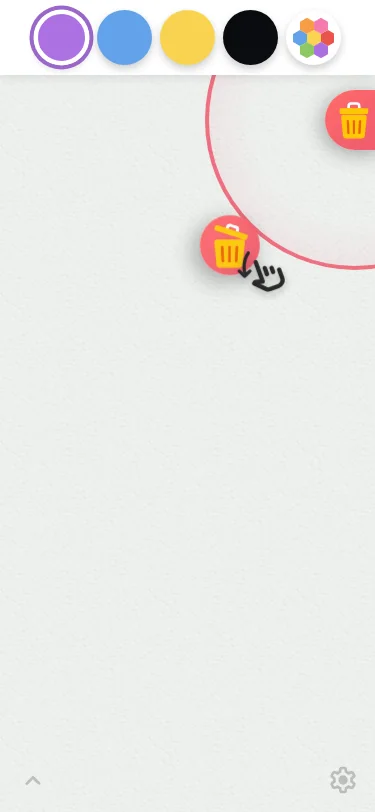
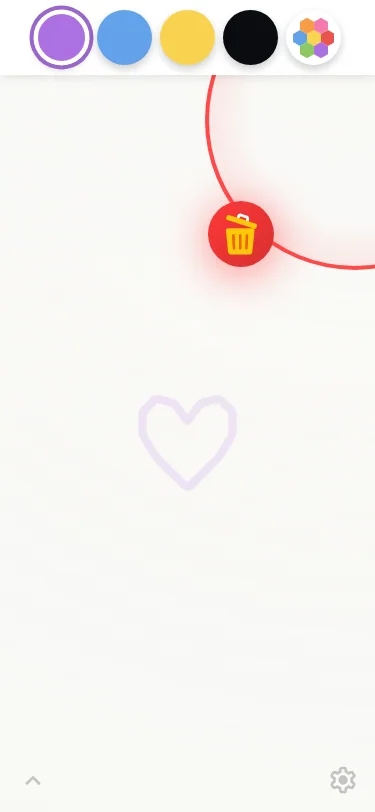
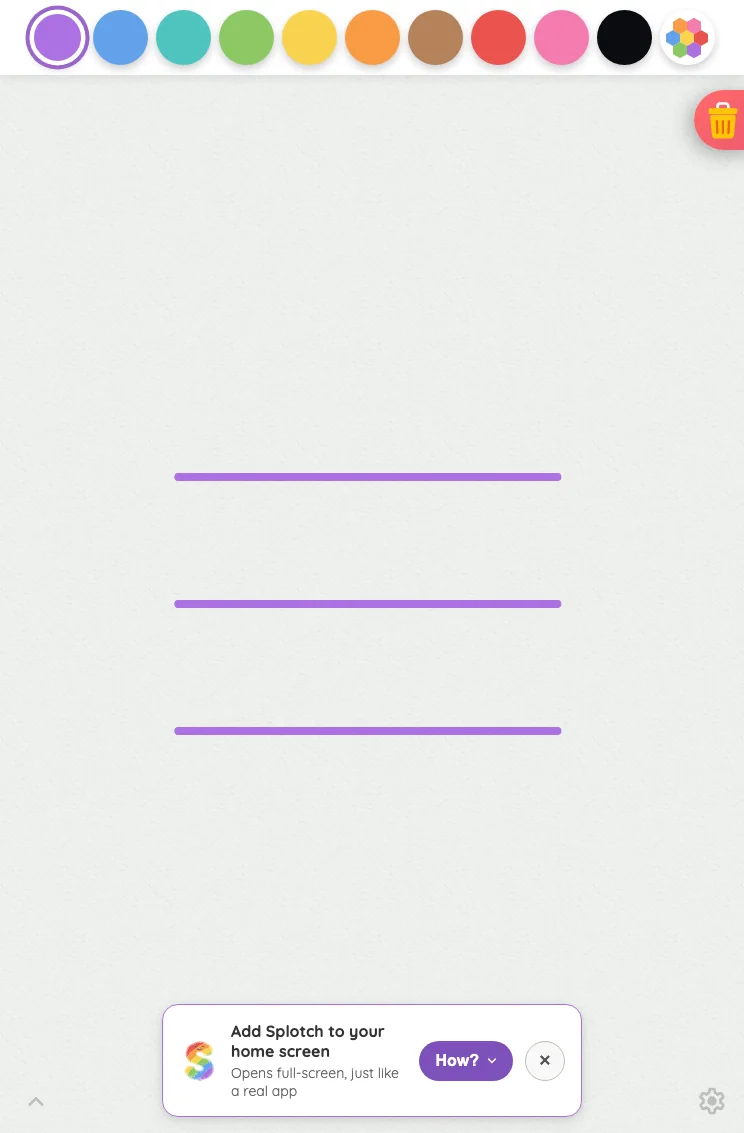
Small iPhone375 × 812
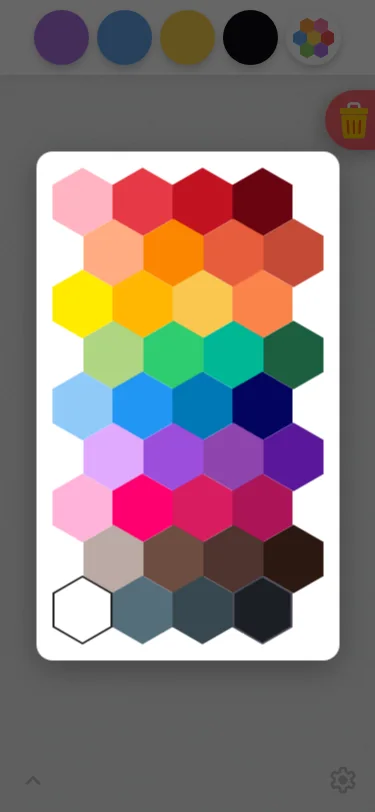
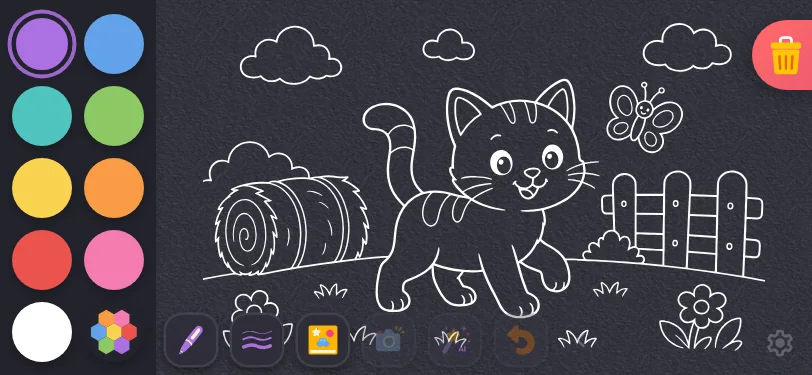
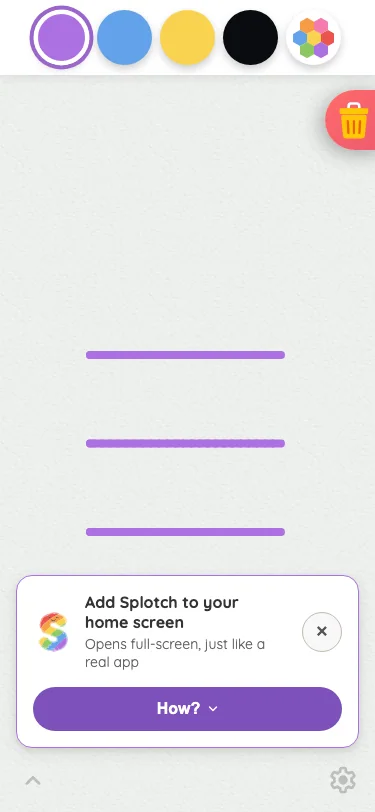
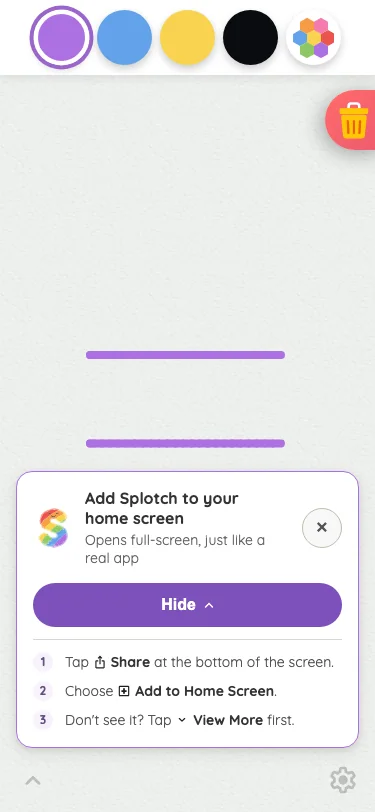
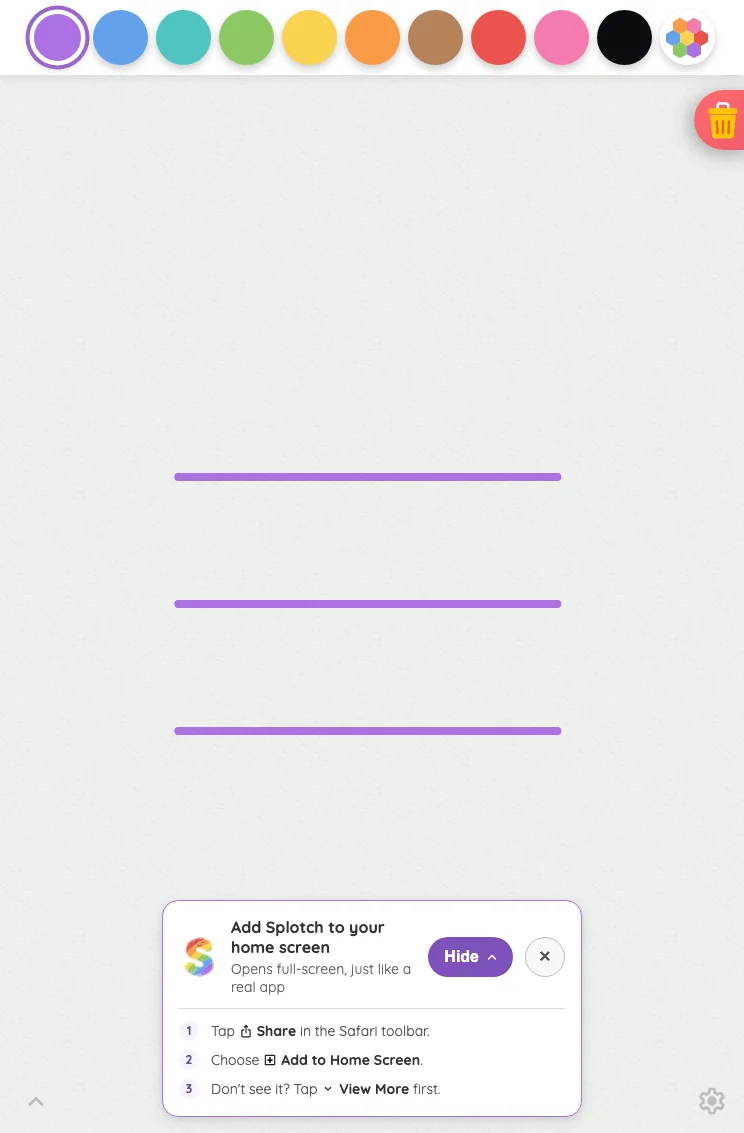
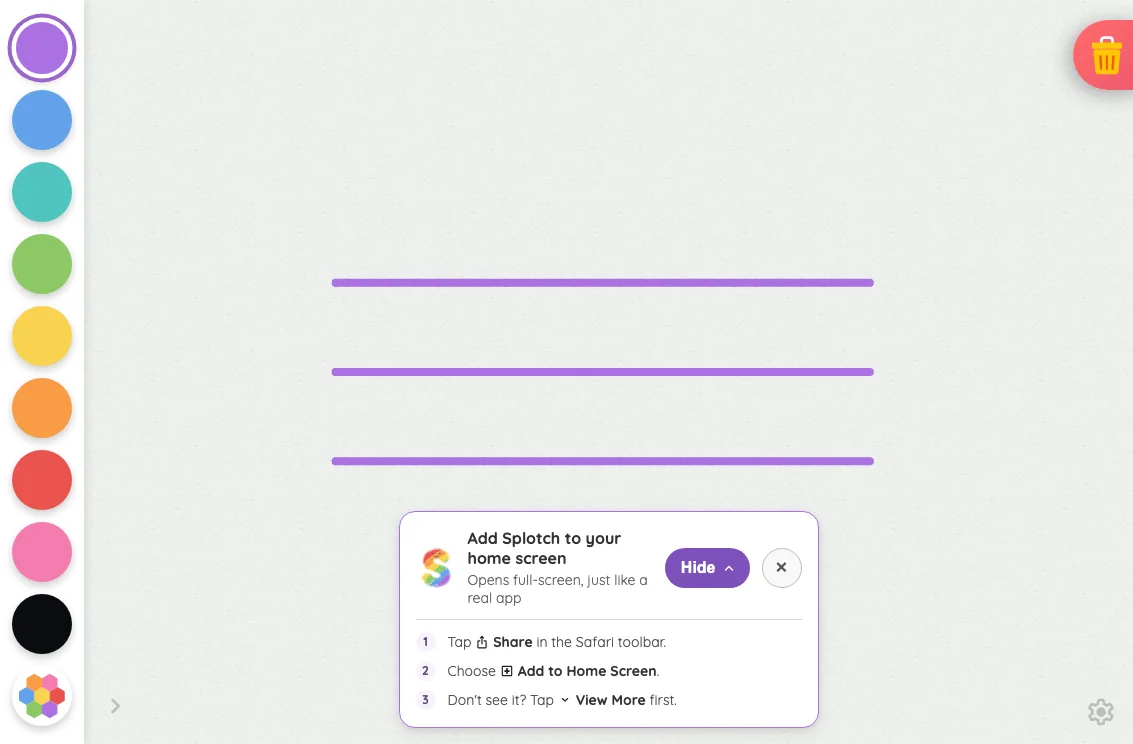
Drawing canvas in light mode at iPhone 13 mini in portrait
Pass

The drawing surface has clear priority, with evenly spaced color controls and a distinct selected swatch. Both bottom-corner glyphs remain findable. The trash button matches its intentional docking. No unintended clipping, overlap, or visible spacing issues appear; no text or modal scrolling is present to assess.
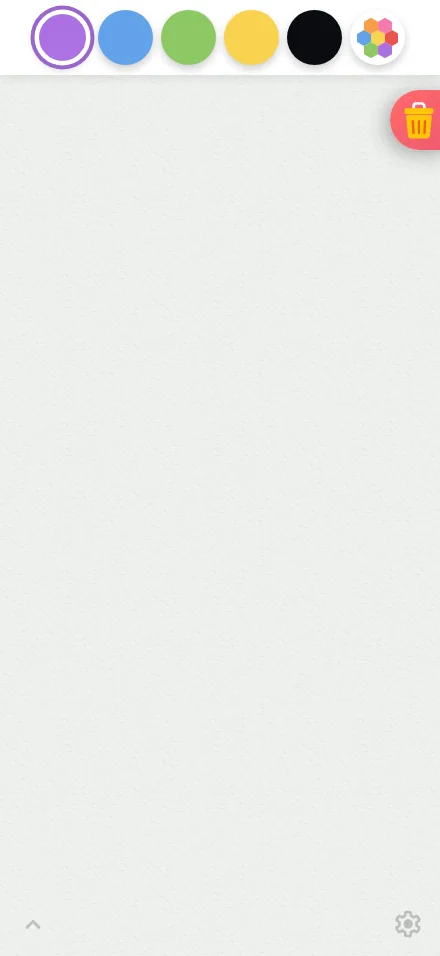
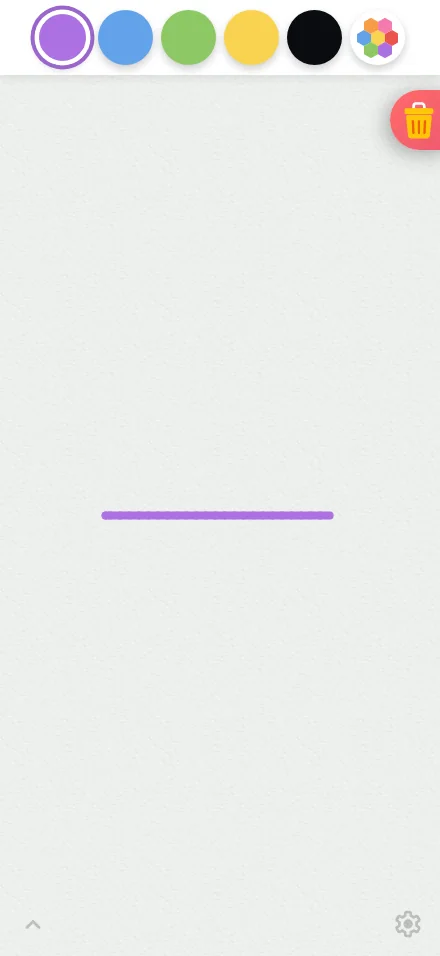
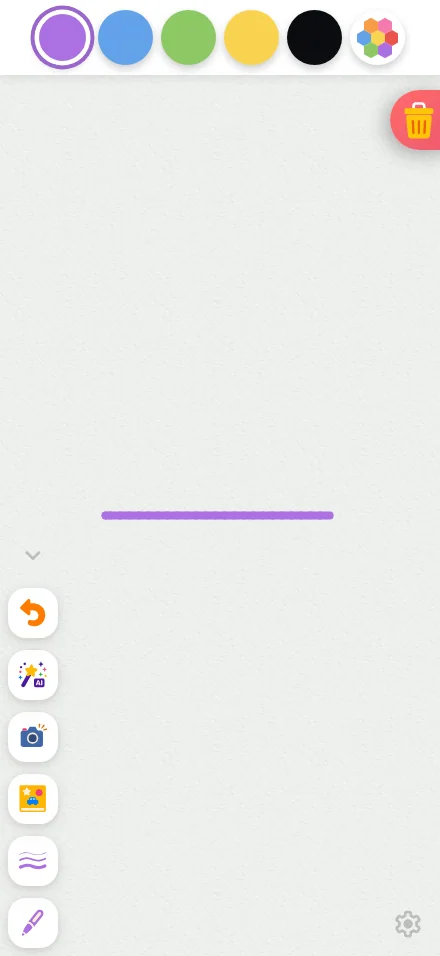
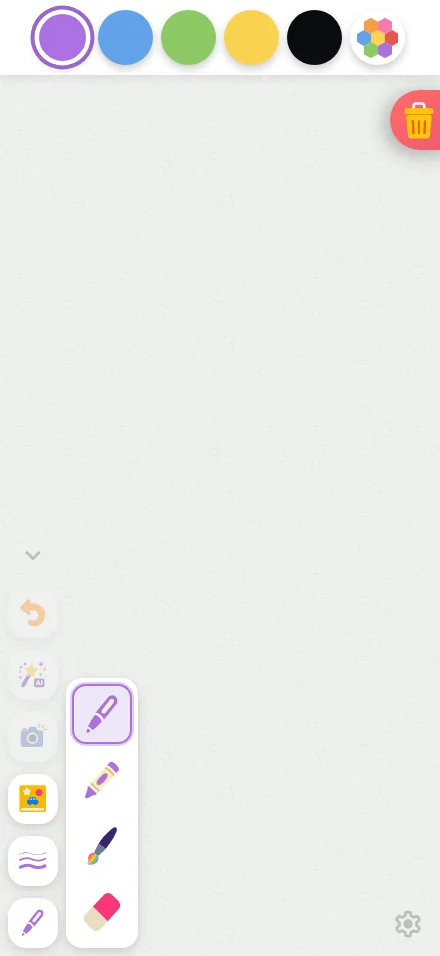
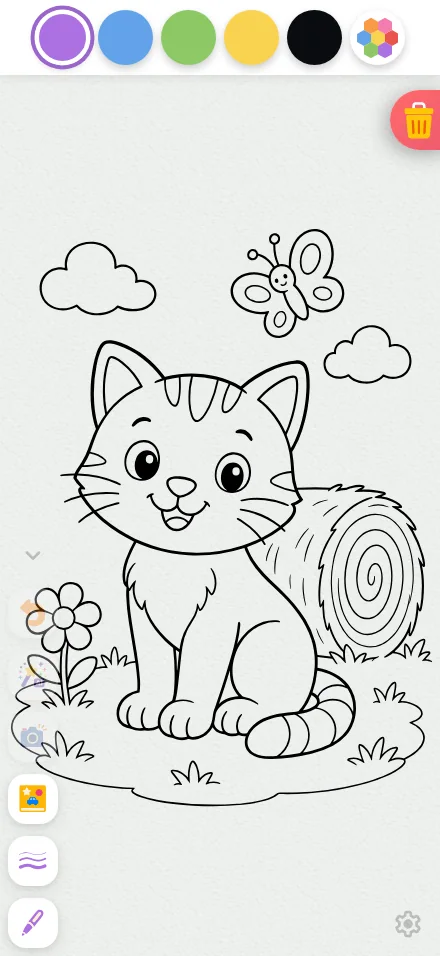
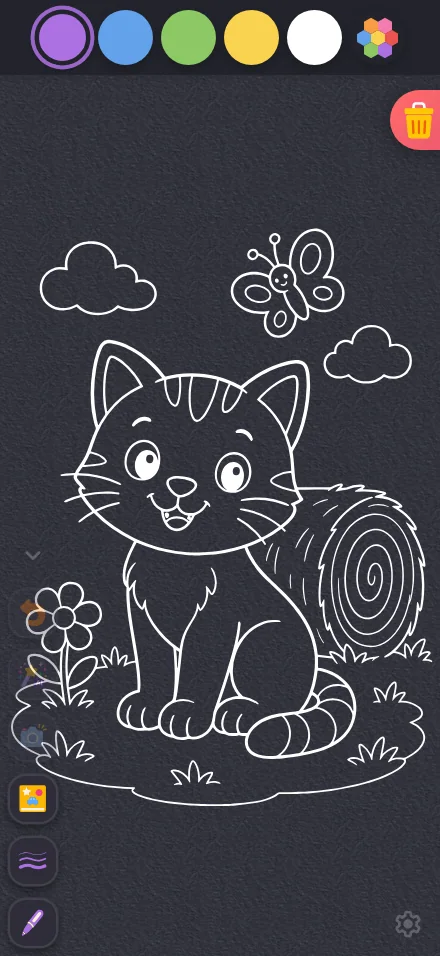
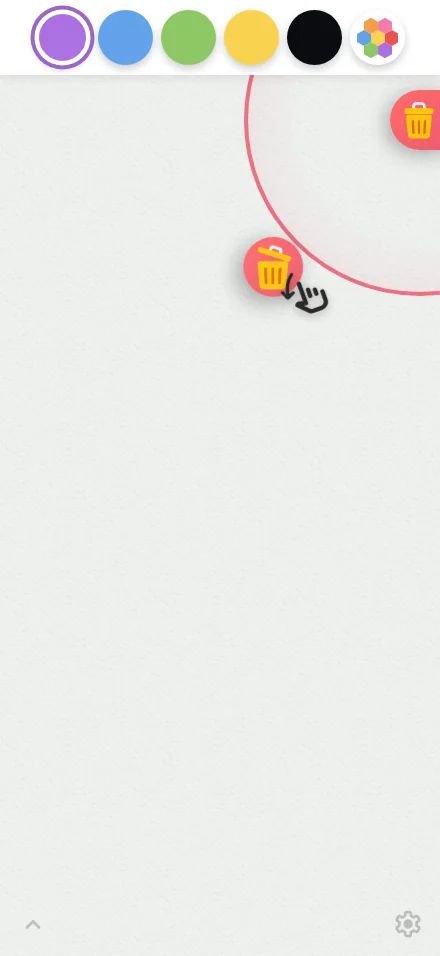
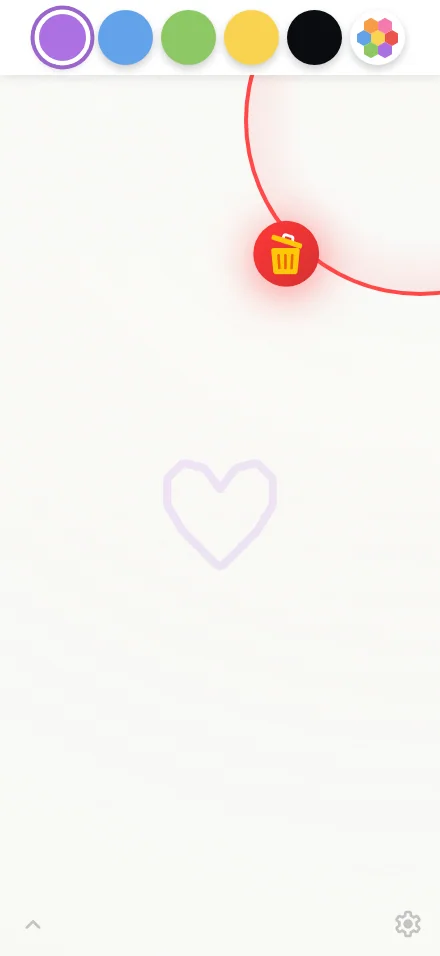
Large iPhone440 × 956
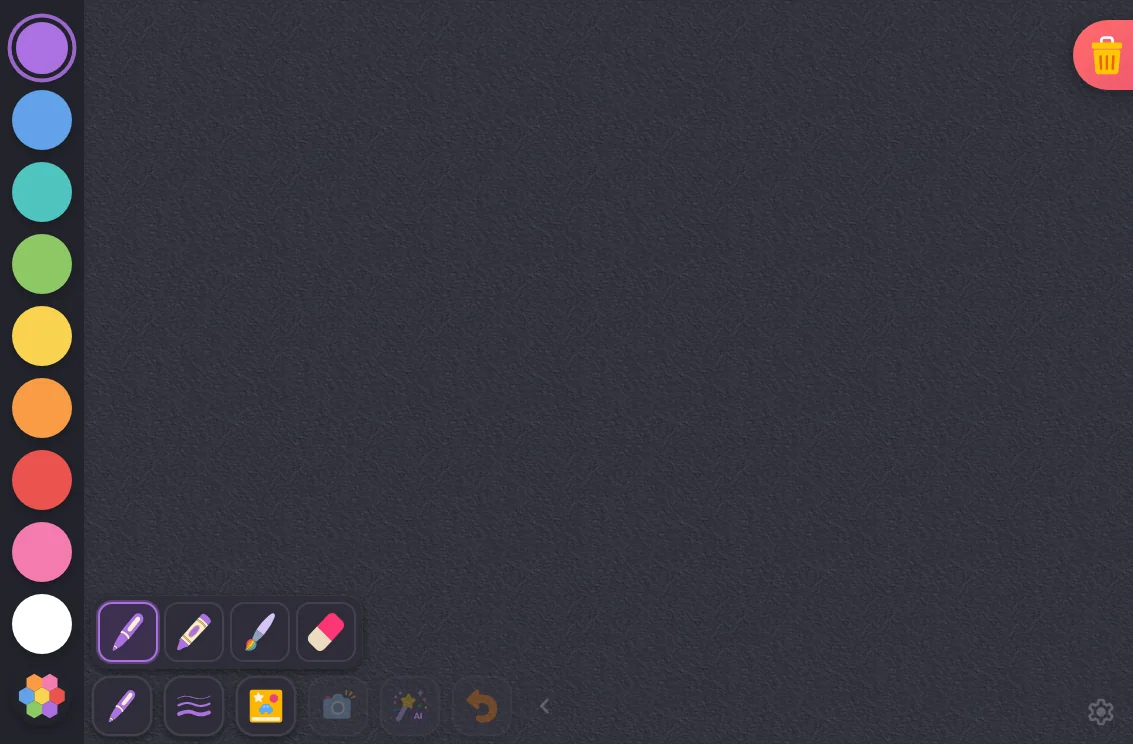
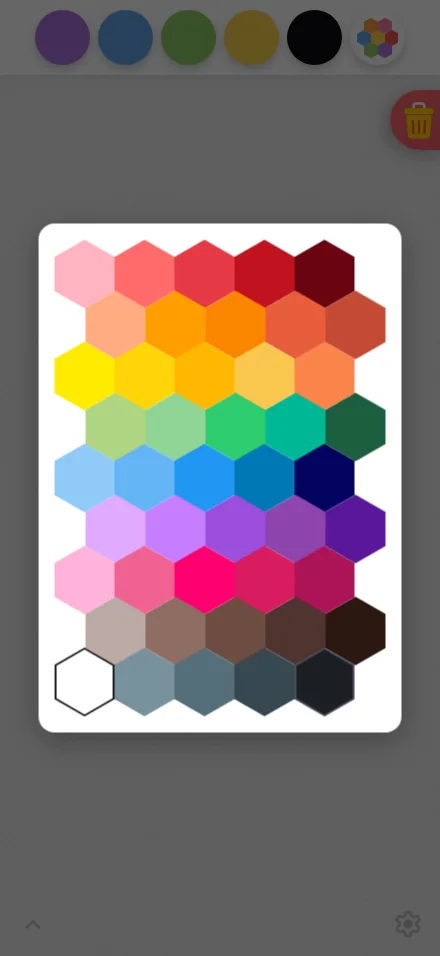
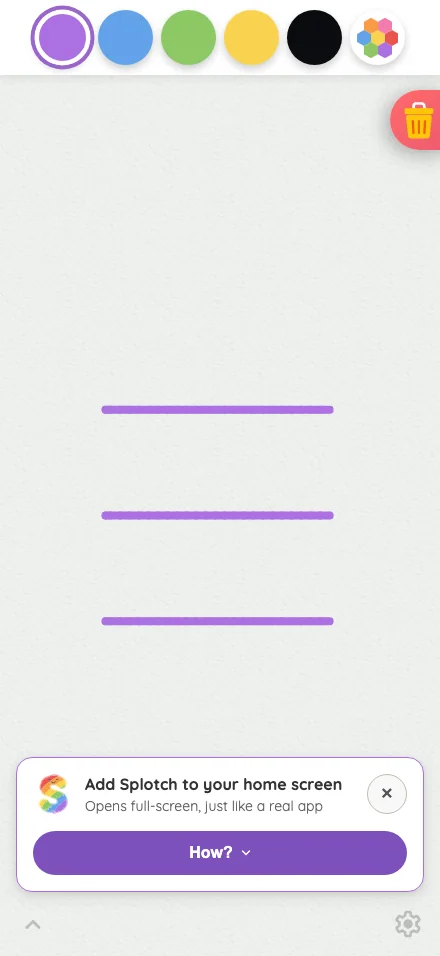
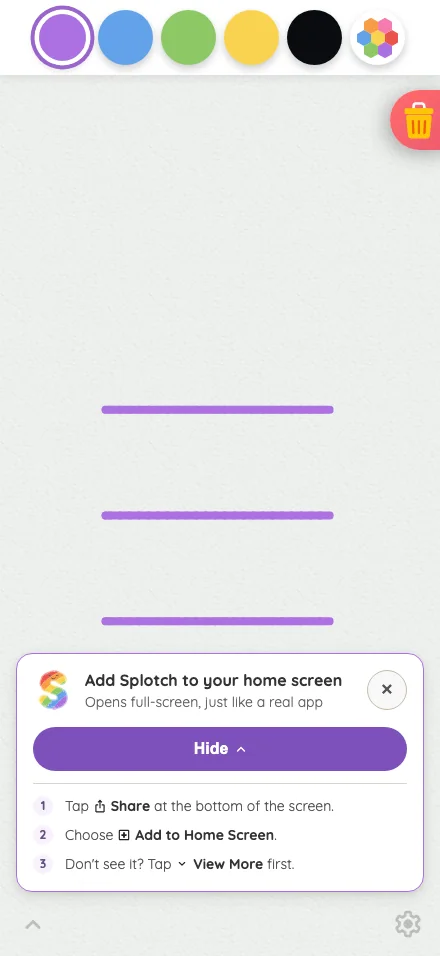
Drawing canvas in light mode at iPhone 16 Pro Max in portrait
Pass

The swatch row is evenly spaced, selection is clear, and the canvas remains visually dominant. Both quiet corner glyphs are locatable. The intentionally docked trash button shows no unintended overlap. No visible text-fit, spacing, or clipping issues; no modal is open.
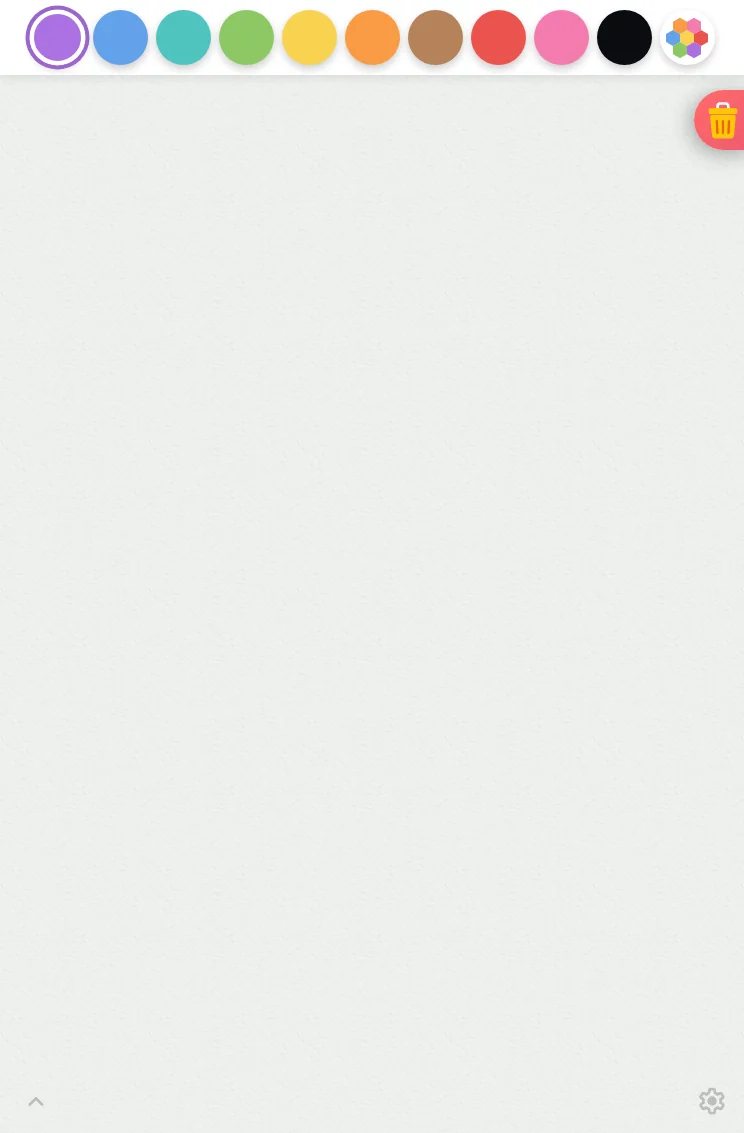
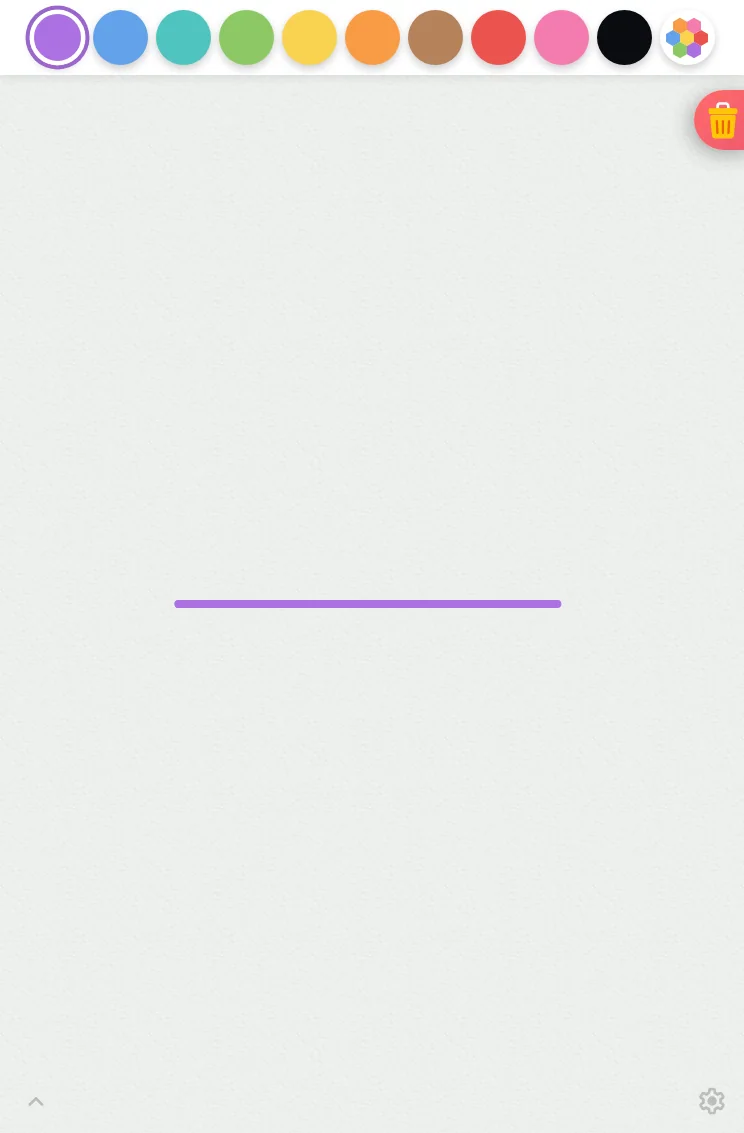
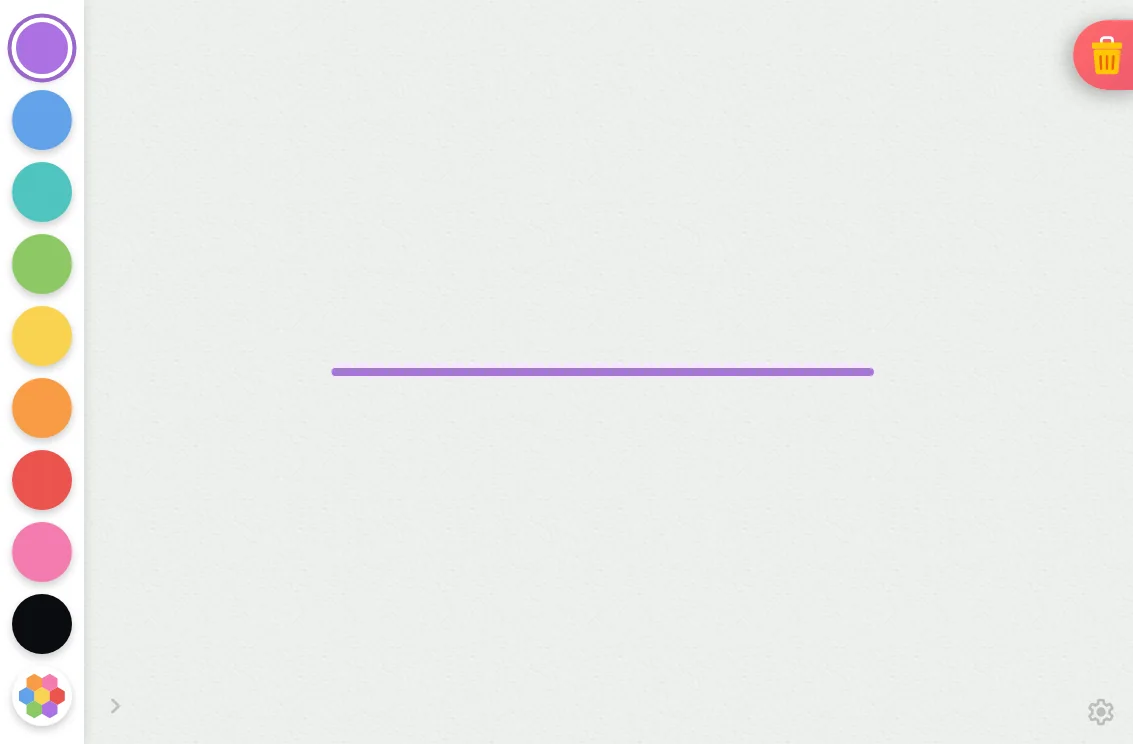
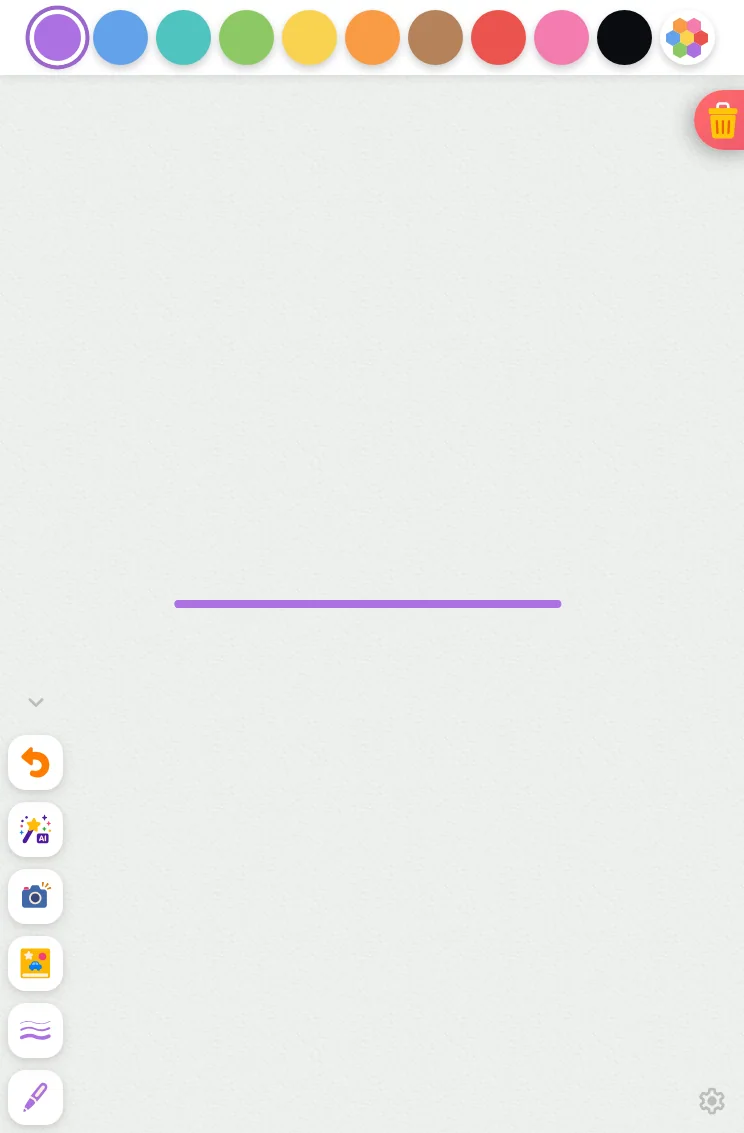
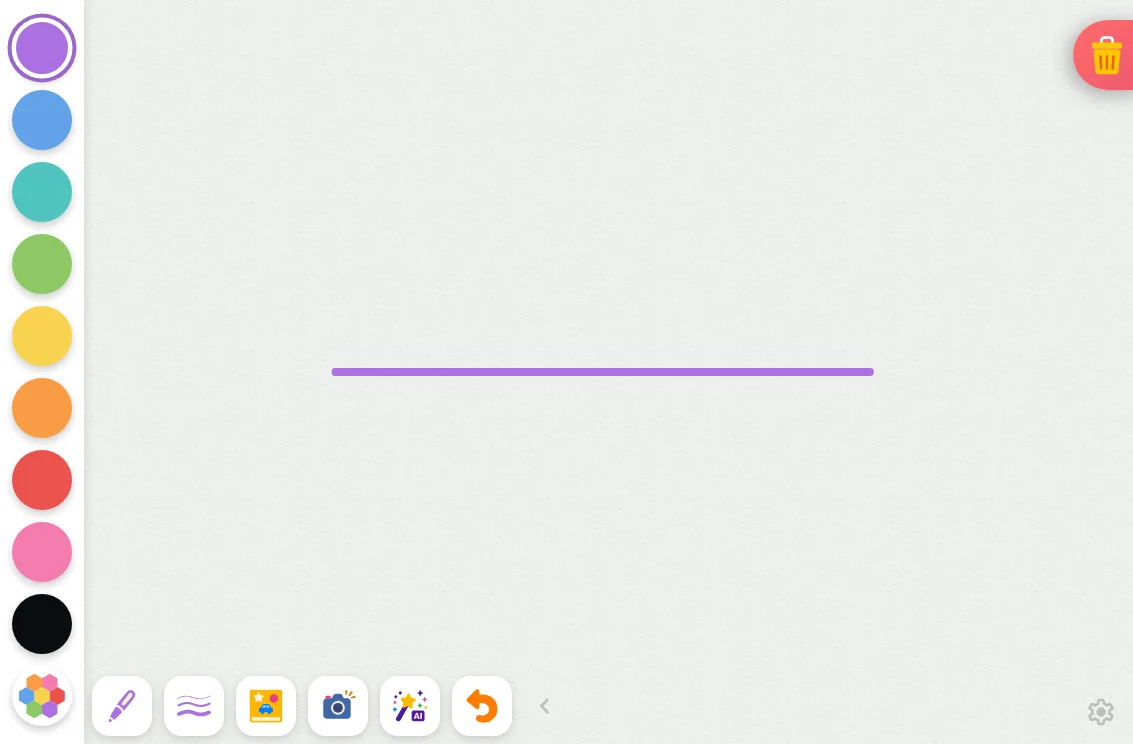
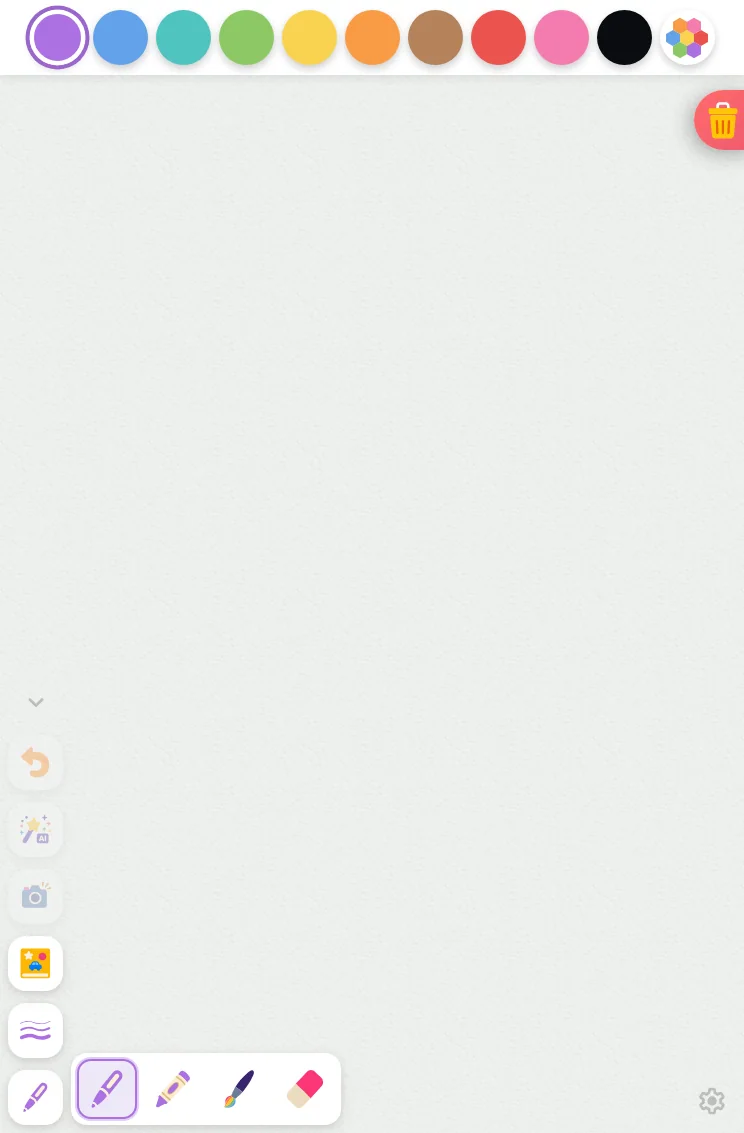
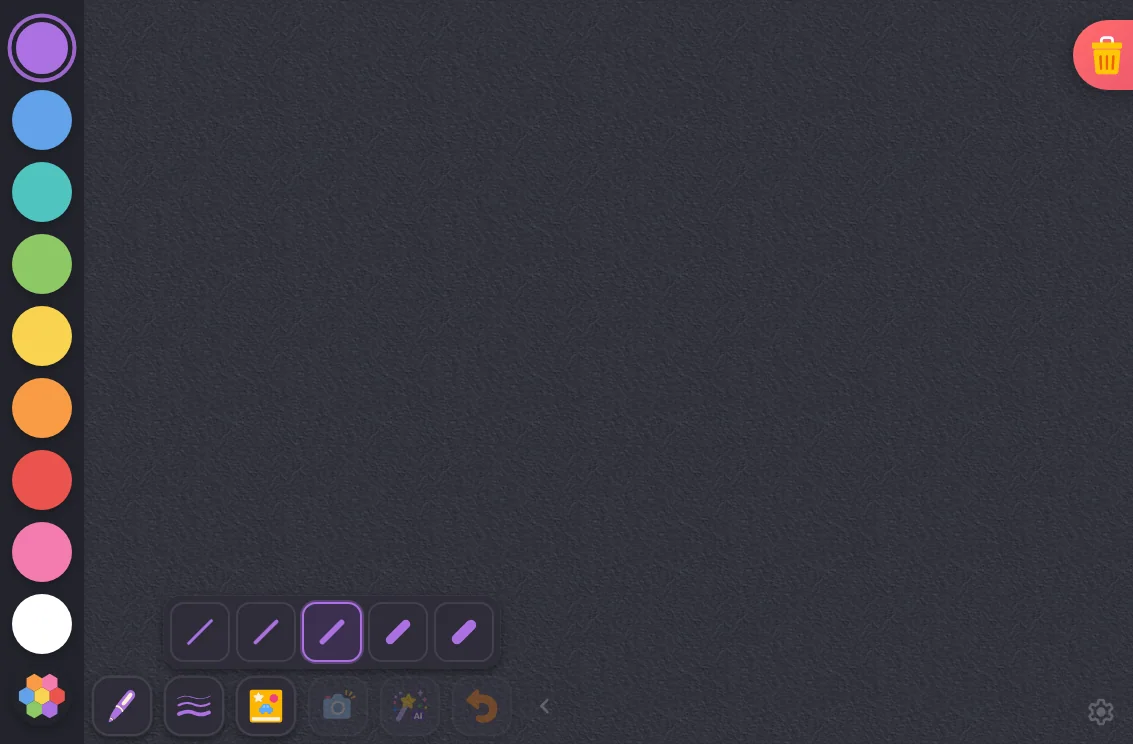
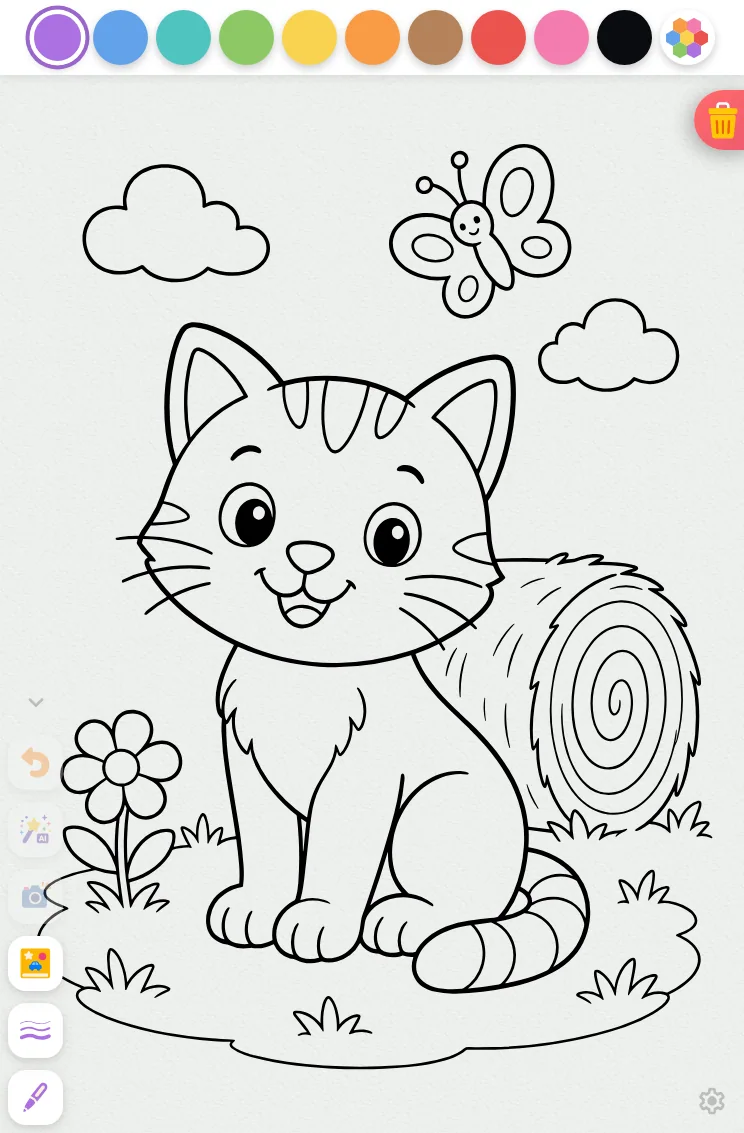
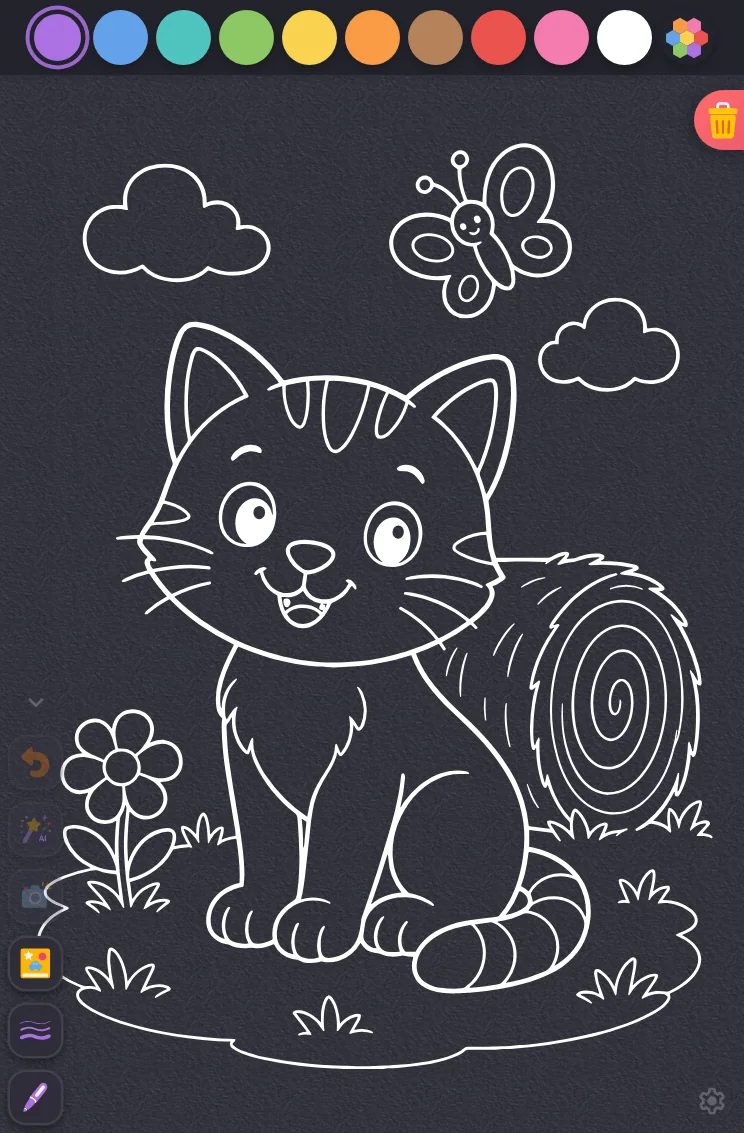
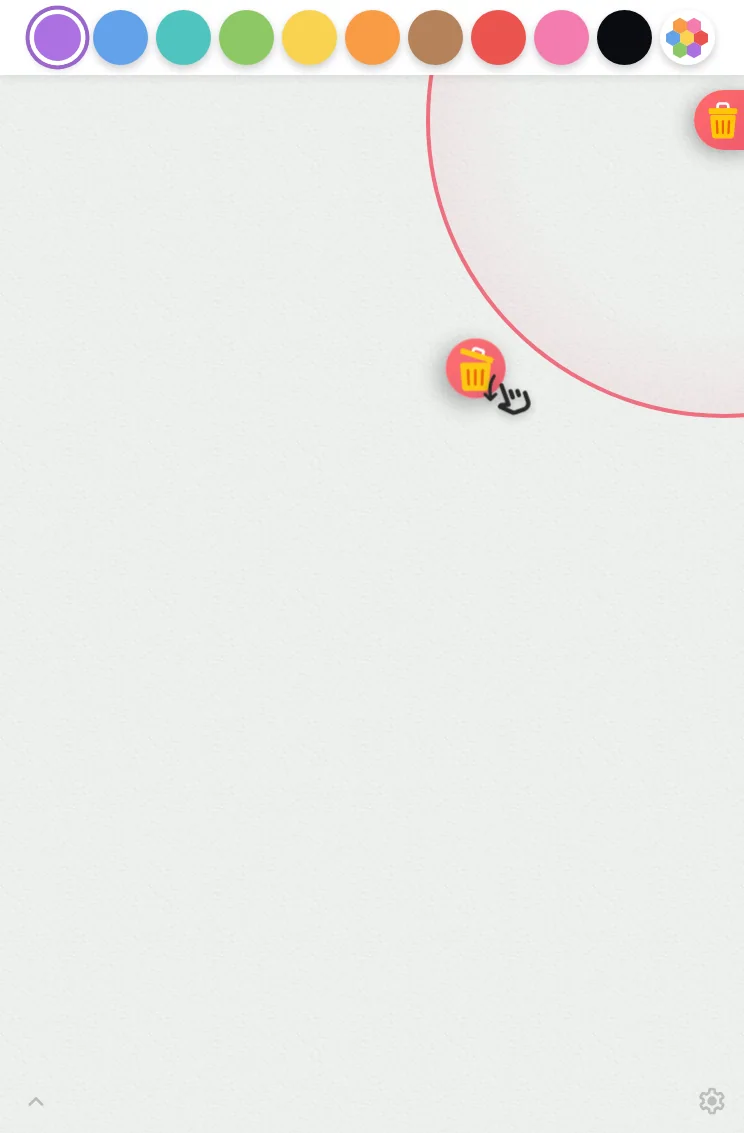
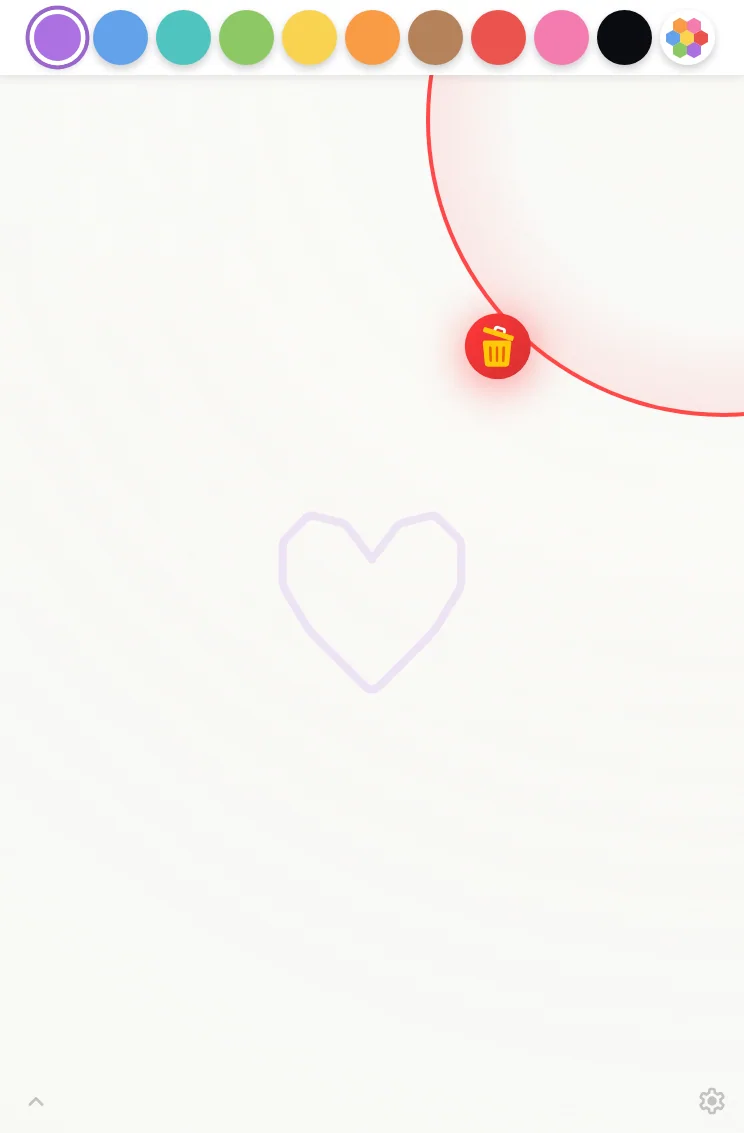
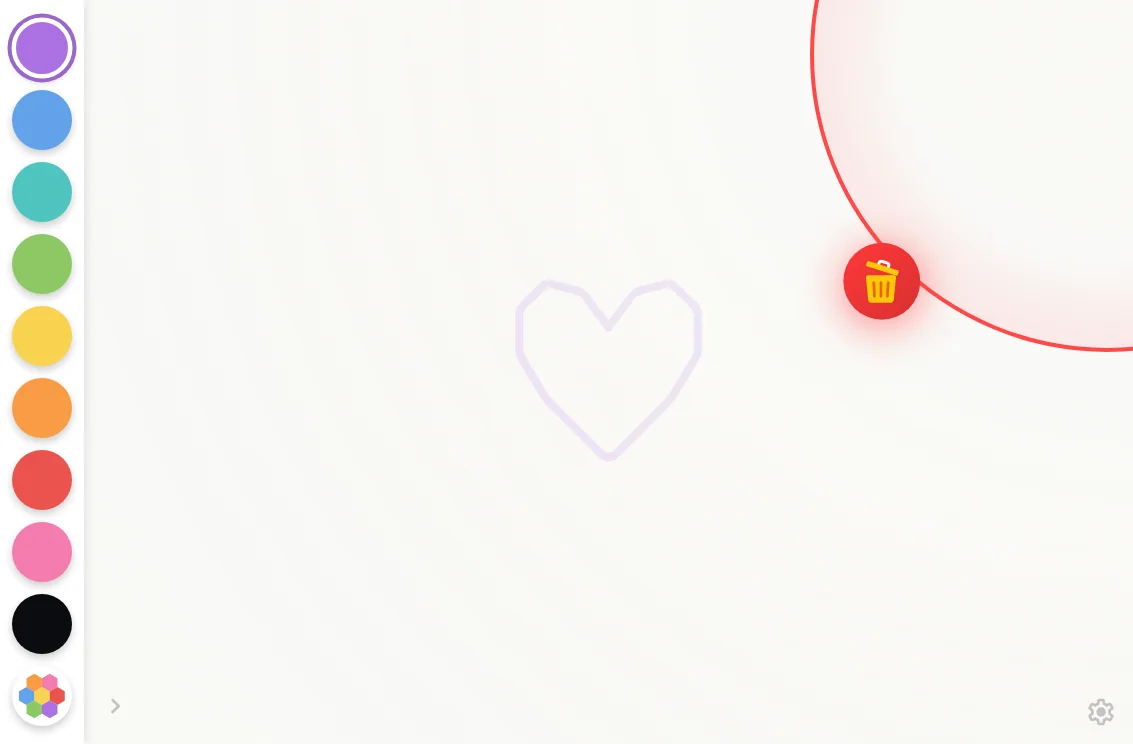
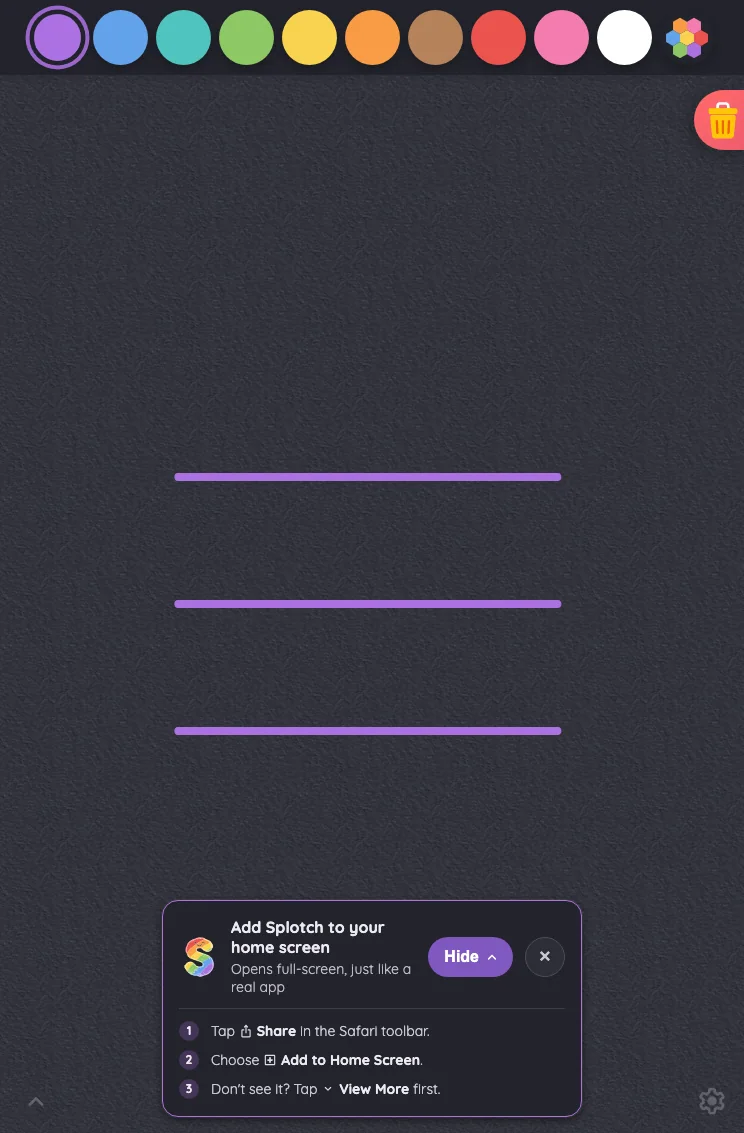
iPad mini744 × 1133
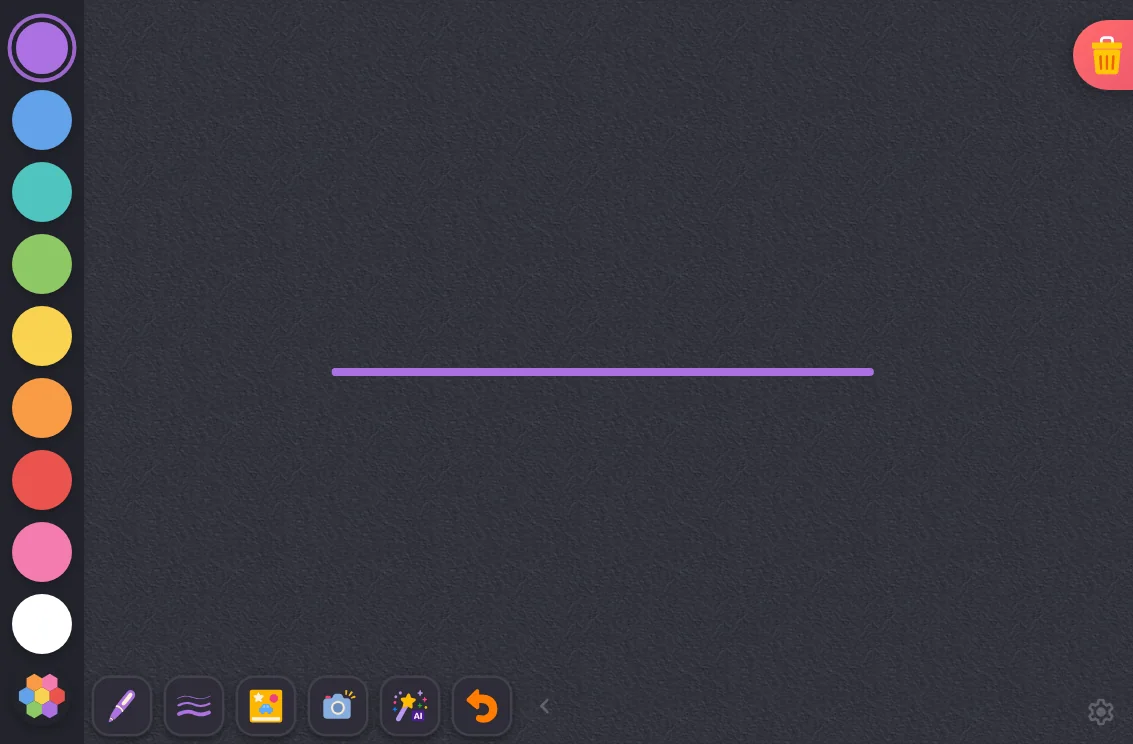
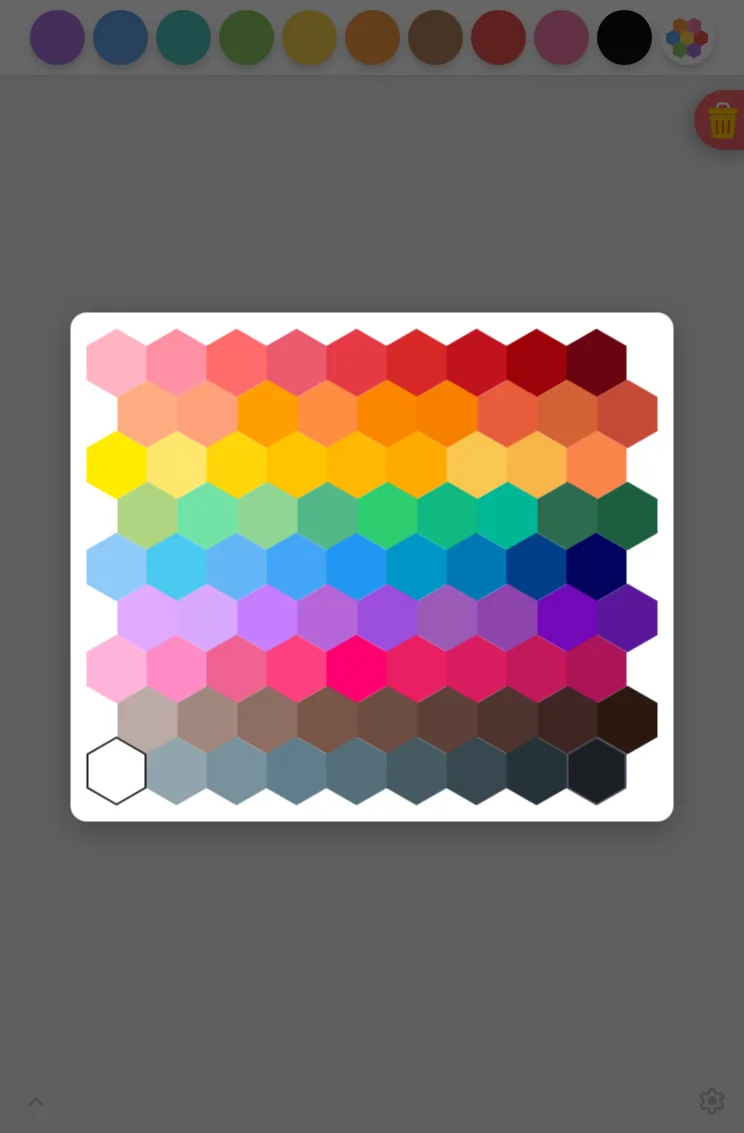
Drawing canvas in light mode at iPad mini 7th Gen (2024) in portrait
Pass

The spacious canvas has a clear hierarchy, with evenly spaced, distinct color controls and an obvious selected swatch. Both corner glyphs remain findable. The trash button’s intentional docking causes no unintended overlap. No visible text-fit, clipping, spacing, or consistency issues; no modal is open.
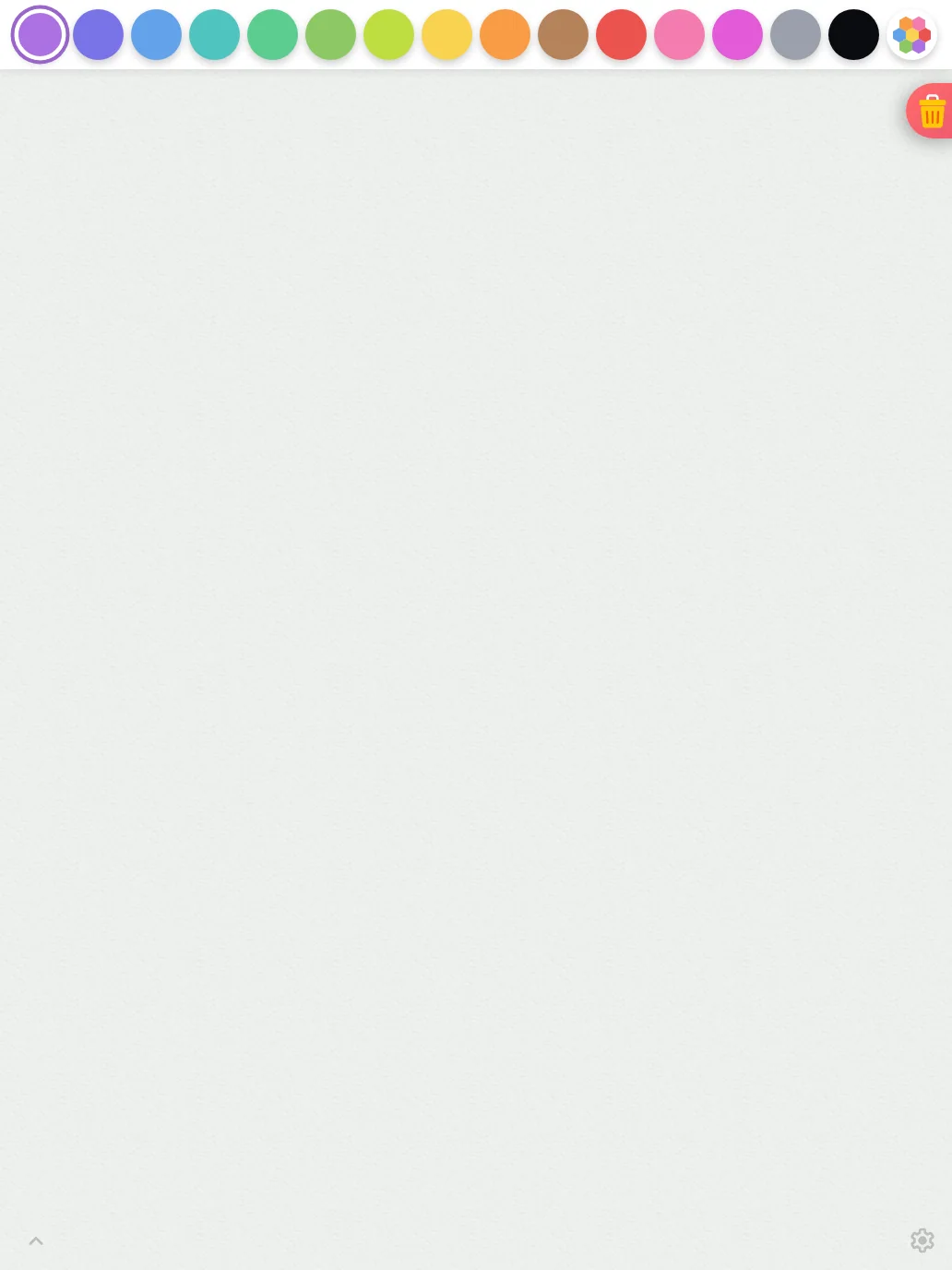
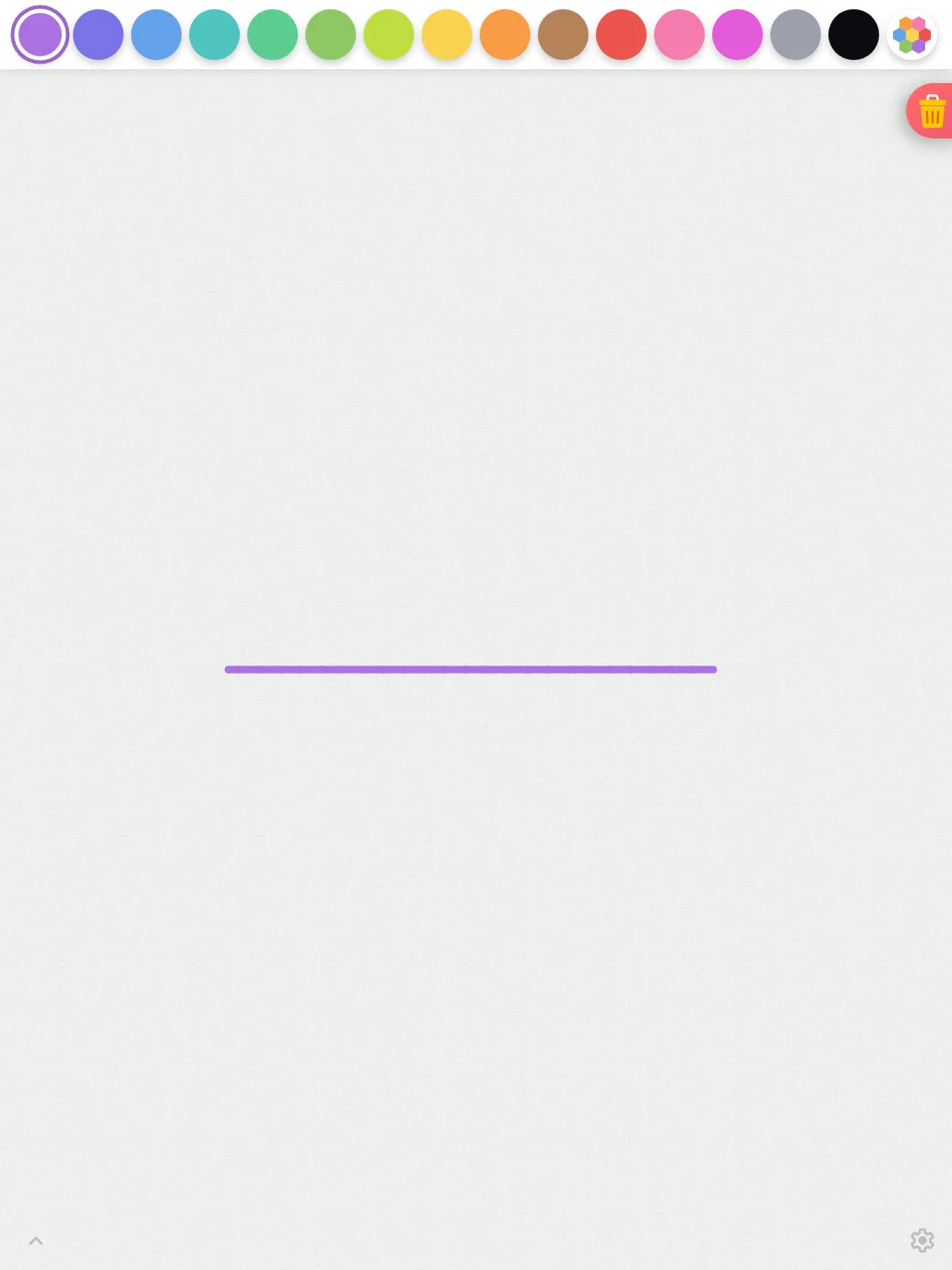
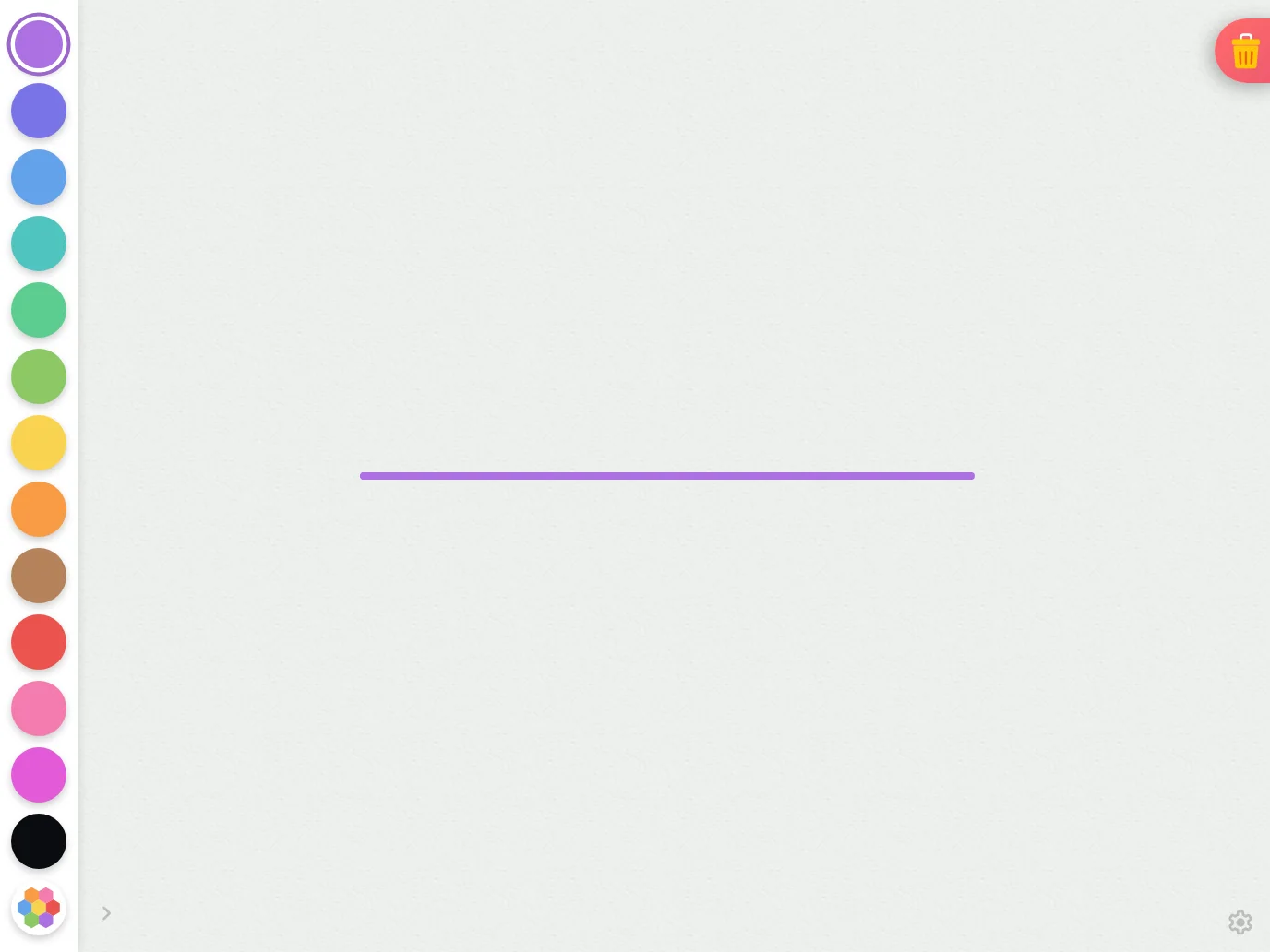
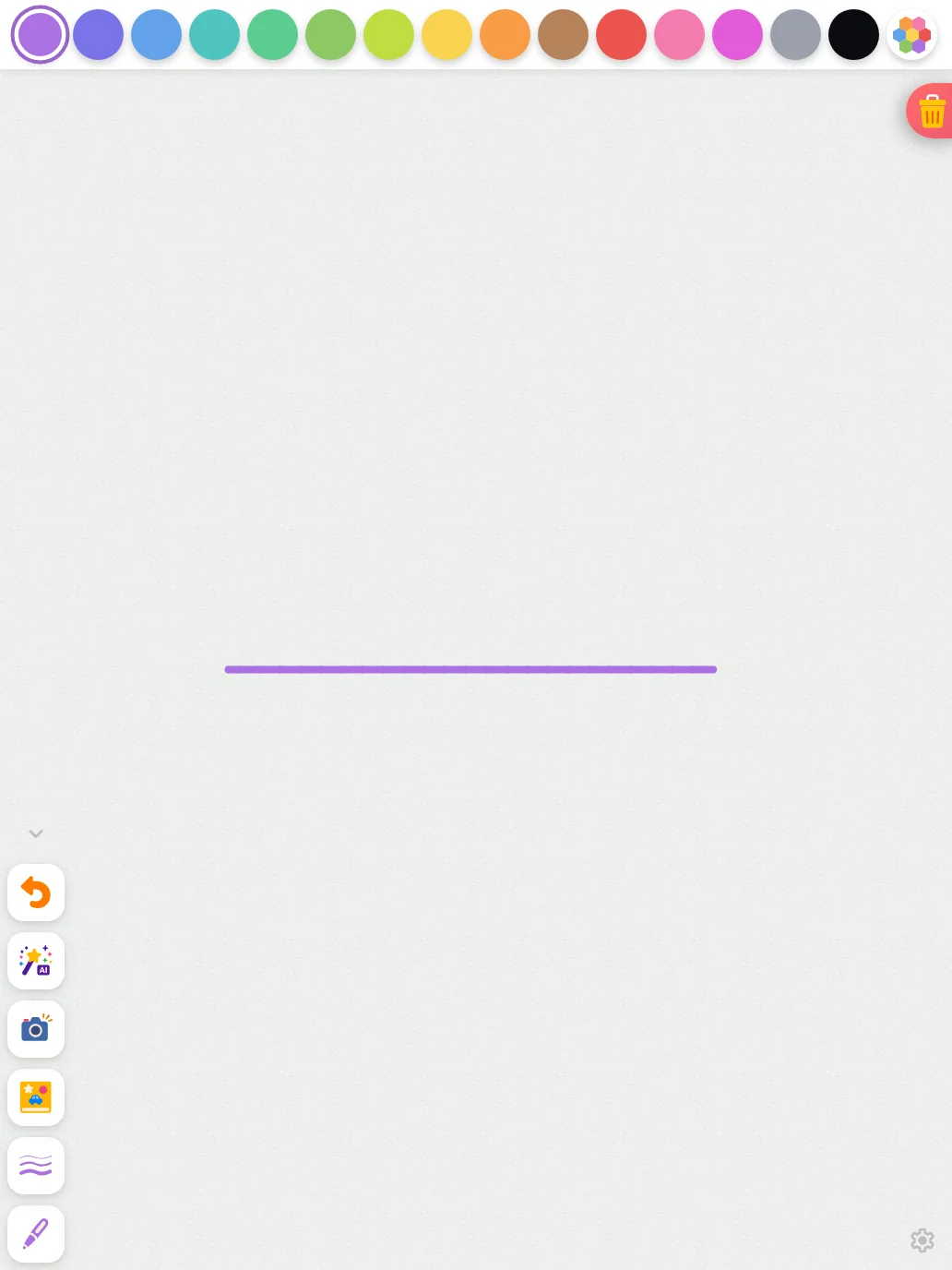
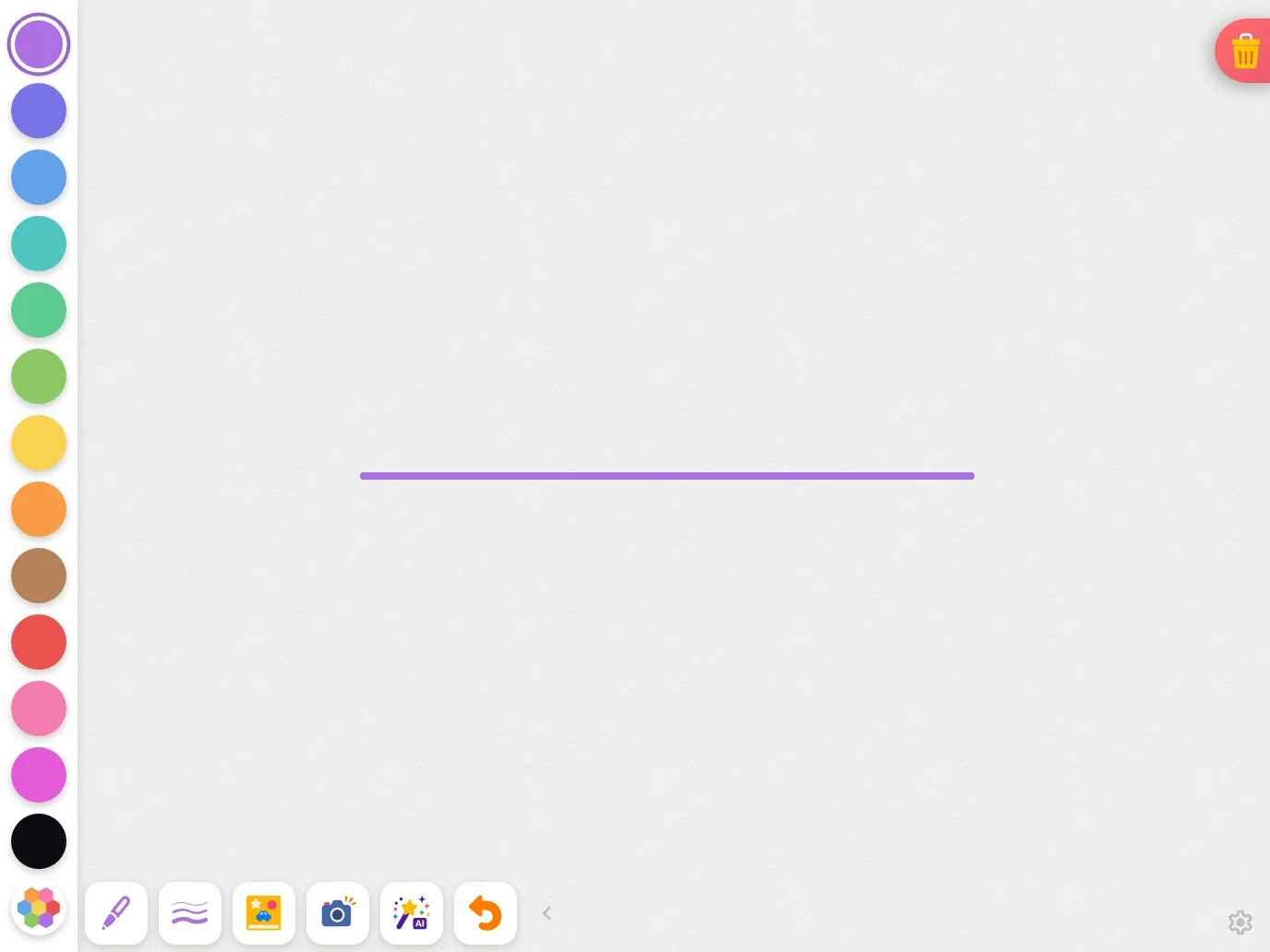
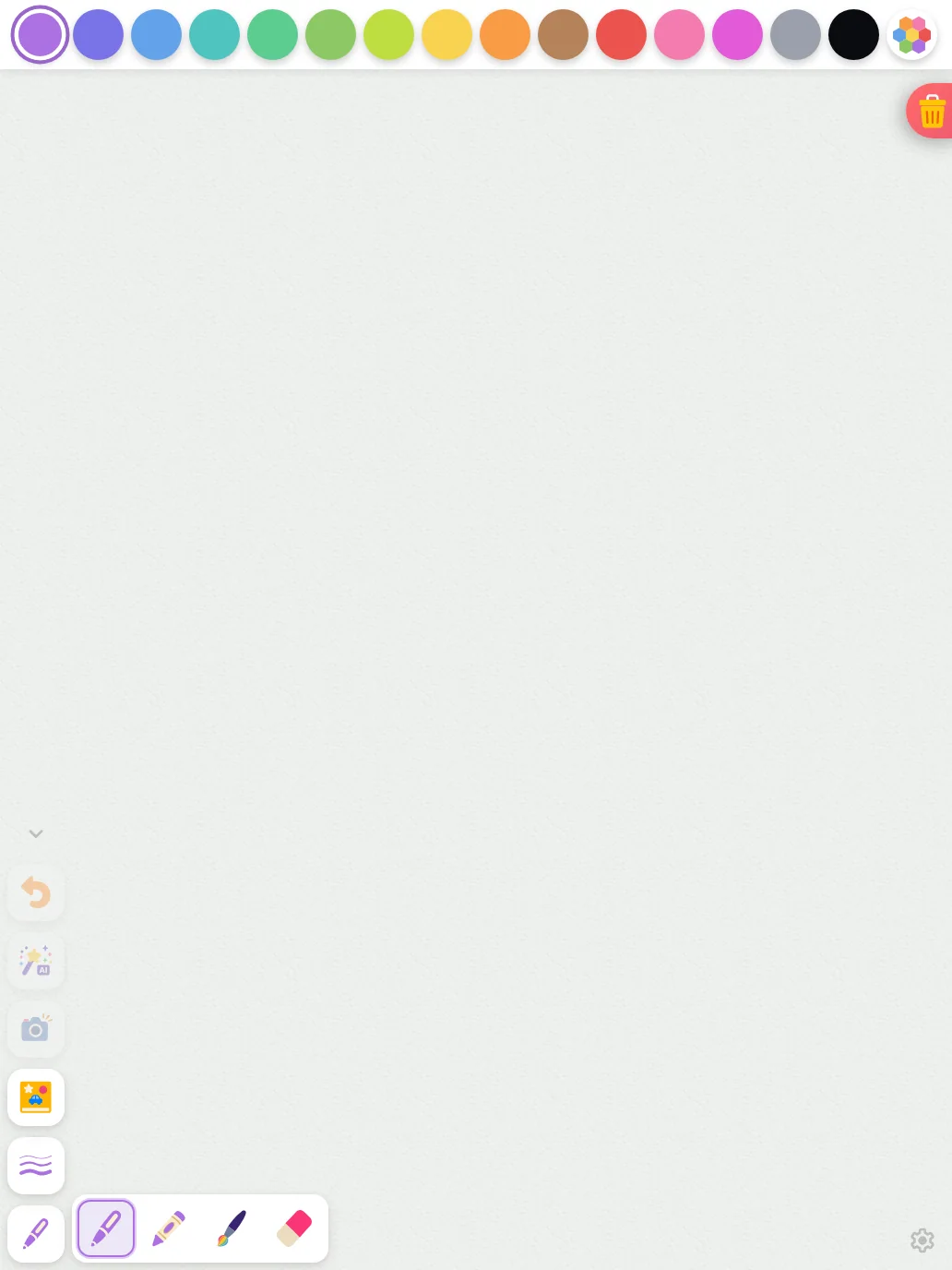
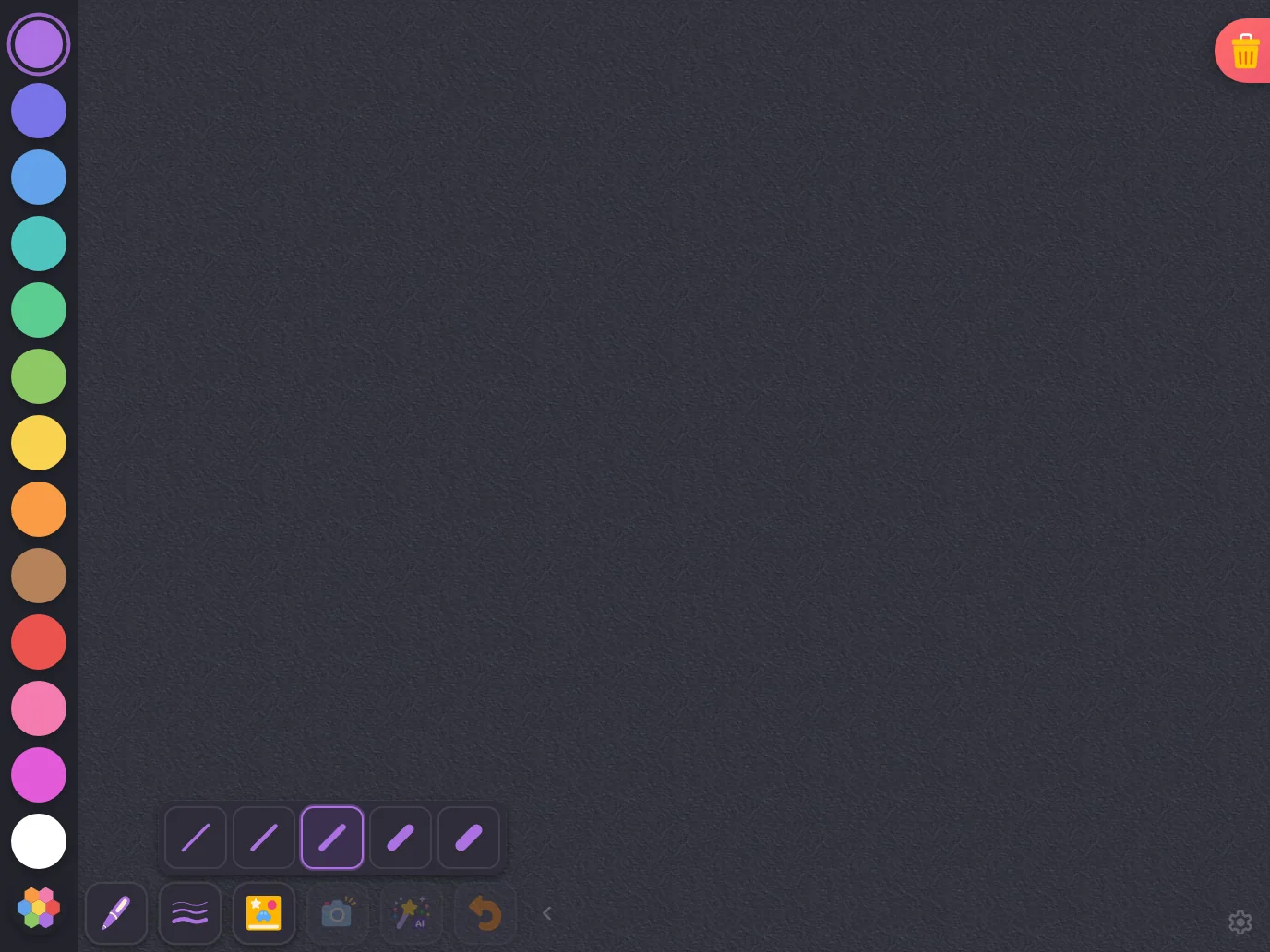
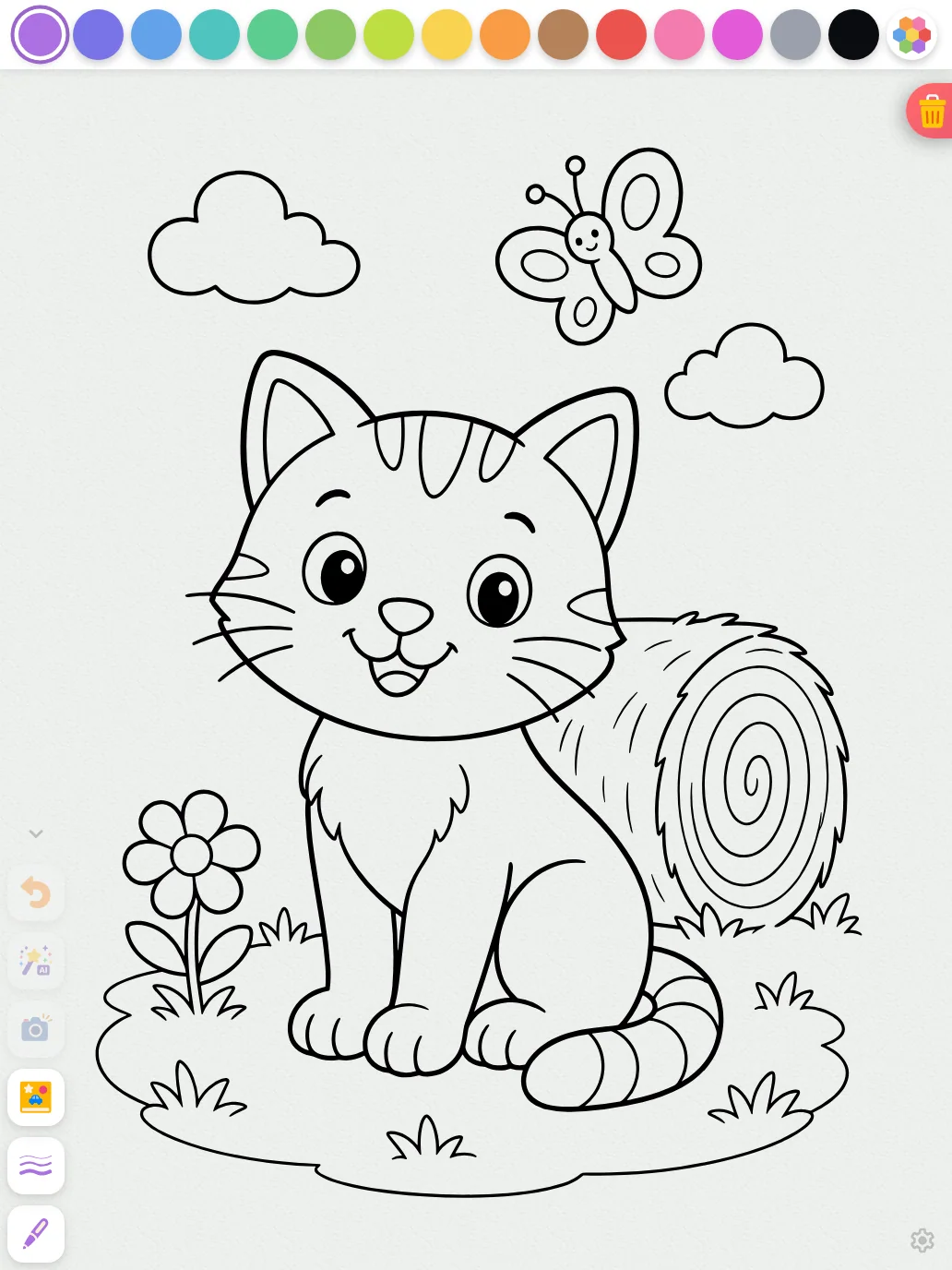
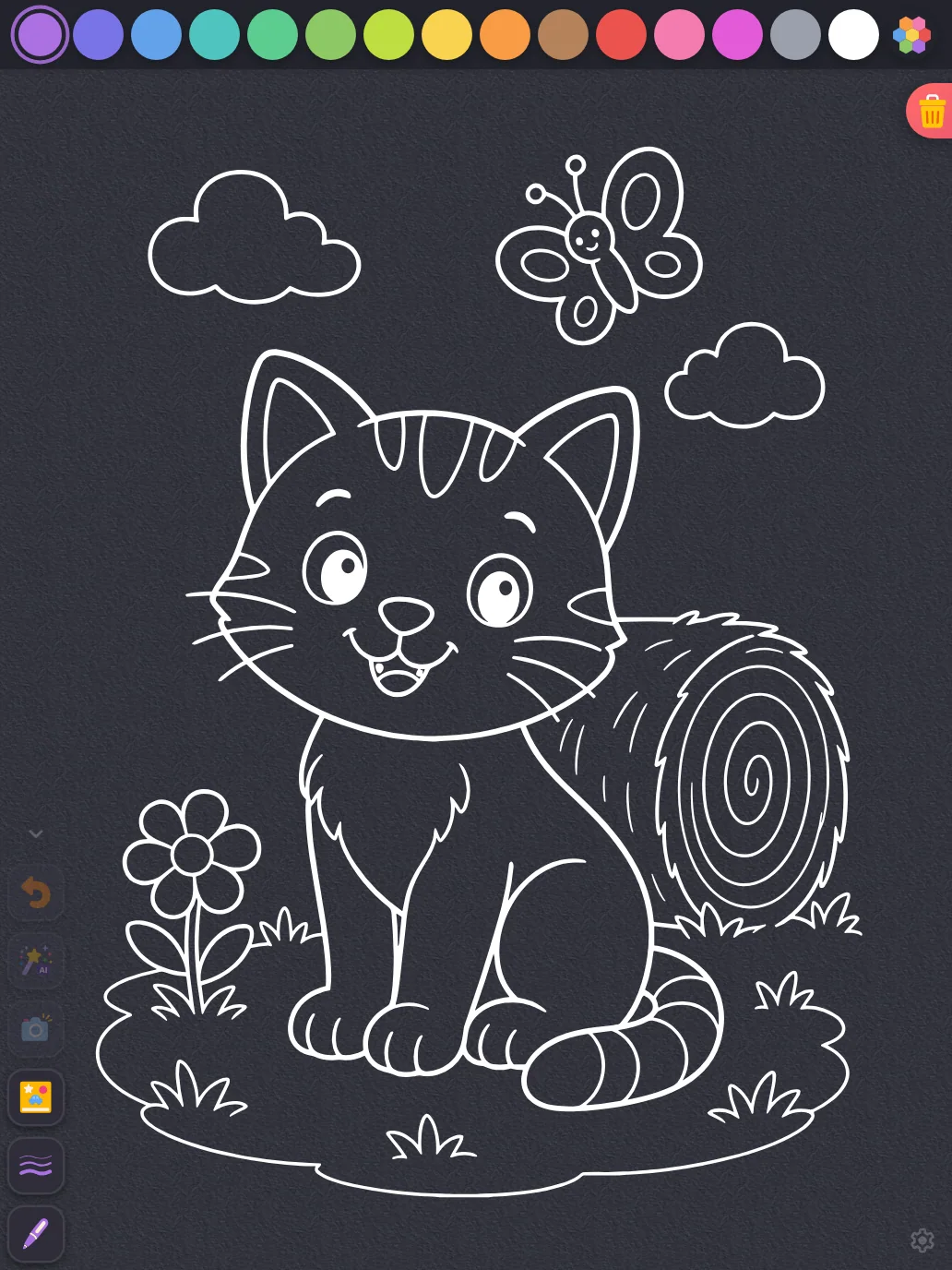
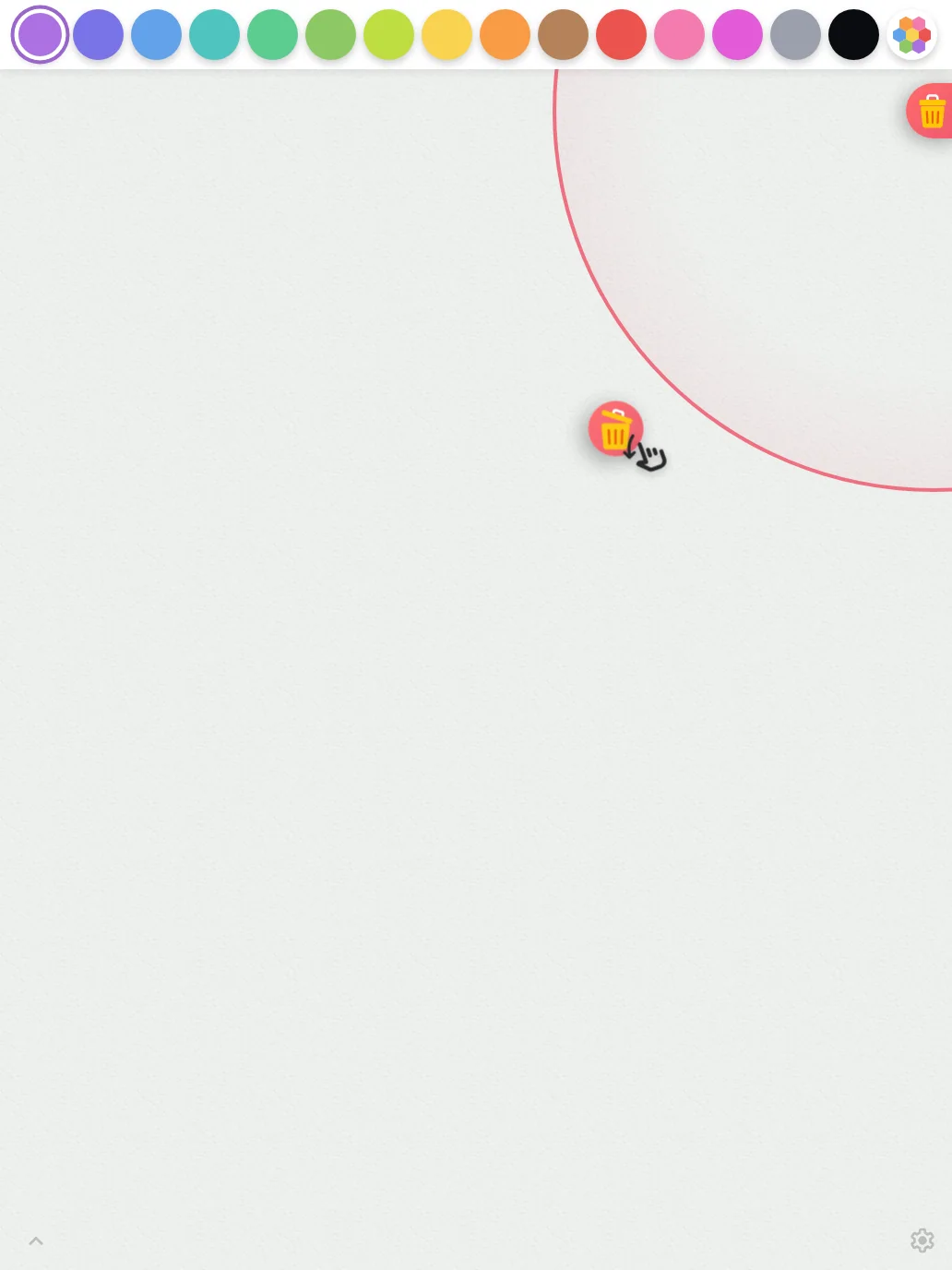
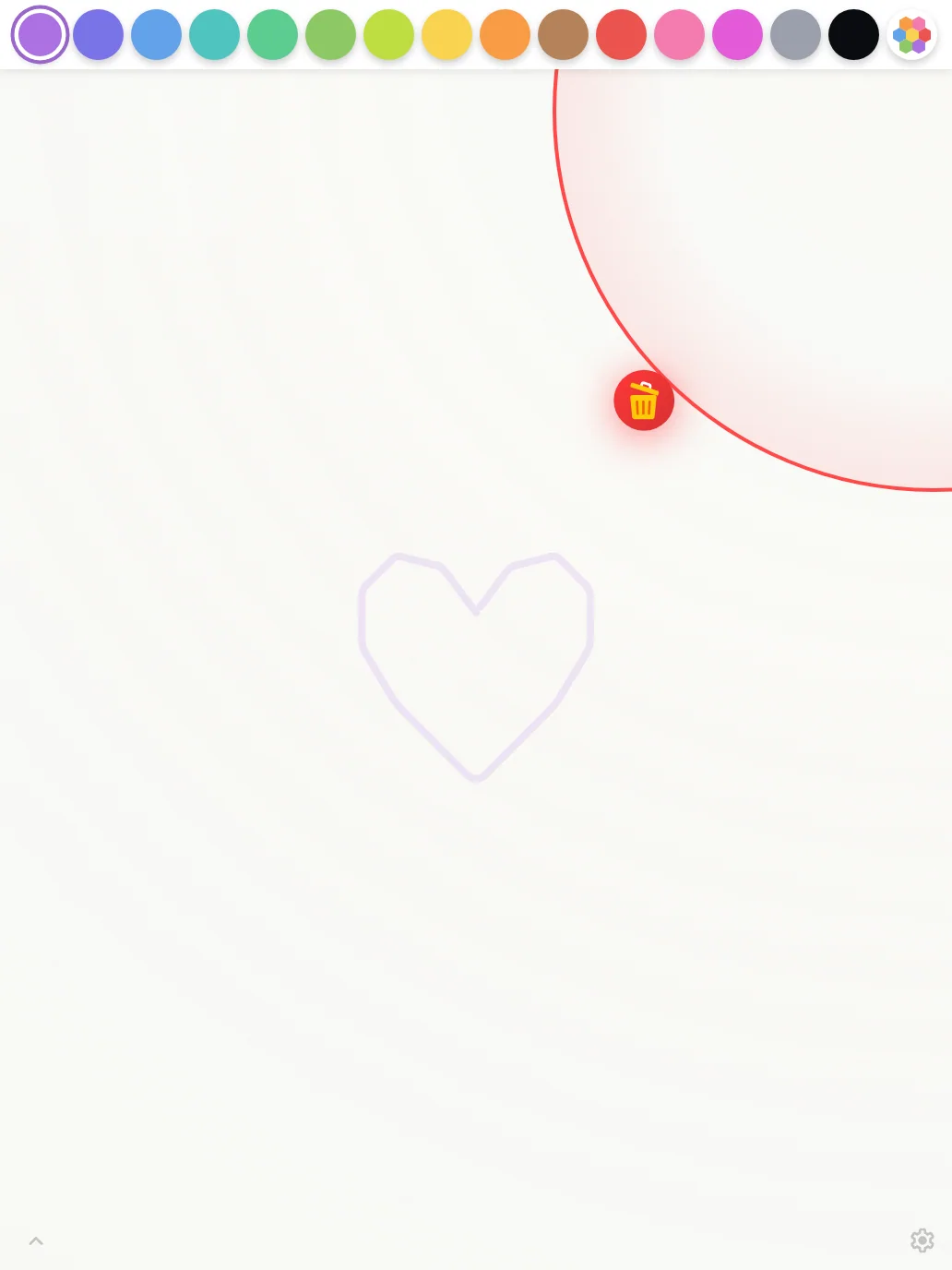
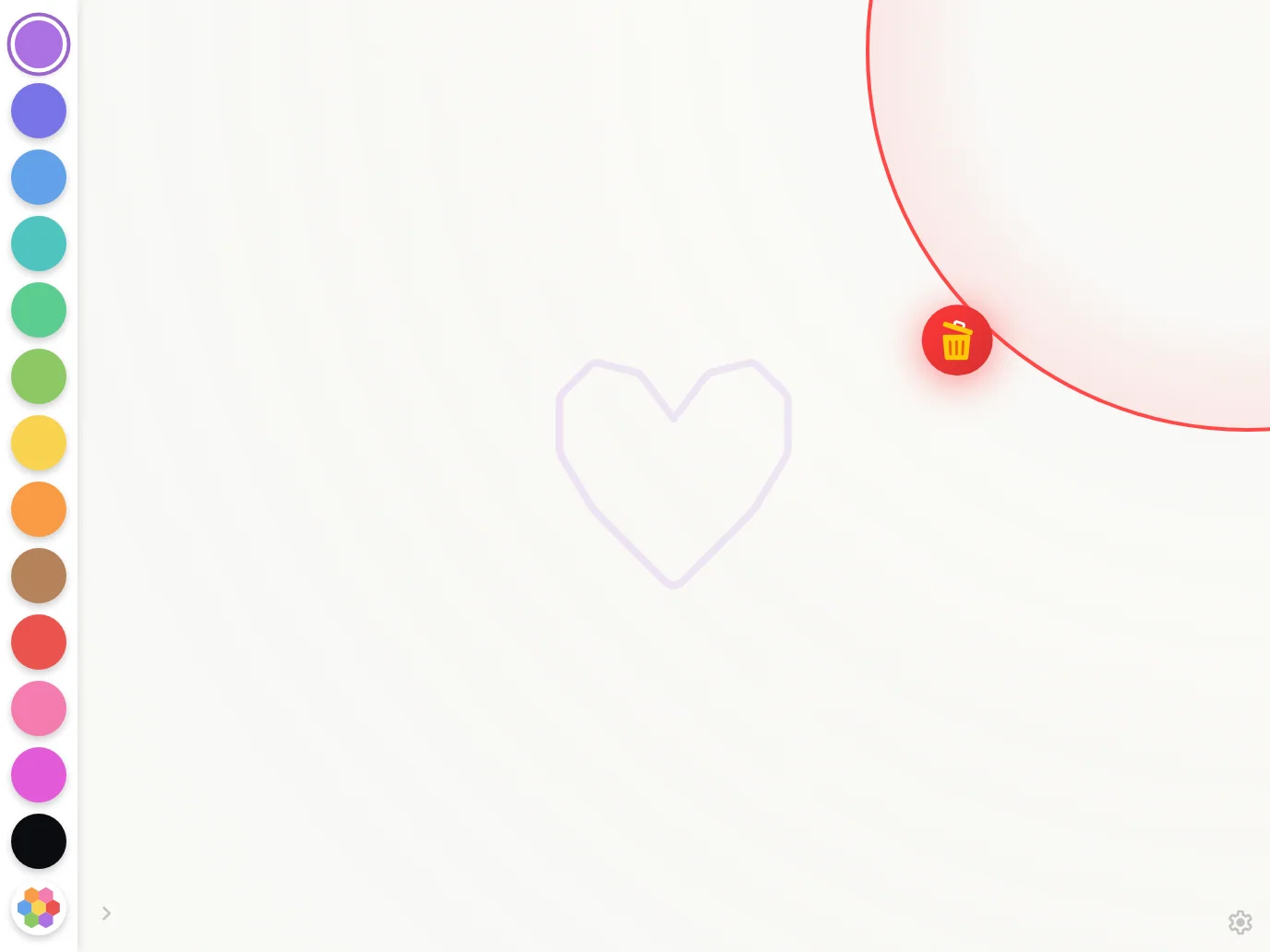
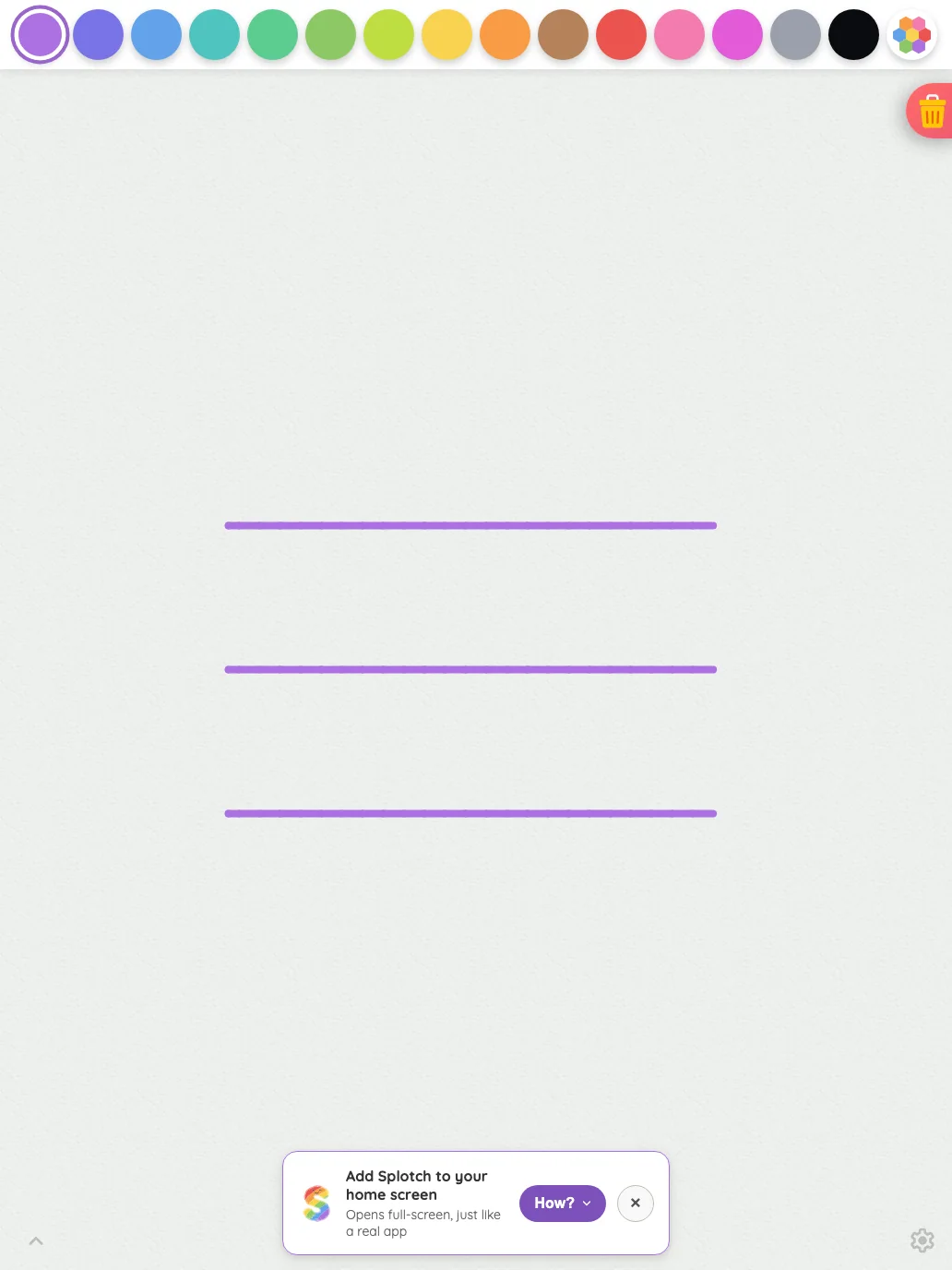
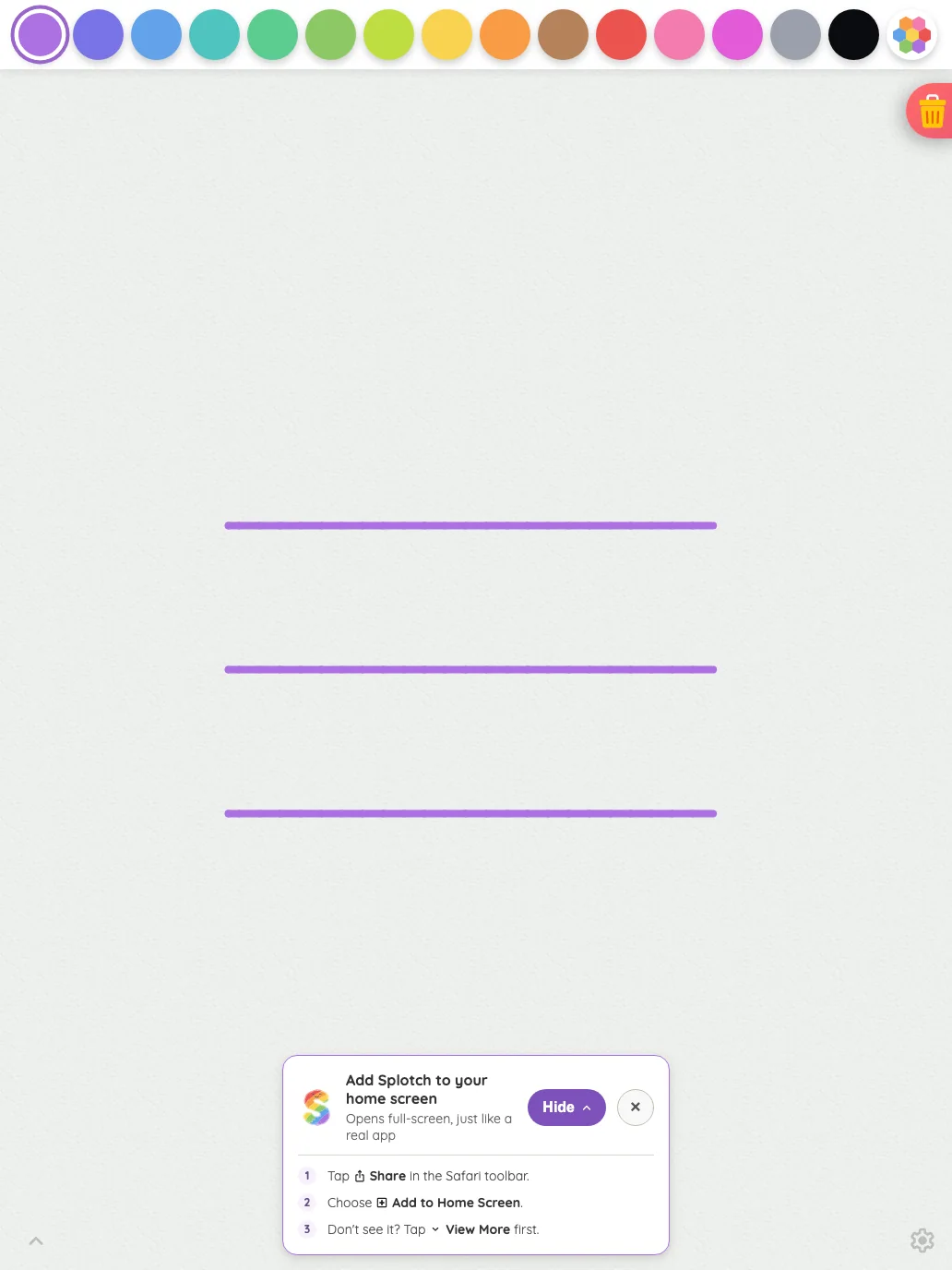
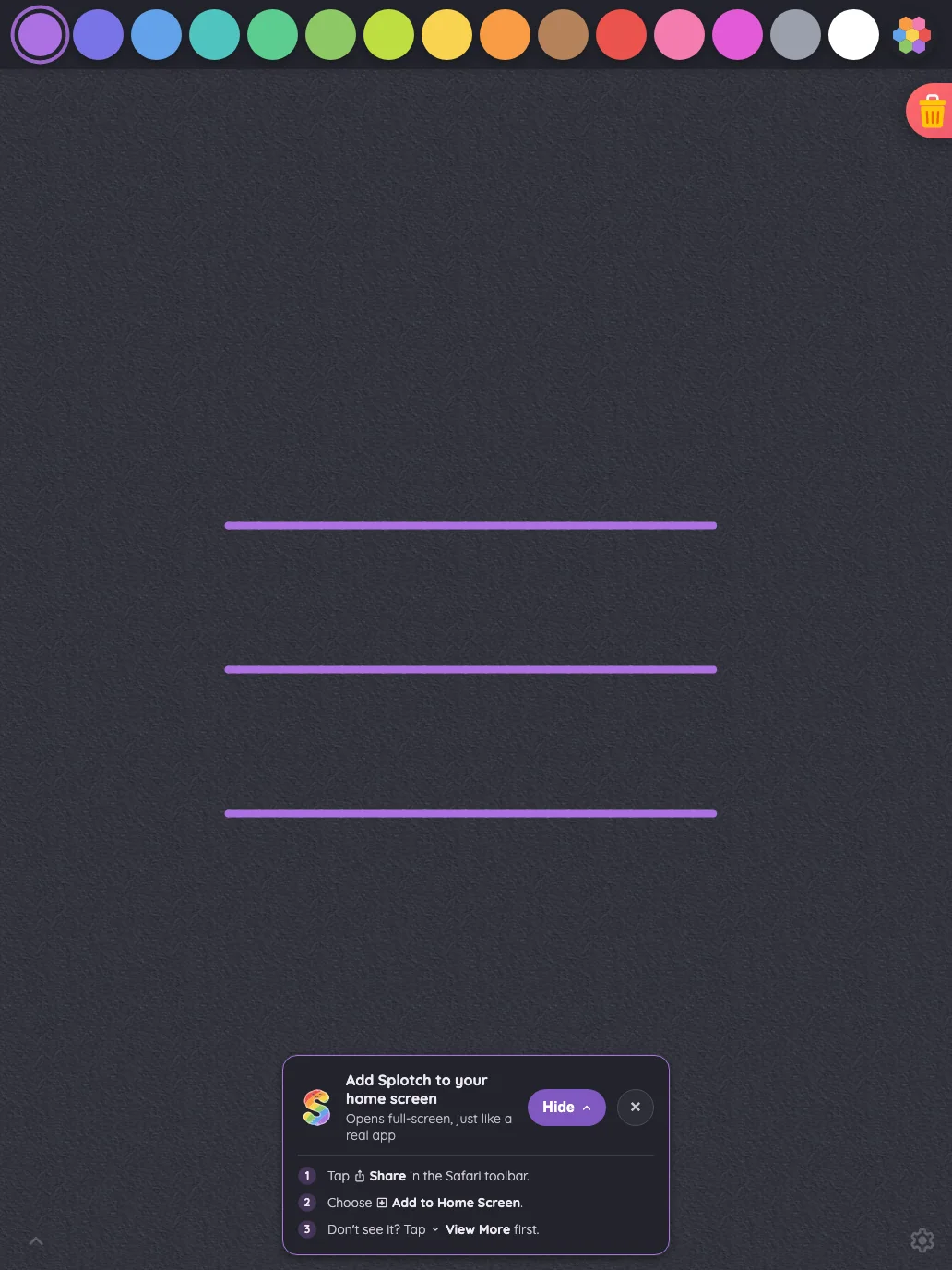
Large iPad Pro1032 × 1376
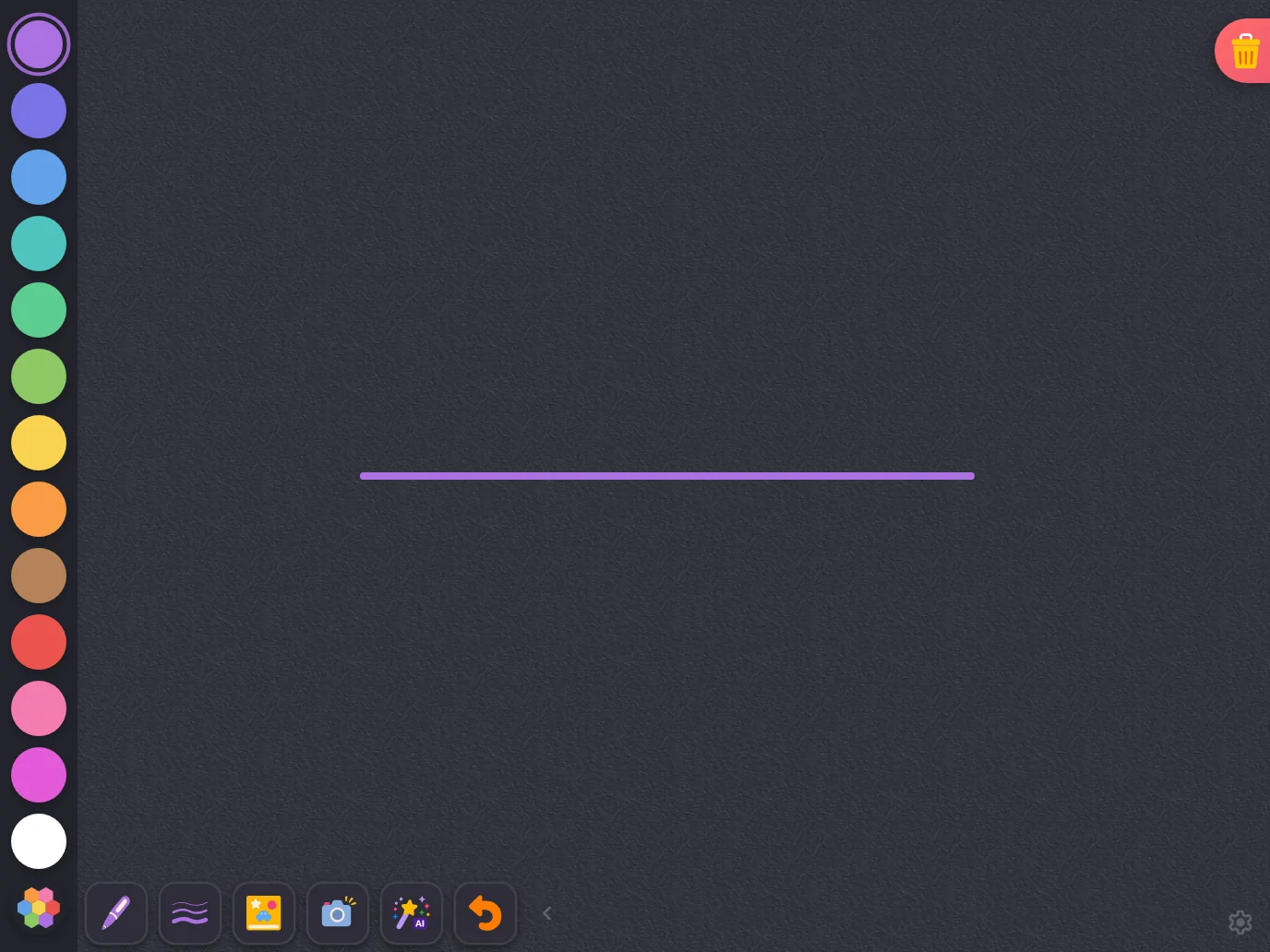
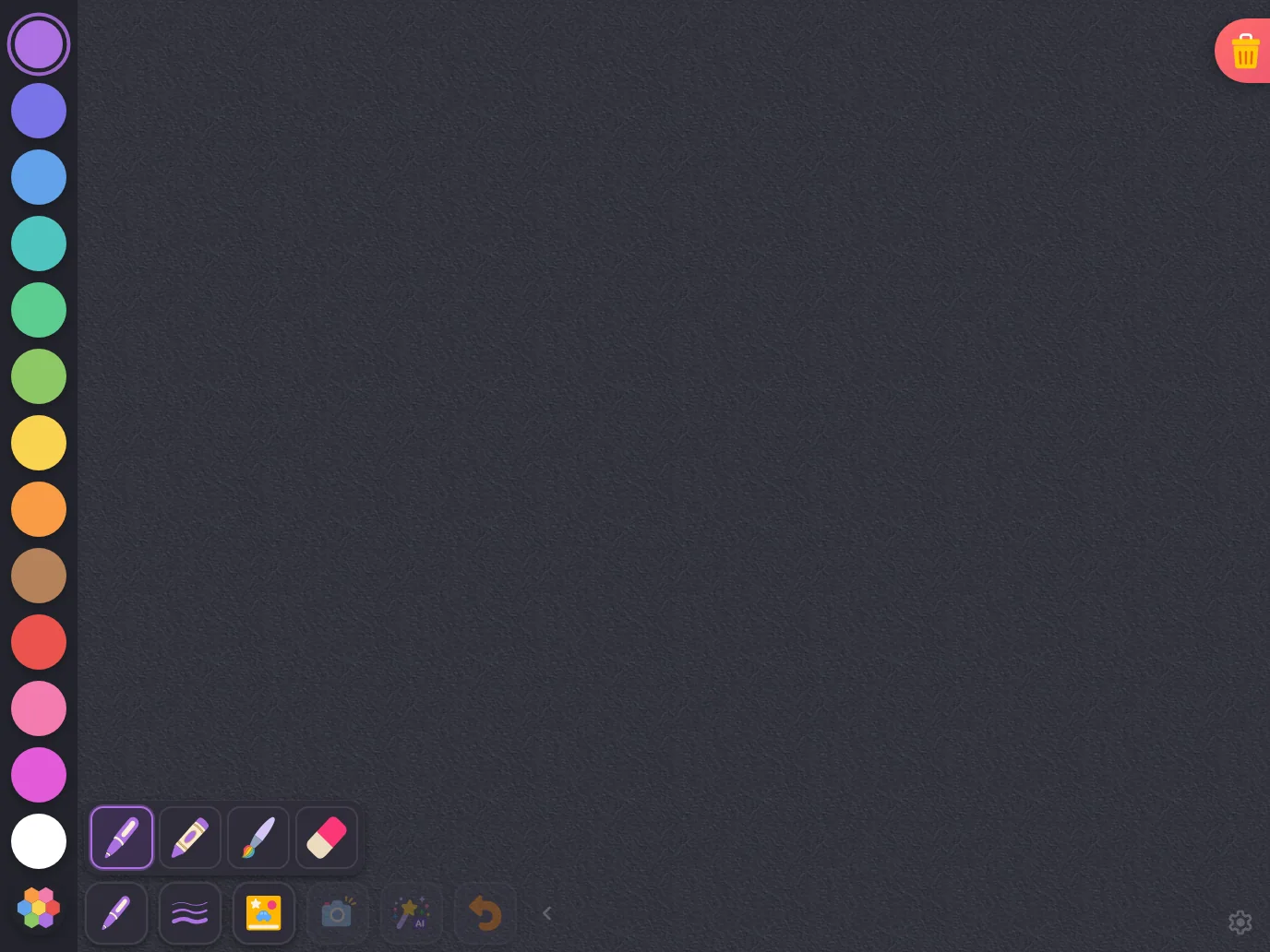
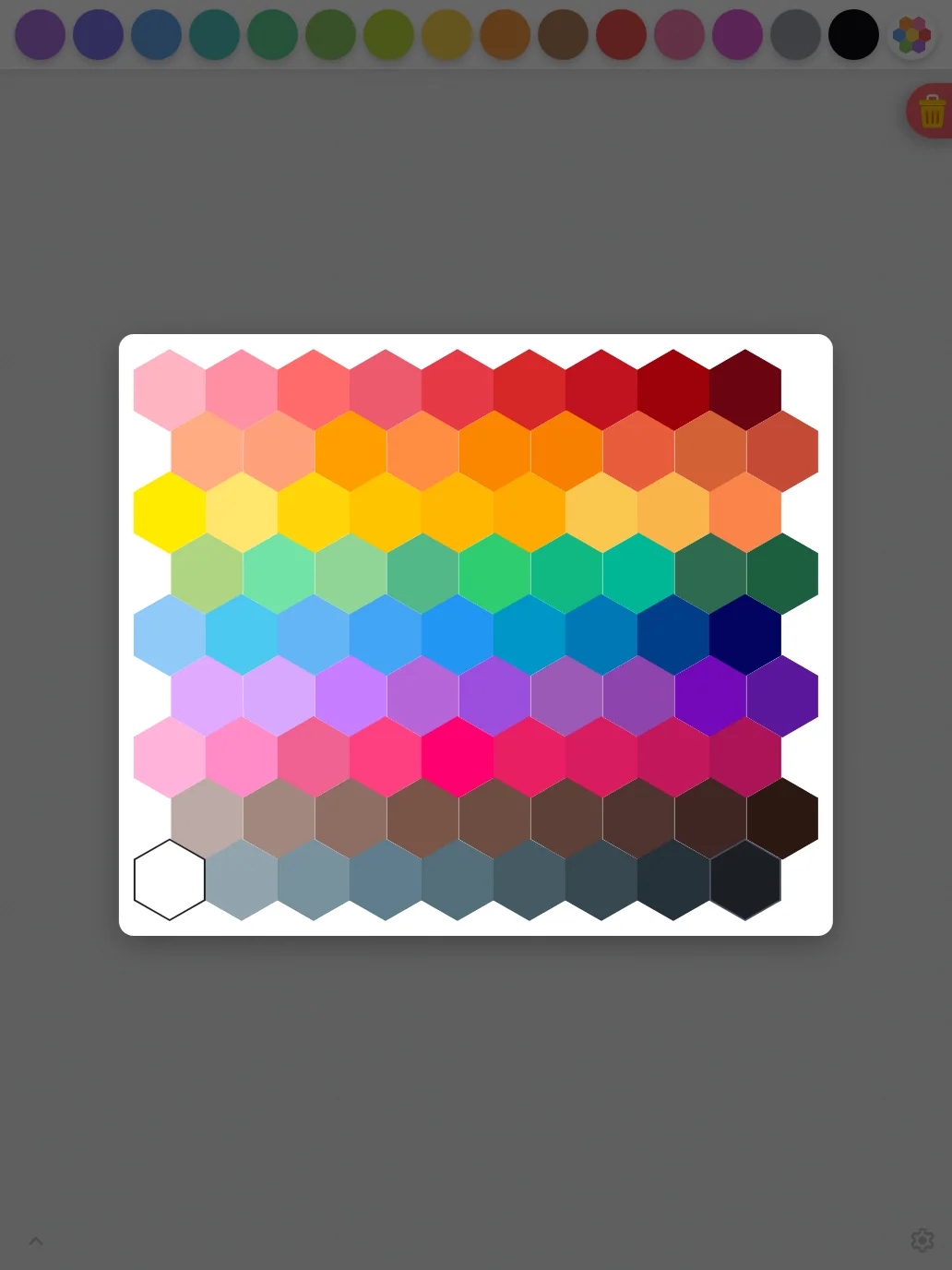
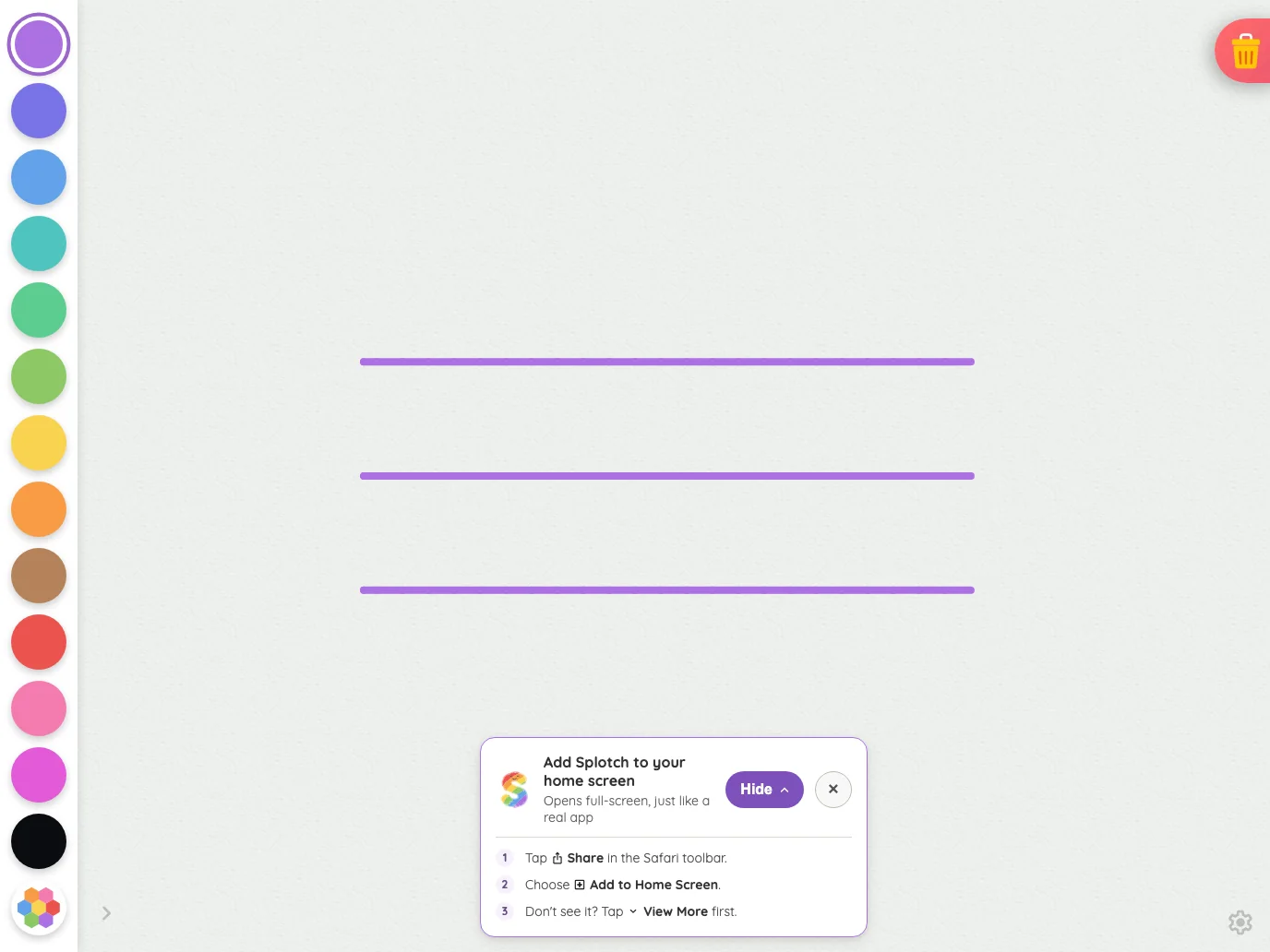
Drawing canvas in light mode at iPad Pro 13-inch (M4) in portrait
Pass

The canvas dominates, with evenly spaced, distinct color targets and a clear selection ring. Both bottom-corner glyphs remain findable. No unintended clipping, overlap, or spacing issues are visible; no text or modal scrolling is present to assess.

Landscape
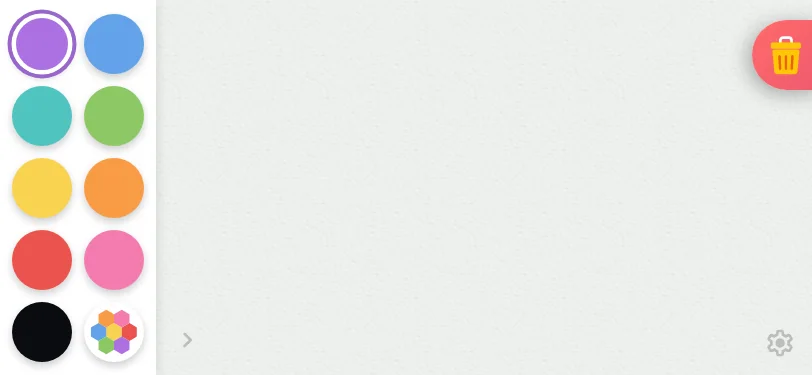
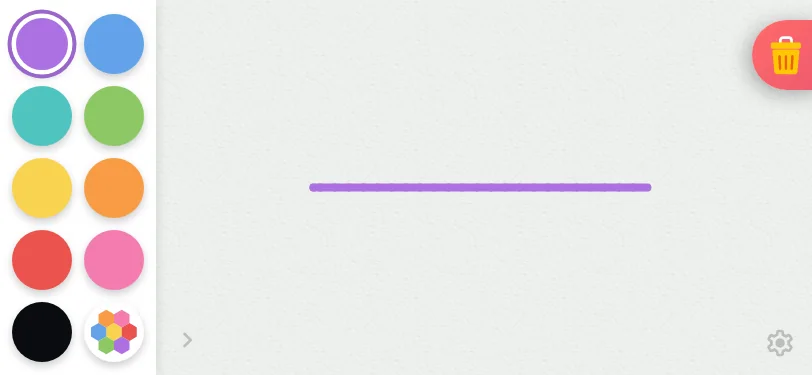
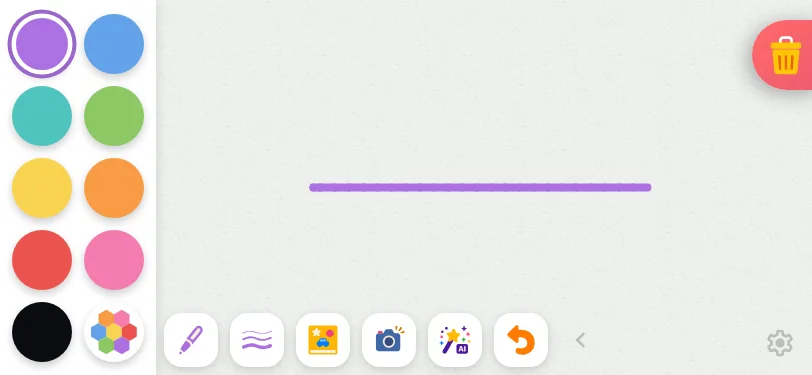
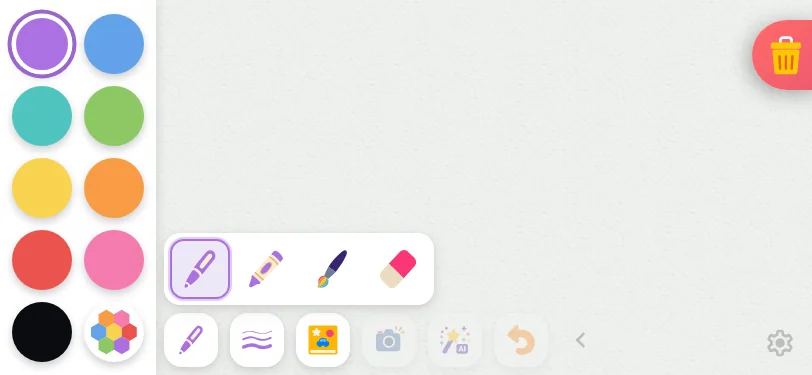
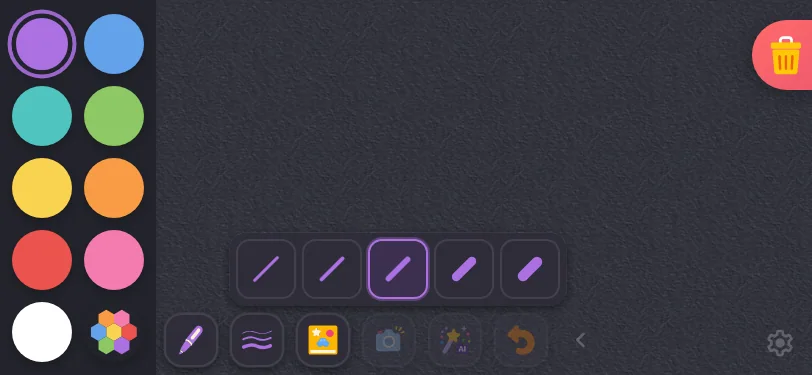
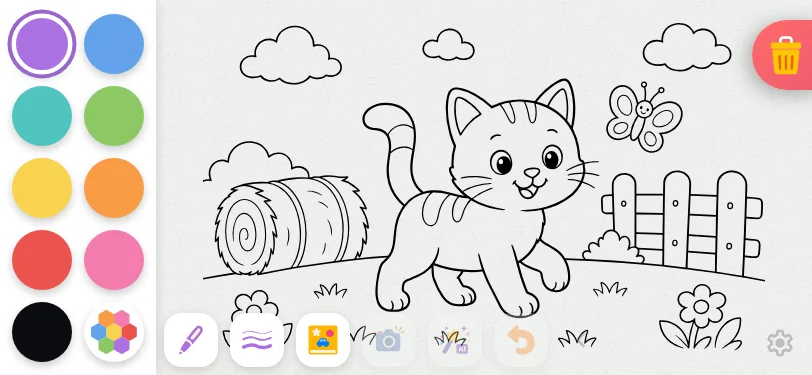
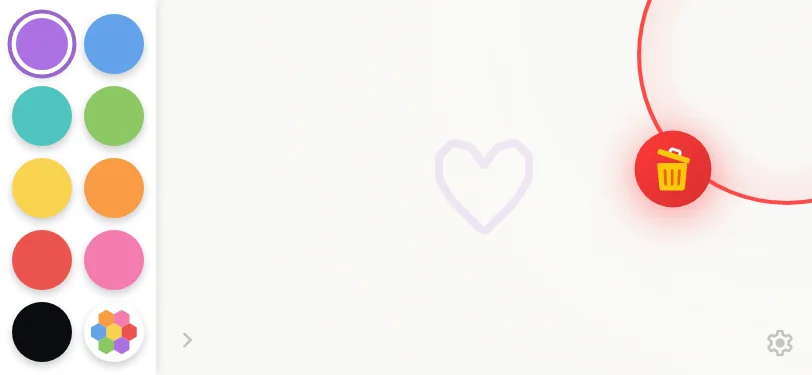
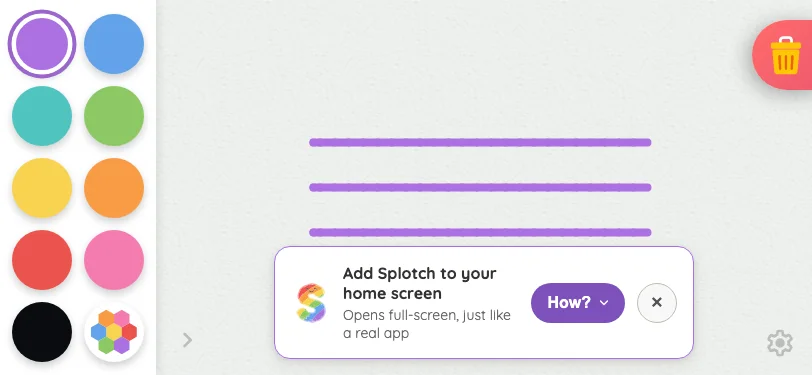
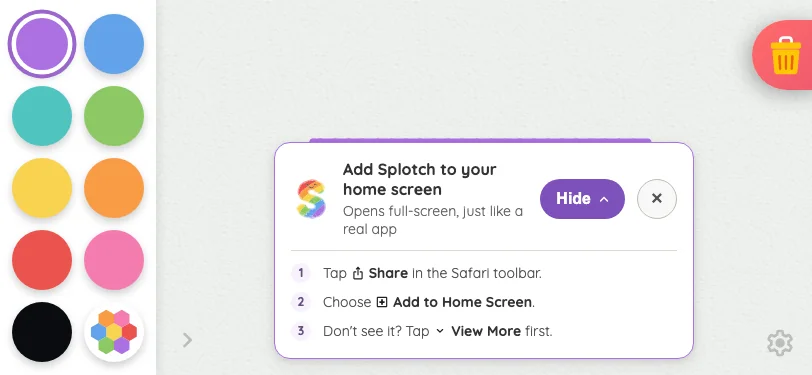
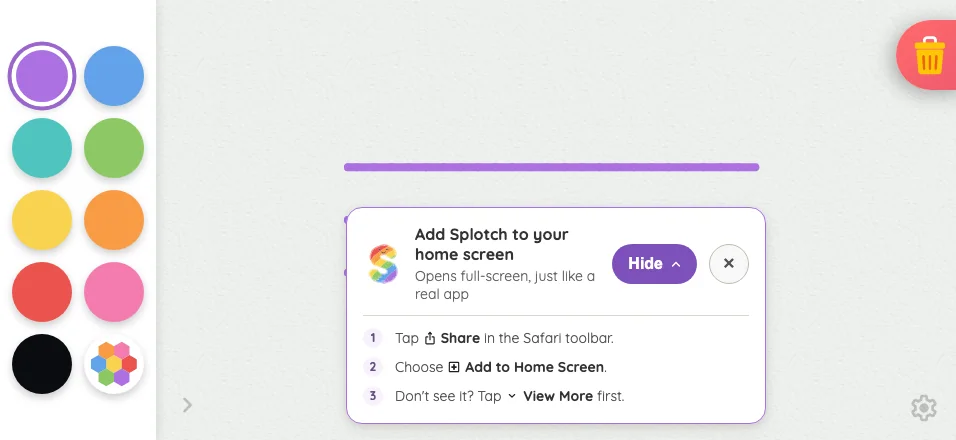
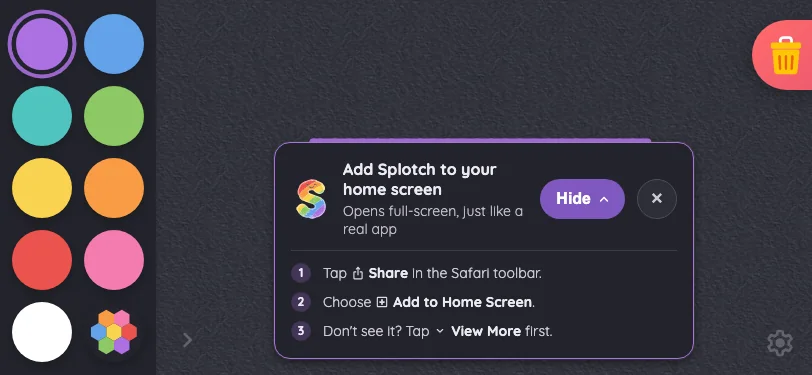
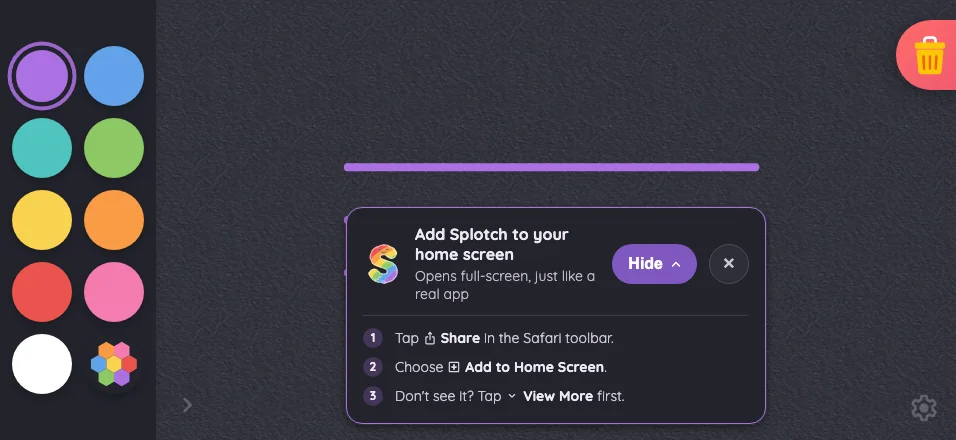
Small iPhone812 × 375
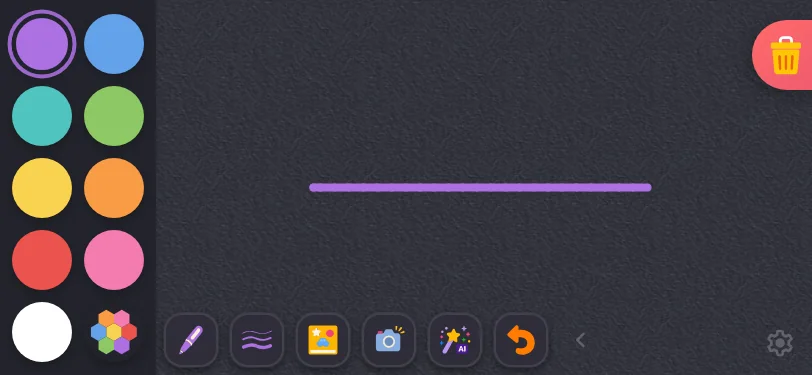
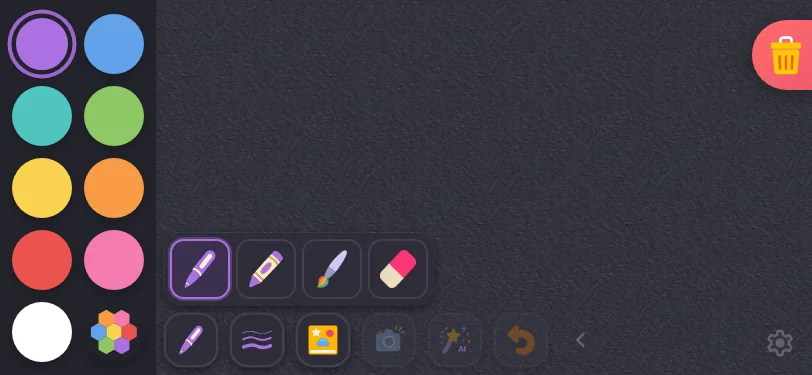
Drawing canvas in light mode at iPhone 13 mini in landscape
Pass

The swatch grid is evenly spaced, with clear touch targets and a distinct selection ring. The canvas remains dominant, both corner glyphs are findable, and the trash button matches its intended docking. No unintended clipping or overlap is visible; no text or modal scrolling is present to assess.
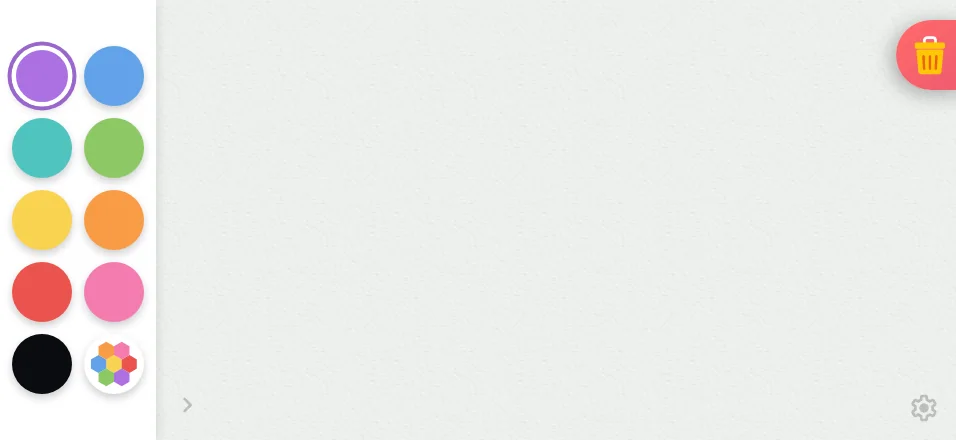
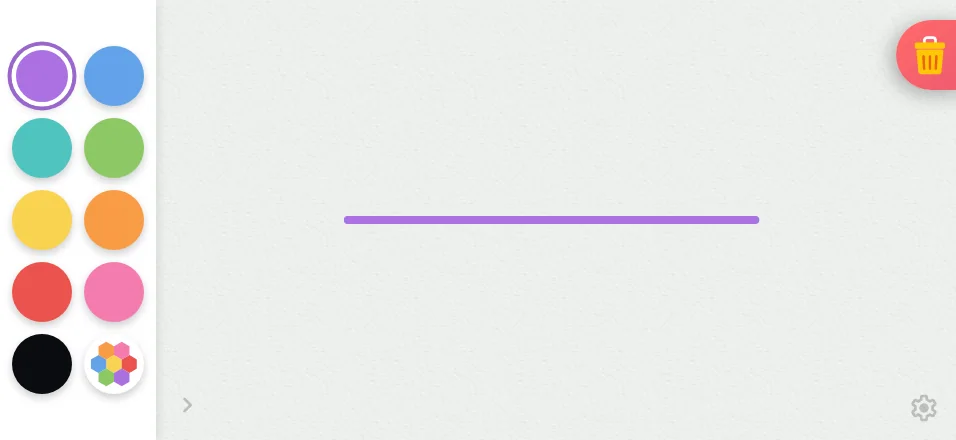
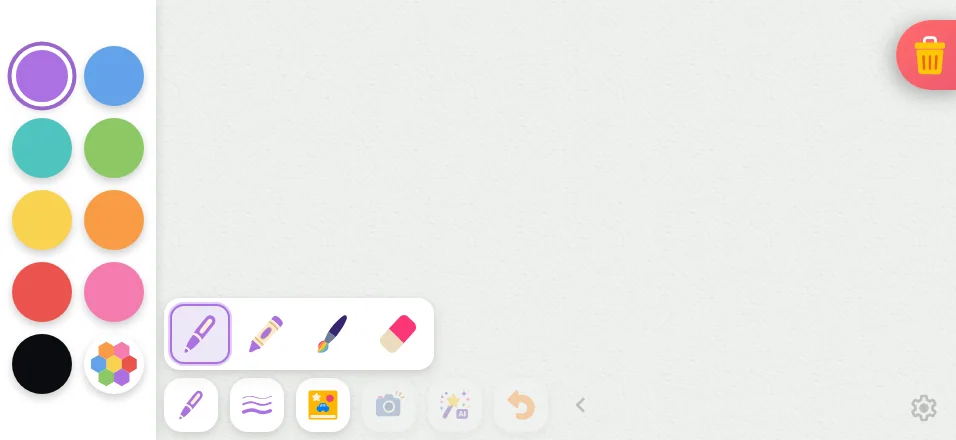
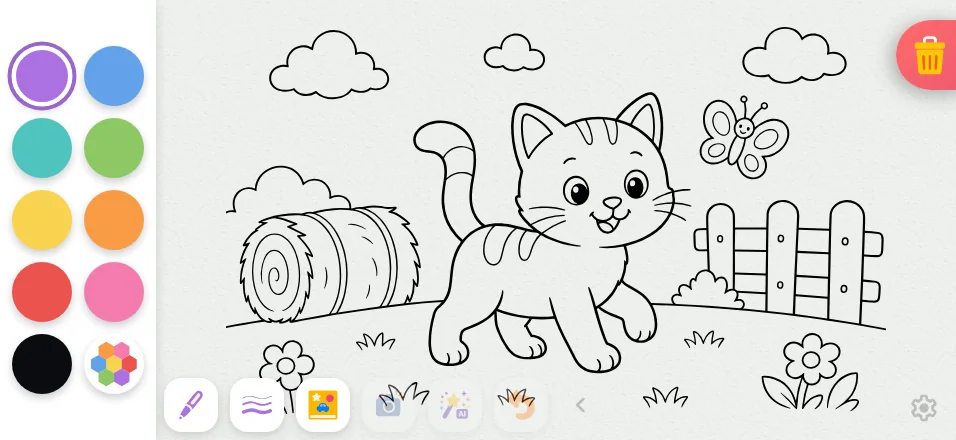
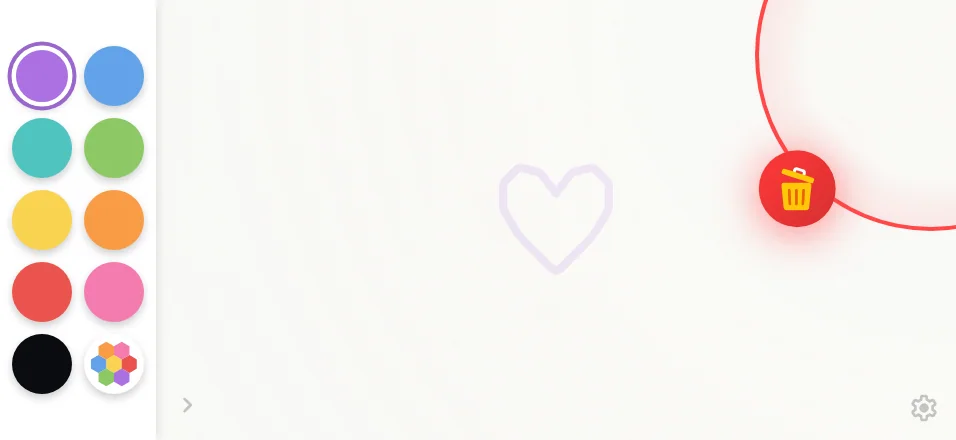
Large iPhone956 × 440
Drawing canvas in light mode at iPhone 16 Pro Max in landscape
Pass

The canvas dominates clearly, with evenly spaced, distinct color targets and an obvious selected swatch. Both corner glyphs remain findable. No unintended clipping, overlap, or spacing issues are visible; no text or modal is present to assess.
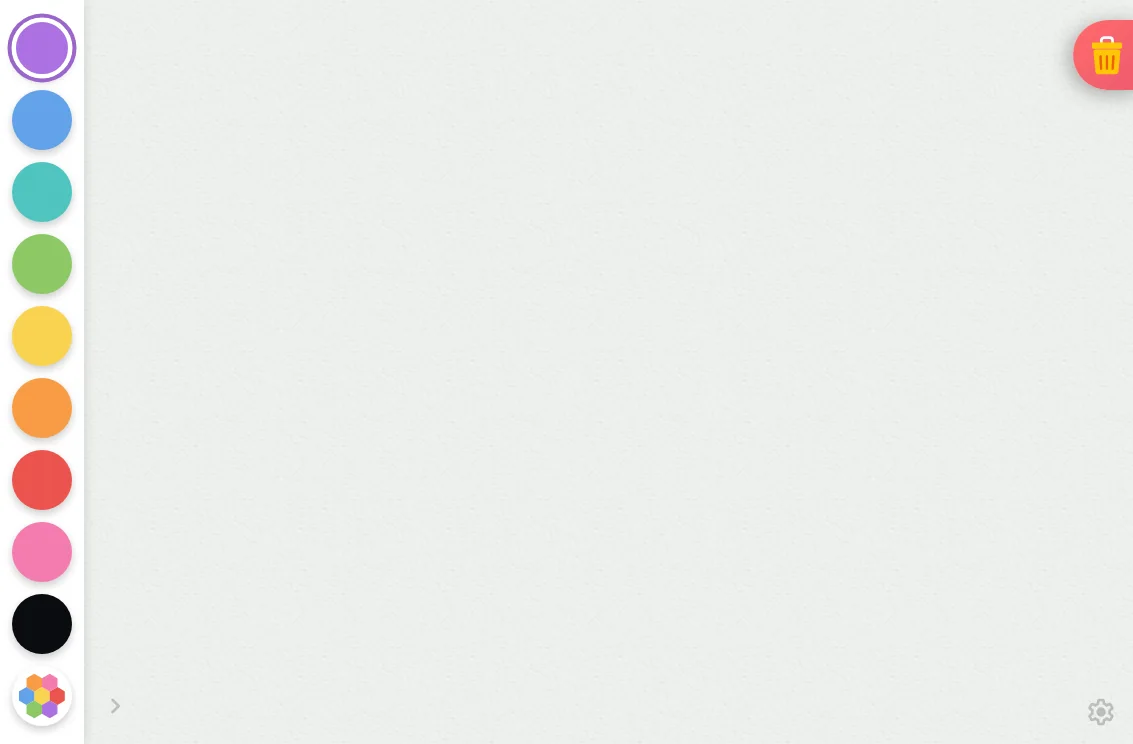
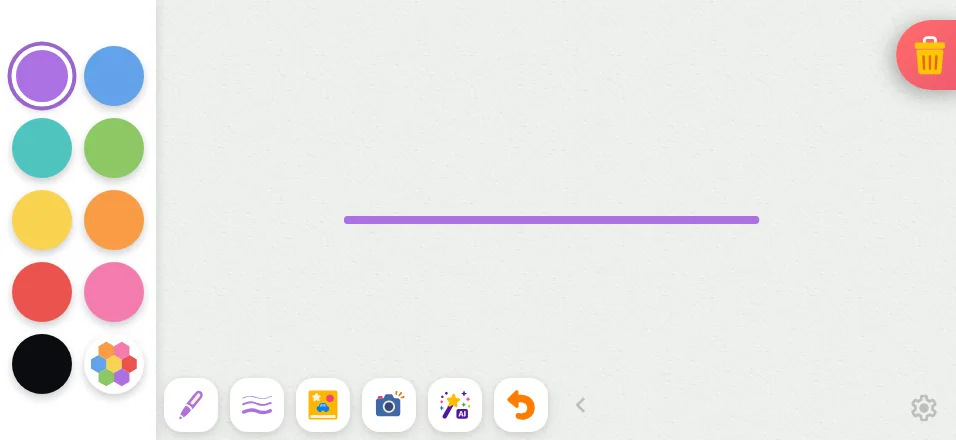
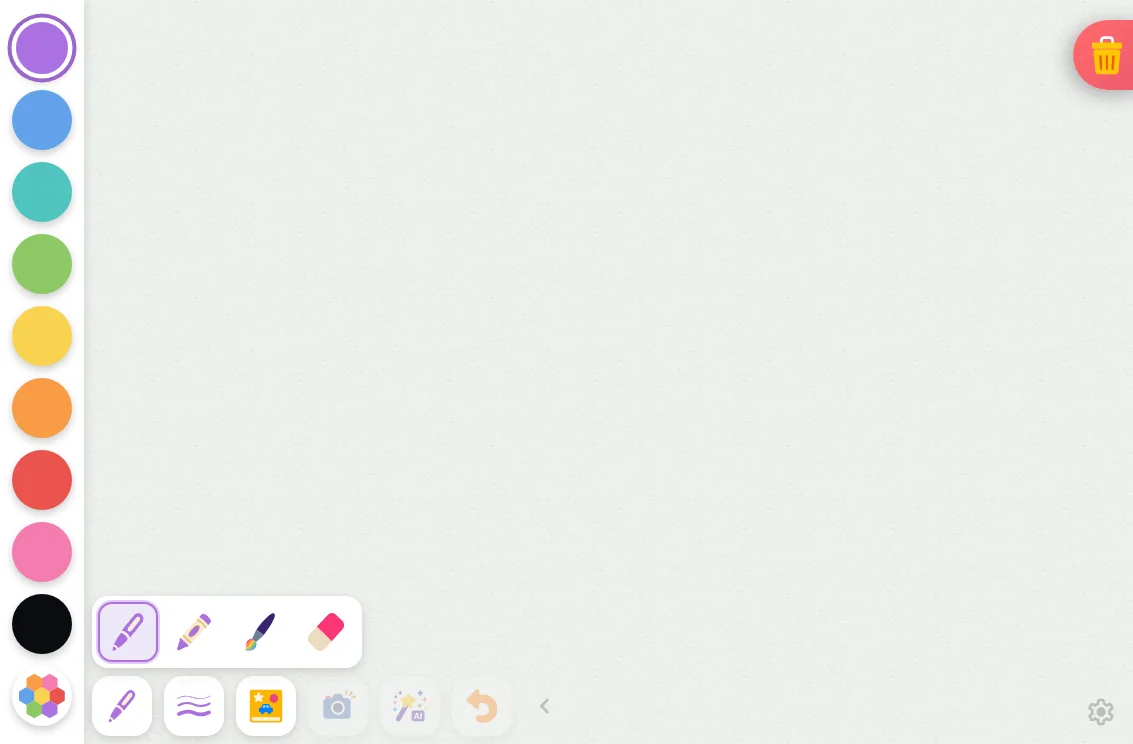
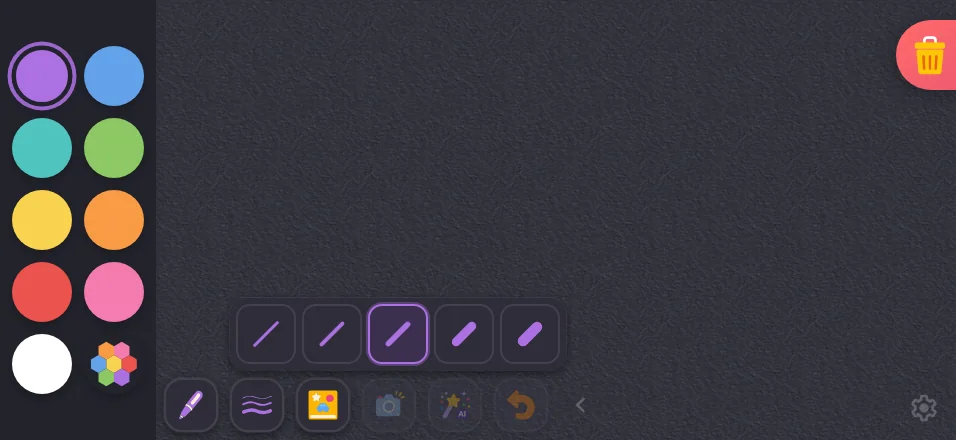
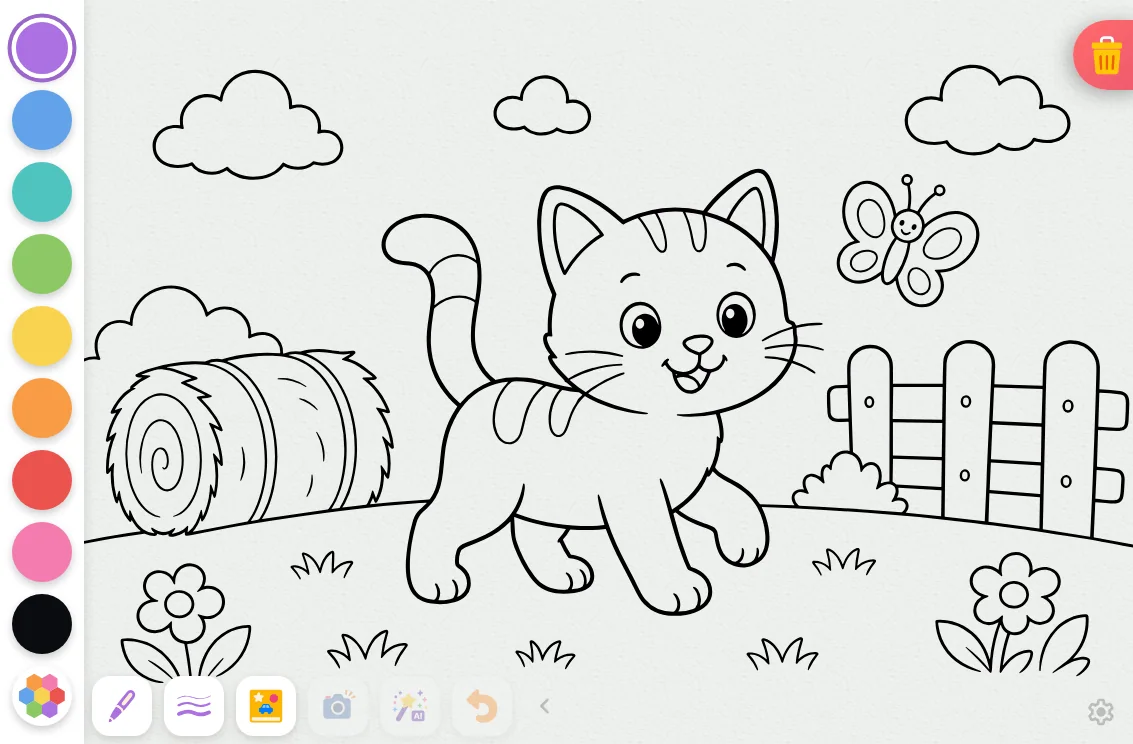
iPad mini1133 × 744
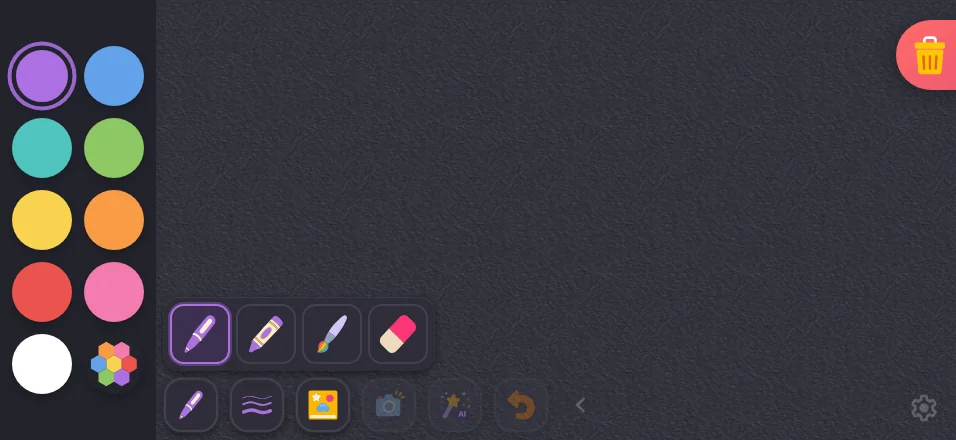
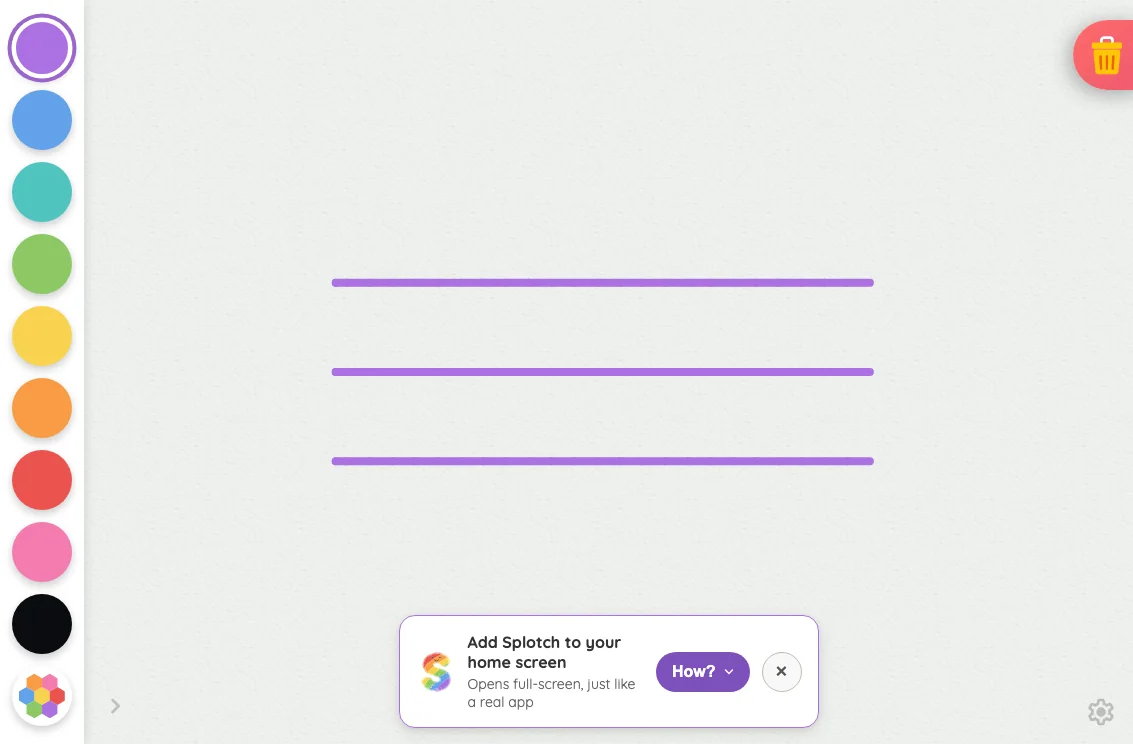
Drawing canvas in light mode at iPad mini 7th Gen (2024) in landscape
Pass

The canvas has clear visual priority, with evenly spaced, distinct color targets and an obvious selected swatch. Controls fit without unintended clipping or overlap. Both quiet corner glyphs remain findable. No text or modal scrolling is visible to assess.
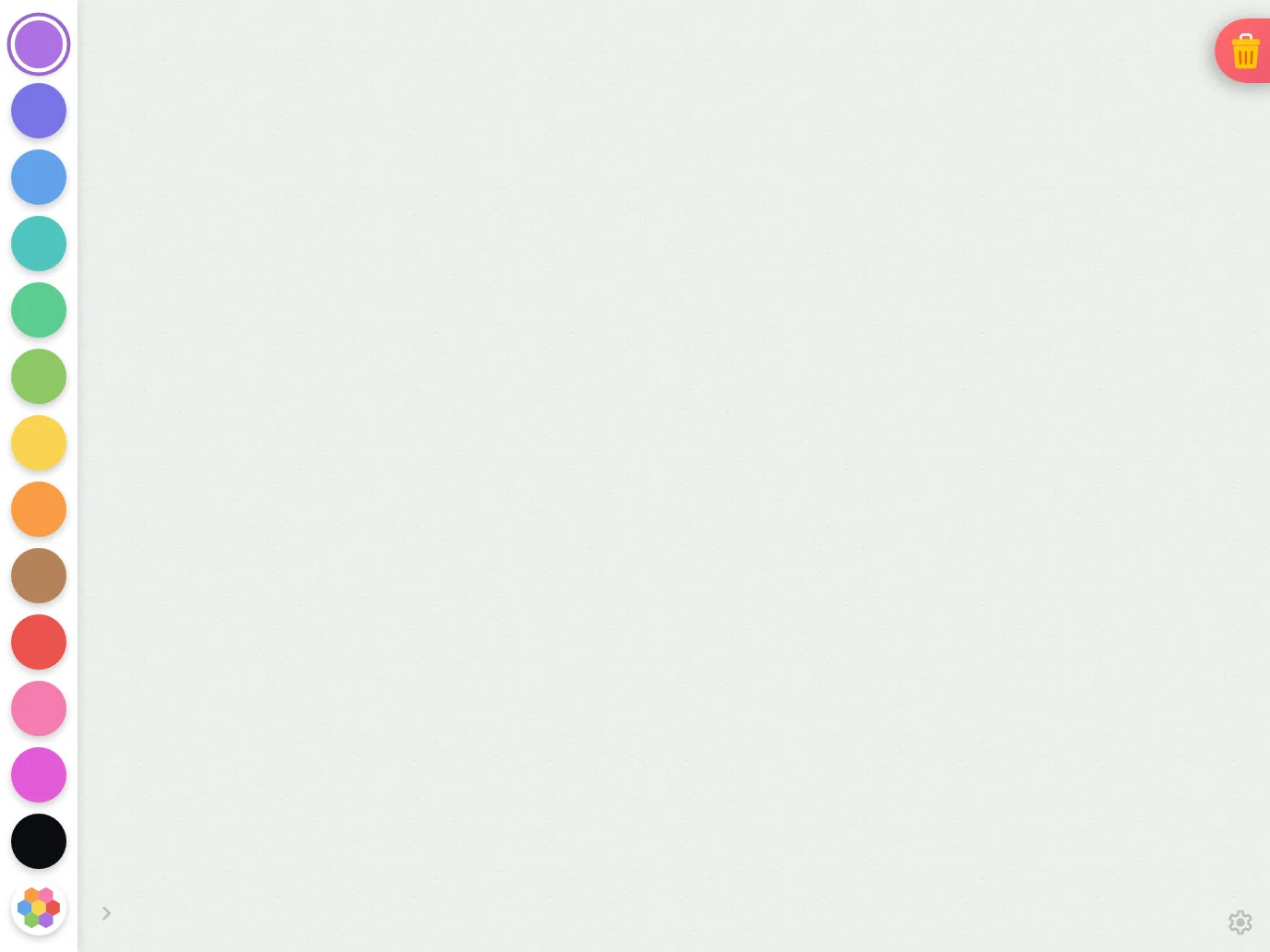
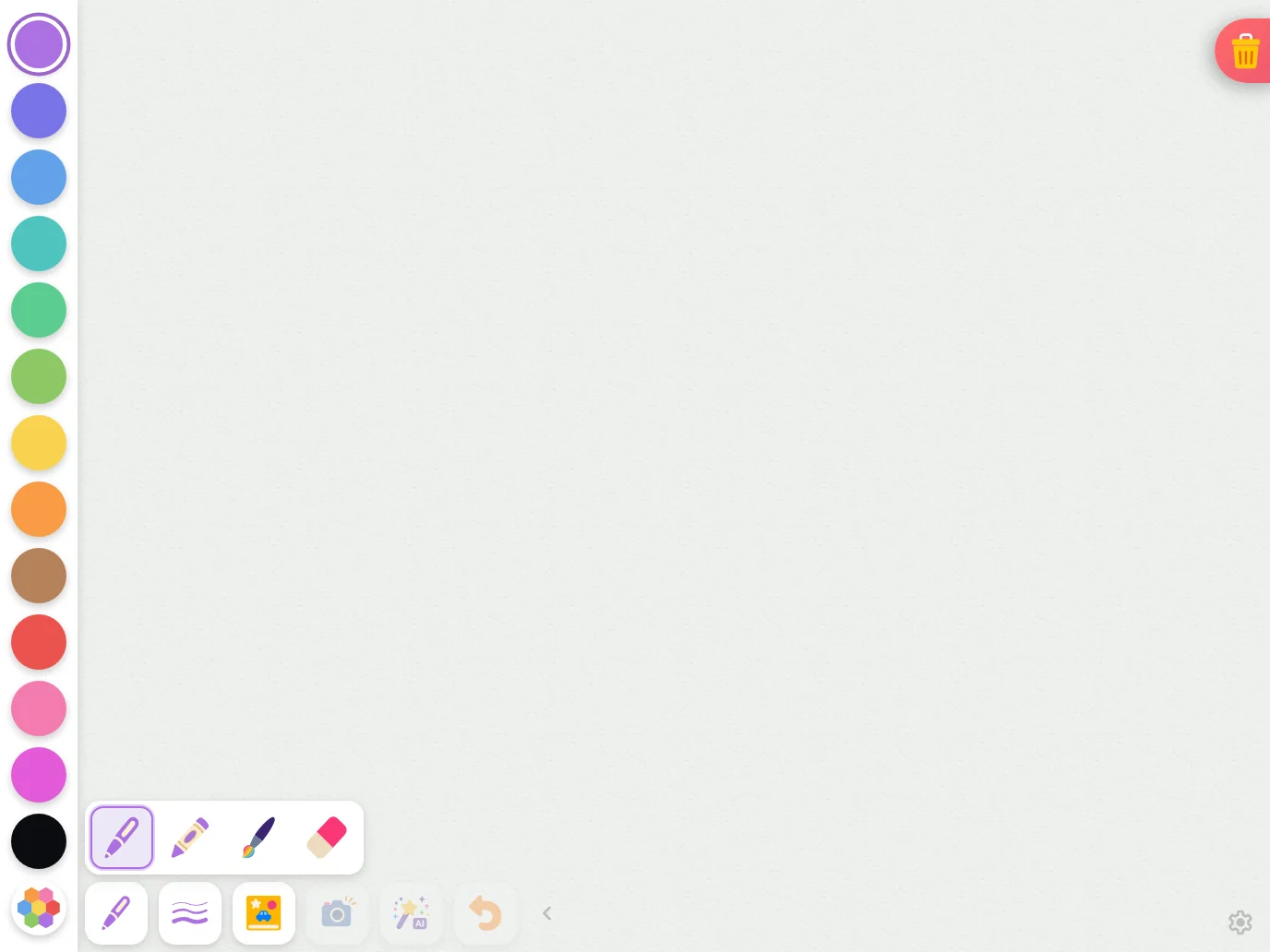
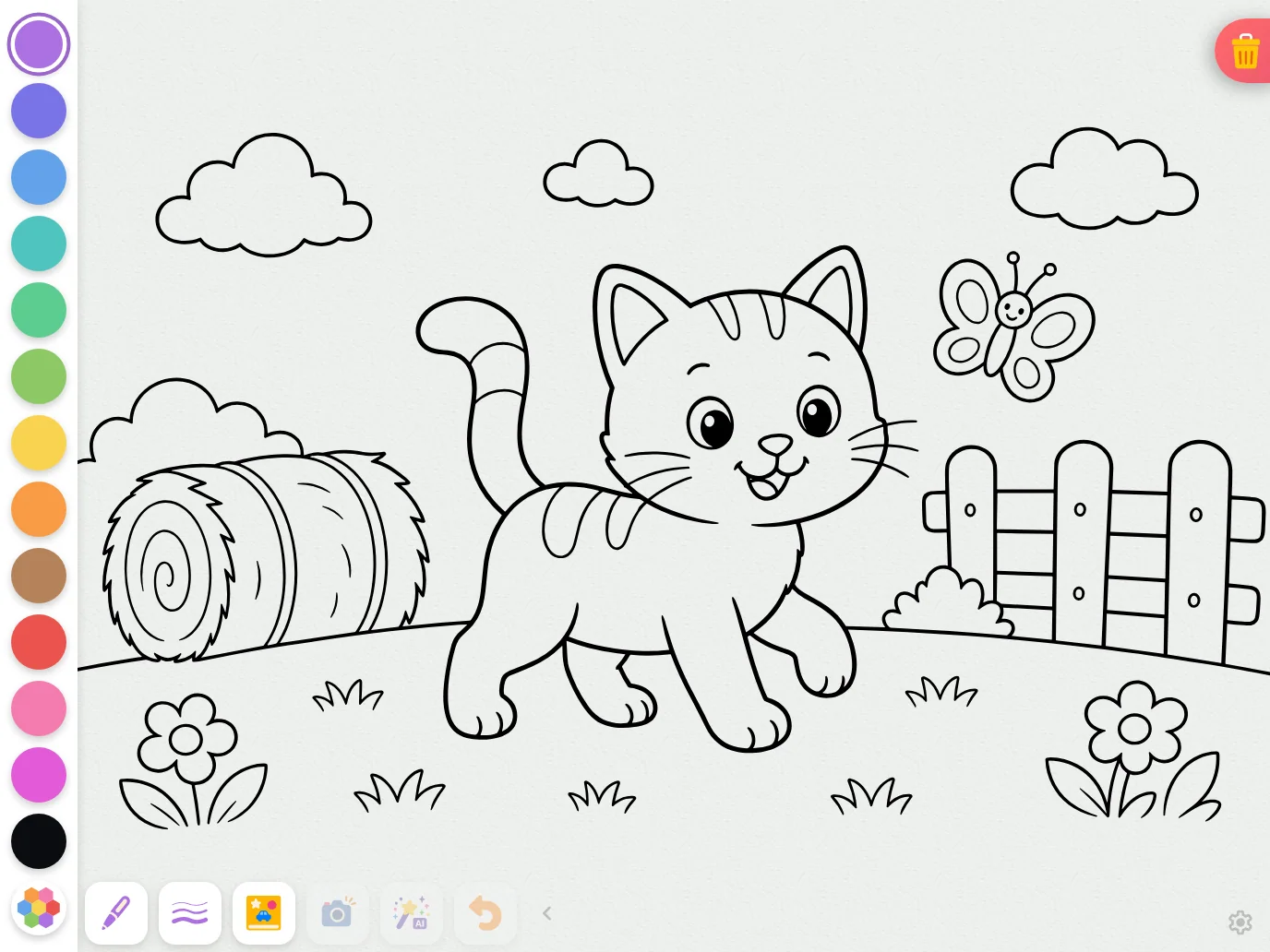
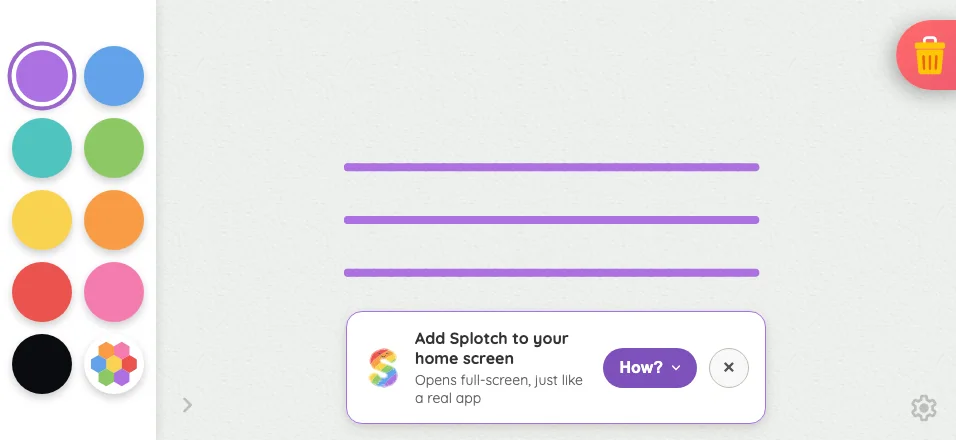
Large iPad Pro1376 × 1032
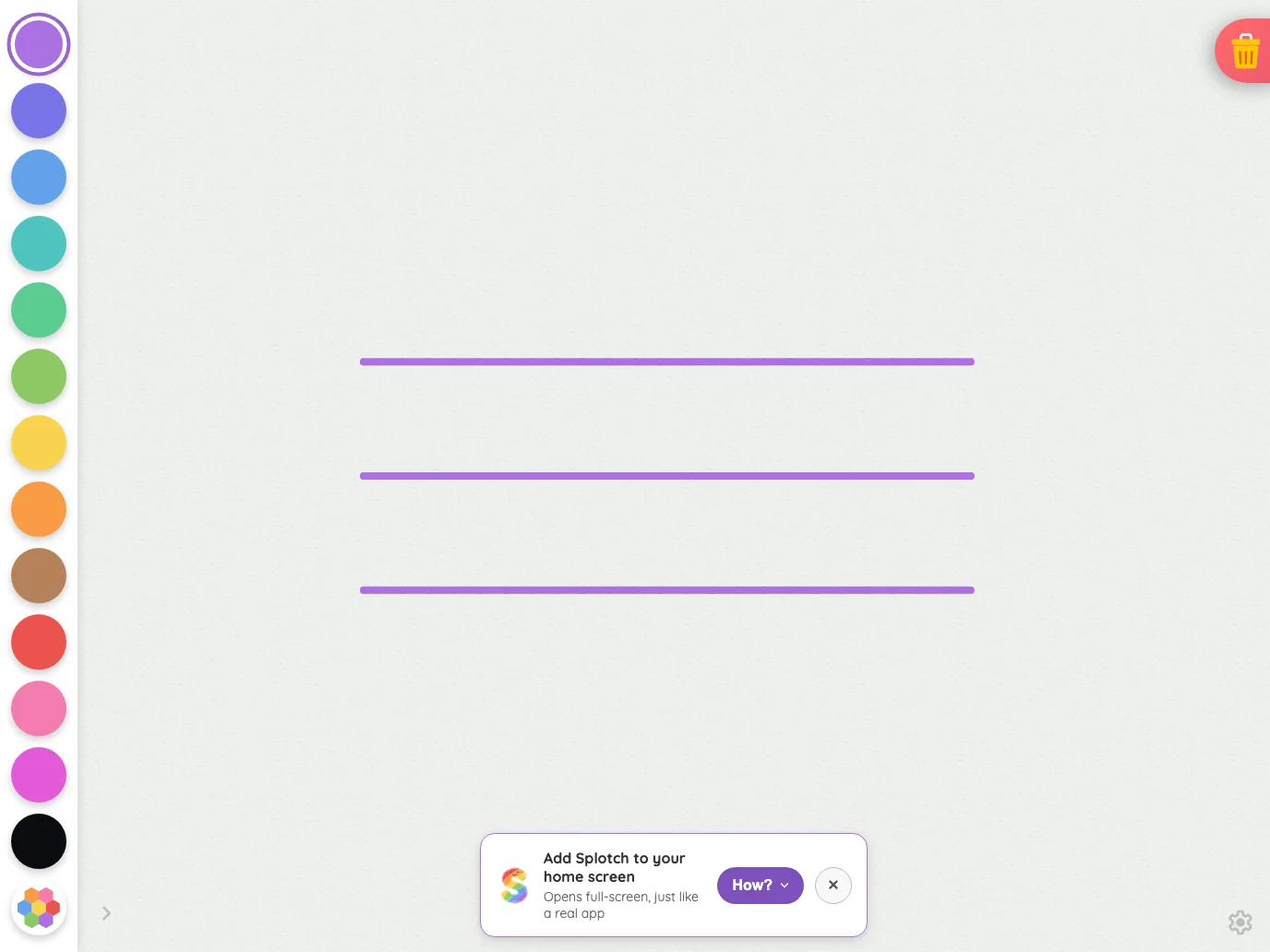
Drawing canvas in light mode at iPad Pro 13-inch (M4) in landscape
Pass

The canvas has clear visual priority, with evenly spaced, distinct color targets and a visible selection ring. Controls fit without unintended clipping or overlap. Both subdued corner glyphs remain findable. No text or open modal is present to assess.

Night mode

Judged on contrast and legibility only.

Portrait
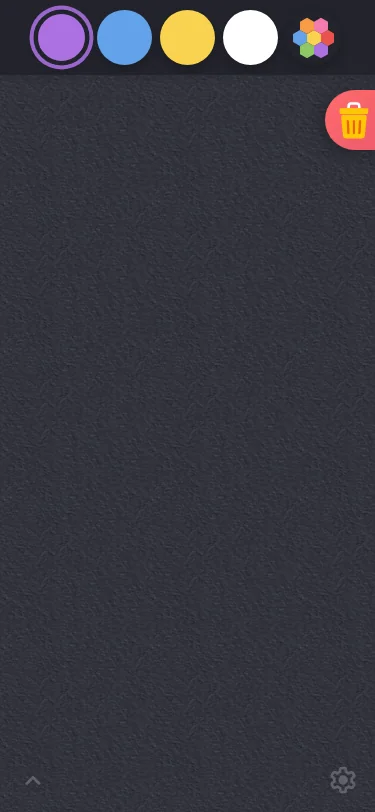
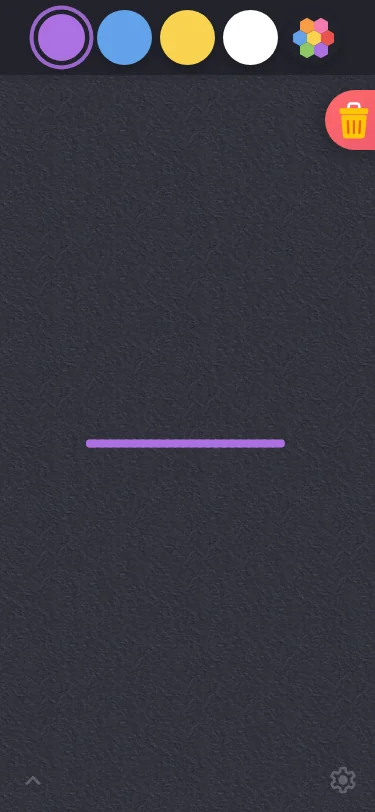
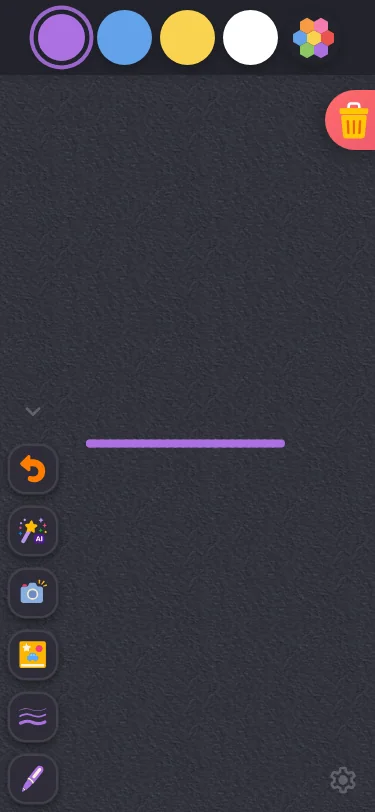
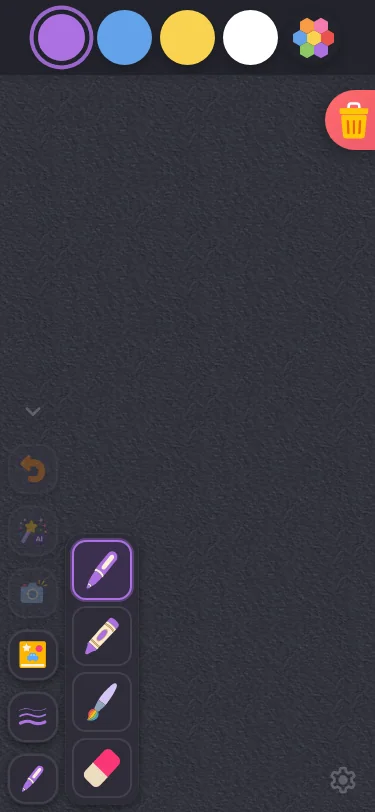
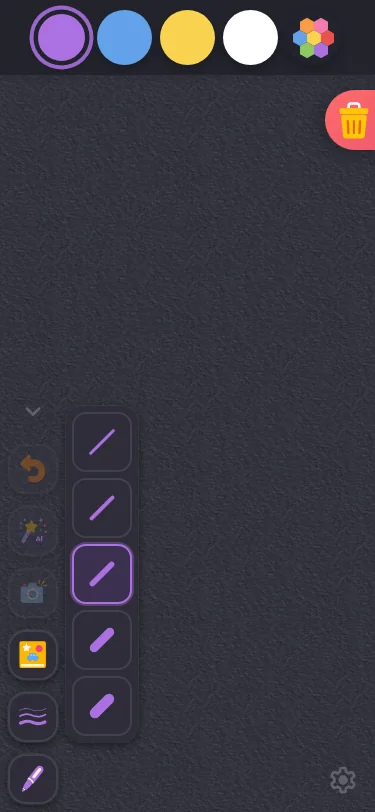
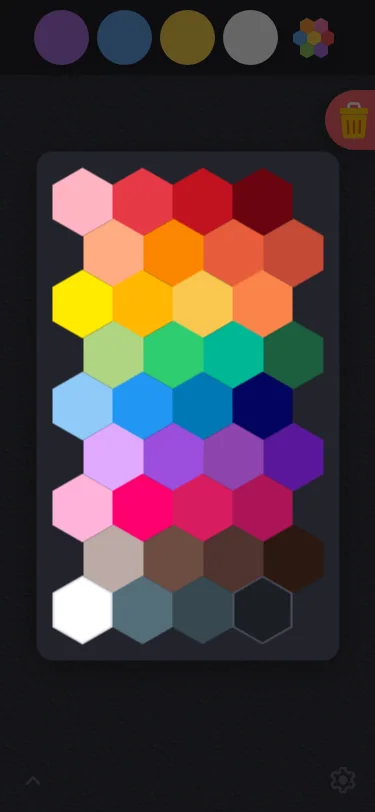
Small iPhone375 × 812
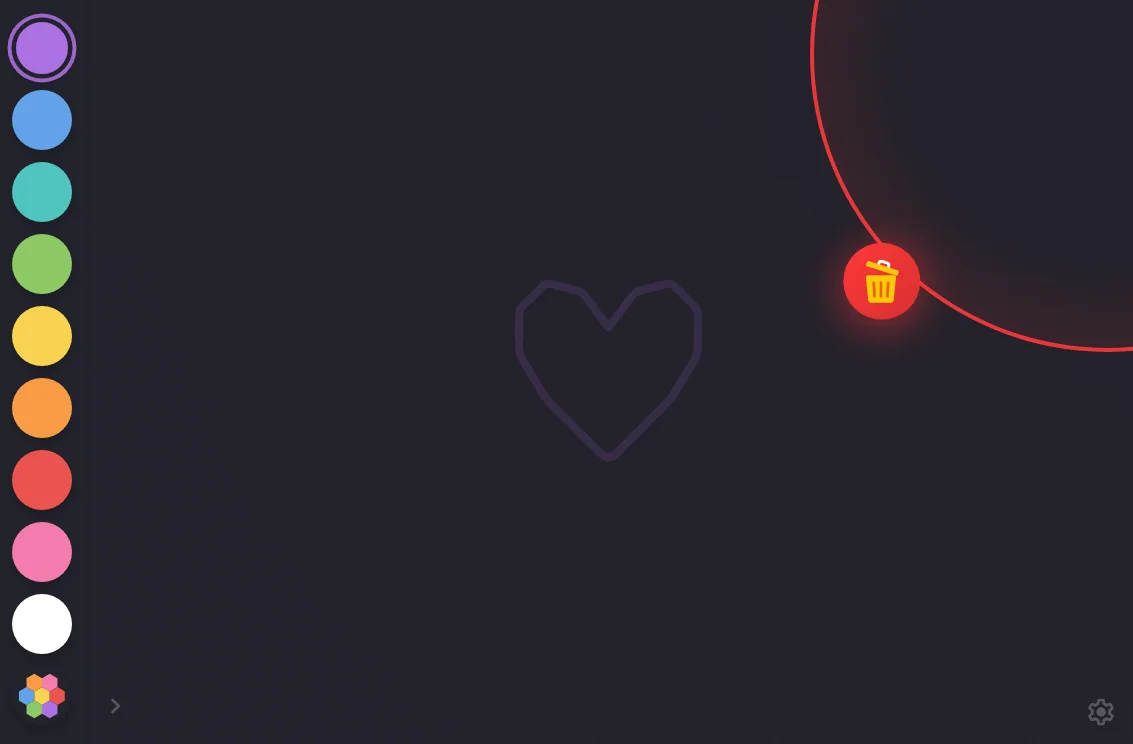
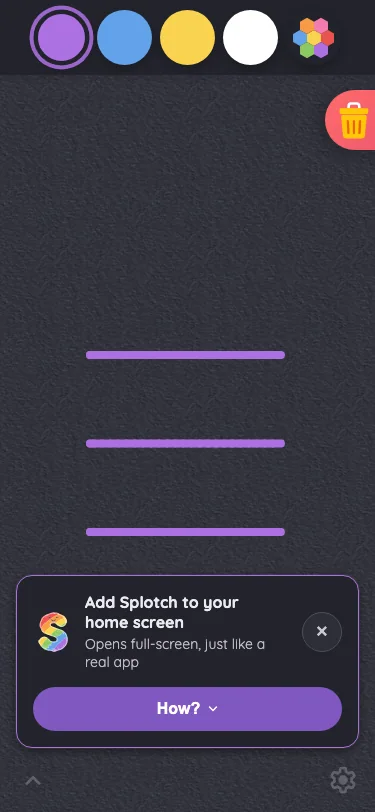
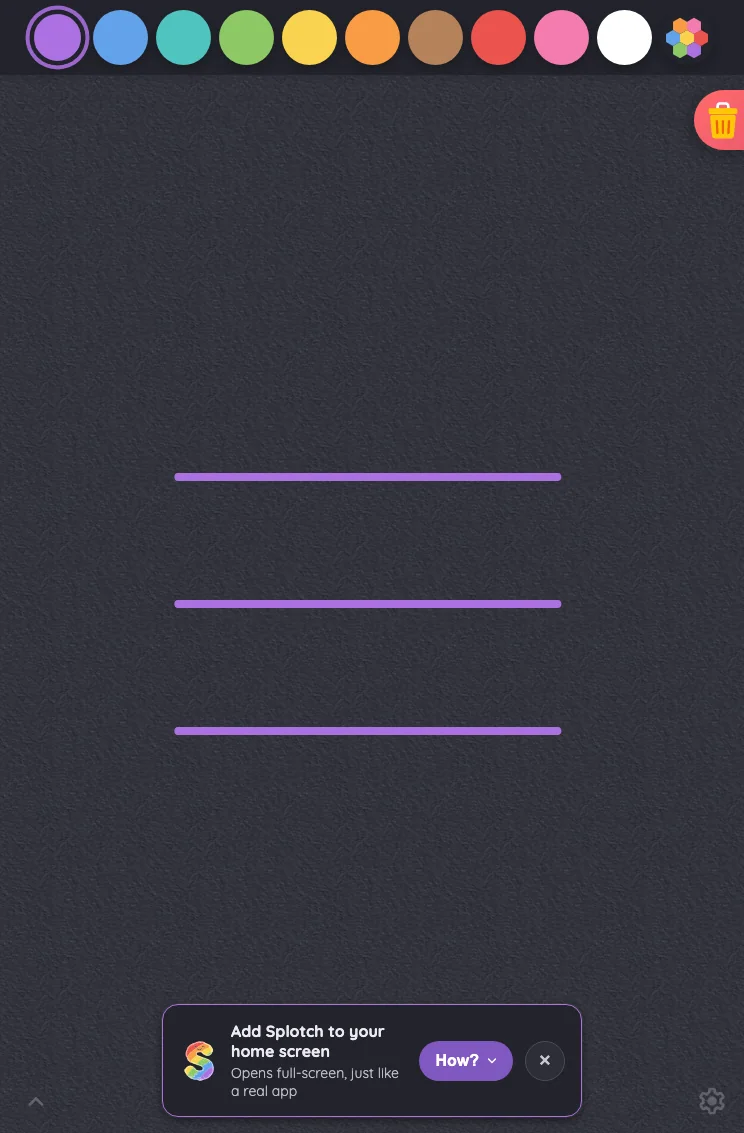
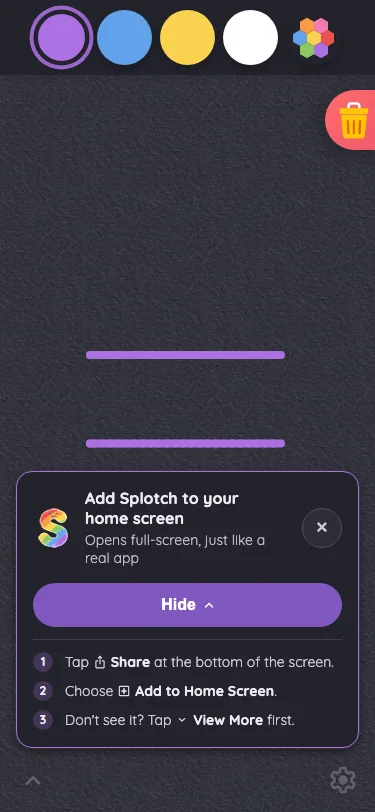
Drawing canvas in night mode at iPhone 13 mini in portrait
Pass

The color swatches, selection ring, palette icon, and trash glyph remain distinct in night mode. Both intentionally subdued corner glyphs are locatable. No actionable contrast or legibility issue is visible.
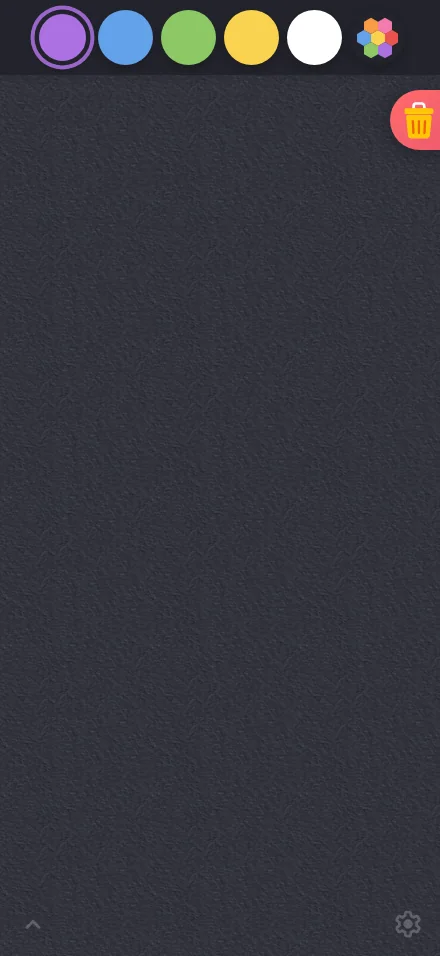
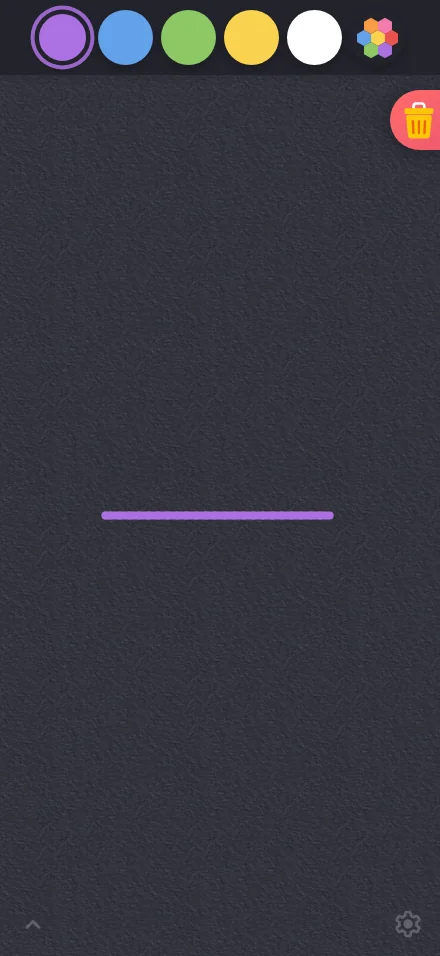
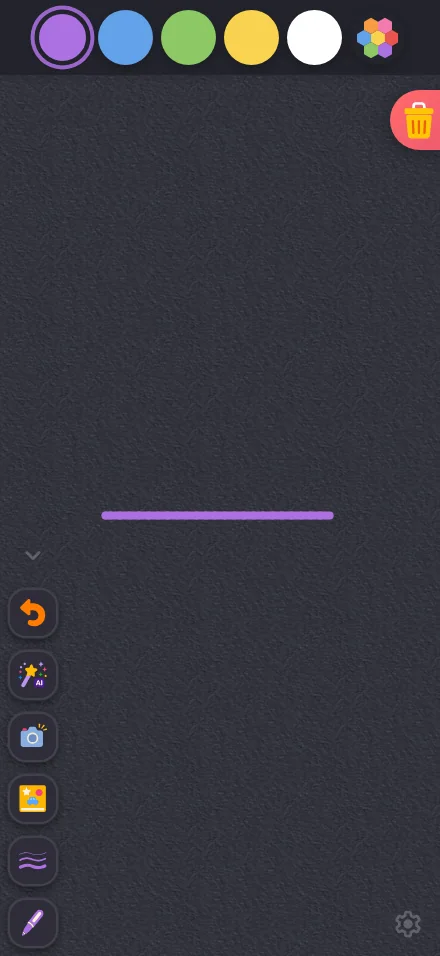
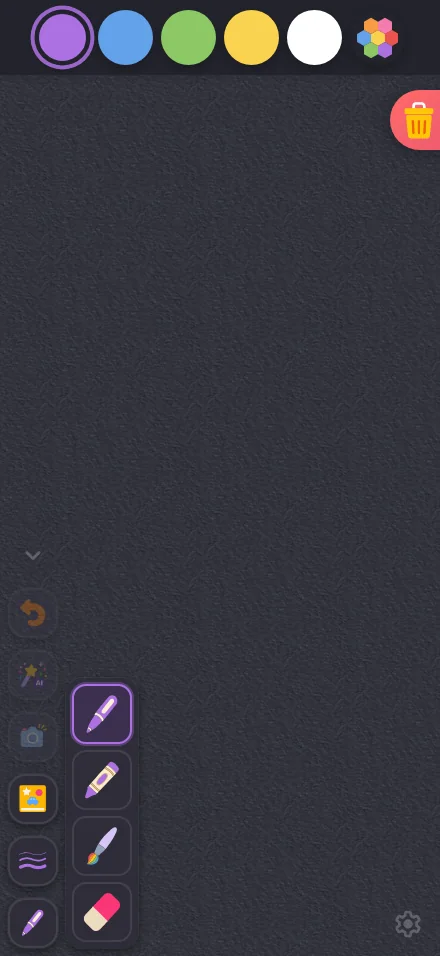
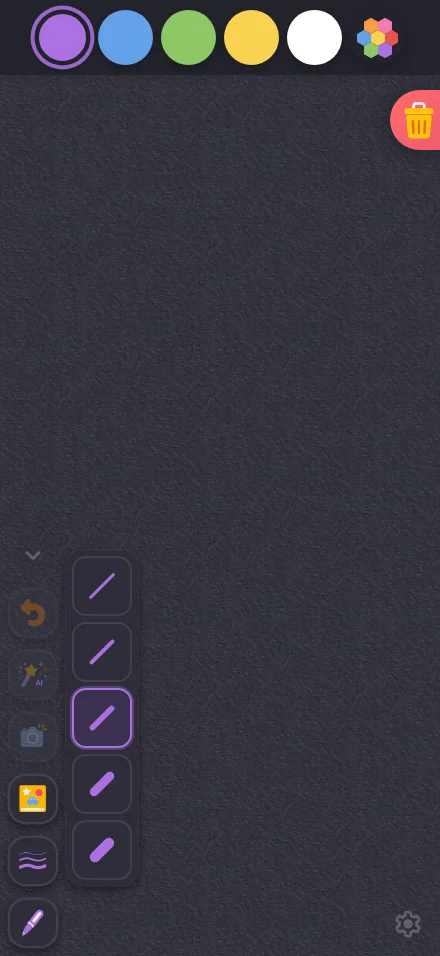
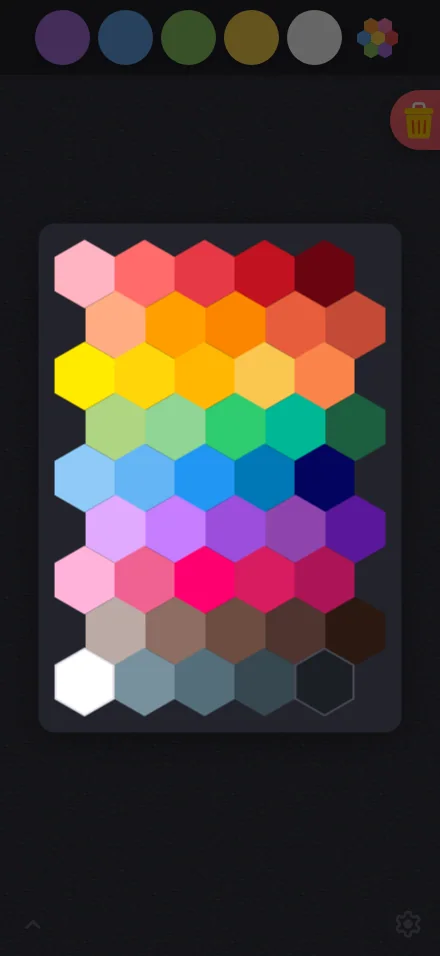
Large iPhone440 × 956
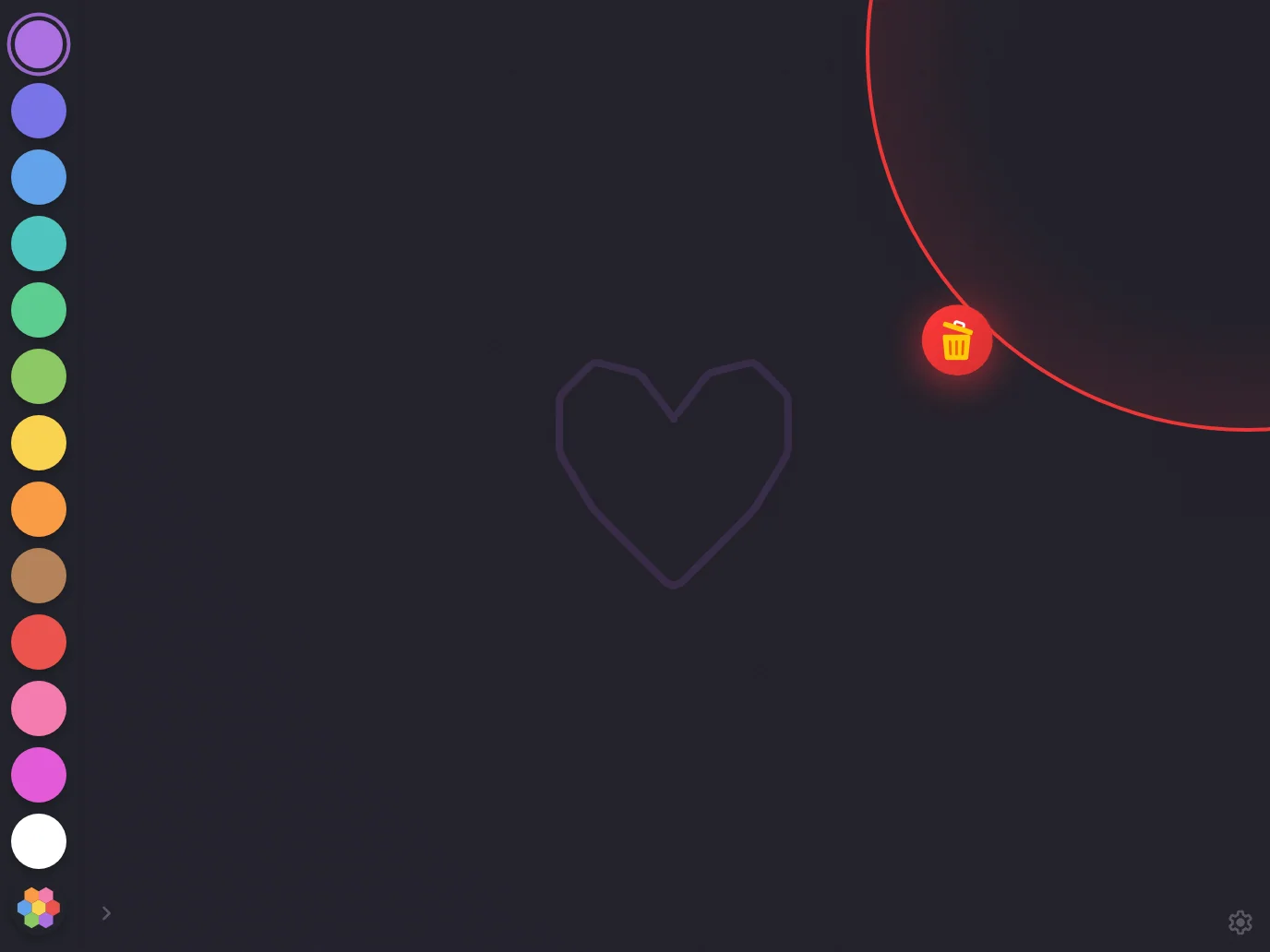
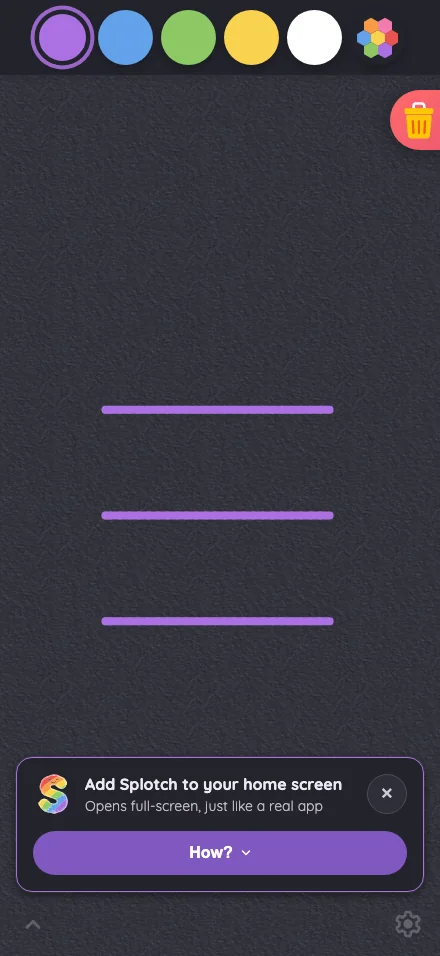
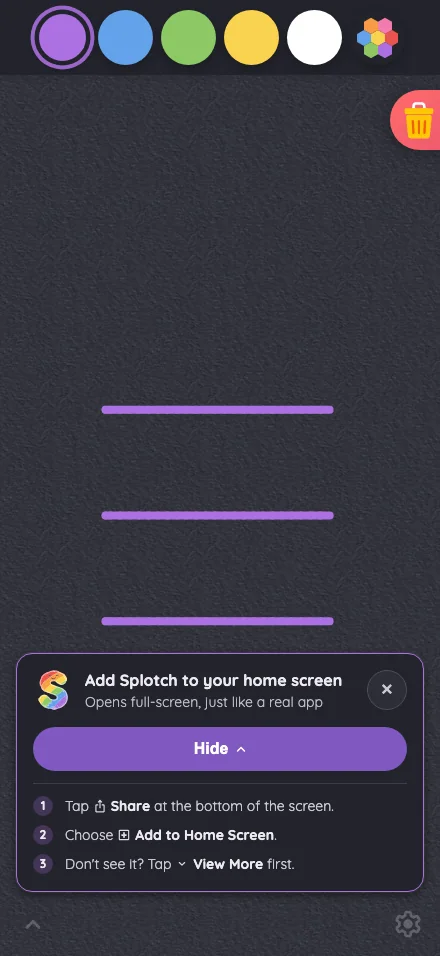
Drawing canvas in night mode at iPhone 16 Pro Max in portrait
Pass

The color swatches, selected-color ring, and trash glyph remain clear against the night-mode surfaces. Both intentionally subdued bottom-corner glyphs are locatable. No actionable contrast or legibility issue is visible.
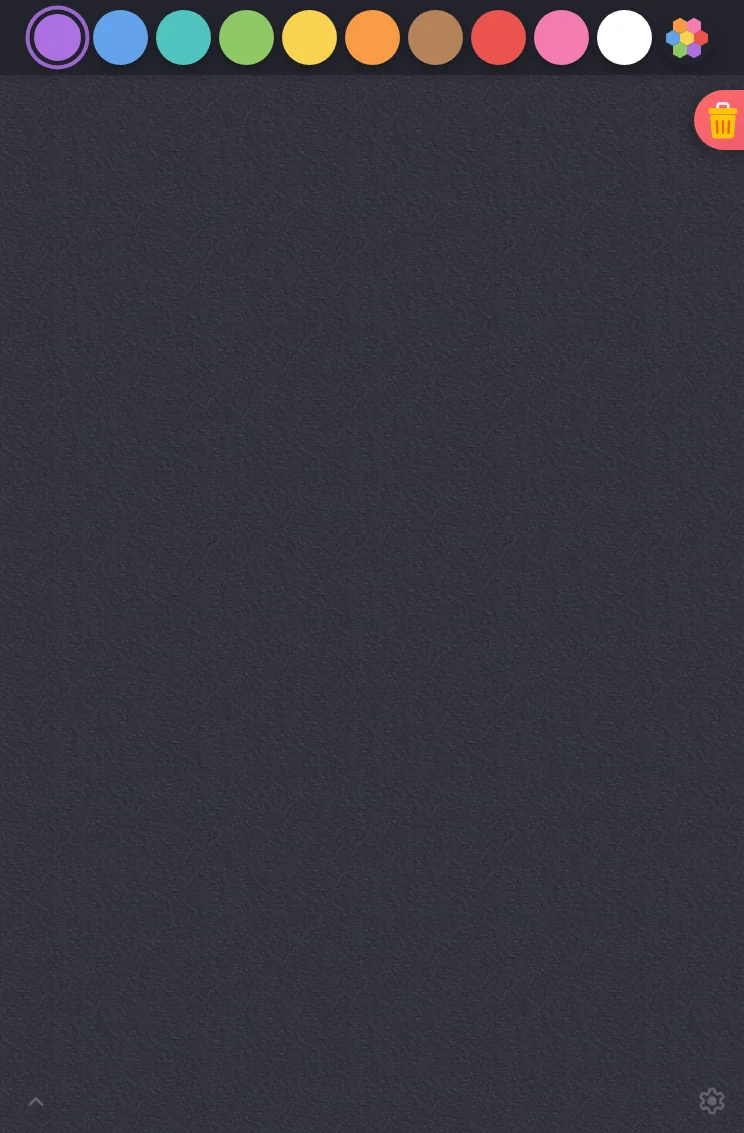
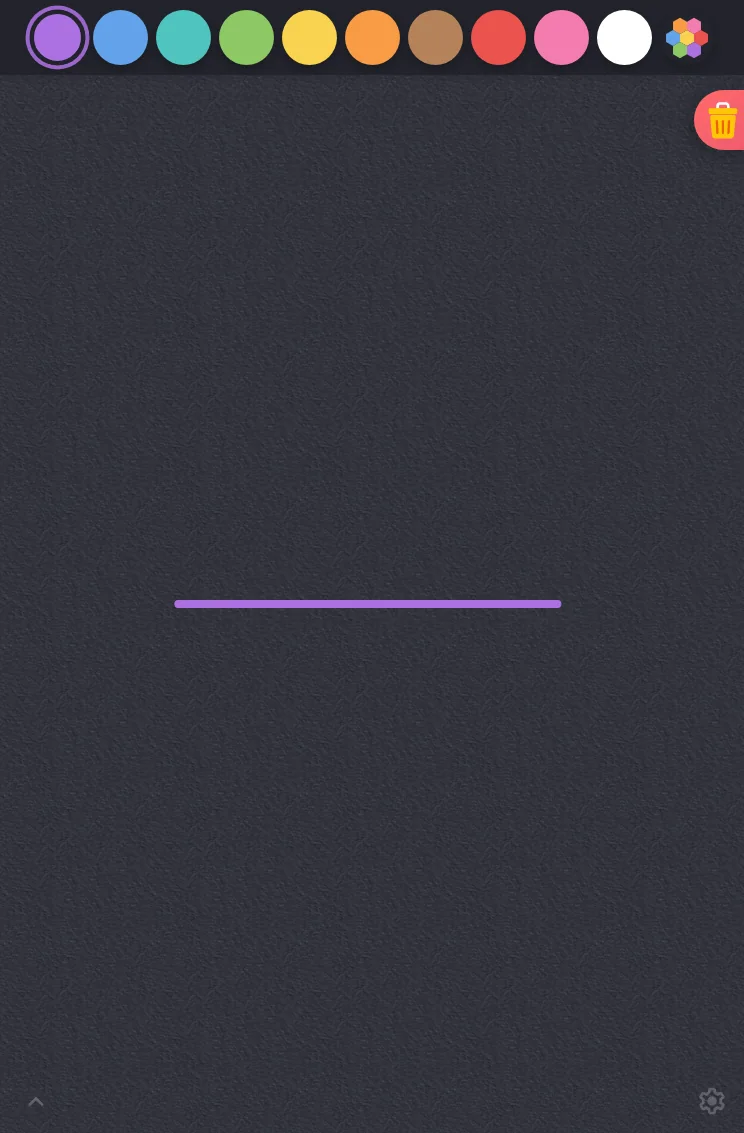
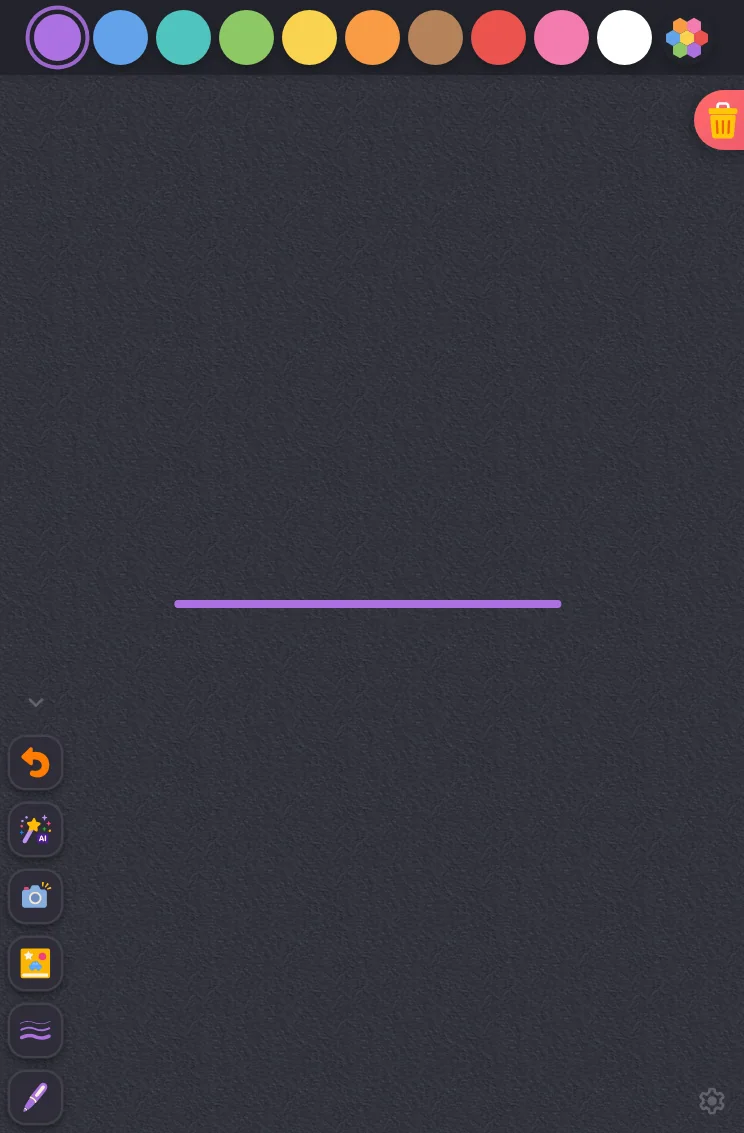
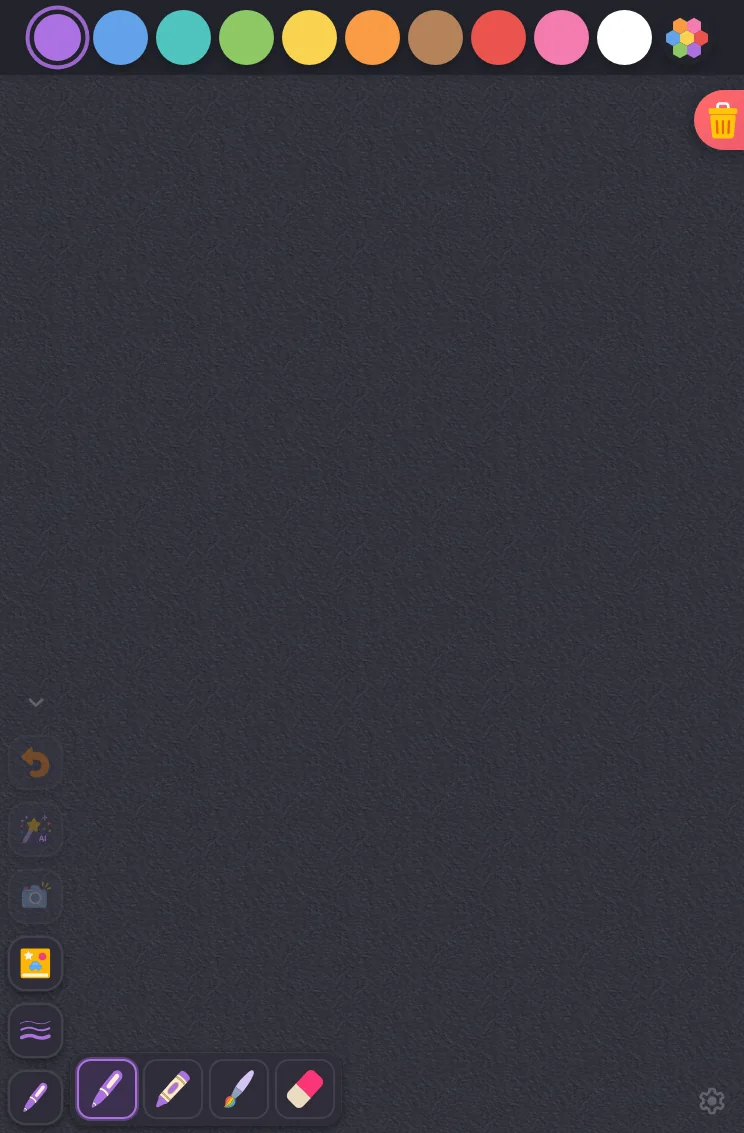
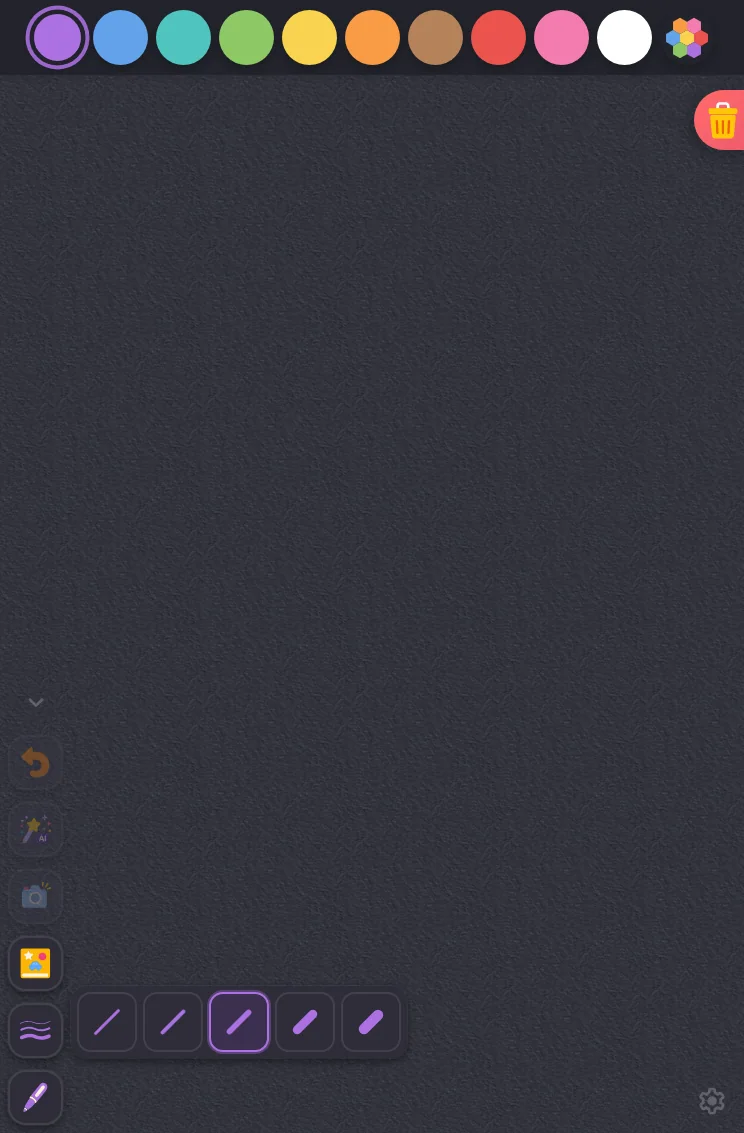
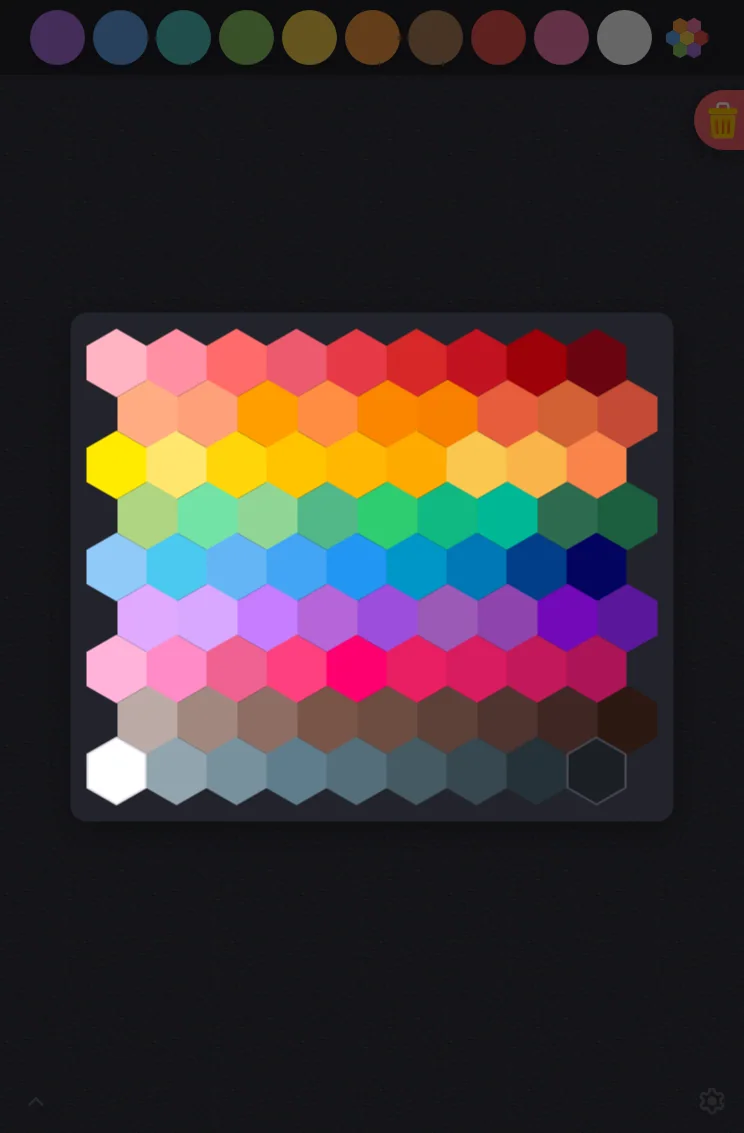
iPad mini744 × 1133
Drawing canvas in night mode at iPad mini 7th Gen (2024) in portrait
Pass

The swatches, selected-color ring, and trash icon remain distinguishable against the dark canvas. Both subdued corner glyphs are findable. No actionable night-mode contrast or legibility issue is visible.
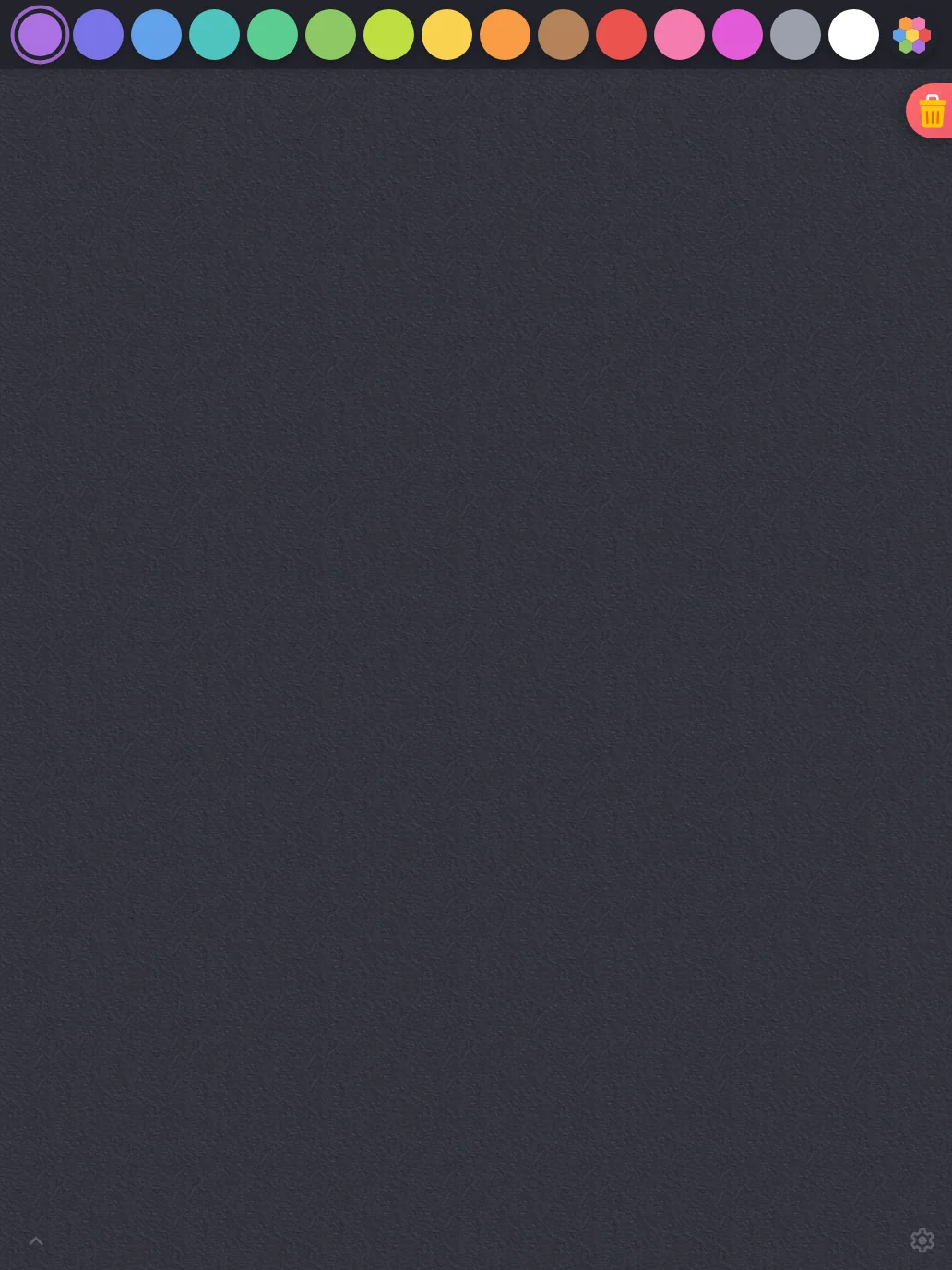
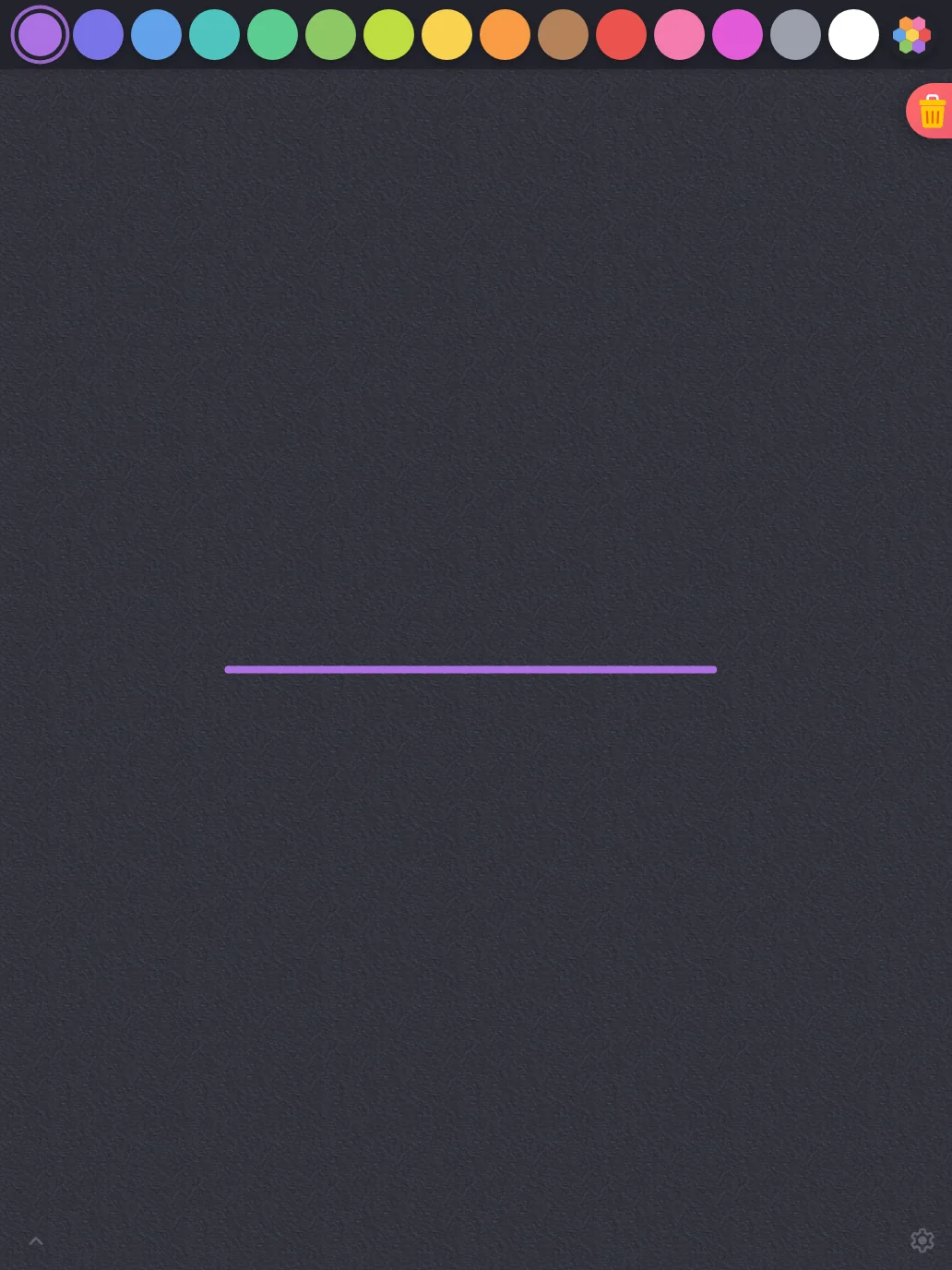
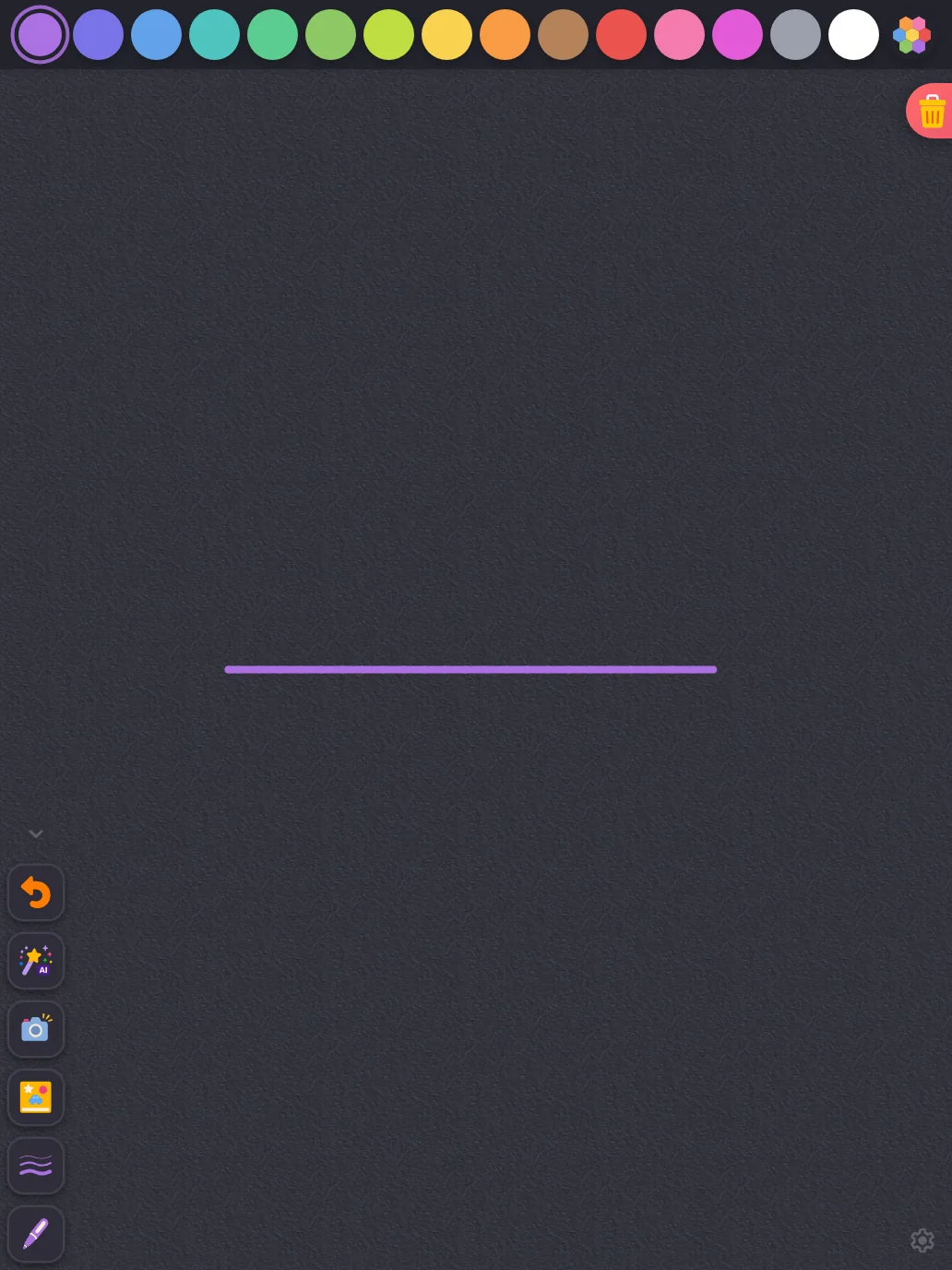
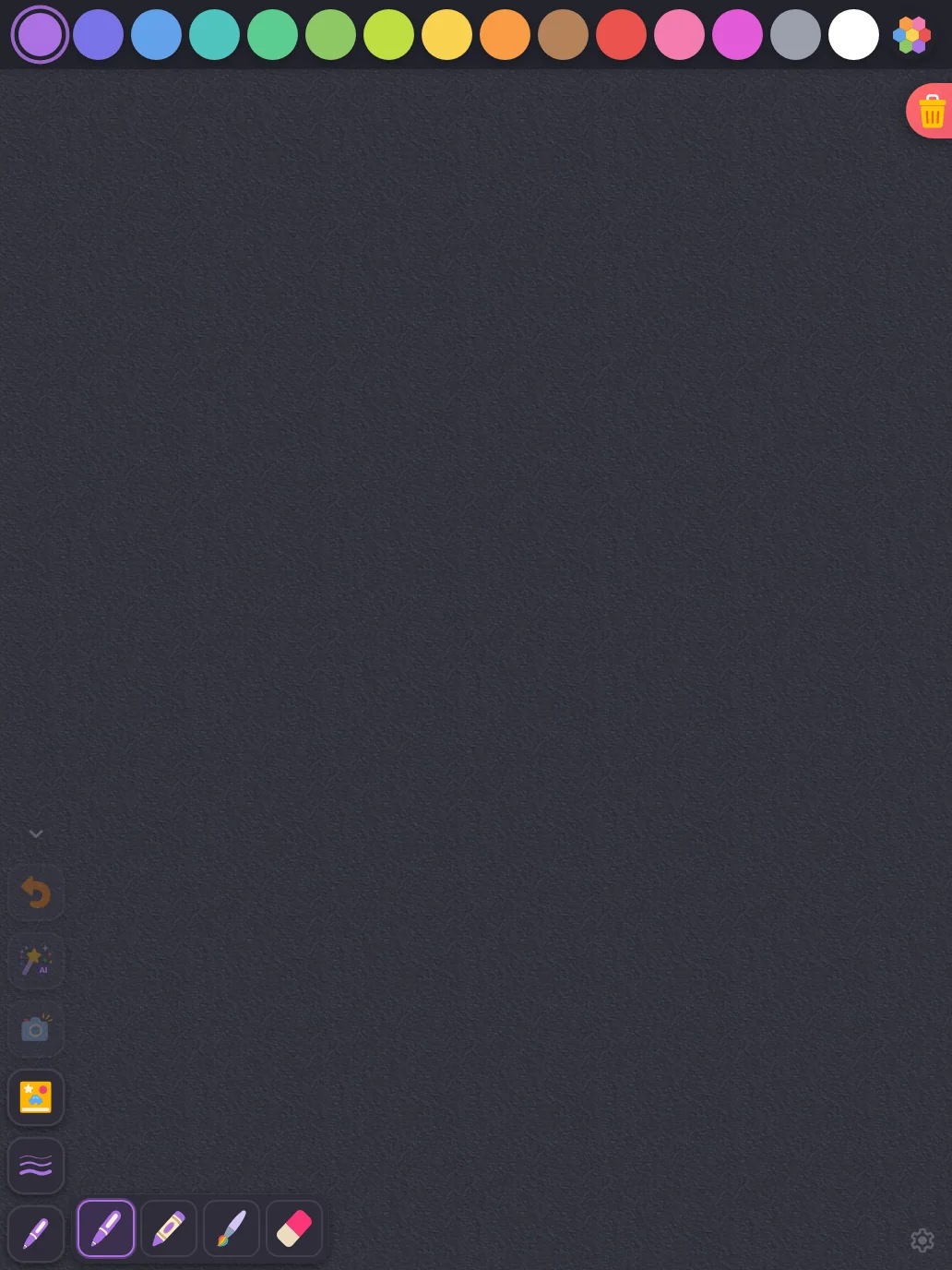
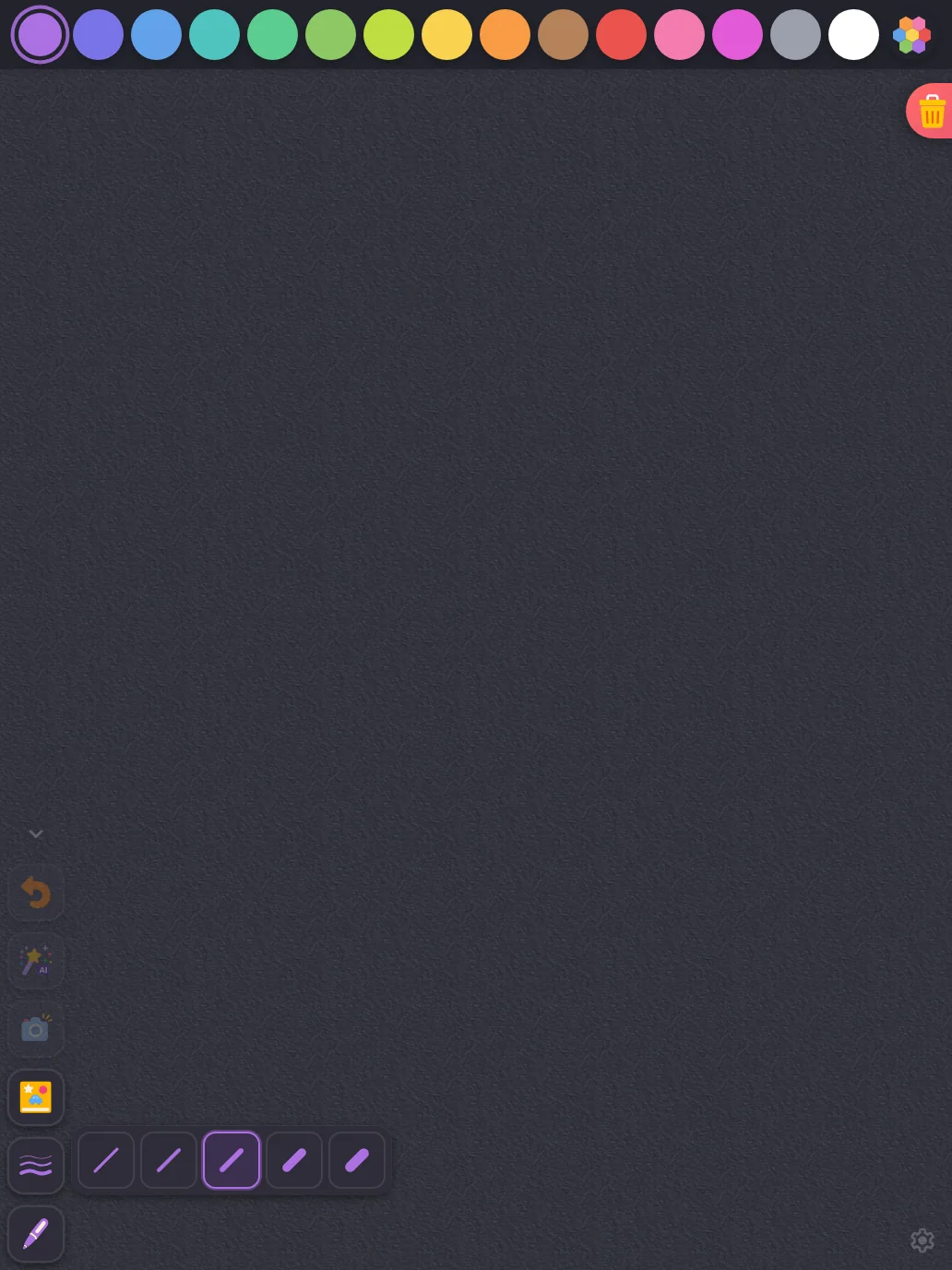
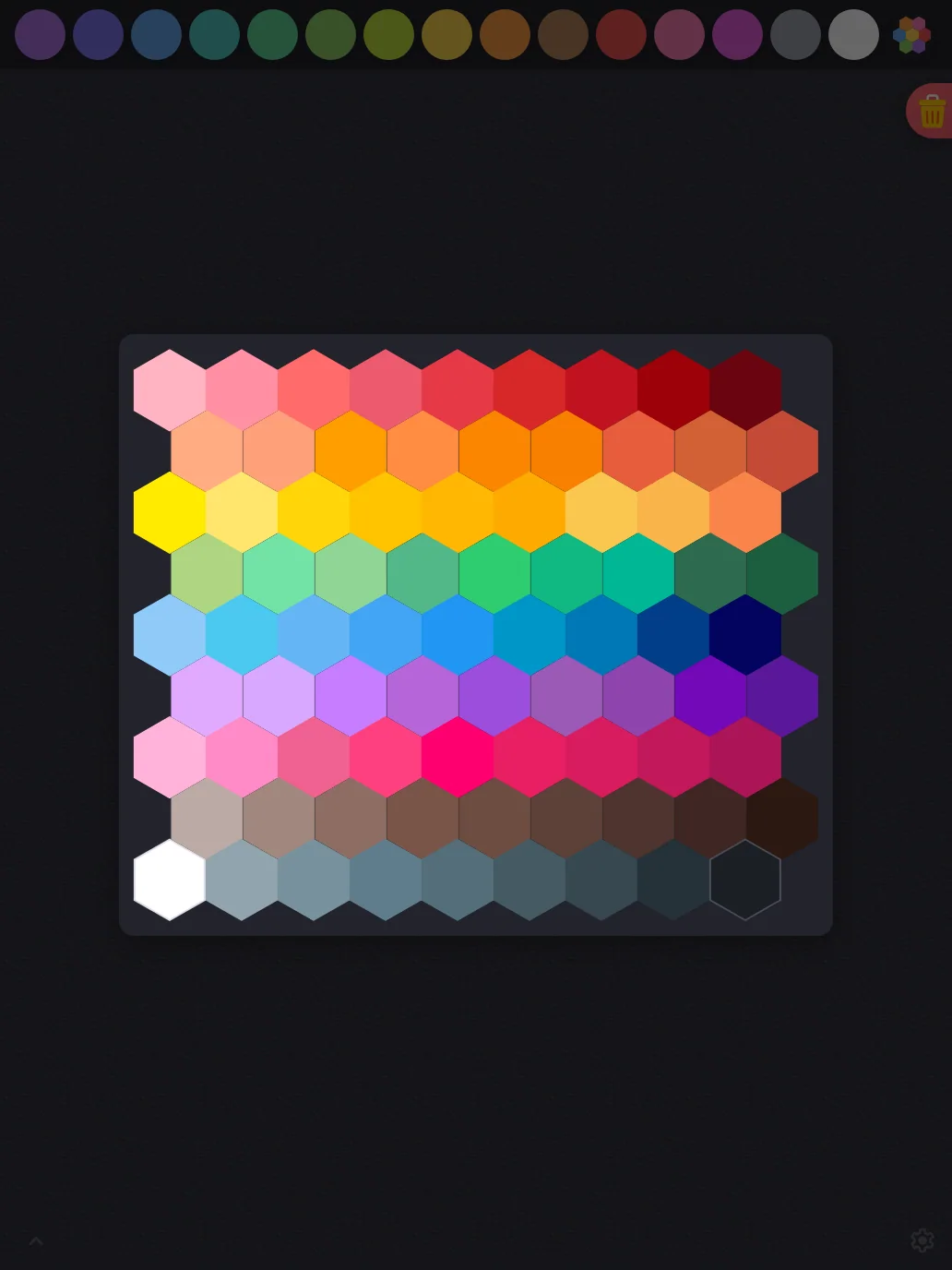
Large iPad Pro1032 × 1376
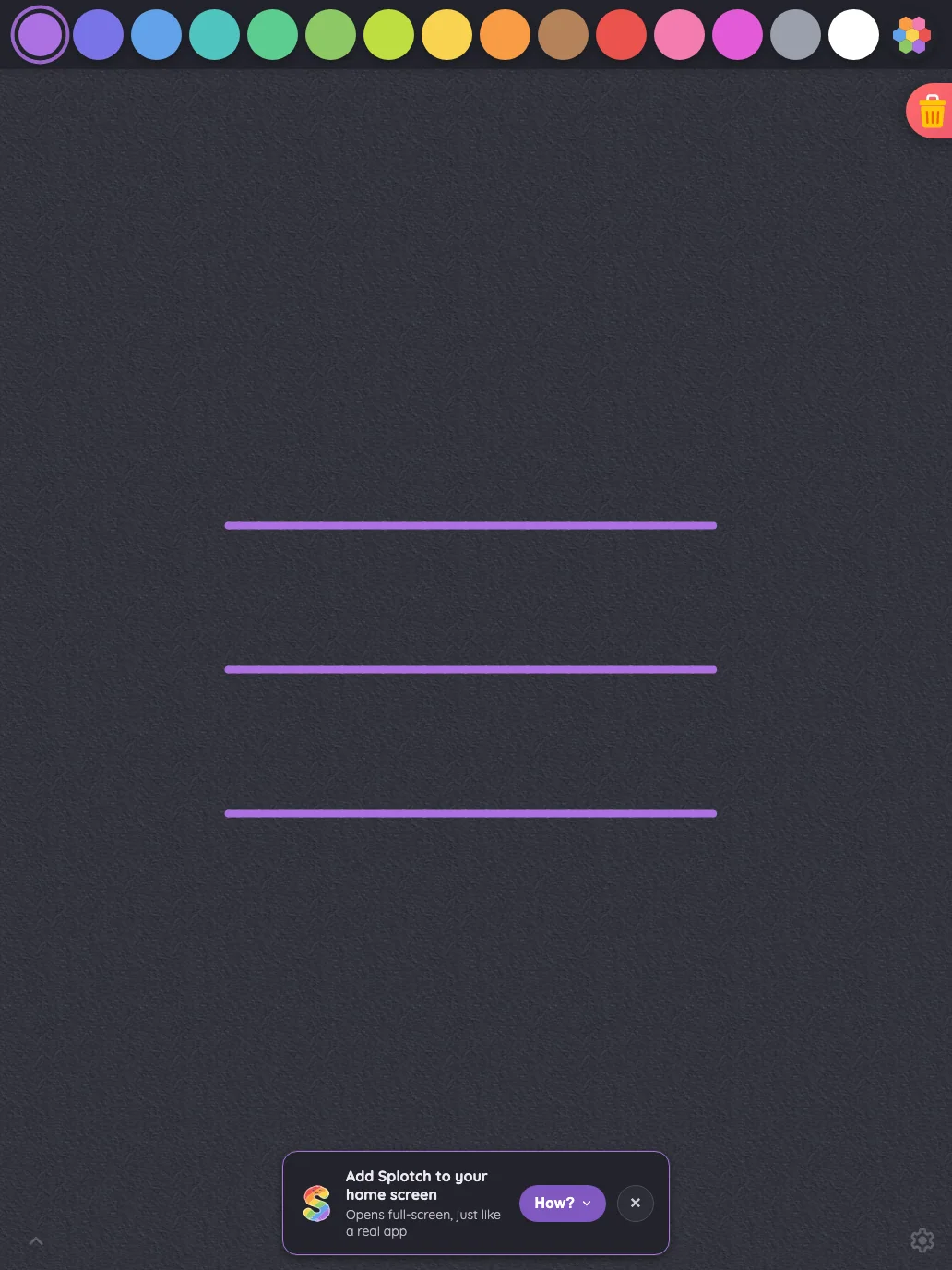
Drawing canvas in night mode at iPad Pro 13-inch (M4) in portrait
Pass

The color swatches, selected-color ring, and trash icon remain legible against the night-mode surfaces. Both intentionally subdued corner glyphs are locatable. No actionable contrast issue is visible.

Landscape
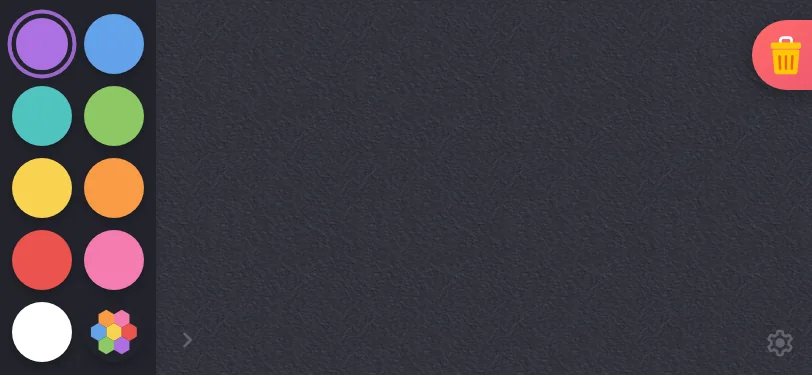
Small iPhone812 × 375
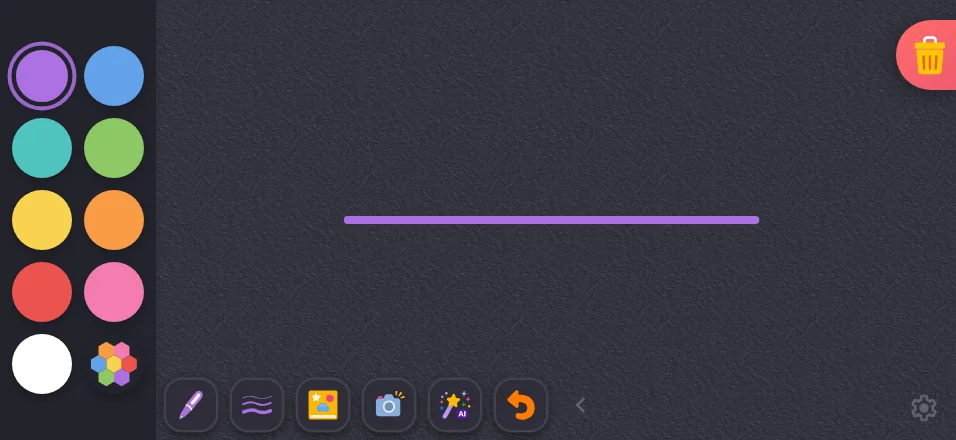
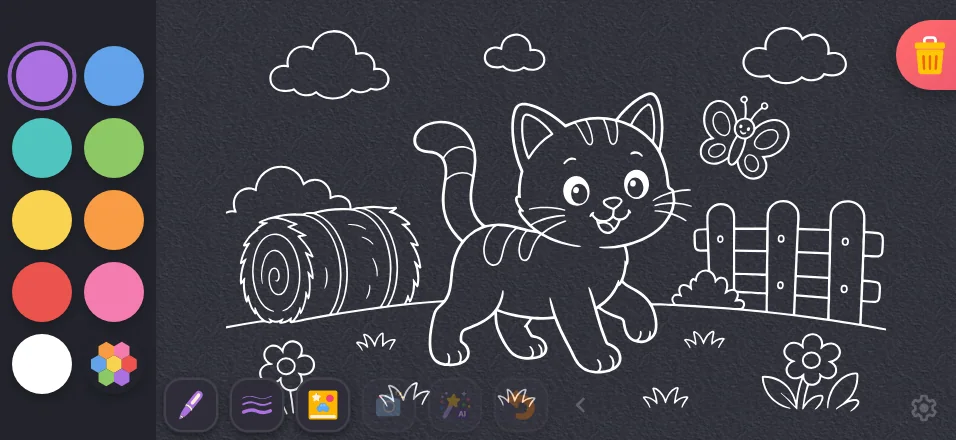
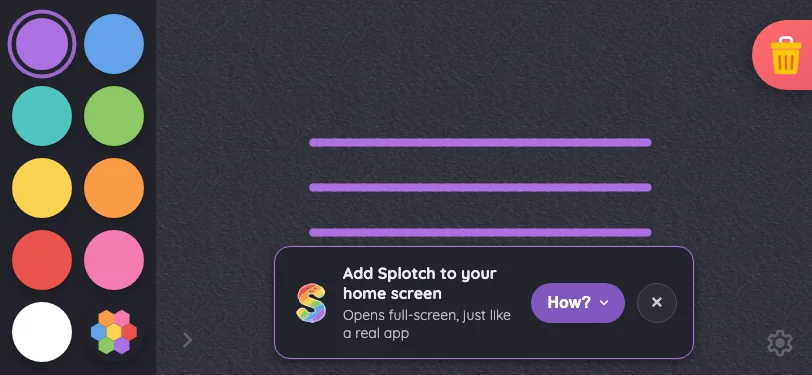
Drawing canvas in night mode at iPhone 13 mini in landscape
Pass

The swatches, selected-color ring, and trash icon remain legible against the night-mode surfaces. Both subdued corner glyphs are locatable. No actionable contrast issue is visible.
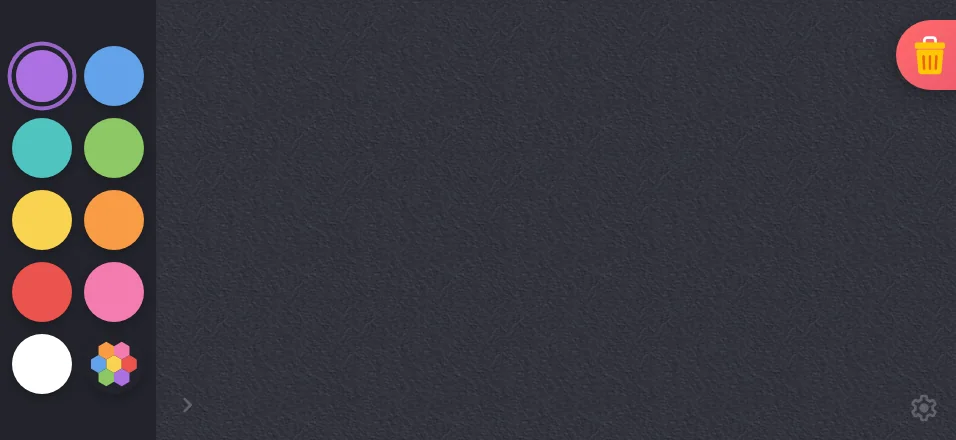
Large iPhone956 × 440
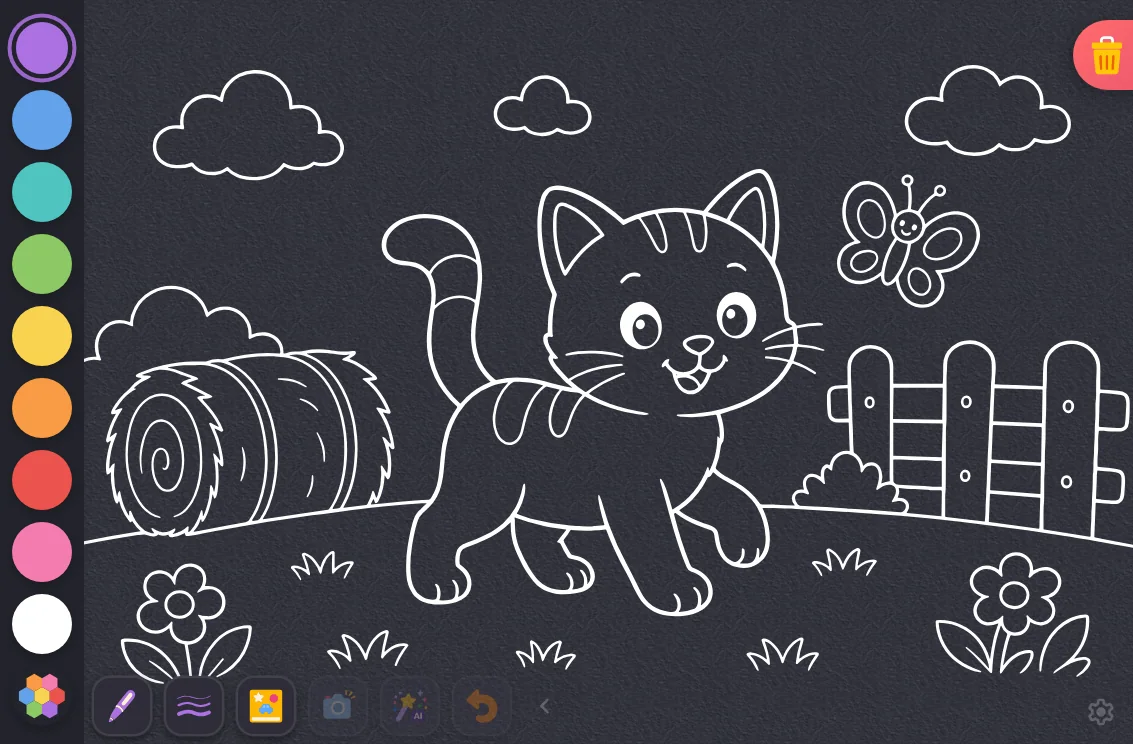
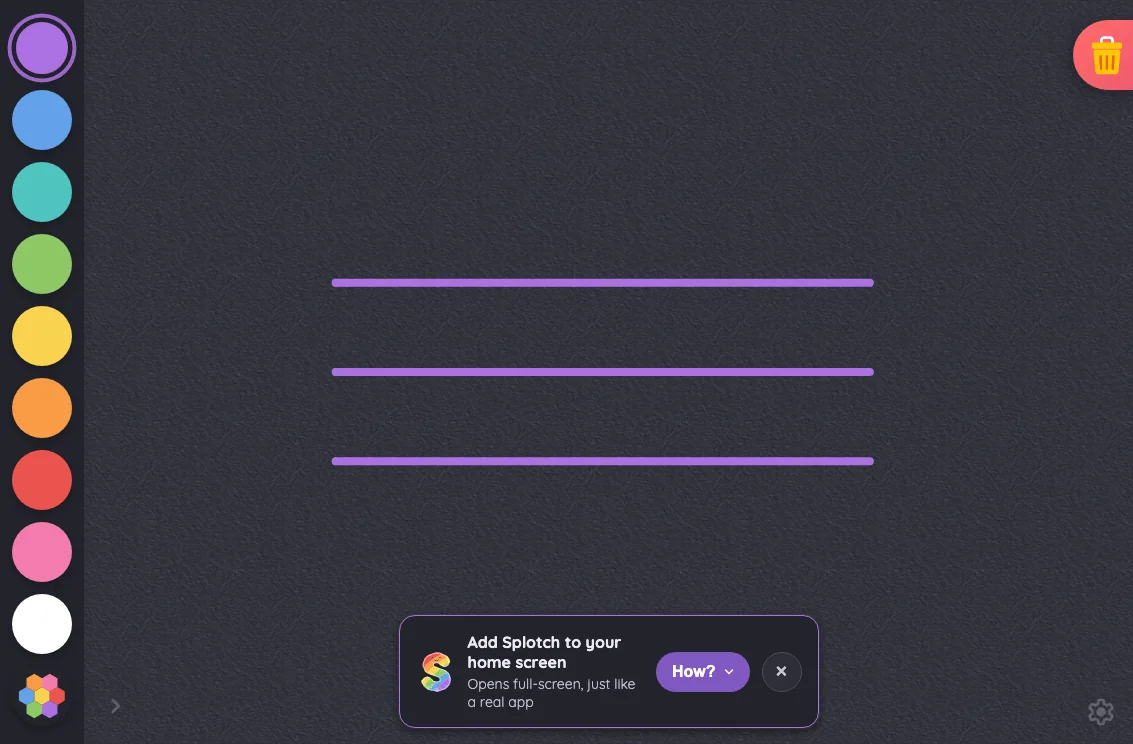
Drawing canvas in night mode at iPhone 16 Pro Max in landscape
Pass

Color swatches, the selected-color ring, and the trash icon remain distinguishable against the dark surfaces. Both intentionally subdued corner glyphs are findable. No actionable night-mode contrast or legibility issue is visible.
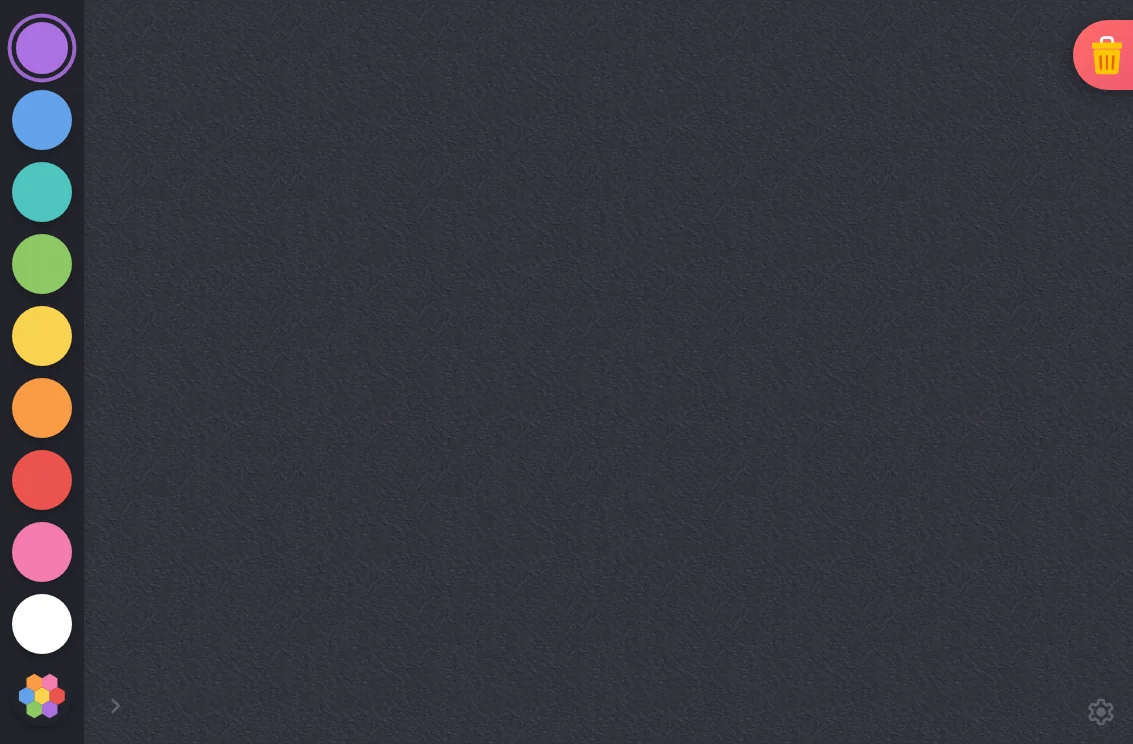
iPad mini1133 × 744
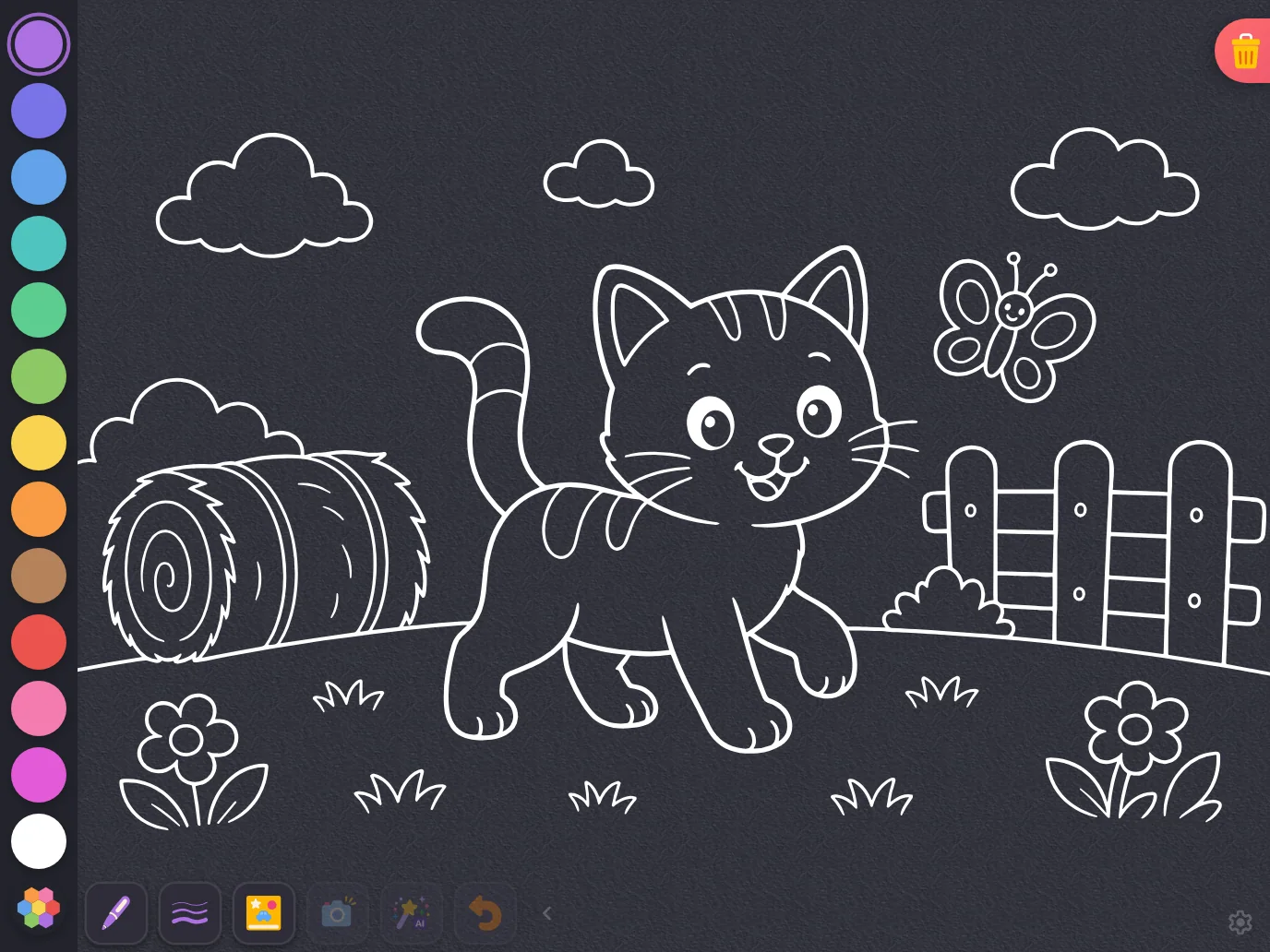
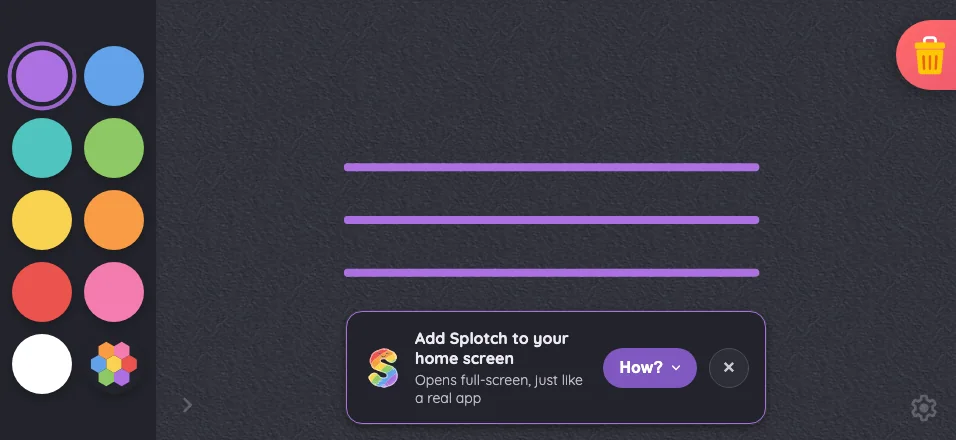
Drawing canvas in night mode at iPad mini 7th Gen (2024) in landscape
Pass

Color swatches, the selected-color ring, and the trash icon remain distinguishable against the dark surface. Both subdued corner glyphs are locatable. No actionable night-mode contrast or legibility issue is visible.
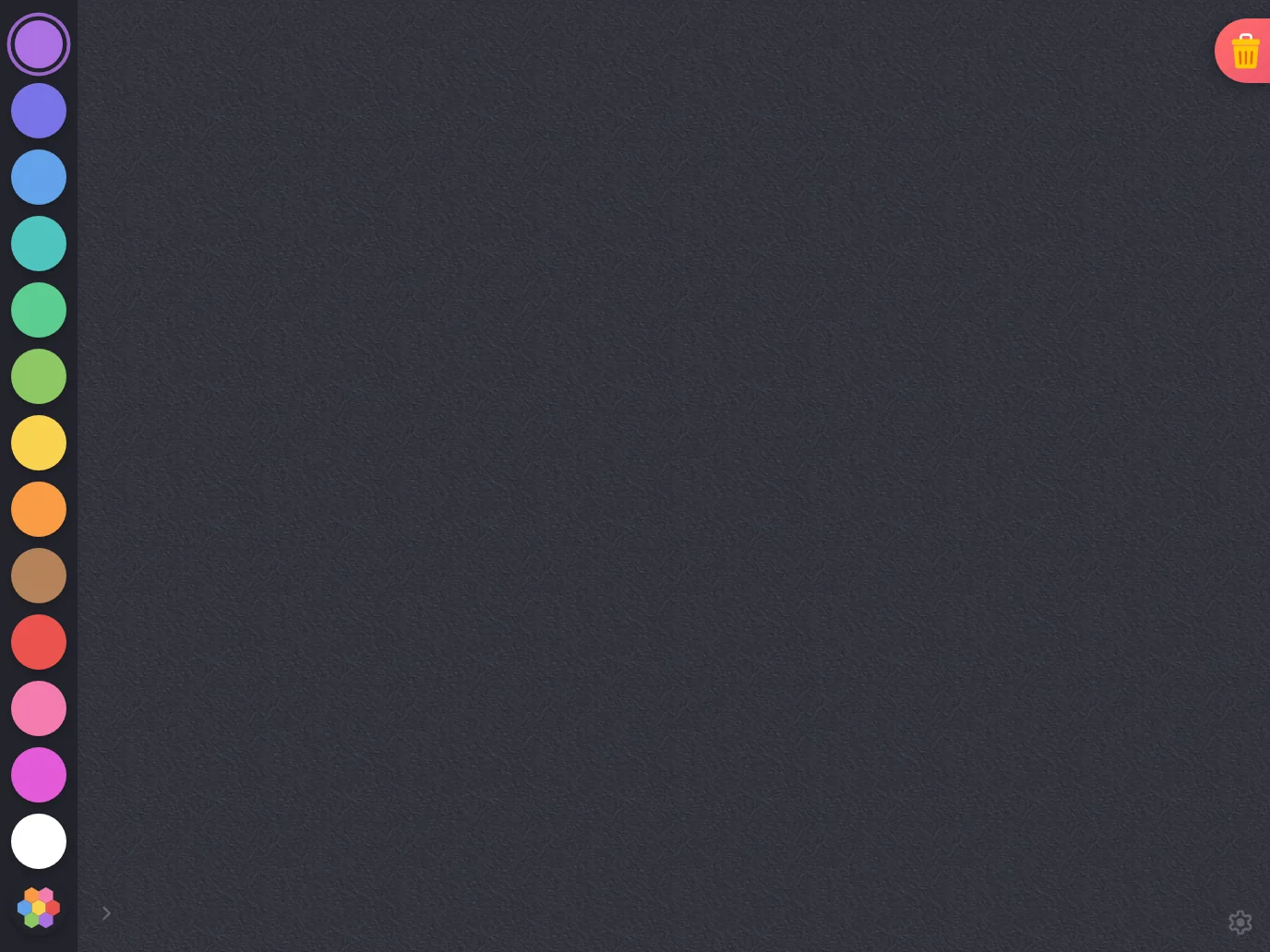
Large iPad Pro1376 × 1032
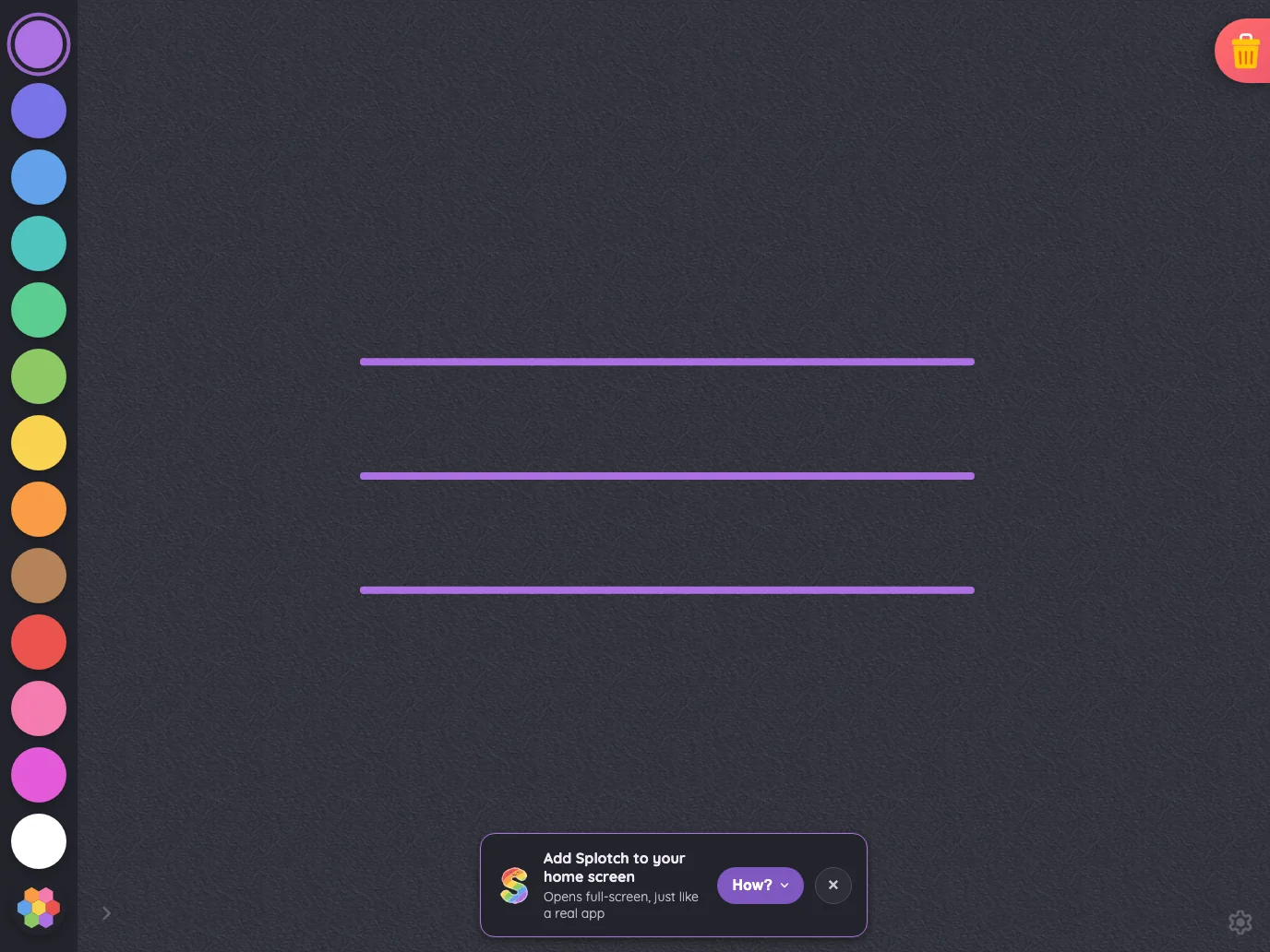
Drawing canvas in night mode at iPad Pro 13-inch (M4) in landscape
Pass

Color swatches, the selected-color ring, and the trash icon remain legible against the dark surface. Both subdued corner glyphs are findable. No actionable night-mode contrast issue is visible.

Admin · signed out#

The server-rendered administrator sign-in surface.

16 pass
/admin

Light mode

Judged on layout, spacing, text fit, and touch targets.

Portrait

Small iPhone375 × 812
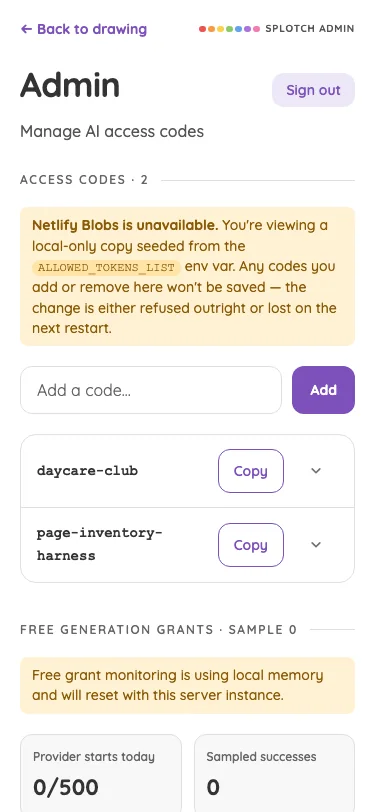
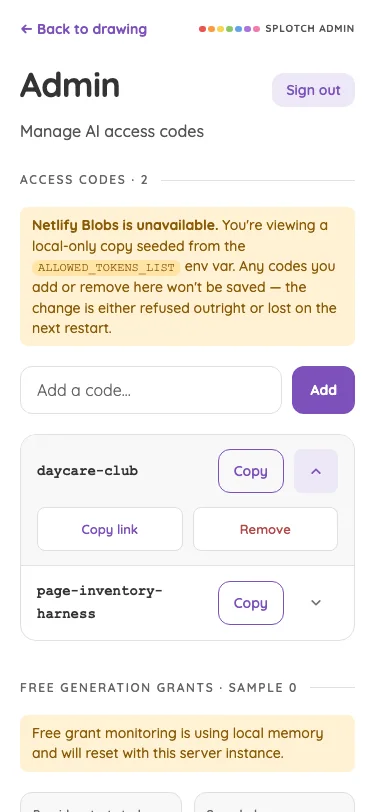
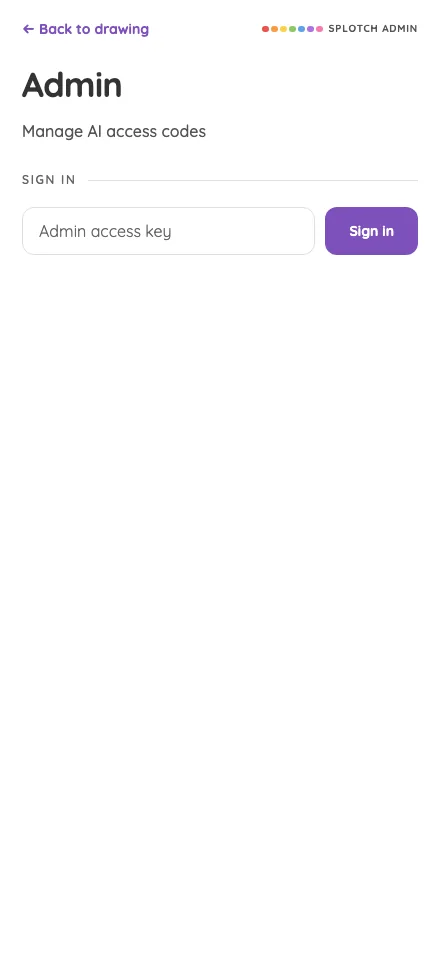
Admin · signed out in light mode at iPhone 13 mini in portrait
Pass

Clear heading, supporting text, and sign-in hierarchy with consistent spacing and purple accents. Input and button fit comfortably and have clear touch targets. No visible clipping, overlap, or text overflow. No modal or scrolling region is shown.

Large iPhone440 × 956
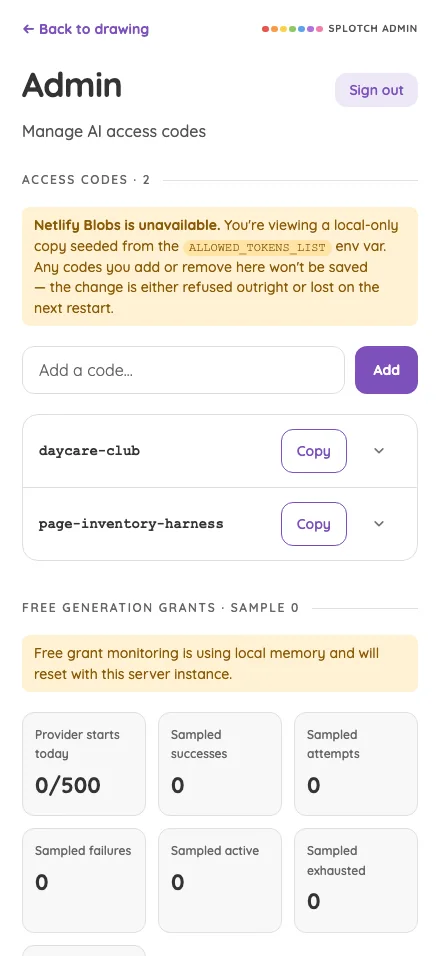
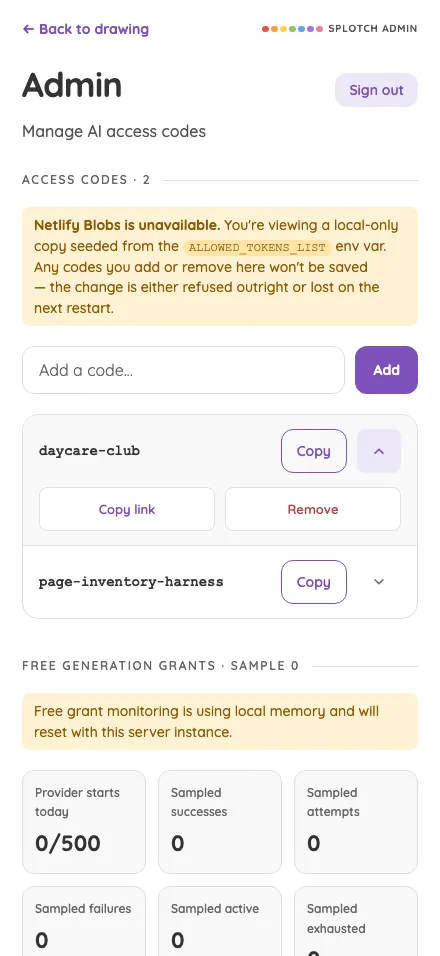
Admin · signed out in light mode at iPhone 16 Pro Max in portrait
Pass

Clear hierarchy, consistent spacing, and readable text. The access-key field and sign-in button fit comfortably with distinct boundaries. No visible clipping or overlap. No modal is open, so modal scrolling cannot be assessed.

iPad mini744 × 1133
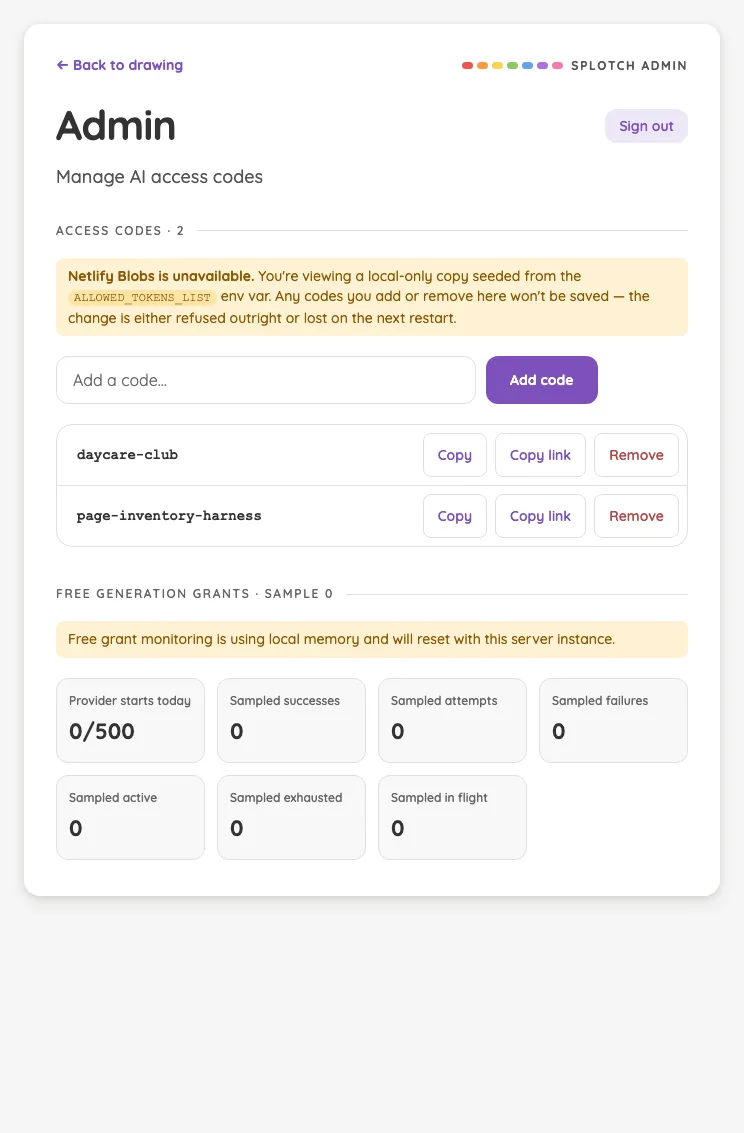
Admin · signed out in light mode at iPad mini 7th Gen (2024) in portrait
Pass

Clear heading hierarchy, balanced card spacing, and readable text throughout. The input and sign-in button have clear touch targets. No visible clipping, overlap, or text-fit issues; styling is consistent. No modal or scrolling region is visible.

Large iPad Pro1032 × 1376
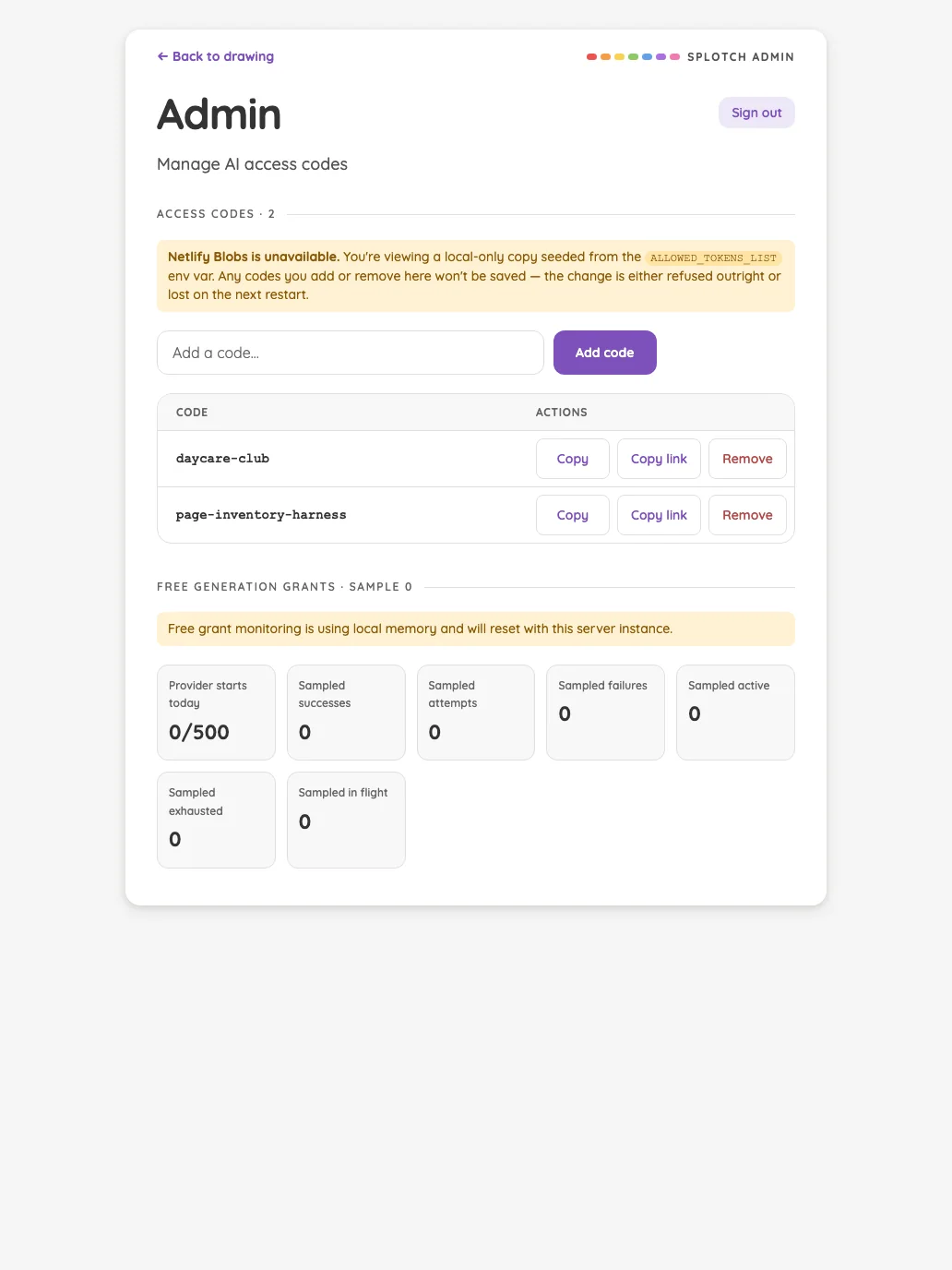
Admin · signed out in light mode at iPad Pro 13-inch (M4) in portrait
Pass

Clear heading hierarchy, balanced card spacing, and consistent typography and color. The access-key field and sign-in button are comfortably sized and aligned. All text fits without clipping or overlap. No modal or scrolling region is visible.

Landscape

Small iPhone812 × 375
Admin · signed out in light mode at iPhone 13 mini in landscape
Pass

Clear hierarchy, balanced spacing, and consistent typography and color. Text fits without clipping or overlap, and the input and sign-in button have clear, comfortably sized boundaries. The entire card fits within the landscape viewport; no scrolling issue is visible.

Large iPhone956 × 440
Admin · signed out in light mode at iPhone 16 Pro Max in landscape
Pass

Clear heading hierarchy, balanced spacing, and consistent purple accents. The access-key field and sign-in button fit comfortably with distinct touch targets. No visible clipping, overlap, or text overflow. No modal or scrolling region is shown.

iPad mini1133 × 744
Admin · signed out in light mode at iPad mini 7th Gen (2024) in landscape
Pass

Clear heading hierarchy, balanced spacing, and consistent styling. Text and controls fit comfortably with no visible clipping or overlap. The input and sign-in button have clear, generous touch targets. No modal or scrolling region is visible.

Large iPad Pro1376 × 1032
Admin · signed out in light mode at iPad Pro 13-inch (M4) in landscape
Pass

Clear heading hierarchy, balanced card spacing, and consistent typography and purple accents. Text fits without clipping or overlap, and the input and sign-in button have clear, comfortably sized touch targets. No modal or scrolling region is visible.

Night mode

Judged on contrast and legibility only.

Portrait

Small iPhone375 × 812
Admin · signed out in night mode at iPhone 13 mini in portrait
Pass

Headings, supporting text, input placeholder, navigation, and the sign-in label remain legible against the dark surfaces. No actionable night-mode contrast issue is visible.
Large iPhone440 × 956
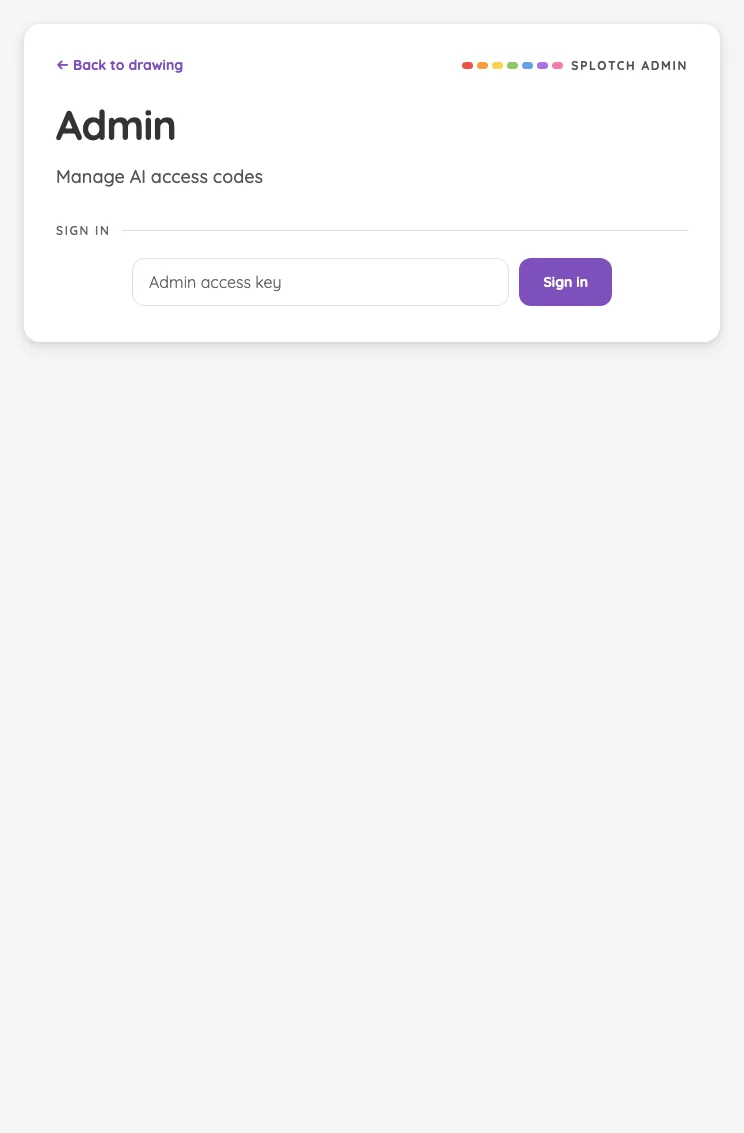
Admin · signed out in night mode at iPhone 16 Pro Max in portrait
Pass

Text, input placeholder, navigation link, and sign-in button remain legible against the dark background. No actionable night-mode contrast issue is visible.
iPad mini744 × 1133
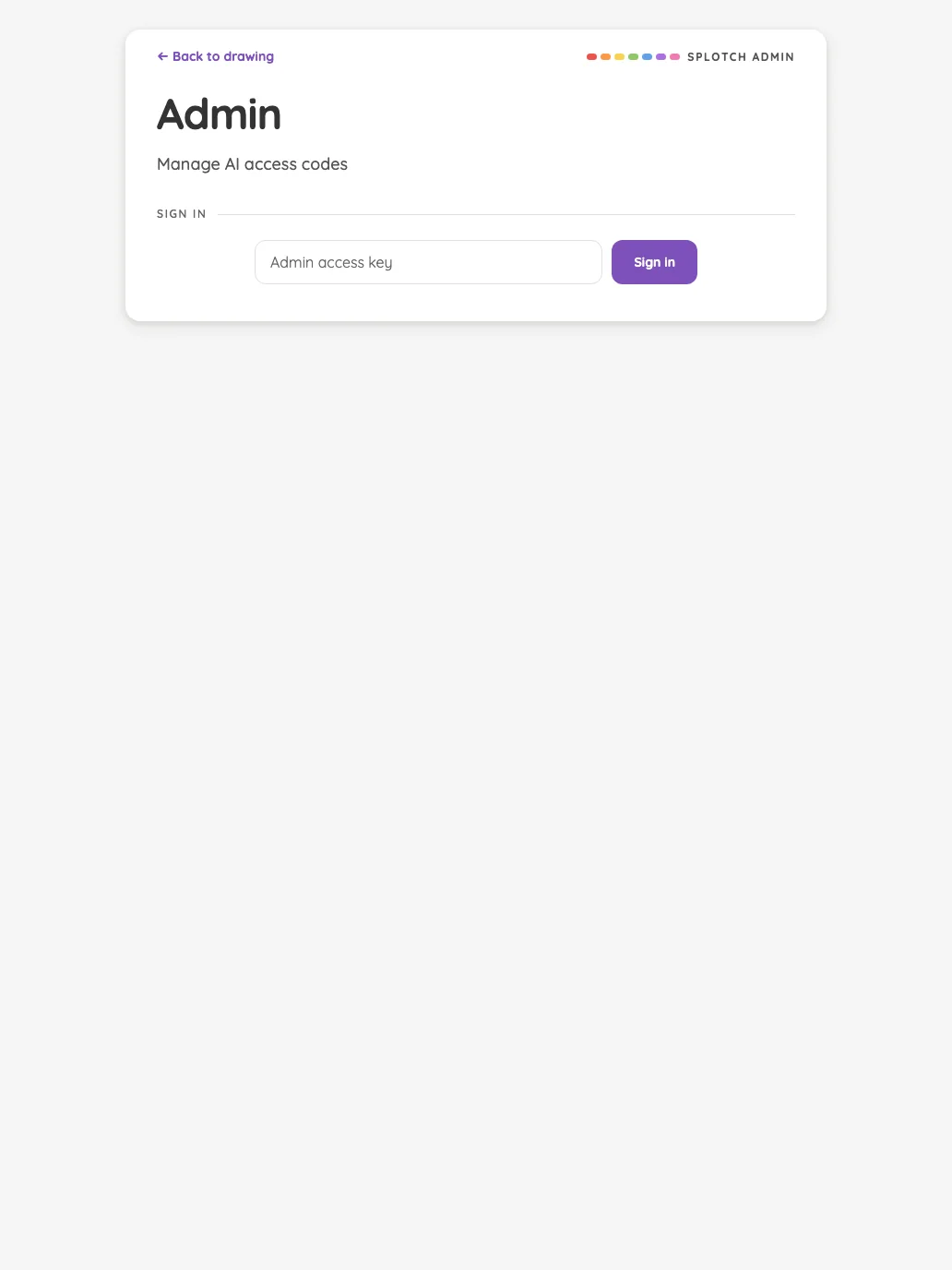
Admin · signed out in night mode at iPad mini 7th Gen (2024) in portrait
Pass

Headings, supporting text, navigation, and input placeholder are legible against the dark surface. The purple sign-in button and its white label remain clearly distinguishable.

Large iPad Pro1032 × 1376
Admin · signed out in night mode at iPad Pro 13-inch (M4) in portrait
Pass

Night-mode text is clearly legible throughout. The lavender back link and purple sign-in button remain distinct against the dark card, with readable input text and button labeling.

Landscape

Small iPhone812 × 375
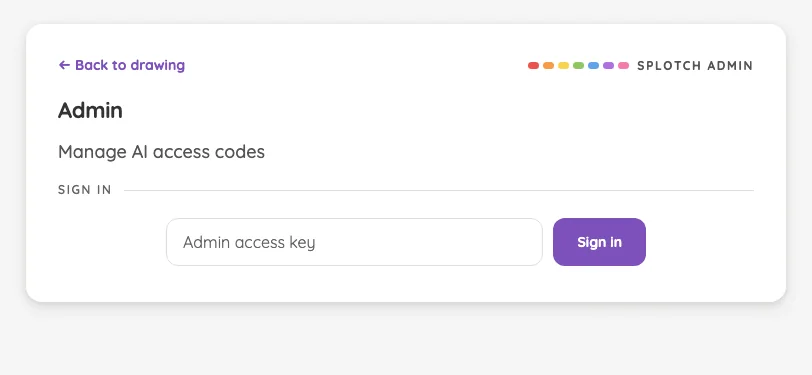
Admin · signed out in night mode at iPhone 13 mini in landscape
Pass

Headings, labels, placeholder text, and the sign-in button are clearly legible against the dark surfaces. No actionable night-mode contrast issue is visible.
Large iPhone956 × 440
Admin · signed out in night mode at iPhone 16 Pro Max in landscape
Pass

Headings, supporting text, navigation, and input placeholder are legible against the dark surface. The purple sign-in button and its white label are clearly distinguishable.

iPad mini1133 × 744
Admin · signed out in night mode at iPad mini 7th Gen (2024) in landscape
Pass

Text and controls are legible against the dark surfaces. The purple sign-in button and lavender back link remain clearly distinguishable, with no actionable contrast issue visible.

Large iPad Pro1376 × 1032
Admin · signed out in night mode at iPad Pro 13-inch (M4) in landscape
Pass

Headings, supporting text, navigation, and input placeholder are legible against the dark surface. The purple sign-in button and its white label remain clearly distinguishable.

Changelog#

The complete release history at its opening position.

16 pass
/changelog

Light mode

Judged on layout, spacing, text fit, and touch targets.

Portrait

Small iPhone375 × 812
Changelog in light mode at iPhone 13 mini in portrait
Pass

Clear hierarchy separates the page title, contents control, release heading, and change categories. Text wraps comfortably with consistent spacing and no visible overlap or unintended clipping. Navigation is identifiable, and the bottom fade signals continuing content. No modal is visible to assess.

Large iPhone440 × 956
Changelog in light mode at iPhone 16 Pro Max in portrait
Pass

Clear title, release, and category hierarchy with consistent spacing and readable text. The version and date fit comfortably without overlap. Navigation and contents controls are identifiable. The bottom fade appropriately signals continuing content; no unintended clipping is visible. No modal is open to assess.

iPad mini744 × 1133
Changelog in light mode at iPad mini 7th Gen (2024) in portrait
Pass

Clear heading and release hierarchy, consistent spacing, and readable text with well-aligned dates. Navigation and contents controls are identifiable. No unintended clipping or overlap is visible; the bottom fade clearly signals continued content. Scrolling behavior and actual touch-target sizes cannot be verified from this still image.

Large iPad Pro1032 × 1376
Changelog in light mode at iPad Pro 13-inch (M4) in portrait
Pass

Clear title, contents navigation, and release headings establish a strong hierarchy. Spacing is consistent, text fits cleanly, and no unintended clipping or overlap is visible. The selected release is distinct, navigation targets are well separated, and the bottom fade indicates continued scrolling.

Landscape

Small iPhone812 × 375
Changelog in light mode at iPhone 13 mini in landscape
Pass

Clear hierarchy and consistent styling. Navigation, contents control, version heading, and date fit without overlap or unintended clipping. Spacing is comfortable, and the bottom fade signals continuing release content. Scroll behavior and exact touch targets cannot be verified from this still.

Large iPhone956 × 440
Changelog in light mode at iPhone 16 Pro Max in landscape
Pass

Clear heading hierarchy and selected-release styling make navigation easy to follow. Columns have comfortable spacing, and visible text wraps cleanly without overlap or unintended clipping. Bottom fades communicate continuing scroll content. Controls are distinguishable, and typography, colors, and alignment remain consistent.

iPad mini1133 × 744
Changelog in light mode at iPad mini 7th Gen (2024) in landscape
Pass

Clear heading hierarchy and a well-spaced two-column layout make releases easy to scan. Text fits without unintended clipping or overlap, and the selected contents entry is distinct. The bottom fade signals continued scrolling as intended. No visible touch-target or consistency issue.

Large iPad Pro1376 × 1032
Changelog in light mode at iPad Pro 13-inch (M4) in landscape
Pass

Clear heading, release navigation, and section hierarchy. Spacing is balanced, text fits cleanly, and no unintended clipping or overlap is visible. The selected release is distinct, and the bottom fade signals continued scrolling as intended. Typography, icons, and purple accents are consistent.

Night mode

Judged on contrast and legibility only.

Portrait

Small iPhone375 × 812
Changelog in night mode at iPhone 13 mini in portrait
Pass

Headings, body text, dates, and navigation remain clearly legible against the dark background. The dimmed bottom text sits within the intentional scrolling fade.

Large iPhone440 × 956
Changelog in night mode at iPhone 16 Pro Max in portrait
Pass

Headings, body text, dates, and lavender links are clearly legible against the dark background. Content above the intentional bottom fade shows no actionable contrast issue.

iPad mini744 × 1133
Changelog in night mode at iPad mini 7th Gen (2024) in portrait
Pass

Headings, release notes, dates, and lavender links are clearly legible against the dark surface. Content above the intentional bottom fade shows no actionable contrast issue.

Large iPad Pro1032 × 1376
Changelog in night mode at iPad Pro 13-inch (M4) in portrait
Pass

Headings, release notes, dates, and navigation remain legible against the dark surface. Lavender accents clearly identify the selected release. The bottom-edge fading is the intended scrolling cue.

Landscape

Small iPhone812 × 375
Changelog in night mode at iPhone 13 mini in landscape
Pass

Text clear of the bottom fade is legible against the dark surface, including navigation, headings, release count, and date. No actionable night-mode contrast issue is visible.

Large iPhone956 × 440
Changelog in night mode at iPhone 16 Pro Max in landscape
Pass

Headings, release notes, dates, and navigation remain legible against the dark surfaces. The selected release is clearly distinguished. Content outside the intentional bottom fade shows no actionable contrast issue.

iPad mini1133 × 744
Changelog in night mode at iPad mini 7th Gen (2024) in landscape
Pass

Headings, release notes, dates, and navigation remain legible against the dark surface. The selected release is clearly distinguished. Content within the intentional bottom fade is excluded from this assessment.

Large iPad Pro1376 × 1032
Changelog in night mode at iPad Pro 13-inch (M4) in landscape
Pass

Headings, release notes, dates, and navigation remain legible against the dark surface. Purple accents and the selected version have sufficient visible contrast. Content within the intentional bottom fade is excluded.

Design system#

The public living styleguide at its opening position.

16 pass
/design

Light mode

Judged on layout, spacing, text fit, and touch targets.

Portrait

Small iPhone375 × 812
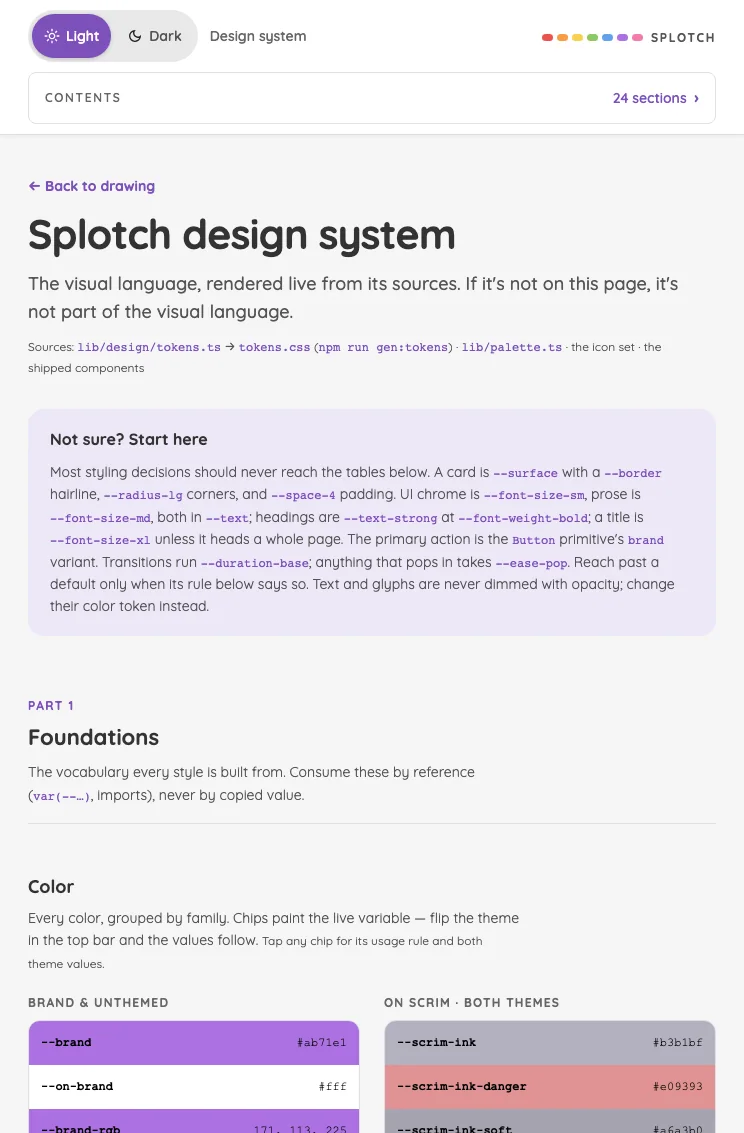
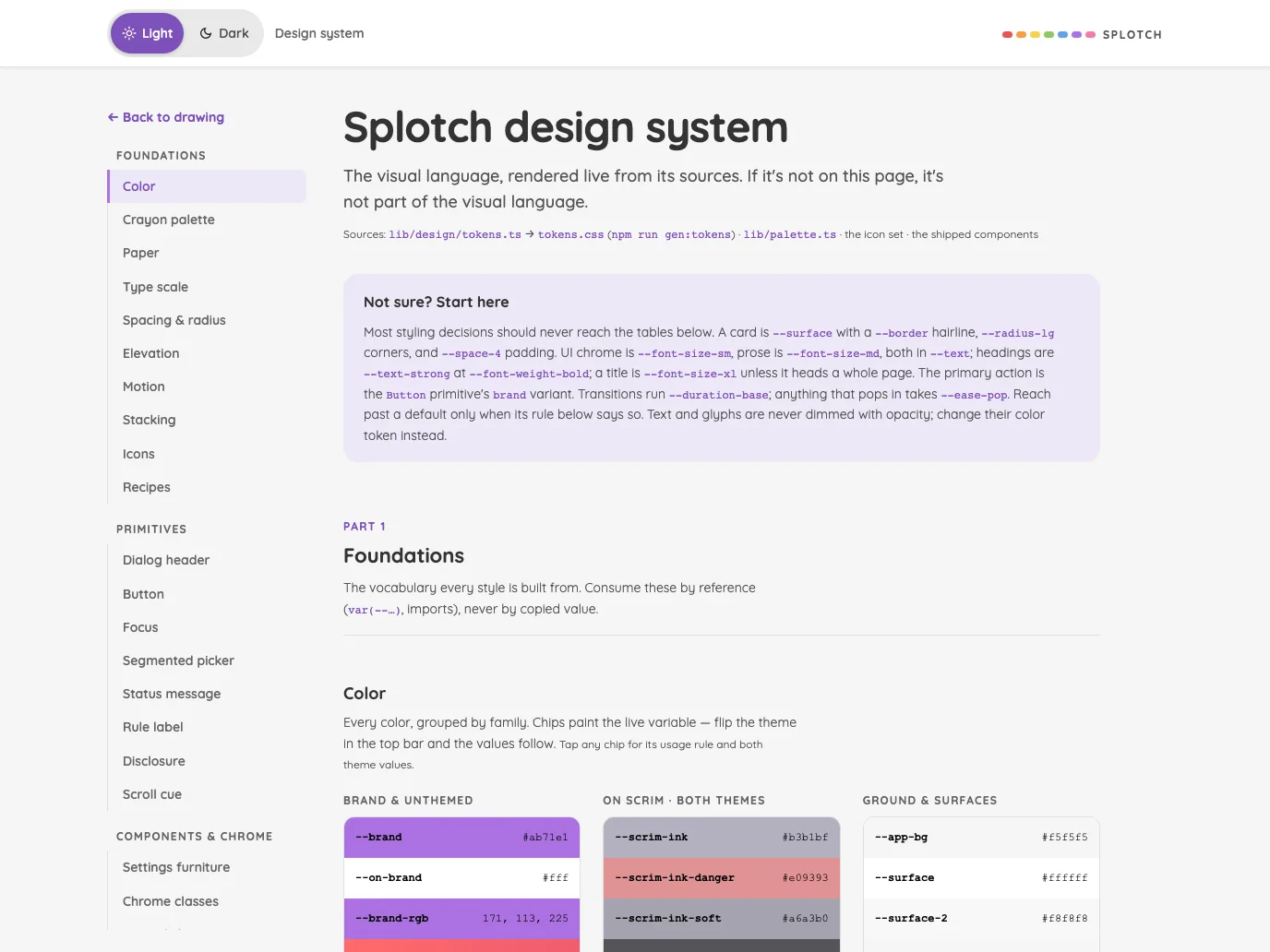
Design system in light mode at iPhone 13 mini in portrait
Pass

Clear heading hierarchy, consistent purple accents, and comfortable spacing. Text wraps within the viewport without overlap or horizontal clipping. Visible controls have distinct, generously sized targets. The lower card continues below the viewport as expected for page content; no modal is visible to assess.

Large iPhone440 × 956
Design system in light mode at iPhone 16 Pro Max in portrait
Pass

Clear heading hierarchy, consistent spacing, and readable text wrapping. Theme controls and the Contents row have distinct touch targets. No visible overlap or unintended clipping; the Foundations section continues naturally below the viewport. No modal is open to assess.

iPad mini744 × 1133
Design system in light mode at iPad mini 7th Gen (2024) in portrait
Pass

Clear hierarchy, consistent spacing, and comfortable text wrapping at this width. Theme controls and Contents have distinct, generous touch targets. No visible overlap or unintended clipping; the color tables continue below the viewport naturally. No modal is open, so modal scrolling cannot be assessed.

Large iPad Pro1032 × 1376
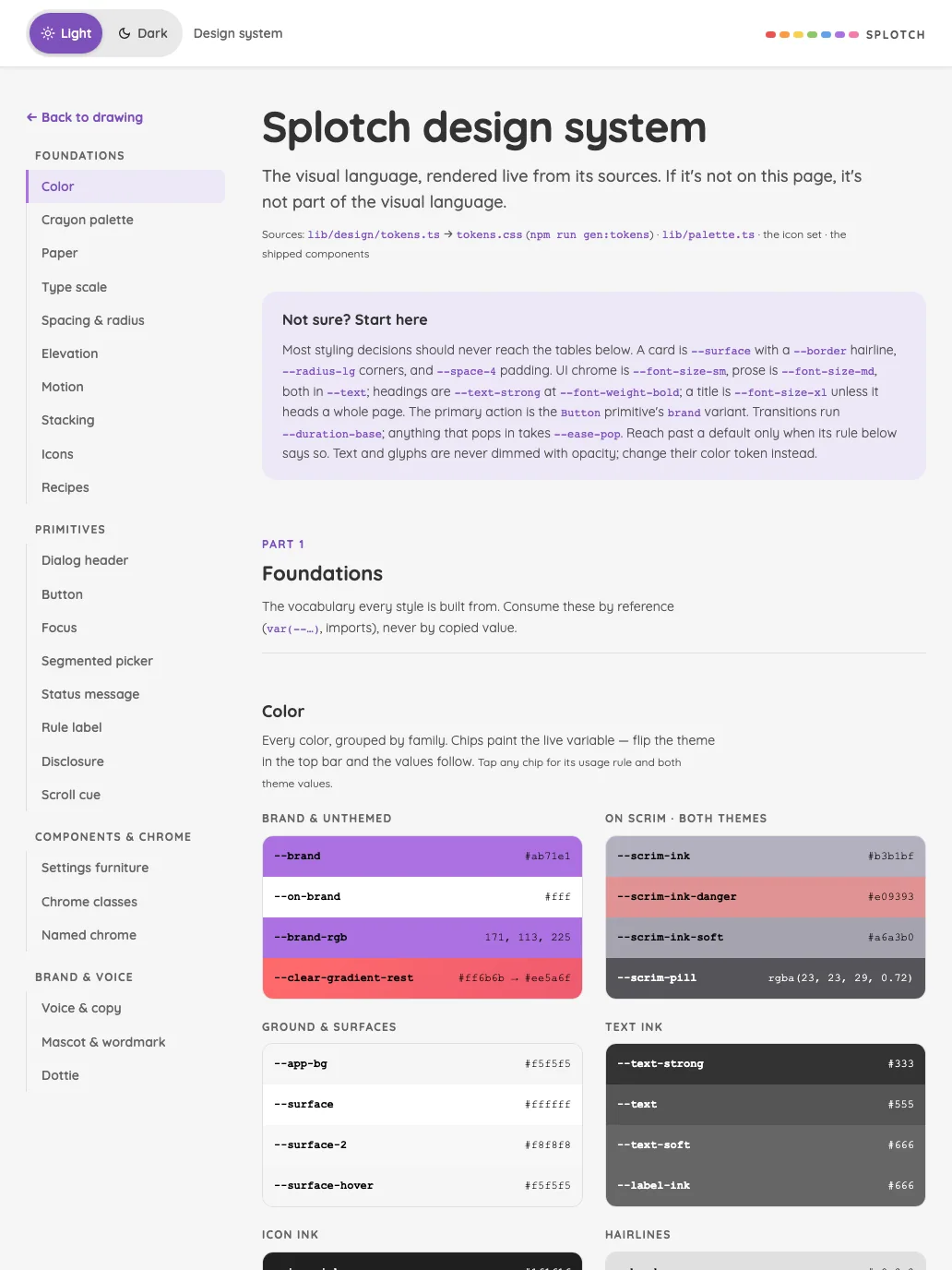
Design system in light mode at iPad Pro 13-inch (M4) in portrait
Pass

Clear heading hierarchy, consistent spacing, and aligned token cards. Text fits without visible overlap or unintended clipping; navigation and theme selection are distinct. Lower content naturally continues below the viewport. No modal is open to assess scrolling.

Landscape

Small iPhone812 × 375
Design system in light mode at iPhone 13 mini in landscape
Pass

Clear hierarchy and consistent styling. Header controls are distinct, spacing is balanced, and the title and supporting text fit without visible clipping or overlap. Source metadata is small but secondary. No modal is visible to assess scrolling.

Large iPhone956 × 440
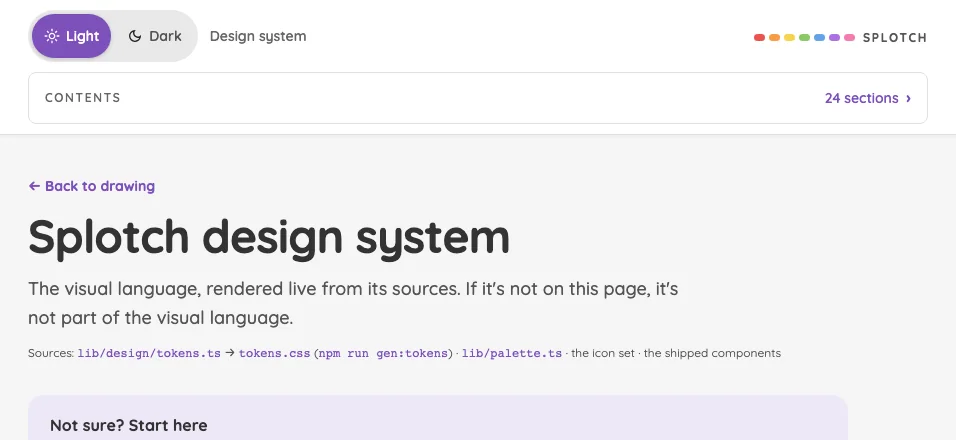
Design system in light mode at iPhone 16 Pro Max in landscape
Pass

Clear hierarchy, consistent spacing, and well-defined theme and contents controls. Text fits without overlap or unintended clipping. The next card naturally continues below the viewport. No modal is visible to assess scrolling.

iPad mini1133 × 744
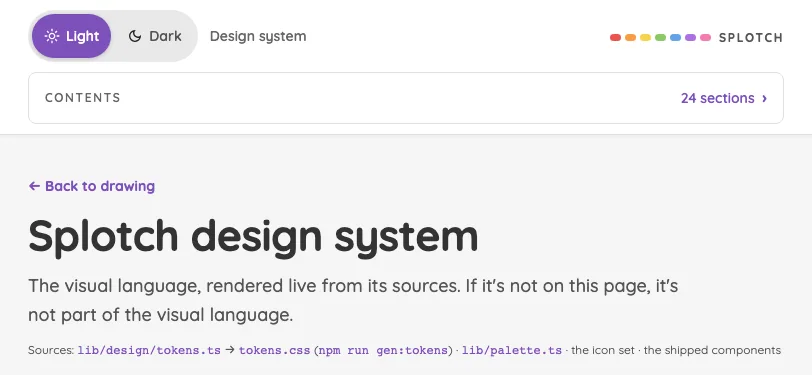
Design system in light mode at iPad mini 7th Gen (2024) in landscape
Pass

Clear heading hierarchy, balanced spacing, and consistent styling. Text fits without unintended clipping or overlap, and controls have clear labels and boundaries. The sidebar’s bottom fade signals continued scrolling. No modal is visible to assess.

Large iPad Pro1376 × 1032
Design system in light mode at iPad Pro 13-inch (M4) in landscape
Pass

Clear heading hierarchy, balanced sidebar and content spacing, and consistent typography and color. Visible text fits without unintended clipping or overlap; navigation and theme controls are distinct. The sidebar fade signals continued scrolling. No modal is open to assess.

Night mode

Judged on contrast and legibility only.

Portrait

Small iPhone375 × 812
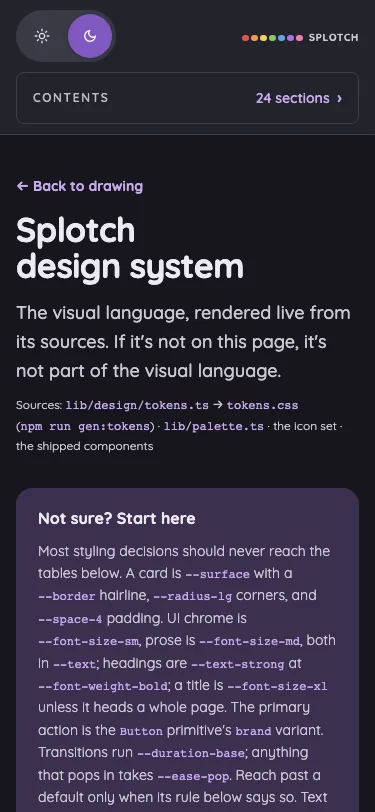
Design system in night mode at iPhone 13 mini in portrait
Pass

Night-mode text and controls remain legible. Headings, body copy, source references, and lavender links contrast clearly against the dark page and purple card.

Large iPhone440 × 956
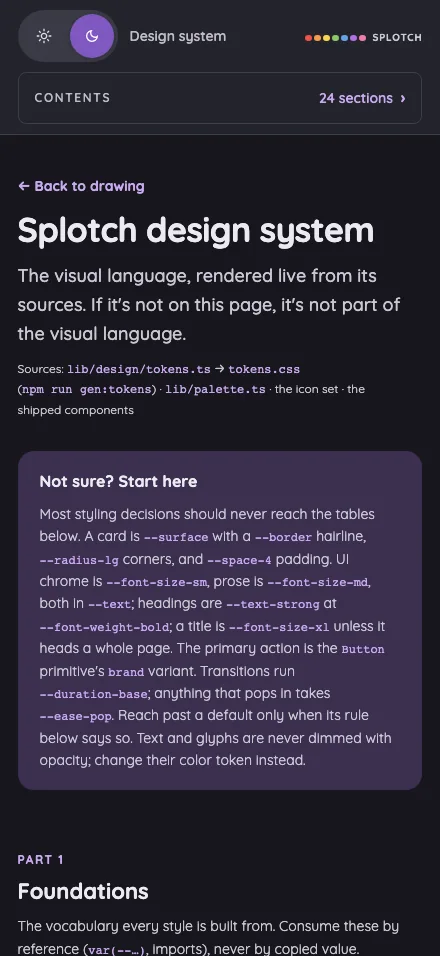
Design system in night mode at iPhone 16 Pro Max in portrait
Pass

Night-mode text is clearly legible across the header, introduction, source references, and purple guidance card. Muted text and lavender links retain sufficient visible contrast against their backgrounds.

iPad mini744 × 1133
Design system in night mode at iPad mini 7th Gen (2024) in portrait
Pass

Headings, body text, navigation labels, and code tokens remain legible against the dark surfaces. The purple guidance card and visible color swatches retain clear text contrast.

Large iPad Pro1032 × 1376
Design system in night mode at iPad Pro 13-inch (M4) in portrait
Pass

Night-mode text remains legible across navigation, body copy, the purple guidance card, and token swatches. Muted labels retain adequate visible contrast against their dark backgrounds.

Landscape

Small iPhone812 × 375
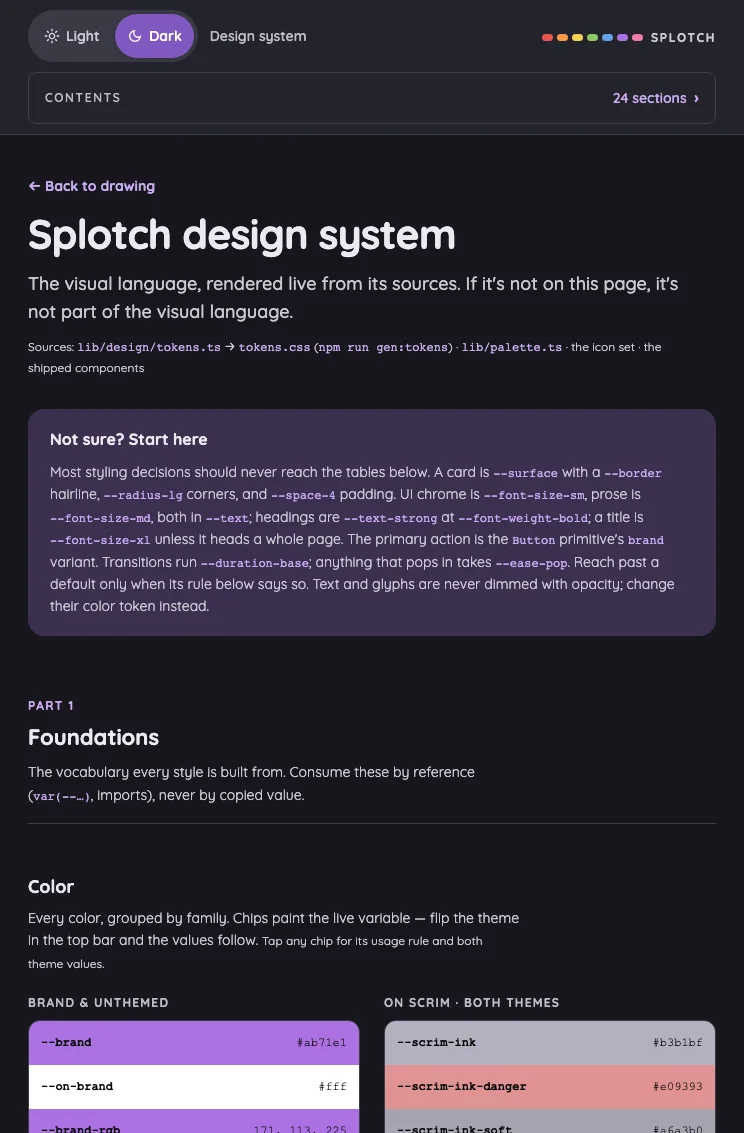
Design system in night mode at iPhone 13 mini in landscape
Pass

Headings, body text, navigation, and source references remain legible against the dark surfaces. The selected Dark control is clearly distinguishable. No actionable night-mode contrast issue is visible.

Large iPhone956 × 440
Design system in night mode at iPhone 16 Pro Max in landscape
Pass

Night-mode text and controls are clearly legible. Headings, body copy, navigation, and source references have sufficient visible contrast against the dark surfaces.

iPad mini1133 × 744
Design system in night mode at iPad mini 7th Gen (2024) in landscape
Pass

Night-mode text is legible throughout, with clear contrast for headings, body copy, navigation, and inline code. The selected navigation item and theme control remain distinguishable.

Large iPad Pro1376 × 1032
Design system in night mode at iPad Pro 13-inch (M4) in landscape
Pass

Night-mode text is legible throughout, including secondary copy, navigation, code tokens, and visible color values. The purple callout and selected navigation item maintain clear text contrast.

Feedback#

The standalone bug report and feature idea form.

16 pass
/feedback

Light mode

Judged on layout, spacing, text fit, and touch targets.

Portrait

Small iPhone375 × 812
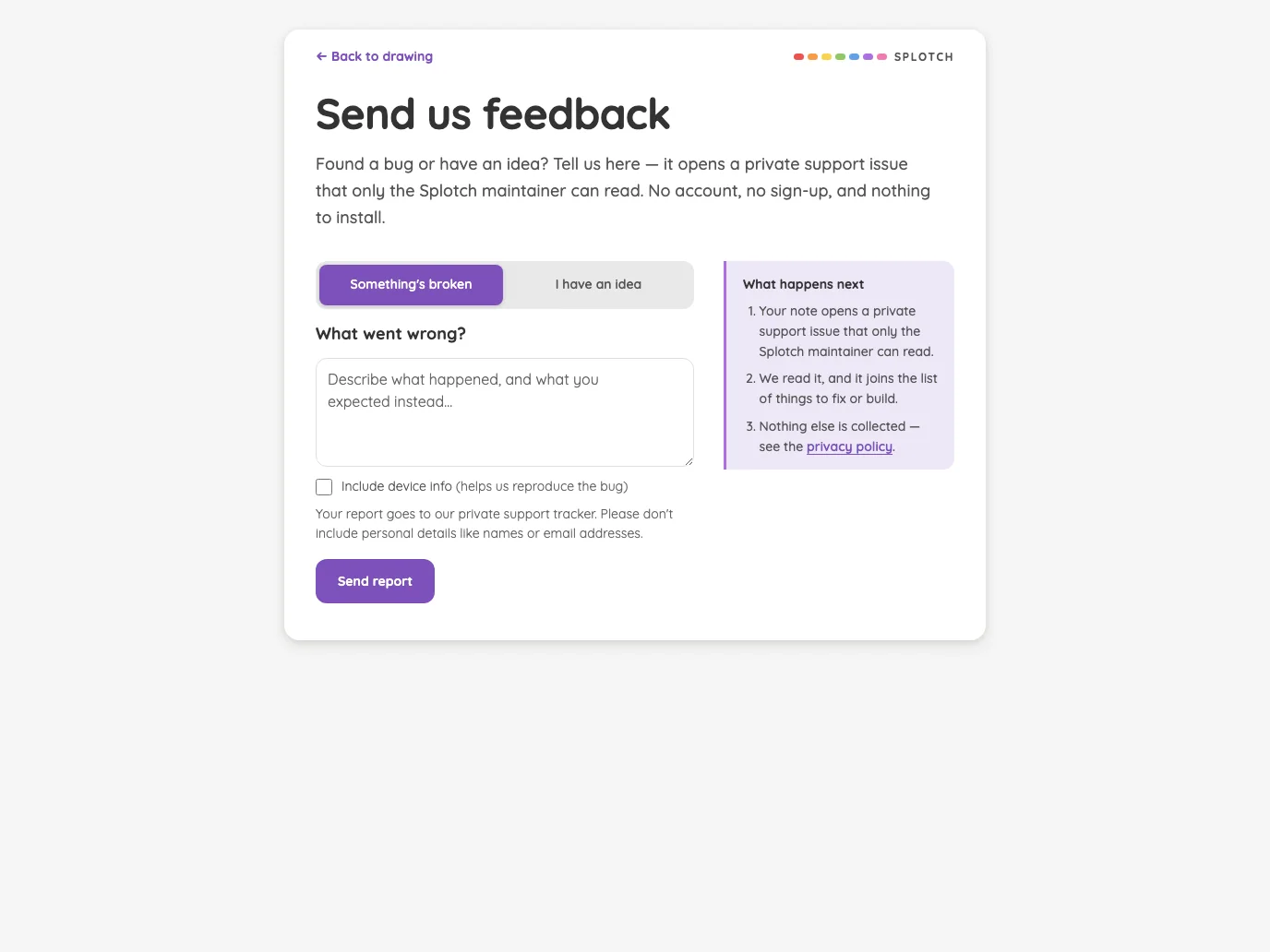
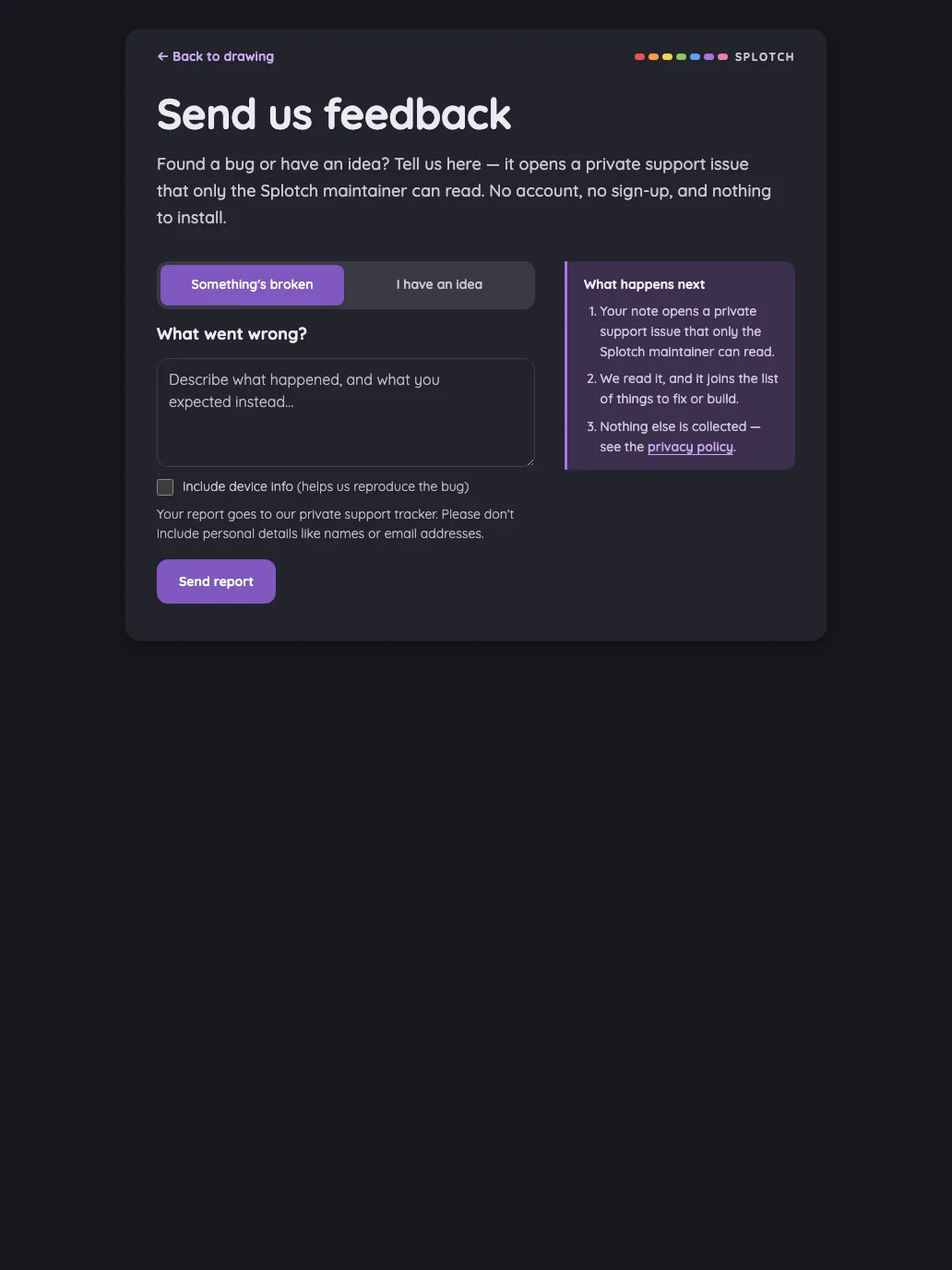
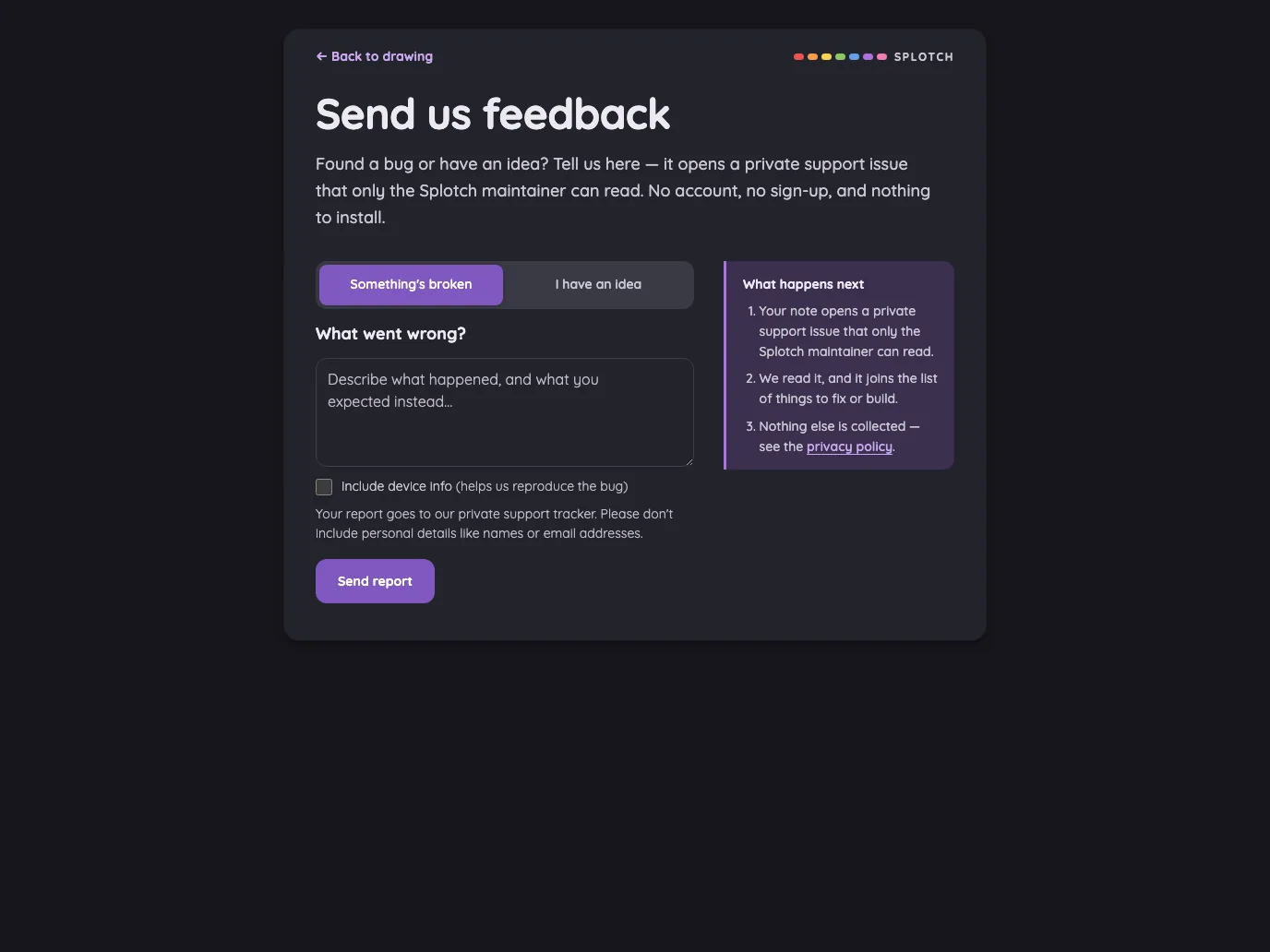
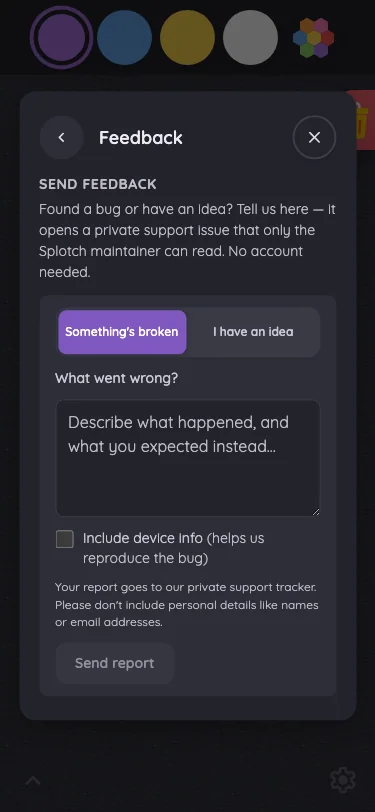
Feedback in light mode at iPhone 13 mini in portrait
Pass

Clear hierarchy, consistent spacing, and comfortable text wrapping. Tabs and the primary button have distinct, generous touch targets. No unintended clipping or overlap is visible; the lower card continues beneath the intended scroll fade. No modal is open.

Large iPhone440 × 956
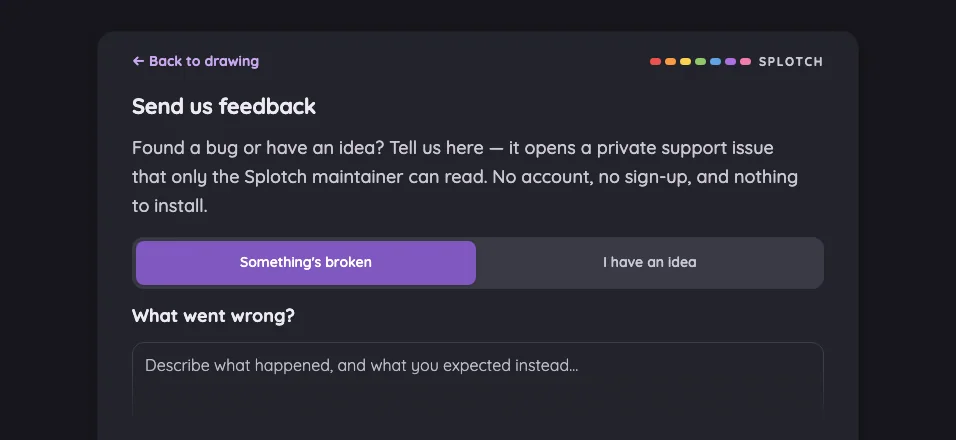
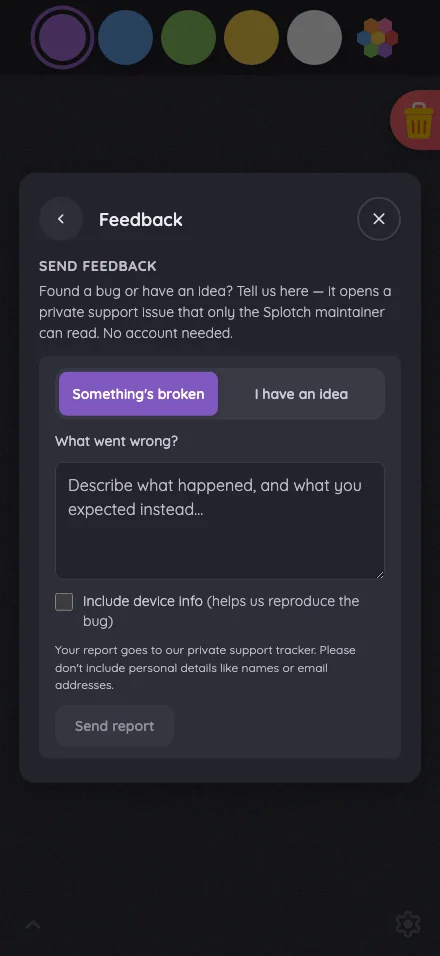
Feedback in light mode at iPhone 16 Pro Max in portrait
Pass

Clear hierarchy, consistent purple accents, and comfortable spacing. Text wraps cleanly, controls are distinct, and all content fits without clipping or overlap. No modal is visible, so modal scrolling cannot be assessed.

iPad mini744 × 1133
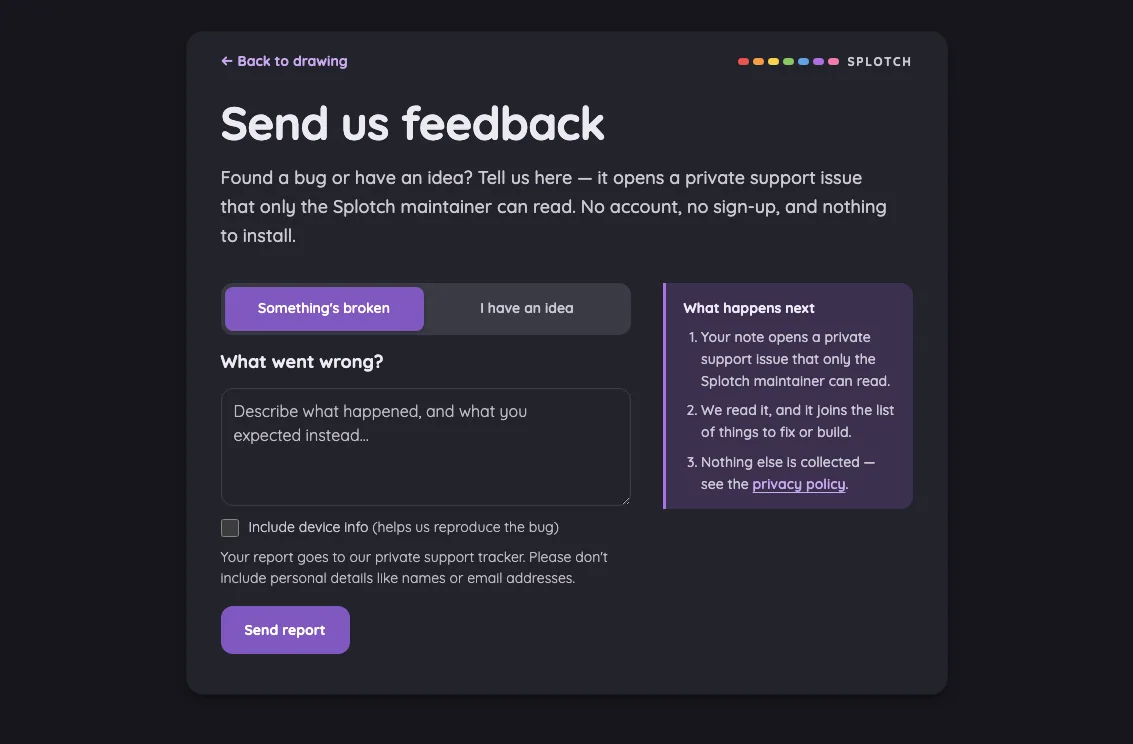
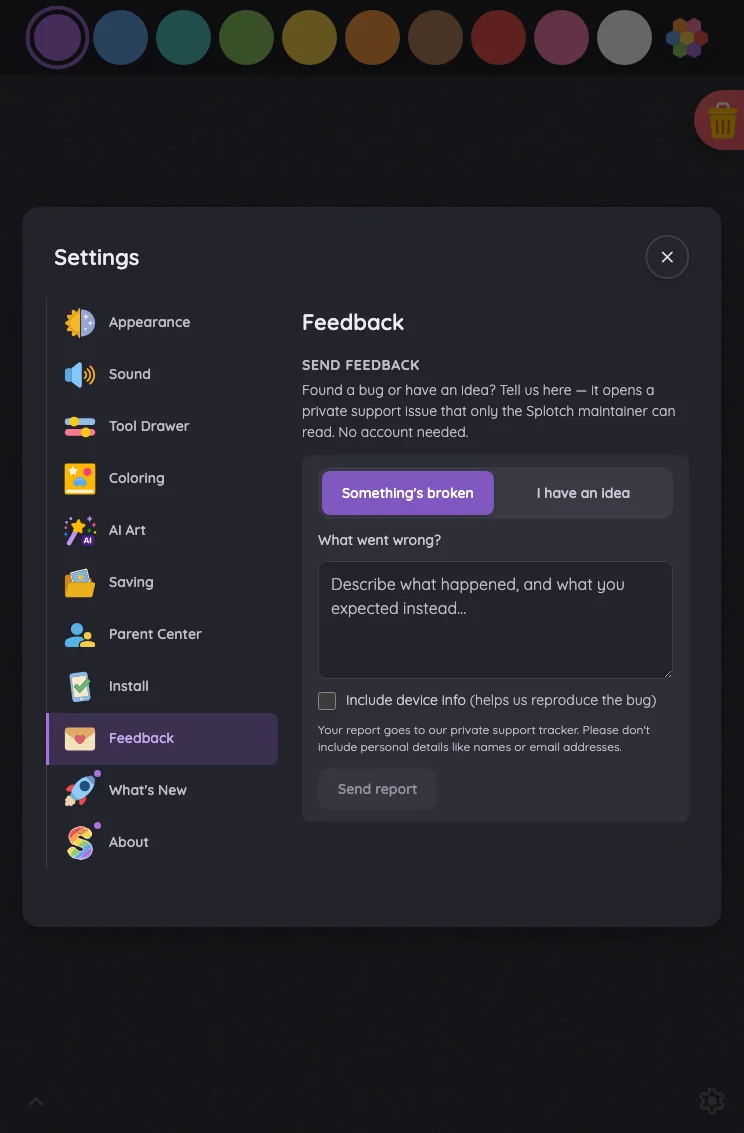
Feedback in light mode at iPad mini 7th Gen (2024) in portrait
Pass

Clear heading, logical form hierarchy, and consistent purple accents. Text fits comfortably with no visible clipping or overlap. Tabs and submit button have clear touch targets, and spacing separates fields, privacy guidance, and next steps. The entire form is visible; no modal or scrolling issue is evident.

Large iPad Pro1032 × 1376
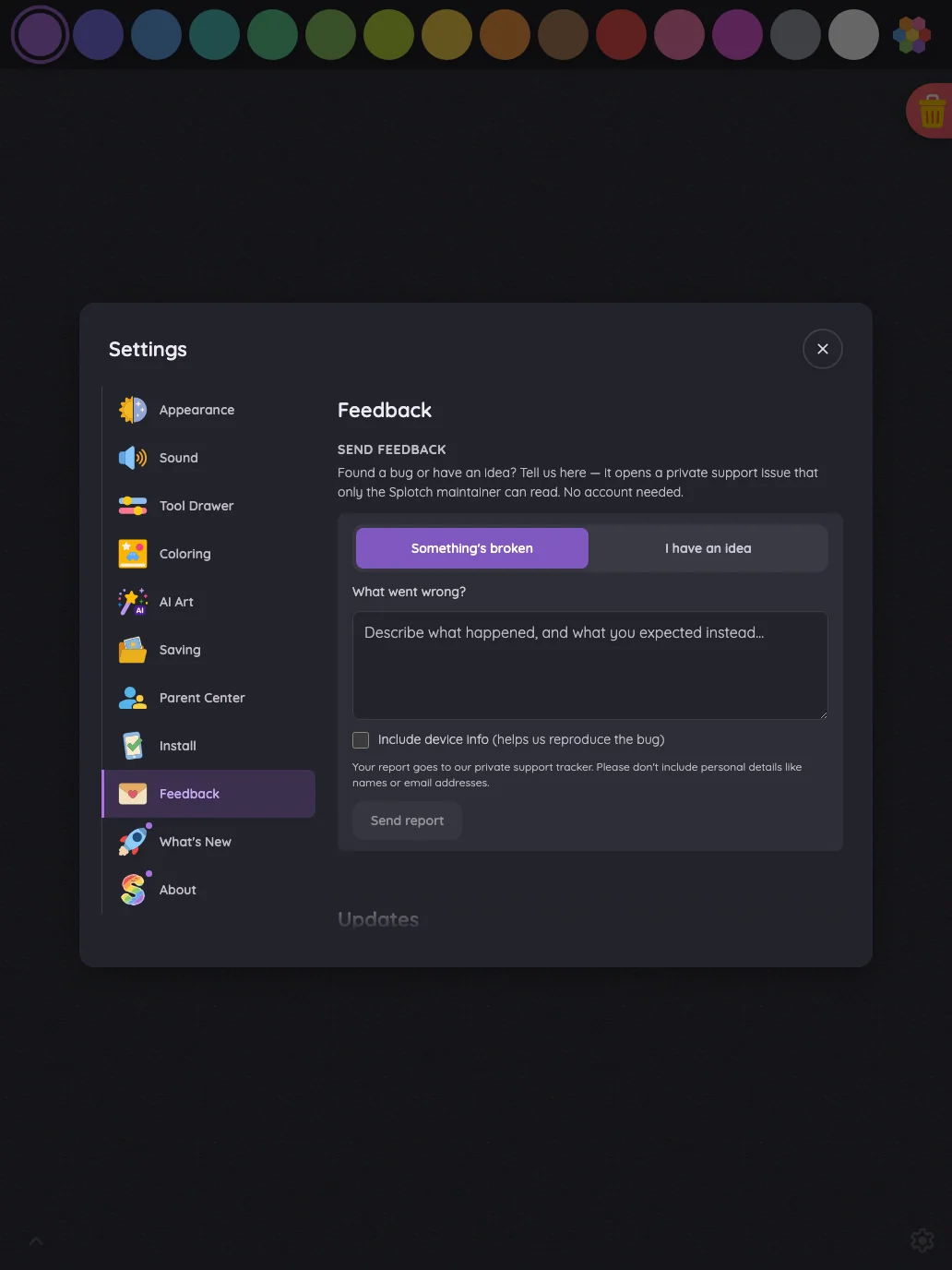
Feedback in light mode at iPad Pro 13-inch (M4) in portrait
Pass

Clear heading and form hierarchy, balanced spacing, and readable text throughout. Controls are distinct, and the sidebar fits comfortably without clipping or overlap. All form content is visible; no modal or scrolling region is shown.

Landscape

Small iPhone812 × 375
Feedback in light mode at iPhone 13 mini in landscape
Pass

Clear heading hierarchy, consistent spacing, and readable text with clean wrapping. The report-type tabs have distinct selection styling and generous touch targets. No visible overlap or unintended clipping; the form continues below the viewport, though scrolling behavior cannot be verified from this image.

Large iPhone956 × 440
Feedback in light mode at iPhone 16 Pro Max in landscape
Pass

Clear heading hierarchy, consistent spacing, and comfortable text wrapping. The report-type selector has distinct states and generous touch targets. No visible overlap or unintended clipping; the form continues below the viewport. Scrolling behavior cannot be verified from this image.

iPad mini1133 × 744
Feedback in light mode at iPad mini 7th Gen (2024) in landscape
Pass

Clear heading, selected tab, and primary action establish a strong hierarchy. Spacing is balanced, text fits comfortably, and all content remains visible without clipping or overlap. Controls are visually distinct and styling is consistent. No modal or scrolling region is visible to assess.

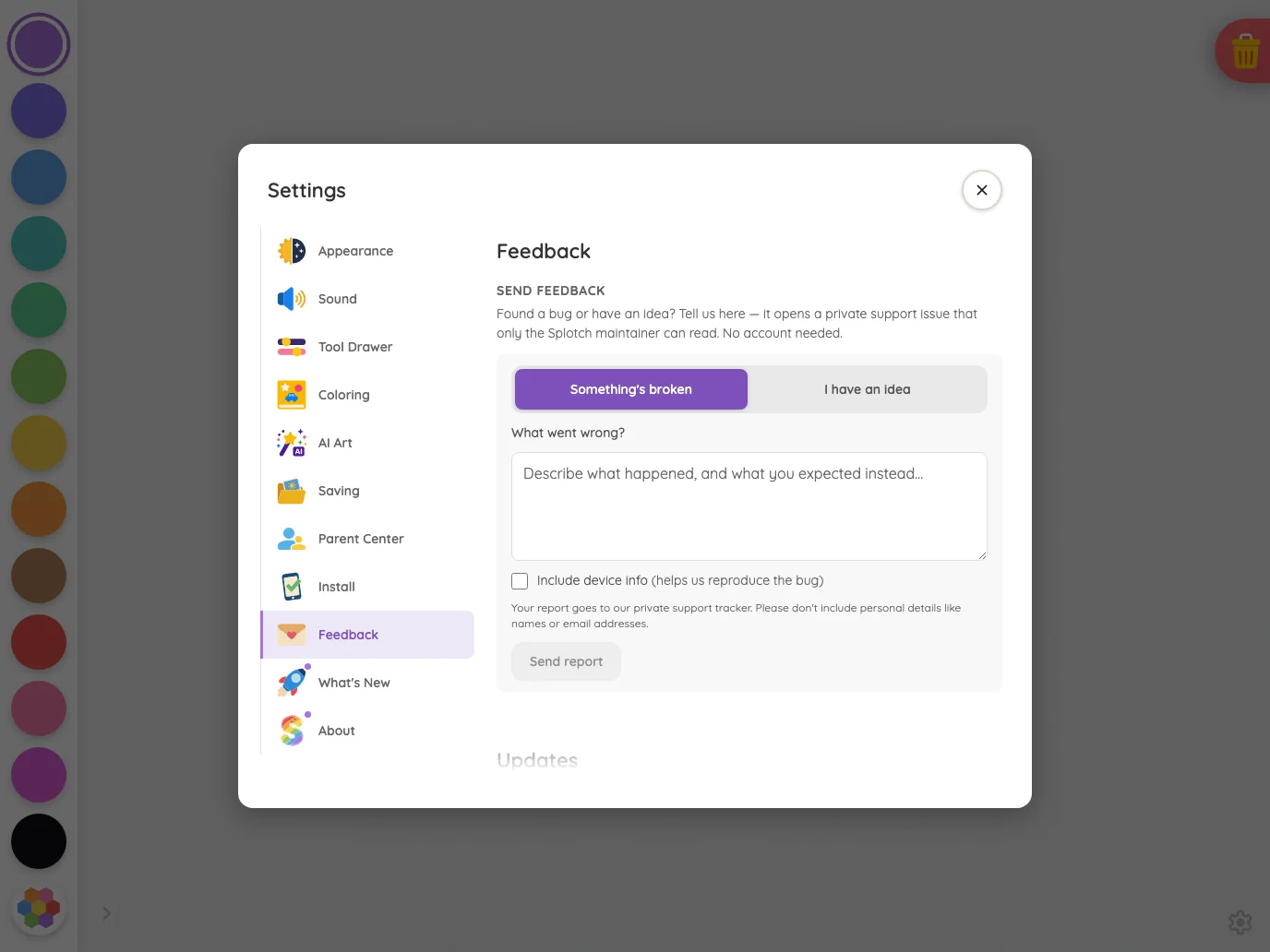
Large iPad Pro1376 × 1032
Feedback in light mode at iPad Pro 13-inch (M4) in landscape
Pass

Clear heading and form hierarchy, balanced spacing, and consistent purple accents. Text fits comfortably with no visible clipping or overlap. Tabs and submit button are distinct and generously sized. The full standalone form is visible; no modal scrolling is shown.

Night mode

Judged on contrast and legibility only.

Portrait

Small iPhone375 × 812
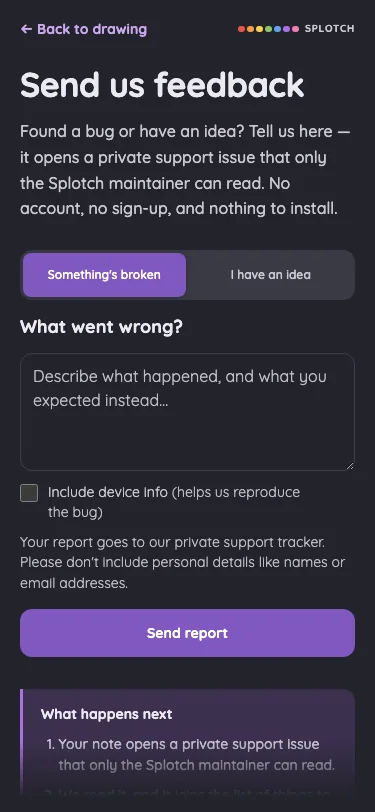
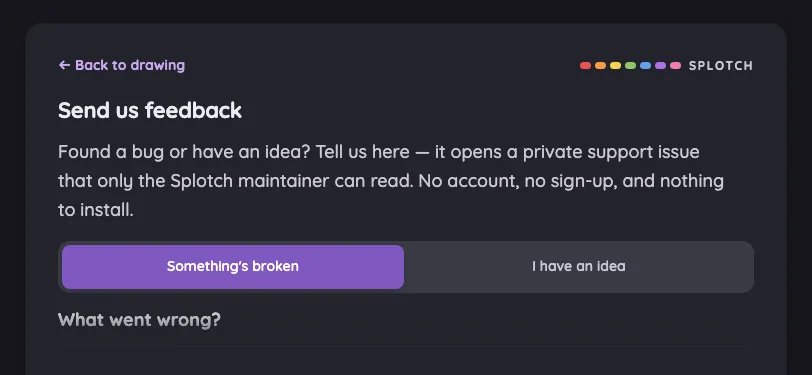
Feedback in night mode at iPhone 13 mini in portrait
Pass

Night-mode text, labels, placeholders, and buttons are legible against their backgrounds. Content above the intentional bottom fade remains readable; no actionable contrast issue is visible.

Large iPhone440 × 956
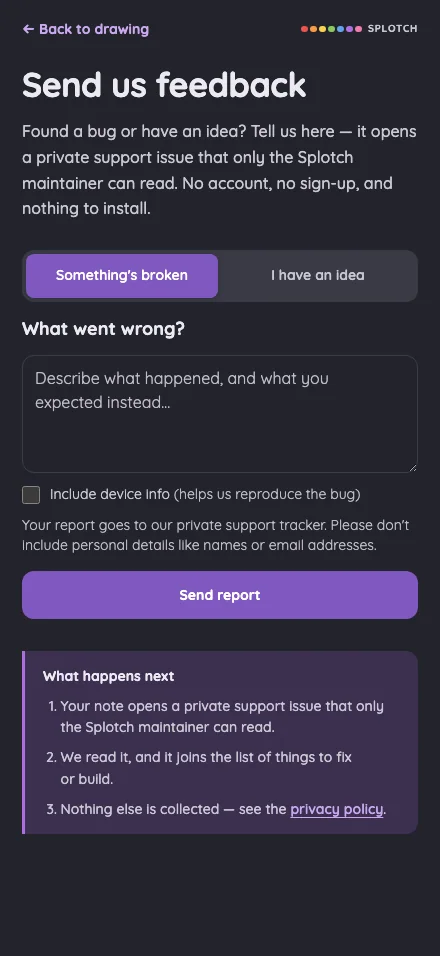
Feedback in night mode at iPhone 16 Pro Max in portrait
Pass

Night-mode text is clearly legible, including supporting copy, placeholders, and the privacy link. Button labels and the selected tab have sufficient visible contrast. No actionable contrast issue is apparent.

iPad mini744 × 1133
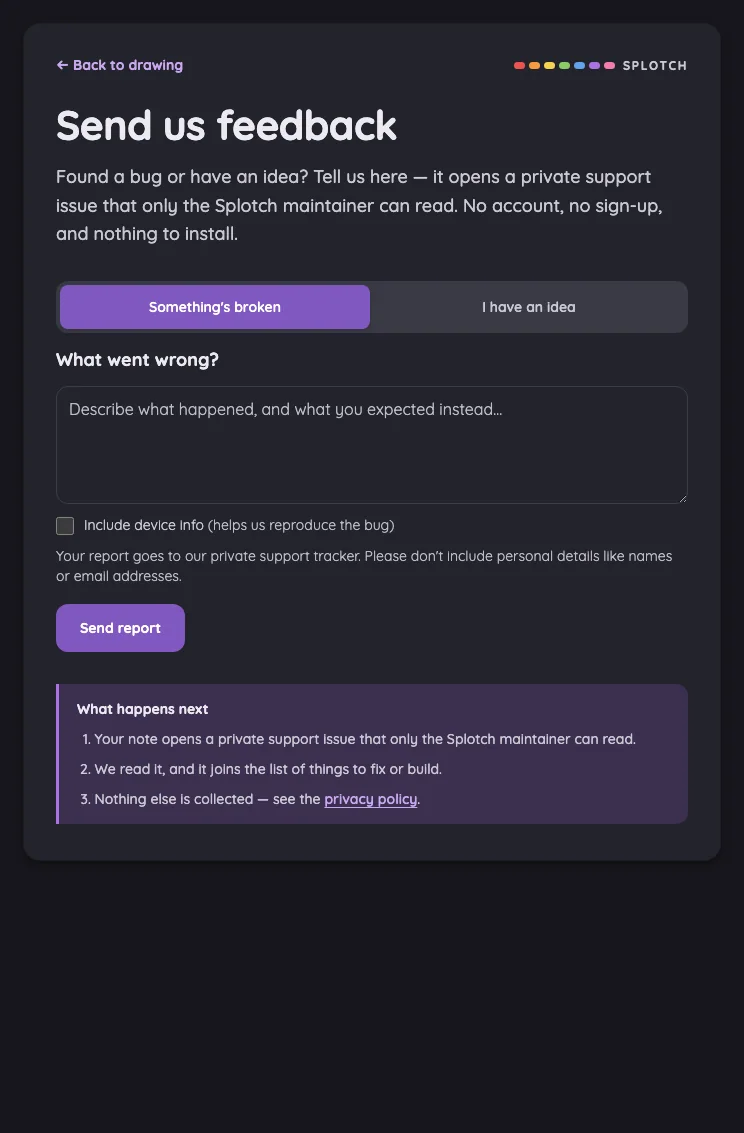
Feedback in night mode at iPad mini 7th Gen (2024) in portrait
Pass

Night-mode text is clear and legible, including placeholder text, helper copy, and the privacy link. Purple buttons and the selected tab remain distinct against the dark surfaces.

Large iPad Pro1032 × 1376
Feedback in night mode at iPad Pro 13-inch (M4) in portrait
Pass

Night-mode text is legible throughout, including placeholder text, helper copy, and the sidebar. Purple buttons, selected state, and links remain distinguishable against the dark surfaces.

Landscape

Small iPhone812 × 375
Feedback in night mode at iPhone 13 mini in landscape
Pass

Visible text is legible against the dark surfaces. The heading, explanatory copy, back link, and both tab labels have sufficient contrast, and the selected tab is clearly distinguishable.

Large iPhone956 × 440
Feedback in night mode at iPhone 16 Pro Max in landscape
Pass

Night-mode text is clear and legible, including the body copy, tab labels, back link, and input placeholder. The selected purple tab is readily distinguishable from the inactive tab.

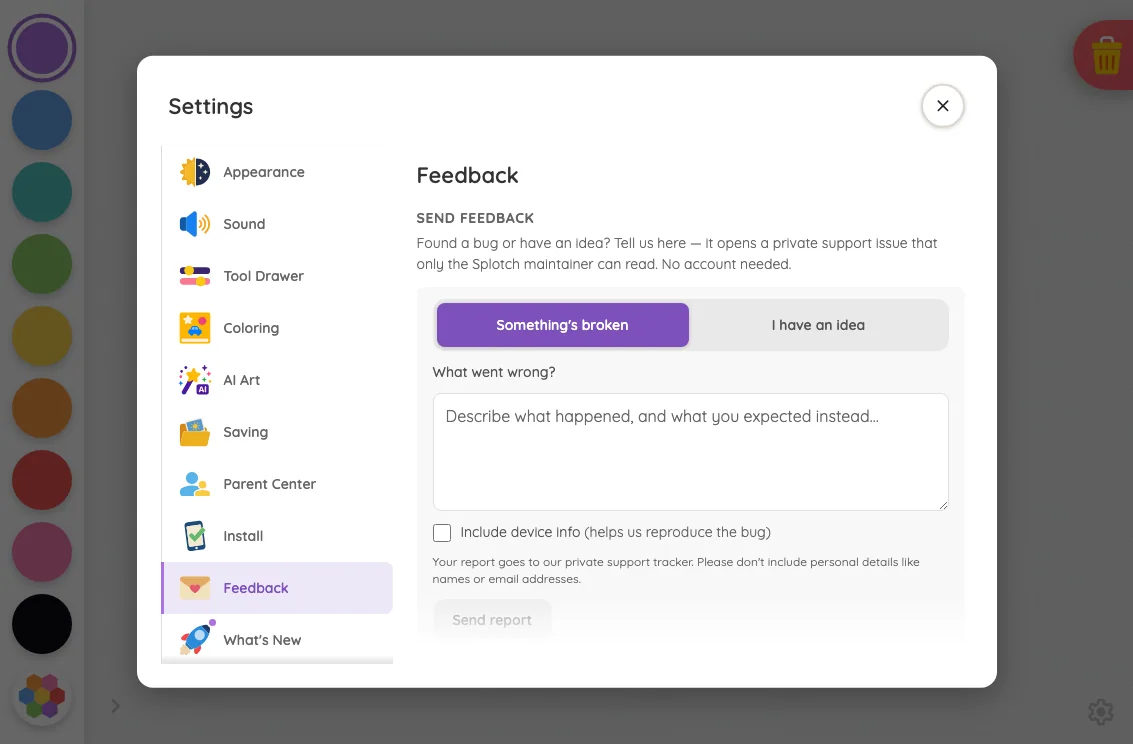
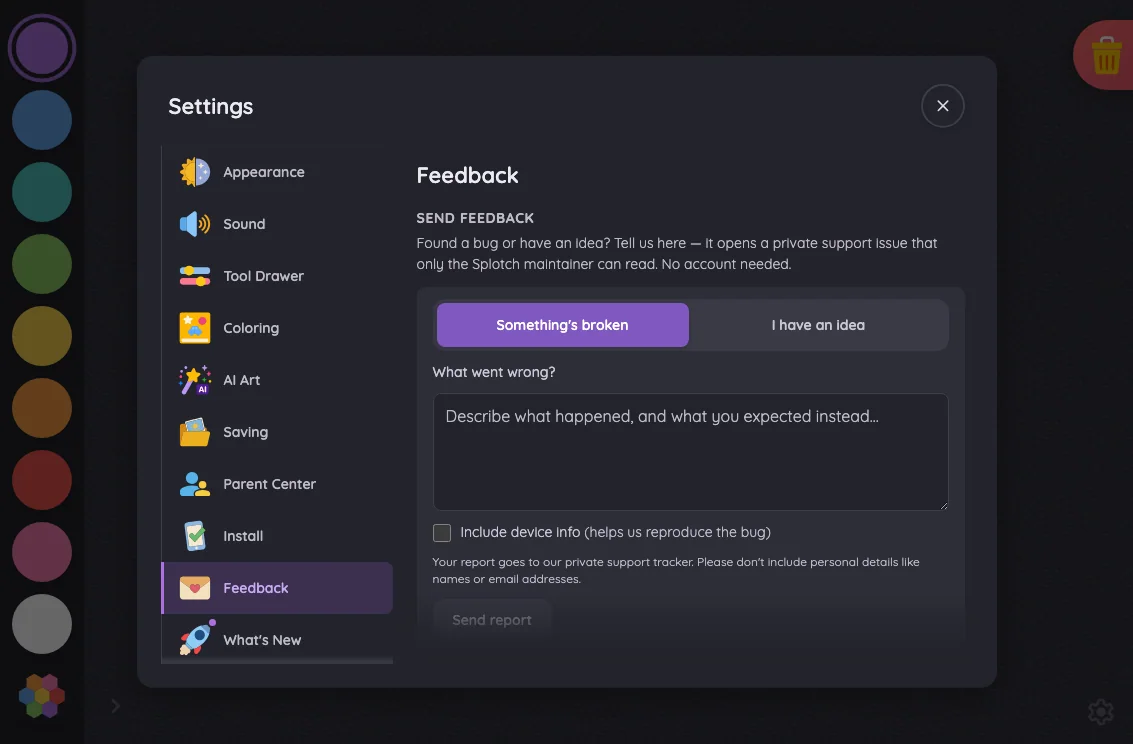
iPad mini1133 × 744
Feedback in night mode at iPad mini 7th Gen (2024) in landscape
Pass

Night-mode text is clearly legible, including placeholder text, helper copy, and the sidebar. Buttons, tabs, checkbox, and links remain distinguishable against their dark backgrounds.

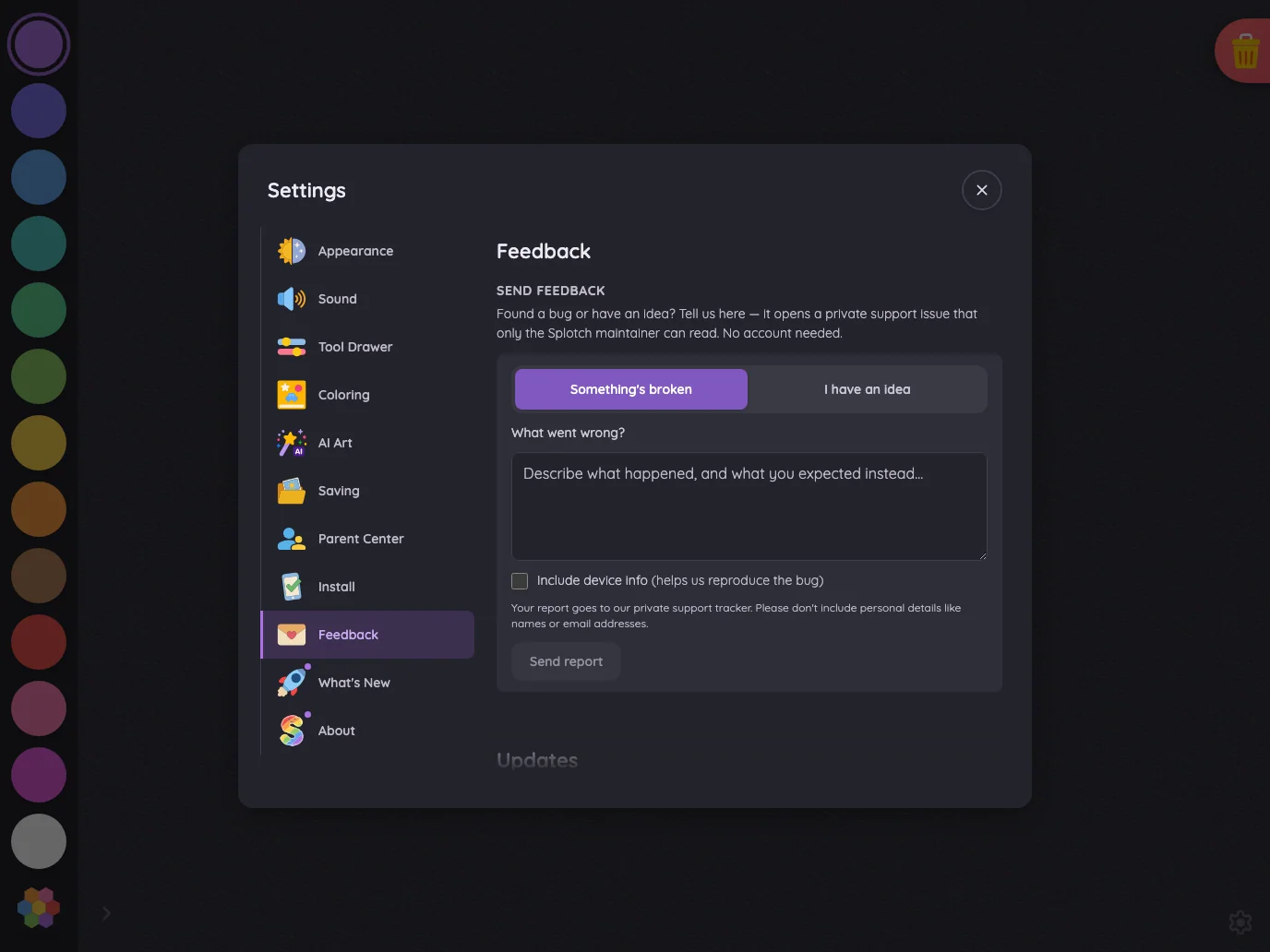
Large iPad Pro1376 × 1032
Feedback in night mode at iPad Pro 13-inch (M4) in landscape
Pass

Night-mode text remains legible throughout, including the placeholder, helper text, sidebar, and privacy link. Selected tabs, buttons, and form controls are distinguishable against the dark surfaces.

Privacy policy#

The public privacy policy at its opening position.

16 pass
/privacy

Light mode

Judged on layout, spacing, text fit, and touch targets.

Portrait

Small iPhone375 × 812
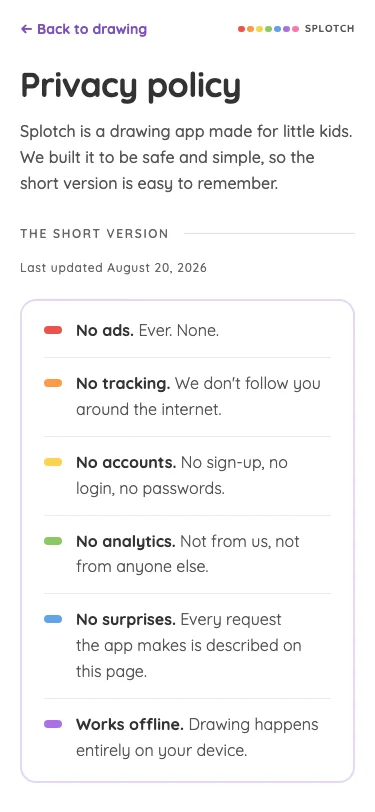
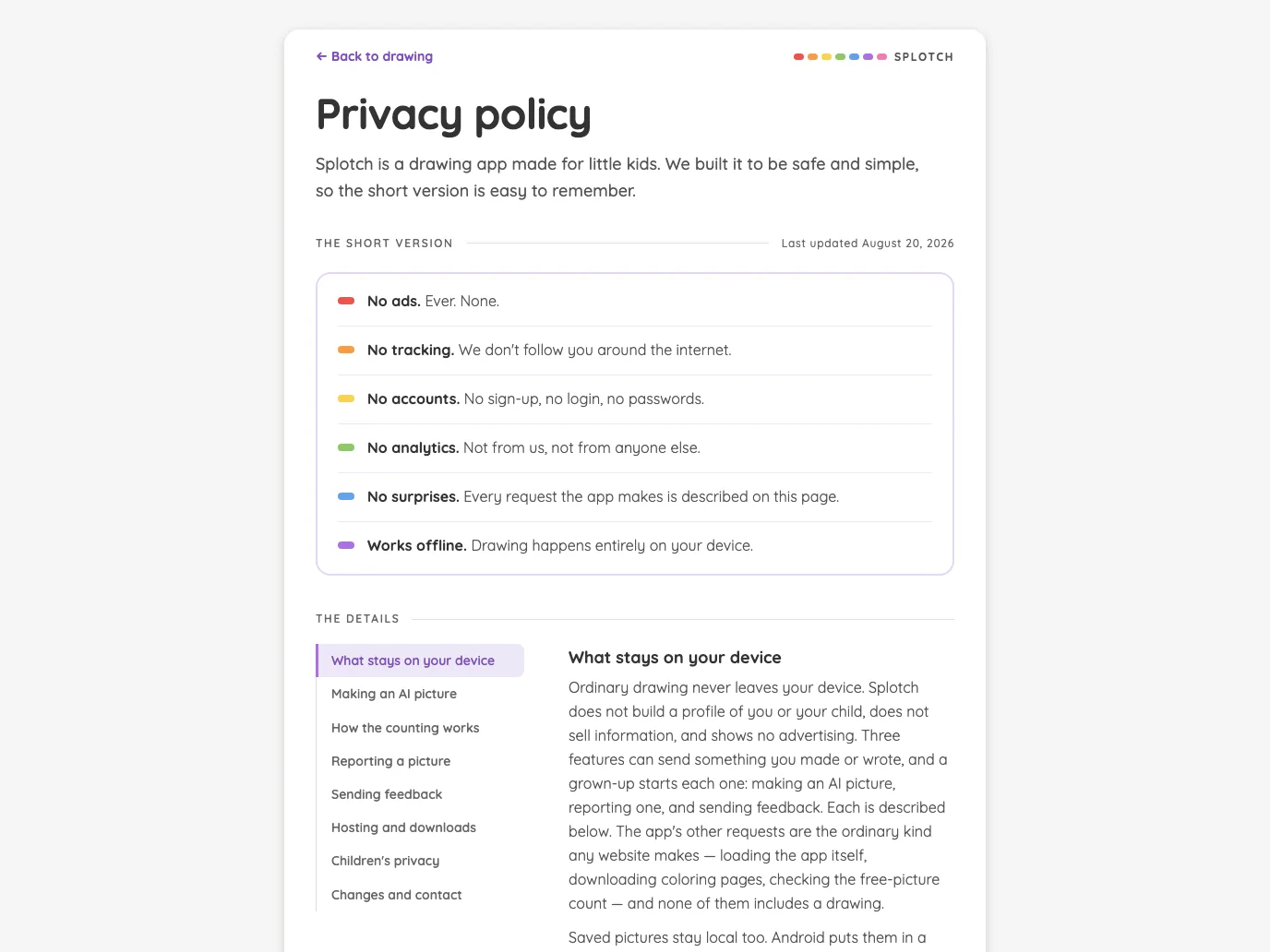
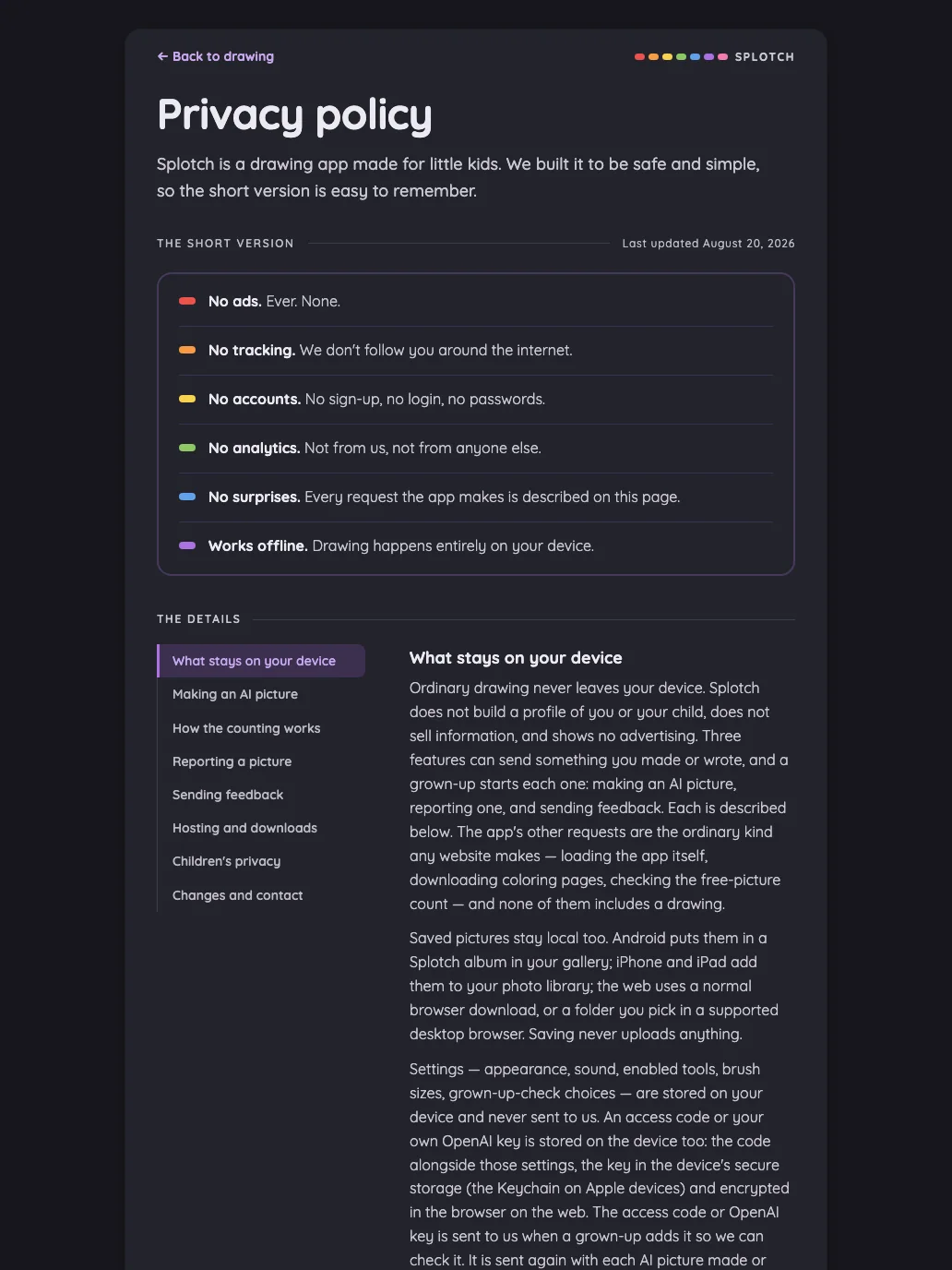
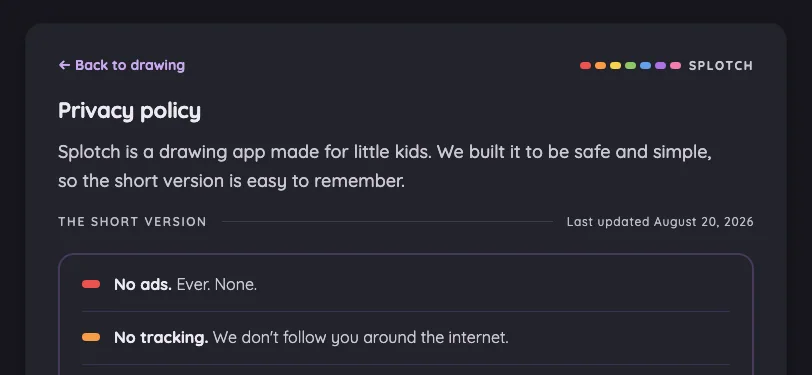
Privacy policy in light mode at iPhone 13 mini in portrait
Pass

Clear heading hierarchy, comfortable spacing, and consistent typography. All visible text fits without clipping or overlap, and the back link is easy to identify. No modal is present to assess scrolling.

Large iPhone440 × 956
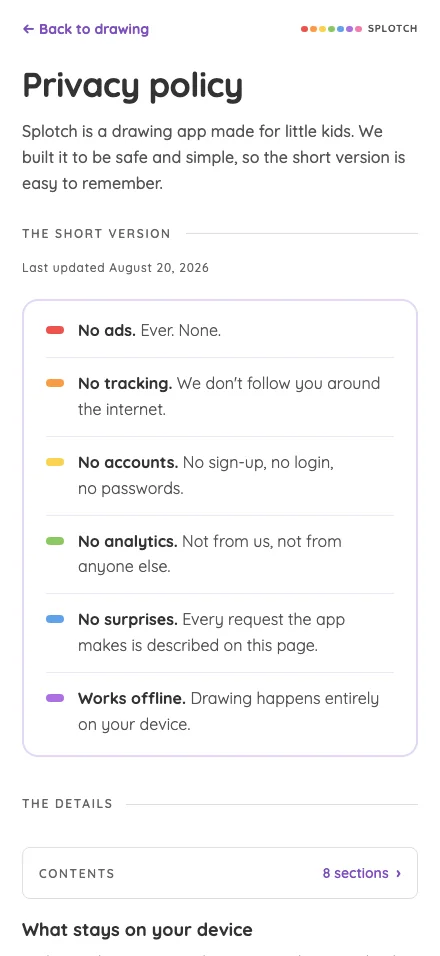
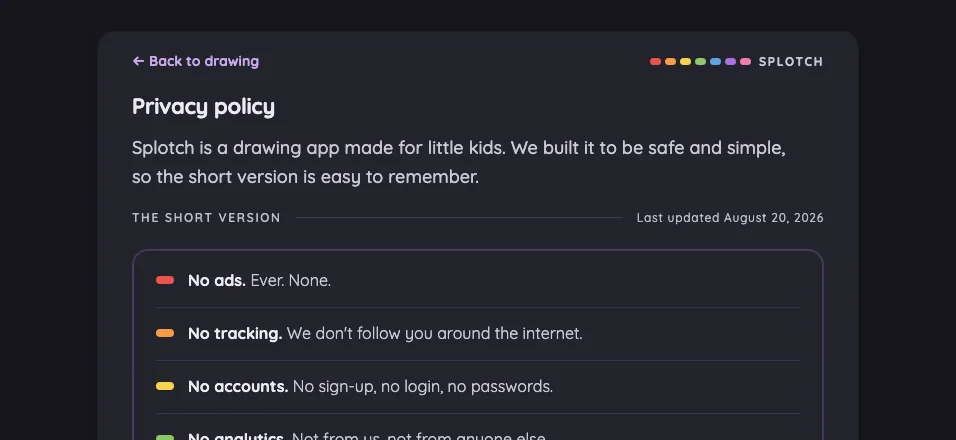
Privacy policy in light mode at iPhone 16 Pro Max in portrait
Pass

Clear heading hierarchy, comfortable spacing, and readable text wrapping. The summary card and contents control are visually consistent, with no visible overlap or unintended clipping. Content continues naturally below the viewport; no modal is present.

iPad mini744 × 1133
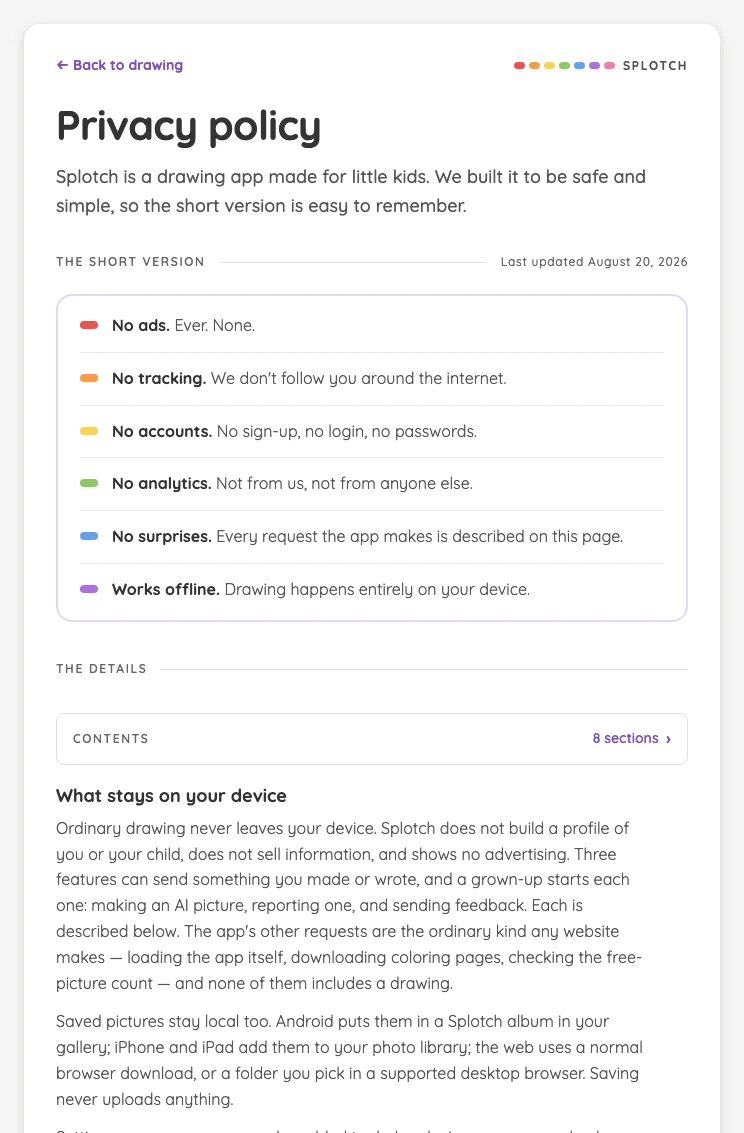
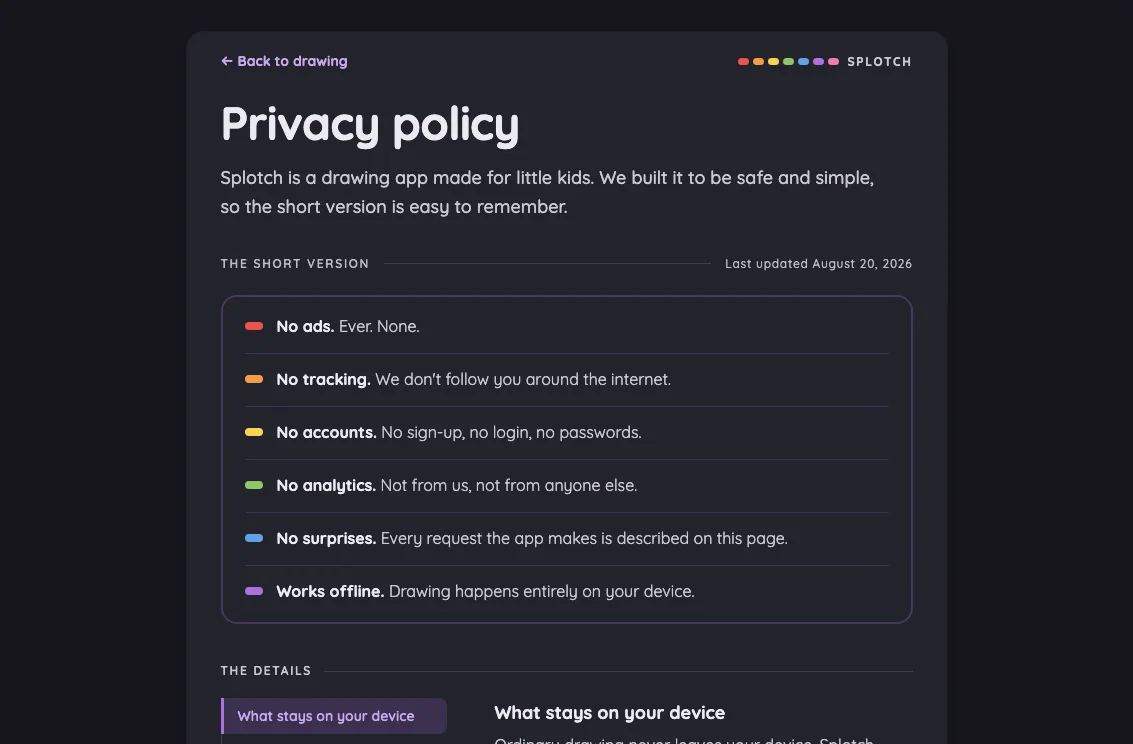
Privacy policy in light mode at iPad mini 7th Gen (2024) in portrait
Pass

Clear heading hierarchy, comfortable spacing, and readable text throughout. Summary rows and body copy fit without overlap or horizontal clipping. Back and Contents controls are visually identifiable. Content continues naturally below the viewport; no modal is open to assess.

Large iPad Pro1032 × 1376
Privacy policy in light mode at iPad Pro 13-inch (M4) in portrait
Pass

Clear heading hierarchy, comfortable spacing, and consistent typography and colors. Summary rows and detail navigation fit cleanly, with a distinct active state and no visible overlap or unintended clipping. Lower text continues beyond the viewport naturally; no modal is present.

Landscape

Small iPhone812 × 375
Privacy policy in light mode at iPhone 13 mini in landscape
Pass

Clear hierarchy, comfortable spacing, and readable text. The back link is recognizable, and the branding and update date fit without overlap. Policy content continues below the viewport; scrolling behavior cannot be assessed from this still image.

Large iPhone956 × 440
Privacy policy in light mode at iPhone 16 Pro Max in landscape
Pass

Clear hierarchy, consistent styling, and comfortable spacing. Visible text fits without overlap or unintended clipping. The back link is identifiable, and the policy continues naturally below the viewport. No modal is present; touch-target size and scrolling behavior cannot be verified from this image.

iPad mini1133 × 744
Privacy policy in light mode at iPad mini 7th Gen (2024) in landscape
Pass

Clear heading hierarchy, balanced spacing, and consistent typography and color accents. Visible text fits without overlap or unintended clipping. The details section continues below the viewport naturally. Back navigation is identifiable; touch-target dimensions and scrolling behavior cannot be verified from this static image.

Large iPad Pro1376 × 1032
Privacy policy in light mode at iPad Pro 13-inch (M4) in landscape
Pass

Clear heading hierarchy, balanced spacing, and readable text throughout. Summary rows and detail navigation align consistently, with a distinct active state. No unintended clipping or overlap is visible; detail content continues below the viewport. Scrolling behavior and actual touch-target sizes cannot be verified from this still image.

Night mode

Judged on contrast and legibility only.

Portrait

Small iPhone375 × 812
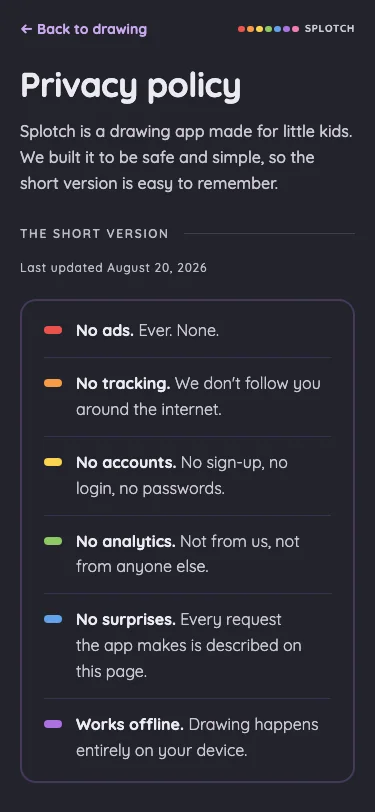
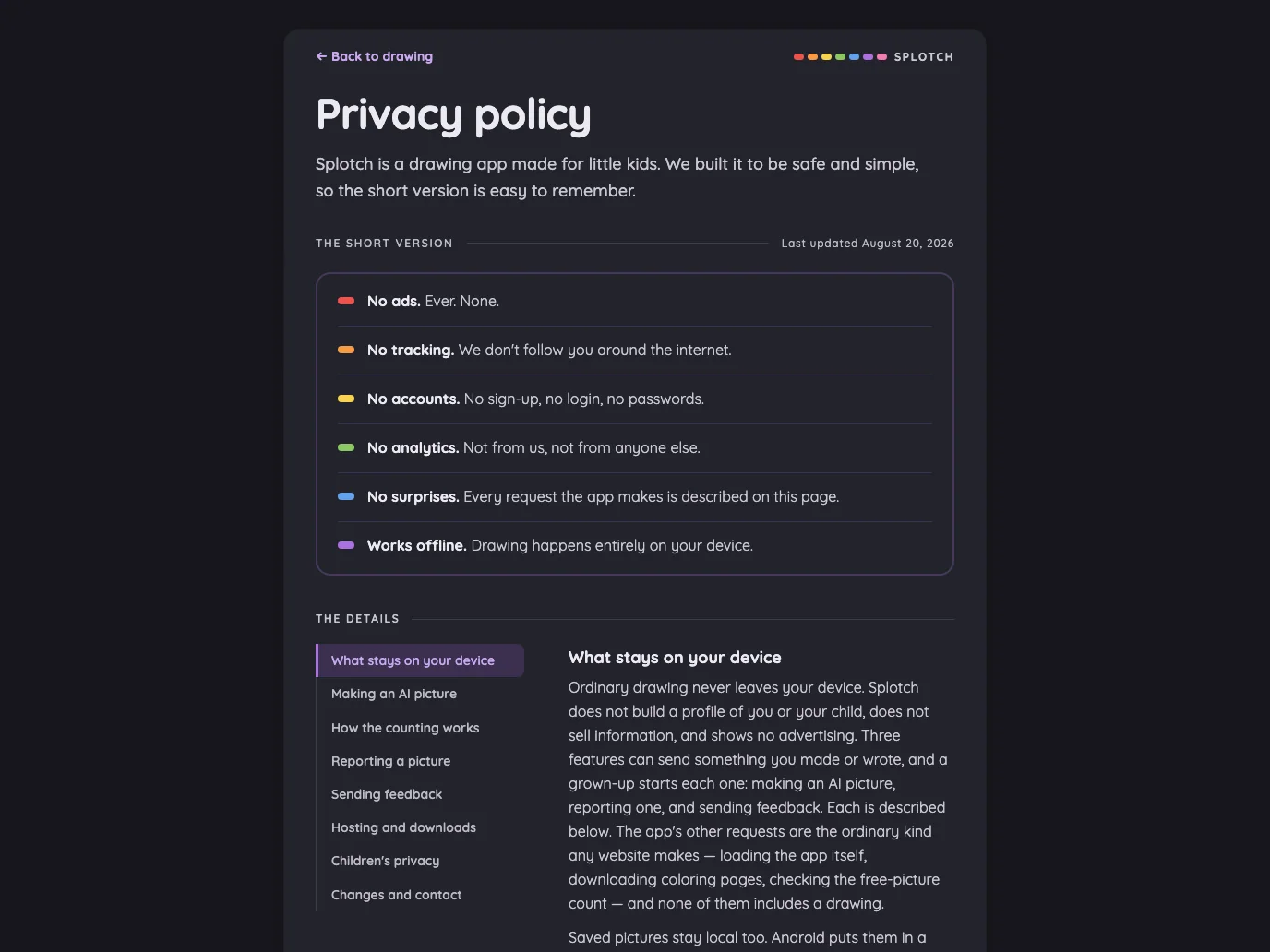
Privacy policy in night mode at iPhone 13 mini in portrait
Pass

Headings, body text, navigation, and update metadata are clearly legible against the dark background. Bold policy labels remain distinct, and the colored markers are easy to see.

Large iPhone440 × 956
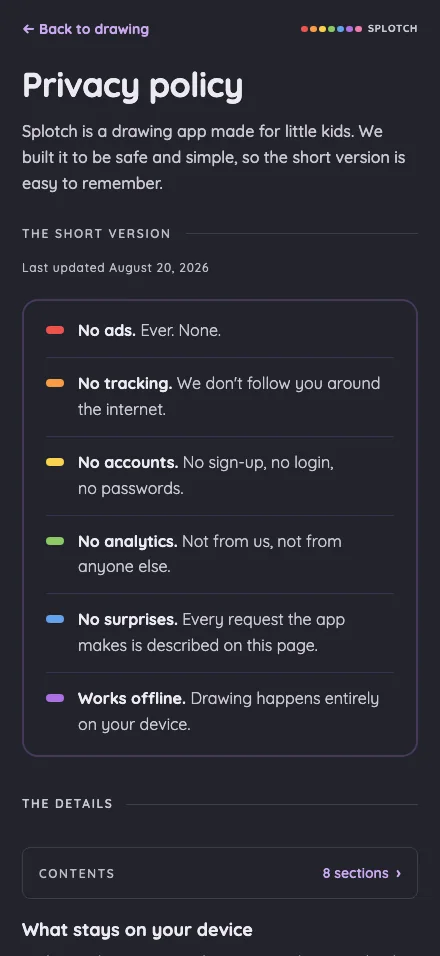
Privacy policy in night mode at iPhone 16 Pro Max in portrait
Pass

Headings, body text, links, and section labels remain clearly legible against the dark background. No actionable night-mode contrast issue is visible.

iPad mini744 × 1133
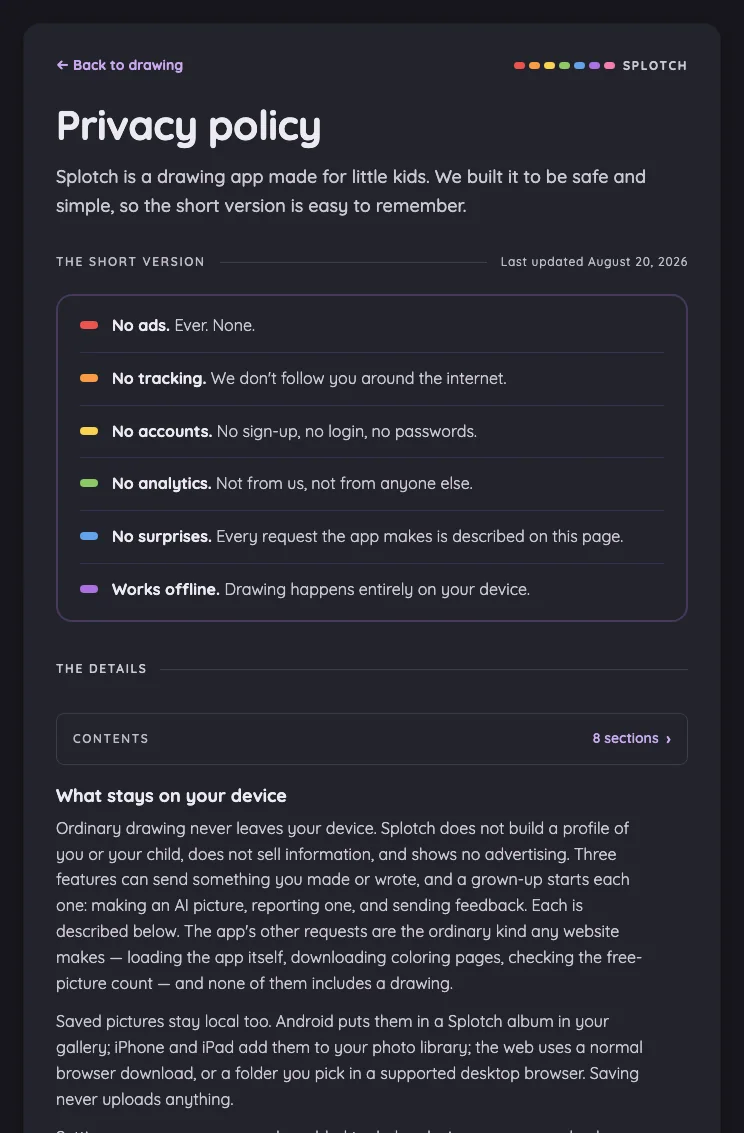
Privacy policy in night mode at iPad mini 7th Gen (2024) in portrait
Pass

Headings, body text, navigation, and small labels remain clearly legible against the dark surface. Accent colors are distinct, with no actionable night-mode contrast issue visible.

Large iPad Pro1032 × 1376
Privacy policy in night mode at iPad Pro 13-inch (M4) in portrait
Pass

Headings, body copy, navigation, and metadata remain clearly legible against the dark surface. The selected navigation item is distinguishable, with readable lavender text.

Landscape

Small iPhone812 × 375
Privacy policy in night mode at iPhone 13 mini in landscape
Pass

Headings, body text, navigation, and small metadata remain clearly legible against the dark background. No actionable night-mode contrast issue is visible.

Large iPhone956 × 440
Privacy policy in night mode at iPhone 16 Pro Max in landscape
Pass

Headings, body text, policy statements, and the back link are clearly legible against the dark surface. Muted metadata remains readable, with no actionable night-mode contrast issue visible.

iPad mini1133 × 744
Privacy policy in night mode at iPad mini 7th Gen (2024) in landscape
Pass

Headings, body text, links, and small labels are clearly legible against the dark surface. Muted text and purple navigation accents retain sufficient visible contrast.

Large iPad Pro1376 × 1032
Privacy policy in night mode at iPad Pro 13-inch (M4) in landscape
Pass

Headings, body copy, navigation labels, and the update date are legible against the dark surface. Purple links and the selected section retain clear contrast.

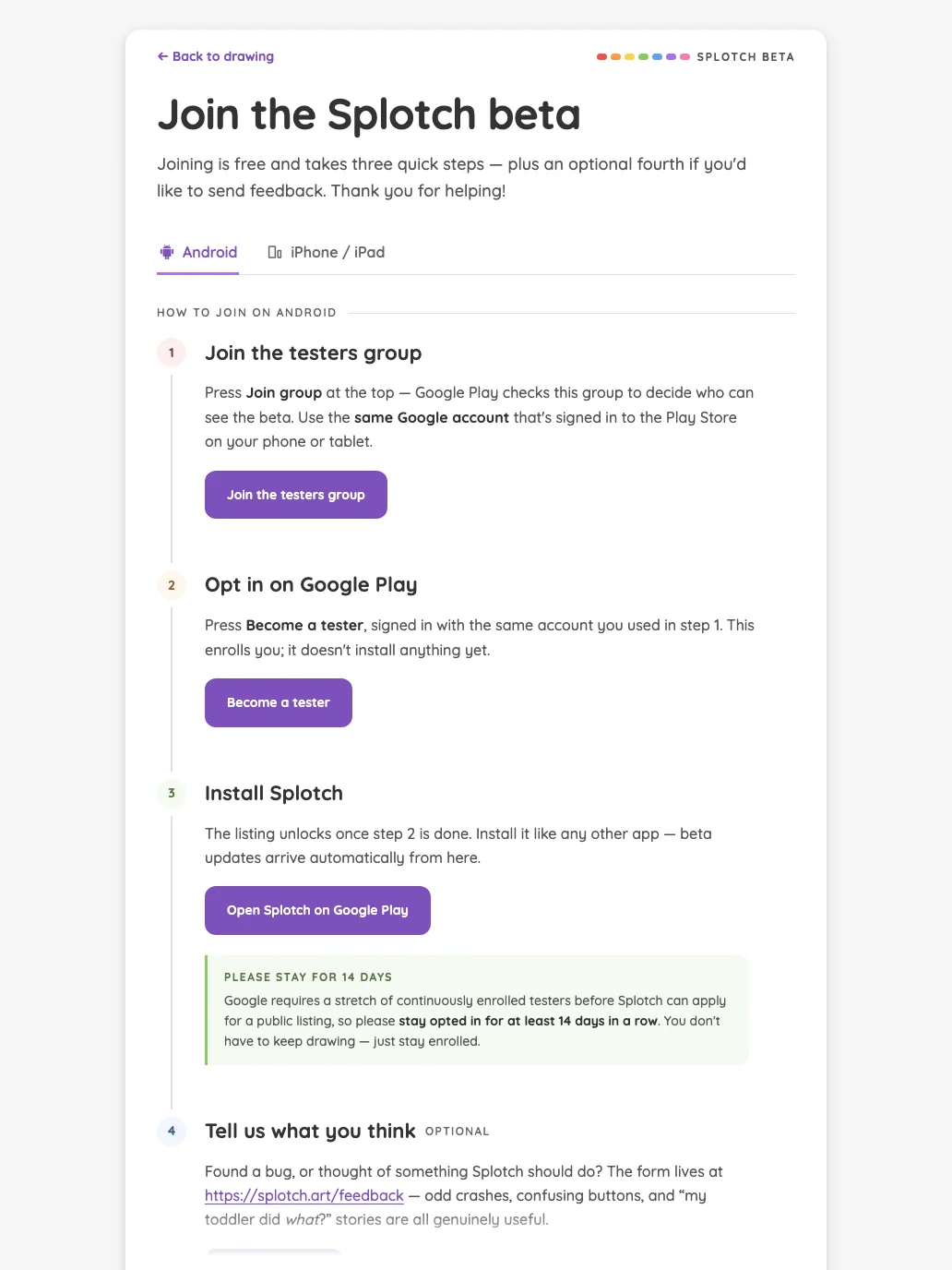
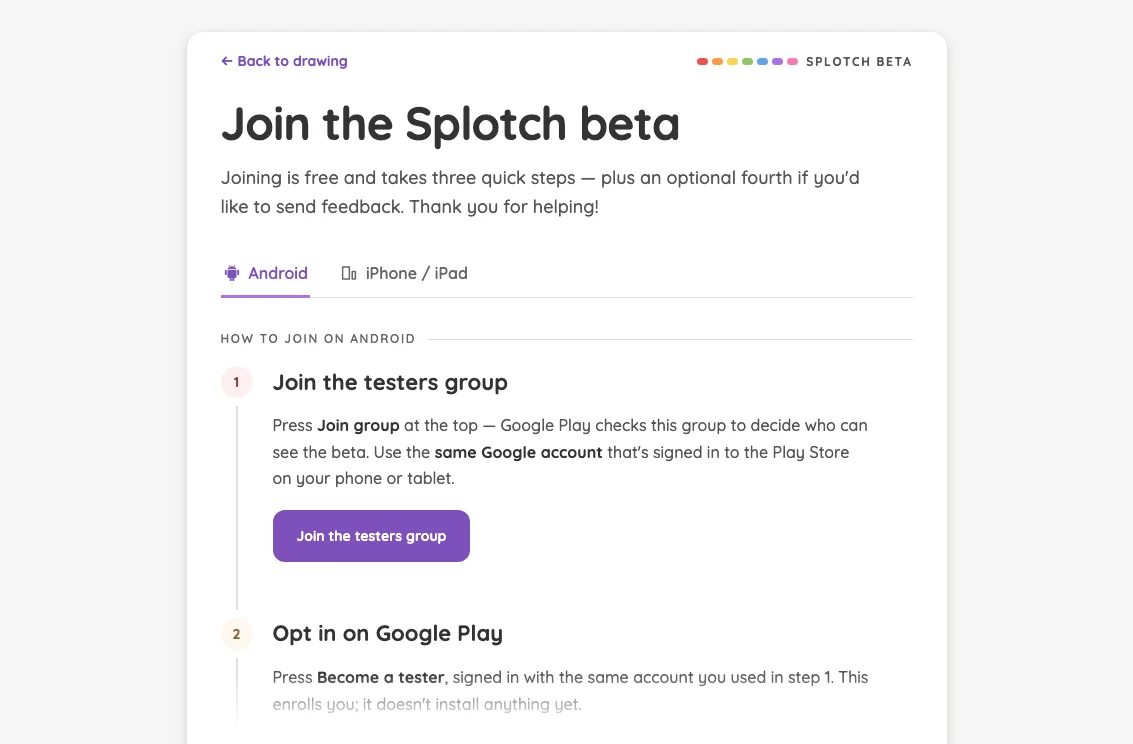
Beta sign-up · Android#

Google Play closed-test instructions in the Android panel of the beta page.

16 pass
/beta?os=android

Light mode

Judged on layout, spacing, text fit, and touch targets.

Portrait

Small iPhone375 × 812
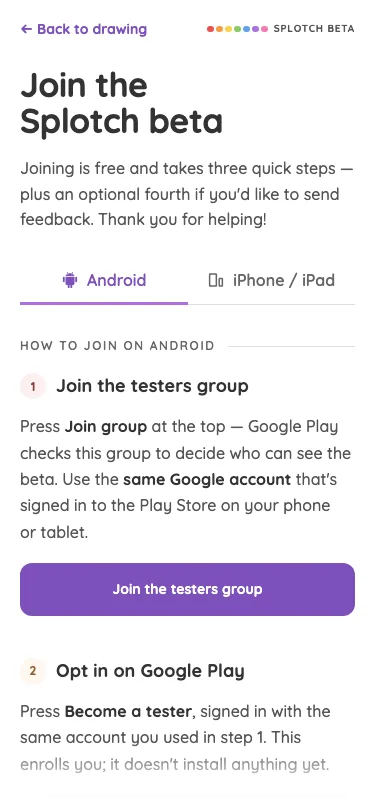
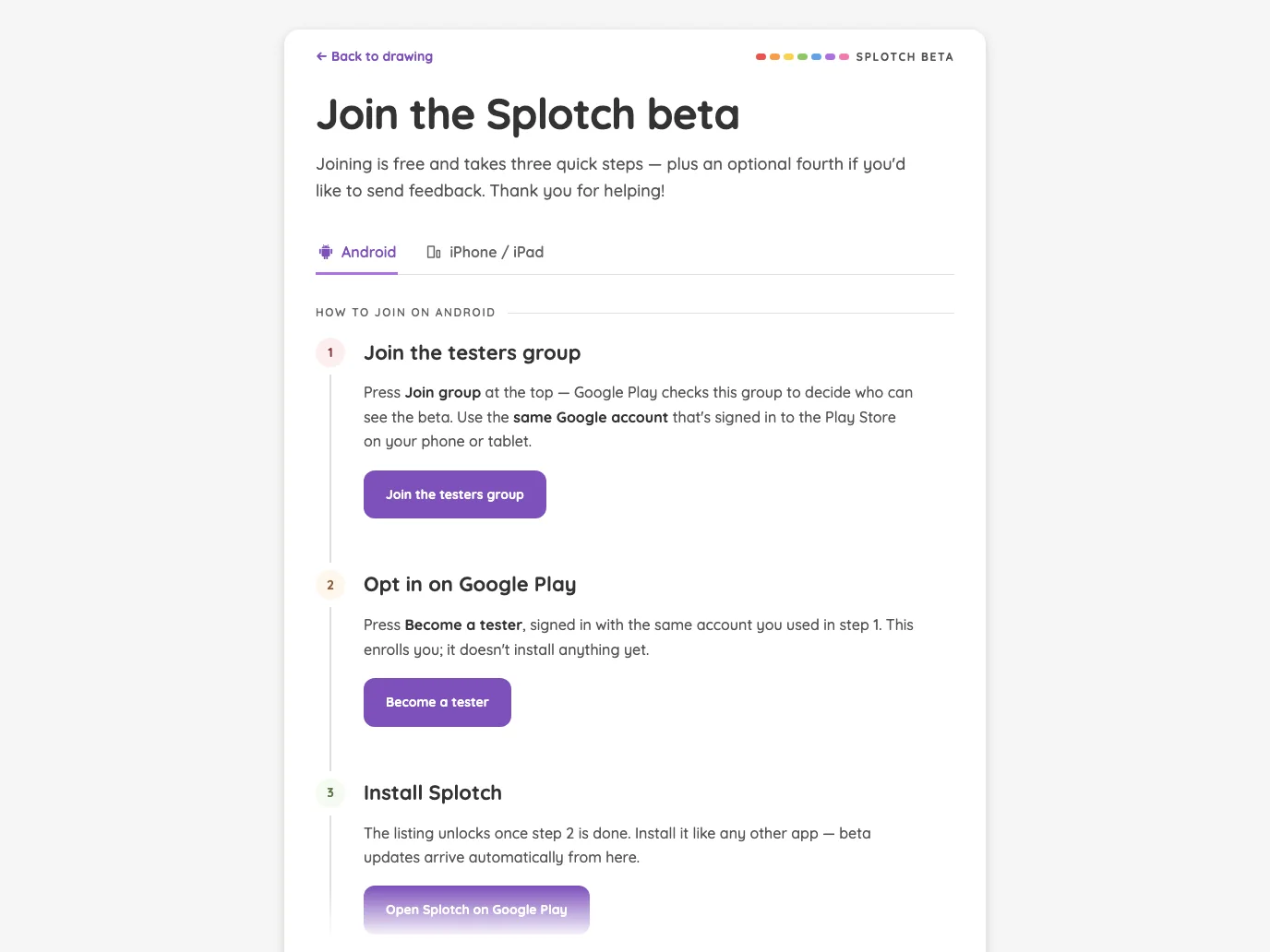
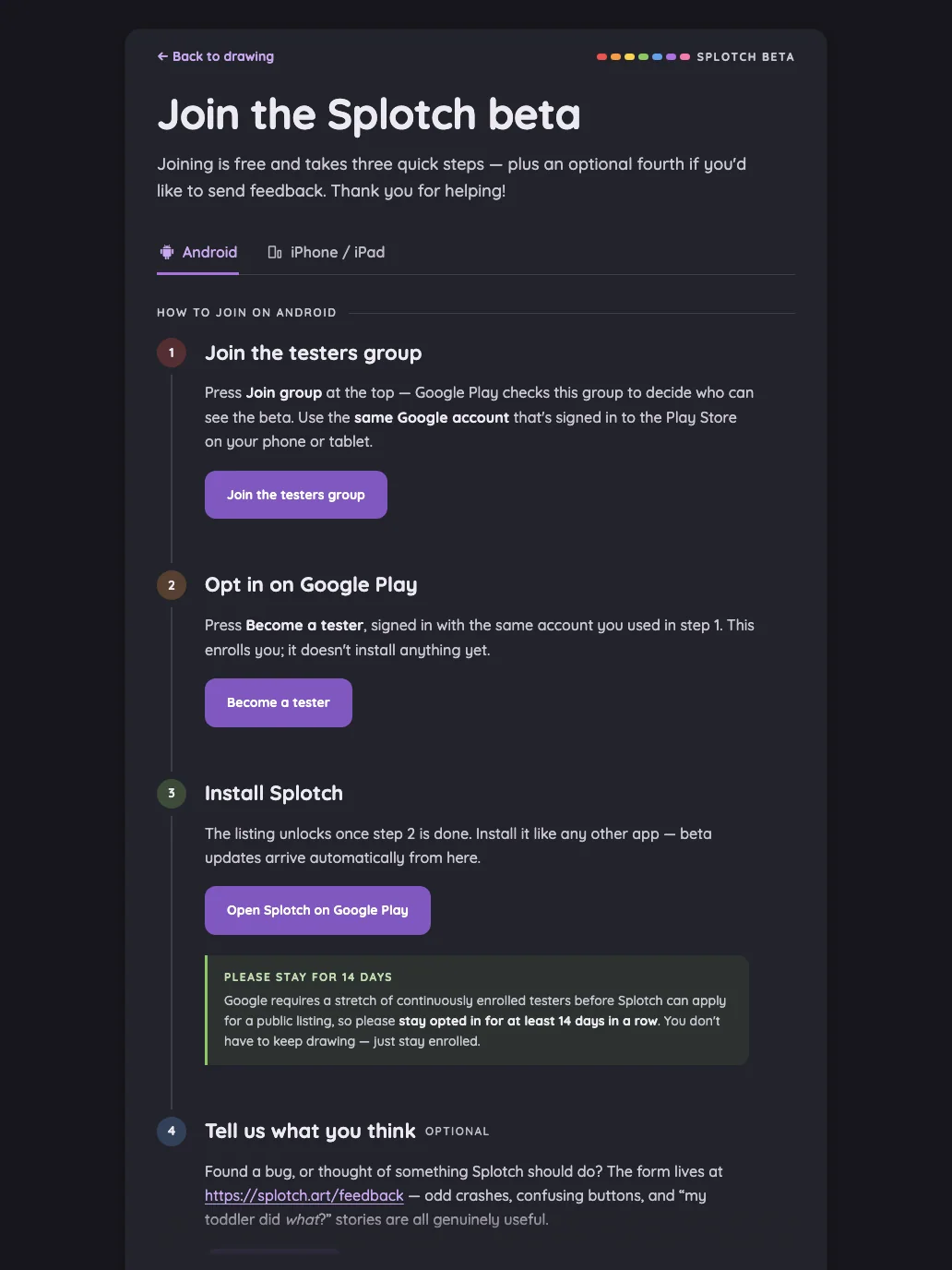
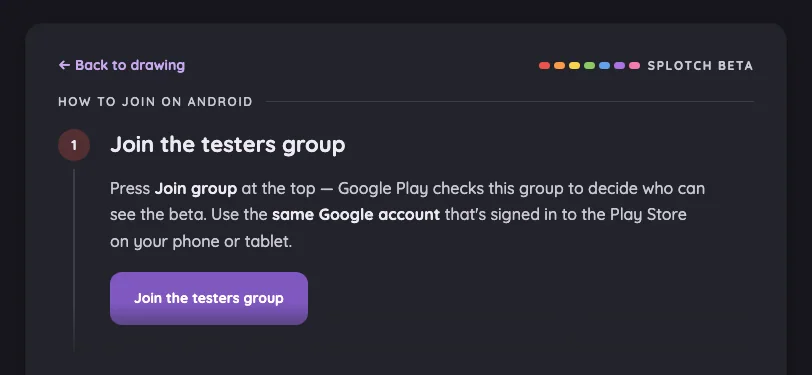
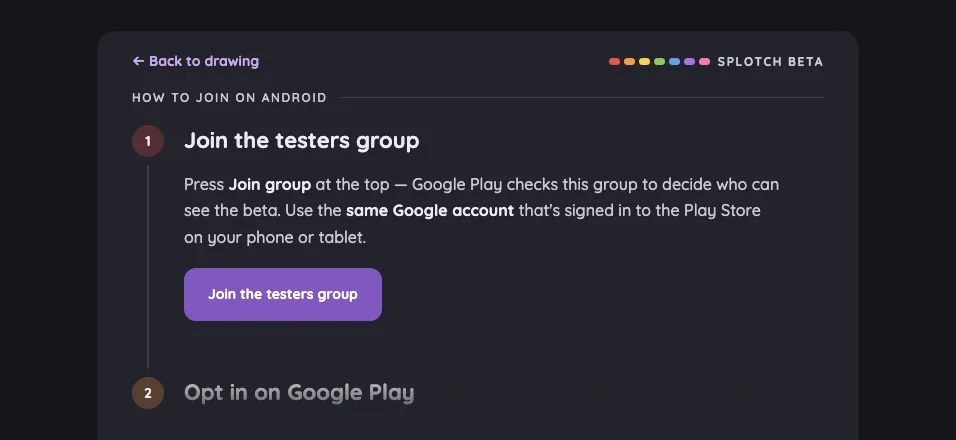
Beta sign-up · Android in light mode at iPhone 13 mini in portrait
Pass

Clear heading hierarchy, comfortable spacing, and readable text with no unintended clipping or overlap. Tabs and the primary button are distinct and comfortably sized. The bottom fade appropriately signals continued content. Styling is consistent; no modal is visible to assess.

Large iPhone440 × 956
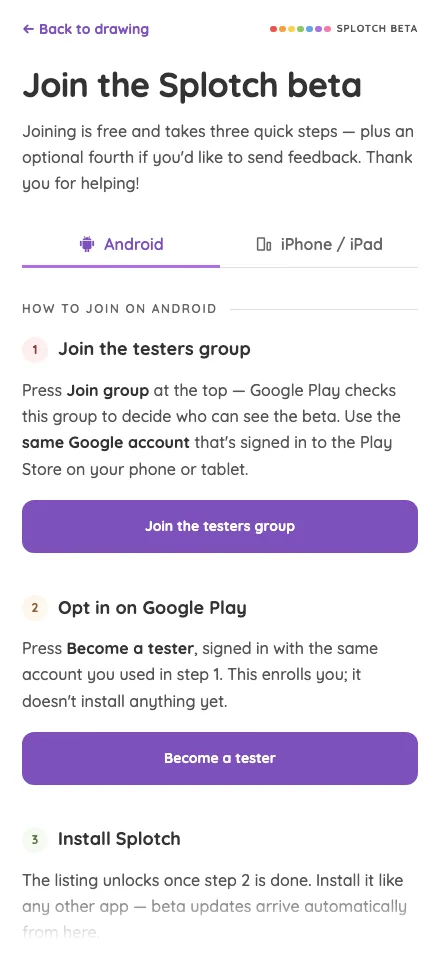
Beta sign-up · Android in light mode at iPhone 16 Pro Max in portrait
Pass

Clear heading, platform tabs, and numbered steps establish strong hierarchy. Text fits without overlap or unintended clipping; spacing is consistent and primary buttons have clear, generous touch targets. The bottom fade signals continued scrolling. No modal is visible to assess.

iPad mini744 × 1133
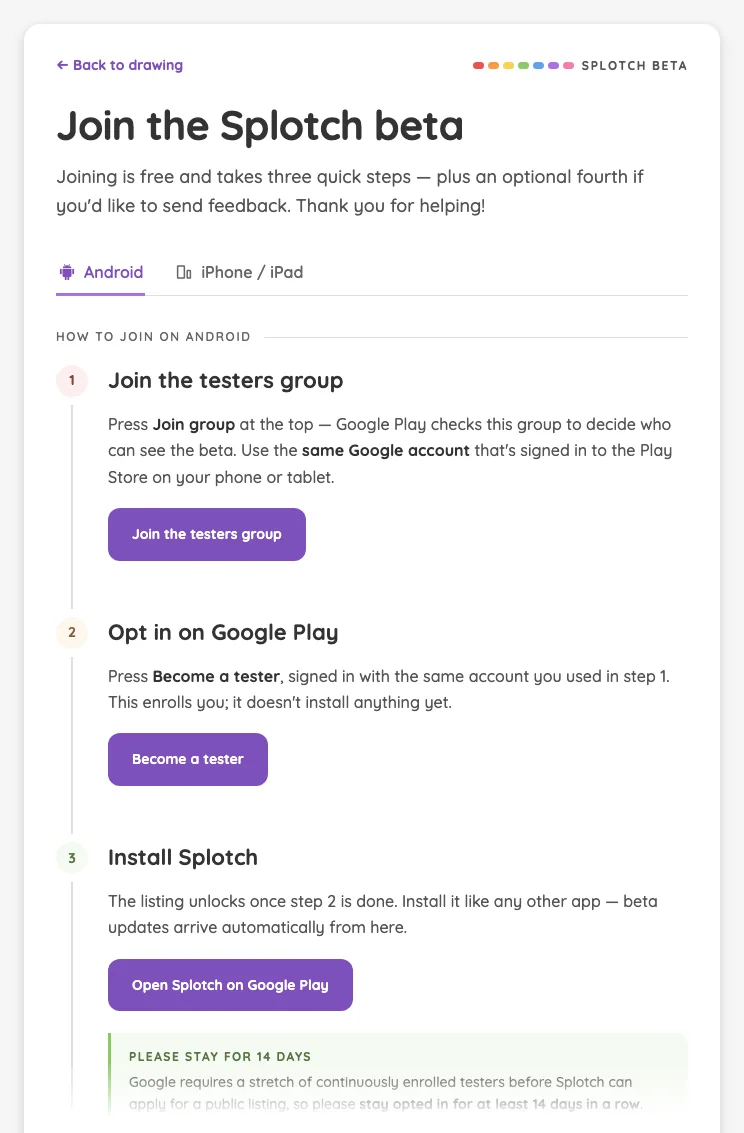
Beta sign-up · Android in light mode at iPad mini 7th Gen (2024) in portrait
Pass

Clear heading, active Android tab, and numbered steps establish a strong hierarchy. Text fits cleanly, spacing is consistent, and purple action buttons provide clear touch targets. No unintended clipping or overlap is visible; the bottom fade appropriately signals more scrollable content.

Large iPad Pro1032 × 1376
Beta sign-up · Android in light mode at iPad Pro 13-inch (M4) in portrait
Pass

Clear heading, platform tabs, and numbered steps establish a strong hierarchy. Text wraps comfortably, spacing is consistent, and primary buttons have clear, generous touch targets. No unintended clipping or overlap is visible; the bottom fade signals additional scrollable content.

Landscape

Small iPhone812 × 375
Beta sign-up · Android in light mode at iPhone 13 mini in landscape
Pass

Clear hierarchy, comfortable spacing, and well-fitted text. The primary button is distinct and generously sized, with no visible overlap or unintended clipping. Typography and purple accents are consistent. The bottom fade signals continuing content; scrolling behavior cannot be verified from this capture.

Large iPhone956 × 440
Beta sign-up · Android in light mode at iPhone 16 Pro Max in landscape
Pass

Clear heading hierarchy, comfortable spacing, and readable text with no unintended clipping or overlap. The primary button is prominent and generously sized. The bottom fade appropriately signals more instructions below; scrolling behavior cannot be verified from this still image. Styling is consistent.

iPad mini1133 × 744
Beta sign-up · Android in light mode at iPad mini 7th Gen (2024) in landscape
Pass

Clear heading, platform tabs, and numbered steps establish a strong hierarchy. Spacing is balanced, text wraps cleanly, and the primary button is distinct and comfortably sized. No unintended clipping or overlap is visible; the bottom fade signals continued scrolling. Scroll interaction cannot be verified from this image.

Large iPad Pro1376 × 1032
Beta sign-up · Android in light mode at iPad Pro 13-inch (M4) in landscape
Pass

Clear heading, platform tabs, and numbered steps establish a strong hierarchy. Text wraps cleanly, spacing is consistent, and buttons have distinct, generous touch targets. No unintended clipping or overlap is visible; the bottom fade signals continued scrolling as designed.

Night mode

Judged on contrast and legibility only.

Portrait

Small iPhone375 × 812
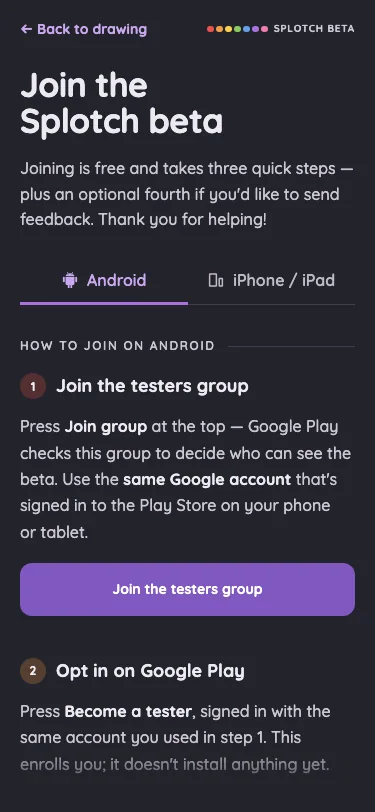
Beta sign-up · Android in night mode at iPhone 13 mini in portrait
Pass

Night-mode text, tabs, step labels, and the primary button remain clearly legible against their backgrounds. Content above the intentional bottom fade shows no actionable contrast issue.

Large iPhone440 × 956
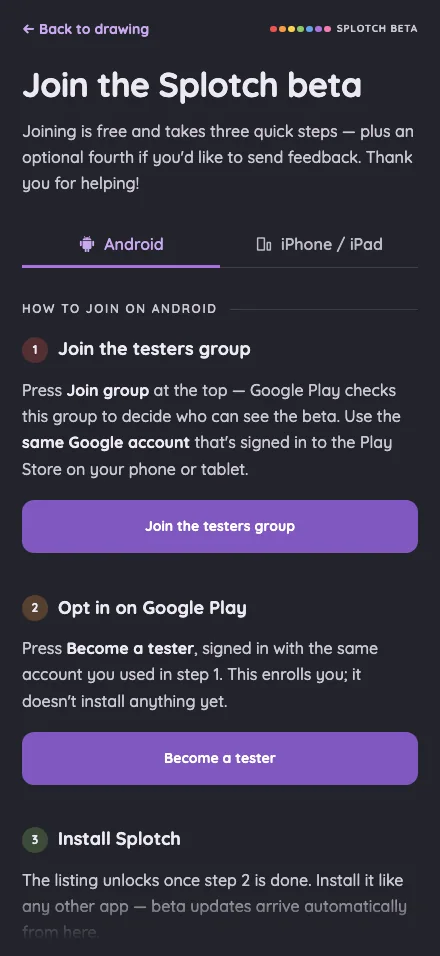
Beta sign-up · Android in night mode at iPhone 16 Pro Max in portrait
Pass

Text, step headings, tabs, and button labels are clearly legible against the dark background. Content outside the intentional bottom fade shows no actionable contrast issue.

iPad mini744 × 1133
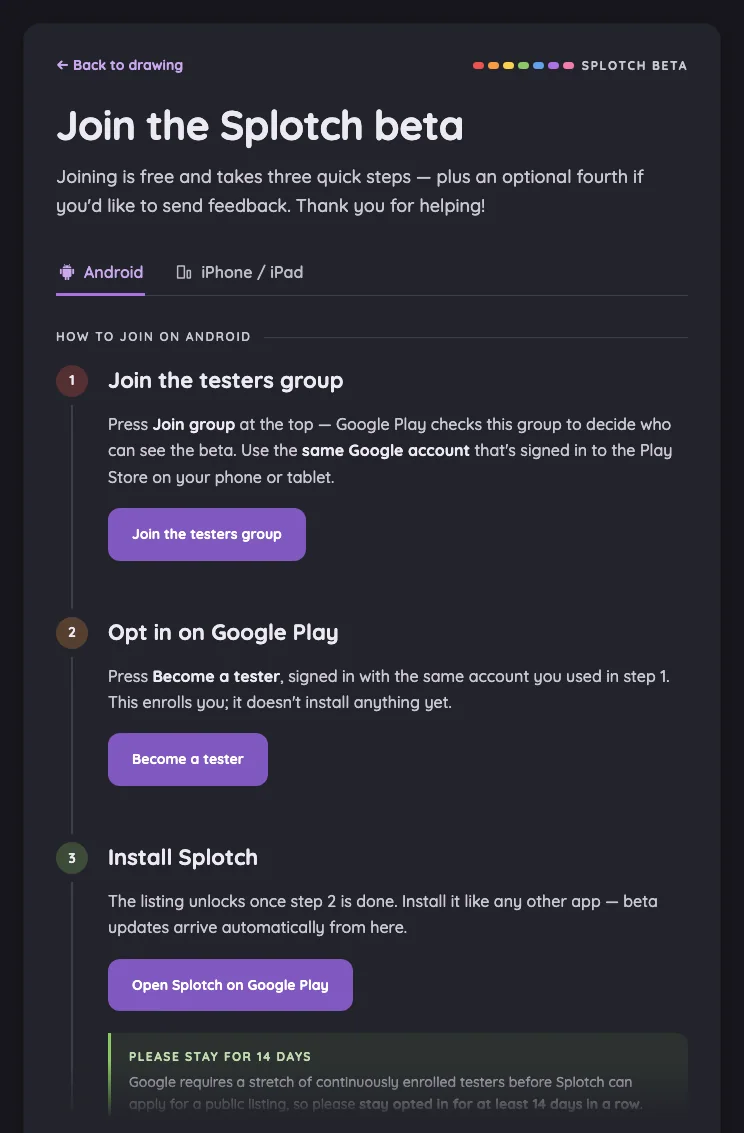
Beta sign-up · Android in night mode at iPad mini 7th Gen (2024) in portrait
Pass

Headings, instructions, tabs, step numbers, and button labels are legible against the dark surface. The bottom callout’s dimming is confined to the intentional scroll fade. No actionable night-mode contrast issue is visible.

Large iPad Pro1032 × 1376
Beta sign-up · Android in night mode at iPad Pro 13-inch (M4) in portrait
Pass

Headings, instructions, step numbers, links, and button labels remain clearly legible against the dark surfaces. No actionable night-mode contrast issue is visible outside the intentional bottom fade.

Landscape

Small iPhone812 × 375
Beta sign-up · Android in night mode at iPhone 13 mini in landscape
Pass

Headings, instructions, step number, navigation, and button text are clearly legible against the dark surfaces. No actionable night-mode contrast issue is visible.

Large iPhone956 × 440
Beta sign-up · Android in night mode at iPhone 16 Pro Max in landscape
Pass

Headings, instructions, navigation, and the purple button label are legible against the dark panel. The dimming near the bottom matches the intended scrolling fade.

iPad mini1133 × 744
Beta sign-up · Android in night mode at iPad mini 7th Gen (2024) in landscape
Pass

Text, tabs, step numbers, and the primary button are clearly legible against the dark surfaces. The bottom text dims within the intentional scroll fade; content above it has good contrast.

Large iPad Pro1376 × 1032
Beta sign-up · Android in night mode at iPad Pro 13-inch (M4) in landscape
Pass

Text, step numbers, tabs, and active buttons are legible against the dark surface. The bottom button’s dimming sits within the intentional scroll fade; content above it shows no actionable contrast issue.

Beta sign-up · iOS#

TestFlight instructions in the iOS panel of the beta page.

16 pass
/beta?os=ios

Light mode

Judged on layout, spacing, text fit, and touch targets.

Portrait

Small iPhone375 × 812
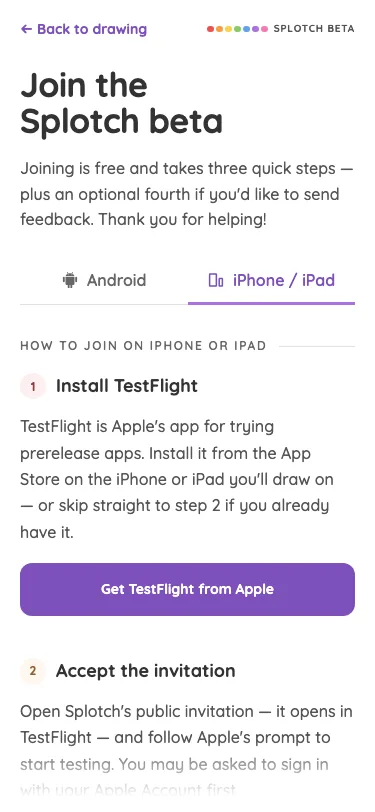
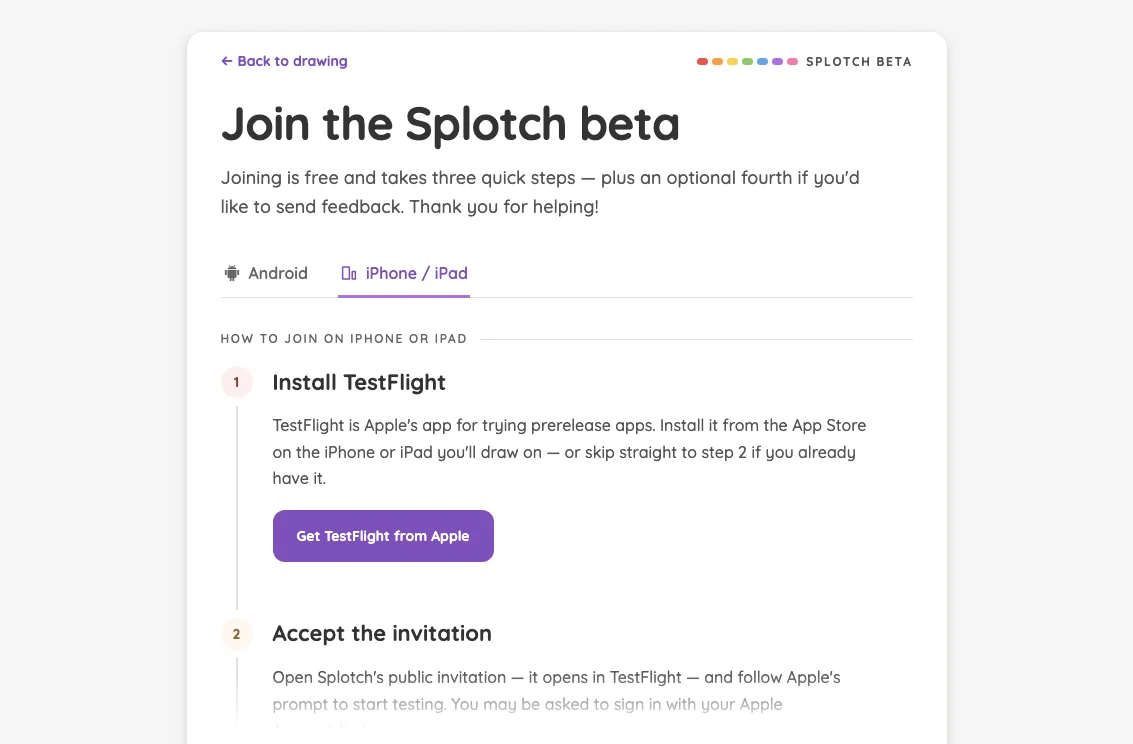
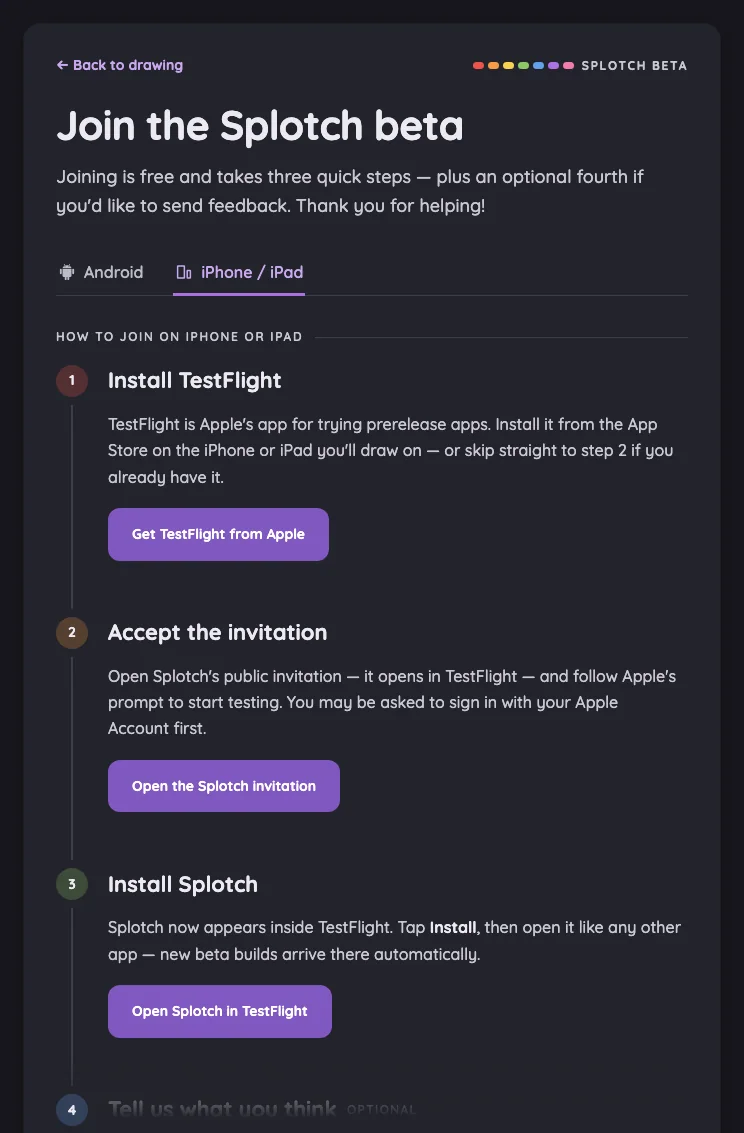
Beta sign-up · iOS in light mode at iPhone 13 mini in portrait
Pass

Clear heading, selected iOS tab, numbered steps, and prominent TestFlight button establish a strong hierarchy. Spacing is consistent, text fits comfortably, and no unintended clipping or overlap is visible. The bottom fade communicates continued scrolling; no modal is shown.

Large iPhone440 × 956
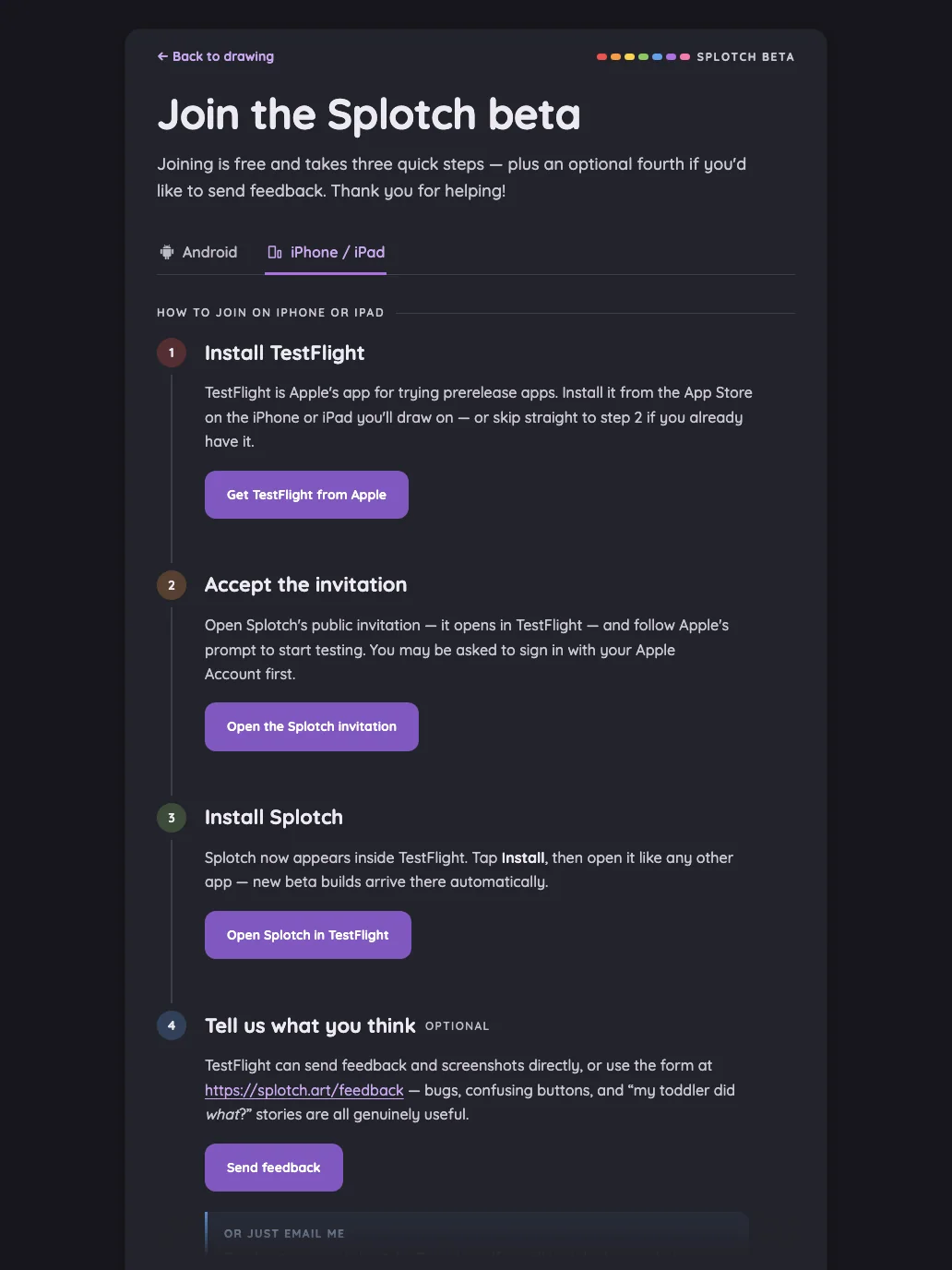
Beta sign-up · iOS in light mode at iPhone 16 Pro Max in portrait
Pass

Clear heading, platform tabs, numbered steps, and prominent buttons establish a strong hierarchy. Text fits comfortably, spacing is consistent, and touch targets are distinct. No unintended clipping or overlap is visible; the bottom fade appropriately signals continuing content. No modal is shown.

iPad mini744 × 1133
Beta sign-up · iOS in light mode at iPad mini 7th Gen (2024) in portrait
Pass

Clear heading hierarchy, aligned step markers, and generous spacing make the instructions easy to follow. Text fits without overlap, and the purple buttons provide clear, comfortably sized touch targets. The bottom fade appropriately signals additional scrolling content. No actionable visible issues.

Large iPad Pro1032 × 1376
Beta sign-up · iOS in light mode at iPad Pro 13-inch (M4) in portrait
Pass

Clear heading and step hierarchy, consistent spacing, and comfortable text wrapping. Buttons are distinct and generously sized, and the active iOS tab is clear. No unintended clipping or overlap is visible; the bottom fade signals more content below. Scrolling behavior cannot be verified from this still image.

Landscape

Small iPhone812 × 375
Beta sign-up · iOS in light mode at iPhone 13 mini in landscape
Pass

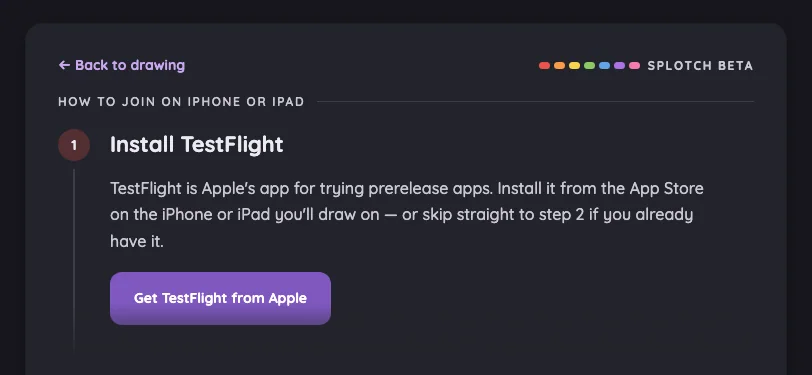
Clear heading-to-body hierarchy, comfortable spacing, and readable text wrapping. The primary button is distinct and generously sized, with no visible overlap or unintended clipping. The lower fade provides the intended scrolling cue; scrolling behavior cannot be verified from this still image. Styling is consistent.

Large iPhone956 × 440
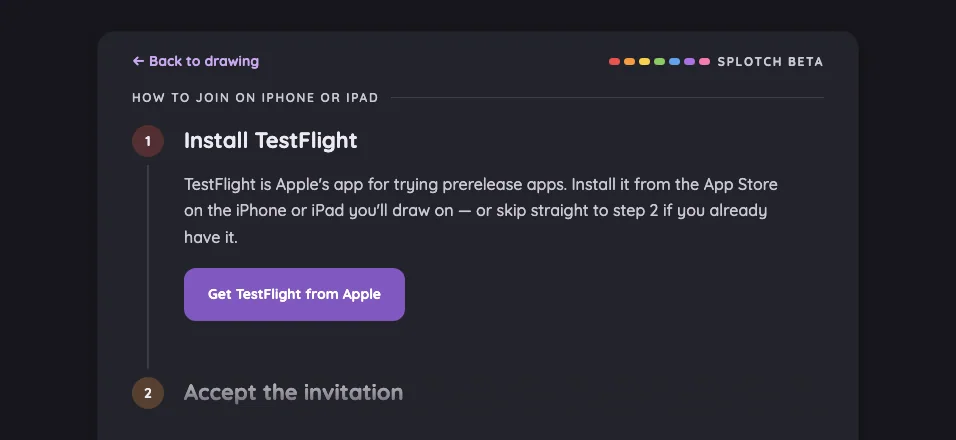
Beta sign-up · iOS in light mode at iPhone 16 Pro Max in landscape
Pass

Clear step hierarchy, comfortable spacing, and well-fitting text. The primary button has a generous, distinct touch target. No unintended clipping or overlap is visible; the next step fades at the lower edge as the intended scrolling cue. Typography and colors are consistent. Scrolling behavior cannot be verified from this still image.

iPad mini1133 × 744
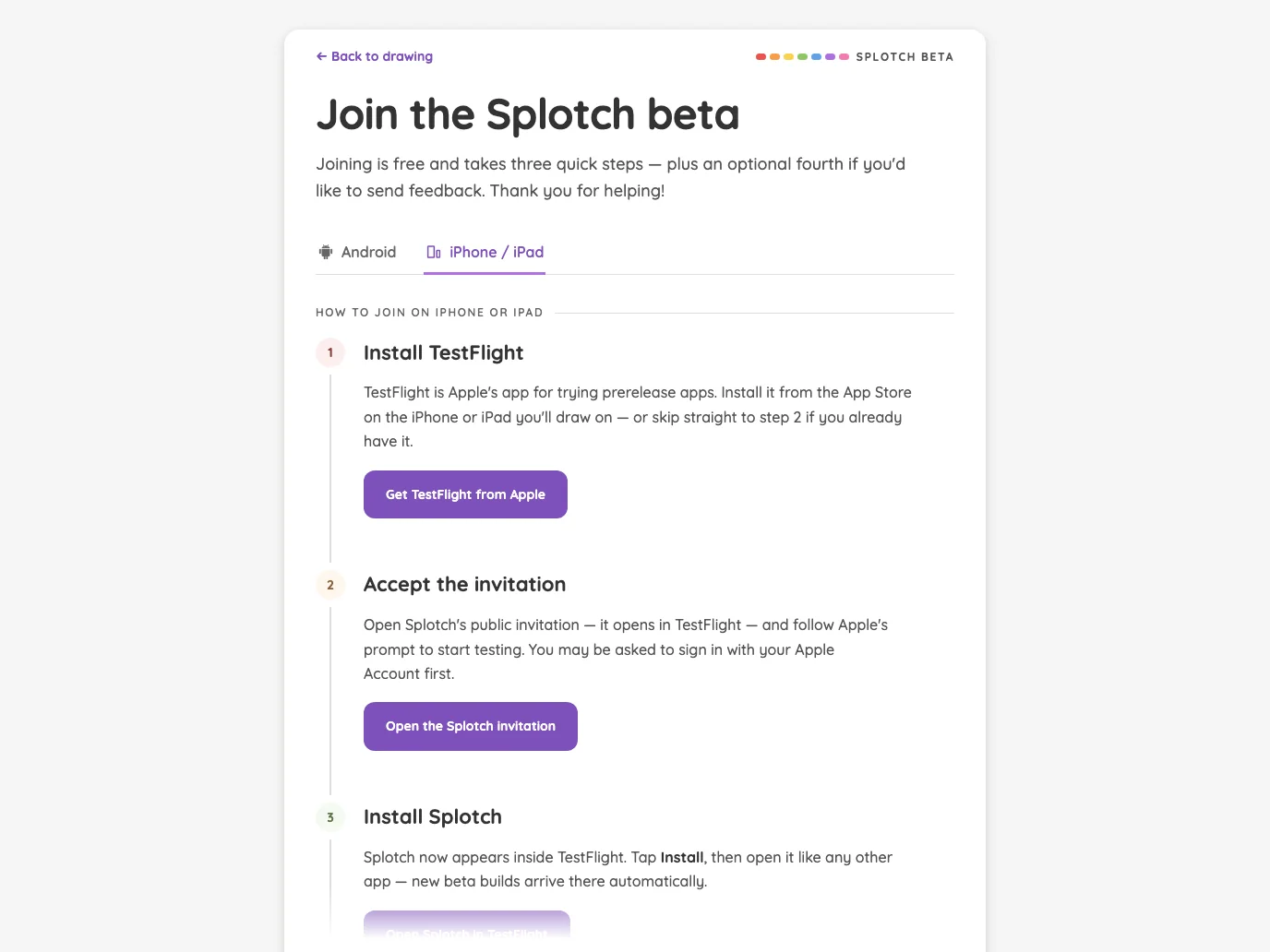
Beta sign-up · iOS in light mode at iPad mini 7th Gen (2024) in landscape
Pass

Clear heading hierarchy, generous spacing, and comfortable text wrapping. Tabs and the primary button are distinct, with ample visible touch areas. No unintended clipping or overlap appears; the bottom fade signals continuing instructions. Typography, colors, and step markers are consistent.

Large iPad Pro1376 × 1032
Beta sign-up · iOS in light mode at iPad Pro 13-inch (M4) in landscape
Pass

Clear heading hierarchy, consistent spacing, and comfortable text wrapping. Tabs and primary buttons have distinct states and clear touch targets. No unintended clipping or overlap is visible; the bottom fade appropriately signals more instructions below.

Night mode

Judged on contrast and legibility only.

Portrait

Small iPhone375 × 812
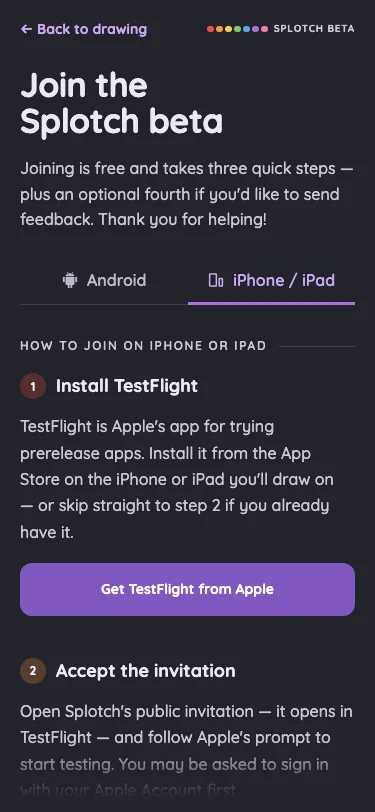
Beta sign-up · iOS in night mode at iPhone 13 mini in portrait
Pass

Text, tab labels, step numbers, and the primary button are legible against the dark background. Content above the intentional bottom fade shows no actionable contrast issue.

Large iPhone440 × 956
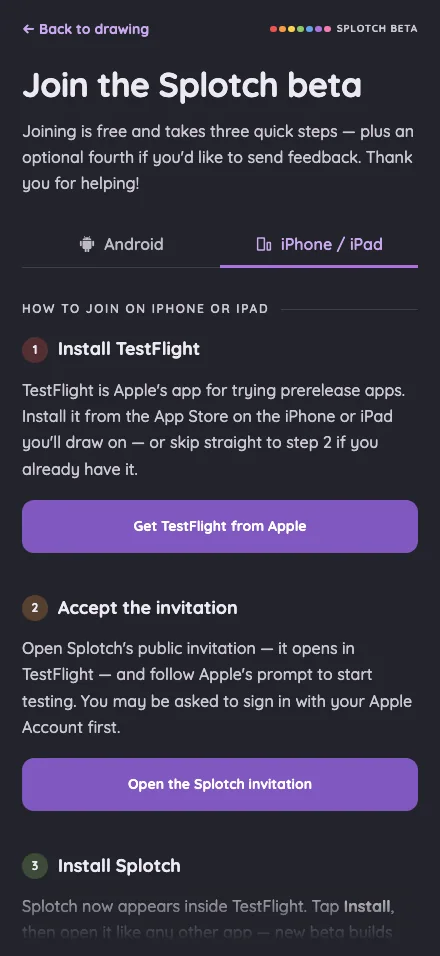
Beta sign-up · iOS in night mode at iPhone 16 Pro Max in portrait
Pass

Text, tabs, step numbers, and button labels are legible against the dark surfaces. Content above the intentional bottom fade shows no actionable contrast issue.

iPad mini744 × 1133
Beta sign-up · iOS in night mode at iPad mini 7th Gen (2024) in portrait
Pass

Text, step numbers, tabs, and button labels are clearly legible against the dark surfaces. The dimmed fourth step sits within the intentional scroll fade. No actionable night-mode contrast issue is visible.

Large iPad Pro1032 × 1376
Beta sign-up · iOS in night mode at iPad Pro 13-inch (M4) in portrait
Pass

Headings, instructions, links, step numbers, and button labels are clearly legible against the dark surfaces. No actionable night-mode contrast issue is visible outside the intentional bottom fade.

Landscape

Small iPhone812 × 375
Beta sign-up · iOS in night mode at iPhone 13 mini in landscape
Pass

The heading, instructions, back link, step number, and TestFlight button label are clearly legible against their night-mode backgrounds. No actionable contrast issue is visible.

Large iPhone956 × 440
Beta sign-up · iOS in night mode at iPhone 16 Pro Max in landscape
Pass

Text, step numbers, navigation, and the TestFlight button are legible against the dark panel. The dimmed second step sits within the intentional scrolling fade.

iPad mini1133 × 744
Beta sign-up · iOS in night mode at iPad mini 7th Gen (2024) in landscape
Pass

Text, step numbers, tabs, and the TestFlight button remain clearly legible against the dark surfaces. Content outside the intentional bottom fade shows no actionable contrast issues.

Large iPad Pro1376 × 1032
Beta sign-up · iOS in night mode at iPad Pro 13-inch (M4) in landscape
Pass

Headings, instructions, tab labels, step numbers, and button text are legible against the dark surfaces. Content clear of the intentional bottom fade shows no actionable contrast issue.

App error screen#

The shared SvelteKit error boundary rendered for an unknown route.

16 pass
+error.svelte (404)

Light mode

Judged on layout, spacing, text fit, and touch targets.

Portrait

Small iPhone375 × 812
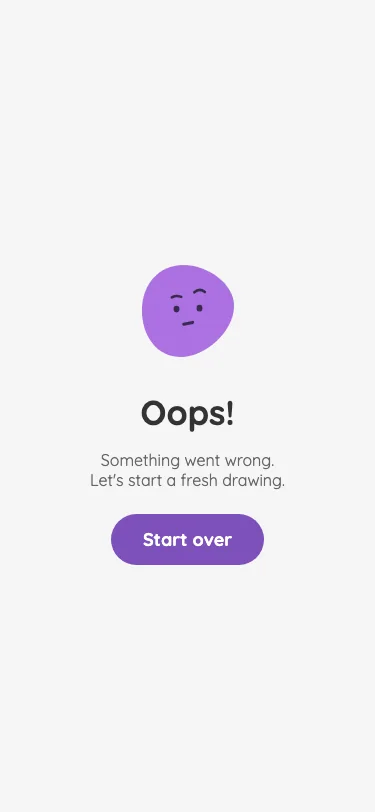
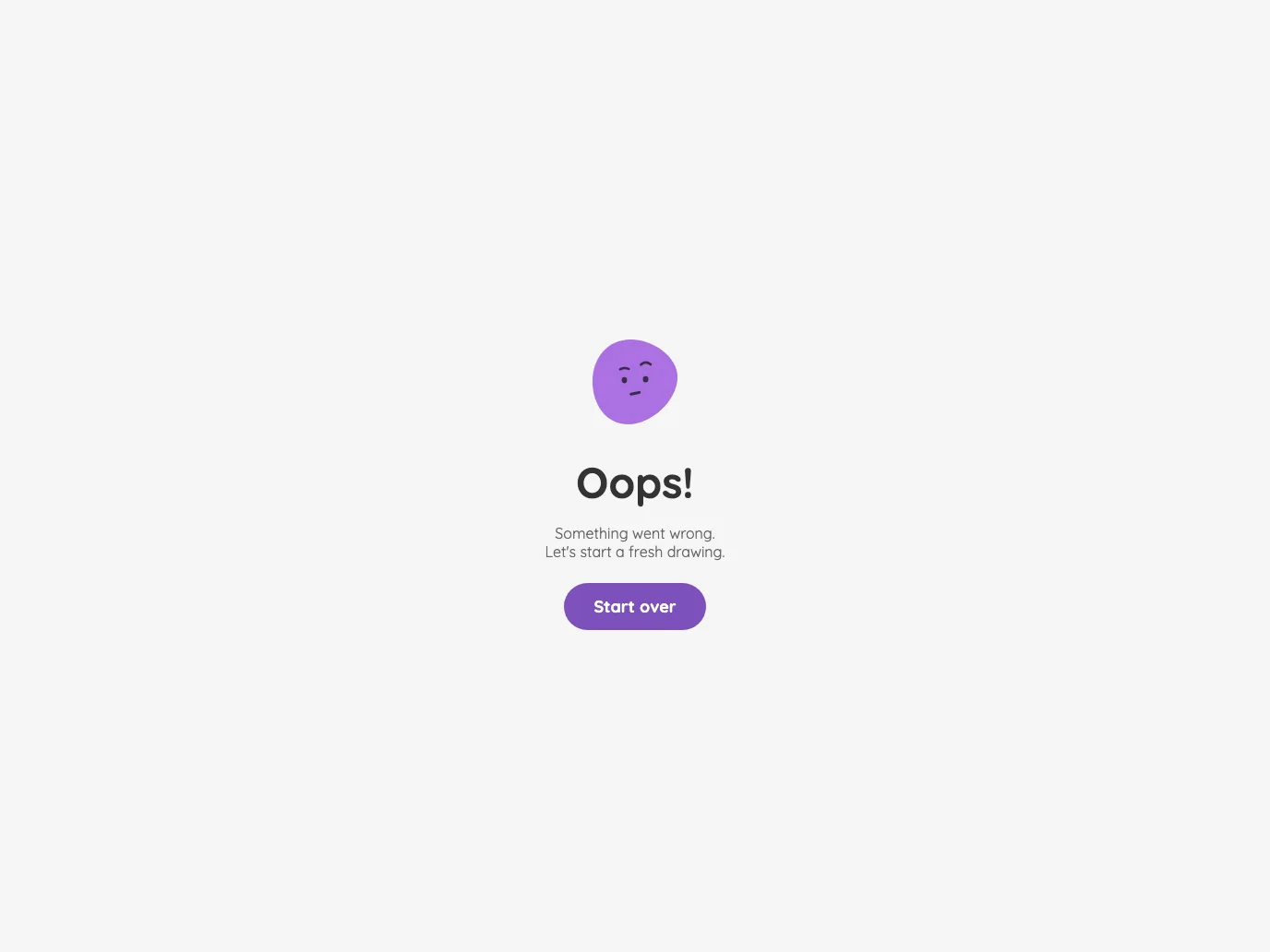
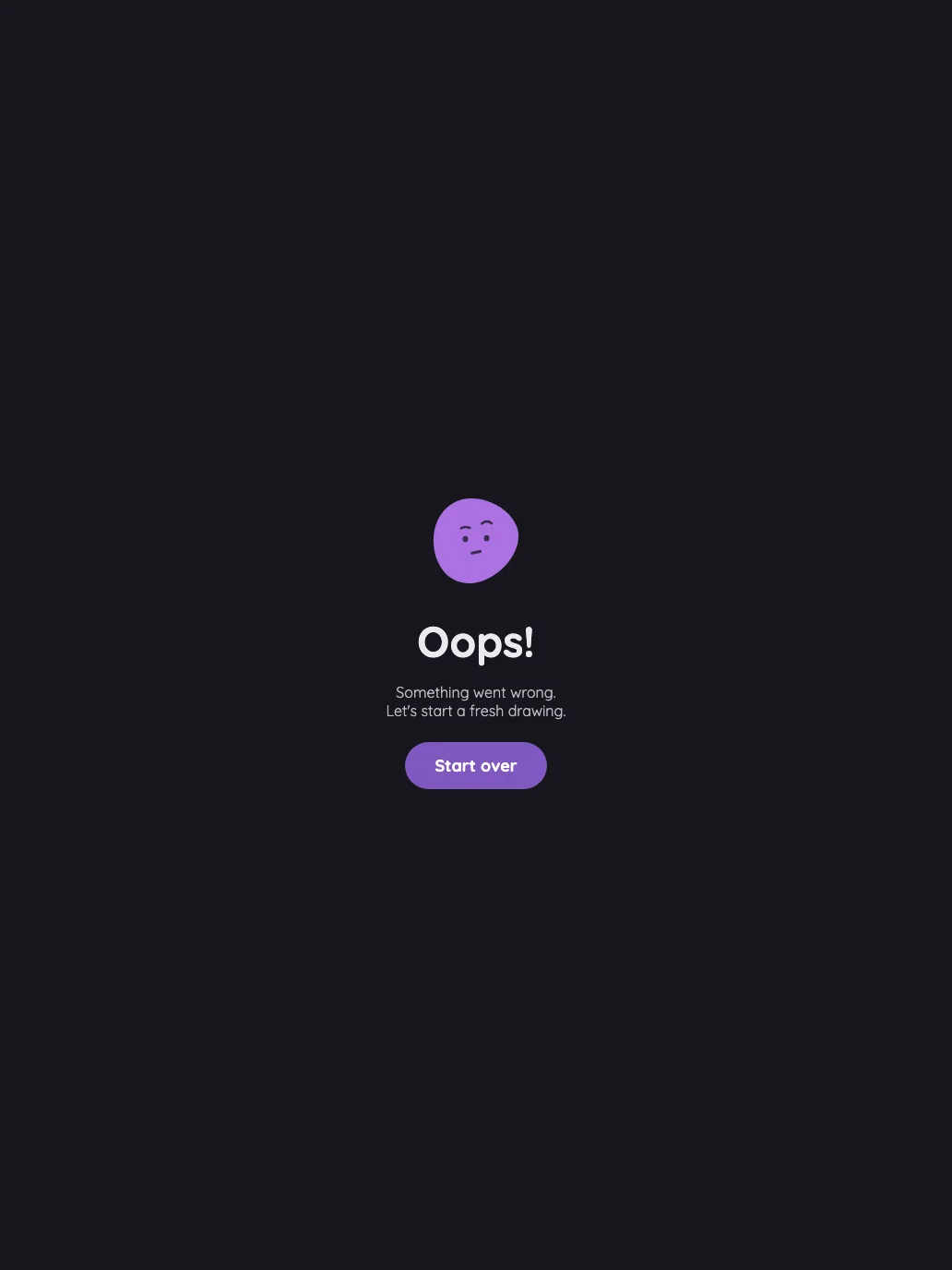
App error screen in light mode at iPhone 13 mini in portrait
Pass

Clear hierarchy from illustration to heading, supporting text, and primary action. Spacing feels balanced, text fits comfortably, and the large “Start over” button is easy to identify and tap. No visible clipping or overlap; purple accents and rounded styling are consistent. No modal or scrolling region is present.

Large iPhone440 × 956
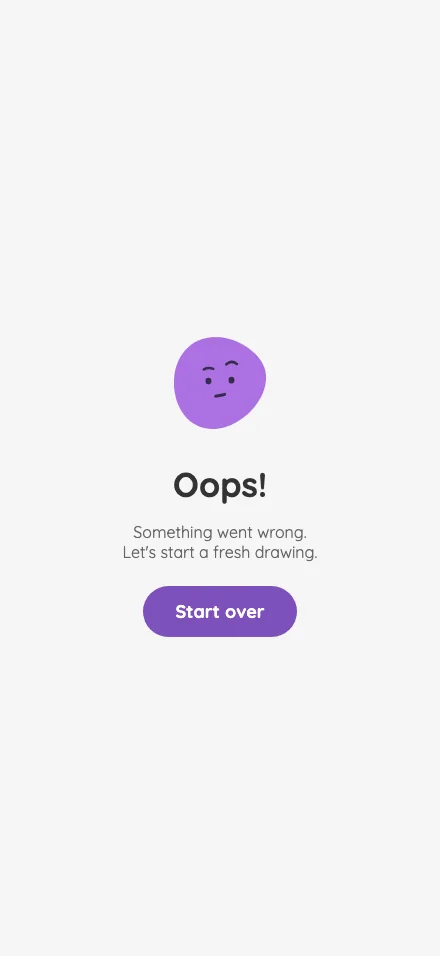
App error screen in light mode at iPhone 16 Pro Max in portrait
Pass

Clear hierarchy from illustration to heading, supporting text, and primary action. Spacing feels balanced, text fits comfortably, and the prominent “Start over” button provides a clear touch target. Purple accents are visually consistent. No visible clipping or overlap; no modal or scrolling region is present.

iPad mini744 × 1133
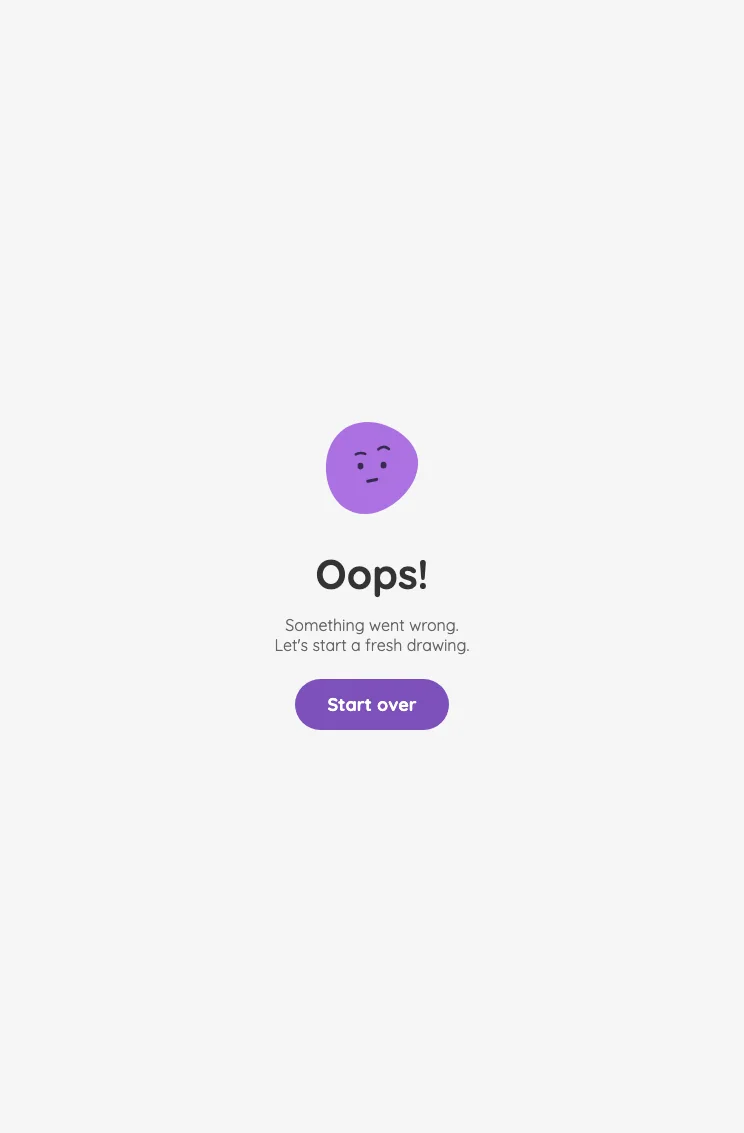
App error screen in light mode at iPad mini 7th Gen (2024) in portrait
Pass

Clear hierarchy from illustration to heading, supporting text, and primary action. Spacing is balanced, text fits comfortably, and the prominent “Start over” button has a generous touch target. No visible clipping, overlap, or visual inconsistency. No modal or scrolling region is present.

Large iPad Pro1032 × 1376
App error screen in light mode at iPad Pro 13-inch (M4) in portrait
Pass

Clear hierarchy from illustration to heading, supporting text, and primary action. The centered layout has balanced spacing; text fits without clipping or overlap. The “Start over” button is prominent with a generous touch target, and typography and purple accents are consistent. No modal or scrolling region is visible.

Landscape

Small iPhone812 × 375
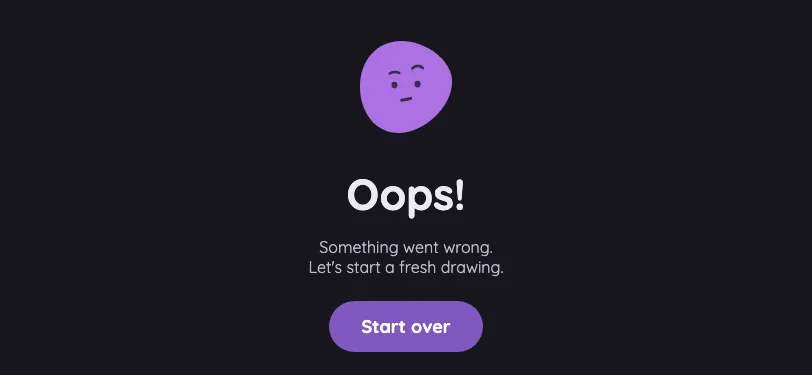
App error screen in light mode at iPhone 13 mini in landscape
Pass

Clear hierarchy and balanced spacing. Text fits comfortably, and the prominent “Start over” button has a generous touch target. No visible clipping or overlap; colors and rounded styling are consistent. No modal or scrolling region is visible.

Large iPhone956 × 440
App error screen in light mode at iPhone 16 Pro Max in landscape
Pass

Clear hierarchy, balanced spacing, and fully visible text. The prominent “Start over” button has a generous touch target. No clipping or overlap is visible, and the purple illustration and button feel consistent. No modal or scrolling region is present.

iPad mini1133 × 744
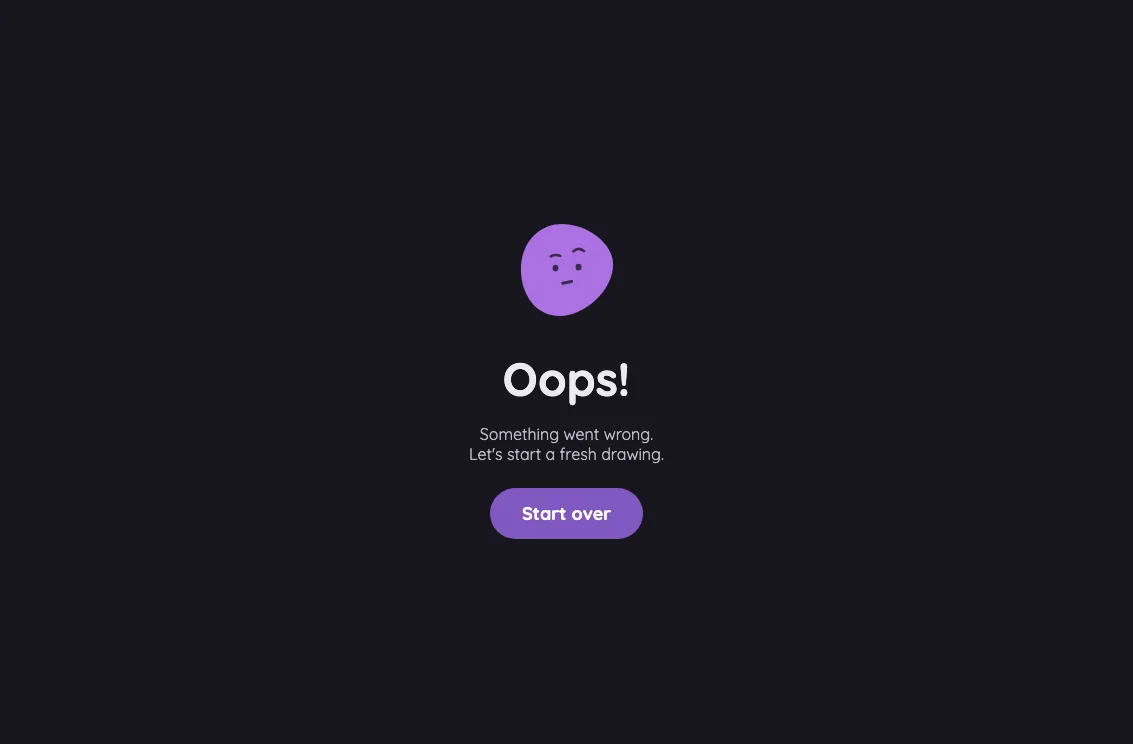
App error screen in light mode at iPad mini 7th Gen (2024) in landscape
Pass

Clear, centered hierarchy with balanced spacing, readable text, and a prominent, comfortably sized “Start over” touch target. Illustration and button colors are consistent. No visible clipping, overlap, or text-fit issues; no modal or scrolling region is present.

Large iPad Pro1376 × 1032
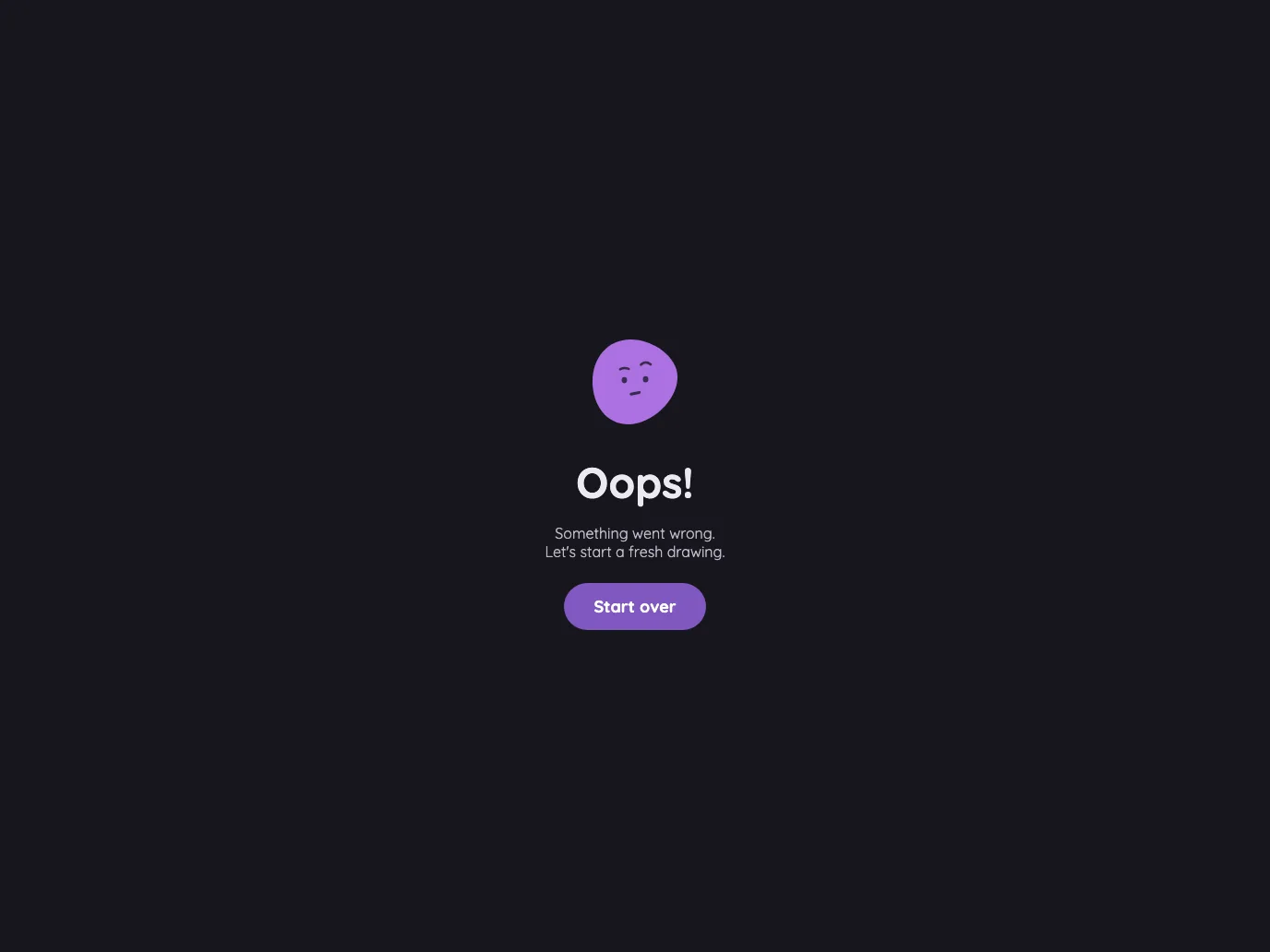
App error screen in light mode at iPad Pro 13-inch (M4) in landscape
Pass

Clear, centered hierarchy with balanced spacing and consistent purple accents. Text fits without clipping or overlap, and the prominent “Start over” button has a generous touch target. No modal or scrolling region is visible.

Night mode

Judged on contrast and legibility only.

Portrait

Small iPhone375 × 812
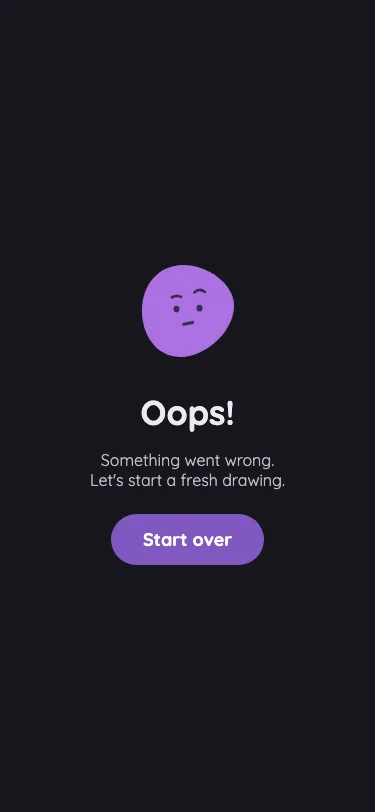
App error screen in night mode at iPhone 13 mini in portrait
Pass

The heading, supporting text, and “Start over” label are clearly legible against their night-mode backgrounds. No actionable contrast issue is visible.

Large iPhone440 × 956
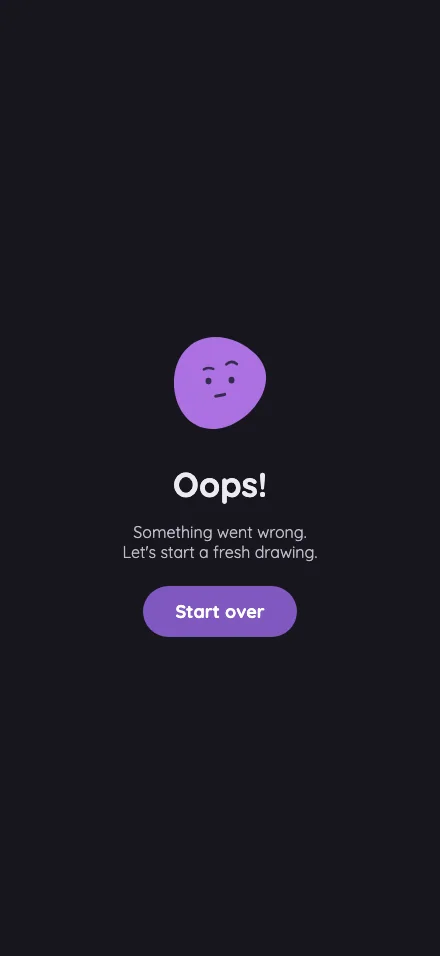
App error screen in night mode at iPhone 16 Pro Max in portrait
Pass

The heading, supporting text, and “Start over” label are clearly legible against their dark and purple backgrounds. No actionable night-mode contrast issue is visible.

iPad mini744 × 1133
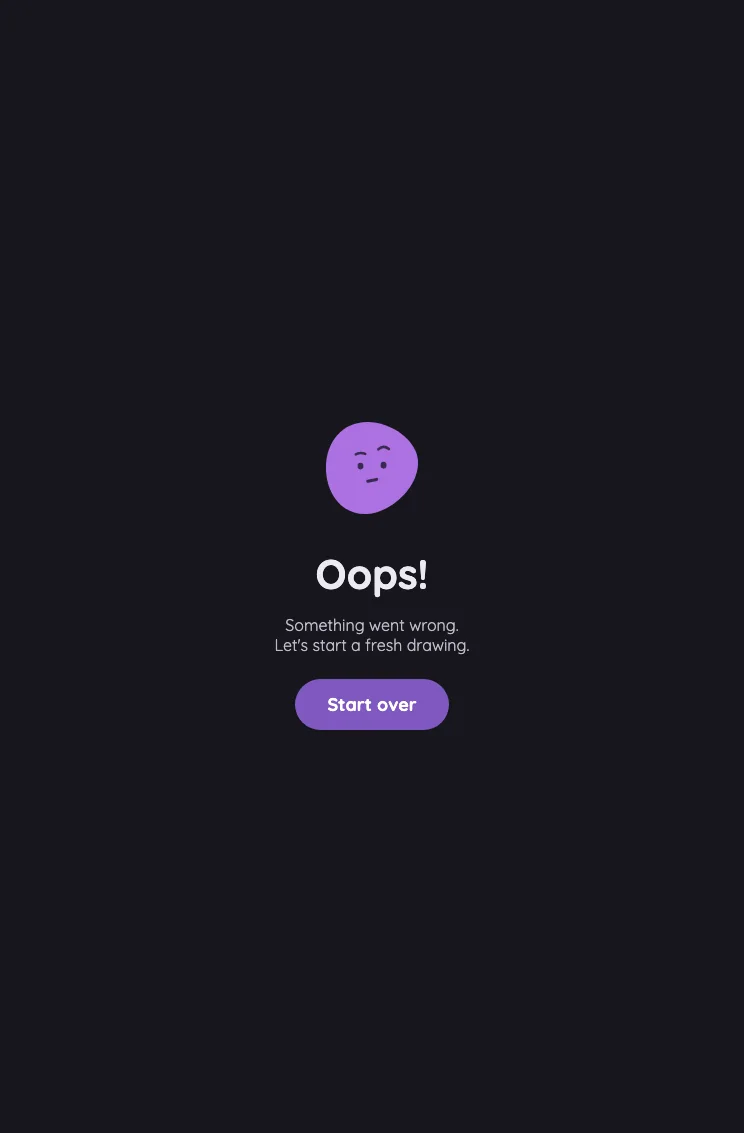
App error screen in night mode at iPad mini 7th Gen (2024) in portrait
Pass

The heading, supporting text, and “Start over” label are clearly legible against their dark and purple backgrounds. No actionable night-mode contrast issue is visible.

Large iPad Pro1032 × 1376
App error screen in night mode at iPad Pro 13-inch (M4) in portrait
Pass

The heading, supporting text, and “Start over” label are clearly legible against their dark and purple backgrounds. The face illustration also remains distinguishable in night mode.

Landscape

Small iPhone812 × 375
App error screen in night mode at iPhone 13 mini in landscape
Pass

The heading and supporting text are clearly legible against the dark background. The purple button is distinct, with a readable white label, and the illustration’s facial features remain visible.

Large iPhone956 × 440
App error screen in night mode at iPhone 16 Pro Max in landscape
Pass

The heading, supporting text, and button label are clearly legible against their dark and purple backgrounds. No actionable night-mode contrast issues are visible.

iPad mini1133 × 744
App error screen in night mode at iPad mini 7th Gen (2024) in landscape
Pass

The heading, supporting text, and “Start over” label are clearly legible against the dark background. The purple button and face remain distinct, with no visible night-mode contrast issues.

Large iPad Pro1376 × 1032
App error screen in night mode at iPad Pro 13-inch (M4) in landscape
Pass

The heading, supporting text, and “Start over” label are clearly legible against their dark and purple backgrounds. No actionable night-mode contrast issue is visible.

Settings

The responsive hub and every section from the canonical Settings list.

Settings · overview#

The phone section hub and tablet split-pane default view.

16 pass
Settings

Light mode

Judged on layout, spacing, text fit, and touch targets.

Portrait

Small iPhone375 × 812
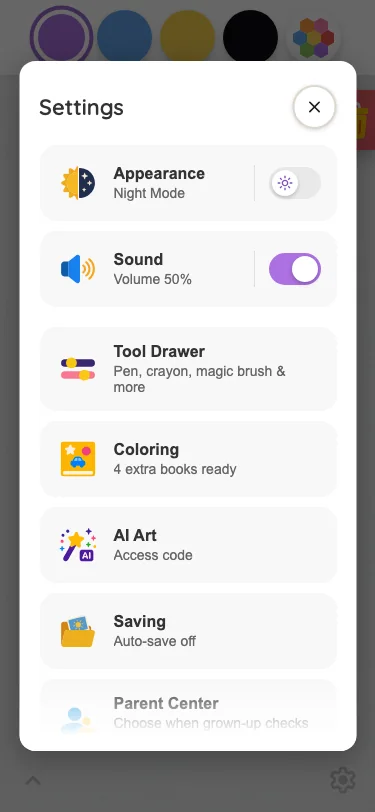
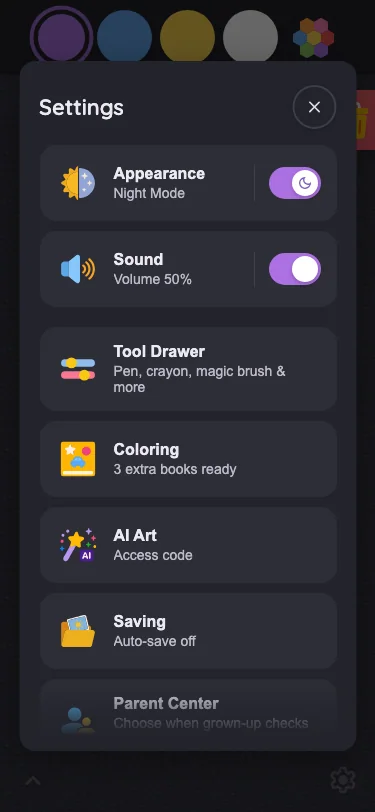
Settings · overview in light mode at iPhone 13 mini in portrait
Pass

Clear title and close control, consistent card spacing, and generous touch targets. Text fits without unintended clipping or overlap. The bottom fade signals additional scrollable content, and the scrim keeps attention on the modal.

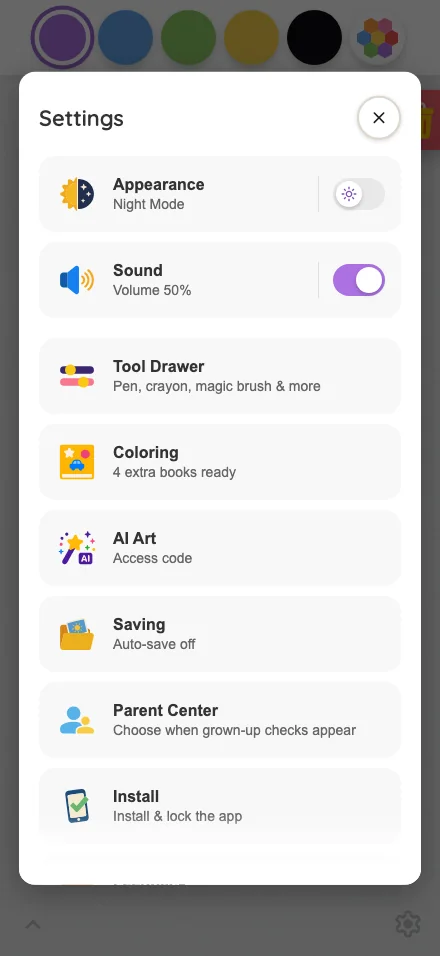
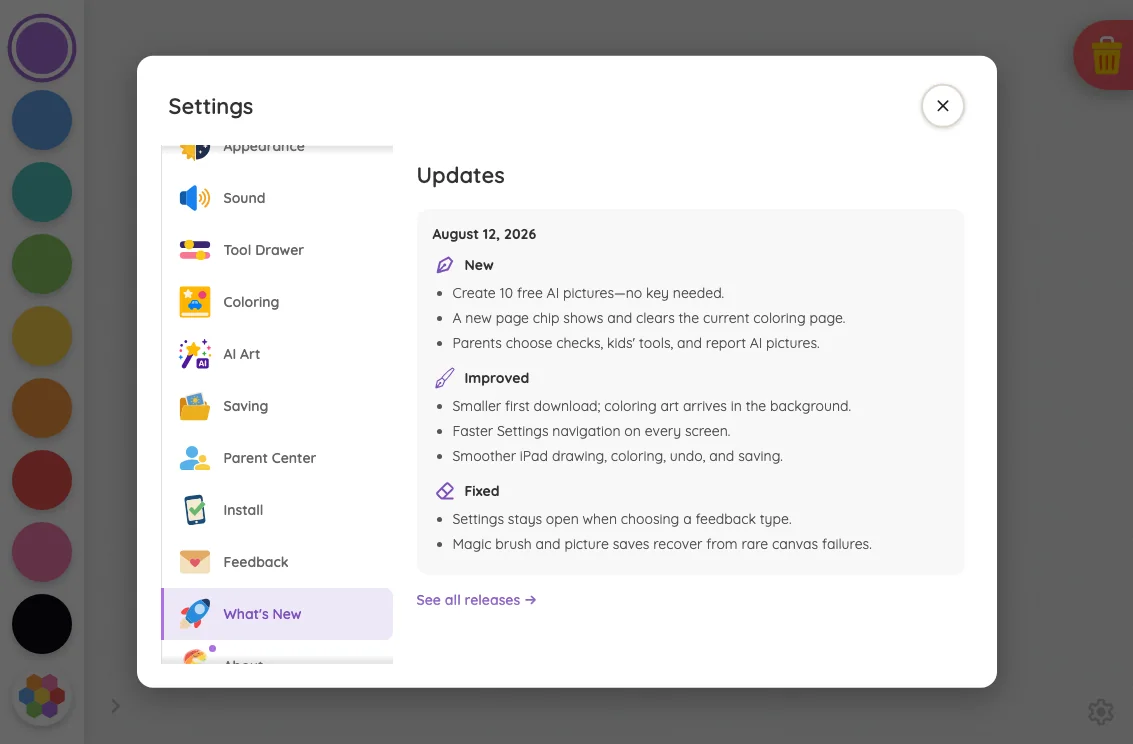
Large iPhone440 × 956
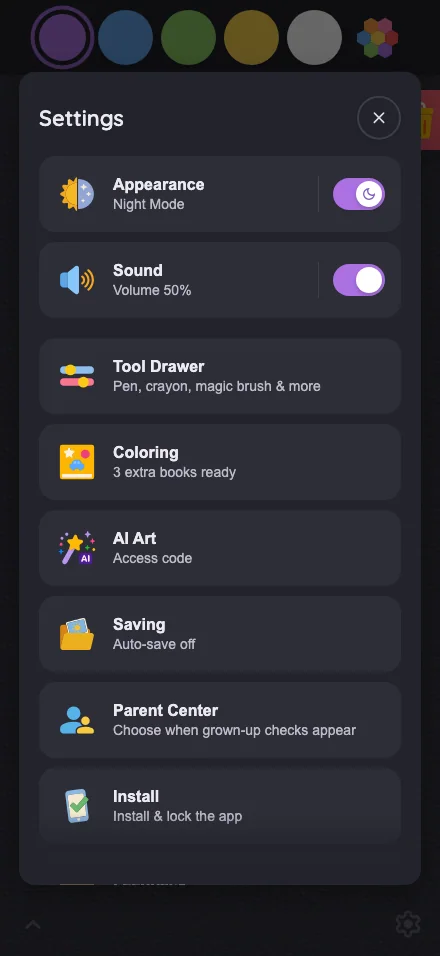
Settings · overview in light mode at iPhone 16 Pro Max in portrait
Pass

The Settings card has clear hierarchy, consistent row spacing, readable text, and distinct touch targets. No unintended clipping or overlap is visible. The lower-edge fade provides the intended scrolling cue, and the scrim keeps attention on the modal.

iPad mini744 × 1133
Settings · overview in light mode at iPad mini 7th Gen (2024) in portrait
Pass

Clear split-pane hierarchy, consistent spacing, and readable labels. Controls and close button have distinct touch targets, with no unintended clipping or overlap. The bottom fade signals continued modal scrolling, and the scrim consistently darkens the surrounding canvas.

Pixel-identical to 1 other capture in this theme.

Large iPad Pro1032 × 1376
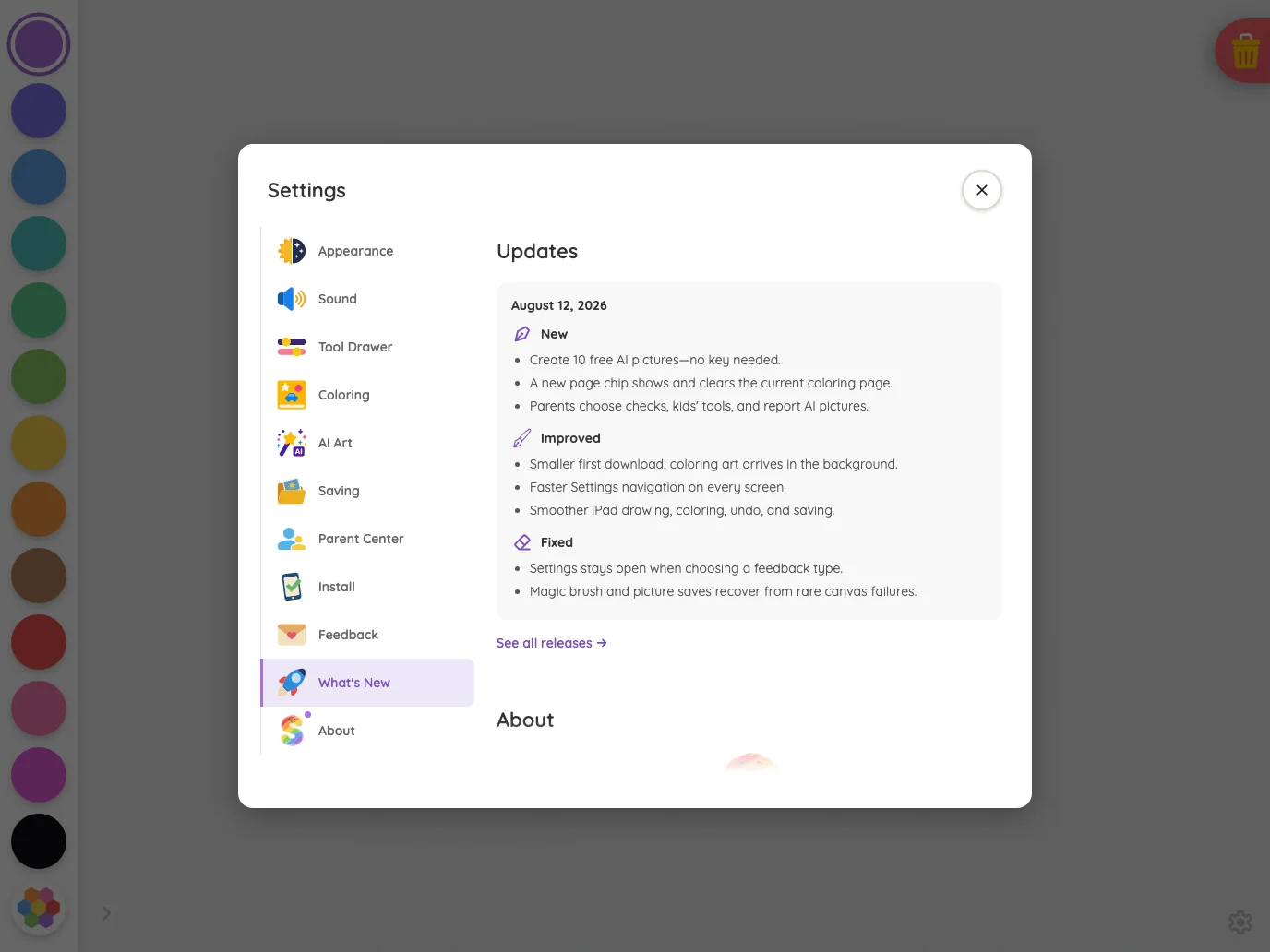
Settings · overview in light mode at iPad Pro 13-inch (M4) in portrait
Pass

The tablet split-pane layout has clear hierarchy, balanced spacing, and readable labels. Controls and close button have distinct touch targets, with no unintended clipping or overlap. The bottom fade clearly signals continued modal content, and styling is consistent throughout.

Pixel-identical to 1 other capture in this theme.

Landscape

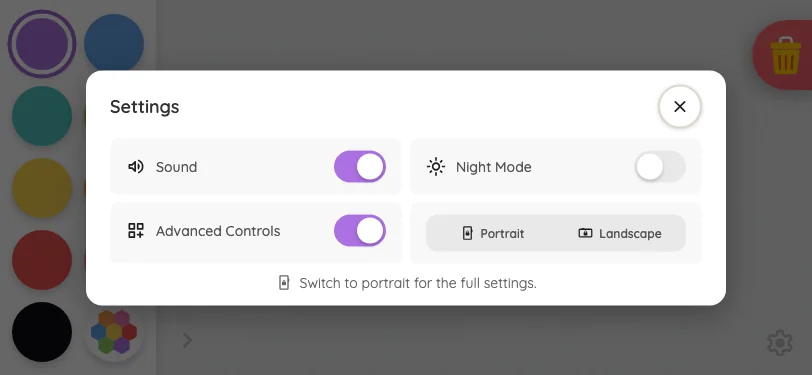
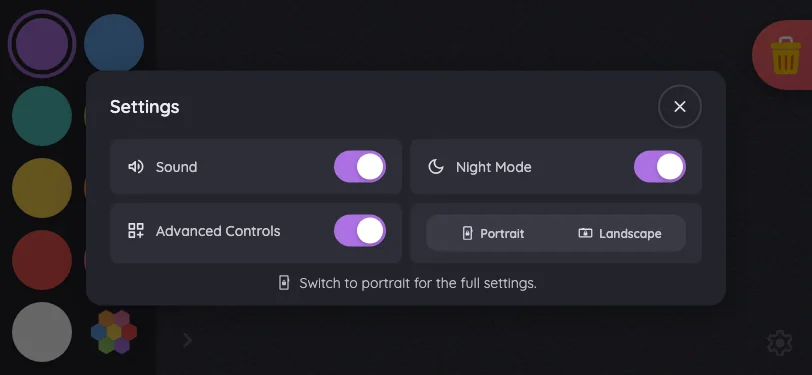
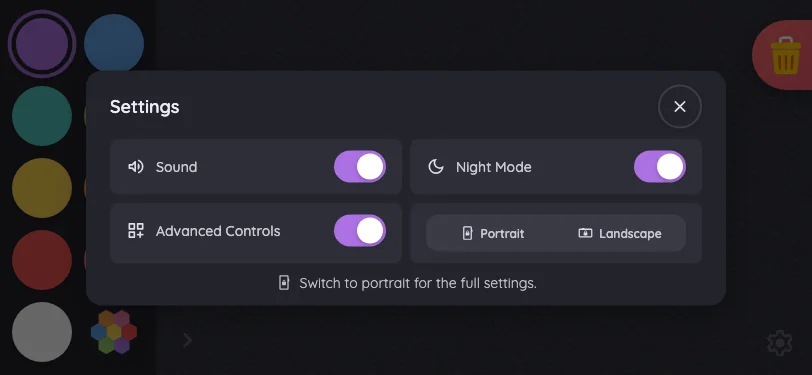
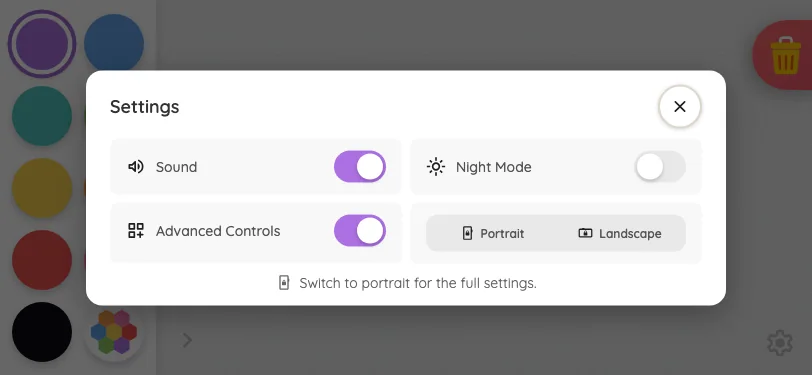
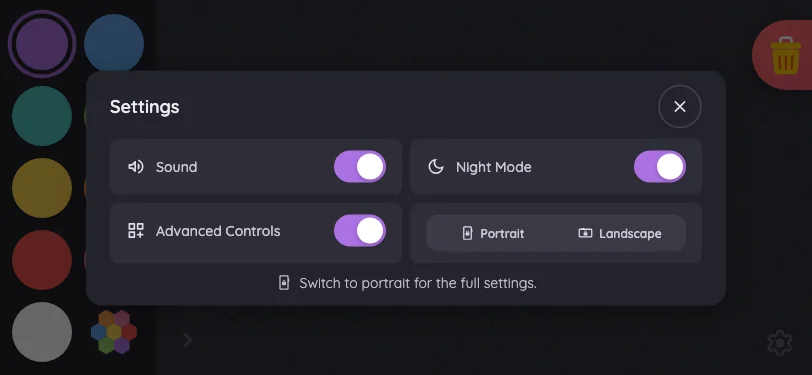
Small iPhone812 × 375
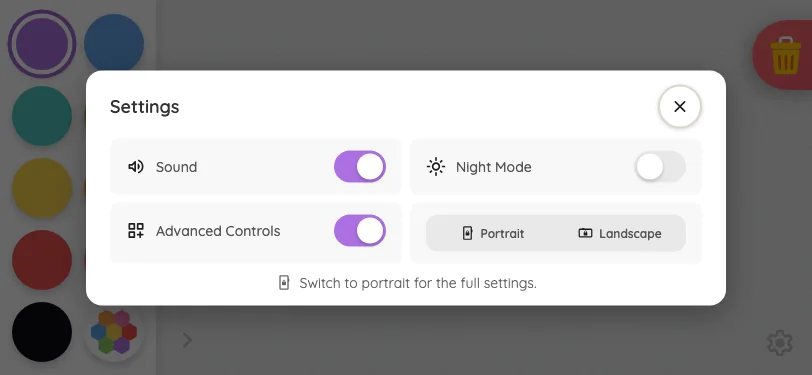
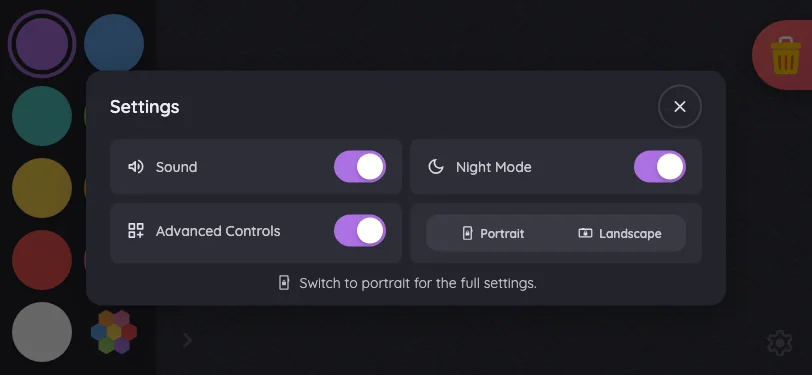
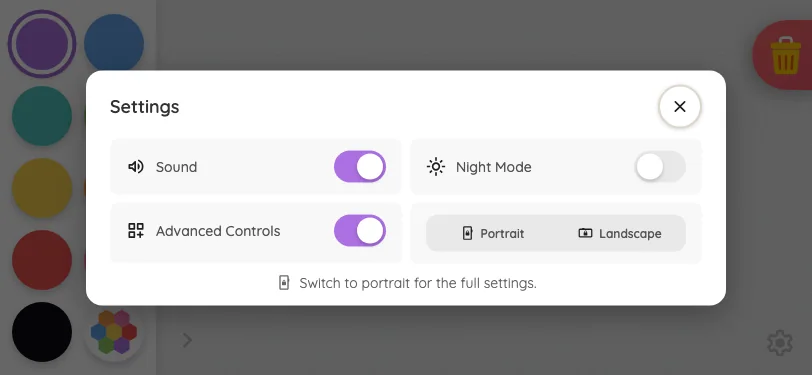
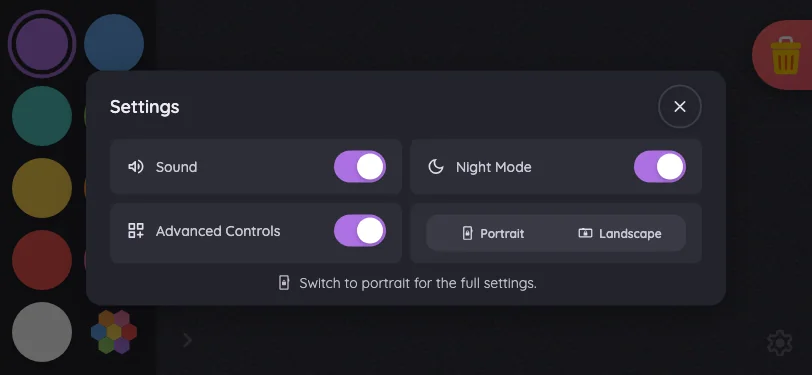
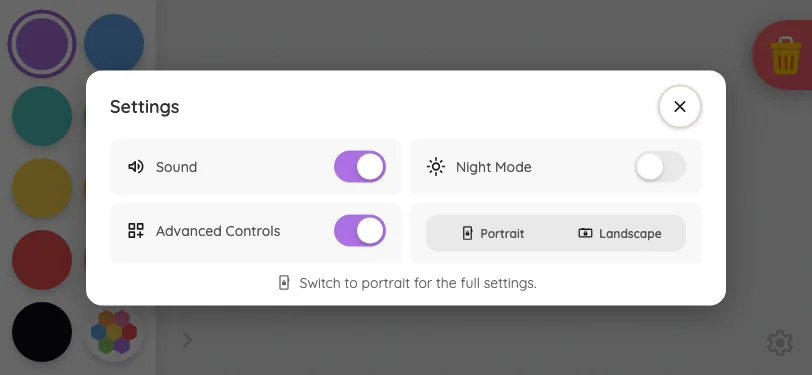
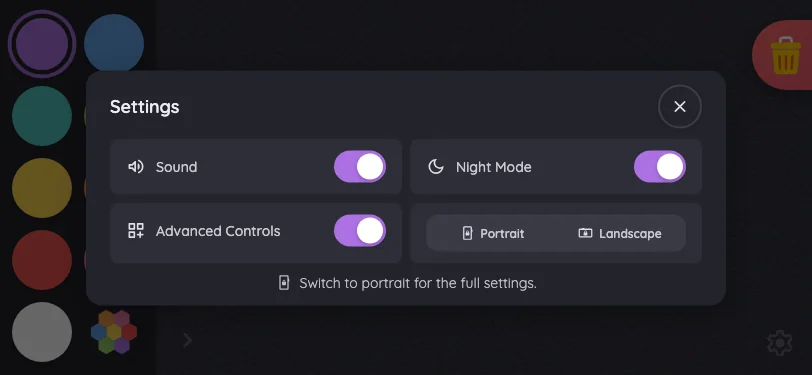
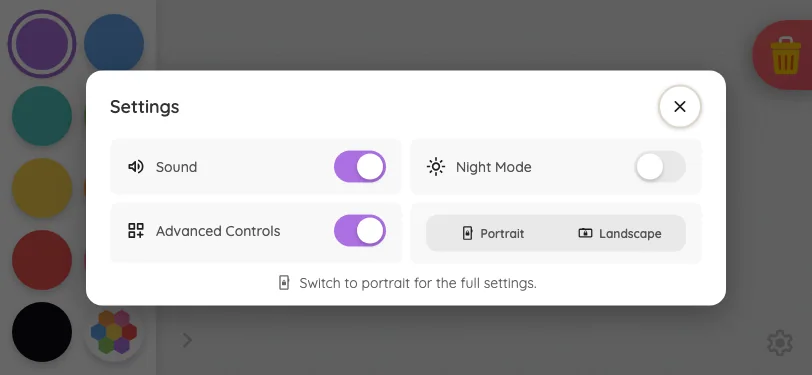
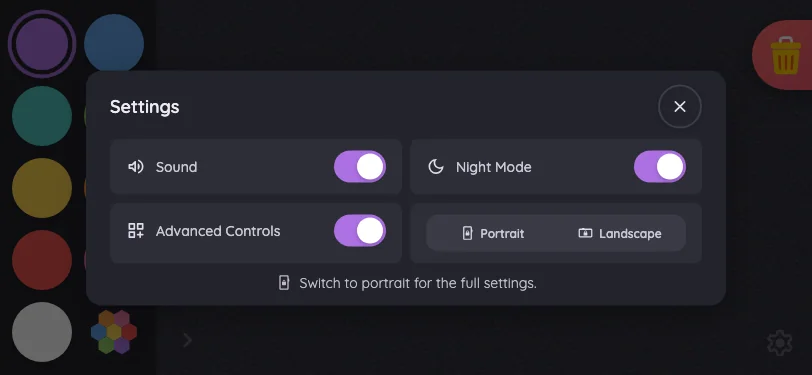
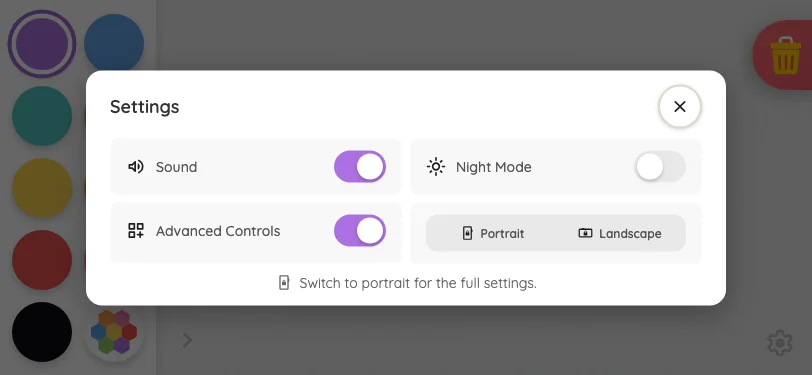
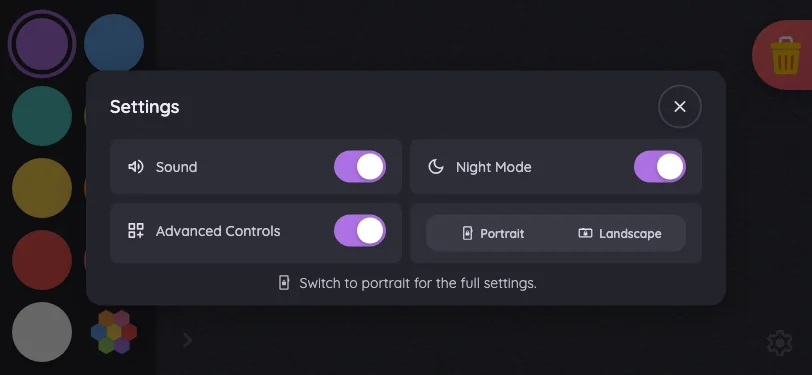
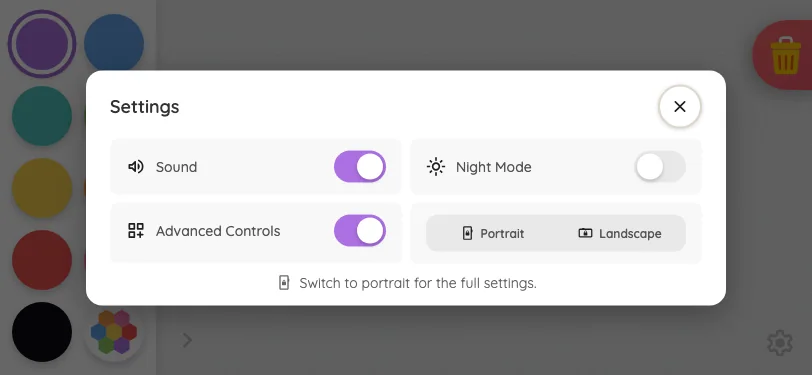
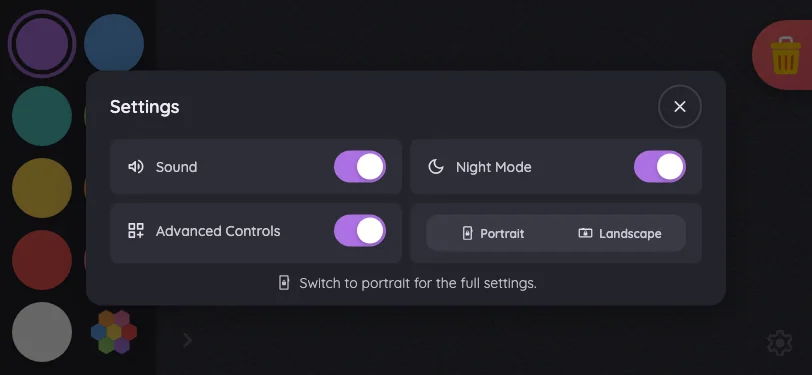
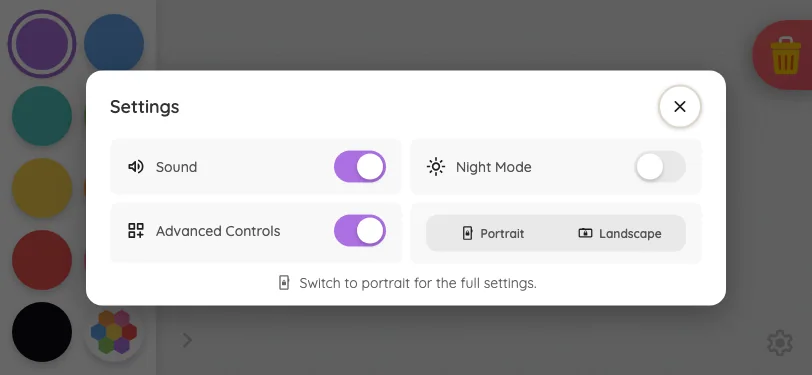
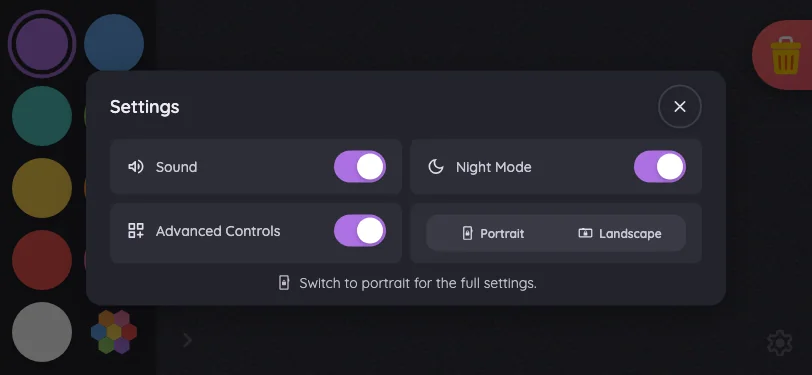
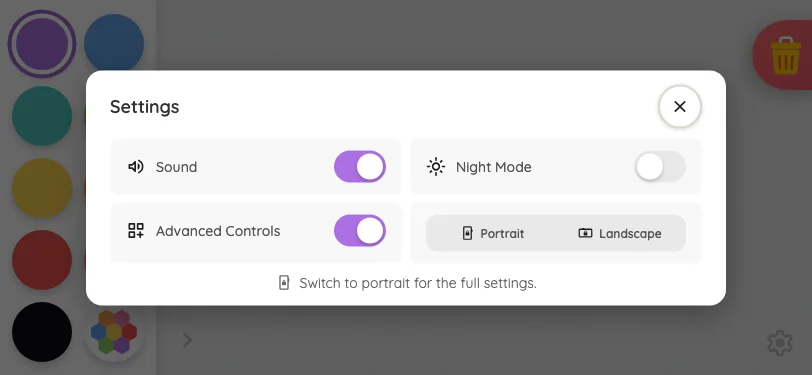
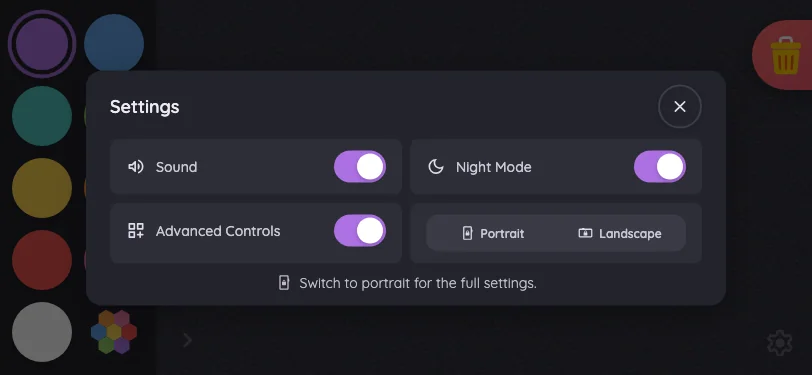
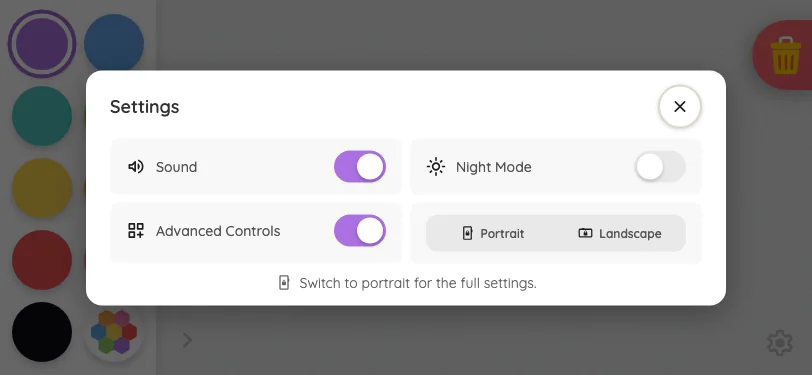
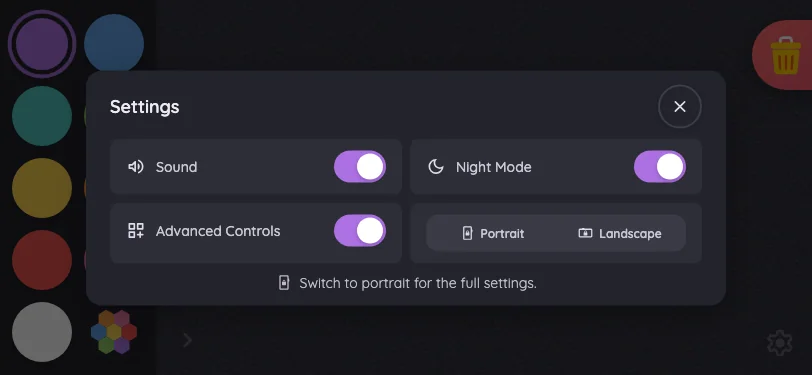
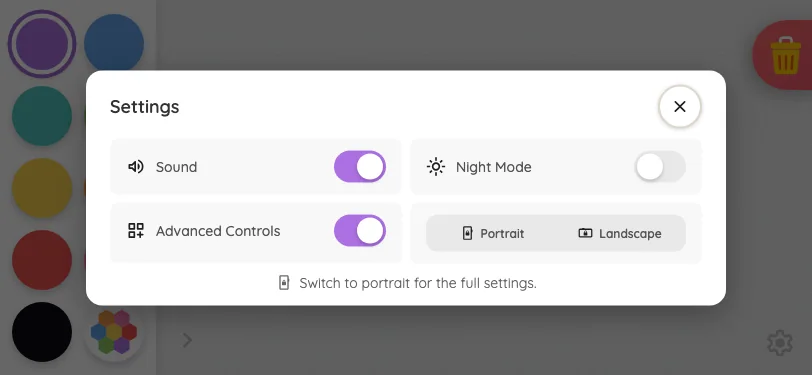
Settings · overview in light mode at iPhone 13 mini in landscape
Pass

The compact settings card has clear hierarchy, balanced spacing, readable labels, and distinct controls. Both orientation segments correctly appear inactive. All content fits without visible clipping or overlap; no scrolling is needed in this view. The close button is clear, and the scrim consistently darkens the surrounding page.

Pixel-identical to 11 other captures in this theme.

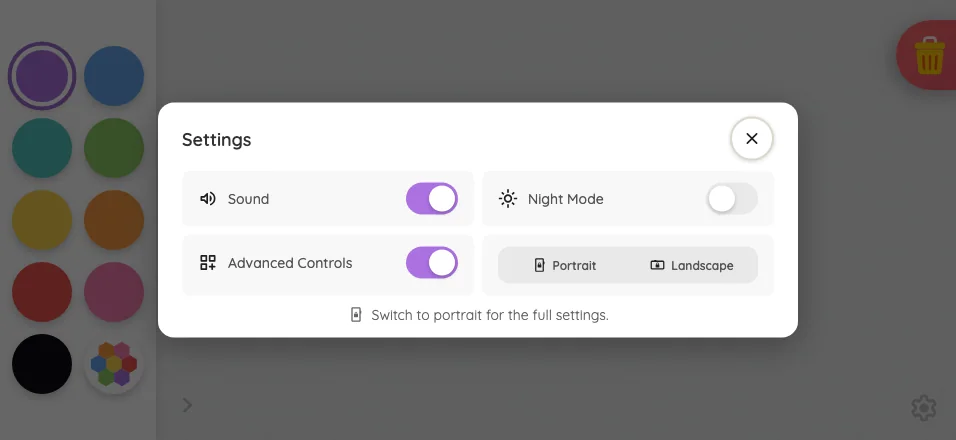
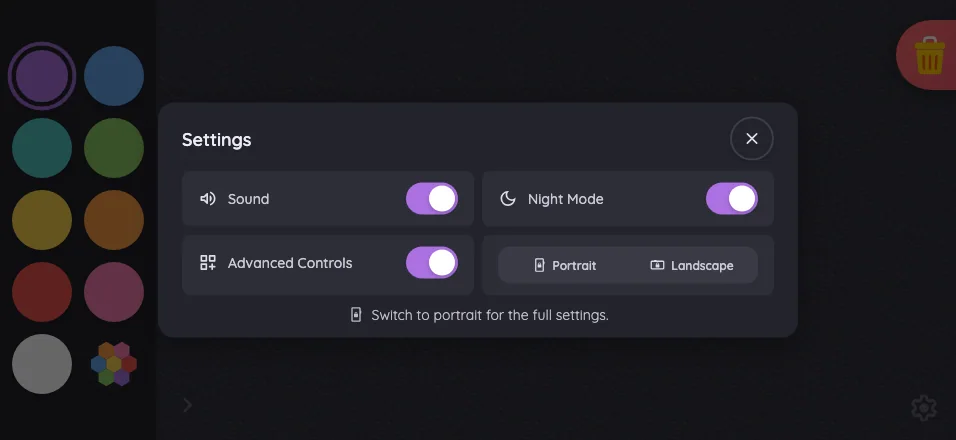
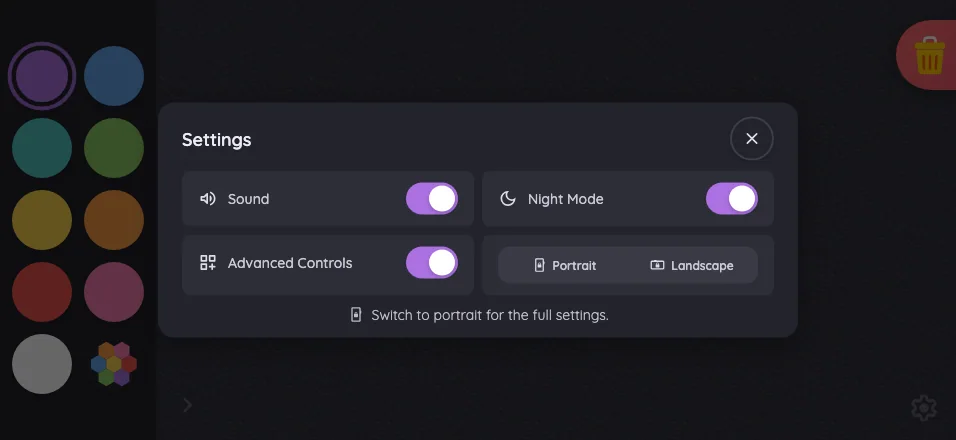
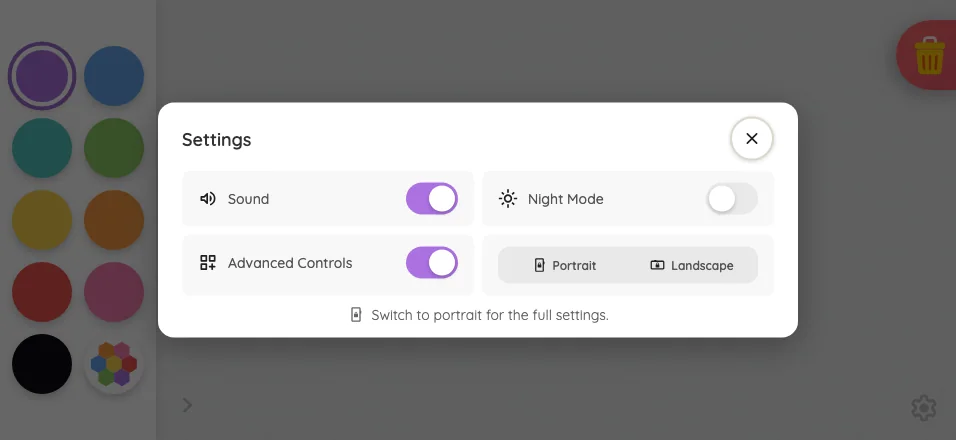
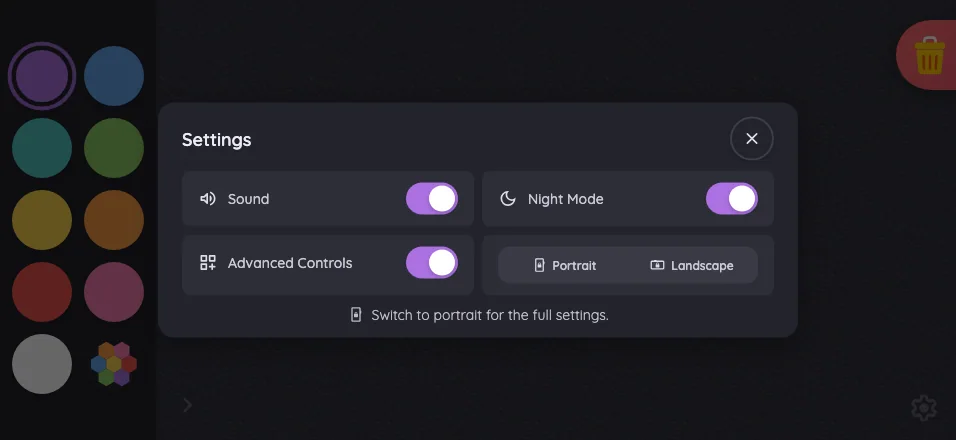
Large iPhone956 × 440
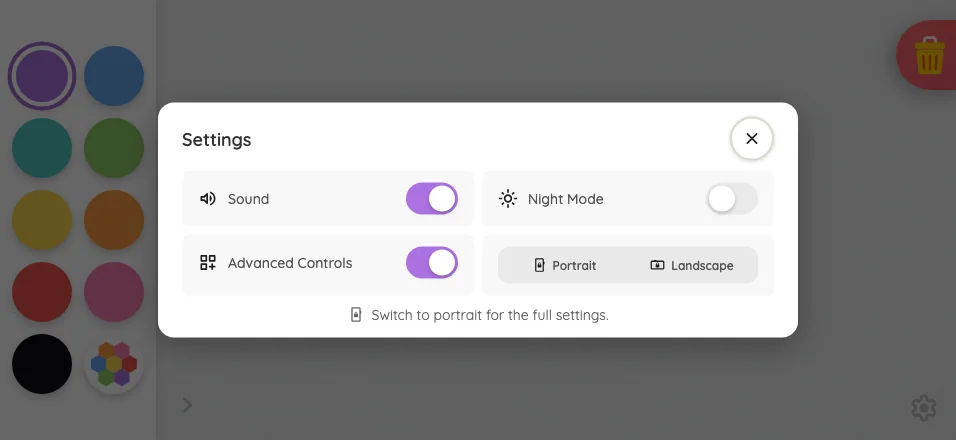
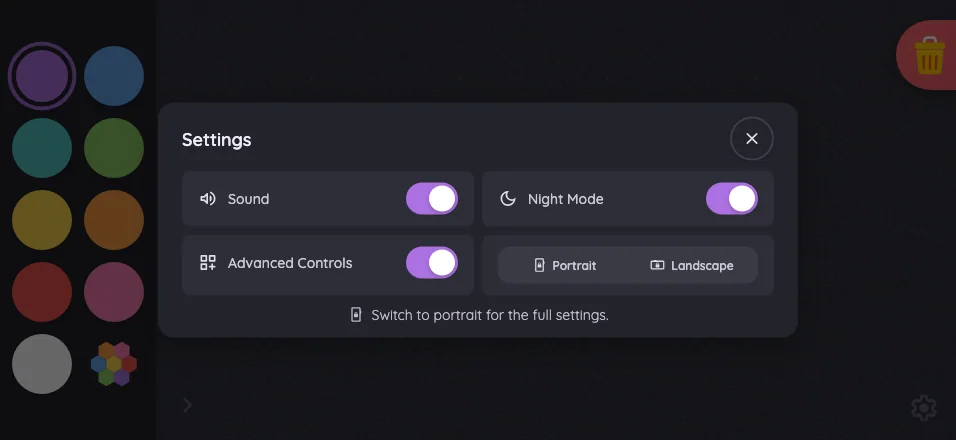
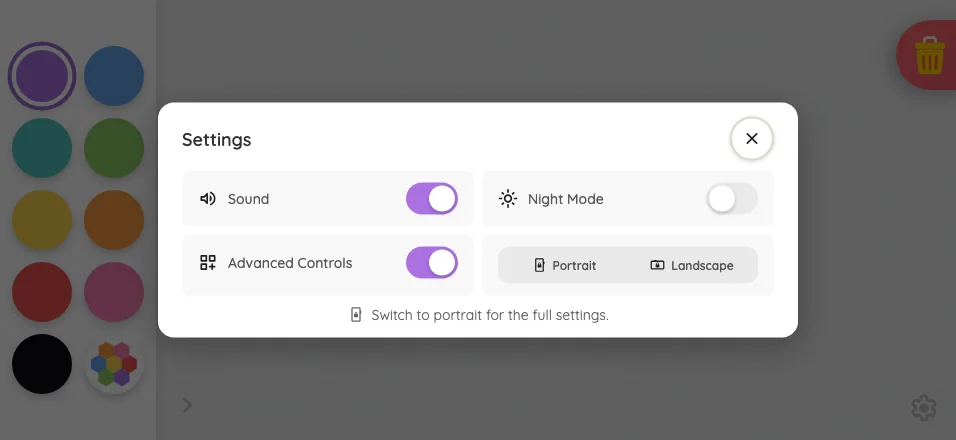
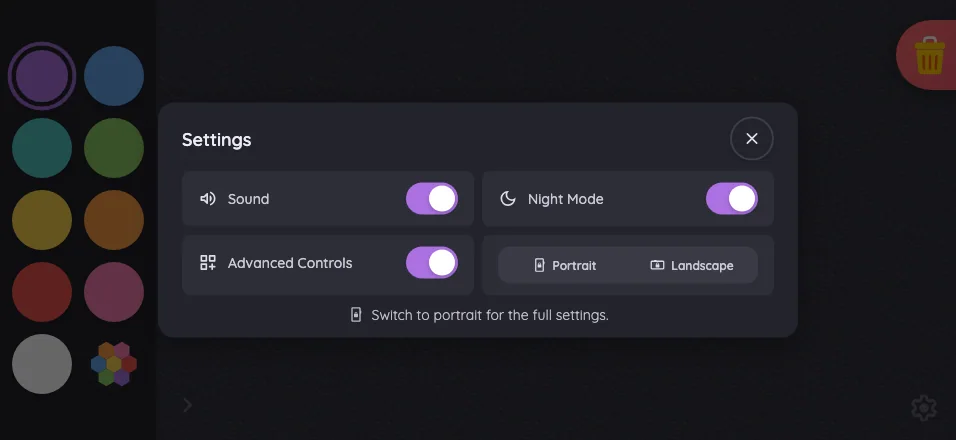
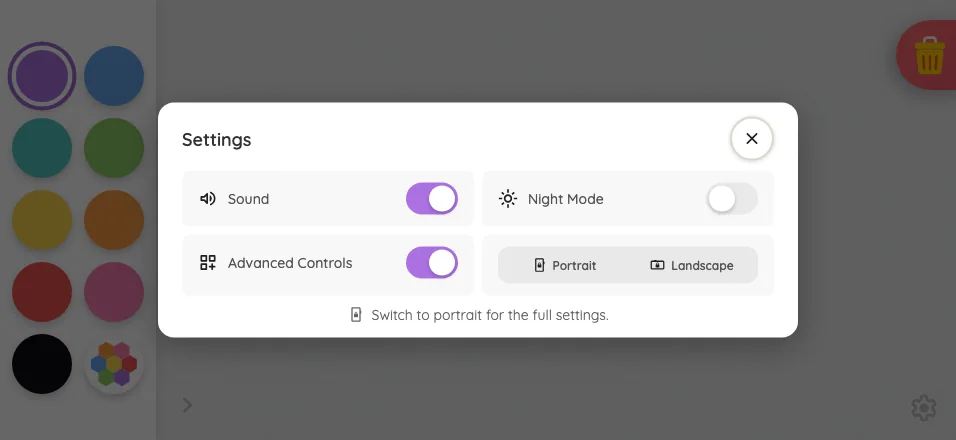
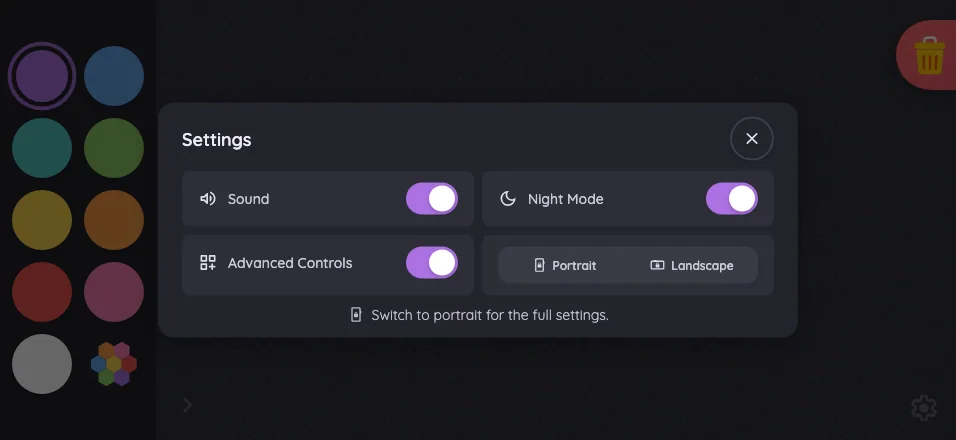
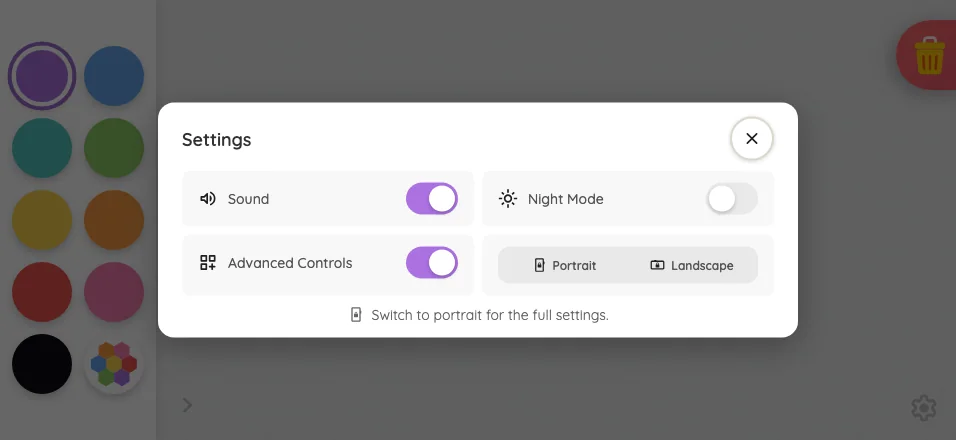
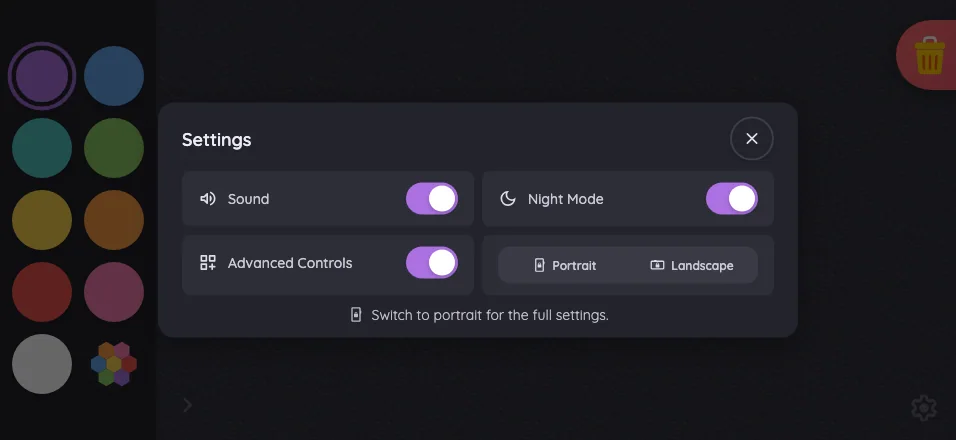
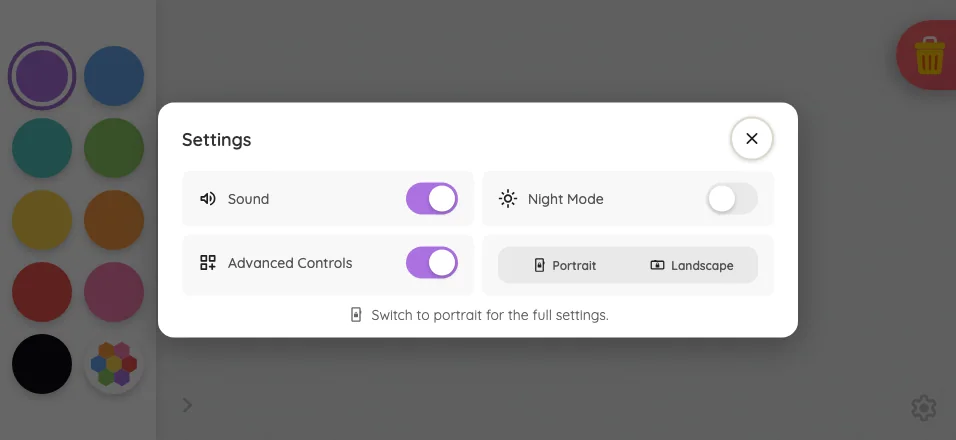
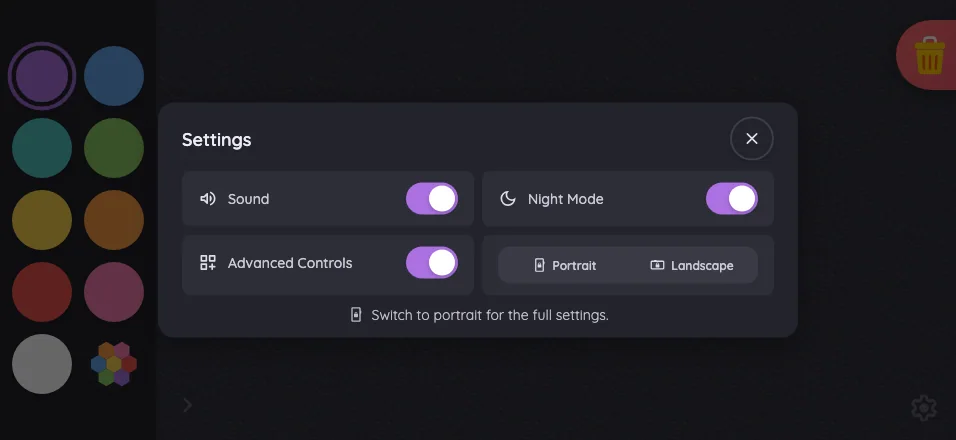
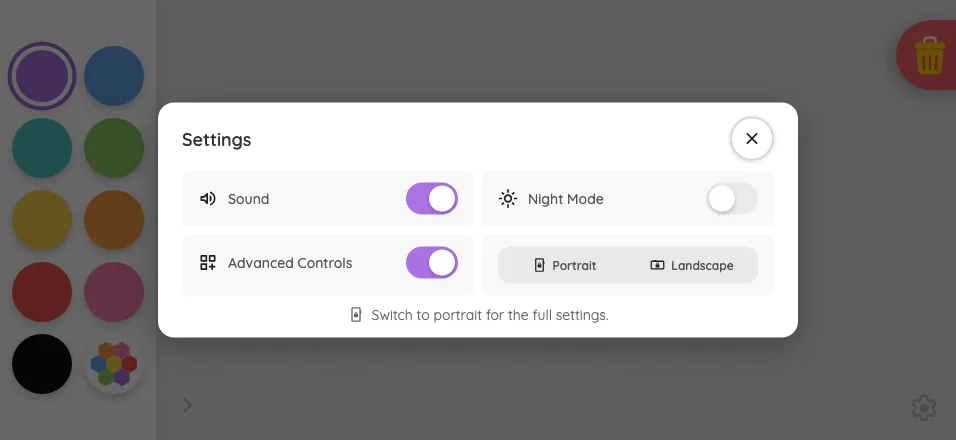
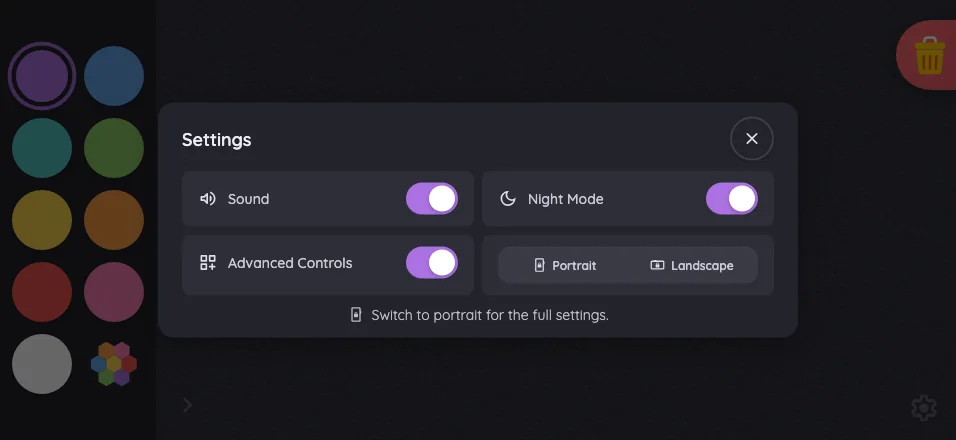
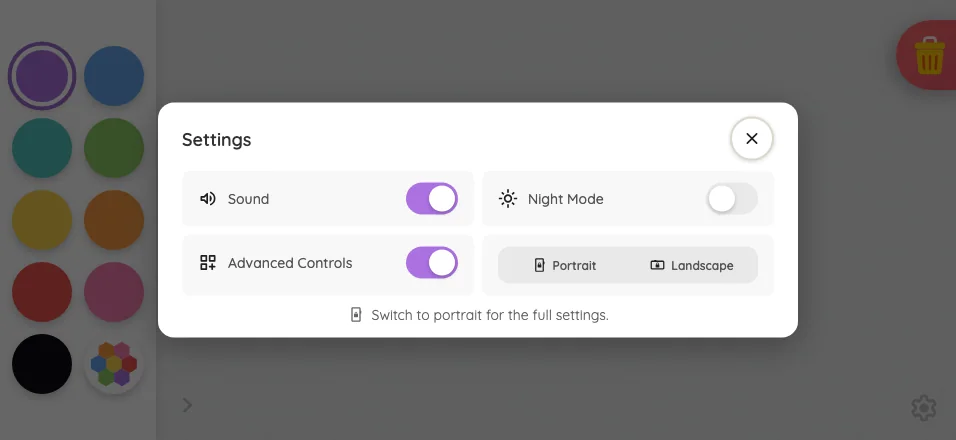
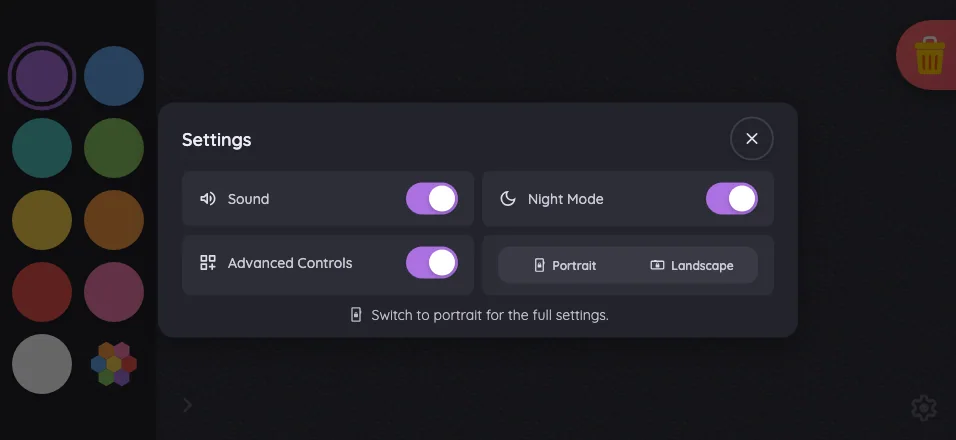
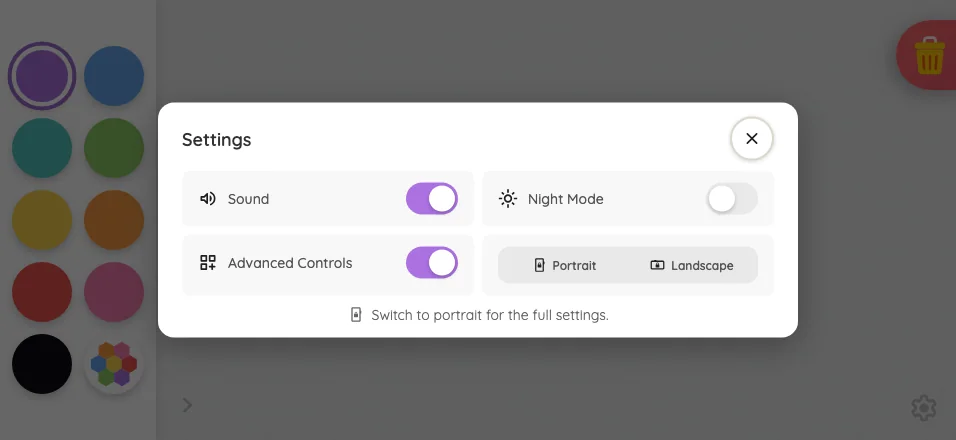
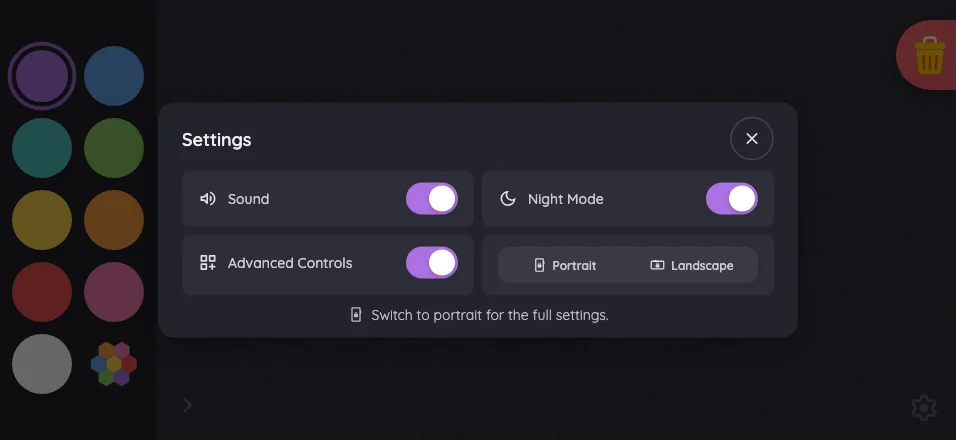
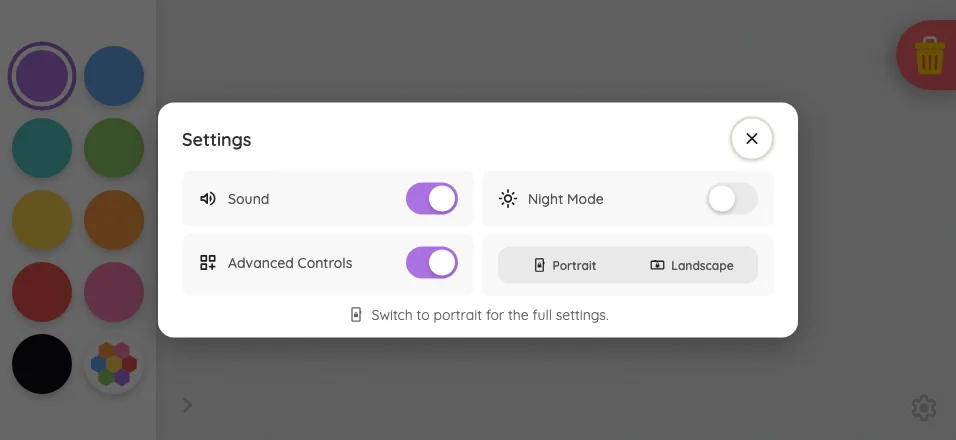
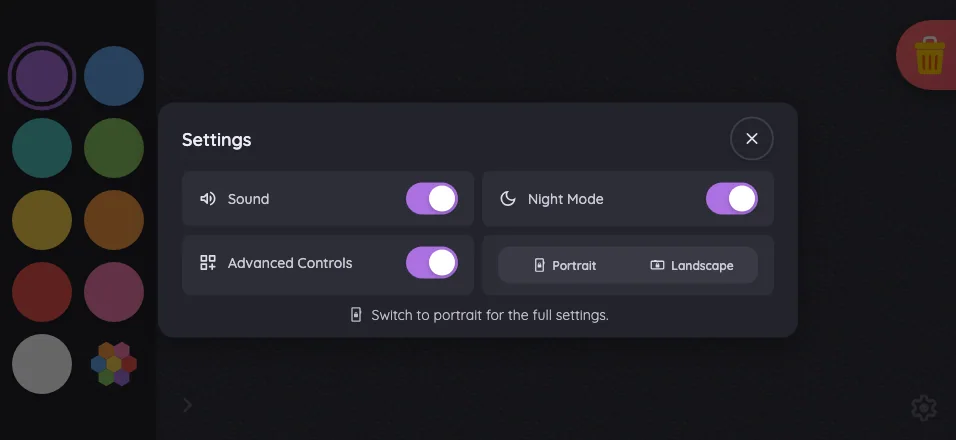
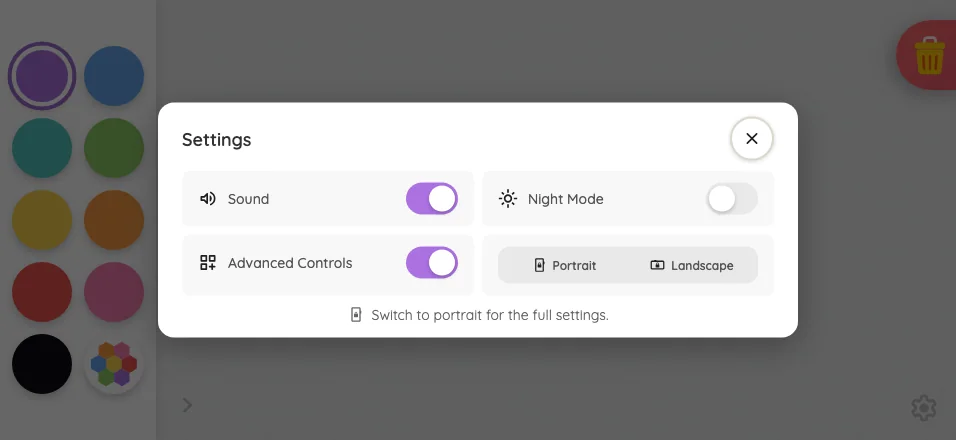
Settings · overview in light mode at iPhone 16 Pro Max in landscape
Pass

Clear modal hierarchy, balanced spacing, readable labels, and distinct controls. Both orientation segments appear inactive as intended. No visible clipping, overlap, or scrolling issue; the scrim consistently darkens the background.

Pixel-identical to 11 other captures in this theme.

iPad mini1133 × 744
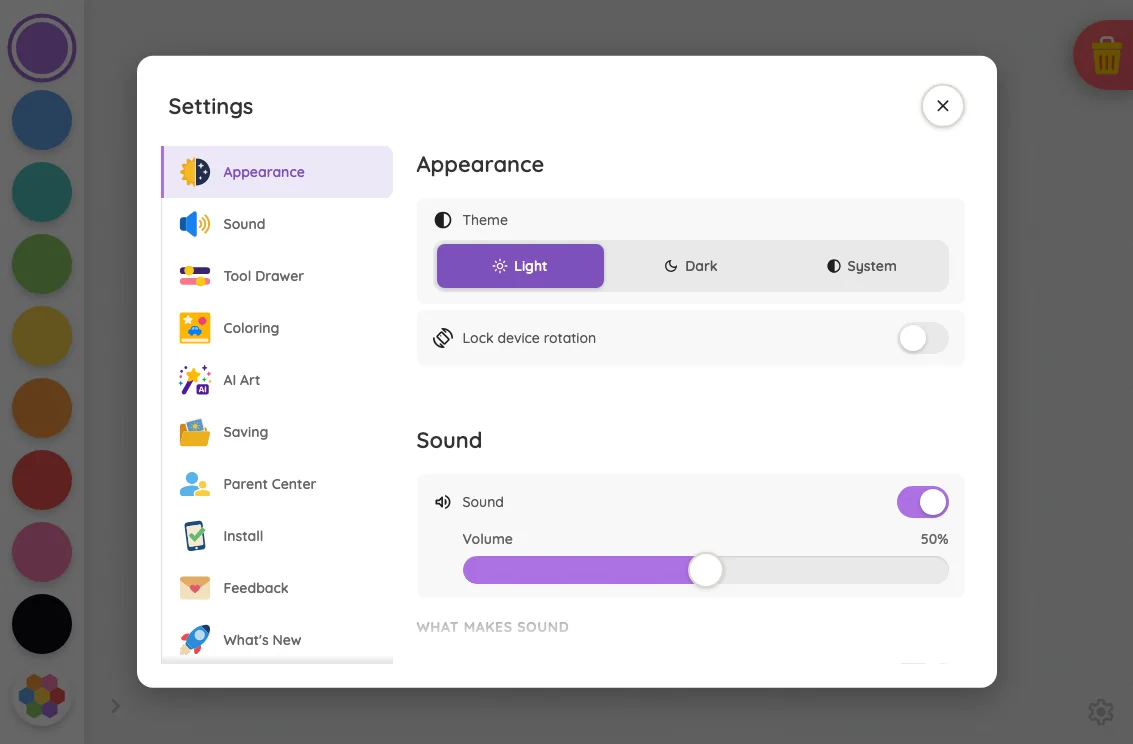
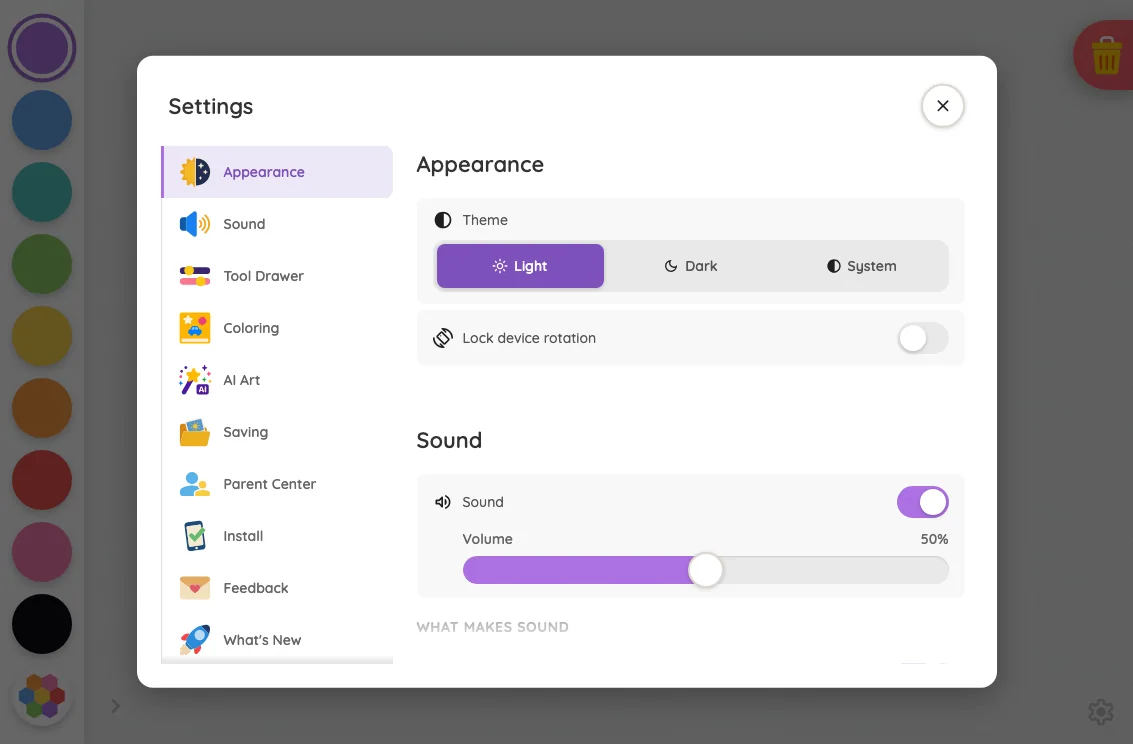
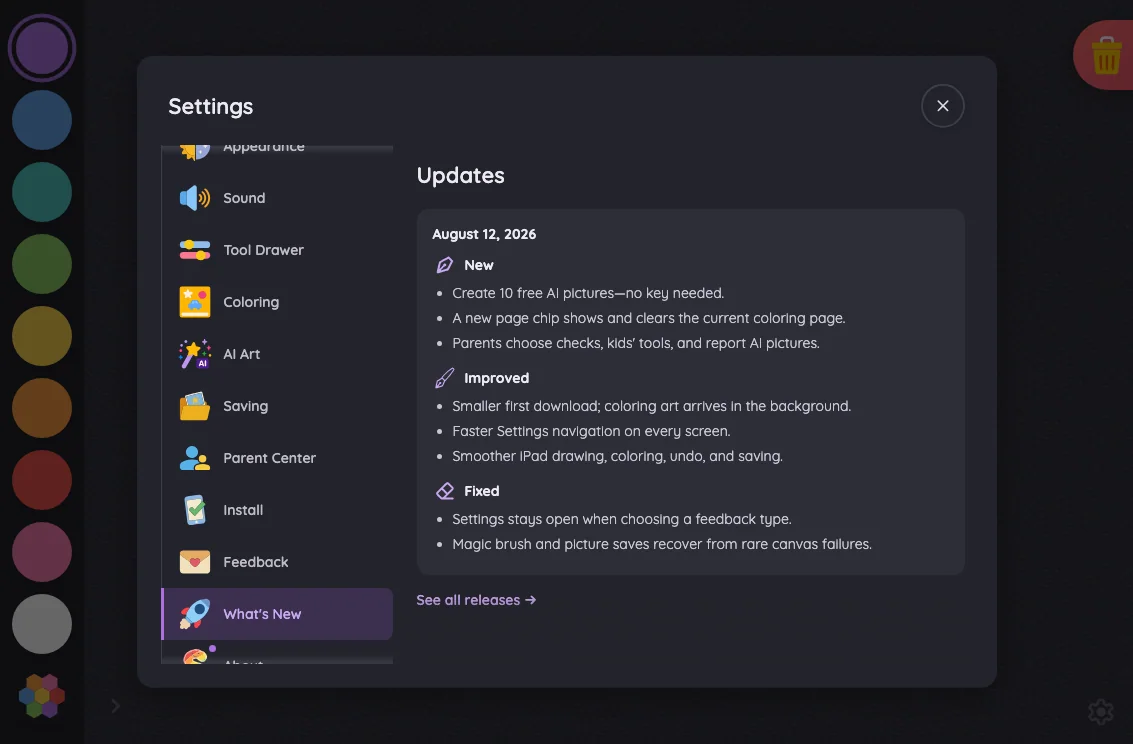
Settings · overview in light mode at iPad mini 7th Gen (2024) in landscape
Pass

Clear tablet split-pane hierarchy, consistent spacing, and readable labels. Controls and close button are distinct, with no unintended clipping or overlap. Bottom fades indicate continued scrolling, and the scrim keeps attention on the settings card.

Pixel-identical to 1 other capture in this theme.

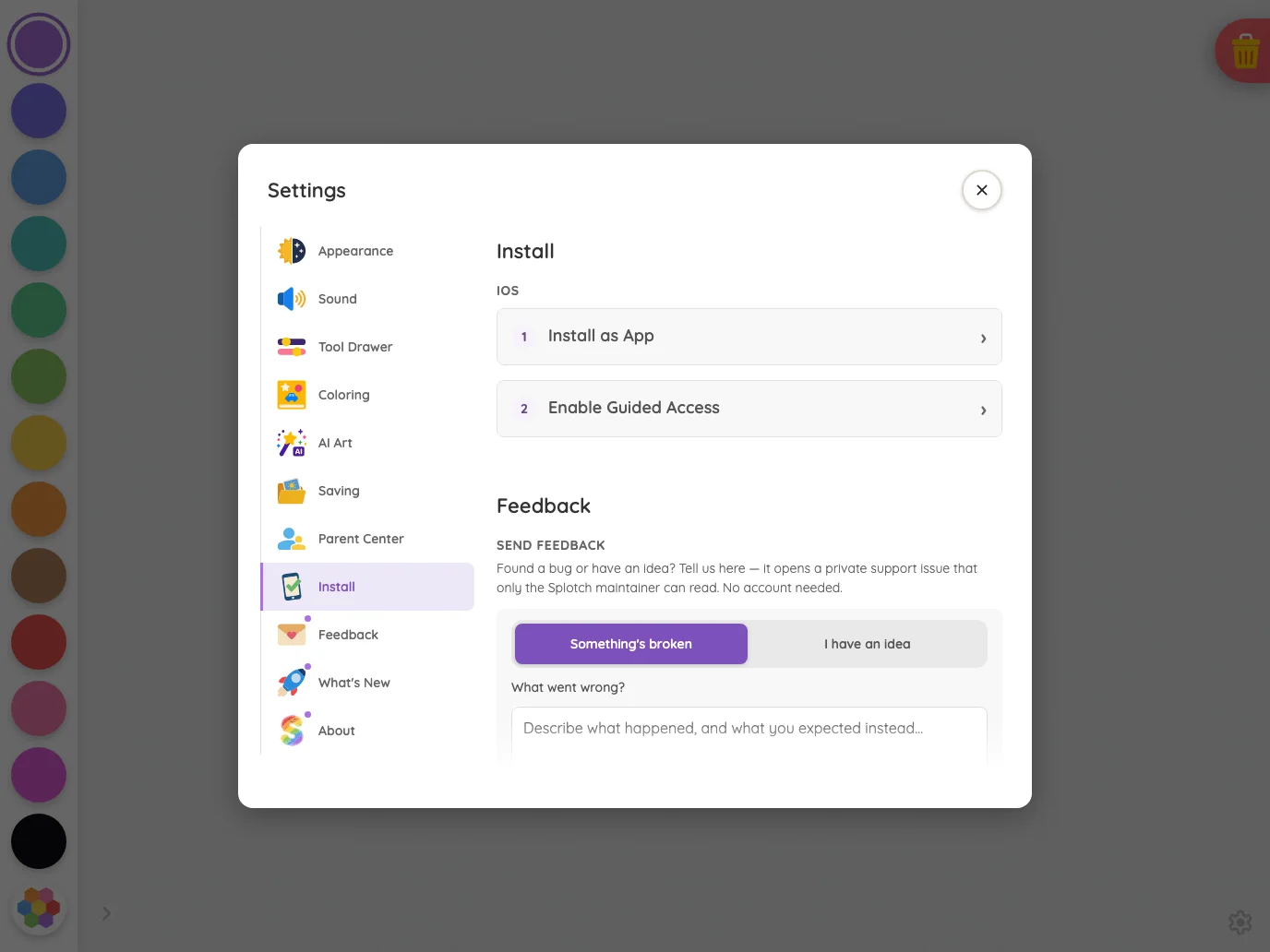
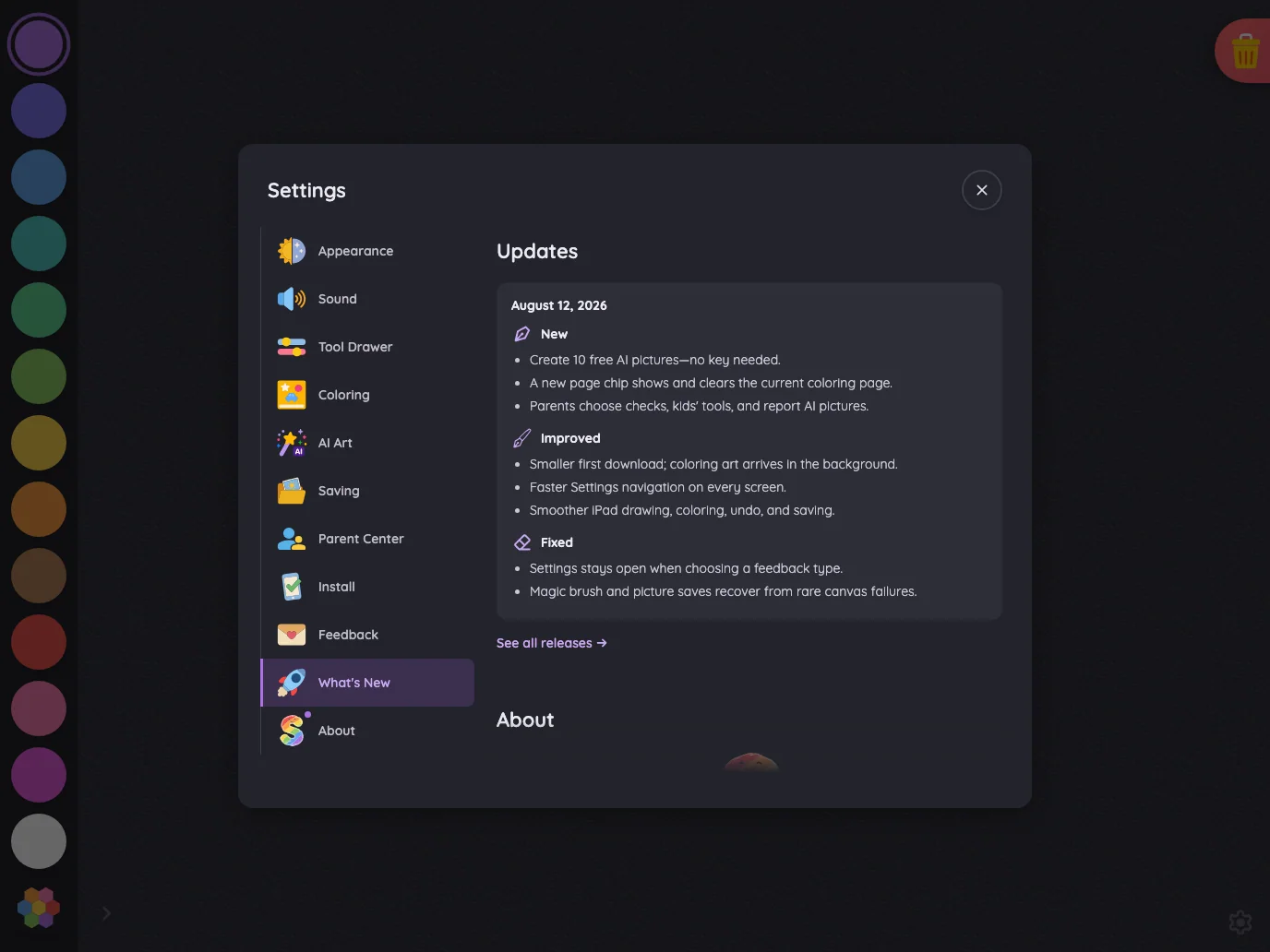
Large iPad Pro1376 × 1032
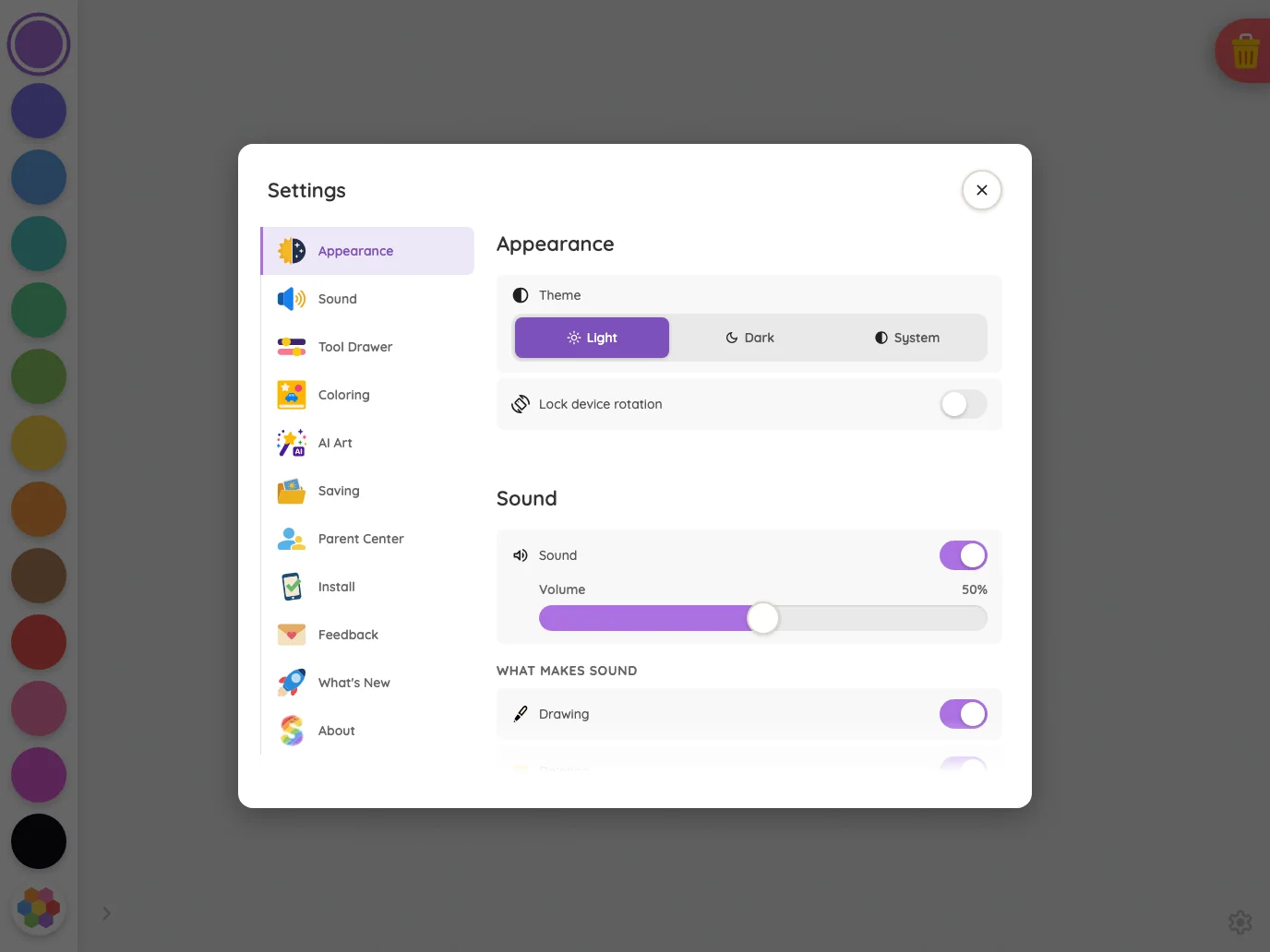
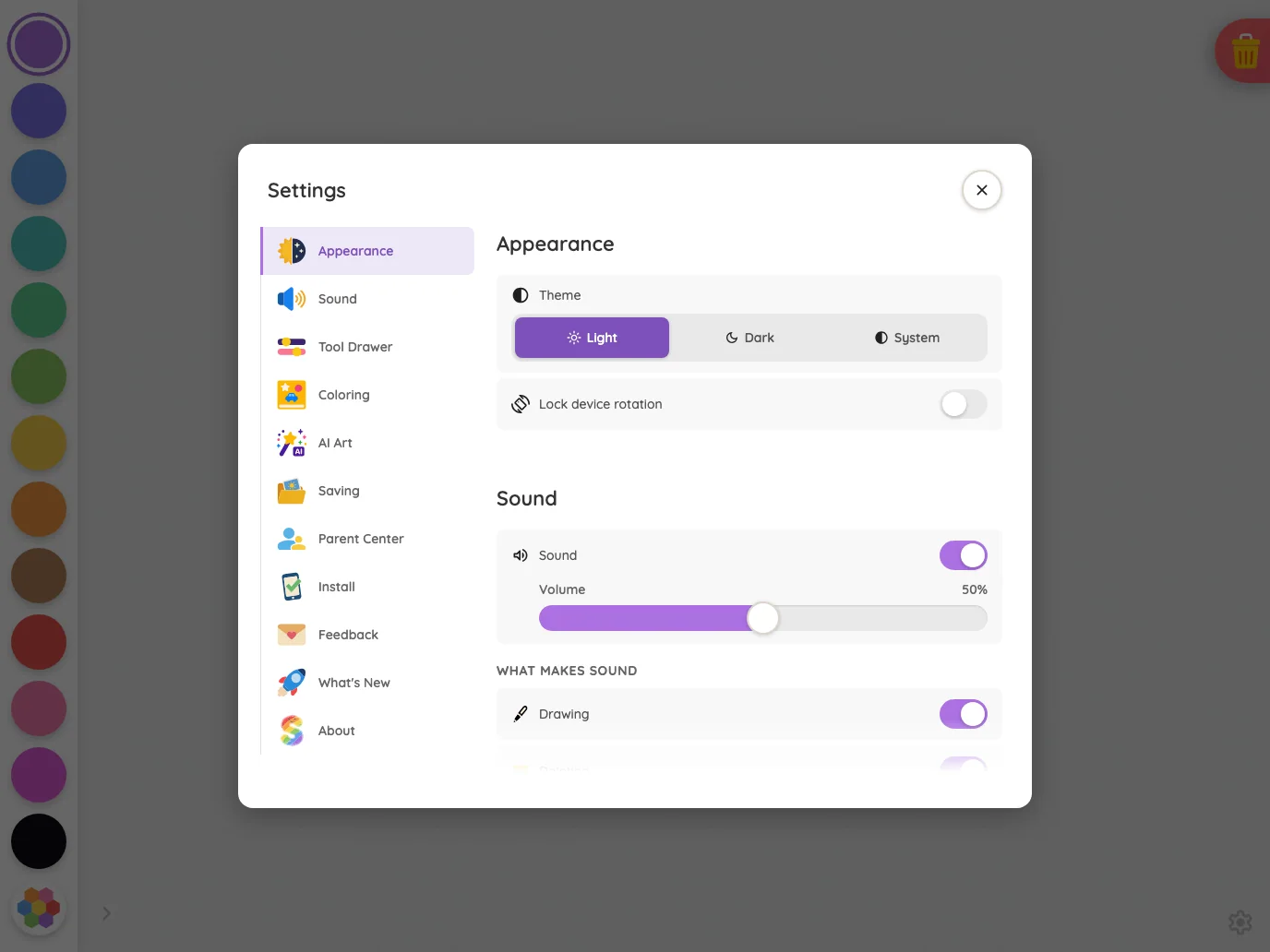
Settings · overview in light mode at iPad Pro 13-inch (M4) in landscape
Pass

The tablet split-pane layout has clear hierarchy, consistent spacing, readable labels, and distinct touch targets. Text fits without unintended clipping or overlap. The bottom fade signals continuing modal content, and the scrim keeps attention on the settings card.

Pixel-identical to 1 other capture in this theme.

Night mode

Judged on contrast and legibility only.

Portrait

Small iPhone375 × 812
Settings · overview in night mode at iPhone 13 mini in portrait
Pass

The front Settings card has legible headings, secondary text, toggle states, and a clearly visible close glyph in night mode. The bottom fade and dimmed background match the stated design intent.

Large iPhone440 × 956
Settings · overview in night mode at iPhone 16 Pro Max in portrait
Pass

The front Settings card has clear night-mode contrast. Headings, secondary labels, icons, toggle states, and the close glyph are legible against the dark surfaces.

iPad mini744 × 1133
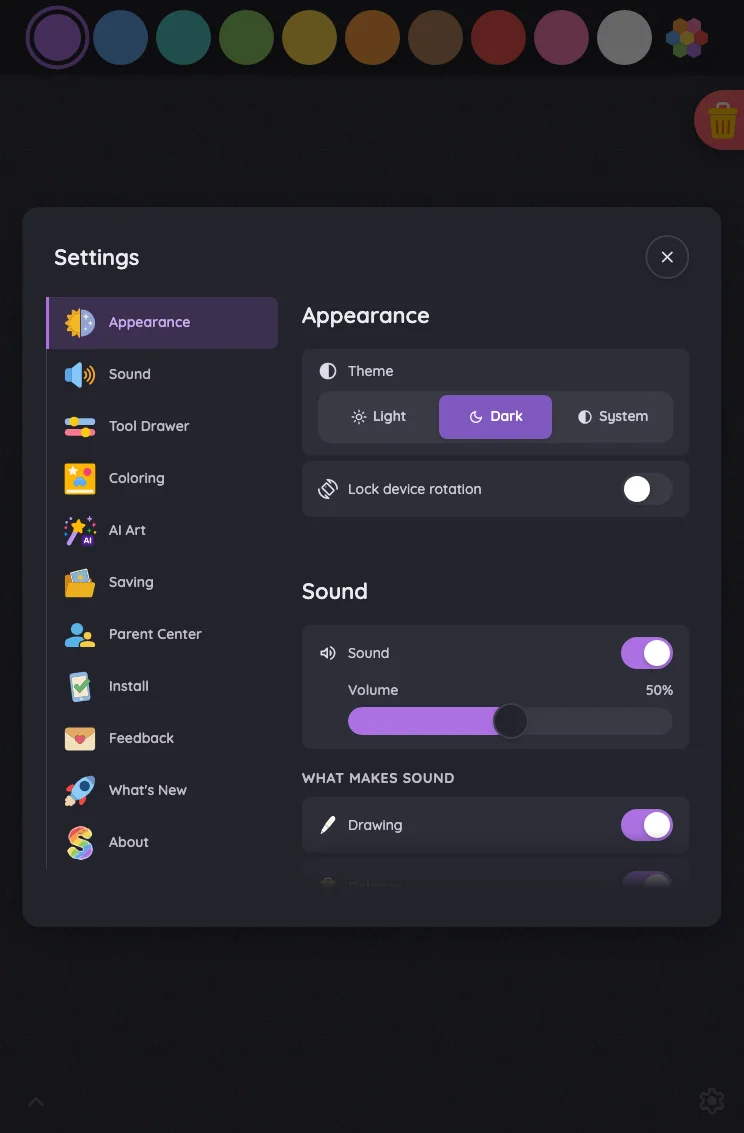
Settings · overview in night mode at iPad mini 7th Gen (2024) in portrait
Pass

The front Settings card has legible text, icons, and controls against its dark surfaces. Purple selections and enabled toggles are clearly distinguishable, and the close button remains visible.

Large iPad Pro1032 × 1376
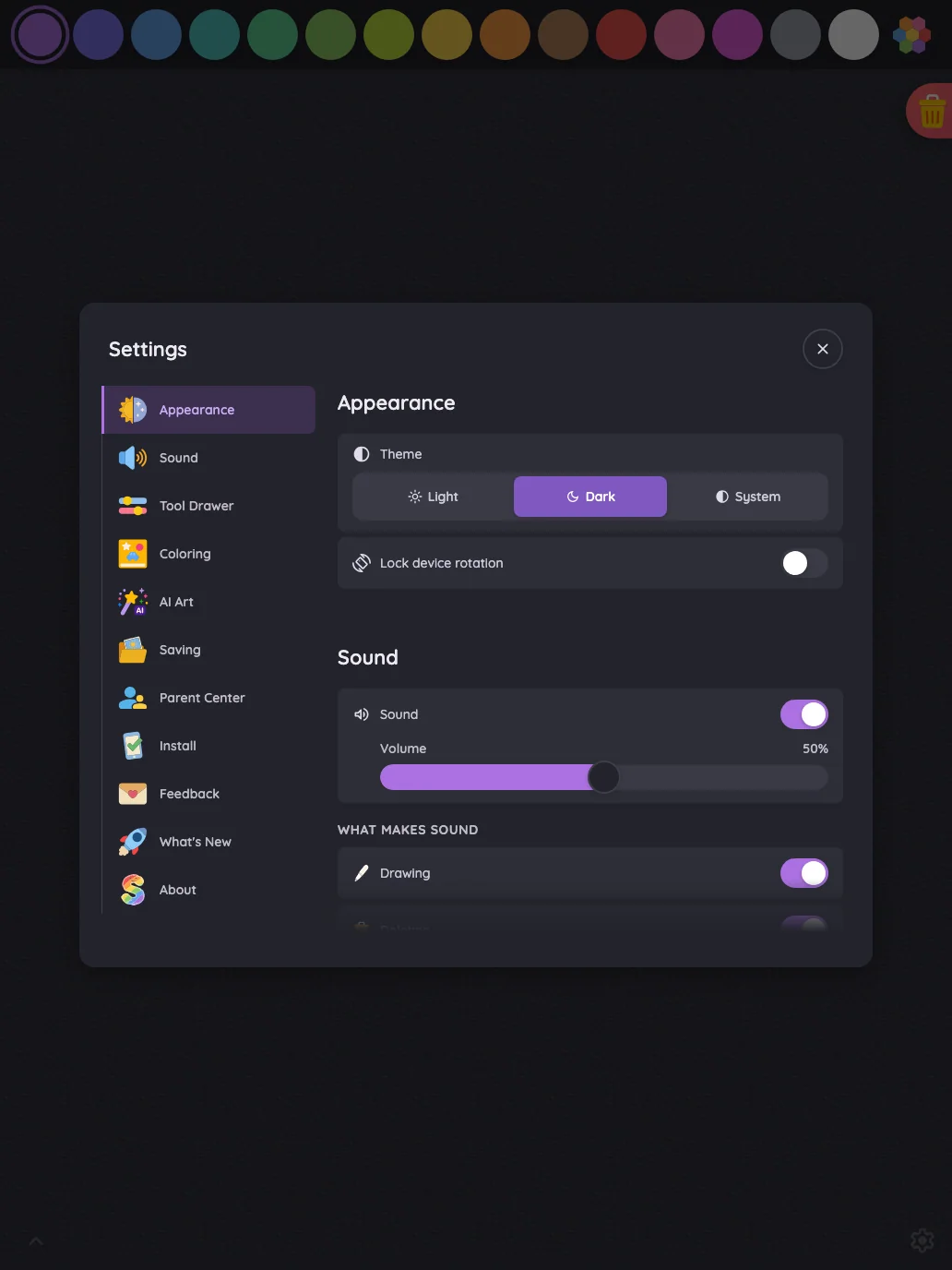
Settings · overview in night mode at iPad Pro 13-inch (M4) in portrait
Pass

The front Settings card has legible headings, labels, and values, with clear selected states, toggles, and close glyph. No actionable night-mode contrast issue is visible outside the intentional scroll fade.

Landscape

Small iPhone812 × 375
Settings · overview in night mode at iPhone 13 mini in landscape
Pass

The front Settings card has clear, legible text and icons in night mode. Toggle states and the close button are easy to distinguish, and both inactive orientation segments remain readable.

Pixel-identical to 11 other captures in this theme.

Large iPhone956 × 440
Settings · overview in night mode at iPhone 16 Pro Max in landscape
Pass

The front Settings card has legible text, icons, and close control in night mode. Toggle states are clear, and both inactive orientation segments remain readable. The surrounding page is visibly darkened by the scrim.

Pixel-identical to 11 other captures in this theme.

iPad mini1133 × 744
Settings · overview in night mode at iPad mini 7th Gen (2024) in landscape
Pass

The front Settings card has legible text, clear selected states, and distinguishable controls and close button in night mode. No actionable contrast issue is visible.

Pixel-identical to 1 other capture in this theme.

Large iPad Pro1376 × 1032
Settings · overview in night mode at iPad Pro 13-inch (M4) in landscape
Pass

The front Settings card has legible text, clear selected states, and distinguishable toggles and slider controls. The close glyph is readable. No actionable night-mode contrast issue is visible outside the intentional scroll fade.

Pixel-identical to 1 other capture in this theme.

Settings · Appearance#

The Appearance section where full settings fit; compact phone landscapes show the quick-toggle shell that replaces it.

16 pass
Settings/appearance

Light mode

Judged on layout, spacing, text fit, and touch targets.

Portrait

Small iPhone375 × 812
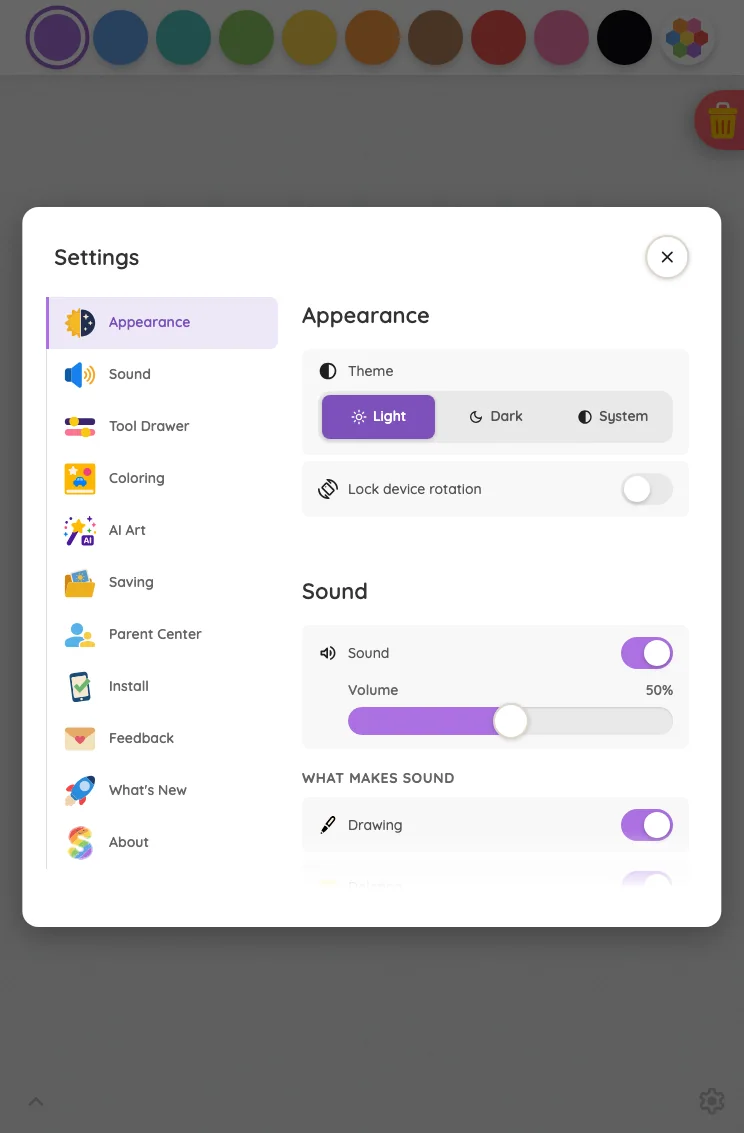
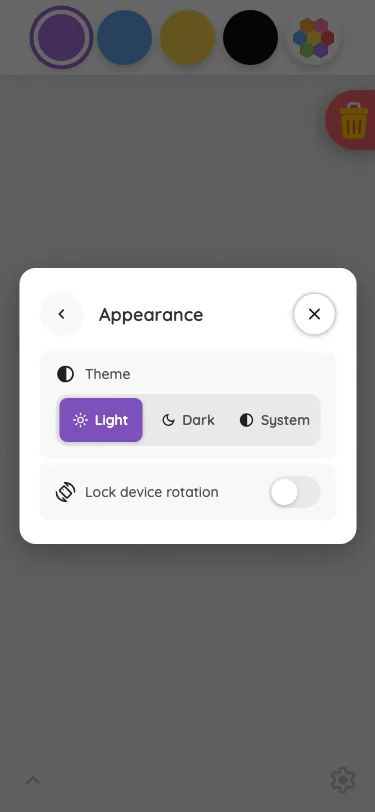
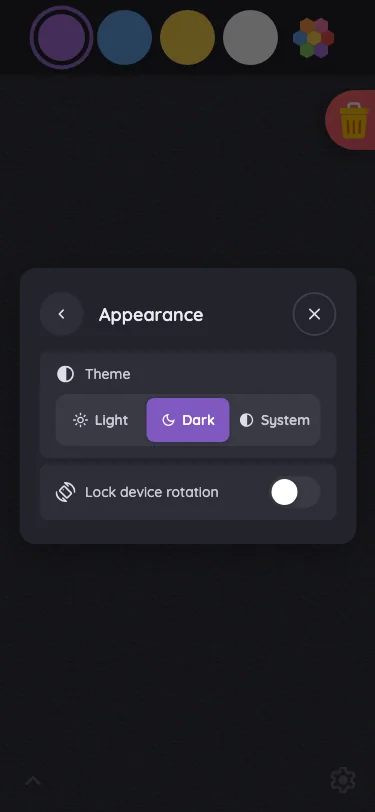
Settings · Appearance in light mode at iPhone 13 mini in portrait
Pass

The Appearance dialog has clear hierarchy, balanced spacing, and readable labels. Theme segments, rotation toggle, and navigation controls are distinct, with no visible clipping or overlap. All content fits without scrolling, and the scrim consistently darkens the surrounding page.

Large iPhone440 × 956
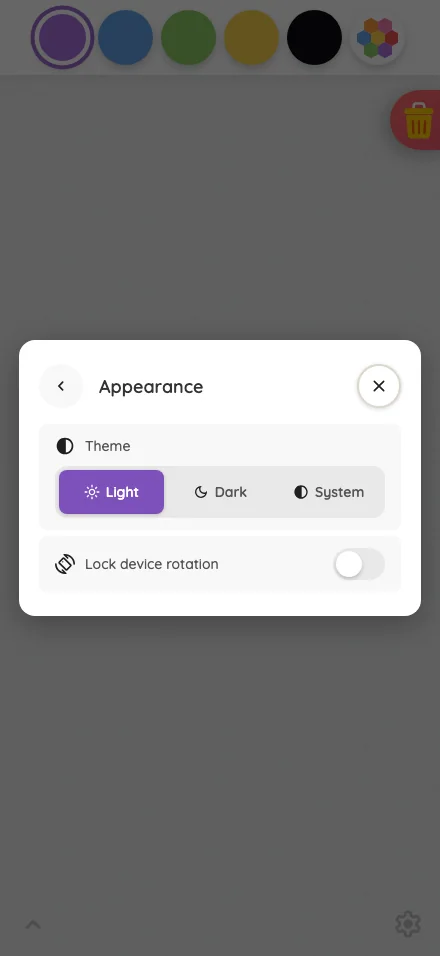
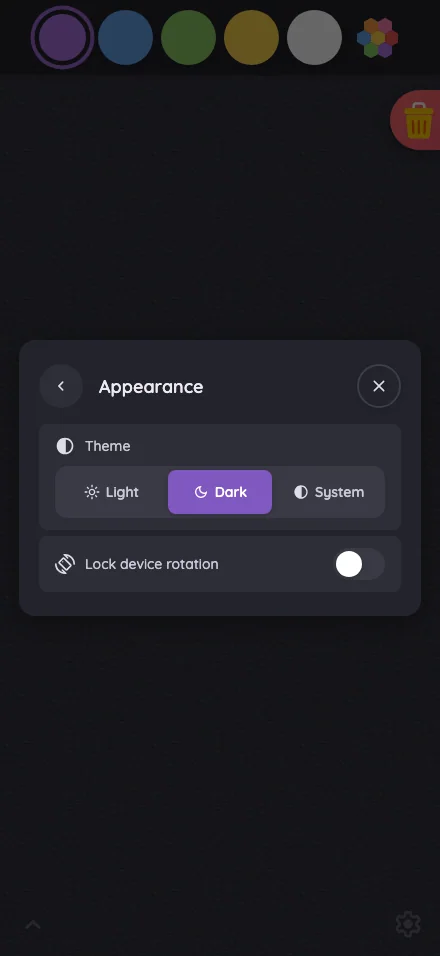
Settings · Appearance in light mode at iPhone 16 Pro Max in portrait
Pass

The Appearance dialog has clear hierarchy, balanced spacing, readable labels, and distinct controls. All content fits without visible clipping, overlap, or need for scrolling. Light is clearly selected, rotation is visibly unlocked, and the scrim keeps attention on the card.

iPad mini744 × 1133
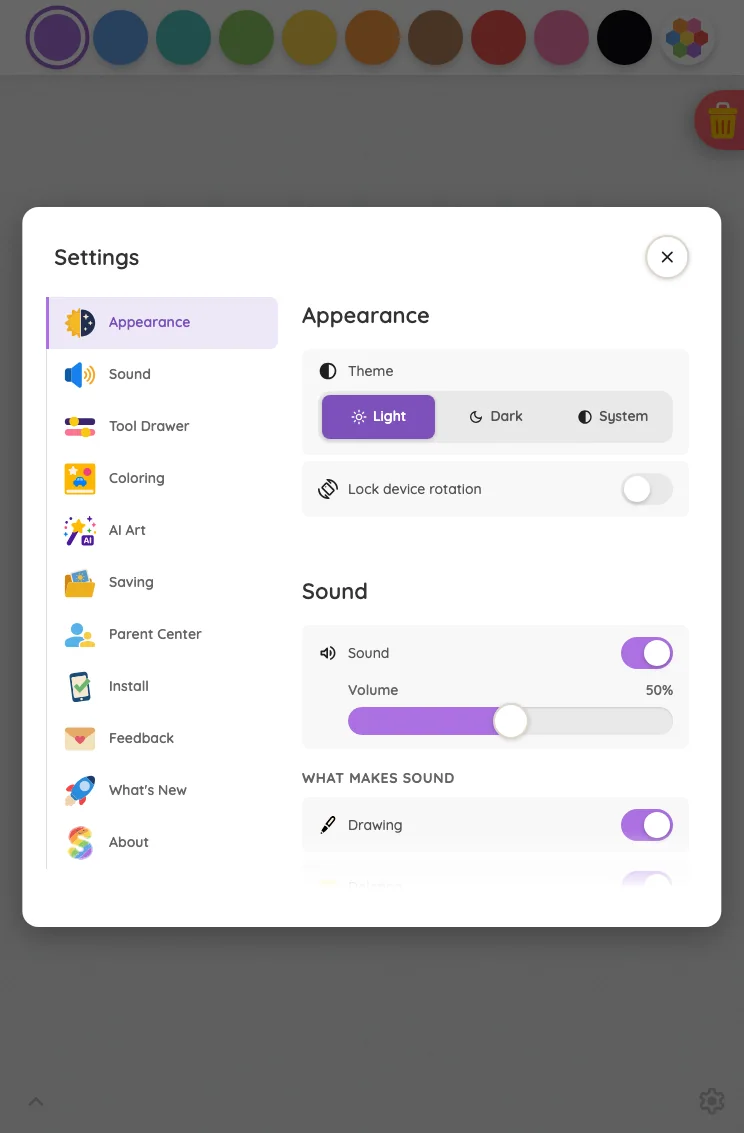
Settings · Appearance in light mode at iPad mini 7th Gen (2024) in portrait
Pass

Clear hierarchy, consistent spacing, and readable labels throughout the front settings card. Controls and close button have distinct touch targets, with no unintended clipping or overlap. The bottom fade communicates continued scrolling while content above it remains legible.

Pixel-identical to 1 other capture in this theme.

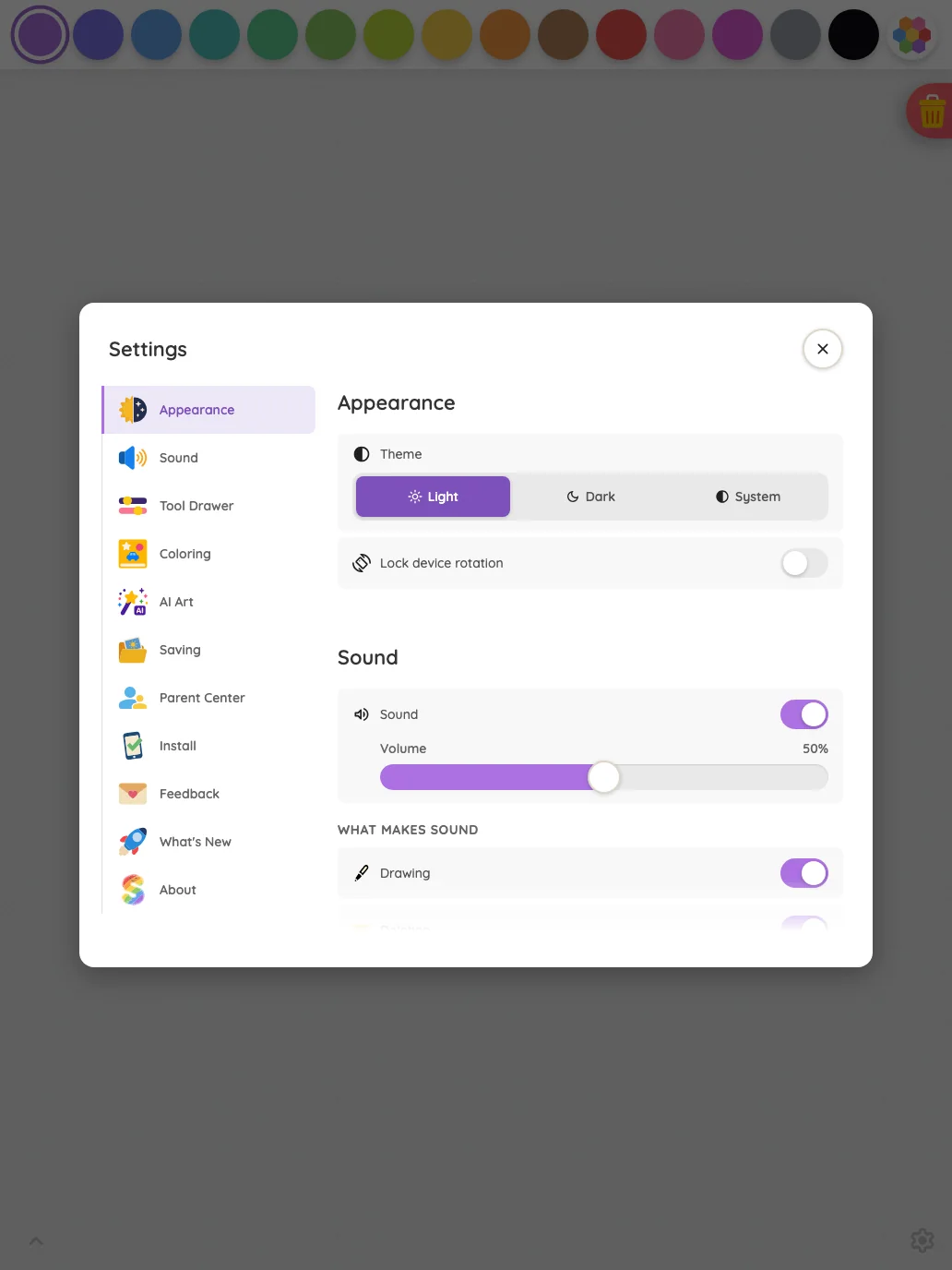
Large iPad Pro1032 × 1376
Settings · Appearance in light mode at iPad Pro 13-inch (M4) in portrait
Pass

Clear modal hierarchy, balanced spacing, and readable labels. Navigation rows and controls have distinct touch targets, with no visible overlap or unintended clipping. The bottom fade communicates continued scrolling, and styling is consistent throughout.

Pixel-identical to 1 other capture in this theme.

Landscape

Small iPhone812 × 375
Settings · Appearance in light mode at iPhone 13 mini in landscape
Pass

The compact Settings shell fits comfortably, with clear hierarchy, consistent spacing, readable labels, and distinct controls. Both orientation segments appear inactive, matching the unlocked state. No visible clipping, overlap, or need for modal scrolling.

Pixel-identical to 11 other captures in this theme.

Large iPhone956 × 440
Settings · Appearance in light mode at iPhone 16 Pro Max in landscape
Pass

The compact Settings shell has clear hierarchy, balanced spacing, and readable labels. Controls and close button are distinct, with no visible clipping or overlap. Both orientation segments correctly appear inactive. The modal fits fully without visible scrolling, and the scrim consistently dims the background.

Pixel-identical to 11 other captures in this theme.

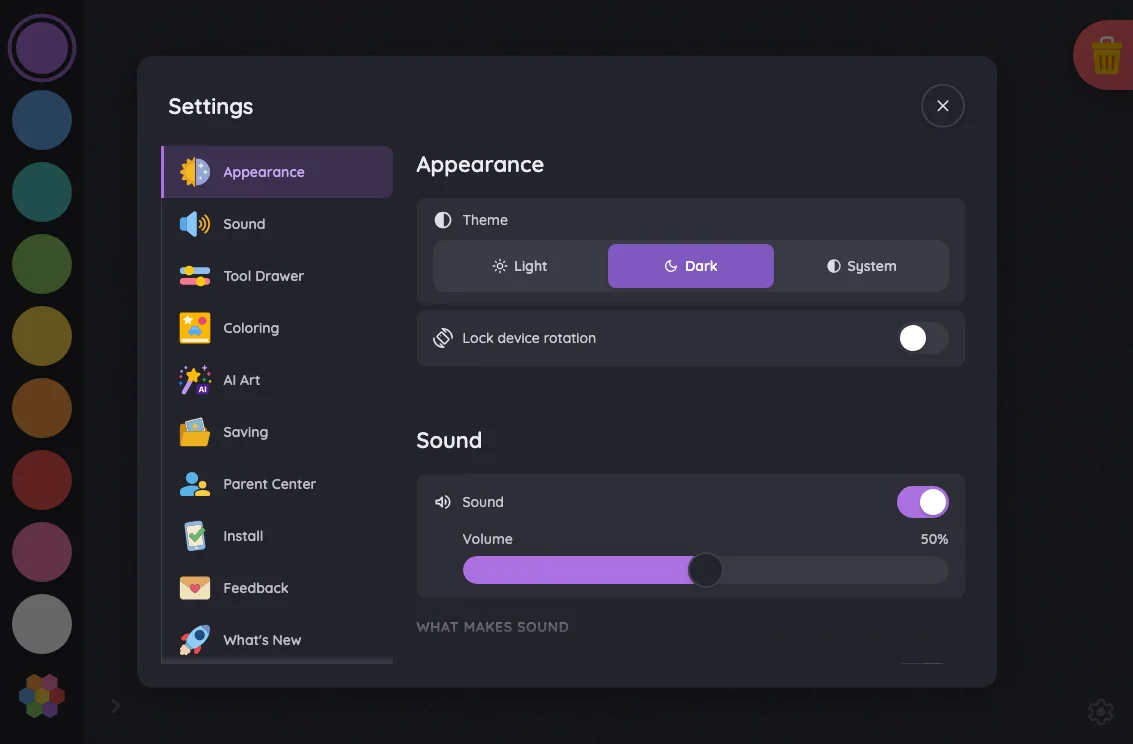
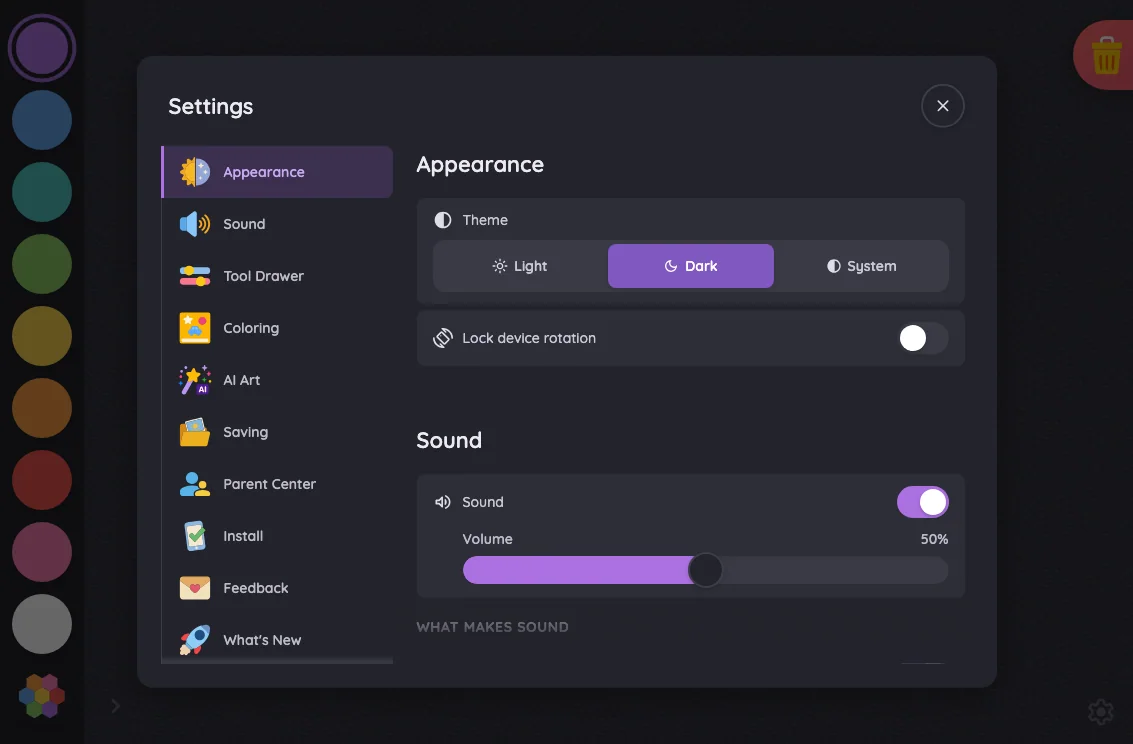
iPad mini1133 × 744
Settings · Appearance in light mode at iPad mini 7th Gen (2024) in landscape
Pass

Clear modal hierarchy, consistent spacing, readable labels, and distinct controls with comfortable touch targets. No unintended clipping or overlap is visible. Both scrolling columns use the intended edge fades, and the scrim keeps attention on the settings card.

Pixel-identical to 1 other capture in this theme.

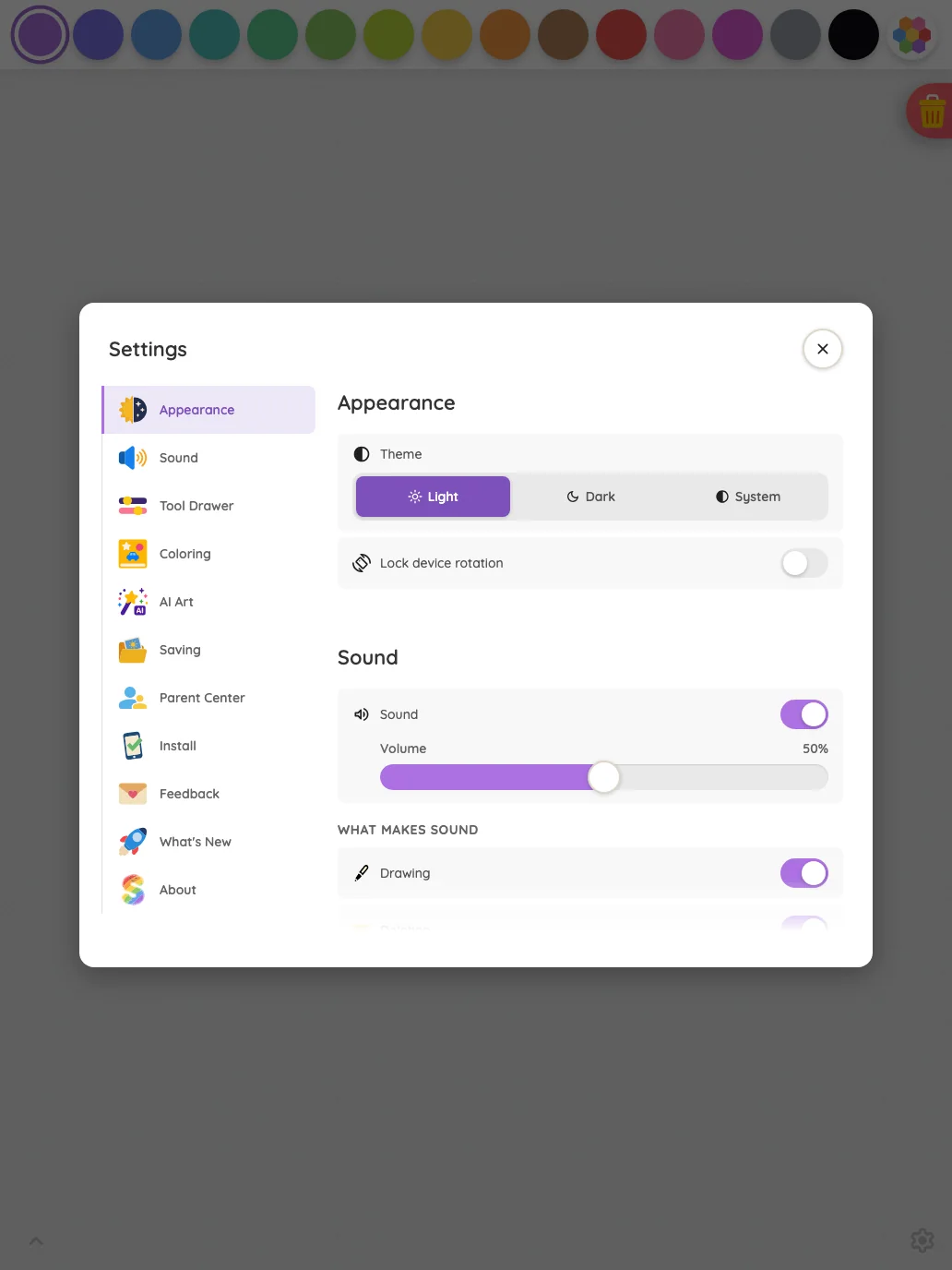
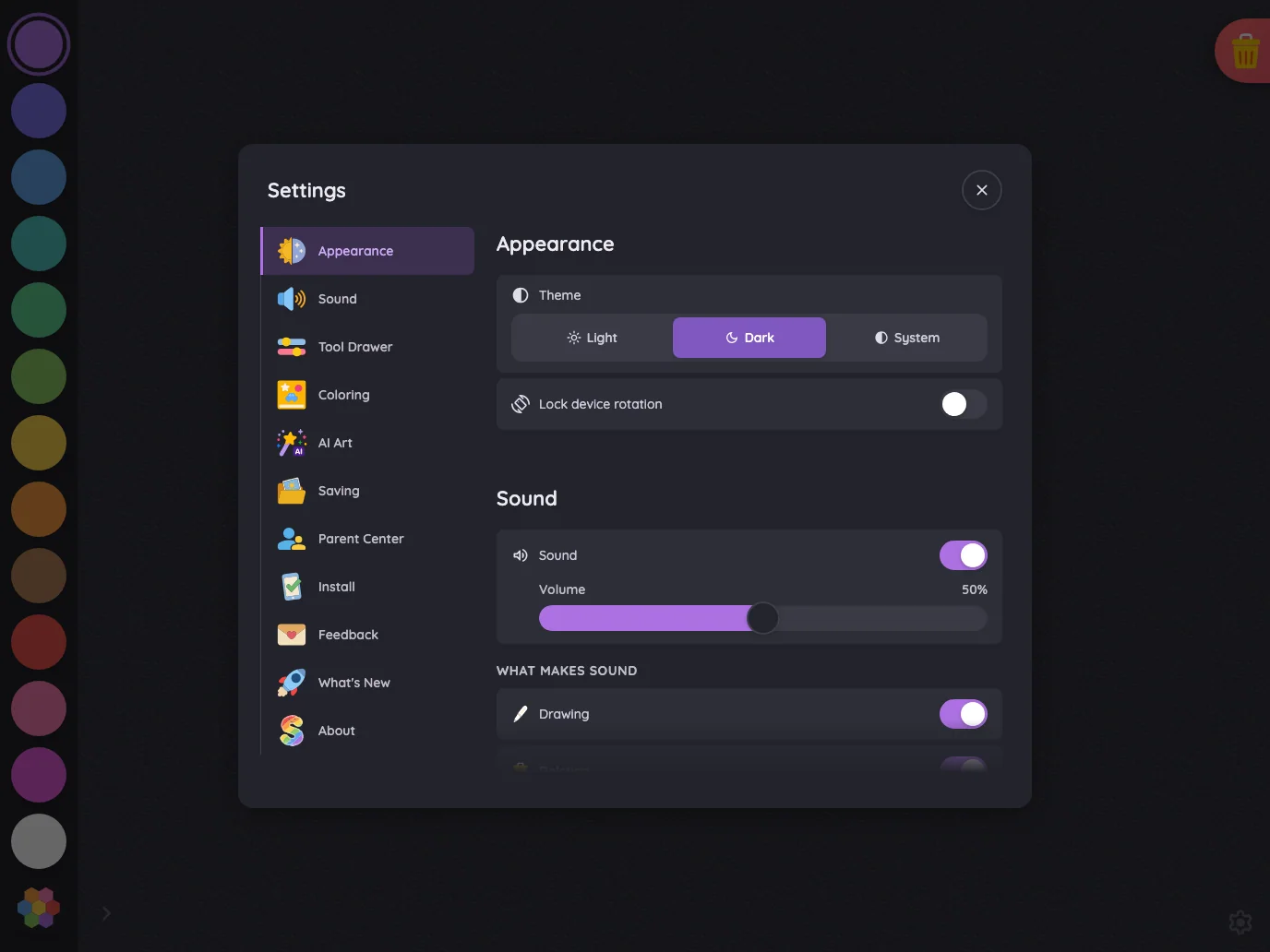
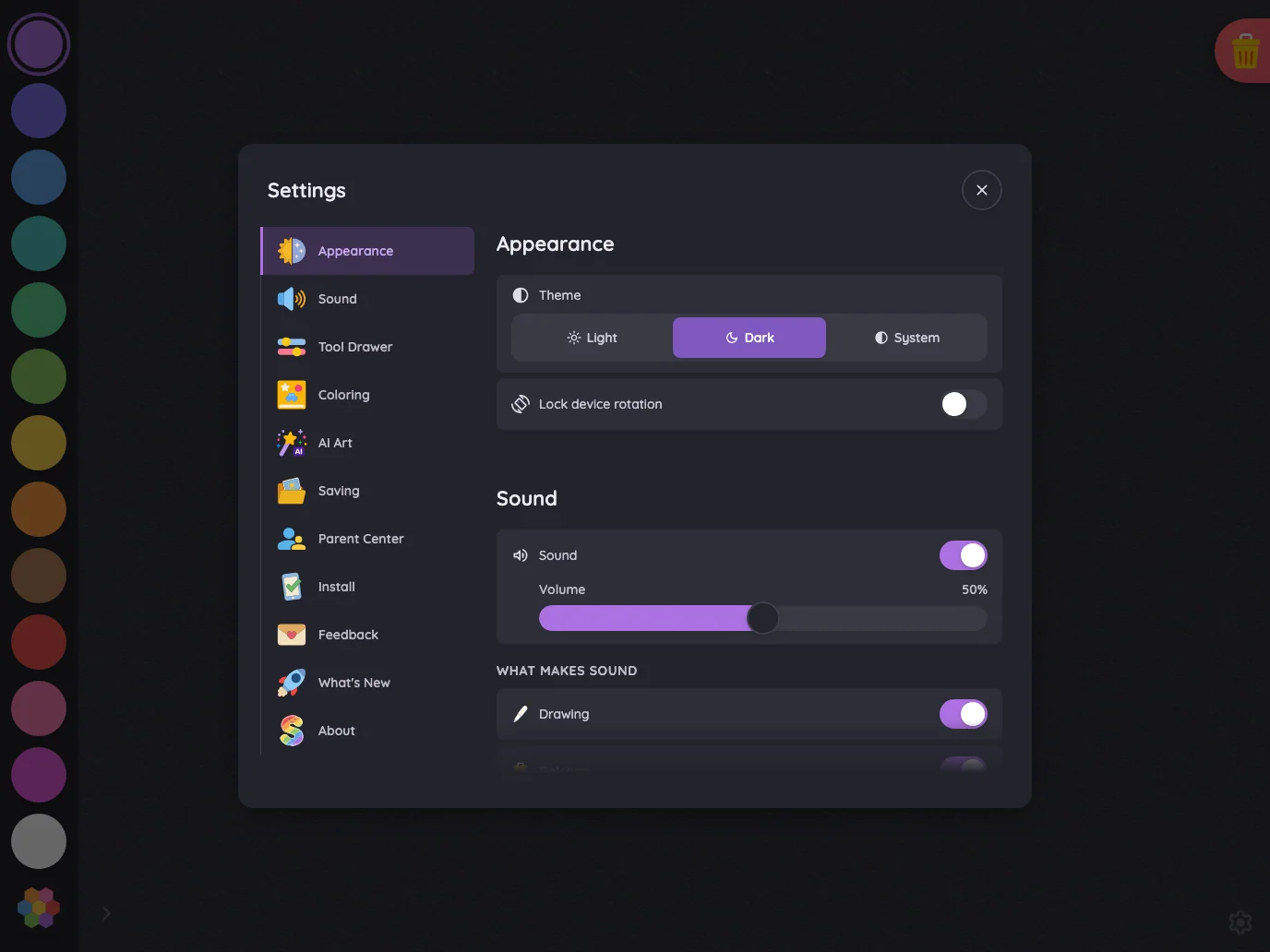
Large iPad Pro1376 × 1032
Settings · Appearance in light mode at iPad Pro 13-inch (M4) in landscape
Pass

Clear navigation and section hierarchy, consistent spacing, and readable labels. Controls and close button have distinct touch targets without overlap. Content fits cleanly above the intentional bottom scroll fade, and the scrim consistently darkens the surrounding canvas.

Pixel-identical to 1 other capture in this theme.

Night mode

Judged on contrast and legibility only.

Portrait

Small iPhone375 × 812
Settings · Appearance in night mode at iPhone 13 mini in portrait
Pass

The front Appearance card has legible text and icons, a clear selected Dark state, and a visible rotation toggle and close button. No actionable night-mode contrast issue is visible.

Large iPhone440 × 956
Settings · Appearance in night mode at iPhone 16 Pro Max in portrait
Pass

The front Appearance card has legible text, recognizable icons, a clear selected Dark segment, and a visible rotation toggle and close control. No actionable night-mode contrast issue is visible.

iPad mini744 × 1133
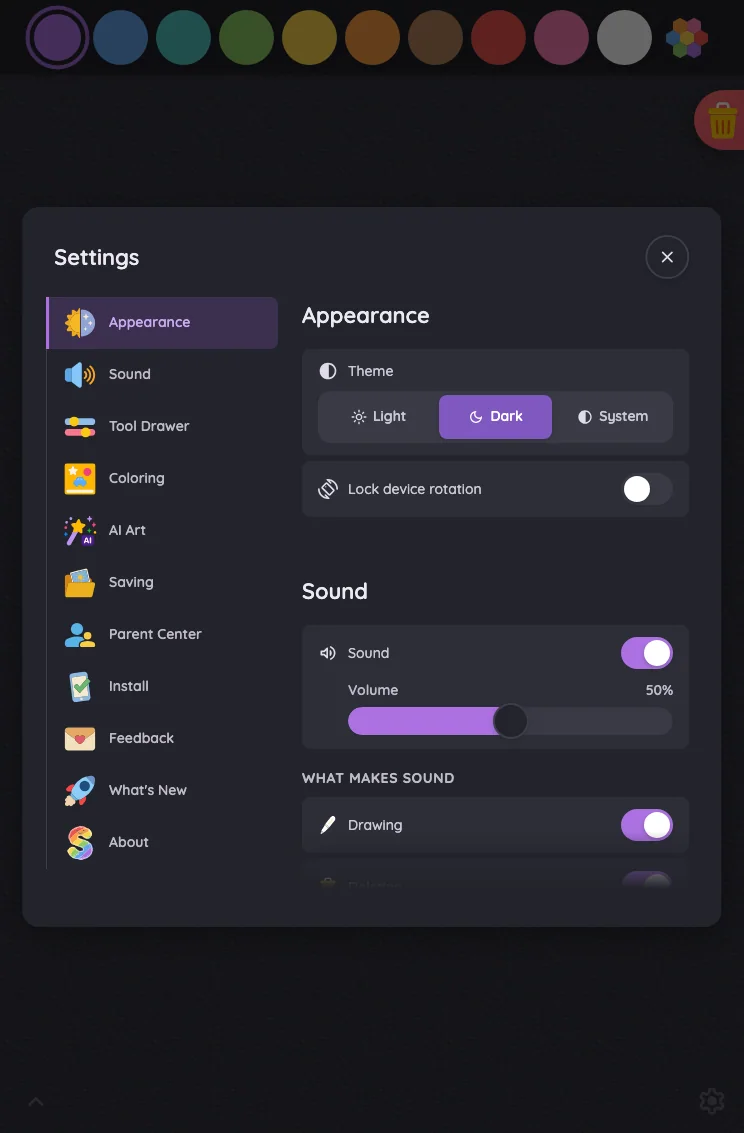
Settings · Appearance in night mode at iPad mini 7th Gen (2024) in portrait
Pass

The front Settings card has legible text, clear selected states, and distinguishable toggles and close icon in night mode. No actionable contrast issue is visible outside the intentional scroll fade.

Large iPad Pro1032 × 1376
Settings · Appearance in night mode at iPad Pro 13-inch (M4) in portrait
Pass

The front settings card has legible text, clear selected states, and discernible toggles, slider, and close button. No actionable night-mode contrast issue is visible outside the intentional scroll fade.

Landscape

Small iPhone812 × 375
Settings · Appearance in night mode at iPhone 13 mini in landscape
Pass

The front Settings card has legible text, icons, and close control in night mode. Purple toggles clearly indicate enabled states, while both orientation segments remain readable and inactive as intended.

Pixel-identical to 11 other captures in this theme.

Large iPhone956 × 440
Settings · Appearance in night mode at iPhone 16 Pro Max in landscape
Pass

The front Settings card has legible text, icons, and a clear close glyph in night mode. Enabled toggles are distinct, and both inactive orientation segments remain readable. No actionable contrast issue is visible.

Pixel-identical to 11 other captures in this theme.

iPad mini1133 × 744
Settings · Appearance in night mode at iPad mini 7th Gen (2024) in landscape
Pass

The front settings card’s text, icons, selected states, and close button are legible in night mode. No actionable contrast issue is visible outside the intentional scroll fades.

Pixel-identical to 1 other capture in this theme.

Large iPad Pro1376 × 1032
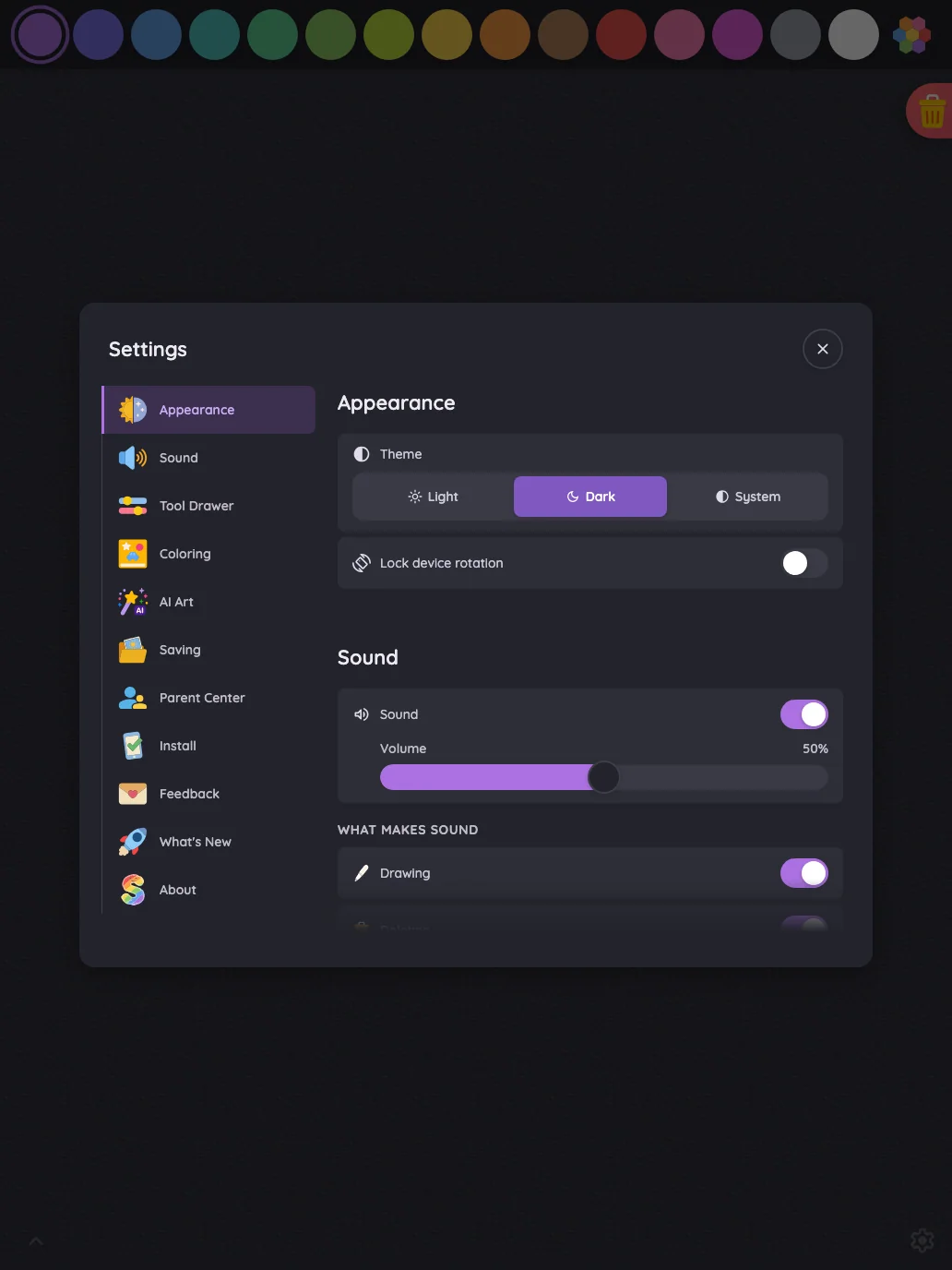
Settings · Appearance in night mode at iPad Pro 13-inch (M4) in landscape
Pass

Night-mode text, icons, selected states, switches, and the close button are legible on the front settings card. No actionable contrast issue is visible outside the intentional scroll fade.

Pixel-identical to 1 other capture in this theme.

Settings · Sound#

The Sound section where full settings fit; compact phone landscapes show the quick-toggle shell that replaces it.

16 pass
Settings/sound

Light mode

Judged on layout, spacing, text fit, and touch targets.

Portrait

Small iPhone375 × 812
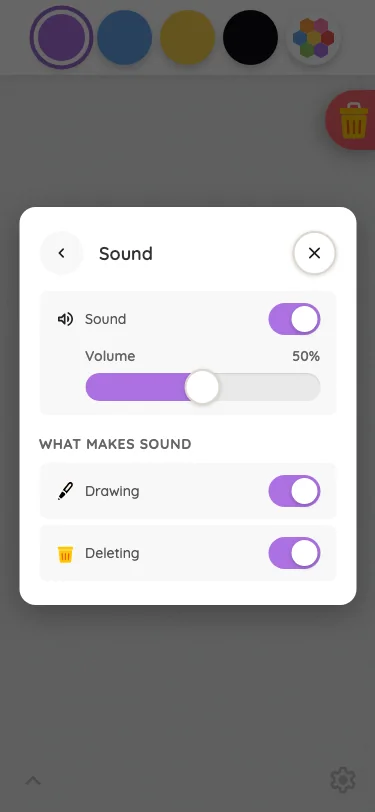
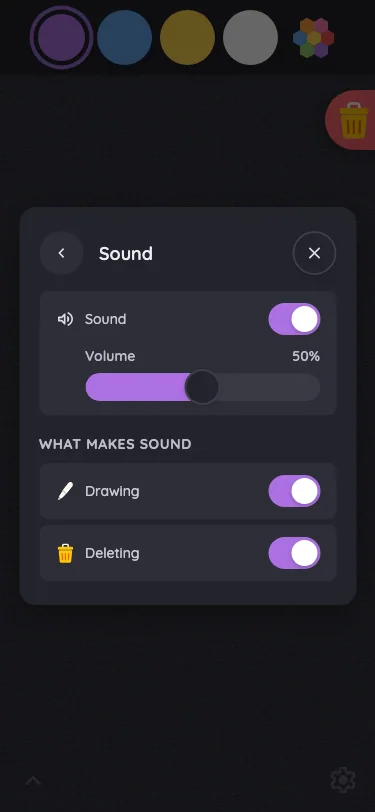
Settings · Sound in light mode at iPhone 13 mini in portrait
Pass

The Sound dialog has clear hierarchy, consistent spacing, readable labels, and distinct controls. All content fits without clipping, overlap, or visible need for scrolling. Back and close targets are clear, and the scrim keeps attention on the dialog.

Large iPhone440 × 956
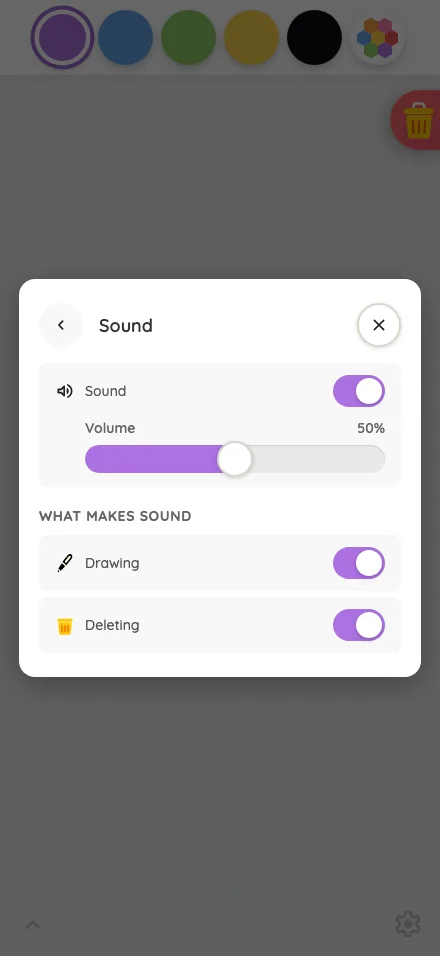
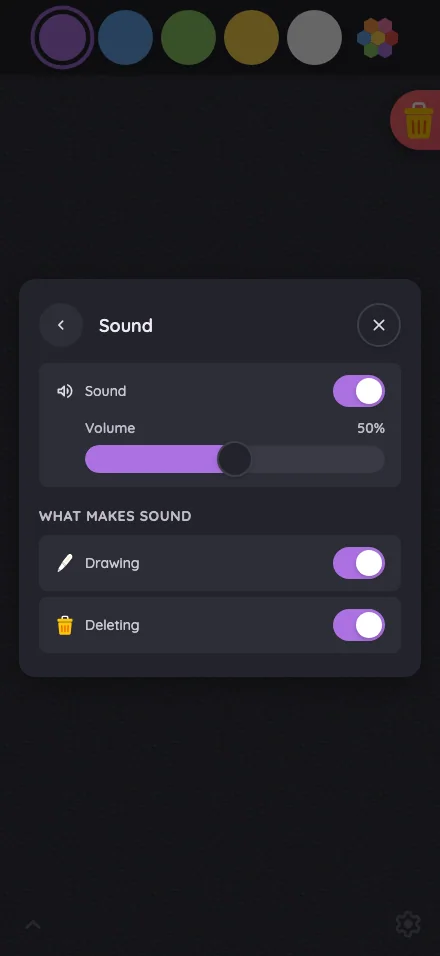
Settings · Sound in light mode at iPhone 16 Pro Max in portrait
Pass

Clear hierarchy and consistent spacing. Labels fit, toggles and slider are easy to identify, and the full Sound panel fits without clipping, overlap, or visible need for scrolling. The modal and scrim keep attention on the settings.

iPad mini744 × 1133
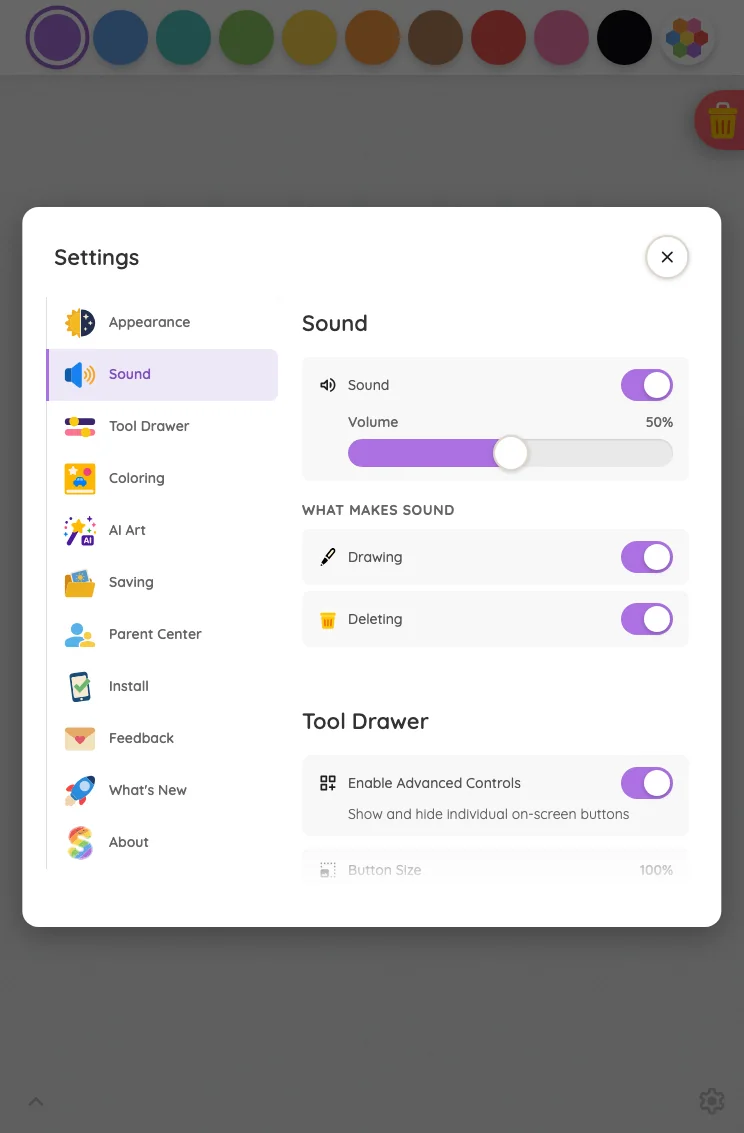
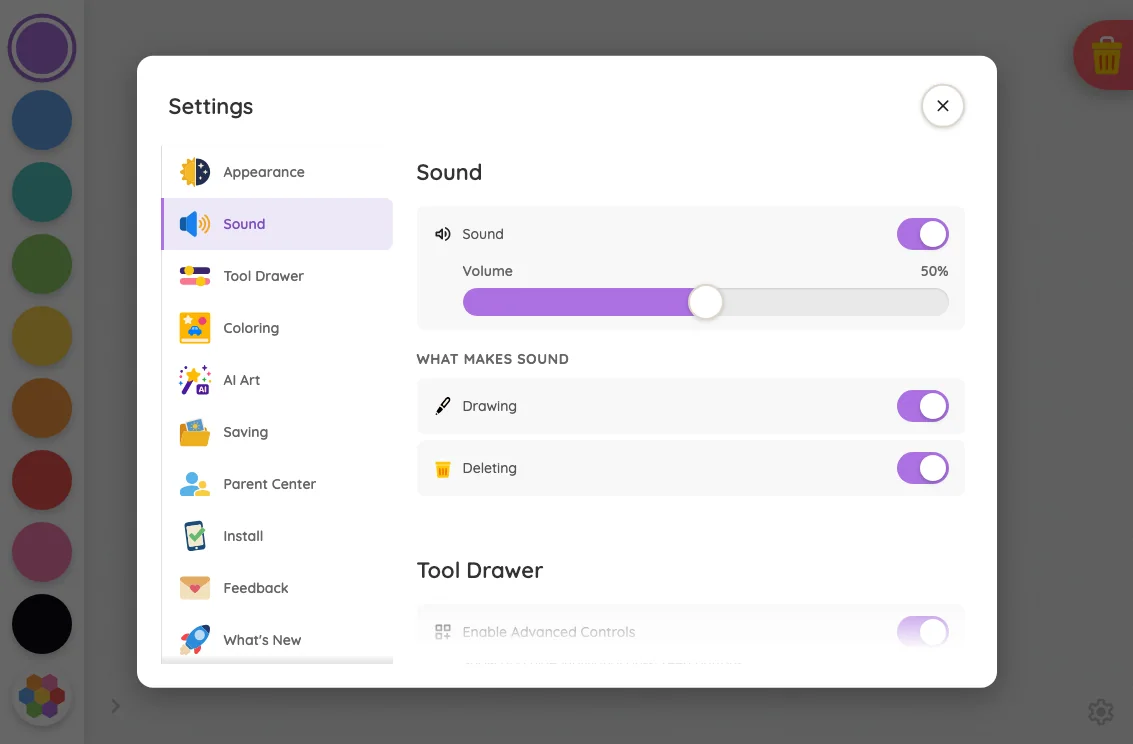
Settings · Sound in light mode at iPad mini 7th Gen (2024) in portrait
Pass

Clear hierarchy, consistent spacing, and readable labels. Controls have distinct touch targets, with no unintended clipping or overlap. The bottom fade communicates continued modal scrolling, and the scrim consistently darkens the background.

Large iPad Pro1032 × 1376
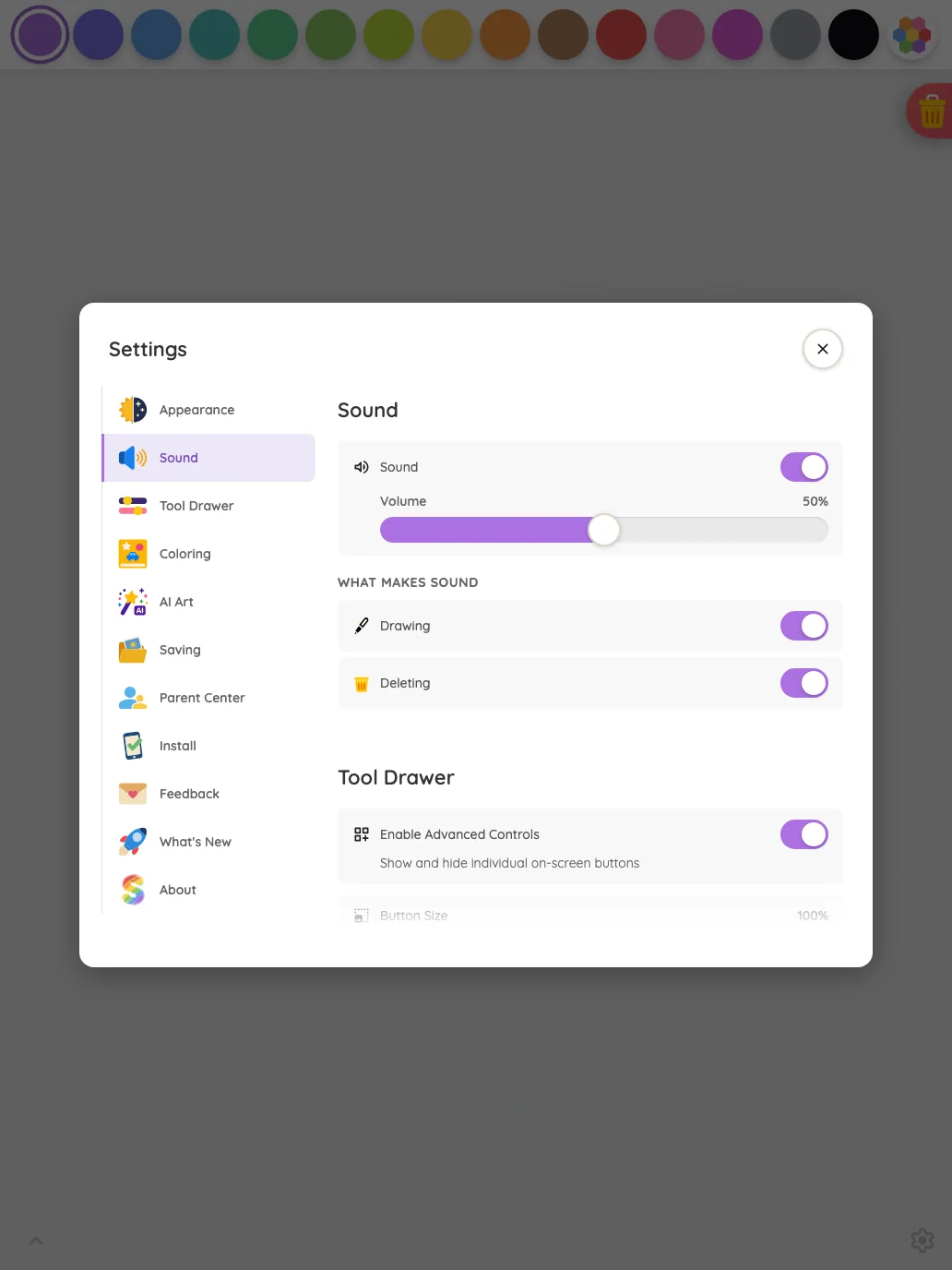
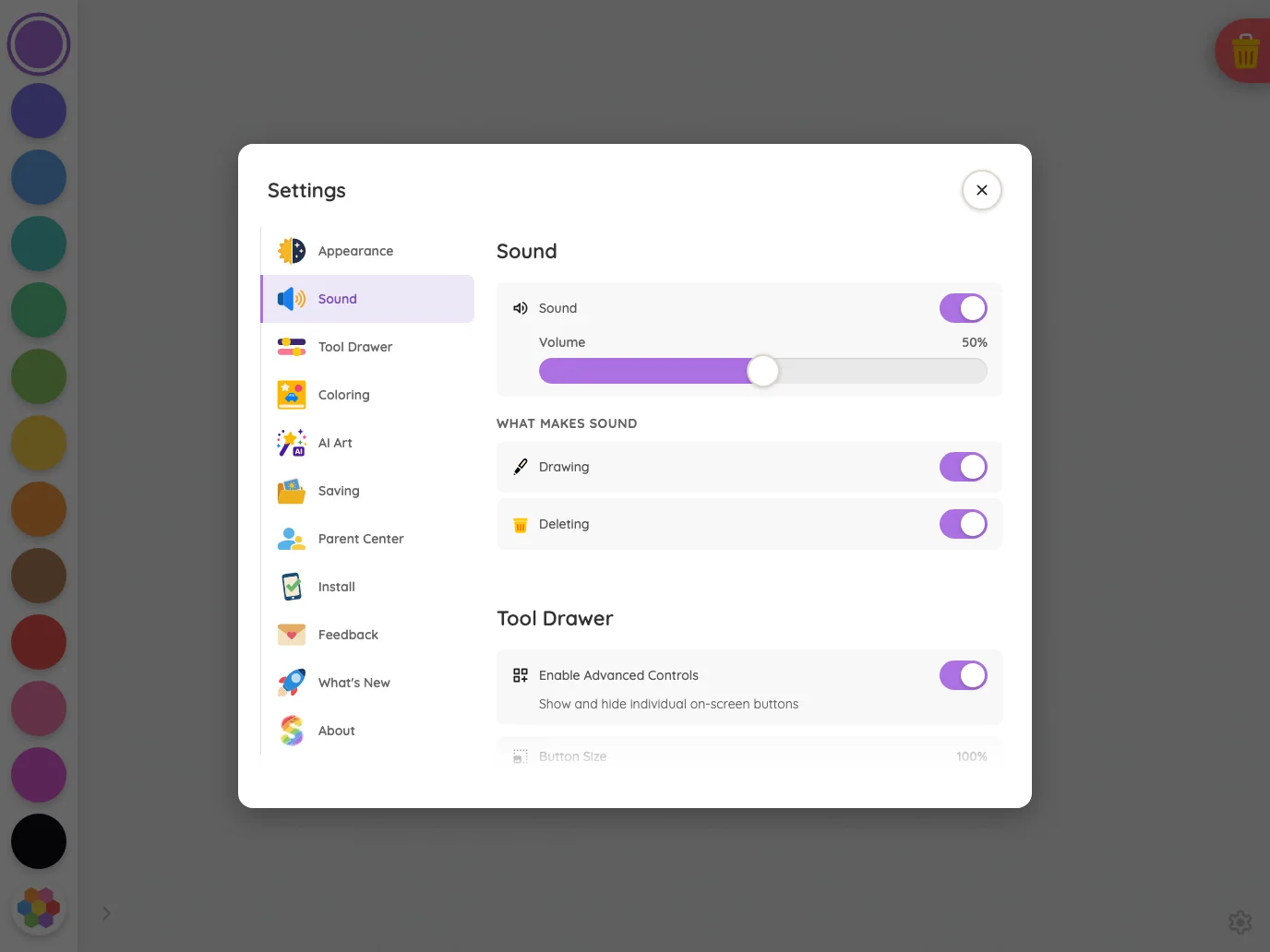
Settings · Sound in light mode at iPad Pro 13-inch (M4) in portrait
Pass

The modal has clear hierarchy, balanced spacing, readable labels, and distinct touch targets. No unintended clipping or overlap is visible; the bottom fade communicates continued scrolling, and controls remain visually consistent.

Landscape

Small iPhone812 × 375
Settings · Sound in light mode at iPhone 13 mini in landscape
Pass

The compact Settings shell fits comfortably, with clear hierarchy, consistent spacing, readable labels, and distinct touch controls. Both orientation segments correctly appear inactive. No visible clipping, overlap, or scrolling issue; the scrim darkens the surrounding page consistently.

Pixel-identical to 11 other captures in this theme.

Large iPhone956 × 440
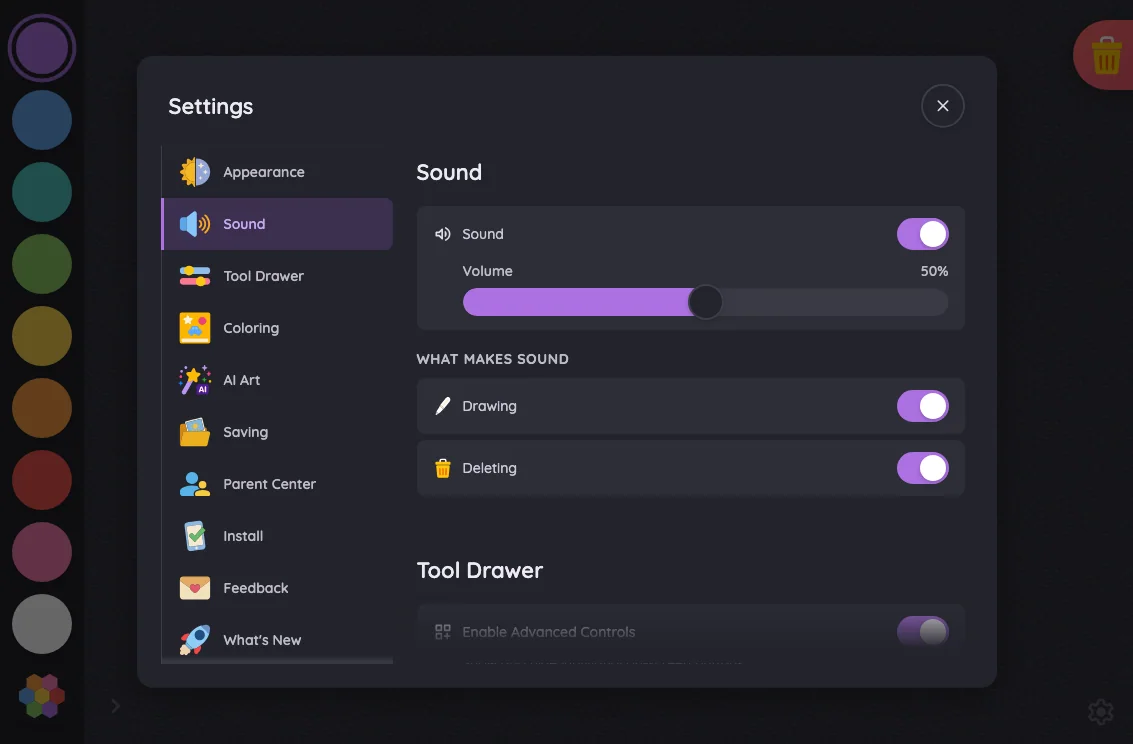
Settings · Sound in light mode at iPhone 16 Pro Max in landscape
Pass

The compact Settings shell fits comfortably, with clear hierarchy, consistent spacing, readable labels, and distinct touch controls. Both orientation segments appear inactive as intended for unlocked rotation. No visible clipping, overlap, or scrolling issue; the scrim consistently darkens the surrounding page.

Pixel-identical to 11 other captures in this theme.

iPad mini1133 × 744
Settings · Sound in light mode at iPad mini 7th Gen (2024) in landscape
Pass

Clear hierarchy, comfortable spacing, and well-fitting text. Toggles, volume slider, navigation rows, and close button have distinct touch targets. No unintended clipping or overlap is visible; bottom fades indicate scrolling in both panes. Styling is consistent throughout the modal.

Large iPad Pro1376 × 1032
Settings · Sound in light mode at iPad Pro 13-inch (M4) in landscape
Pass

Clear sidebar selection and section headings establish hierarchy. Text fits comfortably, spacing is consistent, and toggles and close button have distinct touch targets. No unintended clipping or overlap is visible; the bottom fade indicates continued modal scrolling. The scrim visibly darkens the surrounding canvas.

Night mode

Judged on contrast and legibility only.

Portrait

Small iPhone375 × 812
Settings · Sound in night mode at iPhone 13 mini in portrait
Pass

The front Sound card has legible text, clear toggle states, and findable navigation and close controls. No actionable night-mode contrast issue is visible.

Large iPhone440 × 956
Settings · Sound in night mode at iPhone 16 Pro Max in portrait
Pass

The front Sound card has legible text, clear icons, and distinguishable switches and volume controls. No actionable night-mode contrast issue is visible.

iPad mini744 × 1133
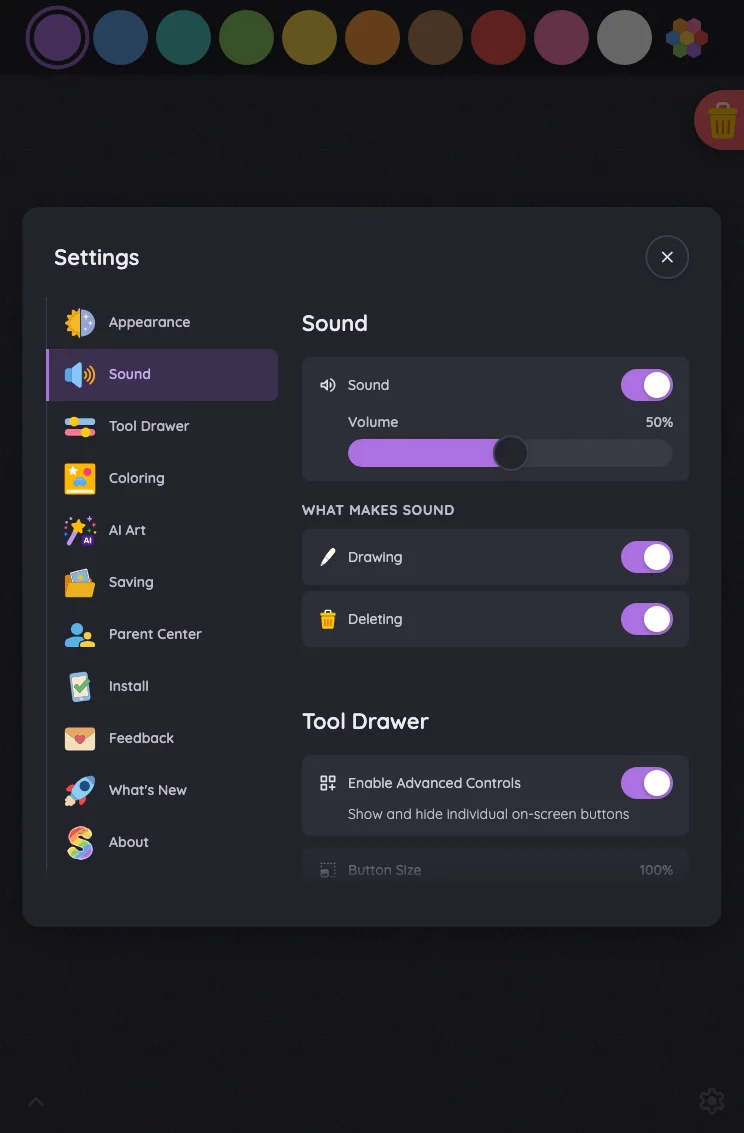
Settings · Sound in night mode at iPad mini 7th Gen (2024) in portrait
Pass

The front settings card has legible headings, labels, and values. Purple toggles and slider fill remain distinct against dark surfaces, and the close icon is visible. No actionable night-mode contrast issue is evident outside the intentional scroll fade.

Large iPad Pro1032 × 1376
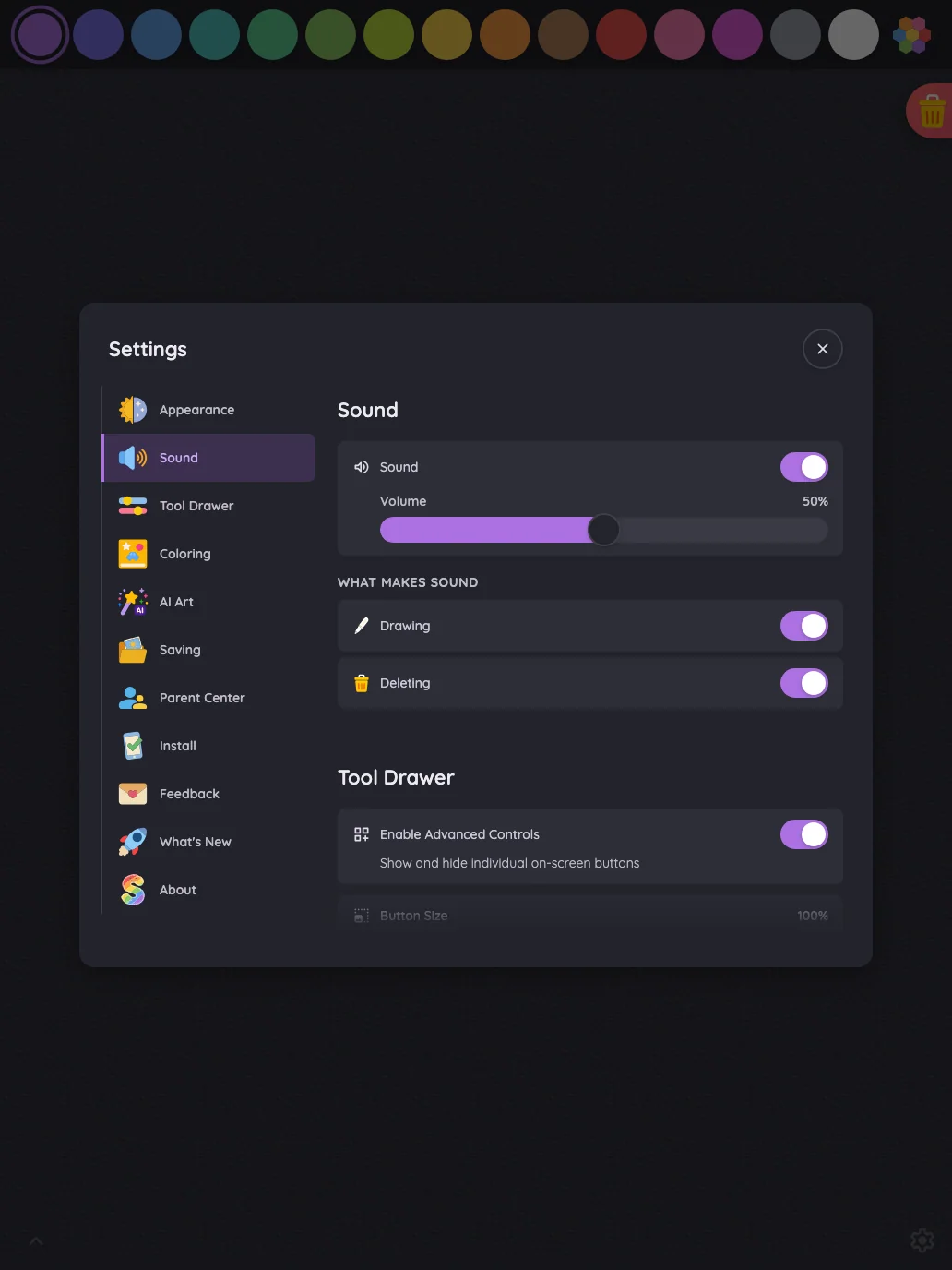
Settings · Sound in night mode at iPad Pro 13-inch (M4) in portrait
Pass

The front Settings card has legible text, a clear selected tab, distinguishable toggles and slider position, and a visible close icon. No actionable night-mode contrast issue is evident outside the intentional scroll fade.

Landscape

Small iPhone812 × 375
Settings · Sound in night mode at iPhone 13 mini in landscape
Pass

The front Settings card has legible text, recognizable icons, and clear toggle states in night mode. Both inactive orientation labels and the close button remain readable. No actionable contrast issue is visible.

Pixel-identical to 11 other captures in this theme.

Large iPhone956 × 440
Settings · Sound in night mode at iPhone 16 Pro Max in landscape
Pass

The front Settings card has legible text, clear toggle states, and a visible close icon in night mode. Both orientation segments read as inactive while their labels remain readable. The surrounding page is consistently darkened by the scrim.

Pixel-identical to 11 other captures in this theme.

iPad mini1133 × 744
Settings · Sound in night mode at iPad mini 7th Gen (2024) in landscape
Pass

Night-mode text, controls, and the close button are legible on the front settings card. The selected Sound tab is clear; reduced legibility at the scrolling edge matches the intended fade.

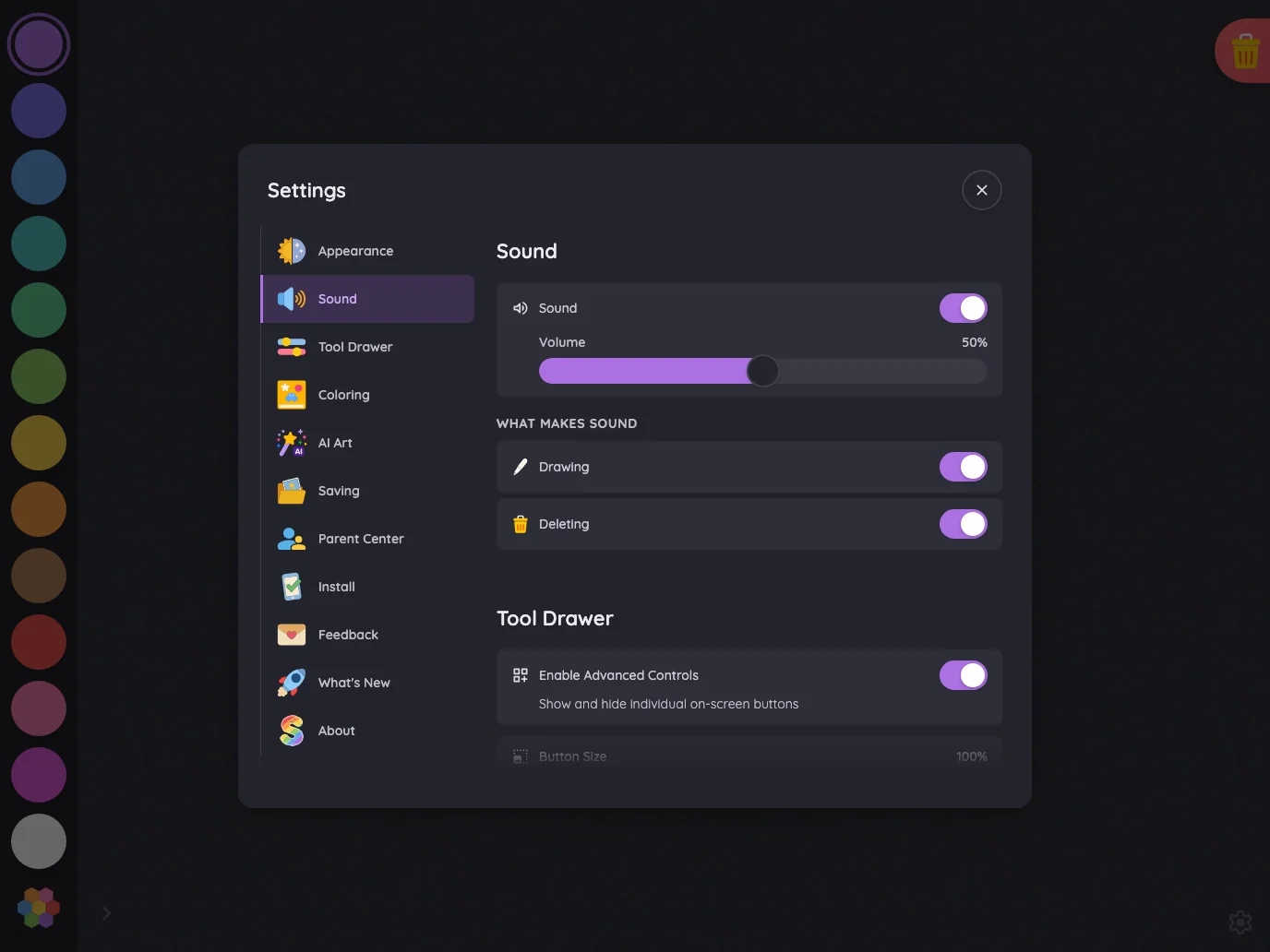
Large iPad Pro1376 × 1032
Settings · Sound in night mode at iPad Pro 13-inch (M4) in landscape
Pass

The front Settings card has legible text, clear purple toggle states and slider fill, and a findable close button. No actionable night-mode contrast issue is visible outside the intentional scroll fade.

Settings · Tool Drawer#

The Tool Drawer section where full settings fit; compact phone landscapes show the quick-toggle shell that replaces it.

16 pass
Settings/controls

Light mode

Judged on layout, spacing, text fit, and touch targets.

Portrait

Small iPhone375 × 812
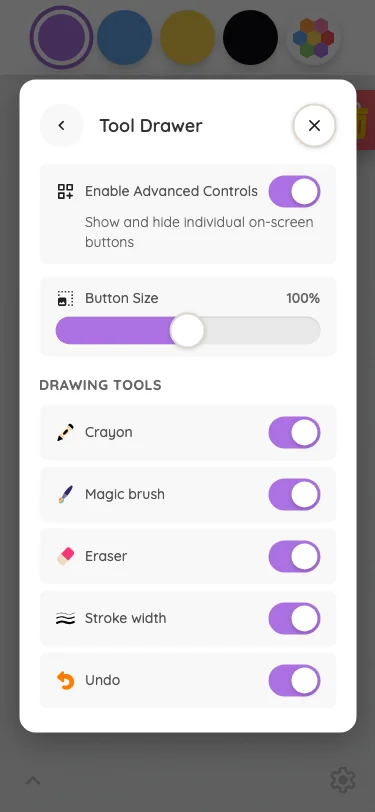
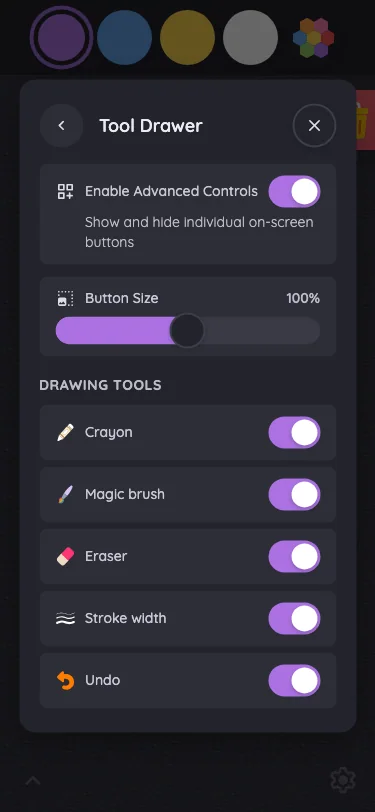
Settings · Tool Drawer in light mode at iPhone 13 mini in portrait
Pass

The Tool Drawer has clear hierarchy, consistent spacing, readable text, and distinct controls. All visible rows fit within the card without clipping or overlap. Close and back controls are clear, and the surrounding page is uniformly dimmed. No visible scrolling issue.

Large iPhone440 × 956
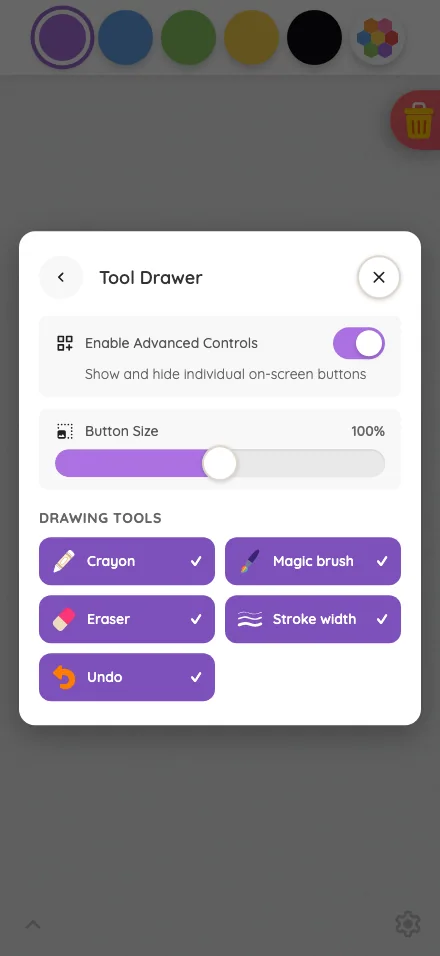
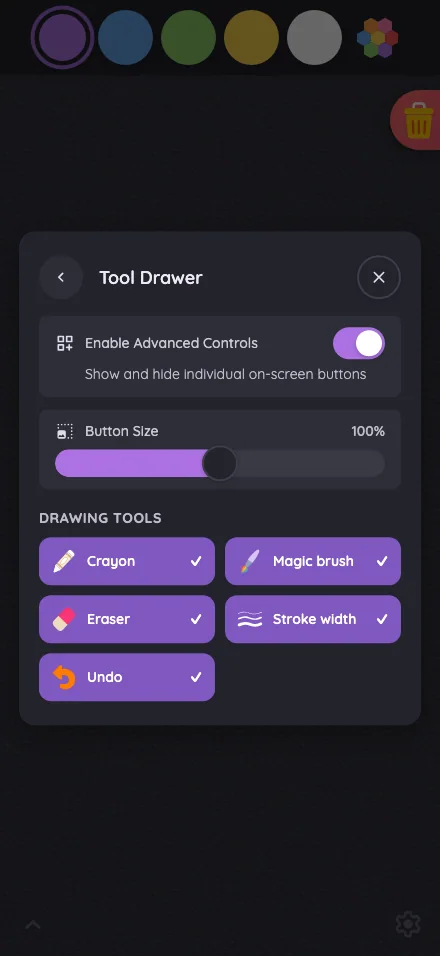
Settings · Tool Drawer in light mode at iPhone 16 Pro Max in portrait
Pass

The Tool Drawer has clear hierarchy, consistent spacing, and readable text. Controls have distinct touch targets, and all content fits within the modal without visible clipping, overlap, or scrolling issues. The scrim consistently darkens the surrounding page.

iPad mini744 × 1133
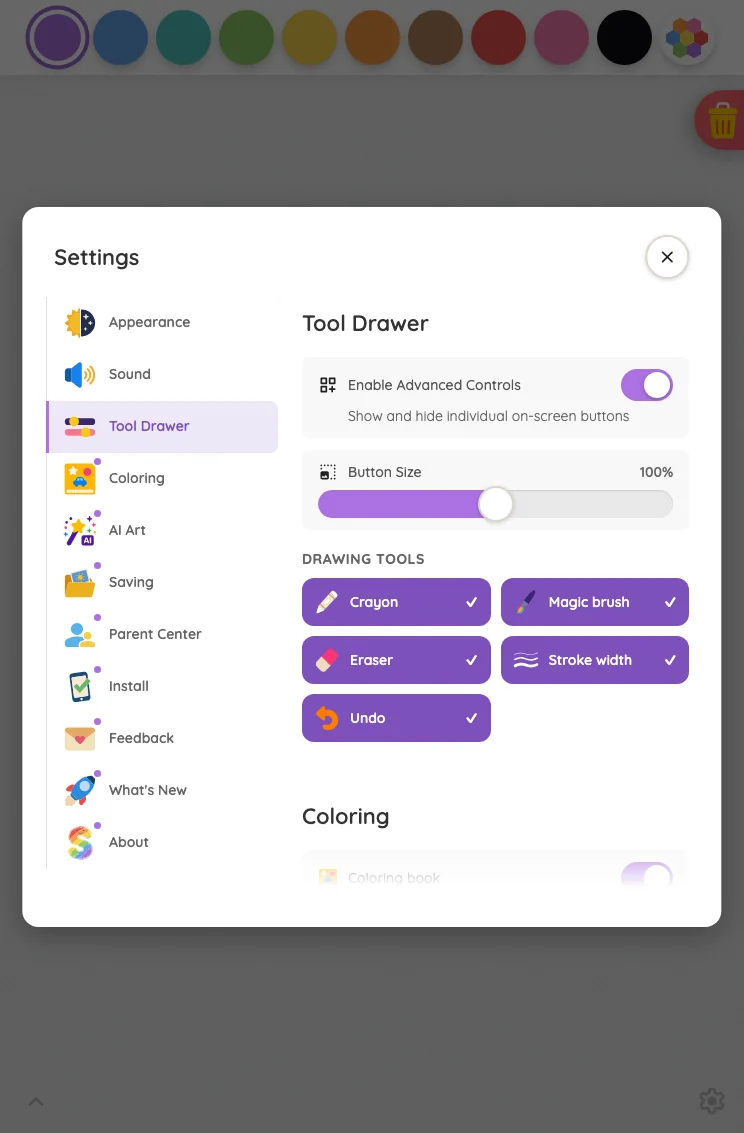
Settings · Tool Drawer in light mode at iPad mini 7th Gen (2024) in portrait
Pass

Clear sidebar selection and section hierarchy, comfortable spacing, and readable labels. Controls and close button have distinct touch targets, with no unintended clipping or overlap. The bottom fade clearly signals continued modal content. Styling is consistent throughout.

Large iPad Pro1032 × 1376
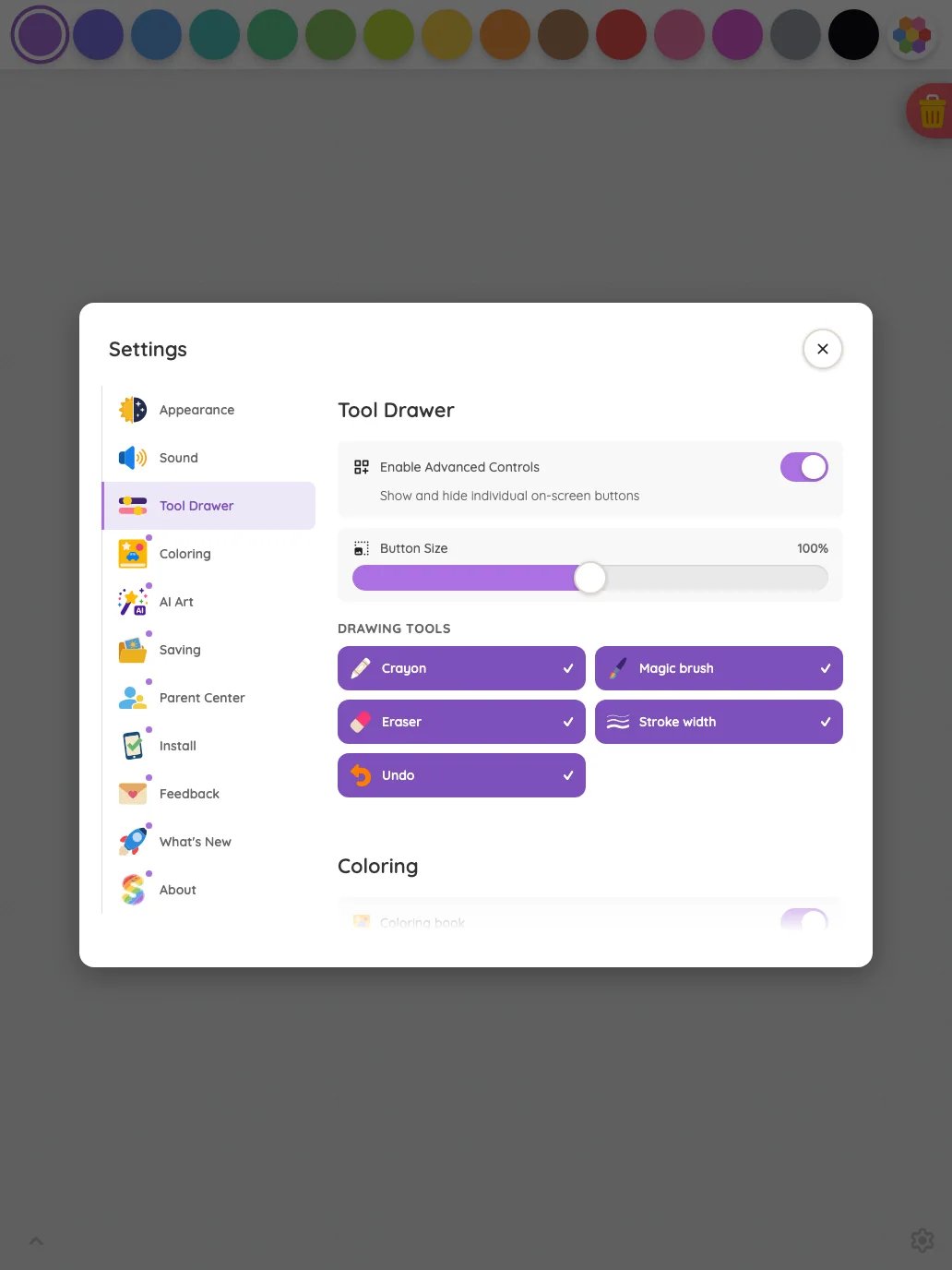
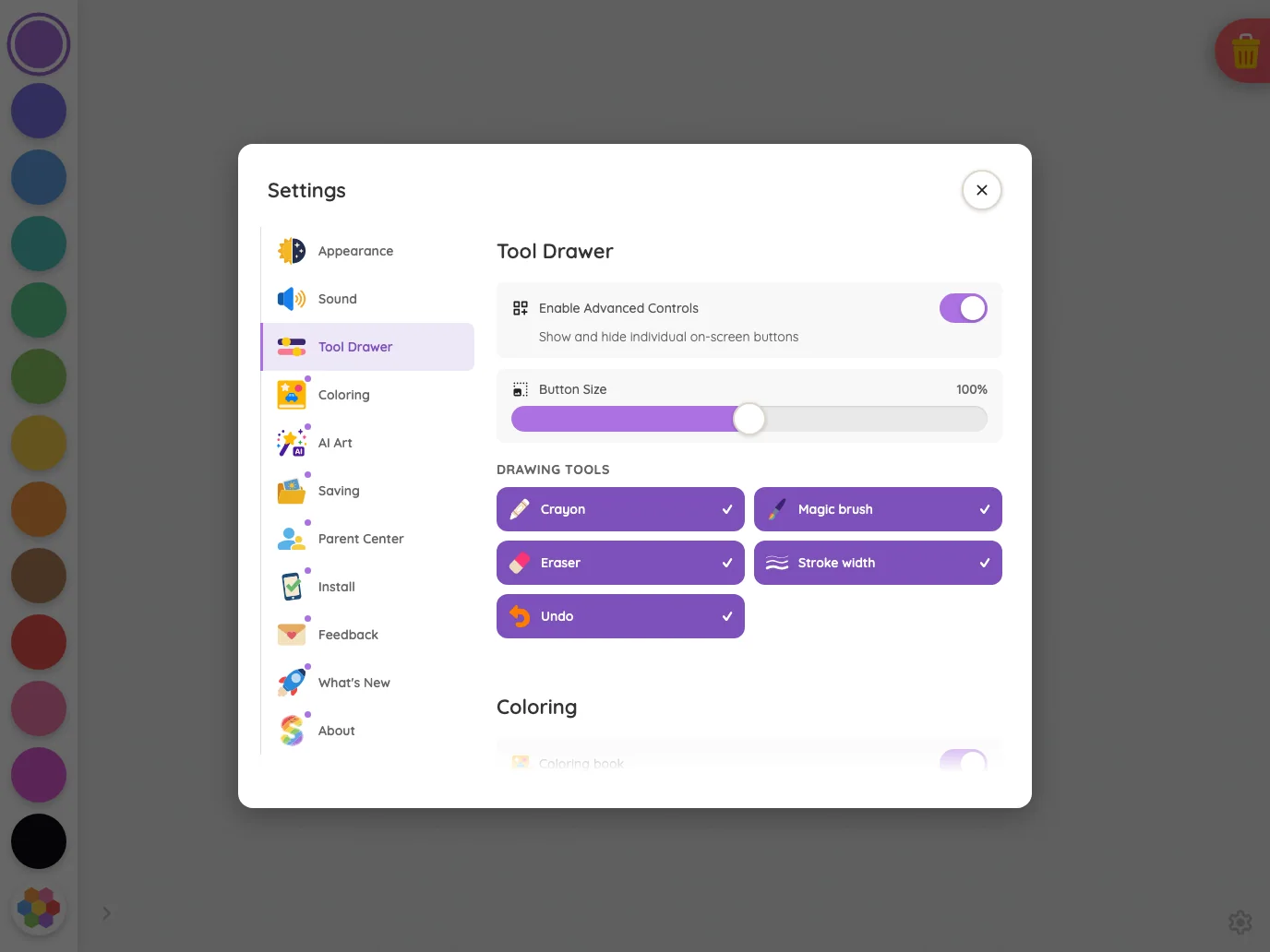
Settings · Tool Drawer in light mode at iPad Pro 13-inch (M4) in portrait
Pass

Clear hierarchy and consistent spacing distinguish navigation, settings, and drawing tools. Text fits without unintended clipping or overlap, and controls have clear touch targets. The bottom fade signals continued modal content. The scrim consistently darkens the surrounding page.

Landscape

Small iPhone812 × 375
Settings · Tool Drawer in light mode at iPhone 13 mini in landscape
Pass

The compact Settings shell has clear hierarchy, balanced spacing, readable labels, and distinct controls. Both orientation segments correctly appear inactive. All modal content fits without visible clipping, overlap, or need for scrolling, and the scrim consistently darkens the background.

Pixel-identical to 11 other captures in this theme.

Large iPhone956 × 440
Settings · Tool Drawer in light mode at iPhone 16 Pro Max in landscape
Pass

The compact Settings shell has clear hierarchy, balanced spacing, readable labels, and distinct controls. Both orientation segments correctly appear inactive. The full card fits without visible clipping, overlap, or need for scrolling.

Pixel-identical to 11 other captures in this theme.

iPad mini1133 × 744
Settings · Tool Drawer in light mode at iPad mini 7th Gen (2024) in landscape
Pass

Clear modal hierarchy, readable labels, and consistent spacing. Navigation, toggles, slider, and tool buttons have distinct touch targets with no unintended clipping or overlap. Bottom fades signal scrolling, and the scrim keeps attention on the settings card.

Large iPad Pro1376 × 1032
Settings · Tool Drawer in light mode at iPad Pro 13-inch (M4) in landscape
Pass

Clear sidebar selection and section hierarchy, consistent spacing, readable labels, and distinct touch targets. No unintended clipping or overlap is visible. The bottom fade appropriately signals continuing modal content, and the scrim consistently dims the surrounding canvas.

Night mode

Judged on contrast and legibility only.

Portrait

Small iPhone375 × 812
Settings · Tool Drawer in night mode at iPhone 13 mini in portrait
Pass

The front Tool Drawer card has legible text, recognizable icons, and clearly visible toggles, slider, and close control. No actionable night-mode contrast issue is visible.

Large iPhone440 × 956
Settings · Tool Drawer in night mode at iPhone 16 Pro Max in portrait
Pass

The front Tool Drawer card has legible text, clear selected tool states, and distinguishable toggle, slider, and close controls. No actionable night-mode contrast issue is visible.

iPad mini744 × 1133
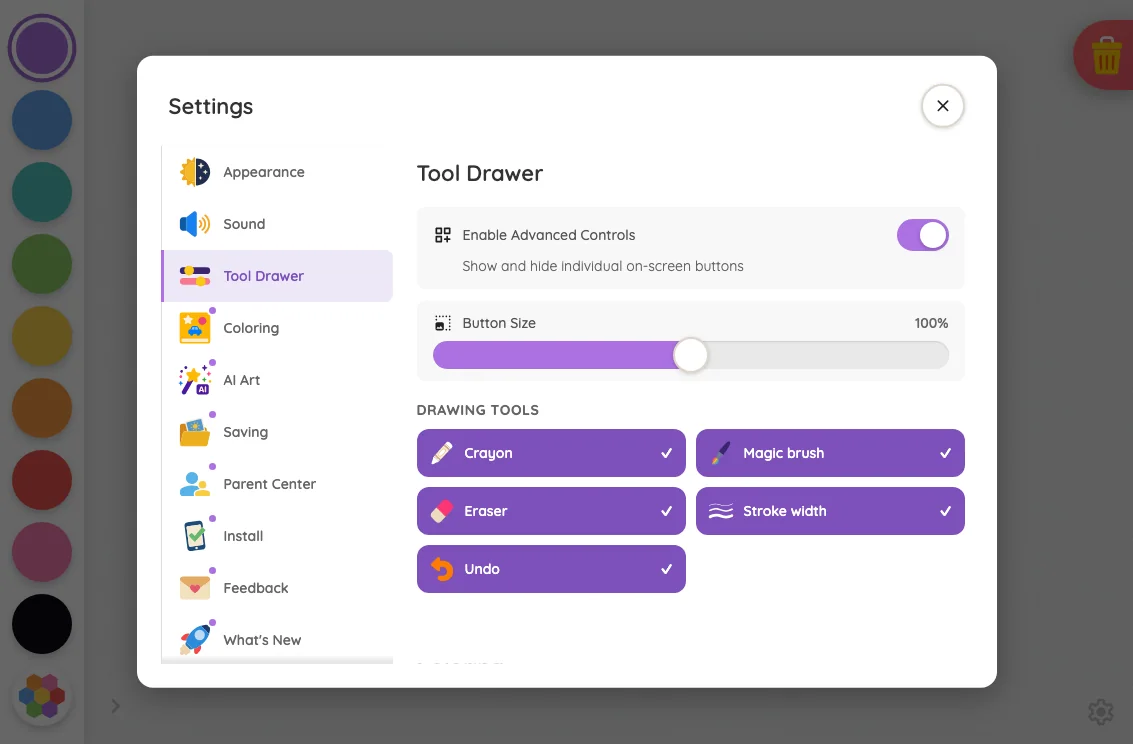
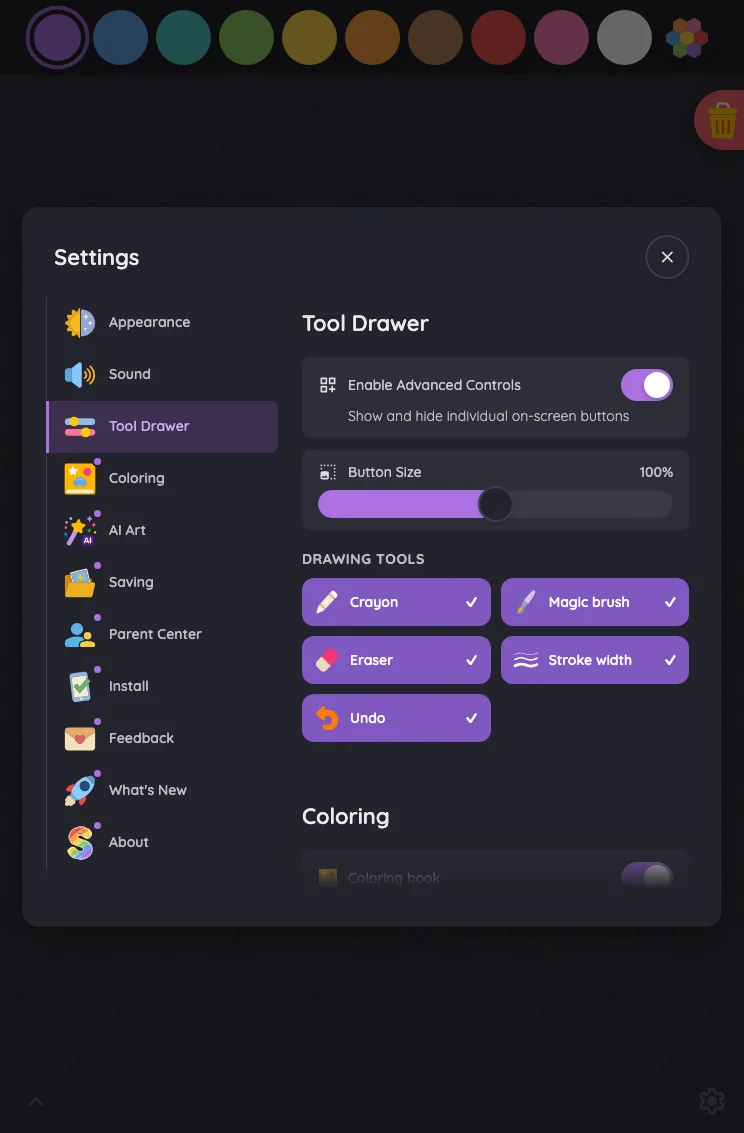
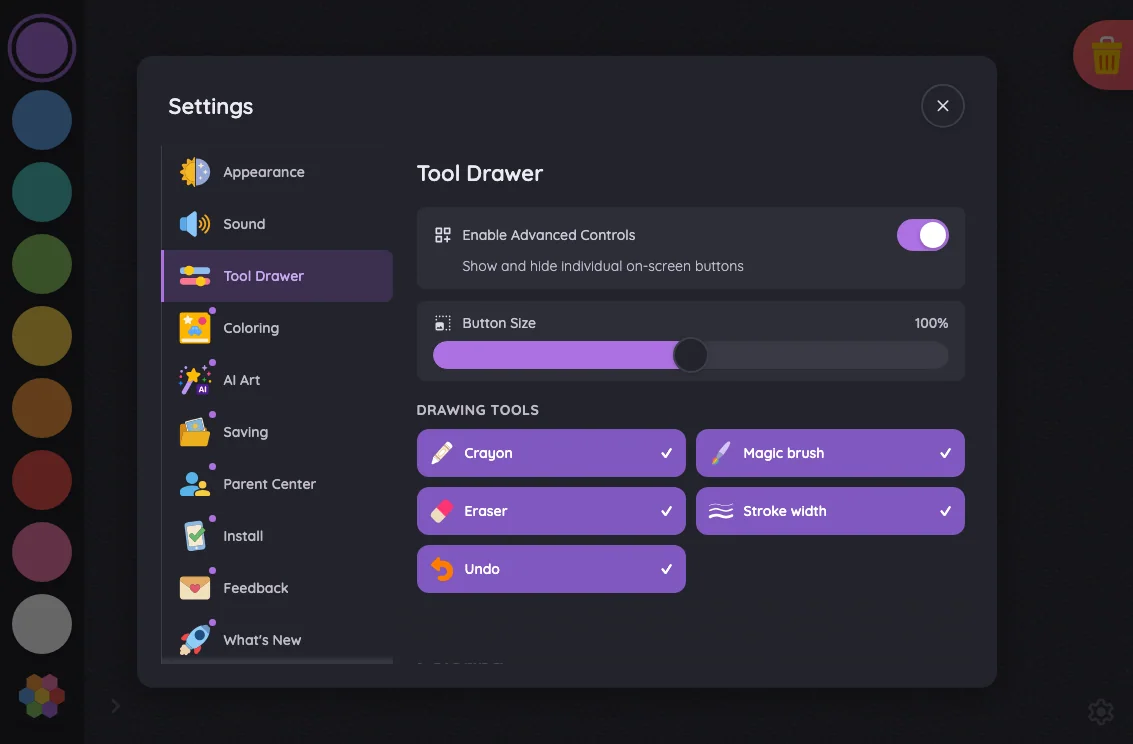
Settings · Tool Drawer in night mode at iPad mini 7th Gen (2024) in portrait
Pass

The front settings card has legible text, clear selected controls, and a visible close icon. No actionable night-mode contrast issue is apparent outside the intentional scroll fade.

Large iPad Pro1032 × 1376
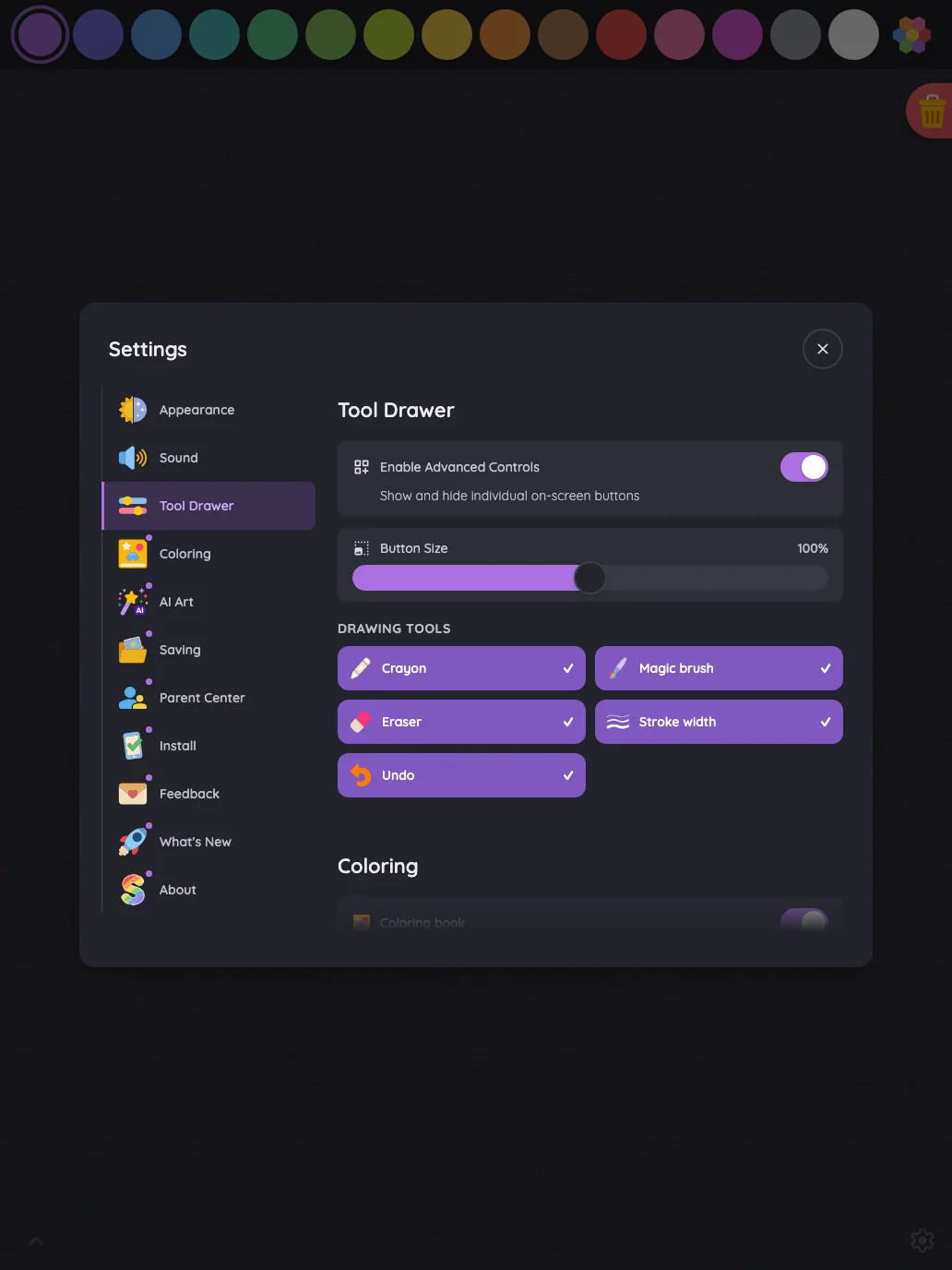
Settings · Tool Drawer in night mode at iPad Pro 13-inch (M4) in portrait
Pass

The front settings card has legible headings, labels, and supporting text. Toggle states, selected tools, slider position, and the close button remain distinguishable against the dark surfaces. No actionable night-mode contrast issue is visible outside the intentional fade.

Landscape

Small iPhone812 × 375
Settings · Tool Drawer in night mode at iPhone 13 mini in landscape
Pass

The night-mode Settings card has legible labels, helper text, icons, and close control. Enabled toggles are distinct, and both inactive orientation segments remain readable. No actionable contrast issue is visible.

Pixel-identical to 11 other captures in this theme.

Large iPhone956 × 440
Settings · Tool Drawer in night mode at iPhone 16 Pro Max in landscape
Pass

The night-mode Settings card has legible labels, helper text, icons, and close control. Enabled toggles stand out clearly, and both orientation segments remain readable in their intended inactive state.

Pixel-identical to 11 other captures in this theme.

iPad mini1133 × 744
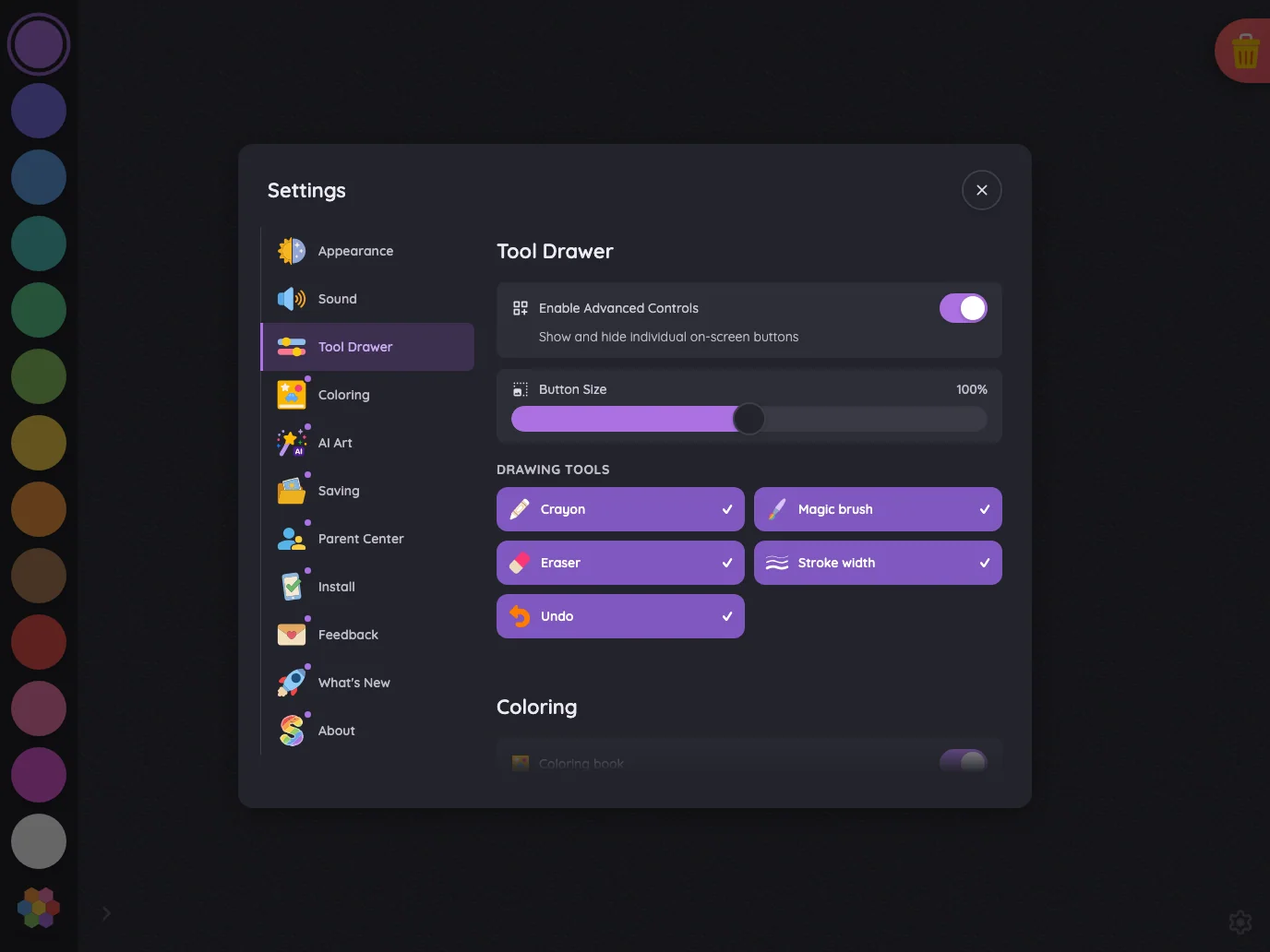
Settings · Tool Drawer in night mode at iPad mini 7th Gen (2024) in landscape
Pass

The front Settings card has legible text, clear icons and checkmarks, and distinguishable controls in night mode. The close button is easy to locate. No actionable contrast or legibility issue is visible.

Large iPad Pro1376 × 1032
Settings · Tool Drawer in night mode at iPad Pro 13-inch (M4) in landscape
Pass

The front Settings card has legible text, clear selected states, and distinguishable controls in night mode. No actionable contrast issue is visible outside the intentional scroll fade.

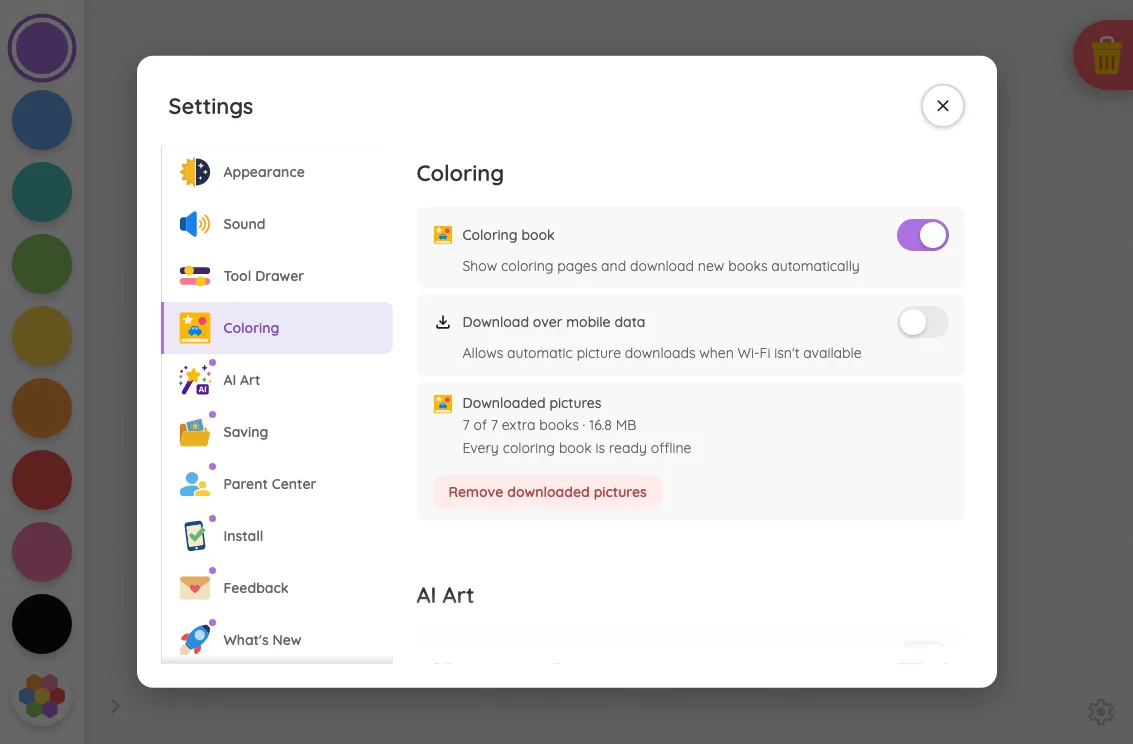
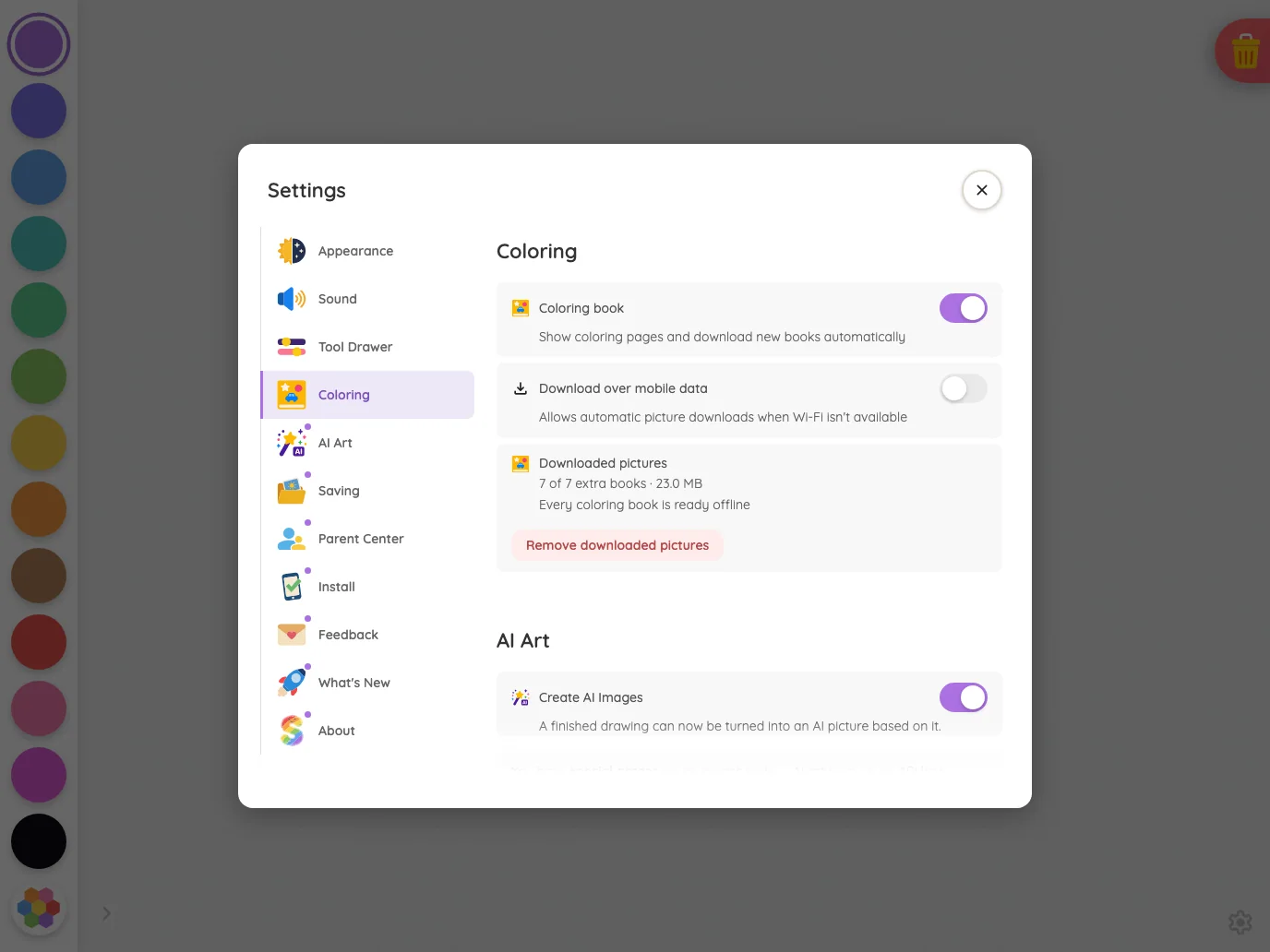
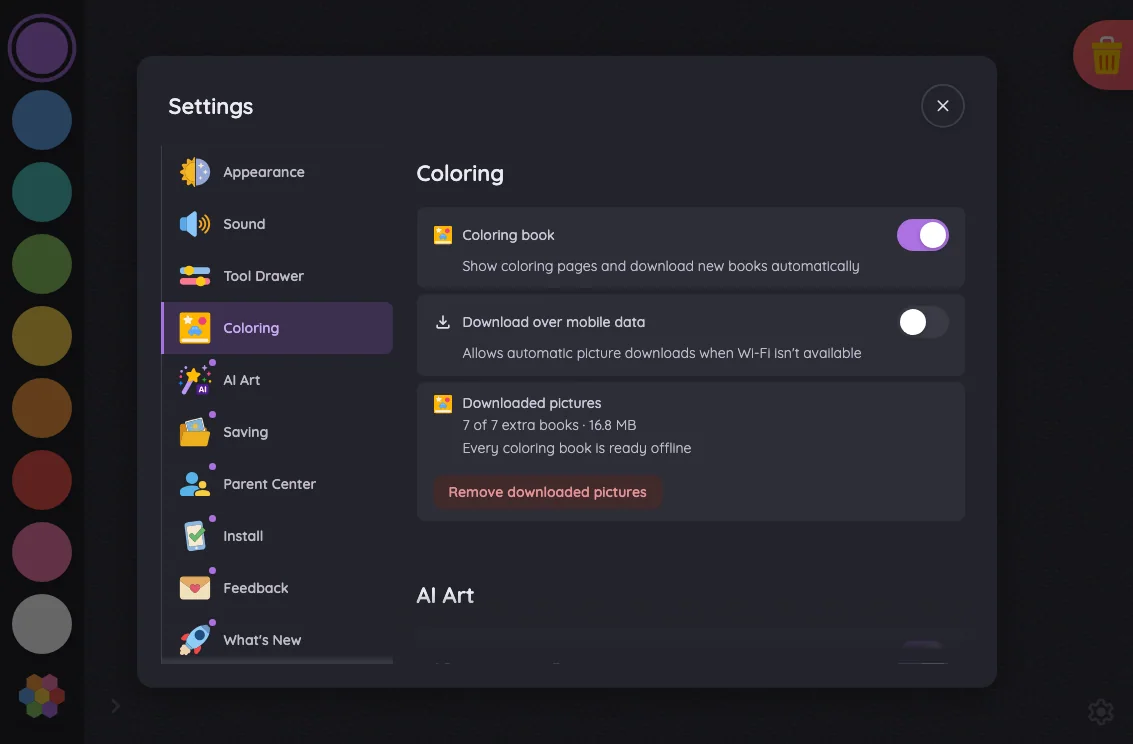
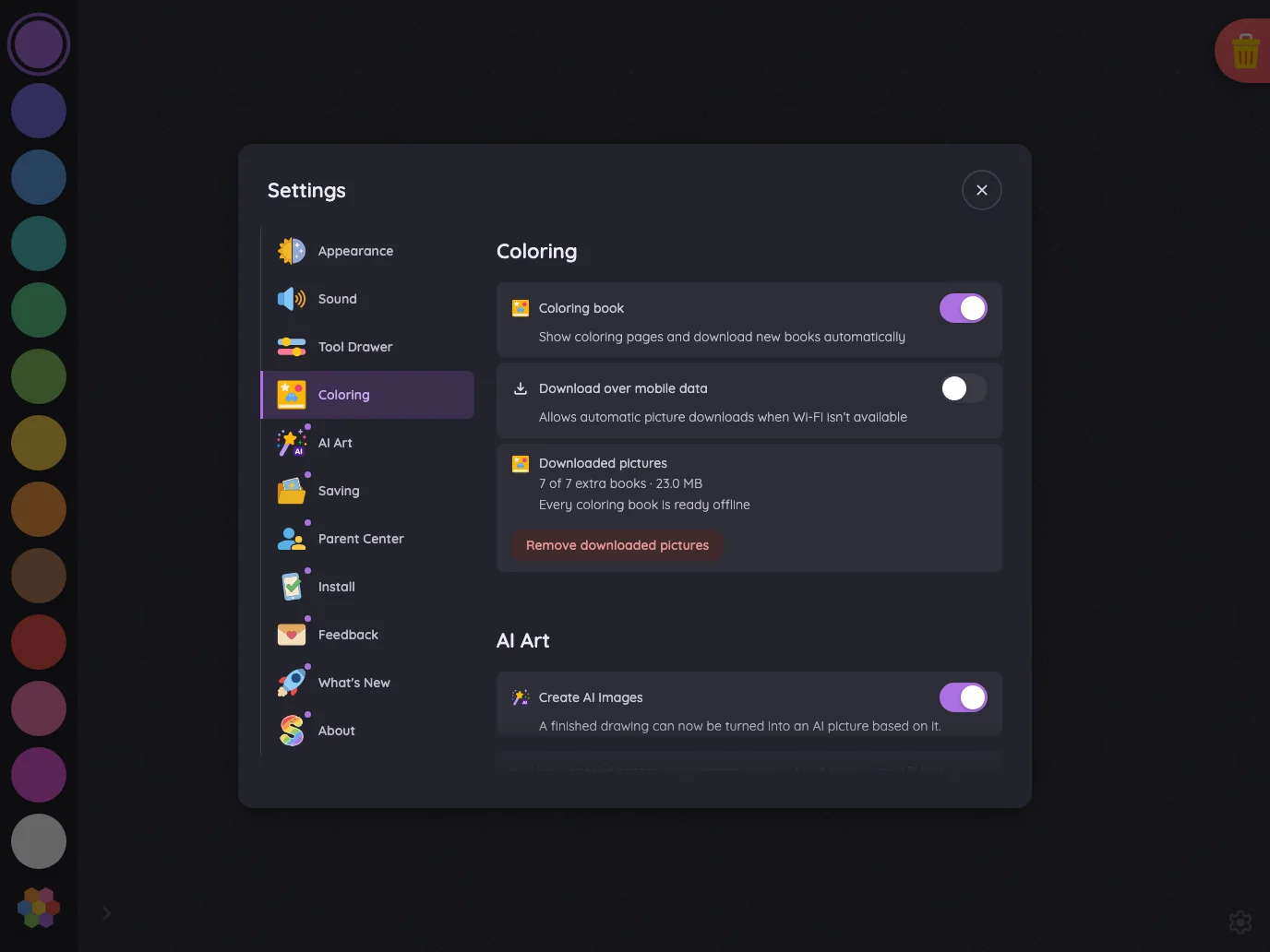
Settings · Coloring#

The Coloring section where full settings fit; compact phone landscapes show the quick-toggle shell that replaces it.

15 pass1 low
Settings/coloring

Light mode

Judged on layout, spacing, text fit, and touch targets.

Portrait

Small iPhone375 × 812
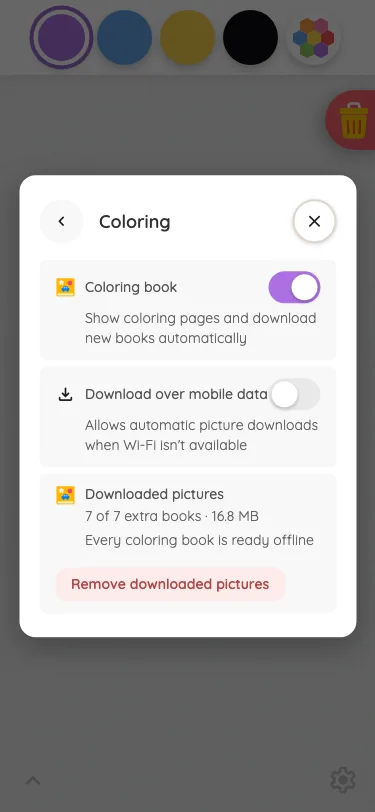
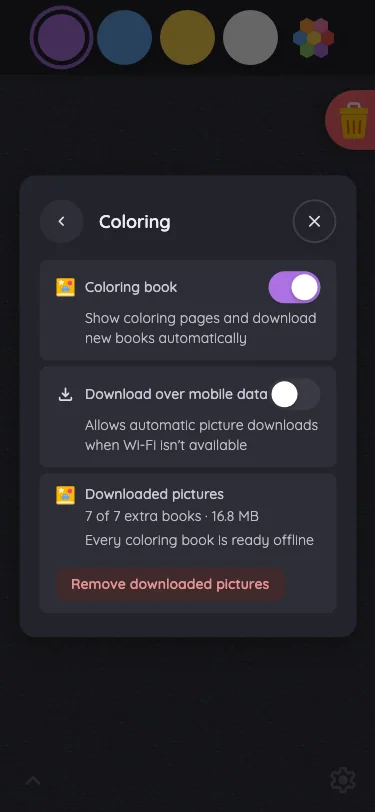
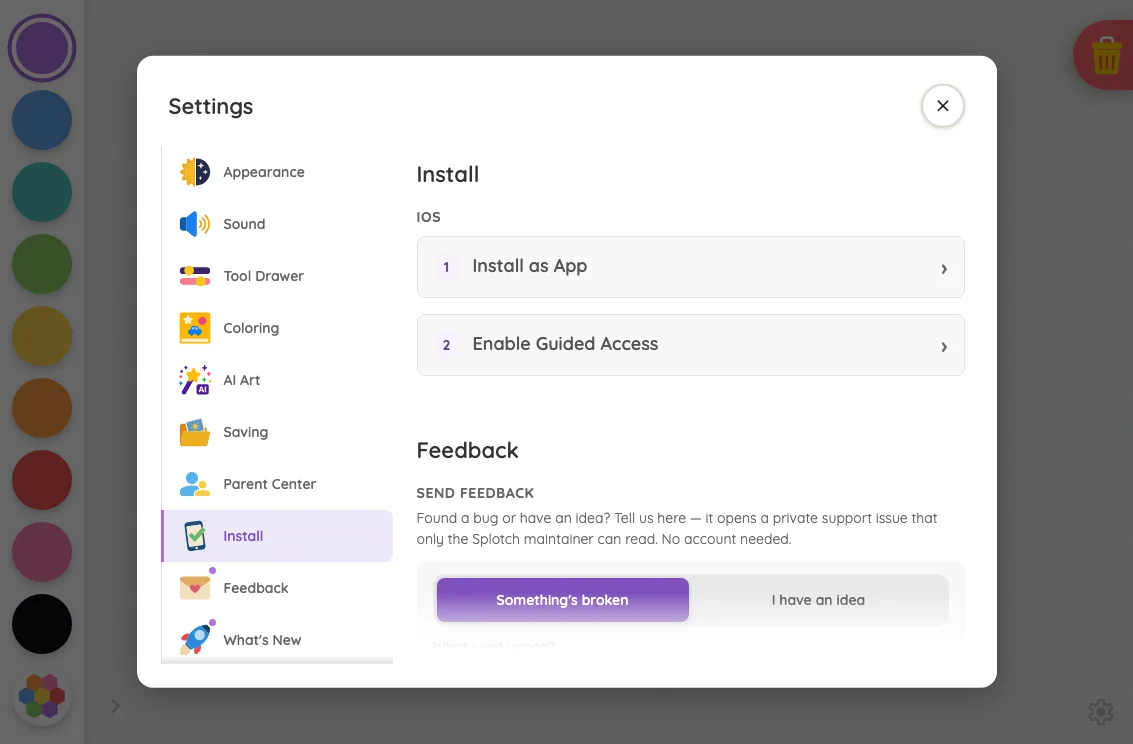
Settings · Coloring in light mode at iPhone 13 mini in portrait
Low

The “Download over mobile data” label crowds the toggle’s left edge. Otherwise, the modal has clear hierarchy, consistent spacing, and fully visible content without apparent scrolling or clipping.

Recommendation: Reserve space beside the toggle and let the label wrap to two lines.

Large iPhone440 × 956
Settings · Coloring in light mode at iPhone 16 Pro Max in portrait
Pass

The dialog has clear hierarchy, consistent spacing, and readable text. Toggles, navigation, and removal controls are distinct and comfortably separated. All content fits without visible clipping, overlap, or scrolling needs, and the scrim consistently dims the background.

iPad mini744 × 1133
Settings · Coloring in light mode at iPad mini 7th Gen (2024) in portrait
Pass

The modal has clear hierarchy, consistent spacing, readable text, and distinct navigation selection. Controls and close button are easy to identify, with no unintended clipping or overlap. The bottom fade communicates continued scrolling, and the scrim visibly darkens the surrounding page.

Large iPad Pro1032 × 1376
Settings · Coloring in light mode at iPad Pro 13-inch (M4) in portrait
Pass

Clear two-column hierarchy, consistent spacing, and a distinct Coloring selection. Text fits without unintended clipping or overlap; toggles, removal action, and close button are easy to identify. The bottom fade communicates continued modal scrolling, and the scrim visibly darkens the surrounding page.

Landscape

Small iPhone812 × 375
Settings · Coloring in light mode at iPhone 13 mini in landscape
Pass

The modal has clear hierarchy, balanced spacing, readable text, and distinct touch targets. Both orientation segments correctly appear inactive. All content fits without visible clipping, overlap, or need for scrolling, and the scrim consistently darkens the background.

Pixel-identical to 11 other captures in this theme.

Large iPhone956 × 440
Settings · Coloring in light mode at iPhone 16 Pro Max in landscape
Pass

The compact Settings shell has clear hierarchy, balanced spacing, and readable labels. Both orientation segments appear inactive, consistent with unlocked rotation. Controls and close button are distinct; all modal content fits without visible clipping, overlap, or scrolling issues.

Pixel-identical to 11 other captures in this theme.

iPad mini1133 × 744
Settings · Coloring in light mode at iPad mini 7th Gen (2024) in landscape
Pass

Clear hierarchy, consistent alignment, and comfortable spacing. Text fits without visible overlap or unintended clipping, and toggles and close control are distinct. Both scrolling regions use the intended edge fades. The modal and surrounding scrim appear consistent.

Large iPad Pro1376 × 1032
Settings · Coloring in light mode at iPad Pro 13-inch (M4) in landscape
Pass

Clear sidebar selection and section headings establish hierarchy. Spacing is consistent, text fits, and controls have distinct touch targets. No unintended clipping or overlap is visible; the lower gradient communicates continued modal scrolling. The scrim consistently darkens the surrounding canvas.

Night mode

Judged on contrast and legibility only.

Portrait

Small iPhone375 × 812
Settings · Coloring in night mode at iPhone 13 mini in portrait
Pass

The front card’s headings, descriptions, toggle states, close icon, and removal action remain legible in night mode. No actionable contrast issue is visible.

Large iPhone440 × 956
Settings · Coloring in night mode at iPhone 16 Pro Max in portrait
Pass

The front card’s headings, supporting text, toggles, and close control are legible in night mode. No actionable contrast issue is visible.

iPad mini744 × 1133
Settings · Coloring in night mode at iPad mini 7th Gen (2024) in portrait
Pass

The front Settings card has legible headings, labels, and secondary text against its dark surfaces. Toggle states, the selected section, removal action, and close icon remain distinguishable. No actionable night-mode contrast issue is visible outside the intentional scroll fade.

Large iPad Pro1032 × 1376
Settings · Coloring in night mode at iPad Pro 13-inch (M4) in portrait
Pass

The front Settings card has legible headings, labels, and supporting text. Toggle states and the close icon remain distinguishable in night mode. No actionable contrast issue is visible outside the intentional scroll fade.

Landscape

Small iPhone812 × 375
Settings · Coloring in night mode at iPhone 13 mini in landscape
Pass

The front settings card’s labels, icons, close button, and helper text are legible in night mode. Enabled toggles are distinct, and both inactive orientation segments remain readable.

Pixel-identical to 11 other captures in this theme.

Large iPhone956 × 440
Settings · Coloring in night mode at iPhone 16 Pro Max in landscape
Pass

The front Settings card has legible text, icons, toggles, and a clear close glyph in night mode. Both orientation segments remain readable while appearing inactive, consistent with unlocked rotation. No actionable contrast issue is visible.

Pixel-identical to 11 other captures in this theme.

iPad mini1133 × 744
Settings · Coloring in night mode at iPad mini 7th Gen (2024) in landscape
Pass

The front Settings card has legible headings, labels, helper text, and removal action. Toggle states, the selected Coloring tab, and the close icon remain distinguishable in night mode.

Large iPad Pro1376 × 1032
Settings · Coloring in night mode at iPad Pro 13-inch (M4) in landscape
Pass

The front settings card has legible text, clear toggle states, and a findable close button in night mode. Content outside the intentional scroll fade shows no actionable contrast issue.

Settings · AI Art#

The AI Art section where full settings fit; compact phone landscapes show the quick-toggle shell that replaces it.

16 pass
Settings/ai

Light mode

Judged on layout, spacing, text fit, and touch targets.

Portrait

Small iPhone375 × 812
Settings · AI Art in light mode at iPhone 13 mini in portrait
Pass

Clear hierarchy, readable text, and distinct touch targets. Content fits without unintended clipping or overlap. The bottom fade signals additional scrollable settings, and the modal styling is consistent.

Large iPhone440 × 956
Settings · AI Art in light mode at iPhone 16 Pro Max in portrait
Pass

Clear modal hierarchy, readable text, and distinct controls. Spacing and wrapping fit the portrait layout without unintended clipping or overlap. The bottom scroll fade is consistent with the intended treatment, and the scrim darkens the surrounding page.

iPad mini744 × 1133
Settings · AI Art in light mode at iPad mini 7th Gen (2024) in portrait
Pass

Clear modal hierarchy, consistent navigation, and well-spaced controls. Labels and descriptions fit without overlap or unintended clipping. The lower content fade signals scrolling as intended, and the close button is distinct and accessible.

Large iPad Pro1032 × 1376
Settings · AI Art in light mode at iPad Pro 13-inch (M4) in portrait
Pass

Clear hierarchy and selected-section styling. Text fits comfortably, rows and controls are consistently aligned, and toggles and close button have clear touch targets. No unintended clipping or overlap is visible; the bottom scroll fade follows the stated design.

Landscape

Small iPhone812 × 375
Settings · AI Art in light mode at iPhone 13 mini in landscape
Pass

The compact Settings shell has clear hierarchy, balanced spacing, readable text, and distinct touch targets. Both orientation segments correctly appear inactive. All content fits without clipping, overlap, or visible need for scrolling, and the scrim consistently darkens the background.

Pixel-identical to 11 other captures in this theme.

Large iPhone956 × 440
Settings · AI Art in light mode at iPhone 16 Pro Max in landscape
Pass

The compact Settings shell has clear hierarchy, balanced spacing, readable labels, and distinct touch targets. Both orientation segments correctly appear inactive. No visible clipping, overlap, or scrolling issue; the scrim consistently darkens the background.

Pixel-identical to 11 other captures in this theme.

iPad mini1133 × 744
Settings · AI Art in light mode at iPad mini 7th Gen (2024) in landscape
Pass

The modal has clear navigation and content hierarchy, comfortable spacing, and readable text without unintended clipping or overlap. Toggles, access-code controls, and the close button are distinct. Both scrolling columns use the intended edge fades, and the scrim consistently darkens the background.

Large iPad Pro1376 × 1032
Settings · AI Art in light mode at iPad Pro 13-inch (M4) in landscape
Pass

Clear modal hierarchy, consistent navigation and setting cards, readable text, and distinct switches and close control. Spacing is comfortable with no visible clipping or overlap outside the intended scroll fade. The scrim covers the surrounding page consistently.

Night mode

Judged on contrast and legibility only.

Portrait

Small iPhone375 × 812
Settings · AI Art in night mode at iPhone 13 mini in portrait
Pass

The front AI Art card has legible text, distinct enabled toggles, and visible navigation and close icons. No actionable night-mode contrast issues appear outside the intentional bottom fade.

Large iPhone440 × 956
Settings · AI Art in night mode at iPhone 16 Pro Max in portrait
Pass

The front AI Art card has legible text, clear icons, and distinguishable toggle states in night mode. No actionable contrast issue is visible.

iPad mini744 × 1133
Settings · AI Art in night mode at iPad mini 7th Gen (2024) in portrait
Pass

The front Settings card has legible text, clear selected navigation, and distinguishable toggle states and close control. No actionable night-mode contrast issue is visible outside the intentional scroll fade.

Large iPad Pro1032 × 1376
Settings · AI Art in night mode at iPad Pro 13-inch (M4) in portrait
Pass

The front Settings card has legible headings, labels, descriptions, and access-code text. Toggle states and the close button remain clearly distinguishable against the dark surfaces.

Landscape

Small iPhone812 × 375
Settings · AI Art in night mode at iPhone 13 mini in landscape
Pass

The front Settings card has legible text, clear icons, and distinct toggle states against its dark surfaces. Both inactive orientation labels and the portrait guidance remain readable. No actionable night-mode contrast issue is visible.

Pixel-identical to 11 other captures in this theme.

Large iPhone956 × 440
Settings · AI Art in night mode at iPhone 16 Pro Max in landscape
Pass

The front Settings card has legible text, clear toggle states, and a visible close icon. Both inactive orientation segments remain readable. No actionable night-mode contrast issue is visible.

Pixel-identical to 11 other captures in this theme.

iPad mini1133 × 744
Settings · AI Art in night mode at iPad mini 7th Gen (2024) in landscape
Pass

The front Settings card has legible text, clear purple toggle states, and a visible close icon. Content outside the intentional bottom fade remains readable in night mode.

Large iPad Pro1376 × 1032
Settings · AI Art in night mode at iPad Pro 13-inch (M4) in landscape
Pass

The front Settings card has legible headings, labels, helper text, and access-code text. Toggle states and the close control remain distinguishable in night mode. No actionable contrast issue is visible.

Settings · Saving#

The Saving section where full settings fit; compact phone landscapes show the quick-toggle shell that replaces it.

16 pass
Settings/saving

Light mode

Judged on layout, spacing, text fit, and touch targets.

Portrait

Small iPhone375 × 812
Settings · Saving in light mode at iPhone 13 mini in portrait
Pass

The Saving dialog has clear hierarchy, consistent card spacing, readable text, and distinct controls. All settings fit within the modal without visible clipping, overlap, or need for scrolling. The scrim visibly darkens the surrounding page.

Large iPhone440 × 956
Settings · Saving in light mode at iPhone 16 Pro Max in portrait
Pass

The Saving dialog has clear hierarchy, consistent spacing, readable text, and distinct controls. All rows fit without clipping or overlap, with no visible need for scrolling. The scrim keeps attention on the dialog.

iPad mini744 × 1133
Settings · Saving in light mode at iPad mini 7th Gen (2024) in portrait
Pass

Clear modal hierarchy, consistent spacing, and readable text. Navigation, toggles, folder action, and close button have distinct touch targets without overlap or unintended clipping. The bottom fade indicates continued scrolling, and the background is uniformly dimmed.

Large iPad Pro1032 × 1376
Settings · Saving in light mode at iPad Pro 13-inch (M4) in portrait
Pass

Clear sidebar selection and section headings establish hierarchy. Saving controls have consistent spacing, readable labels, and distinct touch targets. No unintended clipping or overlap is visible; the bottom fade clearly signals continued modal content.

Landscape

Small iPhone812 × 375
Settings · Saving in light mode at iPhone 13 mini in landscape
Pass

The compact Settings shell fits cleanly, with clear hierarchy, balanced spacing, readable labels, and distinct controls. Both orientation segments correctly appear inactive. No visible clipping, overlap, or scrolling issue; the scrim consistently darkens the background.

Pixel-identical to 11 other captures in this theme.

Large iPhone956 × 440
Settings · Saving in light mode at iPhone 16 Pro Max in landscape
Pass

The compact Settings shell fits comfortably with clear hierarchy, balanced spacing, readable text, and distinct touch targets. No clipping, overlap, or visible need for scrolling. Portrait and Landscape are equally inactive, consistent with unlocked rotation. The modal and scrim appear visually consistent.

Pixel-identical to 11 other captures in this theme.

iPad mini1133 × 744
Settings · Saving in light mode at iPad mini 7th Gen (2024) in landscape
Pass

Clear hierarchy, consistent spacing, and readable text throughout the unfaded content. Sidebar selections, toggles, folder action, and close button are distinct and comfortably separated. The lower-edge fades communicate scrolling; no unintended clipping or overlap is visible.

Large iPad Pro1376 × 1032
Settings · Saving in light mode at iPad Pro 13-inch (M4) in landscape
Pass

Clear section hierarchy, consistent spacing, and readable text throughout the unfaded content. Controls have distinct, generous touch targets with no unintended clipping or overlap. The bottom fade communicates continued modal scrolling, and the scrim consistently subdues the background.

Night mode

Judged on contrast and legibility only.

Portrait

Small iPhone375 × 812
Settings · Saving in night mode at iPhone 13 mini in portrait
Pass

The front Saving card has legible labels and descriptions, clear toggle states, and readable navigation and folder controls in night mode. No actionable contrast issue is visible.

Large iPhone440 × 956
Settings · Saving in night mode at iPhone 16 Pro Max in portrait
Pass

The front Saving card has legible headings, labels, and descriptions in night mode. Toggle states, the Choose folder button, and navigation icons remain distinguishable against the dark surfaces.

iPad mini744 × 1133
Settings · Saving in night mode at iPad mini 7th Gen (2024) in portrait
Pass

The front Settings card has legible headings, labels, and descriptions. Toggle states, the selected Saving tab, folder button, and close icon remain distinguishable in night mode.

Large iPad Pro1032 × 1376
Settings · Saving in night mode at iPad Pro 13-inch (M4) in portrait
Pass

The front settings card has legible text, clear toggle states, and a visible close button. Content outside the intentional bottom fade shows no actionable night-mode contrast issue.

Landscape

Small iPhone812 × 375
Settings · Saving in night mode at iPhone 13 mini in landscape
Pass

The front Settings card has legible text, clear icons, and distinct purple toggles against dark surfaces. Both orientation segments remain visibly neutral, consistent with unlocked rotation. No actionable night-mode contrast issue is visible.

Pixel-identical to 11 other captures in this theme.

Large iPhone956 × 440
Settings · Saving in night mode at iPhone 16 Pro Max in landscape
Pass

The front Settings card has legible text, clear icons and close control, and distinct enabled toggles. Both orientation segments remain readable while appearing inactive, as intended. No actionable night-mode contrast issue is visible.

Pixel-identical to 11 other captures in this theme.

iPad mini1133 × 744
Settings · Saving in night mode at iPad mini 7th Gen (2024) in landscape
Pass

The front settings card has legible text, clear toggle states, and a visible close icon. Night-mode contrast is sufficient outside the intentional scrolling fade.

Large iPad Pro1376 × 1032
Settings · Saving in night mode at iPad Pro 13-inch (M4) in landscape
Pass

The front settings card has legible text, clear toggle states, and a findable close icon. Content outside the intentional bottom fade shows no actionable night-mode contrast issues.

Settings · Parent Center#

The Parent Center section where full settings fit; compact phone landscapes show the quick-toggle shell that replaces it.

16 pass
Settings/parentCenter

Light mode

Judged on layout, spacing, text fit, and touch targets.

Portrait

Small iPhone375 × 812
Settings · Parent Center in light mode at iPhone 13 mini in portrait
Pass

Clear heading hierarchy, consistent card spacing, and clean text wrapping. Navigation and segmented controls have distinct, generous touch targets. No unintended clipping or overlap is visible; the bottom fade communicates continued modal scrolling. The scrim keeps attention on the front card.

Large iPhone440 × 956
Settings · Parent Center in light mode at iPhone 16 Pro Max in portrait
Pass

Clear title and card hierarchy, consistent spacing, readable text, and distinct touch targets. No unintended clipping or overlap is visible. The bottom fade signals additional scrollable content, and the scrim consistently dims the background.

iPad mini744 × 1133
Settings · Parent Center in light mode at iPad mini 7th Gen (2024) in portrait
Pass

Clear hierarchy, consistent spacing, readable text, and distinct selected states. Navigation and controls have comfortable touch targets, with no unintended clipping or overlap. The bottom fade clearly signals continued modal content, and the scrim keeps attention on the settings card.

Large iPad Pro1032 × 1376
Settings · Parent Center in light mode at iPad Pro 13-inch (M4) in portrait
Pass

The modal has clear hierarchy, balanced spacing, readable labels, and distinct selection states. Navigation, close button, and option targets are clearly separated, with no unintended clipping or overlap. The bottom scroll fade follows the intended treatment.

Landscape

Small iPhone812 × 375
Settings · Parent Center in light mode at iPhone 13 mini in landscape
Pass

The modal has clear hierarchy, balanced spacing, readable labels, and distinct controls. Both orientation segments correctly appear inactive. All content fits without visible clipping, overlap, or need for scrolling, and the scrim keeps attention on the settings card.

Pixel-identical to 11 other captures in this theme.

Large iPhone956 × 440
Settings · Parent Center in light mode at iPhone 16 Pro Max in landscape
Pass

The Settings shell has clear hierarchy, balanced spacing, readable labels, and distinct controls. Both orientation segments appear inactive as intended. All content fits without visible clipping, overlap, or need to scroll. The close button is clear, and the scrim consistently dims the surrounding screen.

Pixel-identical to 11 other captures in this theme.

iPad mini1133 × 744
Settings · Parent Center in light mode at iPad mini 7th Gen (2024) in landscape
Pass

Clear modal hierarchy, balanced spacing, and readable text with no unintended clipping or overlap. Selection states and touch targets are distinct. Scroll fades communicate continuation, and the scrim consistently separates the settings from the canvas.

Large iPad Pro1376 × 1032
Settings · Parent Center in light mode at iPad Pro 13-inch (M4) in landscape
Pass

Clear modal hierarchy, consistent spacing, and readable text. Navigation, close button, and selection controls have distinct targets with no unintended clipping or overlap. The bottom fade communicates scrolling without obscuring content above it.

Night mode

Judged on contrast and legibility only.

Portrait

Small iPhone375 × 812
Settings · Parent Center in night mode at iPhone 13 mini in portrait
Pass

The front card’s headings, explanatory text, segmented controls, and navigation icons are legible in night mode. Purple selections are clearly distinguishable. No actionable contrast issue is visible outside the intentional scroll fade.

Large iPhone440 × 956
Settings · Parent Center in night mode at iPhone 16 Pro Max in portrait
Pass

The front Parent Center card has legible headings, descriptions, and control labels. Purple selected states are distinct, and the back and close glyphs remain visible against the dark surface.

iPad mini744 × 1133
Settings · Parent Center in night mode at iPad mini 7th Gen (2024) in portrait
Pass

The front Settings card has legible text, clear selected states, and a visible close button. Content outside the intentional scroll fade maintains sufficient night-mode contrast.

Large iPad Pro1032 × 1376
Settings · Parent Center in night mode at iPad Pro 13-inch (M4) in portrait
Pass

The front settings card has legible headings, descriptions, and navigation labels. Radio controls, purple selections, and the close glyph remain distinguishable against the dark surfaces.

Landscape

Small iPhone812 × 375
Settings · Parent Center in night mode at iPhone 13 mini in landscape
Pass

The front Settings card has legible text and icons, clear toggle states, and a findable close button. Both orientation segments remain readable without appearing active, matching the unlocked state. No actionable night-mode contrast issue is visible.

Pixel-identical to 11 other captures in this theme.

Large iPhone956 × 440
Settings · Parent Center in night mode at iPhone 16 Pro Max in landscape
Pass

The front Settings card has legible text and icons, clear toggle states, and a findable close button. Both orientation segments remain readable in their intended inactive state. No actionable night-mode contrast issue is visible.

Pixel-identical to 11 other captures in this theme.

iPad mini1133 × 744
Settings · Parent Center in night mode at iPad mini 7th Gen (2024) in landscape
Pass

The front Settings card has legible headings, descriptions, navigation labels, and controls. Purple selections and the close glyph remain distinguishable against the dark surfaces.

Large iPad Pro1376 × 1032
Settings · Parent Center in night mode at iPad Pro 13-inch (M4) in landscape
Pass

The front Settings card has legible text, clear radio controls, a distinguishable purple selection state, and a visible close glyph. No actionable night-mode contrast issue is apparent outside the intentional scroll fade.

Settings · Install#

The Install section where full settings fit; compact phone landscapes show the quick-toggle shell that replaces it.

16 pass
Settings/setup

Light mode

Judged on layout, spacing, text fit, and touch targets.

Portrait

Small iPhone375 × 812
Settings · Install in light mode at iPhone 13 mini in portrait
Pass

The Install dialog has clear hierarchy, balanced spacing, and fully fitting text. Both setup rows and navigation controls have clear touch targets. All content fits without visible scrolling, clipping, or overlap, and the scrim consistently darkens the surrounding page.

Large iPhone440 × 956
Settings · Install in light mode at iPhone 16 Pro Max in portrait
Pass

The Install dialog has clear hierarchy, consistent spacing, and distinct navigation and action targets. Both setup rows fit comfortably without clipping or overlap; all content is visible without scrolling. The scrim consistently darkens the surrounding page.

iPad mini744 × 1133
Settings · Install in light mode at iPad mini 7th Gen (2024) in portrait
Pass

Clear sidebar selection and section hierarchy, consistent spacing, and comfortably sized install controls and close button. Text fits without unintended clipping or overlap. The bottom fade visibly signals continued modal content.

Large iPad Pro1032 × 1376
Settings · Install in light mode at iPad Pro 13-inch (M4) in portrait
Pass

The modal has clear hierarchy, consistent spacing, readable text, and distinct touch targets. The selected Install item is clear, and the close button is easy to locate. No unintended clipping or overlap is visible; the bottom fade appropriately signals continued scrolling.

Landscape

Small iPhone812 × 375
Settings · Install in light mode at iPhone 13 mini in landscape
Pass

The compact Settings shell has clear hierarchy, balanced spacing, readable labels, and distinct touch targets. Both orientation segments correctly appear inactive. All content fits without clipping, overlap, or a visible need to scroll; the modal and scrim are visually consistent.

Pixel-identical to 11 other captures in this theme.

Large iPhone956 × 440
Settings · Install in light mode at iPhone 16 Pro Max in landscape
Pass

The compact Settings shell has clear hierarchy, balanced spacing, readable labels, and distinct controls. Both orientation segments correctly appear inactive. The modal fits without visible clipping, overlap, or scrolling issues, and the scrim consistently darkens the background.

Pixel-identical to 11 other captures in this theme.

iPad mini1133 × 744
Settings · Install in light mode at iPad mini 7th Gen (2024) in landscape
Pass

The settings modal has clear hierarchy, consistent spacing, readable text, and distinct touch targets. No unintended clipping or overlap is visible outside the intentional scroll fades. The close button is easy to locate, and the scrim keeps attention on the dialog.

Large iPad Pro1376 × 1032
Settings · Install in light mode at iPad Pro 13-inch (M4) in landscape
Pass

The modal has clear hierarchy, consistent spacing, readable text, and distinct touch targets. No unintended clipping or overlap is visible. The bottom fade clearly signals continuing scrollable content, and the scrim keeps attention on the settings card.

Night mode

Judged on contrast and legibility only.

Portrait

Small iPhone375 × 812
Settings · Install in night mode at iPhone 13 mini in portrait
Pass

The front Install card has legible text, step numbers, chevrons, and back/close controls in night mode. The surrounding page is visibly darkened by the scrim. No actionable contrast issue is visible.

Large iPhone440 × 956
Settings · Install in night mode at iPhone 16 Pro Max in portrait
Pass

The front Install card has legible text, numbered steps, chevrons, and back/close controls against its dark surfaces. The surrounding page is visibly darkened by the scrim. No actionable night-mode contrast issue is visible.

iPad mini744 × 1133
Settings · Install in night mode at iPad mini 7th Gen (2024) in portrait
Pass

The front Settings card has legible text, clear install controls, and a visible close icon. The selected navigation item and feedback tab remain distinct in night mode. No actionable contrast issue is visible outside the intentional scroll fade.

Large iPad Pro1032 × 1376
Settings · Install in night mode at iPad Pro 13-inch (M4) in portrait
Pass

The front Settings card has legible headings, labels, and supporting text. Purple selection states remain distinct, and the close glyph is visible against the dark surface. No actionable night-mode contrast issue is visible.

Landscape

Small iPhone812 × 375
Settings · Install in night mode at iPhone 13 mini in landscape
Pass

The front Settings card has legible text, clear toggle states, and a visible close icon. Both orientation segments read as inactive, consistent with unlocked rotation. No actionable night-mode contrast issue is visible.

Pixel-identical to 11 other captures in this theme.

Large iPhone956 × 440
Settings · Install in night mode at iPhone 16 Pro Max in landscape
Pass

The front Settings card has legible text, clear toggle states, and a visible close icon in night mode. Both inactive orientation segments remain readable. No actionable contrast or legibility issue is visible.

Pixel-identical to 11 other captures in this theme.

iPad mini1133 × 744
Settings · Install in night mode at iPad mini 7th Gen (2024) in landscape
Pass

The front settings card has legible text, clear control labels, and a findable close icon in night mode. No actionable contrast issue is visible outside the intentional scroll fades.

Large iPad Pro1376 × 1032
Settings · Install in night mode at iPad Pro 13-inch (M4) in landscape
Pass

The front Settings card has legible headings, navigation labels, instructions, and controls against its dark surfaces. The close icon and selected states remain distinguishable. No actionable night-mode contrast issue is visible outside the intentional scroll fade.

Settings · Feedback#

The Feedback section where full settings fit; compact phone landscapes show the quick-toggle shell that replaces it.

16 pass
Settings/feedback

Light mode

Judged on layout, spacing, text fit, and touch targets.

Portrait

Small iPhone375 × 812
Settings · Feedback in light mode at iPhone 13 mini in portrait
Pass

The Feedback modal has clear hierarchy, consistent spacing, and readable text. All content fits without visible clipping or overlap, and no scrolling is needed in this capture. Navigation and form controls are distinct, and the disabled “Send report” label remains readable. The scrim visibly darkens the surrounding page.

Large iPhone440 × 956
Settings · Feedback in light mode at iPhone 16 Pro Max in portrait
Pass

The feedback modal has clear hierarchy, consistent spacing, readable text, and distinct controls. All content fits without clipping or overlap. The disabled “Send report” label remains readable, and the scrim visibly darkens the surrounding page.

iPad mini744 × 1133
Settings · Feedback in light mode at iPad mini 7th Gen (2024) in portrait
Pass

The modal has clear hierarchy, consistent spacing, and readable text. Navigation and form controls fit without visible clipping or overlap, and the close button is distinct. All content fits within the card. The disabled “Send report” label remains readable.

Large iPad Pro1032 × 1376
Settings · Feedback in light mode at iPad Pro 13-inch (M4) in portrait
Pass

Clear modal hierarchy, consistent spacing, and readable text throughout. Navigation and controls fit without unintended clipping or overlap. The disabled “Send report” label remains readable, and the bottom fade indicates more scrollable content.

Landscape

Small iPhone812 × 375
Settings · Feedback in light mode at iPhone 13 mini in landscape
Pass

The compact Settings shell has clear hierarchy, balanced spacing, readable text, and distinct touch targets. Both orientation segments appear inactive as intended. The modal fits fully without clipping, overlap, or visible scrolling issues, and the scrim darkens the surrounding page consistently.

Pixel-identical to 11 other captures in this theme.

Large iPhone956 × 440
Settings · Feedback in light mode at iPhone 16 Pro Max in landscape
Pass

The compact Settings shell has clear hierarchy, balanced spacing, readable labels, and distinct controls. Both orientation segments correctly appear inactive. The modal fits fully within the viewport without visible clipping, overlap, or scrolling issues; the close button is clear and accessible.

Pixel-identical to 11 other captures in this theme.

iPad mini1133 × 744
Settings · Feedback in light mode at iPad mini 7th Gen (2024) in landscape
Pass

The dialog has clear hierarchy, comfortable spacing, readable text, and distinct controls. No unintended clipping or overlap is visible outside the intentional scroll fades. The disabled “Send report” label remains readable, and the scrim darkens the surrounding page consistently.

Large iPad Pro1376 × 1032
Settings · Feedback in light mode at iPad Pro 13-inch (M4) in landscape
Pass

Clear hierarchy, consistent spacing, and readable text throughout the Feedback form. Controls fit without overlap or unintended clipping, and touch targets are distinct. The bottom fade indicates continued scrolling. The disabled “Send report” label remains readable.

Night mode

Judged on contrast and legibility only.

Portrait

Small iPhone375 × 812
Settings · Feedback in night mode at iPhone 13 mini in portrait
Pass

The front Feedback card’s text and controls are legible in night mode. The disabled “Send report” label remains readable, and the scrim visibly darkens the surrounding page.

Large iPhone440 × 956
Settings · Feedback in night mode at iPhone 16 Pro Max in portrait
Pass

The front Feedback card’s text, controls, and close icon are legible in night mode. The disabled “Send report” label remains readable, and the background is visibly darkened by the scrim.

iPad mini744 × 1133
Settings · Feedback in night mode at iPad mini 7th Gen (2024) in portrait
Pass

The front Settings card’s text, form controls, and close icon are legible in night mode. The disabled “Send report” label remains readable, and the surrounding page is visibly darkened by the scrim.

Large iPad Pro1032 × 1376
Settings · Feedback in night mode at iPad Pro 13-inch (M4) in portrait
Pass

The front Settings card’s text, controls, and close icon are legible in night mode. The disabled “Send report” label remains readable. Background dimming and the faded “Updates” heading match the intended scrim and scroll cue.

Landscape

Small iPhone812 × 375
Settings · Feedback in night mode at iPhone 13 mini in landscape
Pass

The front Settings card has readable text, clear toggle states, and a legible close icon. Both orientation segments appear inactive as intended. The surrounding page is visibly darkened by the scrim.

Pixel-identical to 11 other captures in this theme.

Large iPhone956 × 440
Settings · Feedback in night mode at iPhone 16 Pro Max in landscape
Pass

The night-mode Settings shell has readable labels, icons, toggles, and close control. Both orientation segments appear inactive as intended. The background is visibly darkened by the scrim; no actionable contrast or legibility issue is visible.

Pixel-identical to 11 other captures in this theme.

iPad mini1133 × 744
Settings · Feedback in night mode at iPad mini 7th Gen (2024) in landscape
Pass

The front Settings card’s text, controls, and close icon remain legible in night mode. The disabled “Send report” label is faint but readable, consistent with its intended styling.

Large iPad Pro1376 × 1032
Settings · Feedback in night mode at iPad Pro 13-inch (M4) in landscape
Pass

The front Settings card’s text, controls, and close icon are legible in night mode. The disabled “Send report” label remains readable, and the background is visibly darkened by the scrim.

Settings · Updates#

The What's New section where full settings fit; compact phone landscapes show the quick-toggle shell that replaces it.

16 pass
Settings/whatsnew

Light mode

Judged on layout, spacing, text fit, and touch targets.

Portrait

Small iPhone375 × 812
Settings · Updates in light mode at iPhone 13 mini in portrait
Pass

Clear title and release-section hierarchy, consistent spacing, and readable text with comfortable wrapping. Back and close controls have distinct touch areas. The full release card and footer link fit without visible clipping or overlap; the modal is clearly separated from the dimmed background.

Large iPhone440 × 956
Settings · Updates in light mode at iPhone 16 Pro Max in portrait
Pass

Clear title and release-category hierarchy, consistent spacing, and readable text wrapping. Back and close controls have distinct touch targets. All content and the release link fit within the modal without visible clipping, overlap, or scrolling ambiguity.

iPad mini744 × 1133
Settings · Updates in light mode at iPad mini 7th Gen (2024) in portrait
Pass

Clear sidebar selection and content hierarchy, comfortable spacing, and readable text with clean wrapping. No visible clipping or overlap. Navigation rows and the close button have clear touch targets; the modal fits comfortably within the viewport.

Large iPad Pro1032 × 1376
Settings · Updates in light mode at iPad Pro 13-inch (M4) in portrait
Pass

Clear split-pane hierarchy, consistent navigation spacing, and readable update text with no unintended clipping or overlap. Close and navigation targets are distinct. The bottom fade signals continuing About content, while What’s New remains appropriately highlighted. The scrim covers the background consistently.

Landscape

Small iPhone812 × 375
Settings · Updates in light mode at iPhone 13 mini in landscape
Pass

The compact Settings shell has clear hierarchy, balanced spacing, readable labels, and distinct touch targets. Both orientation segments appear inactive as intended. The modal fits fully without clipping, overlap, or visible scrolling issues, and the background is consistently dimmed.

Pixel-identical to 11 other captures in this theme.

Large iPhone956 × 440
Settings · Updates in light mode at iPhone 16 Pro Max in landscape
Pass

The compact Settings shell has clear hierarchy, balanced spacing, and readable labels. Controls and close button are distinct, both orientation segments correctly appear inactive, and all content fits without visible clipping, overlap, or scrolling issues. The scrim darkens the surrounding page consistently.

Pixel-identical to 11 other captures in this theme.

iPad mini1133 × 744
Settings · Updates in light mode at iPad mini 7th Gen (2024) in landscape
Pass

Clear modal hierarchy, readable update text, and consistent spacing. The selected navigation row and close button have clear touch targets. Content fits without unintended clipping or overlap; sidebar edge fades appropriately indicate scrolling. The background is uniformly dimmed.

Large iPad Pro1376 × 1032
Settings · Updates in light mode at iPad Pro 13-inch (M4) in landscape
Pass

Clear split-pane hierarchy, consistent spacing, and readable update text with no unintended clipping or overlap. Navigation rows and the close button have clear touch targets. About follows naturally beneath Updates, with the bottom fade indicating continued content and What’s New appropriately highlighted.

Night mode

Judged on contrast and legibility only.

Portrait

Small iPhone375 × 812
Settings · Updates in night mode at iPhone 13 mini in portrait
Pass

The front Updates card has legible body text, clear headings, and visible navigation controls. Lavender icons and the releases link remain distinct against the dark surfaces. No actionable night-mode contrast issue is visible.

Large iPhone440 × 956
Settings · Updates in night mode at iPhone 16 Pro Max in portrait
Pass

The front Updates card has clear night-mode contrast: headings, body text, lavender accents, and navigation controls remain legible against the dark surfaces. No actionable contrast or legibility issue is visible.

iPad mini744 × 1133
Settings · Updates in night mode at iPad mini 7th Gen (2024) in portrait
Pass

The front Settings card has legible text, clear headings, and distinguishable controls. The selected section and release link remain readable in night mode. No actionable contrast issue is visible.

Large iPad Pro1032 × 1376
Settings · Updates in night mode at iPad Pro 13-inch (M4) in portrait
Pass

The front Settings card has legible text, clear headings, and distinguishable controls against its dark surfaces. The selected What’s New item and release link remain readable. No actionable night-mode contrast issue is visible.

Landscape

Small iPhone812 × 375
Settings · Updates in night mode at iPhone 13 mini in landscape
Pass

The front Settings card has legible text, recognizable icons, and clear toggle states against its dark surfaces. Both inactive orientation labels and the close glyph remain readable.

Pixel-identical to 11 other captures in this theme.

Large iPhone956 × 440
Settings · Updates in night mode at iPhone 16 Pro Max in landscape
Pass

The night-mode Settings card has legible text and icons, clear toggle states, and a findable close button. Both orientation segments appear inactive as intended. The surrounding page is visibly darkened by the scrim.

Pixel-identical to 11 other captures in this theme.

iPad mini1133 × 744
Settings · Updates in night mode at iPad mini 7th Gen (2024) in landscape
Pass

The front Settings card has legible text, clear section headings, a distinguishable selected navigation item, and a visible close glyph. No actionable night-mode contrast issue is visible outside the intentional scroll fades.

Large iPad Pro1376 × 1032
Settings · Updates in night mode at iPad Pro 13-inch (M4) in landscape
Pass

The front Settings card has legible text, clear section headings, and a distinct selected navigation item. The close glyph is visible, and night-mode contrast presents no actionable issue.

Settings · About#

The About section where full settings fit; compact phone landscapes show the quick-toggle shell that replaces it.

13 pass3 low
Settings/about

Light mode

Judged on layout, spacing, text fit, and touch targets.

Portrait

Small iPhone375 × 812
Settings · About in light mode at iPhone 13 mini in portrait
Pass

The About card has clear hierarchy, balanced spacing, and readable text. Back and close controls are distinct, and all content fits without visible clipping, overlap, or scrolling concerns. The scrim consistently dims the surrounding page.

Large iPhone440 × 956
Settings · About in light mode at iPhone 16 Pro Max in portrait
Pass

The About card has clear hierarchy, balanced spacing, and fully fitting text. Back and close controls are distinct with clear touch areas. Content fits without visible scrolling, clipping, or overlap, and the scrim consistently dims the surrounding screen.

iPad mini744 × 1133
Settings · About in light mode at iPad mini 7th Gen (2024) in portrait
Low

About is selected, but preceding release notes occupy much of the upper content pane, weakening the selected section’s hierarchy. Text, controls, and modal boundaries otherwise fit cleanly without visible overlap.

Recommendation: Position the About heading near the top of the content pane when its navigation item is selected.

Large iPad Pro1032 × 1376
Settings · About in light mode at iPad Pro 13-inch (M4) in portrait
Pass

The modal has clear hierarchy, consistent navigation, comfortable spacing, and distinct selection and close controls. About content fits without overlap or unintended clipping. Content remains readable outside the intentional top scroll fade, and the scrim covers the surrounding page consistently.

Landscape

Small iPhone812 × 375
Settings · About in light mode at iPhone 13 mini in landscape
Pass

The compact Settings shell has clear hierarchy, balanced spacing, readable labels, and distinct touch targets. Both orientation segments appear inactive, matching unlocked rotation. All modal content fits without visible clipping, overlap, or scrolling; the scrim consistently darkens the background.

Pixel-identical to 11 other captures in this theme.

Large iPhone956 × 440
Settings · About in light mode at iPhone 16 Pro Max in landscape
Pass

The compact Settings modal has clear hierarchy, balanced spacing, readable labels, and distinct toggle and close controls. Both orientation segments correctly appear inactive. All content fits without visible clipping, overlap, or scrolling issues, and the background scrim is consistent.

Pixel-identical to 11 other captures in this theme.

iPad mini1133 × 744
Settings · About in light mode at iPad mini 7th Gen (2024) in landscape
Low

About is selected, but release notes occupy the top of the content pane, pushing the About heading halfway down the dialog and weakening section hierarchy. Text and controls otherwise fit without visible clipping or overlap.

Recommendation: Align the About heading with the top of the content pane when About is selected.

Large iPad Pro1376 × 1032
Settings · About in light mode at iPad Pro 13-inch (M4) in landscape
Low

With About selected, release notes occupy much of the content pane above it, weakening the selected section’s hierarchy. Otherwise, spacing, text fit, and controls look clear.

Recommendation: Add enough end-of-scroll padding to let the About heading align with the top of the content pane when selected.

Night mode

Judged on contrast and legibility only.

Portrait

Small iPhone375 × 812
Settings · About in night mode at iPhone 13 mini in portrait
Pass

The front About card has legible text and clearly visible back and close controls against its dark surface. No actionable night-mode contrast issue is visible.

Large iPhone440 × 956
Settings · About in night mode at iPhone 16 Pro Max in portrait
Pass

The front About card has legible text, distinct navigation and close glyphs, and readable links against its dark surface. The surrounding page is visibly darkened by the scrim. No actionable night-mode contrast issue is visible.

iPad mini744 × 1133
Settings · About in night mode at iPad mini 7th Gen (2024) in portrait
Pass

The front Settings card has legible text, links, navigation labels, and a visible close glyph against its dark surfaces. No actionable night-mode contrast issue is visible.

Large iPad Pro1032 × 1376
Settings · About in night mode at iPad Pro 13-inch (M4) in portrait
Pass

The front Settings card has clear night-mode contrast. Navigation labels, About text, links, and the close icon remain legible; the selected About row is distinct.

Landscape

Small iPhone812 × 375
Settings · About in night mode at iPhone 13 mini in landscape
Pass

The front Settings card has legible text, clear icons, and distinguishable toggles in night mode. Both orientation segments remain visibly inactive as intended. No actionable contrast issue is visible.

Pixel-identical to 11 other captures in this theme.

Large iPhone956 × 440
Settings · About in night mode at iPhone 16 Pro Max in landscape
Pass

The front Settings card has legible text and icons, clear toggle states, and a visible close button. Both orientation segments read as inactive, consistent with unlocked rotation. No actionable night-mode contrast issue is visible.

Pixel-identical to 11 other captures in this theme.

iPad mini1133 × 744
Settings · About in night mode at iPad mini 7th Gen (2024) in landscape
Pass

The front Settings card has legible text, distinguishable links and selection styling, and a clearly visible close icon. No actionable night-mode contrast issue is visible.

Large iPad Pro1376 × 1032
Settings · About in night mode at iPad Pro 13-inch (M4) in landscape
Pass

The front Settings card has legible text, clear purple links and selection styling, and a visible close icon against its dark surfaces. No actionable night-mode contrast issue is visible.

Canvas & controls

Drawing states, flyouts, pickers, guidance, and transient chrome.

Drawing canvas · ink#

A simple stroke on the live tiled drawing surface.

16 pass
DrawingCanvas

Light mode

Judged on layout, spacing, text fit, and touch targets.

Portrait

Small iPhone375 × 812
Drawing canvas · ink in light mode at iPhone 13 mini in portrait
Pass

Clear hierarchy with prominent color tools and ample canvas space. Swatches are evenly spaced, selection is distinct, and both corner glyphs are findable. The trash button’s edge docking matches the intended design. No unintended clipping, overlap, or visual inconsistency is visible; no text or modal scrolling is present.

Large iPhone440 × 956
Drawing canvas · ink in light mode at iPhone 16 Pro Max in portrait
Pass

The swatch row is evenly spaced, the selected purple is clear, and the canvas remains unobstructed. Both quiet corner glyphs are findable. No unintended clipping, overlap, or visual inconsistency is visible; no text or modal scrolling is present to assess.

iPad mini744 × 1133
Drawing canvas · ink in light mode at iPad mini 7th Gen (2024) in portrait
Pass

The palette has clear selection feedback, generous touch targets, and consistent spacing. The canvas remains dominant, with the stroke clearly visible. Both corner glyphs are findable. No unintended clipping, overlap, or visual inconsistency is visible; no text or modal scrolling is present to assess.

Large iPad Pro1032 × 1376
Drawing canvas · ink in light mode at iPad Pro 13-inch (M4) in portrait
Pass

The color palette has clear selection styling, consistent spacing, and distinct touch targets. The canvas and stroke remain unobstructed. Both bottom-corner glyphs are findable. No unintended clipping, overlap, or visual inconsistency is visible; no text or modal is present to assess.

Landscape

Small iPhone812 × 375
Drawing canvas · ink in light mode at iPhone 13 mini in landscape
Pass

Clear hierarchy keeps the canvas dominant and groups large, evenly spaced color targets along the left. The selected color is distinct, both corner glyphs are findable, and no unintended clipping or overlap is visible. No text or modal scrolling is present to assess.

Large iPhone956 × 440
Drawing canvas · ink in light mode at iPhone 16 Pro Max in landscape
Pass

The canvas has clear priority, with evenly spaced, distinct color targets and an obvious selected state. Both corner glyphs are locatable. No unintended clipping, overlap, or visual inconsistency is visible; no text or modal scrolling is present to assess.

iPad mini1133 × 744
Drawing canvas · ink in light mode at iPad mini 7th Gen (2024) in landscape
Pass

The canvas dominates, with evenly spaced swatches and a clear selected-color ring. Drawing controls have distinct touch targets, both corner glyphs are locatable, and no unintended clipping or overlap is visible. No text or modal scrolling is present to assess.

Large iPad Pro1376 × 1032
Drawing canvas · ink in light mode at iPad Pro 13-inch (M4) in landscape
Pass

The canvas dominates, with evenly spaced color swatches and a clear selection ring. Visible controls remain distinct without unintended clipping or overlap. Both corner glyphs are findable. No text or open modal requires assessment.

Night mode

Judged on contrast and legibility only.

Portrait

Small iPhone375 × 812
Drawing canvas · ink in night mode at iPhone 13 mini in portrait
Pass

The purple stroke, color swatches, selection ring, and trash icon are legible against the night-mode surfaces. Both subdued corner glyphs remain findable.

Large iPhone440 × 956
Drawing canvas · ink in night mode at iPhone 16 Pro Max in portrait
Pass

The purple stroke and color swatches remain clear against the dark surfaces. The trash icon is legible, and both subdued bottom-corner glyphs are findable. No actionable night-mode contrast issue is visible.

iPad mini744 × 1133
Drawing canvas · ink in night mode at iPad mini 7th Gen (2024) in portrait
Pass

The purple stroke and color swatches remain clear against the dark surface. The trash icon is legible, and both subdued corner glyphs are findable. No actionable night-mode contrast issue is visible.

Large iPad Pro1032 × 1376
Drawing canvas · ink in night mode at iPad Pro 13-inch (M4) in portrait
Pass

The purple stroke and color swatches remain clear against the dark surface. The trash icon is legible, and both intentionally subdued corner glyphs are locatable.

Landscape

Small iPhone812 × 375
Drawing canvas · ink in night mode at iPhone 13 mini in landscape
Pass

The purple stroke, color swatches, selection ring, and trash icon remain clearly distinguishable in night mode. Both subdued corner glyphs are findable. No actionable contrast or legibility issue is visible.

Large iPhone956 × 440
Drawing canvas · ink in night mode at iPhone 16 Pro Max in landscape
Pass

The purple stroke, color swatches, selection ring, and trash icon remain clear against the dark surfaces. Both subdued corner glyphs are findable. No actionable night-mode contrast or legibility issue is visible.

iPad mini1133 × 744
Drawing canvas · ink in night mode at iPad mini 7th Gen (2024) in landscape
Pass

The ink stroke, color swatches, selection ring, and trash icon remain clearly distinguishable in night mode. Both subdued corner glyphs are locatable. No actionable contrast or legibility issue is visible.

Large iPad Pro1376 × 1032
Drawing canvas · ink in night mode at iPad Pro 13-inch (M4) in landscape
Pass

The purple stroke, color swatches, selection ring, and trash icon remain clearly legible against the night-mode surfaces. Both subdued corner glyphs are findable. No actionable contrast issue is visible.

Actions drawer#

The expanded auxiliary-control drawer over a drawing.

16 pass
ActionsPanel

Light mode

Judged on layout, spacing, text fit, and touch targets.

Portrait

Small iPhone375 × 812
Actions drawer in light mode at iPhone 13 mini in portrait
Pass

The expanded drawer has clearly separated touch targets, consistent button styling, and a readable visual hierarchy. Controls leave the drawing visible without unintended overlap or clipping. Both corner glyphs are findable. No text-fit issues are visible; no modal scrolling region is shown.

Large iPhone440 × 956
Actions drawer in light mode at iPhone 16 Pro Max in portrait
Pass

The color palette and expanded action buttons form a clear hierarchy, with consistent sizing, comfortable spacing, and distinct touch targets. No unintended clipping or overlap is visible. Both quiet corner glyphs remain findable. No text-fit or modal-scrolling issues are visible.

iPad mini744 × 1133
Actions drawer in light mode at iPad mini 7th Gen (2024) in portrait
Pass

The expanded drawer has consistent button sizing, clear icons, and comfortable spacing without obscuring the drawing. Both corner glyphs remain findable. No unintended clipping, overlap, or text-fit issues are visible; no modal scrolling region is shown.

Large iPad Pro1032 × 1376
Actions drawer in light mode at iPad Pro 13-inch (M4) in portrait
Pass

The expanded drawer has evenly spaced, clearly separated touch targets and consistent button styling. It leaves the drawing unobstructed. Both corner glyphs remain locatable. No unintended clipping, overlap, or text-fit issues are visible; no modal scrolling is shown.

Landscape

Small iPhone812 × 375
Actions drawer in light mode at iPhone 13 mini in landscape
Pass

The expanded action row has clear touch targets, consistent spacing, and recognizable icons without obscuring the drawing. No unintended clipping or overlap is visible. Both corner glyphs remain findable. No text-fit or modal-scrolling issues are visible.

Large iPhone956 × 440
Actions drawer in light mode at iPhone 16 Pro Max in landscape
Pass

The expanded drawer has clear, generously sized controls with consistent spacing and styling. It stays clear of the drawing and palette, with no unintended clipping or overlap. Both quiet corner glyphs remain findable. No text-fit or modal-scrolling issues are visible.

iPad mini1133 × 744
Actions drawer in light mode at iPad mini 7th Gen (2024) in landscape
Pass

Clear hierarchy between the drawing, color palette, and expanded action buttons. Touch targets are distinct and evenly spaced, with no unintended clipping or overlap. Both corner glyphs are findable, and the docked trash matches the intended treatment. Icon styling is consistent; no text-fit or modal-scrolling issues are visible.

Large iPad Pro1376 × 1032
Actions drawer in light mode at iPad Pro 13-inch (M4) in landscape
Pass

The expanded drawer has clear, evenly spaced touch targets and consistent icon styling. Controls remain distinct from the drawing and color strip, with no unintended clipping or overlap. Both corner glyphs are findable. No text-fit or modal-scrolling issues are visible.

Night mode

Judged on contrast and legibility only.

Portrait

Small iPhone375 × 812
Actions drawer in night mode at iPhone 13 mini in portrait
Pass

The action icons, color swatches, and purple stroke remain legible against the dark surfaces. Both subdued parent-control glyphs are findable. No actionable night-mode contrast issue is visible.

Large iPhone440 × 956
Actions drawer in night mode at iPhone 16 Pro Max in portrait
Pass

The colored tool icons, swatches, and purple stroke remain distinguishable against the dark surfaces. Both subdued corner glyphs are findable. No actionable night-mode contrast or legibility issue is visible.

iPad mini744 × 1133
Actions drawer in night mode at iPad mini 7th Gen (2024) in portrait
Pass

The drawing, color swatches, and action icons remain clear against the dark canvas. Both parent-facing glyphs are findable in their intended subdued styling. No actionable night-mode contrast or legibility issue is visible.

Large iPad Pro1032 × 1376
Actions drawer in night mode at iPad Pro 13-inch (M4) in portrait
Pass

The action icons, color swatches, selected-color ring, and purple stroke remain legible against the dark surfaces. Both intentionally subdued corner glyphs are findable. No actionable night-mode contrast issue is visible.

Landscape

Small iPhone812 × 375
Actions drawer in night mode at iPhone 13 mini in landscape
Pass

The drawing, swatches, and action icons remain clearly distinguishable against the dark surfaces. Both subdued corner glyphs are locatable. No actionable night-mode contrast or legibility issue is visible.

Large iPhone956 × 440
Actions drawer in night mode at iPhone 16 Pro Max in landscape
Pass

The colored tool icons, swatches, and purple stroke remain legible against the dark surfaces. Both subdued parent-control glyphs are findable. No actionable night-mode contrast issue is visible.

iPad mini1133 × 744
Actions drawer in night mode at iPad mini 7th Gen (2024) in landscape
Pass

The expanded drawer’s tool icons, color swatches, and purple stroke remain legible against the dark surfaces. Both subdued parent-control glyphs are findable. No actionable night-mode contrast issue is visible.

Large iPad Pro1376 × 1032
Actions drawer in night mode at iPad Pro 13-inch (M4) in landscape
Pass

The drawing, color swatches, and action icons remain clear against the dark surfaces. Both subdued parent-facing glyphs are locatable. No actionable night-mode contrast or legibility issue is visible.

Brush menu#

Pen, crayon, Magic Brush, and eraser in the shared flyout.

16 pass
BrushMenu

Light mode

Judged on layout, spacing, text fit, and touch targets.

Portrait

Small iPhone375 × 812
Brush menu in light mode at iPhone 13 mini in portrait
Pass

Only the selected pen has a highlighted tile; the other glyphs remain distinct on the continuous flyout surface. Spacing and touch targets are clear. The flyout aligns with its trigger’s bottom edge, and both remain visible. Disabled controls retain visible glyphs. No unintended clipping, overlap, or visual inconsistency is evident; text fit and modal scrolling are not applicable.

Large iPhone440 × 956
Brush menu in light mode at iPhone 16 Pro Max in portrait
Pass

The flyout reads as one continuous surface, with only the selected pen highlighted. All four glyphs are distinct, comfortably spaced, and have clear touch targets. The flyout’s bottom edge aligns with its fully visible trigger. Disabled controls retain visible glyphs, and both corner controls are findable. No unintended clipping, overlap, or visual inconsistency is evident; text fit and modal scrolling are not applicable.

iPad mini744 × 1133
Brush menu in light mode at iPad mini 7th Gen (2024) in portrait
Pass

Only the selected pen has a highlighted tile; the other glyphs remain distinct on the continuous flyout surface. The flyout aligns with its trigger’s bottom edge, and both are fully visible. Targets are clearly separated, with no unintended clipping or overlap. All three disabled controls retain visible glyphs. No text-fit or modal-scrolling issues are visible.

Large iPad Pro1032 × 1376
Brush menu in light mode at iPad Pro 13-inch (M4) in portrait
Pass

The flyout reads as one continuous surface, with only the selected pen highlighted. All four glyphs are distinct and comfortably spaced. The flyout aligns with its trigger’s bottom edge, and both remain fully visible. Disabled controls retain visible glyphs; the chevron and settings glyph are findable. No unintended clipping, overlap, or touch-target ambiguity is visible. Text fit and modal scrolling are not applicable.

Landscape

Small iPhone812 × 375
Brush menu in light mode at iPhone 13 mini in landscape
Pass

Only the selected pen has a highlighted tile; the other glyphs remain distinct on the continuous flyout surface. The flyout aligns with its trigger’s left edge, and both remain visible. Spacing and touch targets are clear, disabled glyphs remain visible, and no unintended clipping or overlap appears. No text-fit or modal-scrolling concerns are visible.

Large iPhone956 × 440
Brush menu in light mode at iPhone 16 Pro Max in landscape
Pass

Only the selected pen has a highlighted tile; the other glyphs remain distinct on the continuous flyout surface. Spacing and touch targets are clear, and the flyout’s left edge aligns with its visible trigger. Disabled controls retain visible glyphs. No unintended clipping, overlap, or visual inconsistency is apparent; text fit and modal scrolling are not applicable.

iPad mini1133 × 744
Brush menu in light mode at iPad mini 7th Gen (2024) in landscape
Pass

Only the selected pen has a highlighted tile; the remaining glyphs are distinct on the continuous flyout surface. The flyout aligns with its trigger’s edge, and both remain fully visible. Spacing and touch targets are clear, with no unintended clipping or overlap. Disabled controls retain visible glyphs. No text-fit or modal-scrolling issues apply.

Large iPad Pro1376 × 1032
Brush menu in light mode at iPad Pro 13-inch (M4) in landscape
Pass

Only the selected pen has a highlighted tile; the other glyphs remain distinct on the continuous flyout surface. The flyout aligns with its trigger’s left edge, and both are fully visible. Spacing and touch targets are clear, with no unintended clipping or overlap. All three disabled controls retain visible glyphs. No text-fit or modal-scrolling issues apply.

Night mode

Judged on contrast and legibility only.

Portrait

Small iPhone375 × 812
Brush menu in night mode at iPhone 13 mini in portrait
Pass

The drawing-tool glyphs are distinct and legible against the dark flyout, and the selected pen’s purple highlight is clear. Disabled controls retain identifiable glyphs at their intended reduced contrast. Both quiet corner controls remain findable.

Large iPhone440 × 956
Brush menu in night mode at iPhone 16 Pro Max in portrait
Pass

Drawing-tool glyphs remain clear against the dark flyout, and the selected pen is distinctly highlighted. Disabled controls retain visible glyphs at their intended reduced contrast. Both quiet corner controls are findable.

iPad mini744 × 1133
Brush menu in night mode at iPad mini 7th Gen (2024) in portrait
Pass

Drawing-tool glyphs remain clear against the dark flyout, and the selected pen’s purple highlight is distinct. Disabled controls retain visible glyphs; the chevron and settings shapes are findable. No actionable night-mode contrast or legibility issue is visible.

Large iPad Pro1032 × 1376
Brush menu in night mode at iPad Pro 13-inch (M4) in portrait
Pass

Drawing-tool glyphs remain distinct and legible against the dark flyout, and the selected pen’s purple highlight is clear. Disabled controls retain visible glyphs, while the chevron and settings glyph remain findable. No actionable night-mode contrast issue is visible.

Landscape

Small iPhone812 × 375
Brush menu in night mode at iPhone 13 mini in landscape
Pass

All four drawing-tool glyphs are distinct and legible against the dark flyout, and the selected pen is clearly highlighted. Disabled controls retain visible glyphs; the subdued chevron and settings shapes remain findable.

Large iPhone956 × 440
Brush menu in night mode at iPhone 16 Pro Max in landscape
Pass

The drawing-tool glyphs remain clear against the dark flyout, and the selected pen is distinctly highlighted. Disabled controls retain visible glyph portions, and both quiet corner controls remain findable. No actionable night-mode contrast or legibility issue is visible.

iPad mini1133 × 744
Brush menu in night mode at iPad mini 7th Gen (2024) in landscape
Pass

All four tool glyphs are distinct and legible against the dark flyout, and the selected pen’s purple highlight is clear. Disabled controls retain visible glyphs; the subdued chevron and settings glyph remain findable.

Large iPad Pro1376 × 1032
Brush menu in night mode at iPad Pro 13-inch (M4) in landscape
Pass

Drawing-tool glyphs remain distinct and legible against the dark flyout, and the selected pen’s purple highlight is clear. Disabled controls retain visible glyphs, and both subdued corner controls remain findable.

Stroke-width menu#

Line-width choices with live brush previews.

16 pass
StrokeWidthMenu

Light mode

Judged on layout, spacing, text fit, and touch targets.

Portrait

Small iPhone375 × 812
Stroke-width menu in light mode at iPhone 13 mini in portrait
Pass

The five stroke previews are distinct and evenly spaced on one continuous flyout surface; only the selected width is highlighted. The flyout’s bottom edge aligns with its visible trigger. Disabled controls retain visible glyphs, and both corner controls are findable. No unintended clipping, overlap, or touch-target ambiguity is visible. Text fit and modal scrolling are not applicable.

Large iPhone440 × 956
Stroke-width menu in light mode at iPhone 16 Pro Max in portrait
Pass

Only the selected width has a highlighted tile; all five previews are distinct and comfortably spaced on one continuous flyout surface. The flyout’s bottom edge aligns with its visible trigger. Disabled glyphs remain visible, and there is no unintended clipping, overlap, or touch-target ambiguity.

iPad mini744 × 1133
Stroke-width menu in light mode at iPad mini 7th Gen (2024) in portrait
Pass

Stroke previews are distinct and evenly spaced on a continuous flyout surface, with only the selected width highlighted. The flyout aligns with its visible trigger, and touch targets are clear. Disabled glyphs remain visible; no unintended clipping, overlap, or visual inconsistency is apparent.

Large iPad Pro1032 × 1376
Stroke-width menu in light mode at iPad Pro 13-inch (M4) in portrait
Pass

The flyout reads as one continuous surface, with only the selected width highlighted. All five stroke previews are distinct and evenly spaced, with clear touch areas. The flyout is edge-anchored beside its visible trigger. Disabled controls retain visible glyphs, and both corner glyphs are locatable. No unintended clipping, overlap, or visual inconsistency is apparent.

Landscape

Small iPhone812 × 375
Stroke-width menu in light mode at iPhone 13 mini in landscape
Pass

Only the selected width has a highlighted tile; all five previews remain distinct on the continuous flyout surface. The flyout aligns with its trigger’s edge, and both remain visible. Spacing and touch targets are clear, with no unintended clipping or overlap. Disabled glyphs remain visible, and both quiet corner controls are findable. No text-fit or modal-scrolling issues are present.

Large iPhone956 × 440
Stroke-width menu in light mode at iPhone 16 Pro Max in landscape
Pass

The flyout reads as one continuous surface, with only the selected width highlighted. All five previews are distinct and comfortably spaced. Its left edge aligns with the stroke-width trigger, and both remain fully visible without overlap. Disabled control glyphs remain visible; the chevron and settings glyphs are findable. No actionable clipping or consistency issues are visible.

iPad mini1133 × 744
Stroke-width menu in light mode at iPad mini 7th Gen (2024) in landscape
Pass

The flyout reads as one continuous surface, with only the selected width highlighted. All five previews are distinct and comfortably spaced. Its left edge aligns with the stroke-width trigger, and both remain fully visible. Disabled controls retain visible glyphs; the chevron and settings glyph are findable. No unintended clipping, overlap, or touch-target ambiguity is visible.

Large iPad Pro1376 × 1032
Stroke-width menu in light mode at iPad Pro 13-inch (M4) in landscape
Pass

The stroke previews are distinct and evenly spaced on one continuous flyout surface, with only the selected width highlighted. The flyout’s left edge aligns with its trigger, and both remain fully visible. Touch targets are clear, with no unintended clipping or overlap. Disabled controls retain visible glyphs; both parent-facing corner glyphs are findable. No text-fit or modal-scrolling issues are visible.

Night mode

Judged on contrast and legibility only.

Portrait

Small iPhone375 × 812
Stroke-width menu in night mode at iPhone 13 mini in portrait
Pass

All stroke previews are legible against the dark flyout, and the selected width is clearly highlighted. Disabled controls retain visible glyphs; the subdued chevron and settings glyph remain findable.

Large iPhone440 × 956
Stroke-width menu in night mode at iPhone 16 Pro Max in portrait
Pass

Stroke previews remain clearly visible against the dark flyout, and the selected width is easy to identify. Disabled glyphs remain discernible; the subdued chevron and settings glyph are both findable.

iPad mini744 × 1133
Stroke-width menu in night mode at iPad mini 7th Gen (2024) in portrait
Pass

All five stroke previews are legible against the dark flyout, and the selected width has a clear purple highlight. Disabled controls retain visible glyphs; the subdued chevron and settings glyph remain findable. No actionable night-mode contrast issue is visible.

Large iPad Pro1032 × 1376
Stroke-width menu in night mode at iPad Pro 13-inch (M4) in portrait
Pass

Stroke previews remain legible against the dark flyout, and the selected width is clearly highlighted. Disabled controls retain visible glyphs; the subdued chevron and settings glyph are findable. No actionable night-mode contrast issue is visible.

Landscape

Small iPhone812 × 375
Stroke-width menu in night mode at iPhone 13 mini in landscape
Pass

All five stroke previews are legible against the dark flyout, and the selected width is clearly highlighted. Disabled controls retain visible glyphs; the subdued chevron and settings glyph remain findable.

Large iPhone956 × 440
Stroke-width menu in night mode at iPhone 16 Pro Max in landscape
Pass

Stroke previews remain distinct and legible against the dark flyout, and the selected width is clearly highlighted. Enabled drawing controls are readable; disabled controls retain visible glyphs. The subdued chevron and settings glyph remain findable.

iPad mini1133 × 744
Stroke-width menu in night mode at iPad mini 7th Gen (2024) in landscape
Pass

Stroke previews remain legible against the dark flyout, and the selected width is clearly distinguished. Disabled controls retain visible glyphs; the chevron and settings glyph are findable. No actionable night-mode contrast issue is visible.

Large iPad Pro1376 × 1032
Stroke-width menu in night mode at iPad Pro 13-inch (M4) in landscape
Pass

Stroke previews remain clearly legible against the dark flyout, and the selected width has a distinct purple highlight. Disabled controls retain visible glyphs at their intended reduced contrast. Both corner glyphs are findable. No actionable night-mode contrast or legibility issue is visible.

Custom color picker#

The responsive honeycomb color grid.

16 pass
ColorPicker

Light mode

Judged on layout, spacing, text fit, and touch targets.

Portrait

Small iPhone375 × 812
Custom color picker in light mode at iPhone 13 mini in portrait
Pass

The honeycomb grid fits fully within the modal with consistent spacing and generous, distinct color targets. No visible clipping, overlap, or text-fit issues. All rows are visible without apparent scrolling, and the scrim clearly prioritizes the picker.

Large iPhone440 × 956
Custom color picker in light mode at iPhone 16 Pro Max in portrait
Pass

The centered modal has clear hierarchy, comfortable outer spacing, and a fully visible honeycomb grid. Swatches are large and distinct, with an outline keeping white identifiable. No unintended clipping, overlap, or visible scrolling issue; no text requires fit assessment. The scrim consistently darkens the surrounding page.

iPad mini744 × 1133
Custom color picker in light mode at iPad mini 7th Gen (2024) in portrait
Pass

The centered picker has clear focus, balanced padding, and a consistent honeycomb grid with large, distinct touch targets. All swatches fit within the card without clipping or unintended overlap; no modal overflow is visible. The white swatch remains clearly outlined, and the scrim darkens the surrounding page consistently. No text-fit issues are present.

Large iPad Pro1032 × 1376
Custom color picker in light mode at iPad Pro 13-inch (M4) in portrait
Pass

The centered picker has clear hierarchy, consistent spacing, and large, distinct hexagonal touch targets. The full grid fits within the card without clipping or unintended overlap; the white swatch remains clearly outlined. No text-fit or visible scrolling issues appear, and the scrim darkens the surrounding page consistently.

Landscape

Small iPhone812 × 375
Custom color picker in light mode at iPhone 13 mini in landscape
Pass

The honeycomb grid fits comfortably within the modal, with consistent spacing, large touch targets, and no visible clipping or unintended overlap. The white swatch remains clearly outlined. The scrim establishes clear modal hierarchy. No text-fit issues or visible need for modal scrolling.

Large iPhone956 × 440
Custom color picker in light mode at iPhone 16 Pro Max in landscape
Pass

The modal has clear focus, balanced padding, and a fully visible honeycomb grid. Swatches are large, distinct touch targets; the white swatch’s outline preserves its boundary. No visible clipping, overlap, text-fit issue, or scrolling concern. The surrounding page is consistently dimmed.

iPad mini1133 × 744
Custom color picker in light mode at iPad mini 7th Gen (2024) in landscape
Pass

The centered modal has balanced padding and a fully visible honeycomb grid. Large hexagonal swatches provide clear touch targets, with no visible clipping, overlap, or scrolling need. The white swatch is clearly outlined, and the consistent backdrop dimming keeps attention on the picker. No text-fit issues are present.

Large iPad Pro1376 × 1032
Custom color picker in light mode at iPad Pro 13-inch (M4) in landscape
Pass

The centered picker has clear hierarchy, consistent spacing, and large, distinct honeycomb touch targets. The full grid fits inside the card without clipping or overlap. No text-fit issue or visible need for modal scrolling appears. The scrim consistently darkens the surrounding page.

Night mode

Judged on contrast and legibility only.

Portrait

Small iPhone375 × 812
Custom color picker in night mode at iPhone 13 mini in portrait
Pass

The front color picker’s swatches remain distinct and legible against the dark card, including the outlined near-black swatch. No actionable night-mode contrast issue is visible.

Large iPhone440 × 956
Custom color picker in night mode at iPhone 16 Pro Max in portrait
Pass

The front color picker’s swatches remain distinguishable in night mode, with an outline keeping the darkest swatch visible against the charcoal surface. No actionable contrast or legibility issue is visible.

iPad mini744 × 1133
Custom color picker in night mode at iPad mini 7th Gen (2024) in portrait
Pass

The foreground honeycomb palette remains legible in night mode, including the outlined darkest swatch. The surrounding page is visibly darkened by the scrim. No actionable contrast issue is visible.

Large iPad Pro1032 × 1376
Custom color picker in night mode at iPad Pro 13-inch (M4) in portrait
Pass

The honeycomb swatches remain distinguishable on the dark card, and the near-black option has a visible outline. No actionable night-mode contrast or legibility issue is visible.

Landscape

Small iPhone812 × 375
Custom color picker in night mode at iPhone 13 mini in landscape
Pass

The honeycomb colors remain distinguishable against the dark card, including the darkest swatches. The near-black swatch has a visible outline, and the surrounding page is consistently darkened by the scrim.

Large iPhone956 × 440
Custom color picker in night mode at iPhone 16 Pro Max in landscape
Pass

The front color picker remains legible in night mode: swatches are distinguishable, and the darkest option has a visible outline. The surrounding page is visibly darkened by the scrim.

iPad mini1133 × 744
Custom color picker in night mode at iPad mini 7th Gen (2024) in landscape
Pass

The front color picker remains legible in night mode. Swatches are distinguishable, and the darkest swatch has a visible outline against the card. The surrounding page is consistently darkened by the scrim.

Large iPad Pro1376 × 1032
Custom color picker in night mode at iPad Pro 13-inch (M4) in landscape
Pass

The front color picker remains legible in night mode. Swatches are distinguishable against the dark card, and the darkest swatch has a visible outline. Background dimming is consistent with the scrim.

Coloring-book picker#

The installed coloring-book cover grid.

15 pass1 low
ColoringBook/books

Light mode

Judged on layout, spacing, text fit, and touch targets.

Portrait

Small iPhone375 × 812
Coloring-book picker in light mode at iPhone 13 mini in portrait
Pass

Clear title, distinct close button, and consistent two-column cover grid. Labels fit comfortably, spacing is even, and cards provide clear, generous touch targets. No unintended clipping or overlap is visible. The bottom fade communicates scrolling, and the scrim keeps attention on the modal.

Large iPhone440 × 956
Coloring-book picker in light mode at iPhone 16 Pro Max in portrait
Pass

Clear title, distinct close button, and consistently spaced two-column cards establish a strong hierarchy. Labels fit without clipping or overlap, and cards present large, clear touch targets. The bottom fade signals more scrollable content. The modal’s styling is consistent, and the surrounding page is visibly darkened.

iPad mini744 × 1133
Coloring-book picker in light mode at iPad mini 7th Gen (2024) in portrait
Pass

Clear title and close control, with a centered, consistently spaced cover grid. All eight covers and labels fit without clipping or overlap; touch targets are distinct and generously sized. The full grid is visible without needing to scroll, and the scrim consistently darkens the background.

Large iPad Pro1032 × 1376
Coloring-book picker in light mode at iPad Pro 13-inch (M4) in portrait
Pass

Clear title and orderly two-column grid with consistent card sizes, spacing, and artwork treatment. All eight covers and labels fit without clipping or overlap. Cards and close control have clear touch targets. The full grid fits within the modal, with comfortable bottom padding and no visible scrolling issue. The scrim consistently dims the surrounding page.

Landscape

Small iPhone812 × 375
Coloring-book picker in light mode at iPhone 13 mini in landscape
Pass

Clear title, distinct close button, and evenly spaced cover cards establish a consistent hierarchy. Visible labels fit without clipping or overlap, and touch targets are generous. The partially visible second row and intentional bottom fade communicate scrolling. The scrim darkens the surrounding page consistently.

Large iPhone956 × 440
Coloring-book picker in light mode at iPhone 16 Pro Max in landscape
Pass

The title, close button, and four-column cover grid have clear hierarchy and consistent spacing. Fully visible labels fit cleanly, cards provide generous touch targets, and no unintended clipping or overlap is visible. The partial second row and bottom fade communicate continued scrolling. The scrim visibly darkens the surrounding page.

iPad mini1133 × 744
Coloring-book picker in light mode at iPad mini 7th Gen (2024) in landscape
Pass

Clear title and consistent four-column grid establish strong hierarchy. Cards have even spacing, large touch targets, and readable labels that fit comfortably. The close button is distinct. All eight covers are fully visible without clipping or overlap; no visible content suggests a need for modal scrolling. The scrim consistently darkens the surrounding page.

Large iPad Pro1376 × 1032
Coloring-book picker in light mode at iPad Pro 13-inch (M4) in landscape
Pass

Clear title and close control establish hierarchy. The evenly spaced cover grid has consistent artwork, readable labels, and generous touch targets. All eight cards fit without clipping or overlap; no scrolling is visibly needed. The scrim consistently darkens the surrounding page.

Night mode

Judged on contrast and legibility only.

Portrait

Small iPhone375 × 812
Coloring-book picker in night mode at iPhone 13 mini in portrait
Pass

The dialog title, book labels, and close icon are clearly legible in night mode. Cover illustrations remain distinguishable outside the intentional bottom fade.

Large iPhone440 × 956
Coloring-book picker in night mode at iPhone 16 Pro Max in portrait
Pass

The front card’s title, category labels, cover illustrations, and close icon remain legible against the dark surfaces. No actionable night-mode contrast issue is visible outside the intentional scroll fade.

iPad mini744 × 1133
Coloring-book picker in night mode at iPad mini 7th Gen (2024) in portrait
Pass

The front dialog’s title, category labels, cover illustrations, and close glyph remain clearly legible in night mode. The surrounding page is visibly darkened by the scrim.

Large iPad Pro1032 × 1376
Coloring-book picker in night mode at iPad Pro 13-inch (M4) in portrait
Pass

The front dialog’s title, book labels, cover illustrations, and close icon are legible against the dark surfaces. No actionable night-mode contrast issue is visible.

Landscape

Small iPhone812 × 375
Coloring-book picker in night mode at iPhone 13 mini in landscape
Low

The cover illustrations have weak contrast against the dark tiles, making fine details difficult to distinguish. The title, book labels, and close icon remain legible.

Recommendation: Lighten the cover illustration strokes while retaining the dark tile backgrounds.

Large iPhone956 × 440
Coloring-book picker in night mode at iPhone 16 Pro Max in landscape
Pass

The front dialog’s title, cover labels, illustrations, and close icon are legible against the dark surfaces. No actionable night-mode contrast issue is visible outside the intentional bottom fade.

iPad mini1133 × 744
Coloring-book picker in night mode at iPad mini 7th Gen (2024) in landscape
Pass

The front card’s title, book labels, cover illustrations, and close icon are legible against the dark surfaces. No actionable night-mode contrast issue is visible.

Large iPad Pro1376 × 1032
Coloring-book picker in night mode at iPad Pro 13-inch (M4) in landscape
Pass

The front dialog’s title, category labels, cover illustrations, and close glyph remain clearly legible against the dark surfaces. No actionable night-mode contrast issue is visible.

Coloring-page picker#

A coloring book drilled into its page grid.

16 pass
ColoringBook/pages

Light mode

Judged on layout, spacing, text fit, and touch targets.

Portrait

Small iPhone375 × 812
Coloring-page picker in light mode at iPhone 13 mini in portrait
Pass

Clear header hierarchy, readable title, and distinct back and close controls. Large page tiles have consistent spacing and alignment, with no unintended clipping or overlap. The bottom fade signals more pages, and the scrim keeps attention on the modal.

Large iPhone440 × 956
Coloring-page picker in light mode at iPhone 16 Pro Max in portrait
Pass

Clear title hierarchy, distinct back and close targets, and consistent card spacing. Text fits without overlap or unintended clipping. The bottom fade signals more pages below, and the scrim keeps attention on the picker.

iPad mini744 × 1133
Coloring-page picker in light mode at iPad mini 7th Gen (2024) in portrait
Pass

The front dialog has clear hierarchy, balanced spacing, readable text, and distinct back and close controls. All six page tiles fit fully with consistent styling and comfortable margins; no visible clipping, overlap, or scrolling cutoff.

Large iPad Pro1032 × 1376
Coloring-page picker in light mode at iPad Pro 13-inch (M4) in portrait
Pass

Clear title and evenly spaced three-column grid establish a strong hierarchy. All six cards fit fully with consistent borders and padding; no text clipping or overlap is visible. Back and close controls have distinct, adequately sized targets. No modal overflow or scrolling issue is evident, and the surrounding page is consistently darkened.

Landscape

Small iPhone812 × 375
Coloring-page picker in light mode at iPhone 13 mini in landscape
Pass

Clear title and navigation hierarchy, comfortably sized back and close controls, and evenly spaced page cards. Text fits without overlap. The bottom fade signals scrolling as intended; content above it remains clear. No actionable clipping or visual inconsistency is visible.

Large iPhone956 × 440
Coloring-page picker in light mode at iPhone 16 Pro Max in landscape
Pass

Clear hierarchy, comfortable spacing, and well-sized back and close controls. “Farm” fits cleanly, and page cards align consistently without unintended clipping or overlap. The bottom fade signals scrolling, and the scrim visibly darkens the surrounding screen.

iPad mini1133 × 744
Coloring-page picker in light mode at iPad mini 7th Gen (2024) in landscape
Pass

Clear title and navigation hierarchy, consistent card spacing, and distinct back and close targets. Text fits without overlap. The bottom fade signals continued scrolling, and cards above it remain clear. The scrim visibly darkens the surrounding screen.

Large iPad Pro1376 × 1032
Coloring-page picker in light mode at iPad Pro 13-inch (M4) in landscape
Pass

The modal has clear hierarchy, comfortable spacing, and consistent card sizing. “Farm” fits cleanly, and the back and close controls have distinct touch targets. Unfaded thumbnails show no unintended clipping or overlap. The bottom fade clearly signals more pages, and the scrim darkens the surrounding interface consistently.

Night mode

Judged on contrast and legibility only.

Portrait

Small iPhone375 × 812
Coloring-page picker in night mode at iPhone 13 mini in portrait
Pass

The title, back chevron, and close button are legible against the dark card. Unfaded thumbnails remain recognizable, with visible line art against charcoal backgrounds.

Large iPhone440 × 956
Coloring-page picker in night mode at iPhone 16 Pro Max in portrait
Pass

The front card’s title, back and close controls, and unfaded page illustrations are clearly legible against the dark surfaces. No actionable night-mode contrast issue is visible.

iPad mini744 × 1133
Coloring-page picker in night mode at iPad mini 7th Gen (2024) in portrait
Pass

The front picker’s title, back and close icons, and page illustrations remain clearly legible against the dark surfaces. The surrounding page is consistently dimmed by the scrim.

Large iPad Pro1032 × 1376
Coloring-page picker in night mode at iPad Pro 13-inch (M4) in portrait
Pass

The front card’s title, back arrow, close icon, and page illustrations are legible against the dark surfaces. The surrounding page is visibly darkened by the scrim. No actionable night-mode contrast issue is visible.

Landscape

Small iPhone812 × 375
Coloring-page picker in night mode at iPhone 13 mini in landscape
Pass

The Farm title, back chevron, close icon, and page-preview line art are legible against the dark surfaces. No actionable night-mode contrast issue is visible outside the intentional bottom fade.

Large iPhone956 × 440
Coloring-page picker in night mode at iPhone 16 Pro Max in landscape
Pass

The front dialog’s title, back and close icons, and page illustrations are legible against the dark surfaces outside the intentional bottom fade.

iPad mini1133 × 744
Coloring-page picker in night mode at iPad mini 7th Gen (2024) in landscape
Pass

The front card’s title, back and close icons, and page illustrations are clearly legible against the dark surfaces. No actionable night-mode contrast issue is visible outside the intentional scroll fade.

Large iPad Pro1376 × 1032
Coloring-page picker in night mode at iPad Pro 13-inch (M4) in landscape
Pass

The front card’s title, back arrow, close icon, and page illustrations are legible against the dark surfaces. Content clear of the intentional bottom fade has sufficient contrast.

Coloring page · applied#

A selected page with its active-page chip.

16 pass
DrawingCanvas/coloring-page

Light mode

Judged on layout, spacing, text fit, and touch targets.

Portrait

Small iPhone375 × 812
Coloring page · applied in light mode at iPhone 13 mini in portrait
Pass

Selected-color hierarchy and the active-page chip are clear, with consistent spacing and distinct drawing controls. Disabled controls retain visible glyph portions despite intentional docking. Both parent-facing glyphs are locatable. No unintended clipping, problematic overlap, or text-fit issues are visible; no modal is open.

Large iPhone440 × 956
Coloring page · applied in light mode at iPhone 16 Pro Max in portrait
Pass

The artwork remains dominant, with clearly separated swatches and drawing controls. Disabled controls retain visible glyph portions, and both quiet corner controls are findable. Edge docking matches the stated intent. No unintended clipping, overlap, or touch-target ambiguity is visible; no text-fit or modal-scrolling issues apply.

iPad mini744 × 1133
Coloring page · applied in light mode at iPad mini 7th Gen (2024) in portrait
Pass

Artwork remains the clear focus. Swatches are evenly spaced, the selected color and active-page chip are distinct, and enabled tools have clear touch targets. Disabled glyphs remain partly visible, both corner glyphs are findable, and edge docking matches the stated intent. No actionable clipping or overlap is visible; no text or modal scrolling needs assessment.

Large iPad Pro1032 × 1376
Coloring page · applied in light mode at iPad Pro 13-inch (M4) in portrait
Pass

The artwork remains dominant, with evenly spaced swatches and clearly separated drawing controls. Disabled glyphs remain visible, both corner glyphs are findable, and intentional edge docking causes no actionable overlap. No text-fit issues or modal scrolling are visible.

Landscape

Small iPhone812 × 375
Coloring page · applied in light mode at iPhone 13 mini in landscape
Pass

Clear palette and drawing-tool hierarchy, comfortable spacing, and distinct touch targets. The active-page chip is recognizable, and all three disabled controls retain visible glyphs. Intentional edge docking causes no actionable overlap or clipping. No text-fit or modal-scrolling issues are visible.

Large iPhone956 × 440
Coloring page · applied in light mode at iPhone 16 Pro Max in landscape
Pass

The artwork remains prominent, with clearly spaced swatches, a distinct selection ring, and a recognizable active-page chip. Drawing controls have clear touch targets. Disabled glyphs remain partly visible, and both corner controls are locatable. No unintended clipping, overlap, or visual inconsistency is evident; no text or modal scrolling is present to assess.

iPad mini1133 × 744
Coloring page · applied in light mode at iPad mini 7th Gen (2024) in landscape
Pass

Artwork holds the visual focus, with clearly separated swatches and drawing controls. The active-page chip fits cleanly, and all three disabled controls retain visible glyphs. Both corner glyphs are locatable. Edge docking matches the stated intent; no unintended clipping or overlap is visible. No text-fit or modal-scrolling issues are present.

Large iPad Pro1376 × 1032
Coloring page · applied in light mode at iPad Pro 13-inch (M4) in landscape
Pass

Artwork dominates clearly, with evenly spaced swatches and distinct drawing controls. The active-page indicator is visible. Disabled screenshot, AI, and undo glyphs remain inside the viewport. Both corner glyphs are findable, and the trash button’s edge docking matches the intent. No unintended clipping, overlap, or text-fit issues are visible; no modal is open.

Night mode

Judged on contrast and legibility only.

Portrait

Small iPhone375 × 812
Coloring page · applied in night mode at iPhone 13 mini in portrait
Pass

The white artwork, color swatches, active-page chip, and enabled drawing tools remain clear against the dark background. Disabled controls retain visible glyph portions, and both subdued corner glyphs are findable. No actionable night-mode contrast or legibility issue is visible.

Large iPhone440 × 956
Coloring page · applied in night mode at iPhone 16 Pro Max in portrait
Pass

The white artwork, color swatches, active-page chip, and enabled drawing tools remain legible against the dark canvas. Disabled controls retain visible glyph portions. Both subdued corner glyphs are findable.

iPad mini744 × 1133
Coloring page · applied in night mode at iPad mini 7th Gen (2024) in portrait
Pass

The white artwork, color swatches, selected-page chip, and active drawing controls remain clear against the dark background. Disabled controls retain visible glyph portions, and both subdued corner glyphs are findable. No actionable night-mode contrast or legibility issue is visible.

Large iPad Pro1032 × 1376
Coloring page · applied in night mode at iPad Pro 13-inch (M4) in portrait
Pass

The white artwork, color swatches, selection ring, and active drawing controls remain clear against the dark background. Disabled glyphs remain visible, and both subdued corner controls are findable. No actionable night-mode contrast or legibility issue is visible.

Landscape

Small iPhone812 × 375
Coloring page · applied in night mode at iPhone 13 mini in landscape
Pass

The artwork, color swatches, selection ring, and active-page chip remain legible in night mode. Disabled controls retain visible glyph portions, and the intentionally subdued corner controls remain findable.

Large iPhone956 × 440
Coloring page · applied in night mode at iPhone 16 Pro Max in landscape
Pass

The white artwork outlines, color swatches, selection ring, and active drawing controls remain legible against the dark surfaces. Disabled controls retain visible glyph portions, and both subdued parent-facing glyphs are locatable.

iPad mini1133 × 744
Coloring page · applied in night mode at iPad mini 7th Gen (2024) in landscape
Pass

The white artwork and active drawing controls remain clear against the dark canvas. The active-page chip is legible, disabled controls retain visible glyphs, and both subdued corner controls are findable. No actionable night-mode contrast issue is visible.

Large iPad Pro1376 × 1032
Coloring page · applied in night mode at iPad Pro 13-inch (M4) in landscape
Pass

The artwork, swatches, and active drawing controls are clearly distinguishable in night mode. Disabled glyphs remain visible, and both subdued corner controls are findable. No actionable contrast or legibility issue is visible.

Clear gesture · coachmark#

The pull-to-clear tutorial after three taps.

16 pass
ClearCoachmark

Light mode

Judged on layout, spacing, text fit, and touch targets.

Portrait

Small iPhone375 × 812
Clear gesture · coachmark in light mode at iPhone 13 mini in portrait
Pass

The coachmark’s trash icon, hand pointer, and curved path are legible. The swatches are clearly separated, and the selected color is distinct. Both corner glyphs remain findable. No unintended clipping, problematic overlap, or visible spacing issues appear.

Large iPhone440 × 956
Clear gesture · coachmark in light mode at iPhone 16 Pro Max in portrait
Pass

The coachmark’s trash icon, hand, and curved path are legible. Color swatches are evenly spaced, selection is clear, and both bottom-corner glyphs remain findable. No actionable overlap, spacing, or unintended clipping is visible.

iPad mini744 × 1133
Clear gesture · coachmark in light mode at iPad mini 7th Gen (2024) in portrait
Pass

The coachmark’s trash icon, hand, and curved guide are legible against the canvas. Color swatches are evenly spaced, and the selected color is clear. Both bottom-corner glyphs are locatable. No unintended clipping, overlap, or spacing issues are visible.

Large iPad Pro1032 × 1376
Clear gesture · coachmark in light mode at iPad Pro 13-inch (M4) in portrait
Pass

The coachmark’s trash icon, arrow, and hand are legible against the canvas. Swatches are evenly spaced, selection is clear, and both bottom-corner glyphs remain findable. No unintended clipping, overlap, or spacing issues are visible.

Landscape

Small iPhone812 × 375
Clear gesture · coachmark in light mode at iPhone 13 mini in landscape
Pass

The coachmark’s trash icon, hand pointer, and curved path are legible. Palette spacing and selection are clear, both corner glyphs are findable, and the docked trash matches the intended design. No actionable overlap, clipping, or visual inconsistency is visible.

Large iPhone956 × 440
Clear gesture · coachmark in light mode at iPhone 16 Pro Max in landscape
Pass

The coachmark’s trash icon, hand, and curved path are legible. Swatches are evenly spaced, and the selected color is clear. Both corner glyphs remain findable. No actionable overlap, unintended clipping, or visual inconsistency is visible.

iPad mini1133 × 744
Clear gesture · coachmark in light mode at iPad mini 7th Gen (2024) in landscape
Pass

The coachmark’s trash icon, hand, and curved line are legible against the canvas. Color swatches are evenly spaced, selection is clear, and both corner glyphs remain findable. No unintended clipping, overlap, or spacing issues are visible.

Large iPad Pro1376 × 1032
Clear gesture · coachmark in light mode at iPad Pro 13-inch (M4) in landscape
Pass

The coachmark’s trash icon, hand, and curved outline are legible. Swatches are evenly spaced with a clear selection ring, and both corner glyphs are findable. No unintended clipping, overlap, or spacing issues are visible.

Night mode

Judged on contrast and legibility only.

Portrait

Small iPhone375 × 812
Clear gesture · coachmark in night mode at iPhone 13 mini in portrait
Pass

The coachmark’s trash icon, pink path, and pale hand are legible against the dark canvas. Color swatches remain distinct, and both subdued bottom-corner glyphs are findable. No actionable night-mode contrast issue is visible.

Large iPhone440 × 956
Clear gesture · coachmark in night mode at iPhone 16 Pro Max in portrait
Pass

The coachmark’s coral path, yellow trash glyph, and white hand remain legible against the dark canvas. Swatches are distinct, and both subdued bottom-corner glyphs remain findable. No actionable night-mode contrast issue is visible.

iPad mini744 × 1133
Clear gesture · coachmark in night mode at iPad mini 7th Gen (2024) in portrait
Pass

The coachmark’s coral arc, yellow trash icon, and pale hand remain legible against the dark canvas. Palette colors and the selected swatch ring are clear; both subdued corner glyphs remain findable.

Large iPad Pro1032 × 1376
Clear gesture · coachmark in night mode at iPad Pro 13-inch (M4) in portrait
Pass

The coral coachmark arc, yellow trash symbol, and pale hand remain legible against the dark canvas. Palette colors and the selected-swatch ring are distinguishable. Both subdued corner glyphs remain findable.

Landscape

Small iPhone812 × 375
Clear gesture · coachmark in night mode at iPhone 13 mini in landscape
Pass

The coachmark’s yellow trash icon, pale hand, and coral gesture path are legible against the dark canvas. Color swatches and the selection ring remain distinct, and both subdued corner glyphs are findable.

Large iPhone956 × 440
Clear gesture · coachmark in night mode at iPhone 16 Pro Max in landscape
Pass

The coachmark’s coral arc, yellow trash icon, and pale hand remain legible against the dark canvas. Color swatches and the selection ring are distinct, and both subdued corner glyphs are findable.

iPad mini1133 × 744
Clear gesture · coachmark in night mode at iPad mini 7th Gen (2024) in landscape
Pass

The coachmark’s coral arc, yellow trash icon, and pale hand remain legible against the dark canvas. Color swatches are distinct, and both subdued corner glyphs are findable. No actionable night-mode contrast issue is visible.

Large iPad Pro1376 × 1032
Clear gesture · coachmark in night mode at iPad Pro 13-inch (M4) in landscape
Pass

The coachmark’s trash icon, hand cue, and pink arc are legible against the dark canvas. Color swatches and the selected-color ring remain distinct. Both subdued corner glyphs are findable. No actionable night-mode contrast issue is visible.
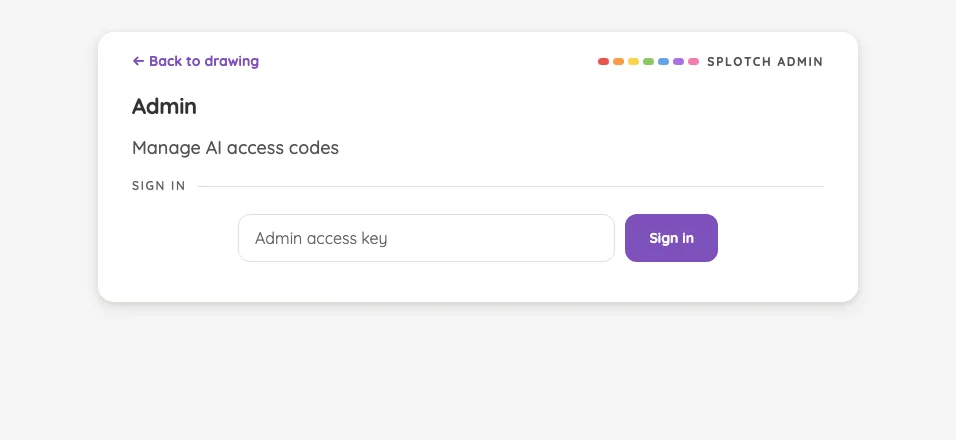
Clear gesture · threshold#

The accept ring and paper wash while held past threshold.

16 pass
ClearButton/drag

Light mode

Judged on layout, spacing, text fit, and touch targets.

Portrait

Small iPhone375 × 812
Clear gesture · threshold in light mode at iPhone 13 mini in portrait
Pass

Swatches and the dragged trash button remain distinct and comfortably spaced. The accept ring retains a visible arc, and the canvas wash communicates clearing in progress. Both corner glyphs are findable. No unintended clipping, overlap, or visual inconsistency is evident; no text or modal scrolling is present.

Large iPhone440 × 956
Clear gesture · threshold in light mode at iPhone 16 Pro Max in portrait
Pass

The dragged trash button and visible accept-ring arc clearly emphasize the active clear gesture. The faint canvas wash matches the intended feedback. Swatches remain distinct and comfortably spaced, both corner glyphs are findable, and no unintended clipping or overlap is visible. No text or modal scrolling is present to assess.

iPad mini744 × 1133
Clear gesture · threshold in light mode at iPad mini 7th Gen (2024) in portrait
Pass

The palette and active trash control have clear hierarchy and distinct touch targets. Spacing is consistent, the accept-ring arc remains visible, and the canvas wash matches the intended clearing feedback. Both corner glyphs are findable. No unintended clipping or overlap is visible; no text or modal scrolling is present to assess.

Large iPad Pro1032 × 1376
Clear gesture · threshold in light mode at iPad Pro 13-inch (M4) in portrait
Pass

The saturated trash button and visible red accept arc clearly communicate the active clear gesture. Palette spacing is consistent, controls remain distinct, and both bottom-corner glyphs are findable. The paper wash matches the intended feedback. No actionable clipping, overlap, or text-fit issues are visible; no modal is open.

Landscape

Small iPhone812 × 375
Clear gesture · threshold in light mode at iPhone 13 mini in landscape
Pass

The swatches remain distinct and comfortably spaced, and the dragged trash button is prominent. The accept ring retains a visible arc, while the faint canvas wash communicates the intended clearing state. Both corner glyphs are findable. No unintended clipping, overlap, or other actionable issue is visible; text fit and modal scrolling are not applicable.

Large iPhone956 × 440
Clear gesture · threshold in light mode at iPhone 16 Pro Max in landscape
Pass

The dragged trash button remains prominent, with a clearly visible accept-ring arc and the intended canvas wash. Swatches are evenly spaced, selection is clear, and both corner glyphs remain findable. No unintended clipping, overlap, or other actionable visible issue.

iPad mini1133 × 744
Clear gesture · threshold in light mode at iPad mini 7th Gen (2024) in landscape
Pass

The dragged trash button and visible accept-ring arc clearly convey the active clear gesture. The canvas wash matches the intended effect. Swatches remain distinct, generously sized, and evenly spaced; both corner glyphs are findable. No unintended clipping, overlap, or visual inconsistency is evident. No text or modal scrolling is present to assess.

Large iPad Pro1376 × 1032
Clear gesture · threshold in light mode at iPad Pro 13-inch (M4) in landscape
Pass

The active trash button and visible accept-ring arc clearly communicate the held gesture. The canvas wash matches the intended clearing feedback. Swatches remain distinct and evenly spaced, and both corner glyphs are findable. No unintended clipping, overlap, or touch-target ambiguity is visible; no text or modal scrolling is present.

Night mode

Judged on contrast and legibility only.

Portrait

Small iPhone375 × 812
Clear gesture · threshold in night mode at iPhone 13 mini in portrait
Pass

The yellow trash glyph, red accept arc, and color swatches remain clearly distinguishable against the dark canvas. The faint canvas wash reads as intentional, and both bottom-corner glyphs remain locatable.

Large iPhone440 × 956
Clear gesture · threshold in night mode at iPhone 16 Pro Max in portrait
Pass

The accept-ring arc remains visible against the dark canvas, and the yellow trash glyph is clear. Swatches and the selected-color outline remain distinct. The faint canvas wash matches the intended clearing feedback, and both corner glyphs are findable.

iPad mini744 × 1133
Clear gesture · threshold in night mode at iPad mini 7th Gen (2024) in portrait
Pass

Night-mode contrast is clear: the yellow trash glyph, red accept arc, and color swatches remain legible against the dark canvas. The faint canvas wash matches the intended effect, and both corner glyphs remain findable.

Large iPad Pro1032 × 1376
Clear gesture · threshold in night mode at iPad Pro 13-inch (M4) in portrait
Pass

The accept-ring arc and yellow trash glyph remain clearly visible against the dark canvas. Swatches are distinct, the faint canvas wash matches the intended clearing effect, and both corner glyphs remain findable.

Landscape

Small iPhone812 × 375
Clear gesture · threshold in night mode at iPhone 13 mini in landscape
Pass

The accept-ring arc remains visible against the dark canvas, and the yellow trash icon is clearly legible. The faint canvas imagery matches the intended clearing wash. Both subdued corner glyphs remain findable.

Large iPhone956 × 440
Clear gesture · threshold in night mode at iPhone 16 Pro Max in landscape
Pass

Night-mode contrast is clear: the red accept arc remains visible, the yellow trash icon is legible, and the color swatches are distinct. The faint canvas wash matches the intended clearing feedback. Both subdued corner glyphs remain findable.

iPad mini1133 × 744
Clear gesture · threshold in night mode at iPad mini 7th Gen (2024) in landscape
Pass

The accept-ring arc and yellow trash icon remain clear against the dark canvas. Color swatches are distinct, the intentional canvas wash is visible, and both subdued corner glyphs are findable.

Large iPad Pro1376 × 1032
Clear gesture · threshold in night mode at iPad Pro 13-inch (M4) in landscape
Pass

The red accept arc and yellow trash icon remain clearly visible against the dark canvas. The faint canvas wash reads as the intended clearing feedback, and both corner glyphs remain findable.

Install banner#

The earned iOS home-screen prompt after a few strokes.

16 pass
InstallBanner

Light mode

Judged on layout, spacing, text fit, and touch targets.

Portrait

Small iPhone375 × 812
Install banner in light mode at iPhone 13 mini in portrait
Pass

The banner has clear hierarchy, balanced padding, and clean text wrapping. The full-width “How?” button and separate close control are easy to identify. No unintended clipping, overlap, or visible scrolling issue; styling is consistent with the drawing tools.

Large iPhone440 × 956
Install banner in light mode at iPhone 16 Pro Max in portrait
Pass

The banner has clear hierarchy, balanced padding, and fully fitting text. The prominent “How?” button and distinct close control have clear touch targets. No unintended clipping or overlap is visible; both corner glyphs remain findable. Purple styling matches the selected drawing color. No scrolling region is visible to assess.

iPad mini744 × 1133
Install banner in light mode at iPad mini 7th Gen (2024) in portrait
Pass

The install banner has clear hierarchy, balanced spacing, and fully fitting text. “How?” is prominent, and the close control is distinct and well separated. No unintended clipping or overlap is visible. Styling matches the selected purple palette. Both corner glyphs remain findable; no modal scrolling is shown.

Large iPad Pro1032 × 1376
Install banner in light mode at iPad Pro 13-inch (M4) in portrait
Pass

The banner has clear hierarchy, comfortable padding, and clean text wrapping. The “How?” and close controls are distinct, with no visible clipping or overlap. Bottom clearance is adequate, both corner glyphs remain findable, and the purple styling matches the selected drawing color. No modal scrolling is visible to assess.

Landscape

Small iPhone812 × 375
Install banner in light mode at iPhone 13 mini in landscape
Pass

The banner has clear hierarchy, balanced spacing, and fully fitting text. “How?” and close controls are distinct and well separated. No unintended clipping or overlap is visible; no scrolling region is shown. Styling is consistent with the app.

Large iPhone956 × 440
Install banner in light mode at iPhone 16 Pro Max in landscape
Pass

The banner has clear hierarchy, balanced spacing, and readable text that fits without clipping. The “How?” action and close control are distinct and unobstructed. Purple accents match the drawing tools, and both corner glyphs remain locatable. No unintended overlap or visible scrolling issue.

iPad mini1133 × 744
Install banner in light mode at iPad mini 7th Gen (2024) in landscape
Pass

The banner has clear hierarchy, comfortable spacing, and clean text wrapping. The purple “How?” action and separate close control are easy to identify. Nothing is clipped or overlapped; the artwork and corner controls remain unobstructed. Styling is consistent with the palette. No modal scrolling is visible.

Large iPad Pro1376 × 1032
Install banner in light mode at iPad Pro 13-inch (M4) in landscape
Pass

The banner has clear hierarchy, comfortable spacing, and clean text wrapping. The “How?” and close controls are distinct, with no visible clipping or overlap. Rounded corners and purple accents fit the drawing tools. Both corner glyphs remain findable. No modal or scrolling region is visible to assess.

Night mode

Judged on contrast and legibility only.

Portrait

Small iPhone375 × 812
Install banner in night mode at iPhone 13 mini in portrait
Pass

The banner’s heading, supporting text, “How?” label, and close icon are clearly legible against their dark-mode surfaces. No actionable contrast issue is visible.

Large iPhone440 × 956
Install banner in night mode at iPhone 16 Pro Max in portrait
Pass

The install banner’s heading, supporting text, “How?” label, and close icon are clearly legible against their dark and purple surfaces. No actionable night-mode contrast issue is visible.
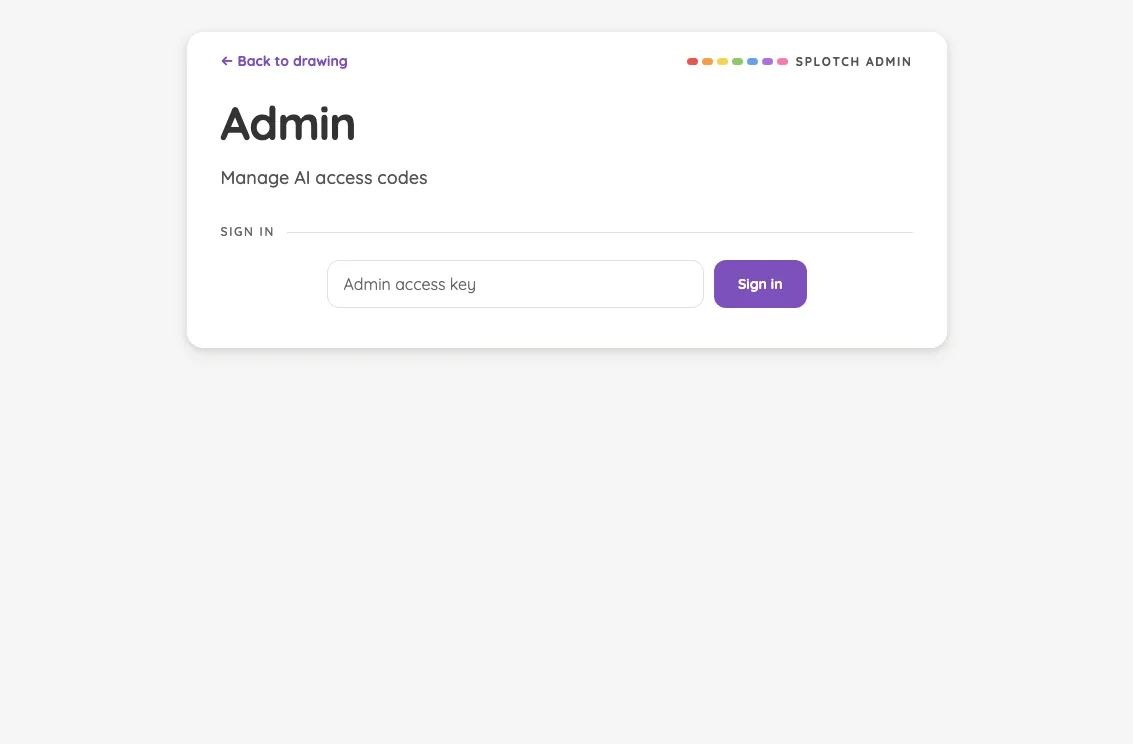
iPad mini744 × 1133
Install banner in night mode at iPad mini 7th Gen (2024) in portrait
Pass

The install banner’s heading, supporting text, “How?” label, and close icon are clearly legible against the dark surface. No actionable night-mode contrast issue is visible.
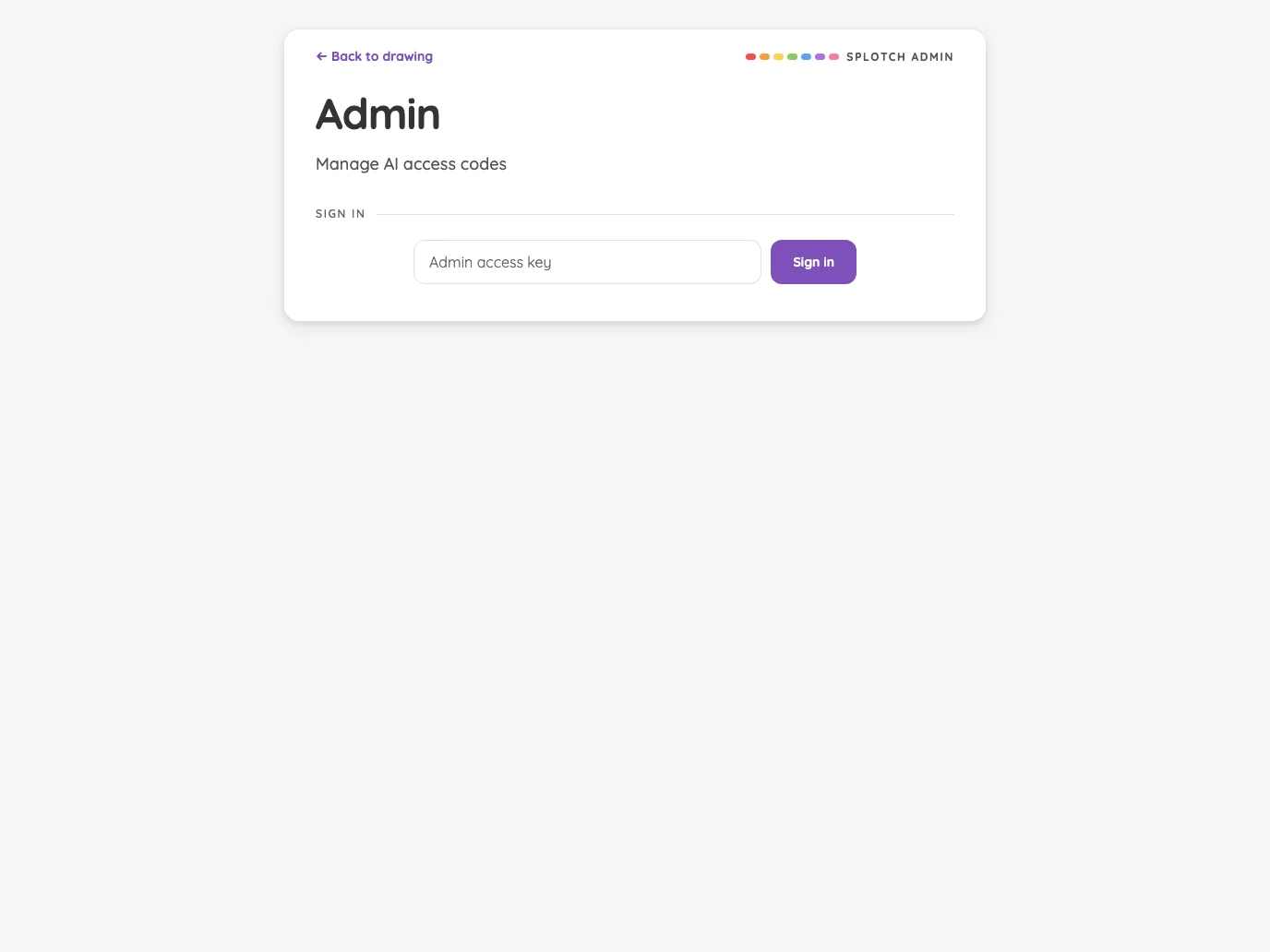
Large iPad Pro1032 × 1376
Install banner in night mode at iPad Pro 13-inch (M4) in portrait
Pass

The install banner’s heading, supporting text, “How” label, and close glyph remain legible against their dark surfaces. No actionable night-mode contrast issue is visible.

Landscape

Small iPhone812 × 375
Install banner in night mode at iPhone 13 mini in landscape
Pass

The night-mode banner has clear, legible text. The purple “How?” button and close icon remain distinct against the dark surface, with no actionable contrast issues visible.

Large iPhone956 × 440
Install banner in night mode at iPhone 16 Pro Max in landscape
Pass

The banner’s heading, supporting text, How? button, and close icon are clearly legible against their dark surfaces. No actionable night-mode contrast issue is visible.

iPad mini1133 × 744
Install banner in night mode at iPad mini 7th Gen (2024) in landscape
Pass

The night-mode banner is clearly legible: the heading, supporting text, “How?” label, and close glyph stand out against their dark surfaces. No actionable contrast issue is visible.

Large iPad Pro1376 × 1032
Install banner in night mode at iPad Pro 13-inch (M4) in landscape
Pass

The install banner’s heading, supporting text, “How?” button, and close icon are legible against the dark surfaces. Both subdued corner glyphs remain findable. No actionable night-mode contrast issue is visible.
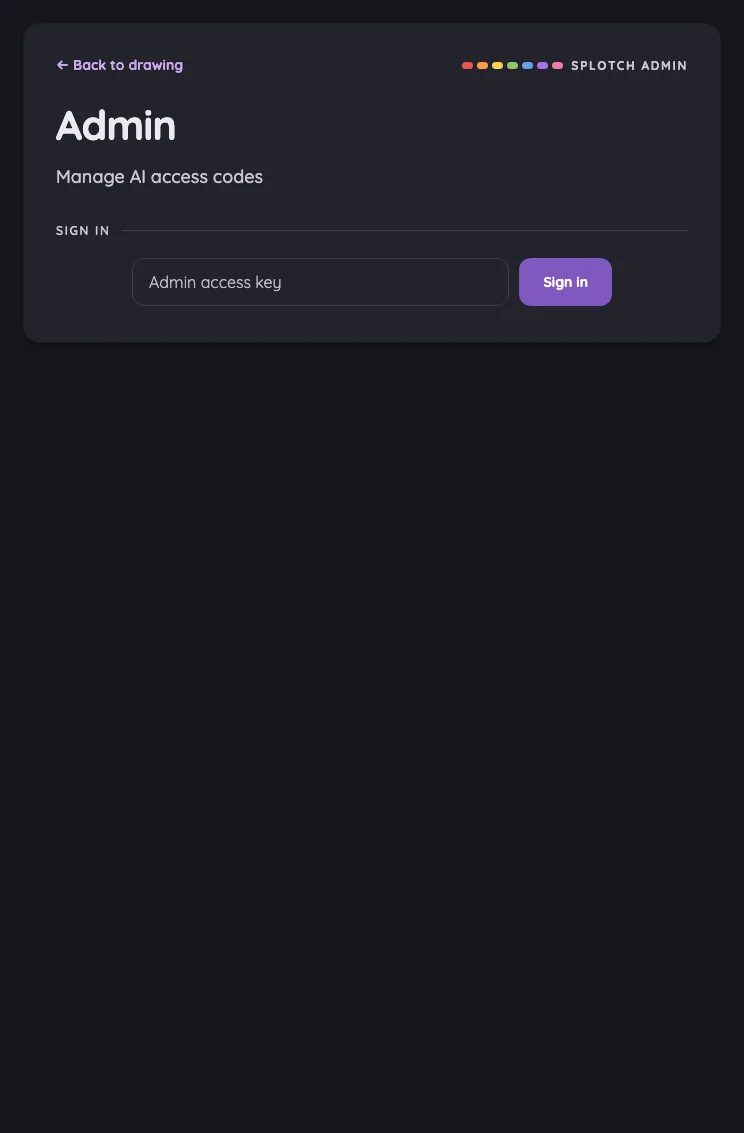
Install banner · instructions#

The expanded iOS Share-sheet guidance.

16 pass
InstallBanner/hint

Light mode

Judged on layout, spacing, text fit, and touch targets.

Portrait

Small iPhone375 × 812
Install banner · instructions in light mode at iPhone 13 mini in portrait
Pass

The expanded banner has clear hierarchy, comfortable spacing, and consistent purple styling. Text and all three instructions fit without clipping or overlap. Hide and close controls are distinct, and no visible content requires scrolling.

Large iPhone440 × 956
Install banner · instructions in light mode at iPhone 16 Pro Max in portrait
Pass

The expanded banner has clear hierarchy, comfortable spacing, and fully visible instructions. The close control and full-width Hide button are distinct and unobstructed. No text clipping, overlap, or visible scrolling issue appears; purple accents remain consistent with the drawing tools.

iPad mini744 × 1133
Install banner · instructions in light mode at iPad mini 7th Gen (2024) in portrait
Pass

The banner has clear hierarchy, balanced spacing, and readable instructions. Text fits without clipping or overlap, and Hide and close controls are distinct. All steps are visible without scrolling, and the purple accents match the drawing tools.

Large iPad Pro1032 × 1376
Install banner · instructions in light mode at iPad Pro 13-inch (M4) in portrait
Pass

The banner has clear hierarchy, comfortable spacing, and clean text wrapping. All three instructions fit without clipping or overlap. Hide and close controls are distinct and comfortably sized. The card’s styling matches the purple palette; no scrolling issue is visible.

Landscape

Small iPhone812 × 375
Install banner · instructions in light mode at iPhone 13 mini in landscape
Pass

Clear title-to-instructions hierarchy, balanced spacing, and readable text wrapping. Hide and close controls are distinct and comfortably sized. All three steps fit without clipping or overlap; no scrolling is needed in this view. Styling is consistent with the drawing tools.

Large iPhone956 × 440
Install banner · instructions in light mode at iPhone 16 Pro Max in landscape
Pass

The banner has clear hierarchy, comfortable spacing, and readable text with natural wrapping. Hide and close controls are distinct. All three instruction steps fit without clipping, overlap, or visible need for scrolling. Styling is consistent with the app.

iPad mini1133 × 744
Install banner · instructions in light mode at iPad mini 7th Gen (2024) in landscape
Pass

The expanded banner has clear hierarchy, comfortable spacing, and clean text wrapping. Instructions fit fully without visible clipping, overlap, or need for scrolling. Hide and close controls are distinct, and the purple accents match the app’s visual style.

Large iPad Pro1376 × 1032
Install banner · instructions in light mode at iPad Pro 13-inch (M4) in landscape
Pass

The expanded banner has clear hierarchy, comfortable padding, and readable instructions. Text wraps cleanly, all three steps fit without clipping or scrolling, and Hide and close controls are distinct and well spaced. Styling is consistent with the purple drawing controls; no unintended overlap is visible.

Night mode

Judged on contrast and legibility only.

Portrait

Small iPhone375 × 812
Install banner · instructions in night mode at iPhone 13 mini in portrait
Pass

The night-mode banner is legible: heading, supporting text, numbered instructions, Hide button, and close icon remain distinguishable against the dark surfaces. No actionable contrast issue is visible.
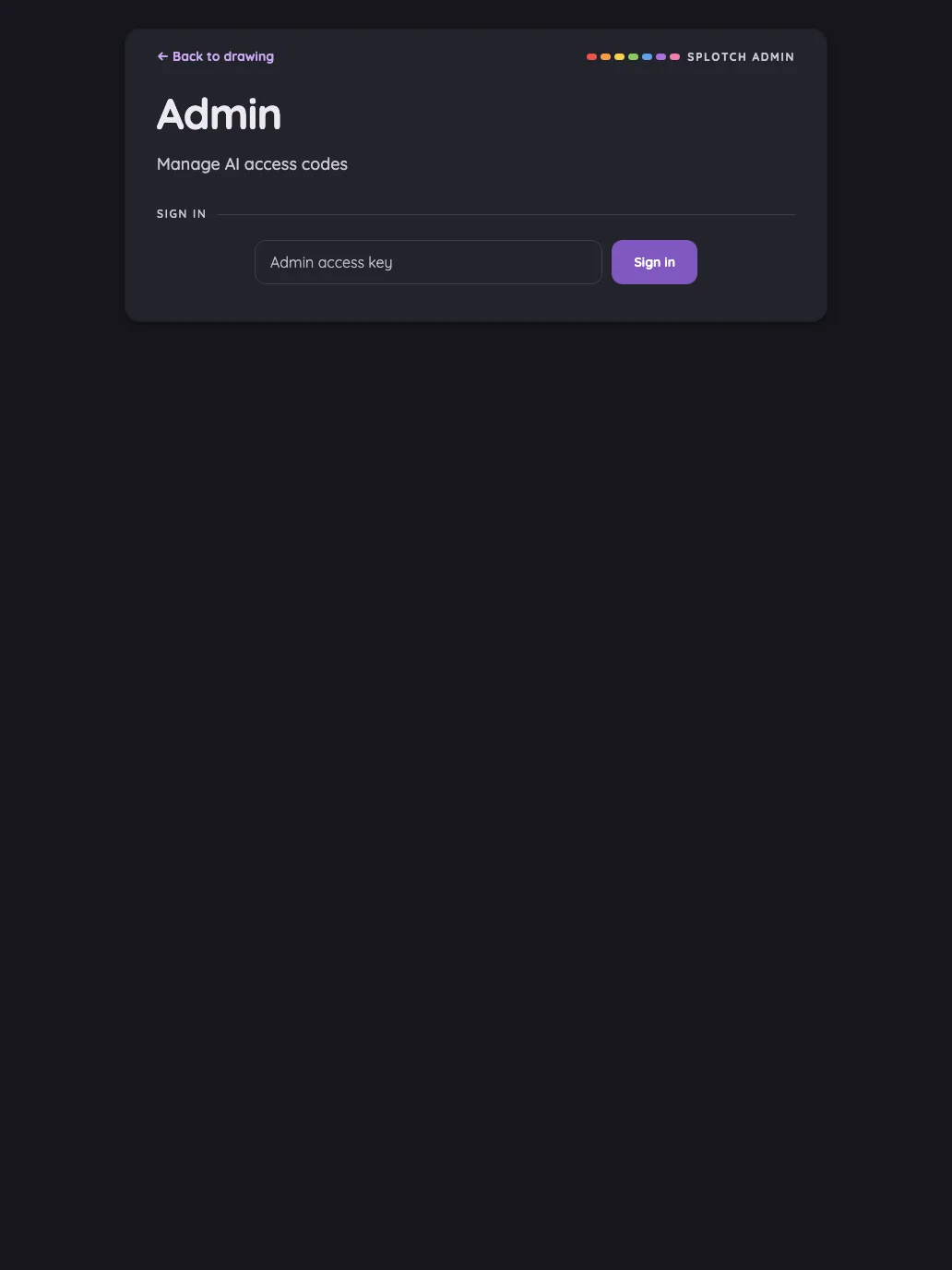
Large iPhone440 × 956
Install banner · instructions in night mode at iPhone 16 Pro Max in portrait
Pass

The expanded banner’s heading, supporting text, numbered instructions, Hide label, and close icon are legible against the dark surfaces. No actionable night-mode contrast issue is visible.
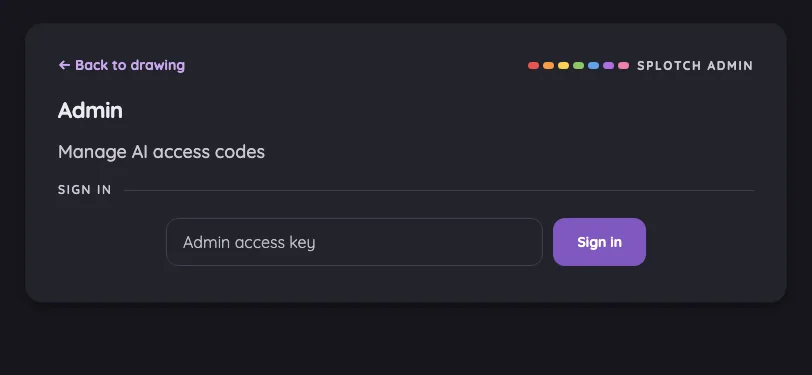
iPad mini744 × 1133
Install banner · instructions in night mode at iPad mini 7th Gen (2024) in portrait
Pass

The expanded instructions remain legible against the dark banner. Heading, supporting text, numbered steps, emphasized actions, and Hide and close controls have sufficient visible contrast.

Large iPad Pro1032 × 1376
Install banner · instructions in night mode at iPad Pro 13-inch (M4) in portrait
Pass

The expanded guidance is legible in night mode. Heading, supporting text, numbered steps, and Share-sheet labels contrast clearly with the dark card. Hide and close controls remain easy to distinguish.

Landscape

Small iPhone812 × 375
Install banner · instructions in night mode at iPhone 13 mini in landscape
Pass

The expanded guidance is legible in night mode: heading, instructions, step numbers, Hide button, and close icon remain clear against the dark card.

Large iPhone956 × 440
Install banner · instructions in night mode at iPhone 16 Pro Max in landscape
Pass

The banner’s heading, supporting text, numbered instructions, and Hide and close controls are clearly legible against the dark surface.

iPad mini1133 × 744
Install banner · instructions in night mode at iPad mini 7th Gen (2024) in landscape
Pass

The expanded instructions are legible in night mode. Heading, supporting text, numbered steps, and Share-sheet icons remain clear against the dark banner; Hide and close controls are easy to distinguish.

Large iPad Pro1376 × 1032
Install banner · instructions in night mode at iPad Pro 13-inch (M4) in landscape
Pass

The expanded install guidance is legible in night mode. Heading, supporting text, numbered steps, Hide control, and close icon have sufficient visible contrast against the dark banner.

Grown-Ups Only gate#

The multiplication challenge protecting a sensitive operation.

15 pass1 low
ParentalGate

Light mode

Judged on layout, spacing, text fit, and touch targets.

Portrait

Small iPhone375 × 812
Grown-Ups Only gate in light mode at iPhone 13 mini in portrait
Pass

The modal has clear hierarchy, balanced spacing, and fully fitting text. Answer slots, keypad, and close control are distinct, with comfortable touch targets. All content fits without visible clipping, overlap, or a need to scroll. Styling is consistent, and the scrim darkens the surrounding page.

Large iPhone440 × 956
Grown-Ups Only gate in light mode at iPhone 16 Pro Max in portrait
Pass

Clear hierarchy, balanced spacing, and consistent rounded styling. Text fits cleanly; keypad and close controls have distinct, generous targets. The entire modal fits onscreen with no visible clipping, overlap, or need to scroll. The scrim visibly darkens the surrounding page.

iPad mini744 × 1133
Grown-Ups Only gate in light mode at iPad mini 7th Gen (2024) in portrait
Pass

Clear hierarchy, balanced spacing, and readable text throughout the front dialog. Keypad and close controls are distinct. All modal content fits without visible clipping, overlap, or need for scrolling. Styling is consistent, and the scrim darkens the surrounding page.

Large iPad Pro1032 × 1376
Grown-Ups Only gate in light mode at iPad Pro 13-inch (M4) in portrait
Pass

The modal has clear hierarchy, balanced spacing, and consistent styling. Text fits cleanly; keypad buttons and the close control have distinct, generous touch targets. All content, including the footer, is visible without clipping, overlap, or apparent need to scroll. The scrim darkens the full background.

Landscape

Small iPhone812 × 375
Grown-Ups Only gate in light mode at iPhone 13 mini in landscape
Pass

Clear title–challenge–keypad hierarchy, readable text, and distinct touch targets. The modal fits the short landscape viewport with no actionable overlap or text clipping. Styling is consistent and the close button is easy to locate. Scrolling behavior cannot be verified from this still.

Large iPhone956 × 440
Grown-Ups Only gate in light mode at iPhone 16 Pro Max in landscape
Pass

The modal has clear hierarchy, well-spaced keypad targets, and a distinct close button. The heading, challenge, and digits fit without overlap. Footer continuation is consistent with the intended scrolling fade; scrolling behavior cannot be verified from this still image. The scrim consistently darkens the surrounding screen.

iPad mini1133 × 744
Grown-Ups Only gate in light mode at iPad mini 7th Gen (2024) in landscape
Pass

The modal has clear hierarchy, balanced spacing, and readable text. Keypad buttons and the close control are distinct and comfortably sized. All content fits with generous viewport margins; no clipping, overlap, or visible scrolling issue appears. Styling is consistent, and the scrim darkens the surrounding interface.

Large iPad Pro1376 × 1032
Grown-Ups Only gate in light mode at iPad Pro 13-inch (M4) in landscape
Pass

The modal has clear hierarchy, balanced spacing, and fully fitting text. Keypad buttons and close control are distinct and generously sized. No visible clipping, overlap, or scrolling need; the entire card fits comfortably. Styling is consistent, and the scrim visibly darkens all surrounding content.

Night mode

Judged on contrast and legibility only.

Portrait

Small iPhone375 × 812
Grown-Ups Only gate in night mode at iPhone 13 mini in portrait
Pass

The front dialog is legible in night mode: the challenge, keypad digits, instructions, footer link, and close glyph are distinguishable against their dark surfaces. No actionable contrast issue is visible.
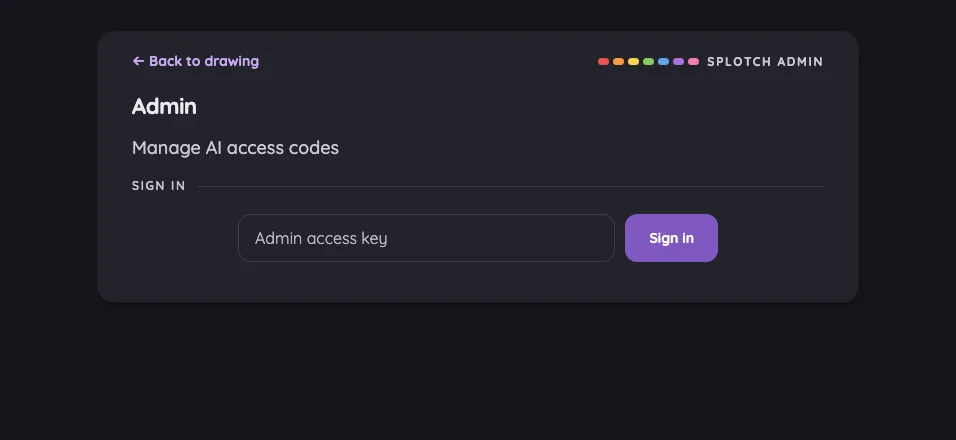
Large iPhone440 × 956
Grown-Ups Only gate in night mode at iPhone 16 Pro Max in portrait
Pass

The front dialog’s heading, instructions, equation, keypad labels, footer, and close icon are legible in night mode. Dashed answer slots remain distinguishable, and the scrim visibly darkens the surrounding page.

iPad mini744 × 1133
Grown-Ups Only gate in night mode at iPad mini 7th Gen (2024) in portrait
Pass

The front dialog’s heading, instructions, multiplication challenge, keypad labels, footer, and close glyph remain legible in night mode. The dashed answer slots are subdued but discernible. No actionable contrast issue is visible.
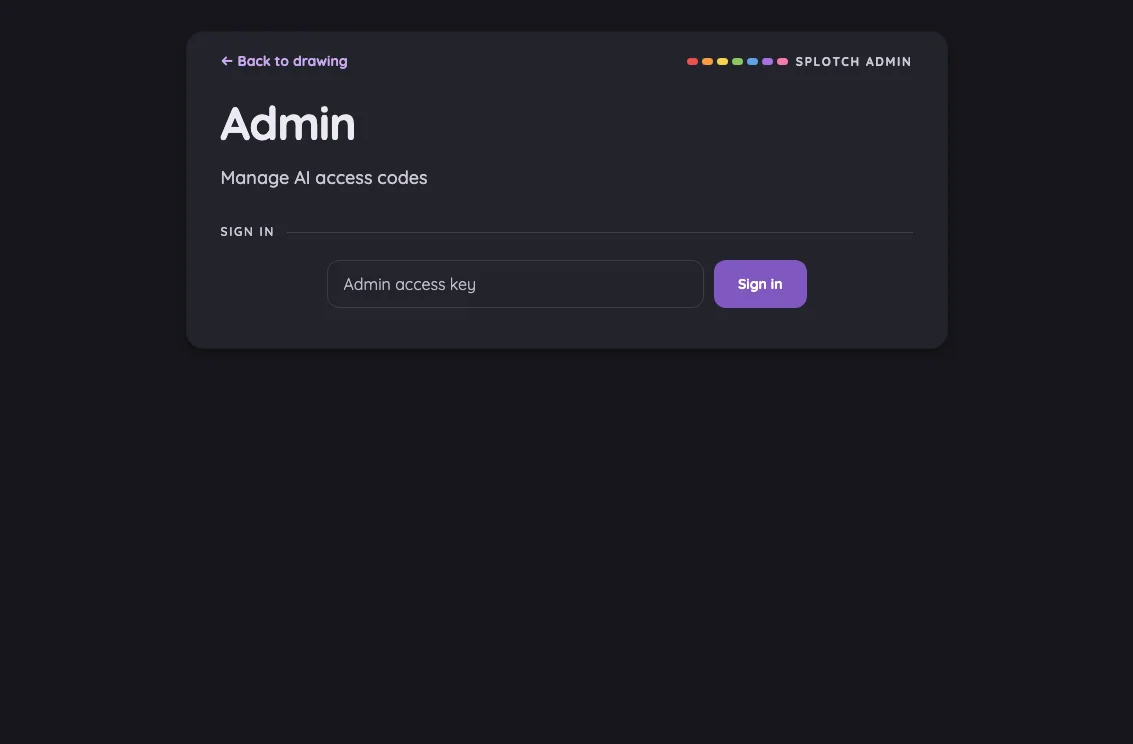
Large iPad Pro1032 × 1376
Grown-Ups Only gate in night mode at iPad Pro 13-inch (M4) in portrait
Pass

The front dialog’s heading, instructions, multiplication challenge, keypad labels, close icon, and footer remain legible in night mode. No actionable contrast issue is visible.
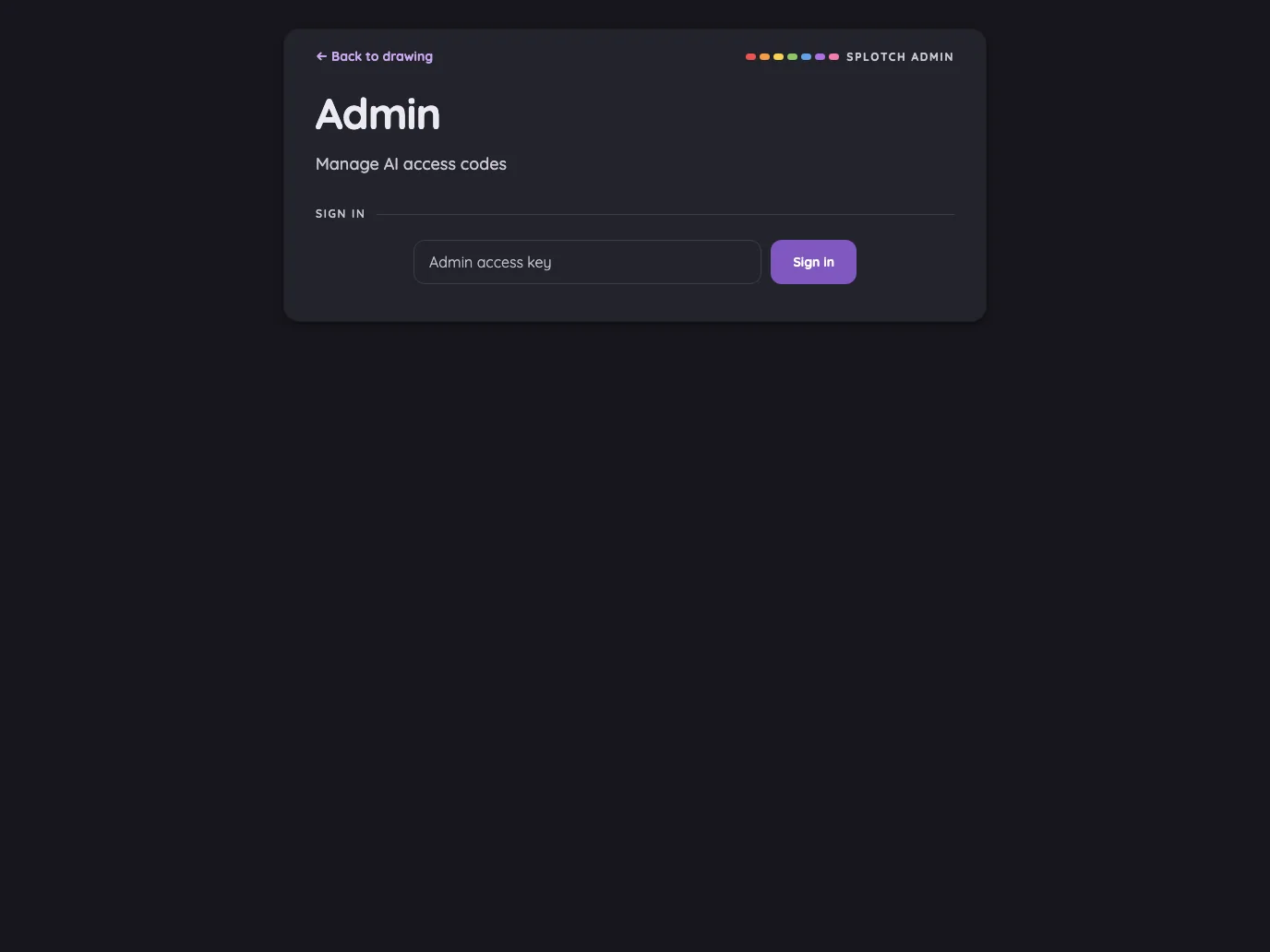
Landscape

Small iPhone812 × 375
Grown-Ups Only gate in night mode at iPhone 13 mini in landscape
Low

The two empty answer slots have faint dashed outlines that are difficult to distinguish from the dark dialog surface. Text and keypad digits remain legible.

Recommendation: Brighten the dashed answer-slot outlines to make both digit positions clearer in night mode.

Large iPhone956 × 440
Grown-Ups Only gate in night mode at iPhone 16 Pro Max in landscape
Pass

The front dialog’s title, instructions, multiplication challenge, keypad labels, and close icon are legible in night mode. Dashed answer slots remain distinguishable against the dark surface.

iPad mini1133 × 744
Grown-Ups Only gate in night mode at iPad mini 7th Gen (2024) in landscape
Pass

The front card’s heading, instructions, equation, keypad digits, footer, and close glyph remain legible against the dark surfaces. No actionable night-mode contrast issue is visible.
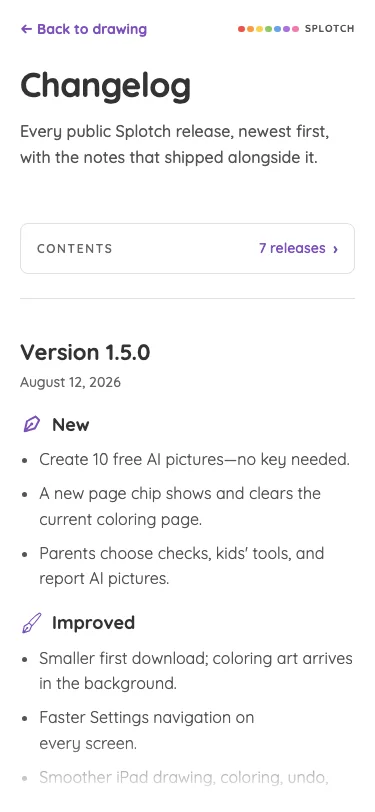
Large iPad Pro1376 × 1032
Grown-Ups Only gate in night mode at iPad Pro 13-inch (M4) in landscape
Pass

The front dialog’s heading, instructions, multiplication challenge, keypad labels, footer, and close glyph are legible in night mode. The surrounding page is visibly darkened by the scrim. No actionable contrast issue is visible.
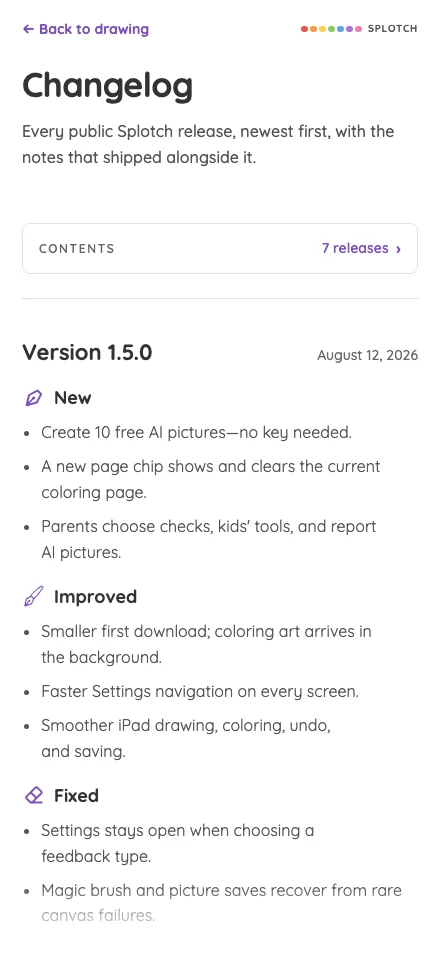
AI flow

The style picker and every meaningful generated-picture modal state.

AI style picker#

Style selection over the child’s drawing preview.

14 pass2 low
AiImagePrompt

Light mode

Judged on layout, spacing, text fit, and touch targets.

Portrait

Small iPhone375 × 812
AI style picker in light mode at iPhone 13 mini in portrait
Pass

Clear title, consistent two-column spacing, readable visible labels, and a distinct close target. The lower row reaches the scrolling boundary; no unintended clipping, overlap, or visual inconsistency is evident. Scrolling behavior cannot be verified from this still image.

Large iPhone440 × 956
AI style picker in light mode at iPhone 16 Pro Max in portrait
Pass

The modal has clear hierarchy, balanced spacing, and a consistent four-column grid. All eight thumbnails and labels fit without clipping or overlap. Style choices and the close button have clear touch targets. The full card is visible with no apparent scrolling issue, and the scrim keeps attention on it.

iPad mini744 × 1133
AI style picker in light mode at iPad mini 7th Gen (2024) in portrait
Pass

The modal has clear hierarchy, consistent thumbnails, balanced spacing, and readable labels. All eight styles fit without clipping, overlap, or visible need for scrolling; style tiles and the distinct close button provide clear touch targets. The scrim consistently darkens the surrounding page.

Large iPad Pro1032 × 1376
AI style picker in light mode at iPad Pro 13-inch (M4) in portrait
Pass

The modal has clear hierarchy, consistent thumbnail sizing, generous spacing, and readable labels. All eight styles fit without clipping or overlap; no scrolling is needed in this view. Style targets and the close button are distinct, and the scrim keeps attention on the picker.

Landscape

Small iPhone812 × 375
AI style picker in light mode at iPhone 13 mini in landscape
Low

The close button overlaps the Paper thumbnail’s upper-right corner. Otherwise, the grid is evenly spaced, labels fit, and both rows are fully visible without clipping or an apparent need to scroll.

Recommendation: Increase the header height so the close button clears the first row of thumbnails.

Large iPhone956 × 440
AI style picker in light mode at iPhone 16 Pro Max in landscape
Low

The close button overlaps the upper-right corner of the Paper thumbnail. Otherwise, hierarchy, label fit, spacing, and style targets are clear; all eight options fit without visible clipping or scrolling.

Recommendation: Increase the header height so the first thumbnail row sits fully below the close button.

iPad mini1133 × 744
AI style picker in light mode at iPad mini 7th Gen (2024) in landscape
Pass

The modal has clear hierarchy, consistent tile spacing, readable labels, and clear selection and close targets. All eight styles fit without visible clipping, overlap, or need for scrolling. The scrim consistently dims the surrounding page.

Large iPad Pro1376 × 1032
AI style picker in light mode at iPad Pro 13-inch (M4) in landscape
Pass

The modal has clear hierarchy, balanced spacing, and consistent image sizes and labels. All eight styles fit without clipping, overlap, or visible scrolling issues. Large style tiles and a distinct close button provide clear touch targets. The scrim consistently darkens the surrounding page.

Night mode

Judged on contrast and legibility only.

Portrait

Small iPhone375 × 812
AI style picker in night mode at iPhone 13 mini in portrait
Pass

The front card’s heading, style labels, and close icon are legible against the dark surface. No actionable night-mode contrast issue is visible outside the intentional bottom fade.

Large iPhone440 × 956
AI style picker in night mode at iPhone 16 Pro Max in portrait
Pass

The front card’s heading, style labels, and close icon are clearly legible against the dark surface. Style previews remain distinguishable, and the scrim visibly darkens the surrounding page.

iPad mini744 × 1133
AI style picker in night mode at iPad mini 7th Gen (2024) in portrait
Pass

The front card’s heading, style labels, and close icon are clearly legible against the dark surface. Style previews remain distinguishable, and the scrim visibly darkens the surrounding page.

Large iPad Pro1032 × 1376
AI style picker in night mode at iPad Pro 13-inch (M4) in portrait
Pass

The front card’s heading, style labels, and close icon are legible against the dark surface. Style previews remain distinguishable, and the surrounding page is visibly darkened by the scrim.

Landscape

Small iPhone812 × 375
AI style picker in night mode at iPhone 13 mini in landscape
Pass

The front card’s title, style labels, and close icon remain legible against the dark surface. The surrounding page is visibly darkened by the scrim. No actionable night-mode contrast issue is visible.
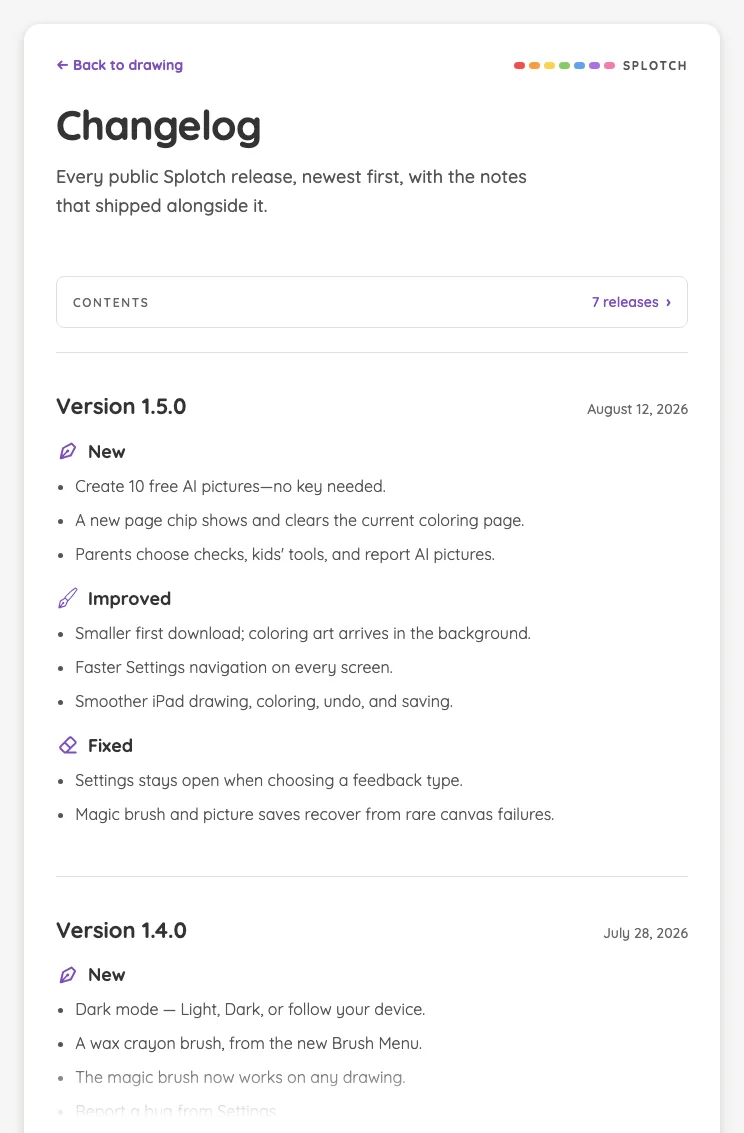
Large iPhone956 × 440
AI style picker in night mode at iPhone 16 Pro Max in landscape
Pass

The front card’s title, style labels, and close icon are legible against the dark surface. Style previews remain distinguishable, and the surrounding page is visibly darkened by the scrim.

iPad mini1133 × 744
AI style picker in night mode at iPad mini 7th Gen (2024) in landscape
Pass

The title, all eight style labels, and close glyph are legible against the dark card. Style previews remain distinguishable, and the surrounding page is visibly darkened by the scrim.

Large iPad Pro1376 × 1032
AI style picker in night mode at iPad Pro 13-inch (M4) in landscape
Pass

The front card’s title, style labels, and close icon are legible against the dark surface. Style previews remain distinguishable, and the surrounding page is consistently darkened by the scrim.

AI result · generating#

The progress dial over the blurred drawing preview.

16 pass
AiImageResult/loading

Light mode

Judged on layout, spacing, text fit, and touch targets.

Portrait

Small iPhone375 × 812
AI result · generating in light mode at iPhone 13 mini in portrait
Pass

The reserved preview height keeps the loading message near the card’s bottom, fully readable and unclipped. Spacing is comfortable, the close control and action button are distinct, and no overlap or visible overflow suggests a scrolling issue. The purple accents and rounded surfaces feel consistent.

Large iPhone440 × 956
AI result · generating in light mode at iPhone 16 Pro Max in portrait
Pass

The reserved preview height keeps the loading layout stable, with the progress dial clearly prominent. The loading message, time estimate, and action fit fully inside the card with comfortable spacing. The close control is distinct, and the scrim consistently dims the surrounding page. No visible clipping, overlap, or modal overflow.

iPad mini744 × 1133
AI result · generating in light mode at iPad mini 7th Gen (2024) in portrait
Pass

The reserved preview height keeps the layout stable, with the loading message and action fully readable near the card’s bottom. Spacing is sufficient, the close button is distinct, and no clipping or overlap is visible. The modal fits within the viewport; scrolling behavior cannot be assessed from this still image.

Large iPad Pro1032 × 1376
AI result · generating in light mode at iPad Pro 13-inch (M4) in portrait
Pass

The reserved preview area gives the progress dial clear prominence. Loading text and the action button remain fully readable inside the card, with adequate spacing and no visible clipping or overlap. The close control is distinct, and the modal fits within the viewport without visible scrolling issues.

Landscape

Small iPhone812 × 375
AI result · generating in light mode at iPhone 13 mini in landscape
Pass

The card fits fully within the landscape viewport. The progress dial leads clearly into readable loading text and a well-spaced action near the bottom. Nothing is clipped or overlapping; the close control is distinct and comfortably sized. No visible scrolling or visual-consistency issue.

Large iPhone956 × 440
AI result · generating in light mode at iPhone 16 Pro Max in landscape
Pass

The progress dial leads the hierarchy, with readable loading text and a clearly contained action below. The card fits the landscape viewport with comfortable spacing, distinct close and action targets, and no visible clipping or overlap. No scrolling is visibly needed, and the background is consistently dimmed.

iPad mini1133 × 744
AI result · generating in light mode at iPad mini 7th Gen (2024) in landscape
Pass

The reserved preview area establishes clear hierarchy, with readable loading text and a distinct action comfortably contained near the card’s bottom. Close control and spacing are clear; no visible clipping, overlap, or modal overflow. The scrim consistently dims the background.

Large iPad Pro1376 × 1032
AI result · generating in light mode at iPad Pro 13-inch (M4) in landscape
Pass

The reserved preview space and progress dial establish clear hierarchy. The loading message and wait action remain fully readable inside the card with adequate bottom spacing. The close control is distinct, and the modal fits the viewport without visible clipping, overlap, or scrolling issues. Styling is consistent throughout.

Night mode

Judged on contrast and legibility only.

Portrait

Small iPhone375 × 812
AI result · generating in night mode at iPhone 13 mini in portrait
Pass

The loading message, timing text, button label, and close icon are readable against the dark card. The bright progress dial is clearly visible, with no actionable night-mode contrast issues.

Large iPhone440 × 956
AI result · generating in night mode at iPhone 16 Pro Max in portrait
Pass

The loading message, time estimate, button label, and close icon are clearly legible against the dark card. The progress dial is distinct from the blurred preview.

iPad mini744 × 1133
AI result · generating in night mode at iPad mini 7th Gen (2024) in portrait
Pass

The loading message, timing text, and action label are readable against the dark card. The close icon and progress dial remain clearly discernible.

Large iPad Pro1032 × 1376
AI result · generating in night mode at iPad Pro 13-inch (M4) in portrait
Pass

The loading message and timing text are fully readable against the dark card. The purple action button’s label and the close glyph remain legible, and the progress dial is clearly visible.

Landscape

Small iPhone812 × 375
AI result · generating in night mode at iPhone 13 mini in landscape
Pass

The loading message, timing text, and action label are readable against the dark card. The progress dial and close icon remain distinct. No actionable night-mode contrast or legibility issue is visible.

Large iPhone956 × 440
AI result · generating in night mode at iPhone 16 Pro Max in landscape
Pass

The loading message, supporting text, action label, and close icon are readable against the dark card. The scrim visibly darkens the surrounding page. No actionable night-mode contrast or legibility issue is visible.

iPad mini1133 × 744
AI result · generating in night mode at iPad mini 7th Gen (2024) in landscape
Pass

The loading message and timing text are fully readable against the dark card. The action label and close icon remain clear, and the progress dial is distinct from the preview.

Large iPad Pro1376 × 1032
AI result · generating in night mode at iPad Pro 13-inch (M4) in landscape
Pass

The loading message, time estimate, and action label are fully readable against the dark card. The close glyph and bright progress dial remain clearly visible. The surrounding page is visibly darkened by the scrim.

AI result · revealed#

The generated picture, download action, and report flag.

16 pass
AiImageResult/success

Light mode

Judged on layout, spacing, text fit, and touch targets.

Portrait

Small iPhone375 × 812
AI result · revealed in light mode at iPhone 13 mini in portrait
Pass

The picture leads clearly, with a prominent Download action and distinct close control. The disclosure pill stays appropriately secondary while its text, Report label, and flag remain readable. Spacing and text fit are comfortable, with no visible clipping, unintended overlap, or modal overflow. Actual tap padding and scrolling behavior cannot be verified from this image.

Large iPhone440 × 956
AI result · revealed in light mode at iPhone 16 Pro Max in portrait
Pass

Clear hierarchy: the picture dominates, Download is prominent, and Close is distinct. Spacing is balanced, with no visible clipping, overlap, or overflow. The disclosure and Report text remain readable, and the flag is distinguishable within the intentionally quiet pill. Transparent tap padding and scrolling behavior cannot be verified from this still image.

iPad mini744 × 1133
AI result · revealed in light mode at iPad mini 7th Gen (2024) in portrait
Pass

The picture leads clearly, with a prominent Download action and distinct close control. Spacing is balanced; text fits without visible clipping or overlap. The disclosure and Report text remain readable, and the flag is distinguishable while appropriately subdued. The card and disclosure fit within the viewport with no visible scrolling issue.

Large iPad Pro1032 × 1376
AI result · revealed in light mode at iPad Pro 13-inch (M4) in portrait
Pass

The picture leads clearly, with a prominent Download action and a distinct close button. Card spacing is balanced, and all content fits without visible clipping or overlap. The disclosure and Report text remain readable, with a distinguishable flag and appropriately subdued styling. Scrolling behavior and invisible tap padding cannot be verified from this capture.

Landscape

Small iPhone812 × 375
AI result · revealed in light mode at iPhone 13 mini in landscape
Pass

The picture leads, Download is prominent, and the disclosure pill stays appropriately secondary while its text and flag remain readable. Spacing is balanced; text fits without clipping or overlap. The close control is clear, and all modal content fits the landscape viewport with no visible scrolling issue. Transparent Report tap padding cannot be verified from the image.

Large iPhone956 × 440
AI result · revealed in light mode at iPhone 16 Pro Max in landscape
Pass

The picture leads, Download is prominent, and the disclosure pill remains small but readable with a distinguishable flag. Spacing is balanced, the close control is clear, and all modal content fits without visible clipping, overlap, or scrolling issues. Transparent Report tap padding cannot be verified from the image.

iPad mini1133 × 744
AI result · revealed in light mode at iPad mini 7th Gen (2024) in landscape
Pass

The picture leads clearly, with a prominent Download action and a distinct close control. Spacing is balanced, with no visible text clipping, overlap, or overflow. The disclosure and Report text remain readable, and the flag is distinguishable within the intentionally quiet pill. Styling is consistent throughout.

Large iPad Pro1376 × 1032
AI result · revealed in light mode at iPad Pro 13-inch (M4) in landscape
Pass

The picture dominates, with a clear Download action and accessible-looking close control. Spacing is balanced; text and controls fit without visible clipping or overlap. The disclosure and Report text remain readable, and the flag is distinguishable within the intentionally quiet pill. No visible scrolling or scrim-coverage issue.

Night mode

Judged on contrast and legibility only.

Portrait

Small iPhone375 × 812
AI result · revealed in night mode at iPhone 13 mini in portrait
Pass

The disclosure and Report text are readable against the dark pill, and the flag is distinguishable. The Download label and close glyph are also clear in night mode.

Large iPhone440 × 956
AI result · revealed in night mode at iPhone 16 Pro Max in portrait
Pass

The disclosure and Report text are readable against the dark pill, and the flag is distinguishable. The Download label and close glyph also have clear contrast.

iPad mini744 × 1133
AI result · revealed in night mode at iPad mini 7th Gen (2024) in portrait
Pass

The disclosure and Report text are readable against the dark pill, and the flag remains distinguishable. Download and close controls are also legible in night mode.

Large iPad Pro1032 × 1376
AI result · revealed in night mode at iPad Pro 13-inch (M4) in portrait
Pass

The disclosure and Report text remain readable against the dark pill, and the flag is distinguishable. The Download label and close glyph are also clear in night mode.

Landscape

Small iPhone812 × 375
AI result · revealed in night mode at iPhone 13 mini in landscape
Pass

The disclosure and Report text remain readable against the dark pill, and the flag is distinguishable. The Download label and close glyph also have clear night-mode contrast.

Large iPhone956 × 440
AI result · revealed in night mode at iPhone 16 Pro Max in landscape
Pass

Night-mode contrast is sufficient: the disclosure and Report text are readable, the flag is distinguishable against the pill, and the download and close controls remain clear.

iPad mini1133 × 744
AI result · revealed in night mode at iPad mini 7th Gen (2024) in landscape
Pass

The disclosure and Report text remain readable against the dark pill, and the flag is distinguishable. Download and close controls are clear. No actionable night-mode contrast issue is visible.
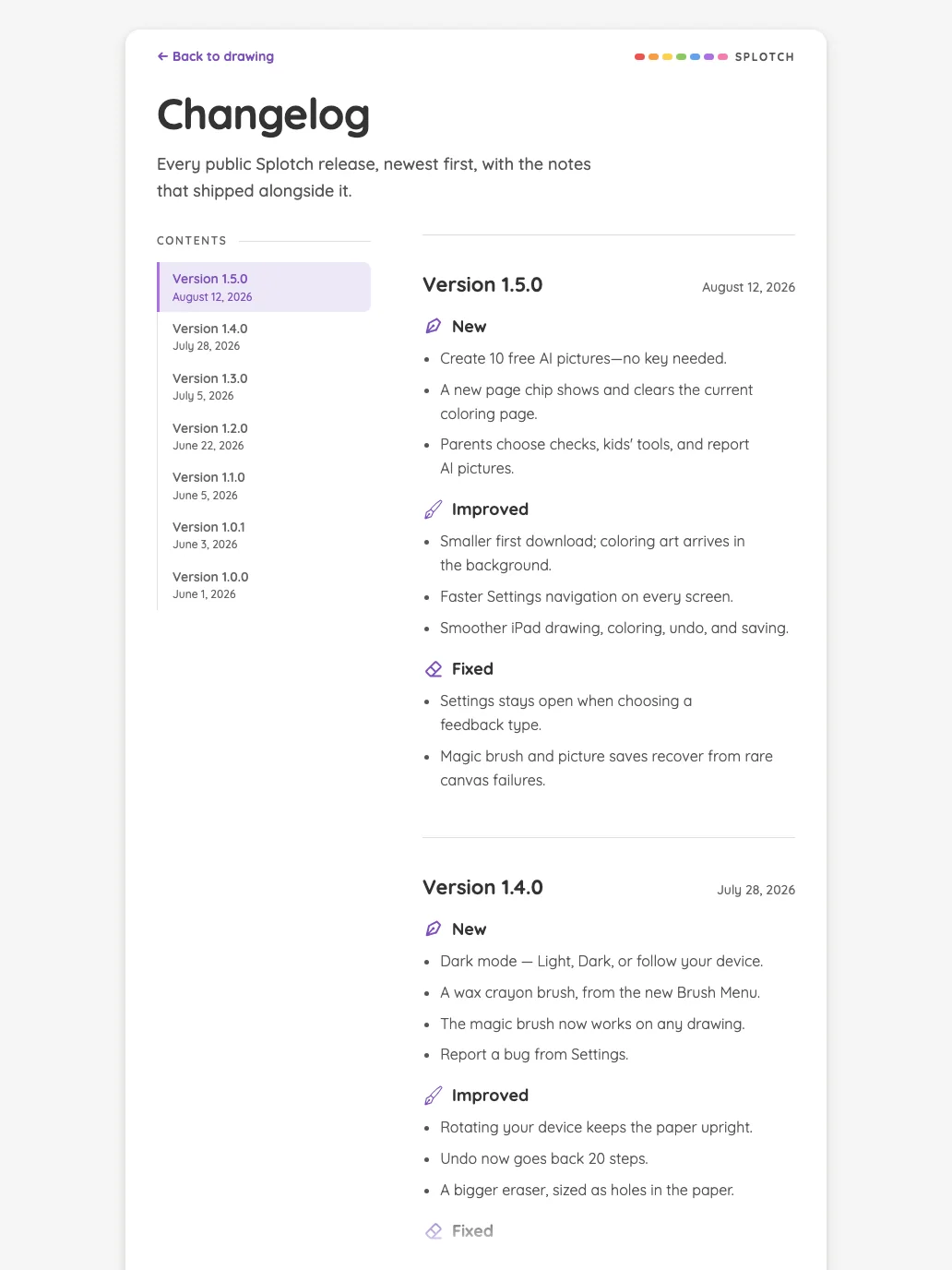
Large iPad Pro1376 × 1032
AI result · revealed in night mode at iPad Pro 13-inch (M4) in landscape
Pass

Night-mode contrast is sufficient: the disclosure and Report text remain readable, the flag is distinguishable against the translucent pill, and the Download and close controls are clear.

AI result · report confirmation#

The confirmation and retention notice before a report is sent.

14 pass1 low1 medium
AiImageReport

Light mode

Judged on layout, spacing, text fit, and touch targets.

Portrait

Small iPhone375 × 812
AI result · report confirmation in light mode at iPhone 13 mini in portrait
Pass

The front dialog has clear hierarchy, comfortable spacing, readable retention text, and distinct, generously sized actions. Preview labels fit without clipping or overlap. All content fits within the viewport; no visible scrolling issue. Styling is consistent, and the scrim darkens the surrounding page.

Large iPhone440 × 956
AI result · report confirmation in light mode at iPhone 16 Pro Max in portrait
Pass

The front dialog has clear hierarchy, comfortable spacing, and fully visible notice text, previews, labels, and actions. Buttons are distinct and comfortably sized. No clipping, overlap, or visible need for modal scrolling appears; styling is consistent and the scrim covers the surrounding screen.

iPad mini744 × 1133
AI result · report confirmation in light mode at iPad mini 7th Gen (2024) in portrait
Pass

The front dialog has clear hierarchy, balanced spacing, readable notice text, and well-separated preview labels. Both actions have clear, generous touch targets. All content fits without visible clipping, overlap, or need for scrolling, and the surrounding page is consistently dimmed.

Large iPad Pro1032 × 1376
AI result · report confirmation in light mode at iPad Pro 13-inch (M4) in portrait
Pass

The front dialog has clear hierarchy, balanced spacing, and fully visible text and previews. Cancel and Send report are distinct, comfortably sized touch targets. No clipping, overlap, or visible scrolling issue appears; styling is consistent and the scrim keeps attention on the confirmation.

Landscape

Small iPhone812 × 375
AI result · report confirmation in light mode at iPhone 13 mini in landscape
Medium

The notice starts mid-sentence with a line clipped against the dialog’s top edge, obscuring the confirmation context. Preview labels and action buttons fit cleanly with clear spacing and hierarchy.

Recommendation: Adjust the landscape dialog’s scroll area and top padding so the heading and notice opening are fully visible initially while actions remain accessible.

Large iPhone956 × 440
AI result · report confirmation in light mode at iPhone 16 Pro Max in landscape
Low

The hierarchy is clear, text fits, and both actions have generous touch targets. Nothing visibly clips or overlaps. The buttons sit only about 6 px above the modal’s bottom edge, making the footer feel cramped compared with the other insets.

Recommendation: Increase the modal’s bottom padding to about 16 px while keeping both actions fully visible in landscape.

iPad mini1133 × 744
AI result · report confirmation in light mode at iPad mini 7th Gen (2024) in landscape
Pass

The front dialog has clear hierarchy, balanced spacing, and readable text with no clipping or overlap. Both previews and labels fit cleanly, and the distinct action buttons provide clear touch targets. All content fits without scrolling, and the scrim consistently dims the background.

Large iPad Pro1376 × 1032
AI result · report confirmation in light mode at iPad Pro 13-inch (M4) in landscape
Pass

The front dialog has clear hierarchy, balanced spacing, and readable text without clipping or overlap. Both previews and captions fit cleanly. The distinct Cancel and Send report buttons have clear, generous touch targets. All content fits without visible scrolling, and styling is consistent.

Night mode

Judged on contrast and legibility only.

Portrait

Small iPhone375 × 812
AI result · report confirmation in night mode at iPhone 13 mini in portrait
Pass

The front dialog’s heading, reporting and retention notice, preview labels, and both action buttons are legible with sufficient night-mode contrast.

Large iPhone440 × 956
AI result · report confirmation in night mode at iPhone 16 Pro Max in portrait
Pass

The front dialog’s heading, retention notice, preview labels, and button text are clearly legible against the dark surfaces. No actionable night-mode contrast issue is visible.
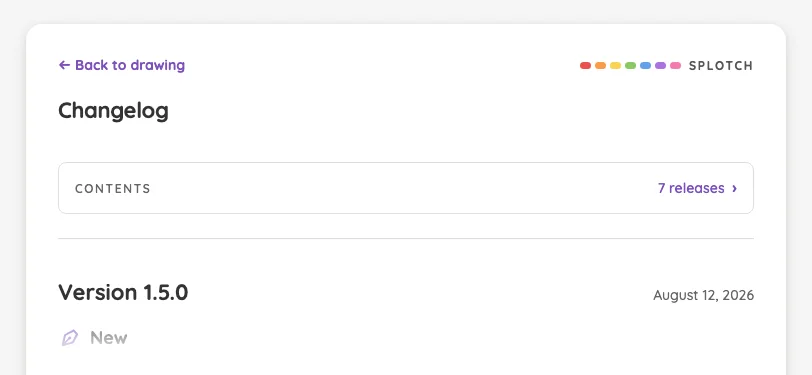
iPad mini744 × 1133
AI result · report confirmation in night mode at iPad mini 7th Gen (2024) in portrait
Pass

The front dialog’s heading, retention notice, preview labels, and action buttons are legible against the dark surface. The surrounding content is consistently dimmed by the scrim.

Large iPad Pro1032 × 1376
AI result · report confirmation in night mode at iPad Pro 13-inch (M4) in portrait
Pass

The front dialog’s heading, retention notice, preview labels, and button text are legible against the dark surfaces. The background is consistently dimmed, keeping the confirmation readable.

Landscape

Small iPhone812 × 375
AI result · report confirmation in night mode at iPhone 13 mini in landscape
Pass

The front dialog’s retention notice, image labels, and action text are legible against the dark surface. Both buttons have readable labels, and the surrounding page is visibly darkened by the scrim.

Large iPhone956 × 440
AI result · report confirmation in night mode at iPhone 16 Pro Max in landscape
Pass

The front dialog’s heading, retention notice, image labels, and both action buttons are legible against the dark surfaces. No actionable night-mode contrast issue is visible.
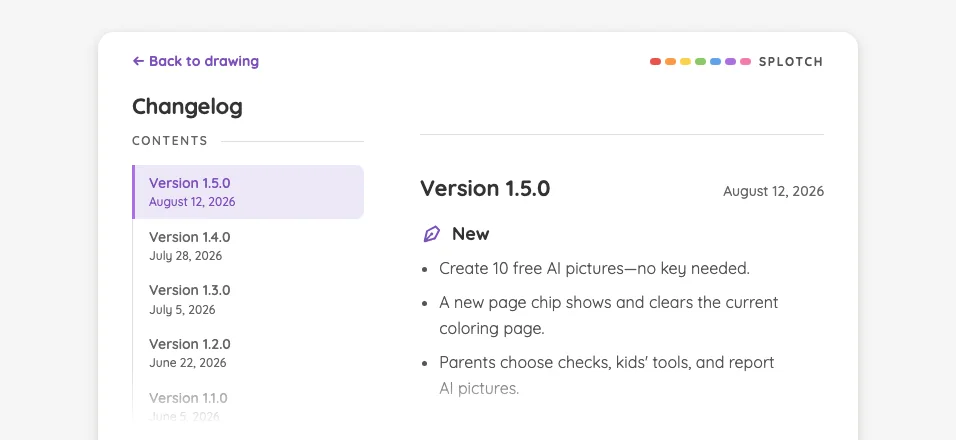
iPad mini1133 × 744
AI result · report confirmation in night mode at iPad mini 7th Gen (2024) in landscape
Pass

The front confirmation dialog has legible heading, retention notice, preview labels, and button text against its dark surface. No actionable night-mode contrast issue is visible.
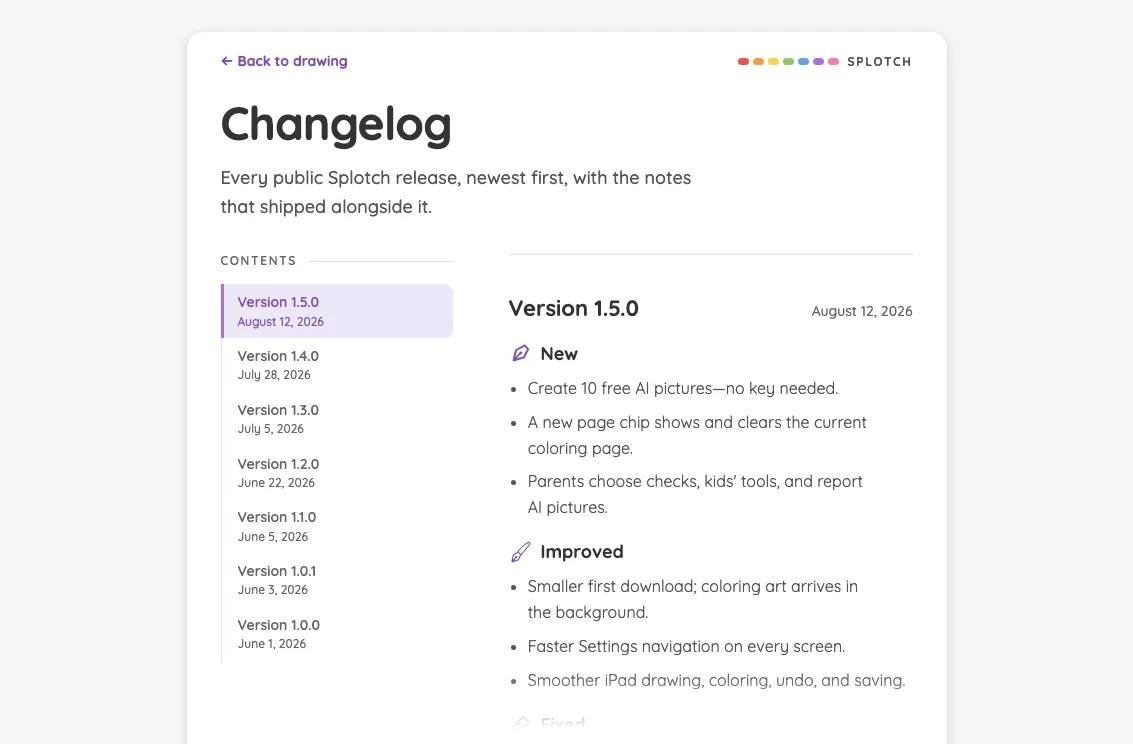
Large iPad Pro1376 × 1032
AI result · report confirmation in night mode at iPad Pro 13-inch (M4) in landscape
Pass

The front dialog’s heading, retention notice, preview captions, and button labels are legible against the dark surface. The scrim visibly darkens the surrounding page without affecting the dialog’s readability.

AI result · safety refusal#

The child-safe refusal treatment.

16 pass
AiImageResult/safety

Light mode

Judged on layout, spacing, text fit, and touch targets.

Portrait

Small iPhone375 × 812
AI result · safety refusal in light mode at iPhone 13 mini in portrait
Pass

The modal has clear hierarchy, balanced spacing, and comfortably fitting text. The close and report controls have distinct, generous targets. No visible clipping, overlap, or overflow suggests a scrolling issue. Styling is consistent, and the scrim darkens the full background.

Large iPhone440 × 956
AI result · safety refusal in light mode at iPhone 16 Pro Max in portrait
Pass

The dialog has clear hierarchy, balanced spacing, and readable text with no clipping or overlap. The close control and report button have distinct, adequately sized touch targets. Content fits without visible scrolling, and the scrim consistently dims the background.

iPad mini744 × 1133
AI result · safety refusal in light mode at iPad mini 7th Gen (2024) in portrait
Pass

The refusal dialog has clear hierarchy, balanced spacing, and fully fitting text. Close and report controls have distinct, generous touch targets. No visible clipping, overlap, or scrolling issue appears. The card is visually consistent, and the scrim darkens the surrounding page evenly.

Large iPad Pro1032 × 1376
AI result · safety refusal in light mode at iPad Pro 13-inch (M4) in portrait
Pass

The front dialog has clear hierarchy, balanced spacing, and readable text that fits without clipping or overlap. Close and report controls have distinct, generous touch targets. All content fits visibly without needing to scroll, and the scrim consistently darkens the surrounding page.

Landscape

Small iPhone812 × 375
AI result · safety refusal in light mode at iPhone 13 mini in landscape
Pass

The refusal dialog has clear hierarchy, balanced spacing, and readable text that fits without clipping or overlap. Close and report controls have distinct, generous touch targets. All content fits without scrolling, and the consistent scrim keeps attention on the modal.

Large iPhone956 × 440
AI result · safety refusal in light mode at iPhone 16 Pro Max in landscape
Pass

The modal has clear hierarchy, comfortable spacing, and fully fitting text. Close and report controls have distinct, comfortably sized targets. No clipping, overlap, or visible need for scrolling appears. Styling is consistent, and the scrim darkens the entire background.

iPad mini1133 × 744
AI result · safety refusal in light mode at iPad mini 7th Gen (2024) in landscape
Pass

The modal has clear hierarchy, balanced spacing, and fully fitting text. The close control and report button have distinct touch targets. No clipping, overlap, or visible scrolling issue appears, and the scrim consistently darkens the surrounding canvas.

Large iPad Pro1376 × 1032
AI result · safety refusal in light mode at iPad Pro 13-inch (M4) in landscape
Pass

The modal has clear hierarchy, balanced spacing, and fully fitting text. The close and report controls have distinct, comfortably sized targets. No clipping, overlap, or visible scrolling issue appears; the scrim consistently darkens the surrounding canvas and controls.

Night mode

Judged on contrast and legibility only.

Portrait

Small iPhone375 × 812
AI result · safety refusal in night mode at iPhone 13 mini in portrait
Pass

The front dialog’s heading, supporting text, report button label, and close icon remain clearly legible in night mode. The surrounding page is visibly darkened by the scrim.

Large iPhone440 × 956
AI result · safety refusal in night mode at iPhone 16 Pro Max in portrait
Pass

The front dialog’s heading, explanatory text, parent label, report button, and close icon remain legible against their dark surfaces. The surrounding page is visibly darkened by the scrim.

iPad mini744 × 1133
AI result · safety refusal in night mode at iPad mini 7th Gen (2024) in portrait
Pass

The front dialog’s heading, supporting text, parent label, report button, and close icon are legible against the dark surfaces. The surrounding page is visibly darkened by the scrim. No actionable night-mode contrast issue is visible.
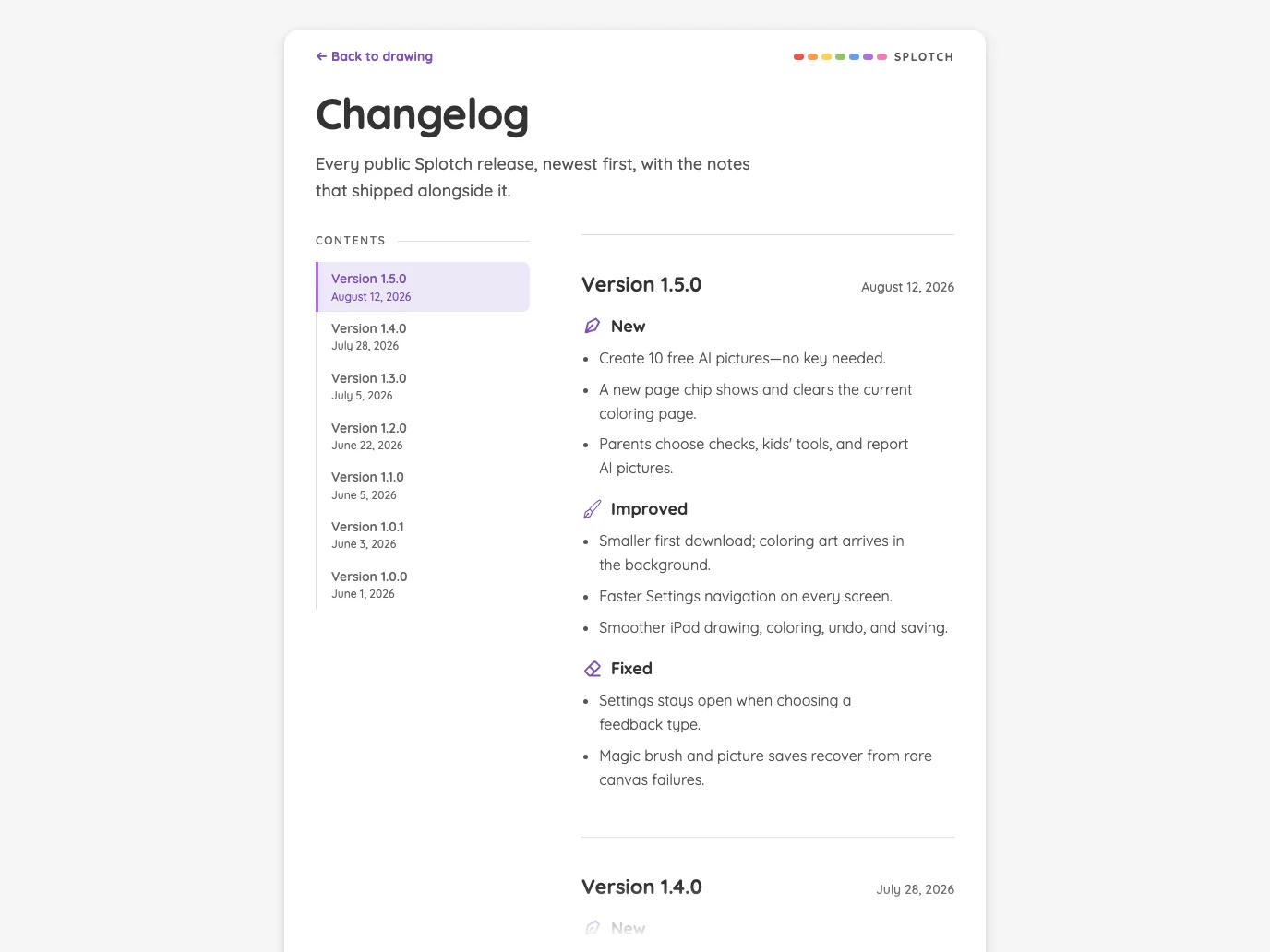
Large iPad Pro1032 × 1376
AI result · safety refusal in night mode at iPad Pro 13-inch (M4) in portrait
Pass

The front card’s heading, supporting text, adult label, report button, and close icon remain legible against the dark surfaces. The scrim visibly darkens the surrounding page.

Landscape

Small iPhone812 × 375
AI result · safety refusal in night mode at iPhone 13 mini in landscape
Pass

The front dialog’s heading, message, parent label, button text, and close icon are legible against their dark backgrounds. No actionable night-mode contrast issue is visible.
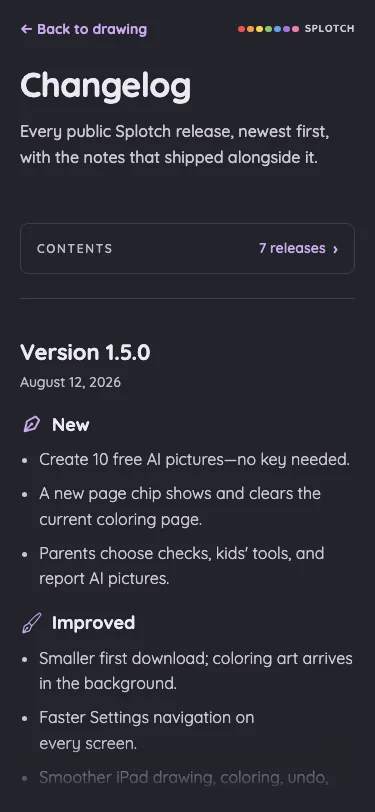
Large iPhone956 × 440
AI result · safety refusal in night mode at iPhone 16 Pro Max in landscape
Pass

The front dialog’s heading, explanatory text, parent label, report button, and close icon are legible against the dark surfaces. The surrounding page is visibly dimmed by the scrim.

iPad mini1133 × 744
AI result · safety refusal in night mode at iPad mini 7th Gen (2024) in landscape
Pass

The front dialog’s heading, explanatory text, parent label, report button, and close icon are legible against their dark surfaces. The surrounding page is visibly darkened by the scrim. No actionable night-mode contrast issue is visible.
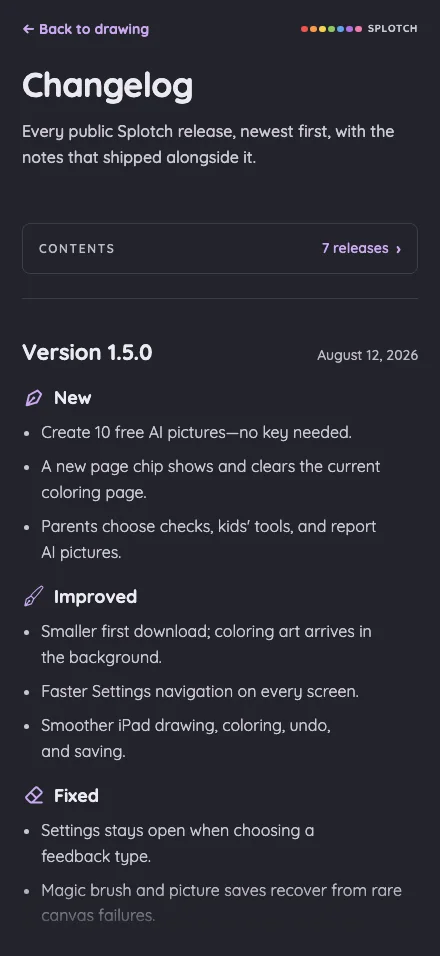
Large iPad Pro1376 × 1032
AI result · safety refusal in night mode at iPad Pro 13-inch (M4) in landscape
Pass

The front dialog’s heading, body text, parent label, report button, and close icon remain legible against the dark surfaces. The scrim visibly darkens the surrounding page.

AI result · server error#

The generic generation failure treatment.

11 pass5 low
AiImageResult/server-error

Light mode

Judged on layout, spacing, text fit, and touch targets.

Portrait

Small iPhone375 × 812
AI result · server error in light mode at iPhone 13 mini in portrait
Pass

Clear hierarchy from illustration to error message to prominent retry button. Text fits comfortably, spacing is balanced, and the close control is distinct. The entire modal is visible without clipping, overlap, or apparent scrolling needs. Styling is consistent, and the scrim keeps attention on the dialog.

Large iPhone440 × 956
AI result · server error in light mode at iPhone 16 Pro Max in portrait
Pass

Clear modal hierarchy, balanced spacing, and fully fitting text. Retry and close controls are distinct and comfortably sized. No visible clipping, overlap, or need for modal scrolling; the scrim and purple styling are consistent.

iPad mini744 × 1133
AI result · server error in light mode at iPad mini 7th Gen (2024) in portrait
Low

The modal has clear hierarchy, balanced spacing, and fully fitting text, with no visible clipping, overlap, or scrolling issue. Close and retry controls are clear. The “Report a problem” pill below the card is only about 27 px tall, presenting a small touch target.

Recommendation: Increase the report control’s visible touch area to at least 44 px tall while preserving its secondary emphasis.

Large iPad Pro1032 × 1376
AI result · server error in light mode at iPad Pro 13-inch (M4) in portrait
Low

The modal has clear hierarchy, balanced spacing, and fully fitting text, with no visible clipping, overlap, or need to scroll. The close and retry controls are clear. The “Report a problem” pill below the card is noticeably small for touch interaction.

Recommendation: Increase the report control’s visible height to about 44 px while retaining its secondary styling.

Landscape

Small iPhone812 × 375
AI result · server error in light mode at iPhone 13 mini in landscape
Pass

Clear hierarchy leads from the error message to the prominent retry button. Text fits comfortably, spacing is balanced, and the close control is distinct. The entire dialog fits the landscape viewport without visible clipping, overlap, or need for scrolling. Styling is consistent, and the scrim visibly darkens the surrounding page.

Large iPhone956 × 440
AI result · server error in light mode at iPhone 16 Pro Max in landscape
Low

The dialog has clear hierarchy, balanced spacing, and fully fitting text with no visible clipping or overlap. Close and retry controls are clear. The “Report a problem” pill below the dialog is noticeably small for touch interaction.

Recommendation: Increase the visible height of the “Report a problem” target to at least 44 px, preserving separation from the dialog.

iPad mini1133 × 744
AI result · server error in light mode at iPad mini 7th Gen (2024) in landscape
Low

The modal has clear hierarchy, balanced spacing, and fully fitting text with no visible clipping, overlap, or scrolling need. The “Report a problem” pill appears only about 26 px tall, giving it a cramped touch affordance.

Recommendation: Increase the report control’s visible height to at least 44 px while keeping it visually secondary.

Large iPad Pro1376 × 1032
AI result · server error in light mode at iPad Pro 13-inch (M4) in landscape
Low

The modal has clear hierarchy, comfortable spacing, and well-fitting text, with no visible clipping, overlap, or scrolling issue. The close and retry controls are clear. The small “Report a problem” pill beneath the card presents a cramped touch target.

Recommendation: Increase the report control’s visible height to at least 44 px while retaining its secondary styling.

Night mode

Judged on contrast and legibility only.

Portrait

Small iPhone375 × 812
AI result · server error in night mode at iPhone 13 mini in portrait
Pass

The front card’s heading, supporting text, retry label, and close icon are clearly legible in night mode. The report link remains readable, and the surrounding page is visibly darkened by the scrim.

Large iPhone440 × 956
AI result · server error in night mode at iPhone 16 Pro Max in portrait
Pass

The front card’s heading, supporting text, retry button, and close icon are clearly legible in night mode. The report link remains readable, and the surrounding page is visibly darkened by the scrim.

iPad mini744 × 1133
AI result · server error in night mode at iPad mini 7th Gen (2024) in portrait
Pass

The front card’s heading, supporting text, retry button, and close icon are clearly legible in night mode. The pink “Report a problem” link remains readable, and the scrim visibly darkens the surrounding page.

Large iPad Pro1032 × 1376
AI result · server error in night mode at iPad Pro 13-inch (M4) in portrait
Pass

The front card’s heading, supporting text, retry button, and close icon are clearly legible in night mode. The report link remains readable, and the surrounding page is visibly darkened by the scrim.

Landscape

Small iPhone812 × 375
AI result · server error in night mode at iPhone 13 mini in landscape
Pass

The front dialog’s heading, supporting text, retry button, and close control are clearly legible in night mode. The report link remains readable, and the surrounding page is visibly darkened by the scrim.

Large iPhone956 × 440
AI result · server error in night mode at iPhone 16 Pro Max in landscape
Pass

The front card’s heading, supporting text, retry button, and close icon are clearly legible in night mode. The pink problem-report link remains readable, and the surrounding page is visibly darkened by the scrim.

iPad mini1133 × 744
AI result · server error in night mode at iPad mini 7th Gen (2024) in landscape
Pass

The error heading, supporting text, retry button, close icon, and report link remain legible in night mode. No actionable contrast issue is visible.
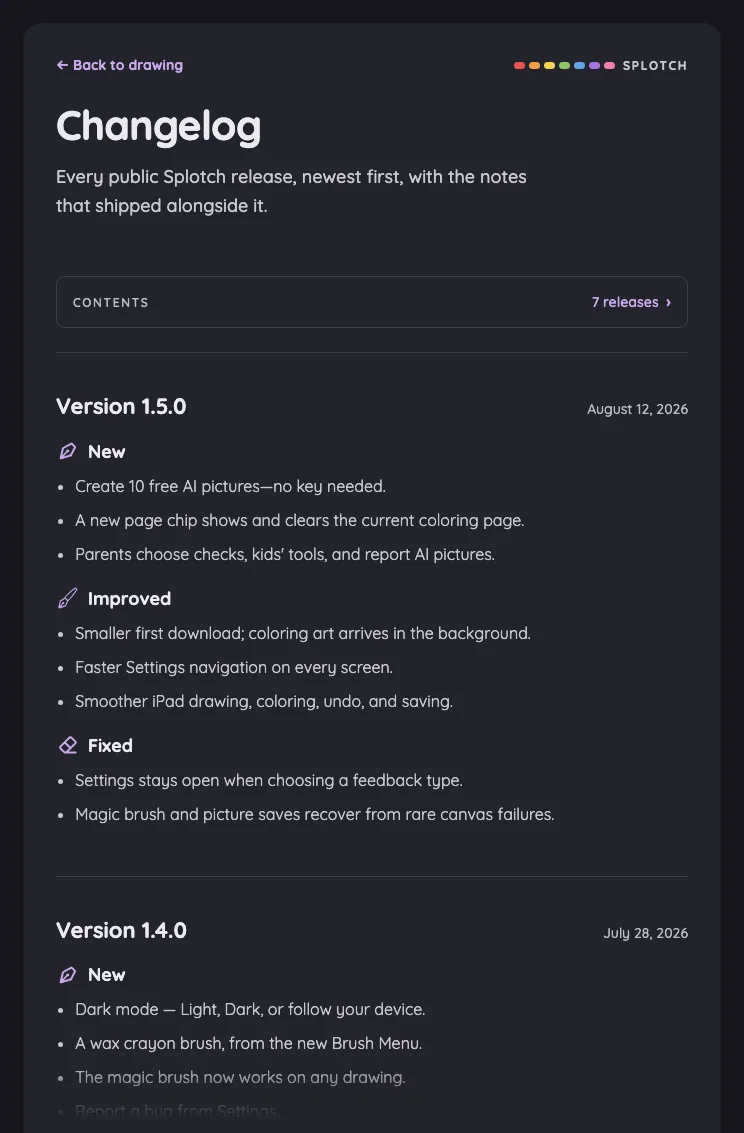
Large iPad Pro1376 × 1032
AI result · server error in night mode at iPad Pro 13-inch (M4) in landscape
Pass

The error heading, supporting text, retry label, close icon, and report link are legible in night mode. The card and primary action remain distinct, and the scrim visibly darkens the surrounding page.

Admin

Authenticated ledger views and responsive row actions.

Admin · authenticated#

The ledger, persistence warning, and free-grant metrics.

16 pass
/admin authenticated

Light mode

Judged on layout, spacing, text fit, and touch targets.

Portrait

Small iPhone375 × 812
Admin · authenticated in light mode at iPhone 13 mini in portrait
Pass

Clear hierarchy, consistent spacing, and readable warning text. The longer access code wraps cleanly without colliding with controls. Buttons remain distinct, with no visible overlap or unintended clipping. Metrics continue below the viewport; no modal is open to assess modal scrolling.

Large iPhone440 × 956
Admin · authenticated in light mode at iPhone 16 Pro Max in portrait
Pass

Clear heading and section hierarchy, consistent spacing, and readable warning text. Access codes fit cleanly beside distinct Copy controls; metric cards wrap labels without overlap. No actionable clipping is visible. Lower cards continue below the viewport; modal scrolling cannot be assessed because no modal is open.
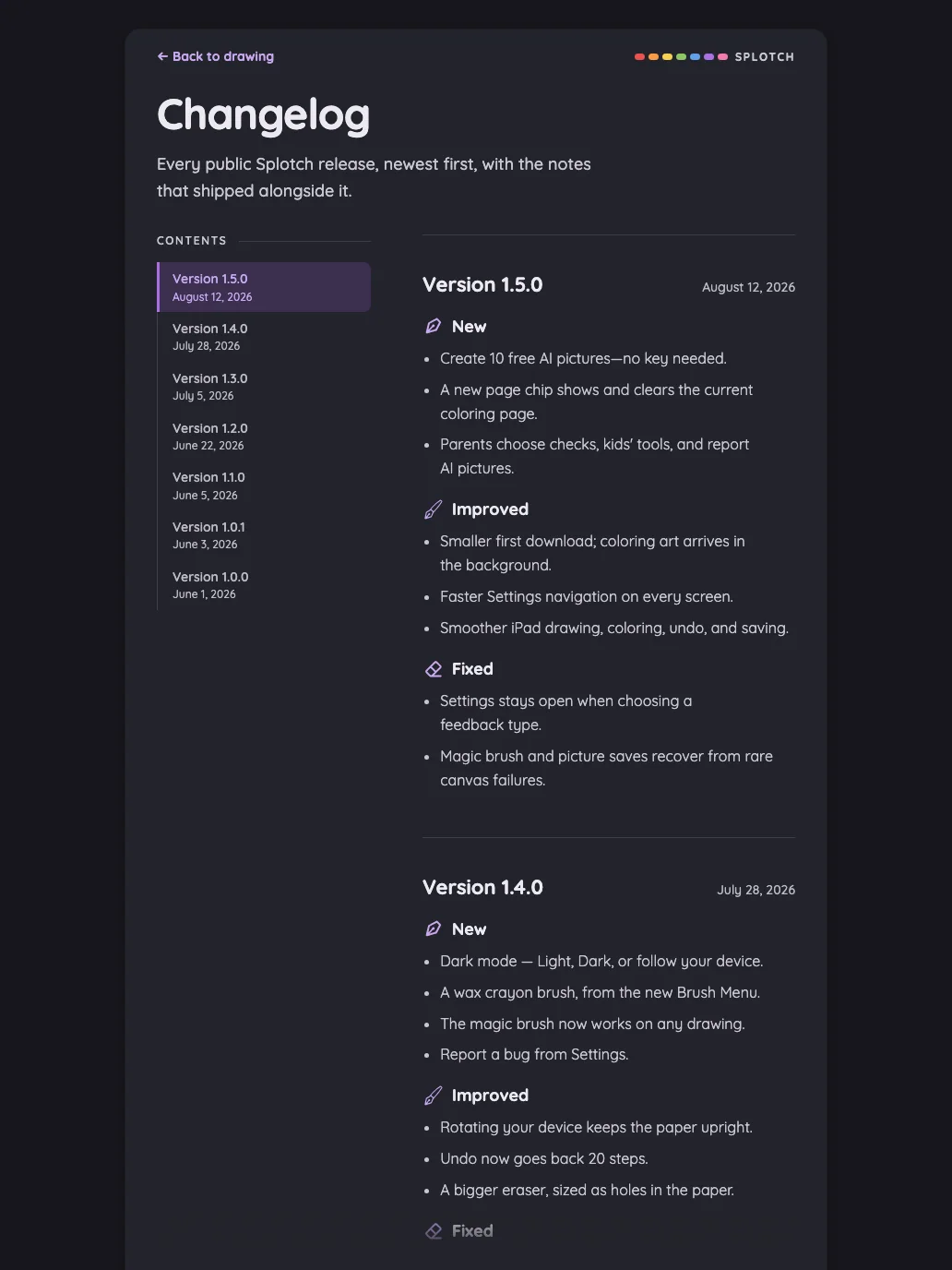
iPad mini744 × 1133
Admin · authenticated in light mode at iPad mini 7th Gen (2024) in portrait
Pass

Clear heading and section hierarchy, consistent spacing, and readable warnings. Ledger text and actions fit comfortably; metric cards align cleanly. No visible clipping, overlap, or ambiguous controls. No modal or scrolling region is visible to assess.

Large iPad Pro1032 × 1376
Admin · authenticated in light mode at iPad Pro 13-inch (M4) in portrait
Pass

Clear hierarchy separates access codes, persistence warnings, and grant metrics. Spacing is comfortable, text fits, and controls have distinct boundaries. No visible clipping or overlap. Metric cards wrap consistently; no modal or scrolling region is visible to assess.

Landscape

Small iPhone812 × 375
Admin · authenticated in light mode at iPhone 13 mini in landscape
Pass

Clear hierarchy and consistent styling. The persistence warning wraps cleanly, spacing is comfortable, and visible controls have distinct boundaries with no text clipping or overlap. The ledger, free-grant metrics, and scrolling behavior are outside the visible evidence.

Large iPhone956 × 440
Admin · authenticated in light mode at iPhone 16 Pro Max in landscape
Pass

Clear hierarchy, consistent spacing, and readable warning text with clean wrapping. Visible controls are distinct, with no overlap or unintended text clipping. The ledger continues below the viewport; free-grant metrics and scrolling behavior cannot be assessed from this capture.

iPad mini1133 × 744
Admin · authenticated in light mode at iPad mini 7th Gen (2024) in landscape
Pass

Clear heading hierarchy, consistent spacing, and readable warnings. Ledger text and action buttons fit without overlap, with distinct touch targets. Free-grant metrics continue below the viewport; scrolling behavior cannot be assessed from this still image. No modal is visible.
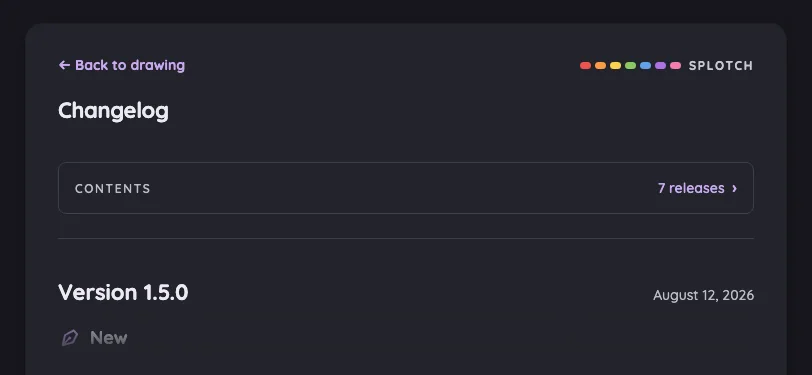
Large iPad Pro1376 × 1032
Admin · authenticated in light mode at iPad Pro 13-inch (M4) in landscape
Pass

Clear heading and section hierarchy, readable persistence warnings, and consistent spacing and controls. Ledger text and metric labels fit without clipping or overlap; actions are distinct and comfortably separated. All content fits within the viewport. No modal is visible to assess scrolling.

Night mode

Judged on contrast and legibility only.

Portrait

Small iPhone375 × 812
Admin · authenticated in night mode at iPhone 13 mini in portrait
Pass

Night-mode text is legible throughout. The persistence warnings, access codes, input placeholder, button labels, and free-grant metrics have clear contrast against their dark surfaces.

Large iPhone440 × 956
Admin · authenticated in night mode at iPhone 16 Pro Max in portrait
Pass

Night-mode text remains legible throughout the access-code ledger, persistence warnings, and free-grant metrics. Muted labels and purple control text retain sufficient visible contrast against the dark surfaces.

iPad mini744 × 1133
Admin · authenticated in night mode at iPad mini 7th Gen (2024) in portrait
Pass

Night-mode text is legible throughout. The persistence warnings, access-code ledger, button labels, and free-grant metrics have clear contrast against their dark surfaces.

Large iPad Pro1032 × 1376
Admin · authenticated in night mode at iPad Pro 13-inch (M4) in portrait
Pass

Night-mode text is legible throughout: warning text, ledger codes, action labels, and metric values remain clear against their dark surfaces. No actionable contrast issue is visible.
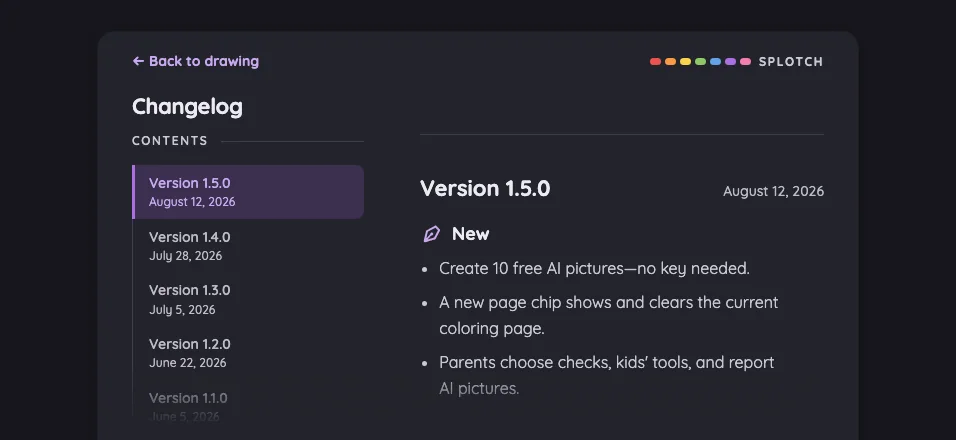
Landscape

Small iPhone812 × 375
Admin · authenticated in night mode at iPhone 13 mini in landscape
Pass

Visible text and controls are legible against the dark surfaces. The persistence warning has clear contrast, and secondary labels remain readable.

Large iPhone956 × 440
Admin · authenticated in night mode at iPhone 16 Pro Max in landscape
Pass

Visible headings, access-code text, persistence warning, and control labels remain legible against the dark surfaces. No actionable night-mode contrast issue is visible.
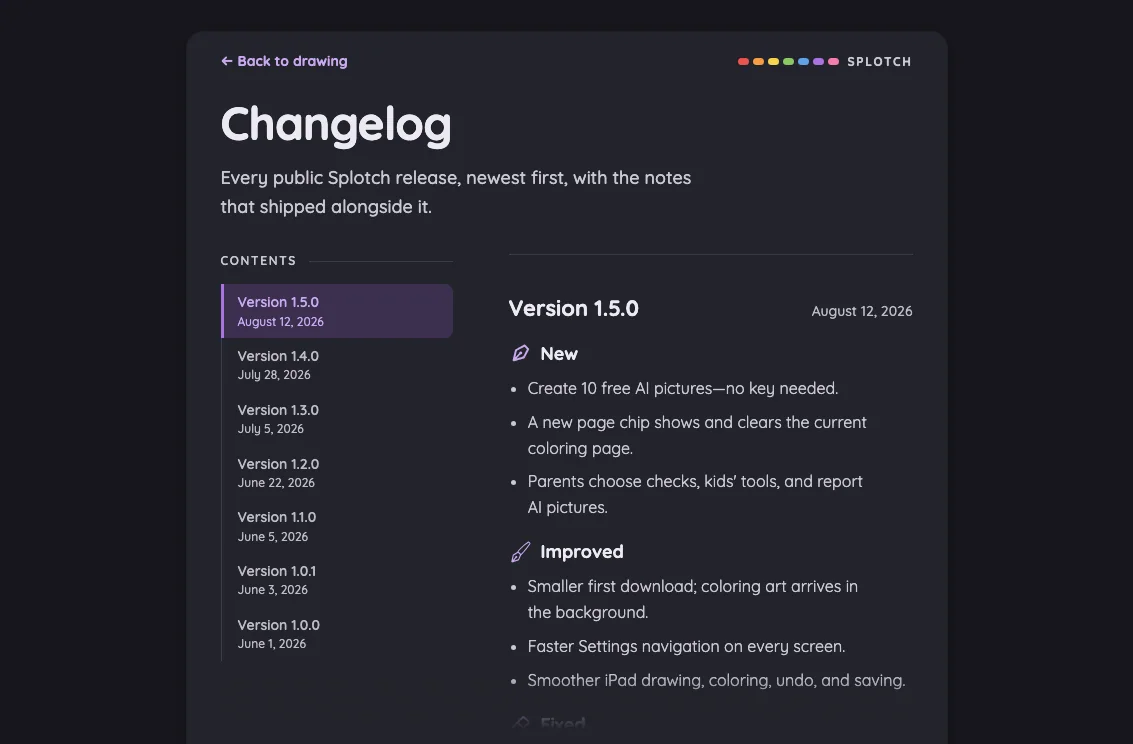
iPad mini1133 × 744
Admin · authenticated in night mode at iPad mini 7th Gen (2024) in landscape
Pass

Night-mode text remains legible throughout the visible content. Ledger entries, lavender action labels, and amber persistence warnings have clear contrast against their dark surfaces.

Large iPad Pro1376 × 1032
Admin · authenticated in night mode at iPad Pro 13-inch (M4) in landscape
Pass

Text, access codes, action labels, and metric values remain legible against the dark surfaces. Both amber persistence warnings have clear contrast. No actionable night-mode contrast issue is visible.
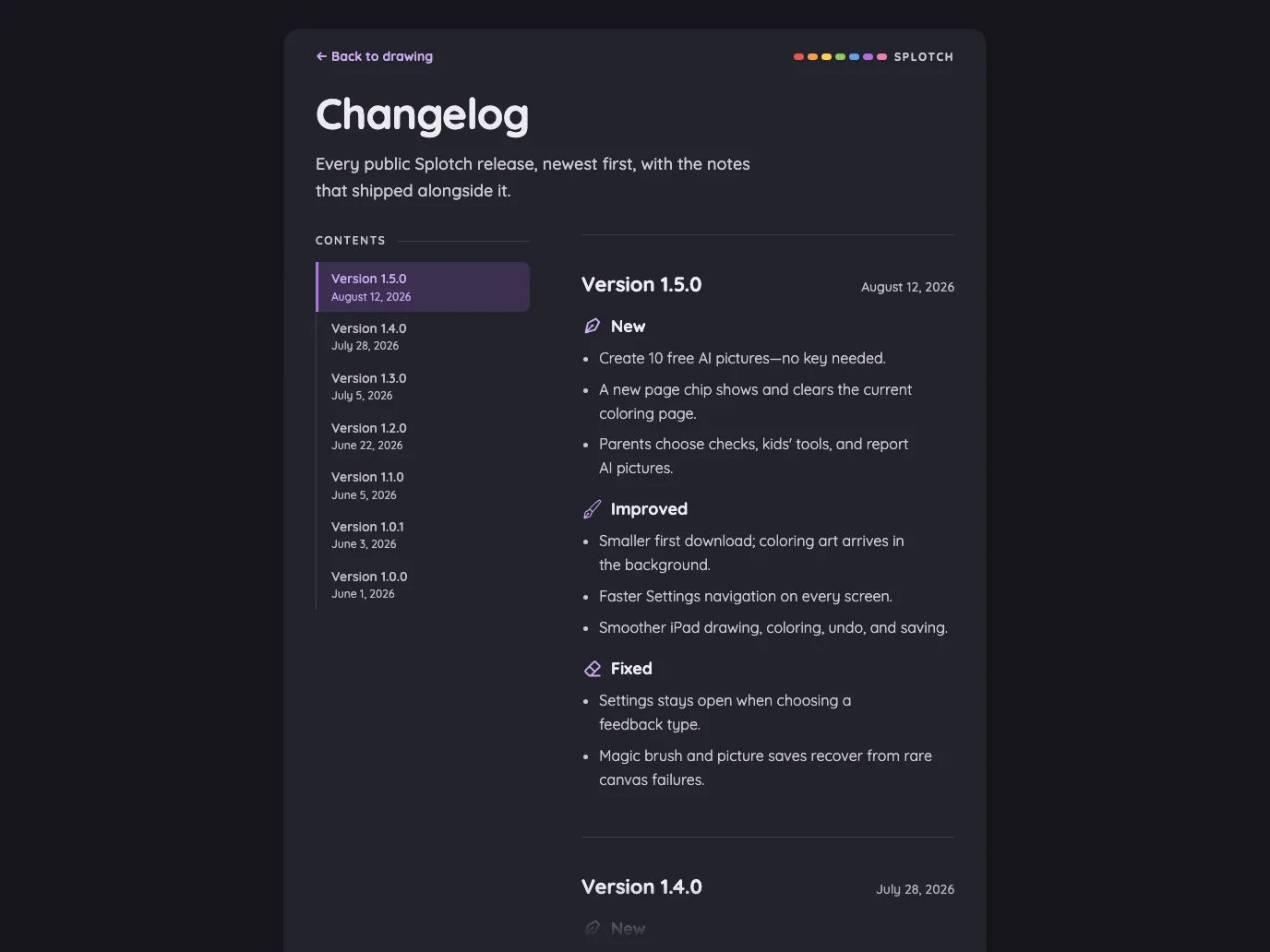
Admin · access-code actions#

The in-place row expansion on phones and inline actions on tablets.

16 pass
InviteRowActions/responsive ledger

Light mode

Judged on layout, spacing, text fit, and touch targets.

Portrait

Small iPhone375 × 812
Admin · access-code actions in light mode at iPhone 13 mini in portrait
Pass

Clear hierarchy, consistent spacing, and distinct action styling. Expanded row actions fit comfortably, and the longer access code wraps without colliding with controls. No visible clipping or overlap within the access-code section. Tablet layout and modal scrolling are not shown.

Large iPhone440 × 956
Admin · access-code actions in light mode at iPhone 16 Pro Max in portrait
Pass

Clear hierarchy, consistent spacing, and readable text. Expanded actions fit comfortably, with distinct touch targets and no visible clipping or overlap. Lower cards continue below the viewport. Tablet behavior and modal scrolling aren’t shown.

iPad mini744 × 1133
Admin · access-code actions in light mode at iPad mini 7th Gen (2024) in portrait
Pass

Clear hierarchy and consistent spacing. Access-code names and inline actions fit comfortably, with distinct touch targets and a visible focus ring. No visible clipping or overlap. No modal or phone row expansion is shown, so their behavior cannot be assessed.

Large iPad Pro1032 × 1376
Admin · access-code actions in light mode at iPad Pro 13-inch (M4) in portrait
Pass

Clear hierarchy, consistent spacing, and readable text throughout. Inline row actions have distinct touch targets and a visible focus ring without overlap. Alerts and metric labels wrap cleanly; no clipping is visible. No modal or scrolling region is shown.
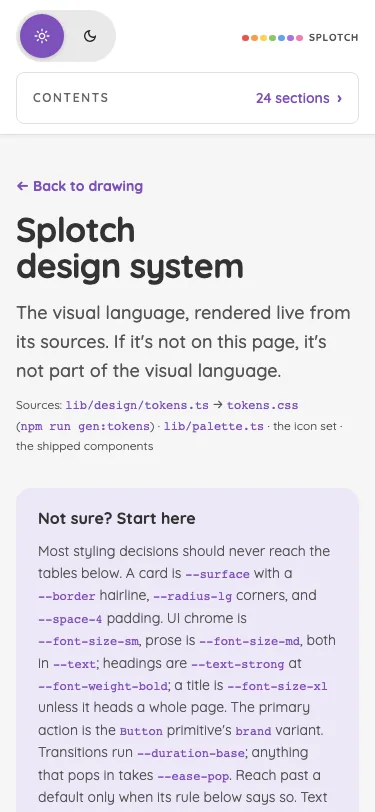
Landscape

Small iPhone812 × 375
Admin · access-code actions in light mode at iPhone 13 mini in landscape
Pass

Expanded row actions have clear hierarchy, readable labels, generous touch targets, and consistent spacing. No visible overlap or action clipping. Modal scrolling and tablet behavior cannot be assessed from this capture.

Large iPhone956 × 440
Admin · access-code actions in light mode at iPhone 16 Pro Max in landscape
Pass

Visible hierarchy is clear, spacing is consistent, and the warning text fits cleanly. Input and action buttons are distinct with generous touch targets; no visible overlap or unintended clipping. The expanded row continues below the frame, so its remaining actions and scrolling behavior cannot be assessed.

iPad mini1133 × 744
Admin · access-code actions in light mode at iPad mini 7th Gen (2024) in landscape
Pass

Clear hierarchy and consistent spacing. Access codes and inline action labels fit without clipping or overlap; touch targets are distinct and comfortably sized. The focused “Copy link” action is clearly outlined. Lower content continues below the viewport; scrolling behavior cannot be assessed from this still image.

Large iPad Pro1376 × 1032
Admin · access-code actions in light mode at iPad Pro 13-inch (M4) in landscape
Pass

Clear hierarchy, balanced spacing, and readable text throughout. Inline row actions have distinct touch targets and a clear focus outline. No visible clipping, overlap, or scrolling issue; cards and controls are visually consistent.

Night mode

Judged on contrast and legibility only.

Portrait

Small iPhone375 × 812
Admin · access-code actions in night mode at iPhone 13 mini in portrait
Pass

Night-mode text and controls are clearly legible. Lavender action labels, pink Remove text, and yellow warning copy have sufficient visible contrast against their dark surfaces.

Large iPhone440 × 956
Admin · access-code actions in night mode at iPhone 16 Pro Max in portrait
Pass

Night-mode text and controls remain legible. Access codes, action labels, warning messages, and grant statistics have sufficient visible contrast against their dark surfaces.

iPad mini744 × 1133
Admin · access-code actions in night mode at iPad mini 7th Gen (2024) in portrait
Pass

Text, warning messages, access codes, and metric labels remain legible against the dark surfaces. Action labels and the purple focus ring are clearly distinguishable.

Large iPad Pro1032 × 1376
Admin · access-code actions in night mode at iPad Pro 13-inch (M4) in portrait
Pass

Night-mode text is legible throughout. Row-action labels, warning messages, metric values, and the purple focus outline remain clearly distinguishable against their dark backgrounds.

Landscape

Small iPhone812 × 375
Admin · access-code actions in night mode at iPhone 13 mini in landscape
Pass

Night-mode text and controls are legible. Access codes, input placeholder, warning text, and action labels have clear contrast against their dark surfaces; the expanded-row chevron is visible.
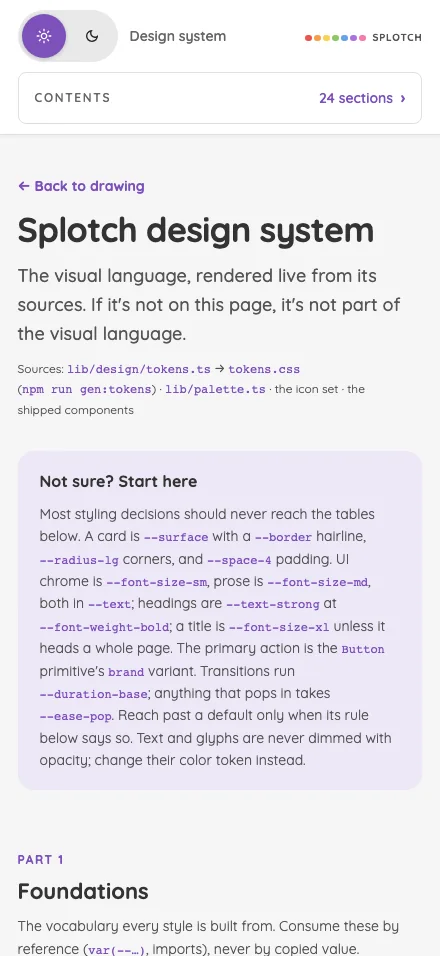
Large iPhone956 × 440
Admin · access-code actions in night mode at iPhone 16 Pro Max in landscape
Pass

Text and controls remain legible against the dark surfaces. The warning’s amber text, input placeholder, and row actions have clear contrast.
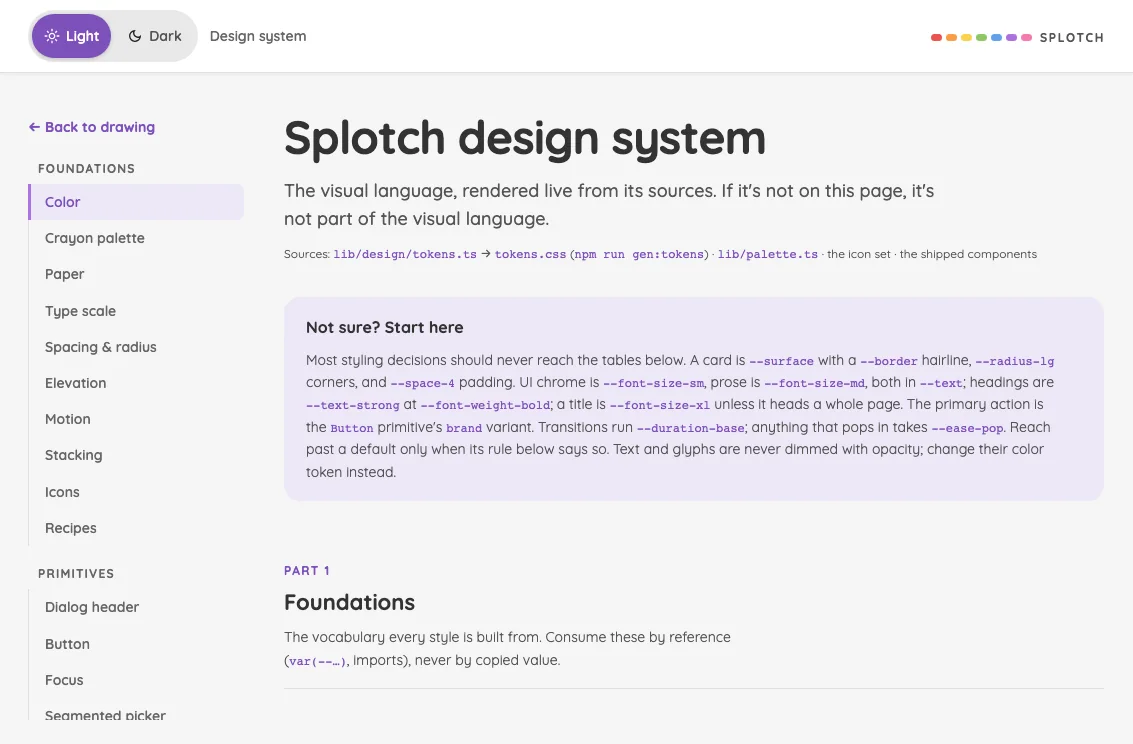
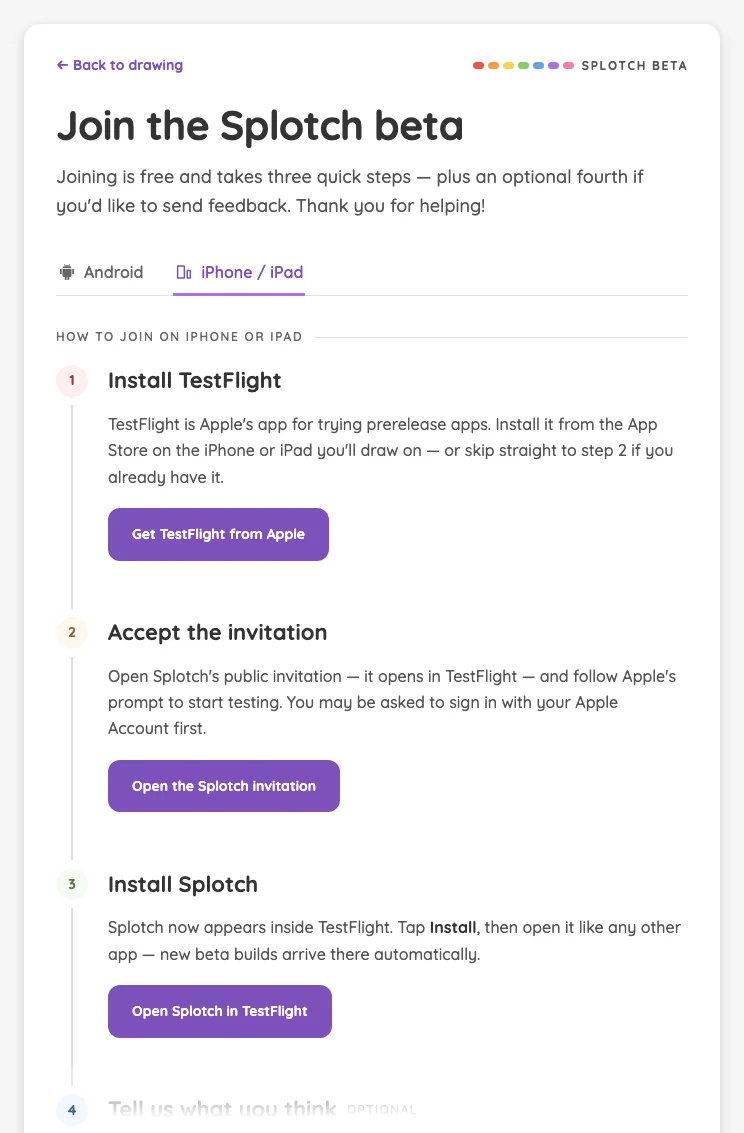
iPad mini1133 × 744
Admin · access-code actions in night mode at iPad mini 7th Gen (2024) in landscape
Pass

Night-mode text is clearly legible, including warning messages, access codes, and action labels. Purple controls, red Remove labels, and the focused Copy link outline remain distinguishable against the dark surfaces.

Large iPad Pro1376 × 1032
Admin · access-code actions in night mode at iPad Pro 13-inch (M4) in landscape
Pass

Night-mode text is legible throughout. Muted labels, purple action text, red Remove labels, and amber warnings remain readable against their dark surfaces; the focused Copy link button has a clear outline.